Large home installations
Networks, cameras and access for coastal properties
CloudCentric wires large homes for solid Wi-Fi, clear cameras, and reliable gate access, all tied to one tidy rack.
Setup for your exact property
Every property dictates where cable runs and how Wi-Fi reaches the dock. Your wall materials and layout determine the right setup for cameras, network and access control.
Select your property type for specific details
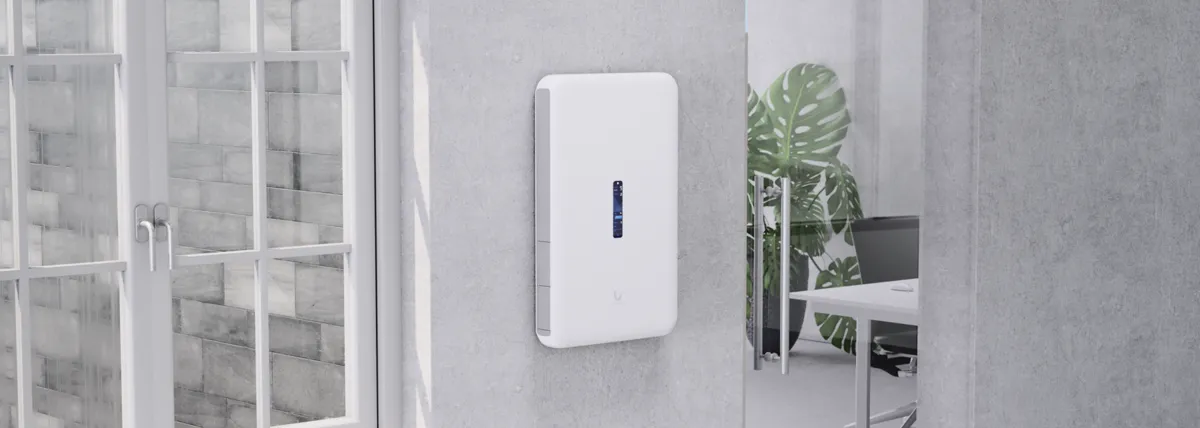
Finished houses run cable through the attic, crawlspace and existing openings, bringing wired access points and cameras to every room and camera position.
- Pulling Cat6 through existing crawlspaces
- Mounting compact outdoor cameras on eaves
- Adding a touchscreen wall gateway
Existing wired door and window sensors connect to an alarm hub built for hardwired inputs, though specific compatibility is checked during your site survey.
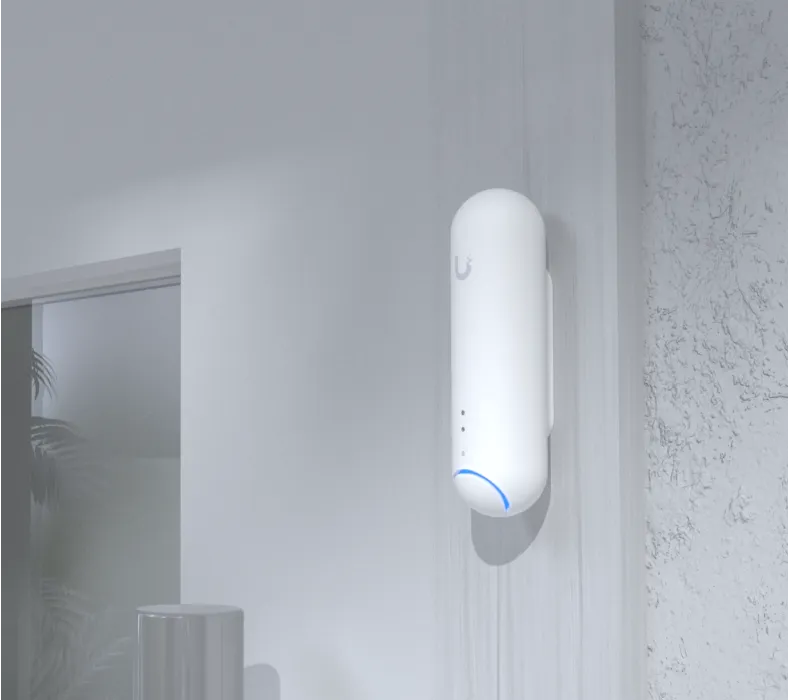
Remote access lets you check cameras, manage visitor doors for contractors and receive leak alerts from a phone anywhere while you are away.
- Setting up remote camera access apps
- Adding timed PIN codes for housekeepers
- Installing long-range water leak sensors
Plaster, brick and tabby walls dictate placement, relying on wireless cameras and careful Wi-Fi mapping so historic structures are left intact.
- Mapping Wi-Fi through solid plaster walls
- Placing wireless cameras out of sight
- Concealing electronics inside nearby cupboards
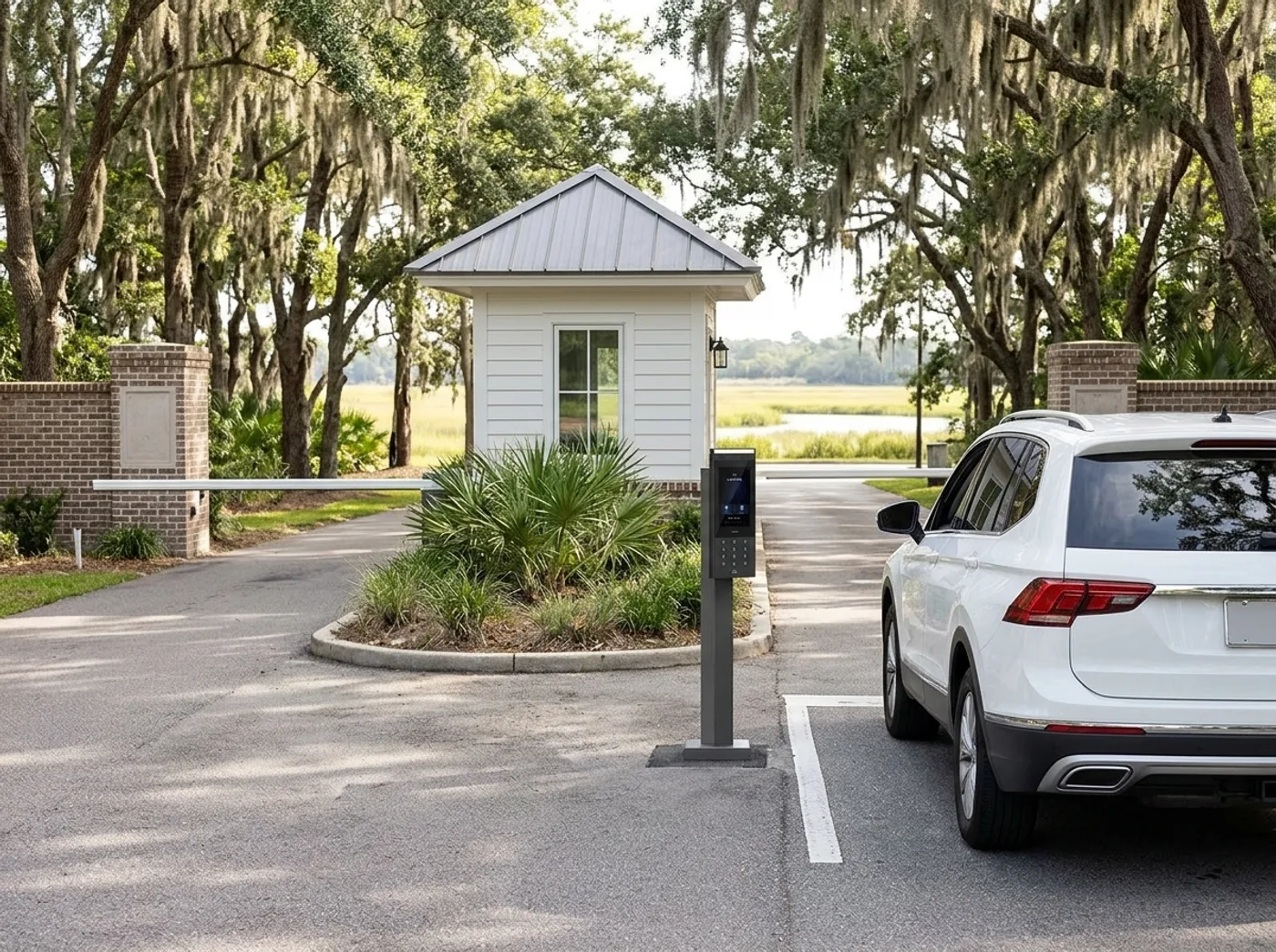
While your property owners association handles the main island gate, your private driveway gate and side doors get their own access log and camera control.
- Installing driveway gate controller hardware
- Adding licence plate camera convenience access
- Wiring separate guest and family networks
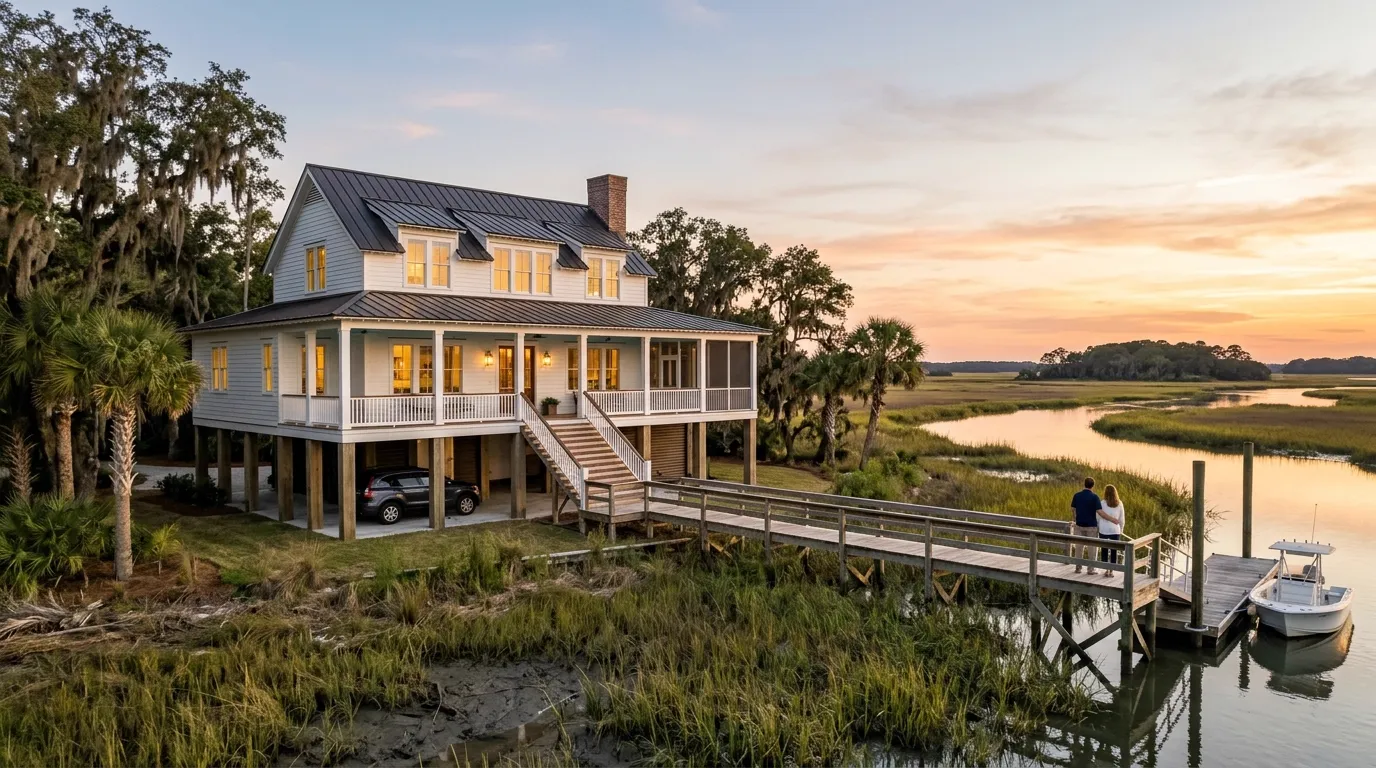
New builds run cable before insulation and drywall, laying conduit to the dock, pool house and detached garage while the ground is open, with exterior hardware specified for salt air.
- Running underground conduit to the dock
- Wiring ceiling access points before drywall
- Specifying exterior hardware for salt air
Cameras and door access connect directly to Control4 using paid third-party drivers, and link with Home Assistant through official integrations. Control4 and Home Assistant
Hardware placement on a coastal property
Click any area to see installed hardware.
Example house. Positions change with every survey.
One account for every system
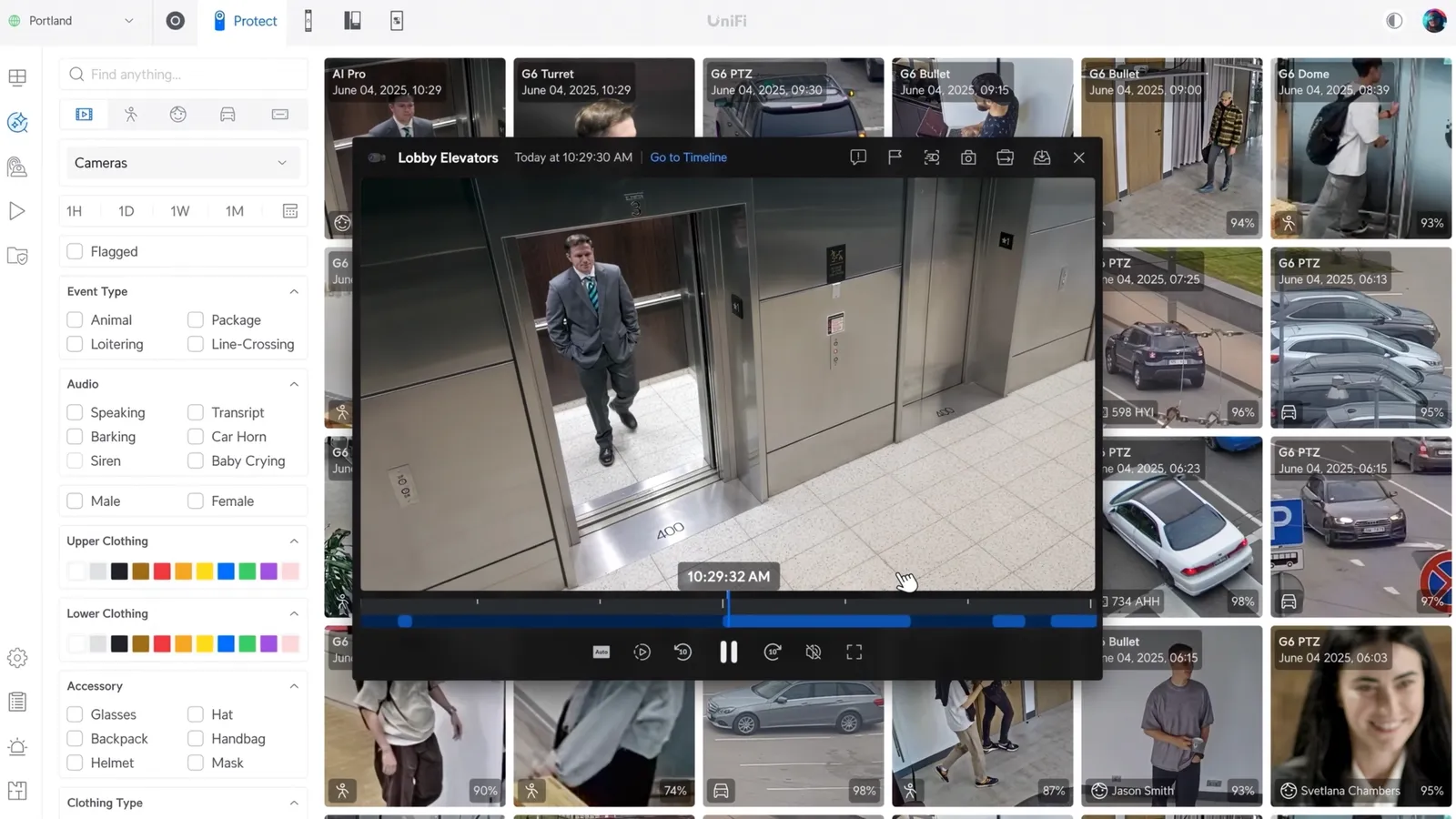
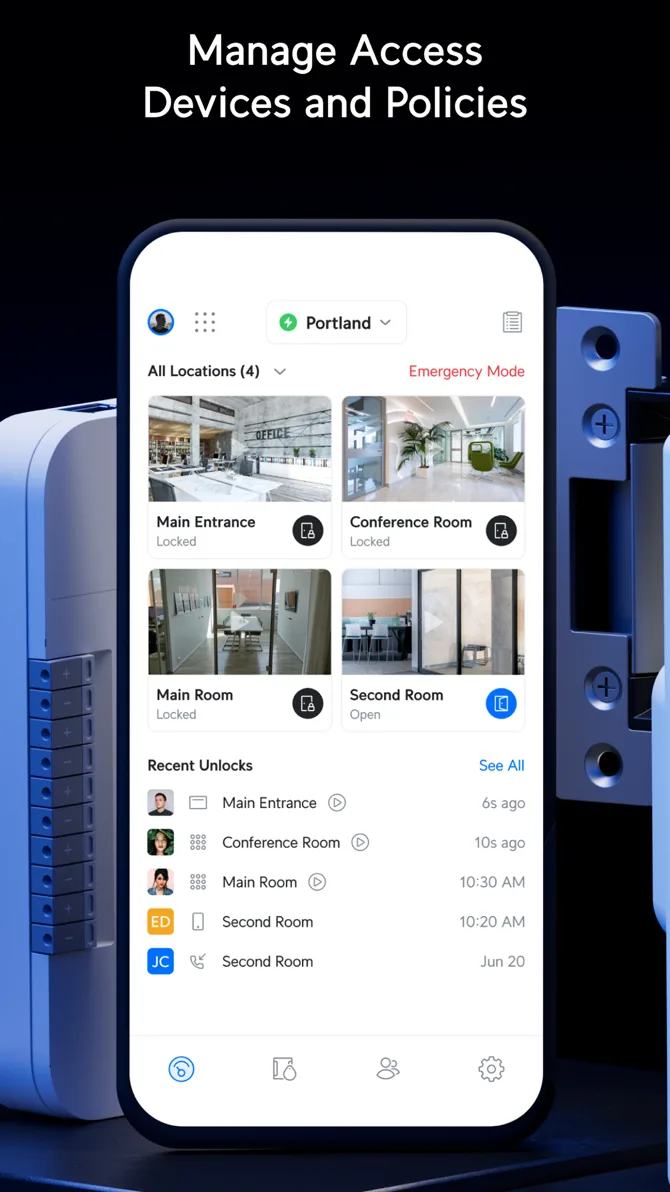
Networks, cameras, and doors are separate applications united under a single account. You control everything from your phone or an inside console, giving you fast access to settings, recordings, and logs.
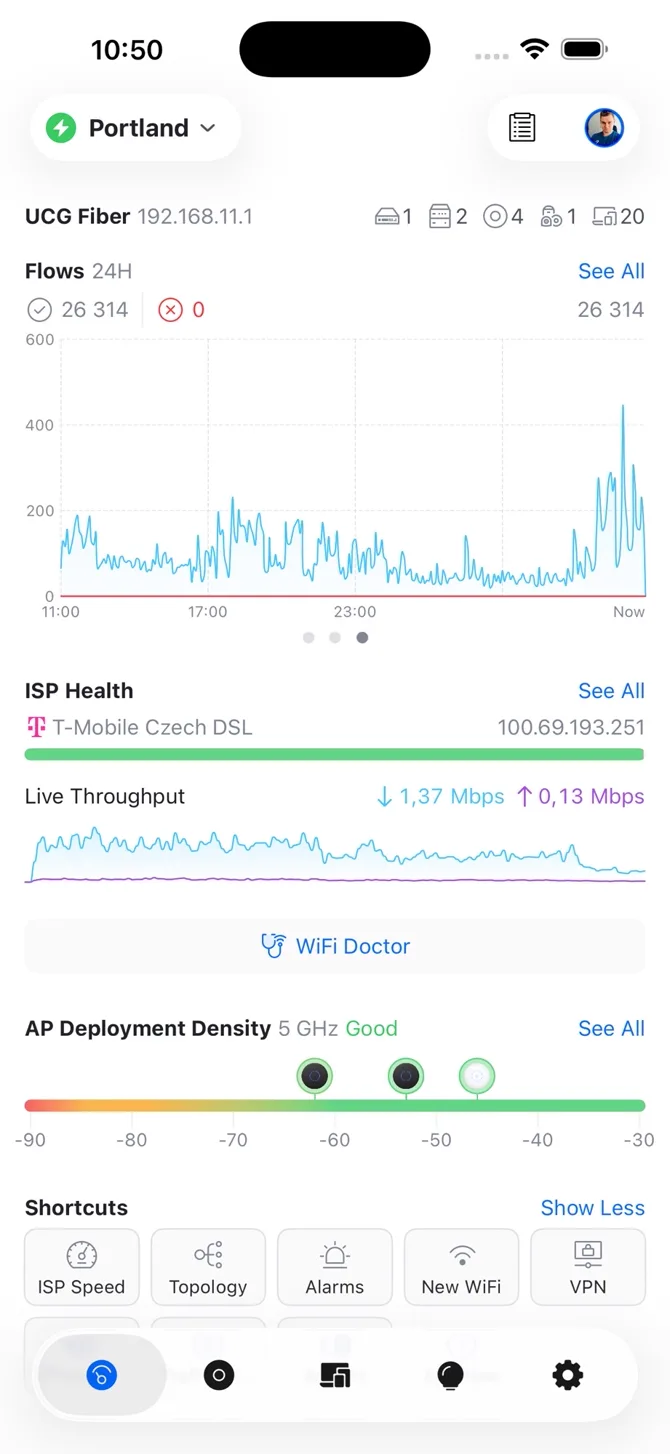
Detailed installation systems
Each layer works together. Review our deep dives into the specific hardware and wiring we install for large coastal properties.
 Whole-home Wi-FiWired access points placed for real-world wall materials, blanketing your property and outbuildings.
 Gate and door accessPIN, phone, and card entry for doors and gates, managed easily from a single access list.
 Discreet camerasCompact outdoor lenses and hidden indoor hubs recording securely to your own local recorder.
 Network racks and wiringCat6 cabling running safely back to an organized, labeled rack or panel above flood level.
 Control4 and Home AssistantIntegrations passing network, camera, and door access into third-party automation systems.
Complete property view
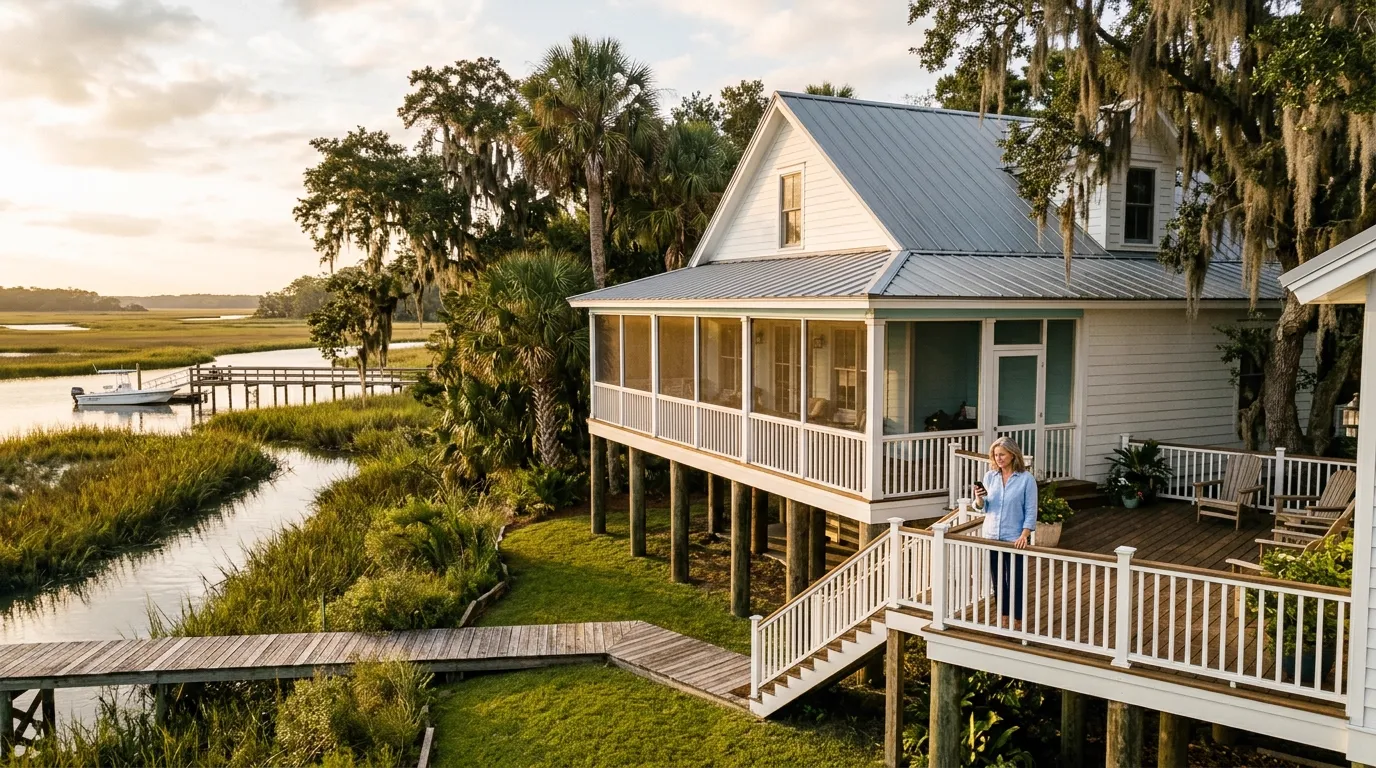
All installed cameras, door readers, and network points map out clearly on one site plan. See exactly how hardware fits together across an entire large home.
Installed devices
Access points, outdoor cameras, door readers, and battery-backed network racks are specified for your exact layout and wall materials.
Installation process
- 1
First site walkthrough
CloudCentric surveys your property to assess wall materials, wire paths, and outdoor reach before specifying any hardware.
- 2
Cable and conduit runs
Cat6 and conduit go in before drywall in new builds, or through existing crawlspaces and attics in finished homes.
- 3
Hardware mounting and testing
Access points, cameras, and readers are fitted. Surge protectors are added for outdoor runs, and all coverage is verified.
- 4
Client handover
Every tested cable is documented. We hand over the labeled rack, your private logins, and apps configured on your phone.
Buyer questions
- Where does the rack go on a house raised over parking?
Raised homes require placement above flood levels. Network racks are installed safely on a living floor, terminating all cables from throughout the property.
- How does the Wi-Fi reach the dock?
Empty conduit laid early allows direct cabling. Where cables cannot reach, mesh access points or point-to-point wireless links carry your network over the water.
- Can CloudCentric run the island gate on Kiawah or Seabrook?
Kiawah and Seabrook run those main gates through the property owners' association. CloudCentric manages your private driveway gate behind them.
- Does the system work with Control4 or Home Assistant?
Cameras and door access connect directly to Control4 using paid third-party drivers. Home Assistant connects via official integrations.
- Does this installation replace a monitored alarm?
CloudCentric installs networks, cameras, and access control. South Carolina licenses fire and burglar alarms separately, so our hardware carries no UL alarm certificate.
Connect your entire property today
Call or book a walkthrough to survey your house and plan your property hardware correctly.