
Local retail technology
Independent shop and boutique retail technology solutions
Manage shop Wi-Fi, card terminals, cameras, doors, window screens, and phones with one local team from Charleston to Savannah.
Daily shop operations
Reliable systems for independent retail storefronts
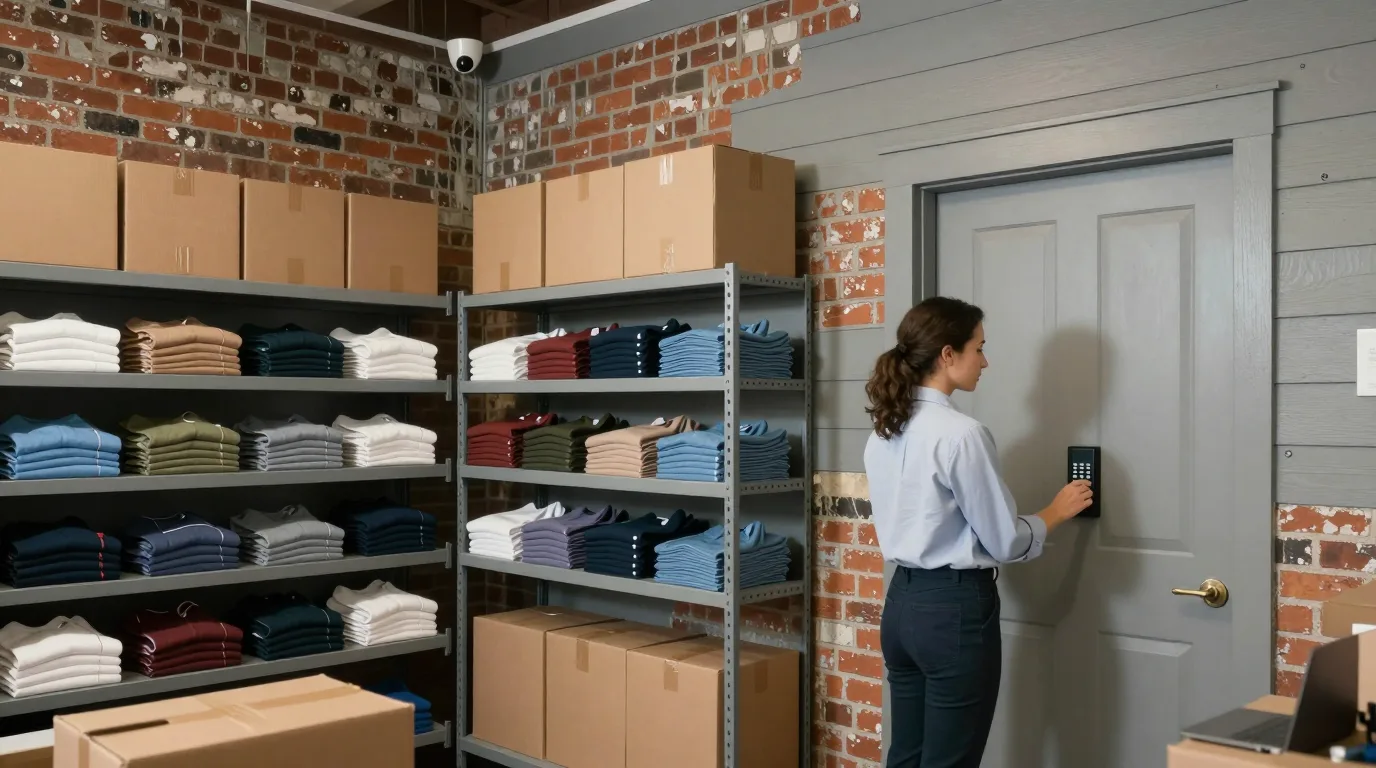
Sales floors and stockrooms run reliably when systems operate in the background. Staff focus on customers while technology handles card payments, door access, and window displays across the coastal Lowcountry.
Sales floor view
- Card terminals stay online during outages
- Window screens update at closing
- Stockroom doors open with codes
Managed systems
- Card terminals on their own network
- Cellular backup lines take over
- Cameras and door codes managed centrally
Technology for coastal shops and boutiques
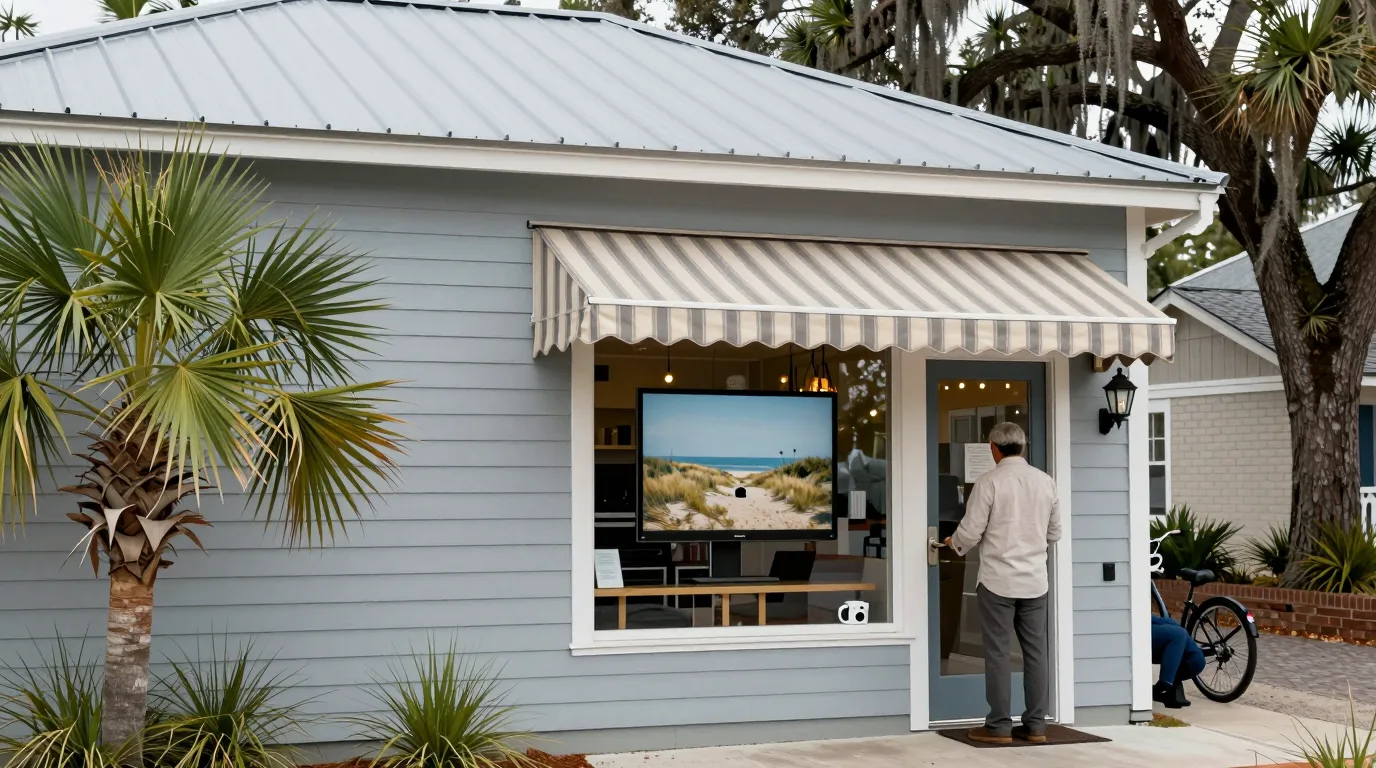
Every shop requires different tools based on location and inventory. Coastal boutiques, gift shops, and outfitters use these solutions to manage their daily operations.
Shop categories
Shop Wi-Fi and managed retail systems
Managed technology covers every corner of the storefront. Networks, cameras, and displays work together to support daily sales and staff tasks.
Hardware installation depends on building construction materials and the specific layout of the shop storefront.
Management tools for shop owners
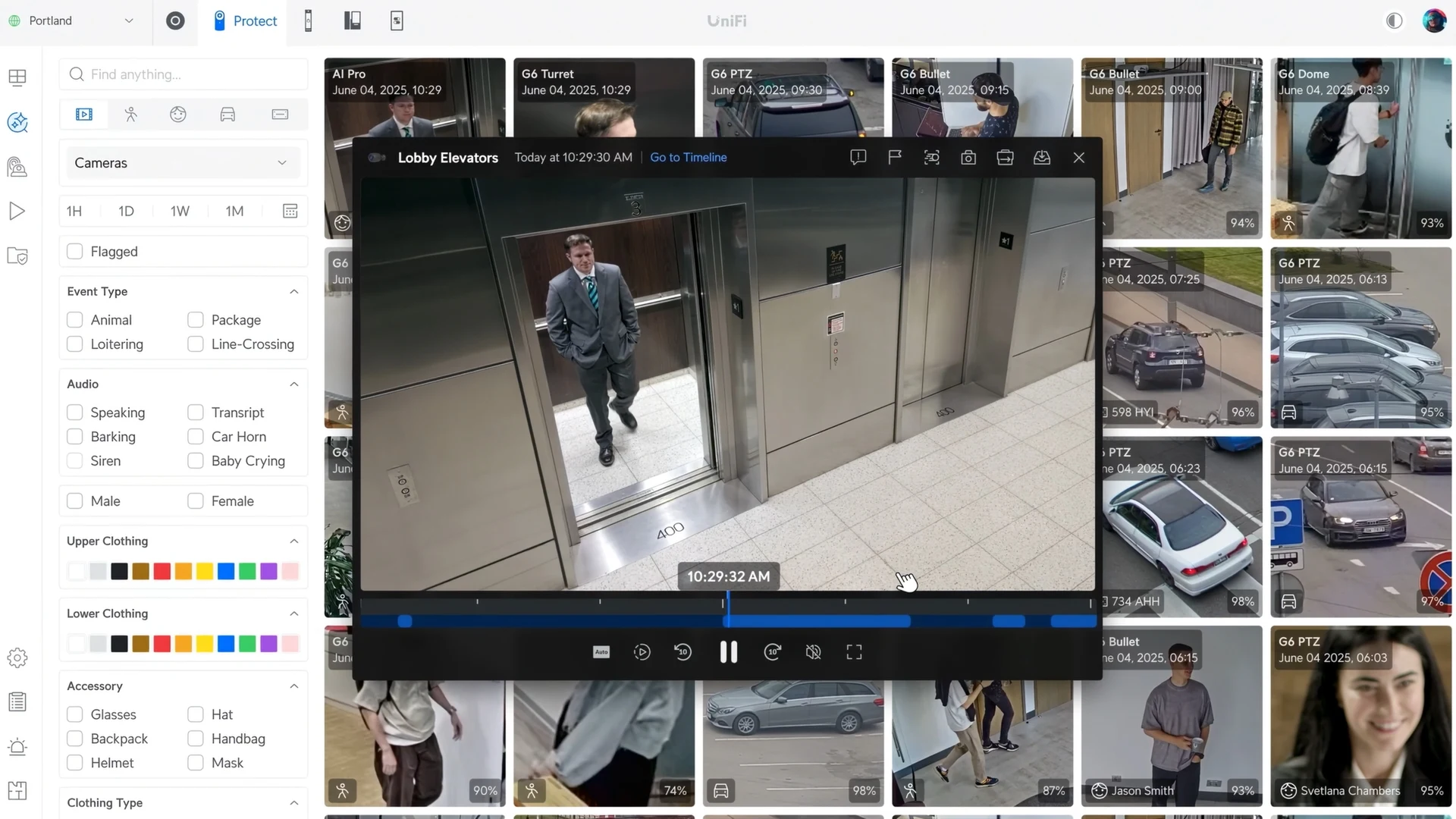
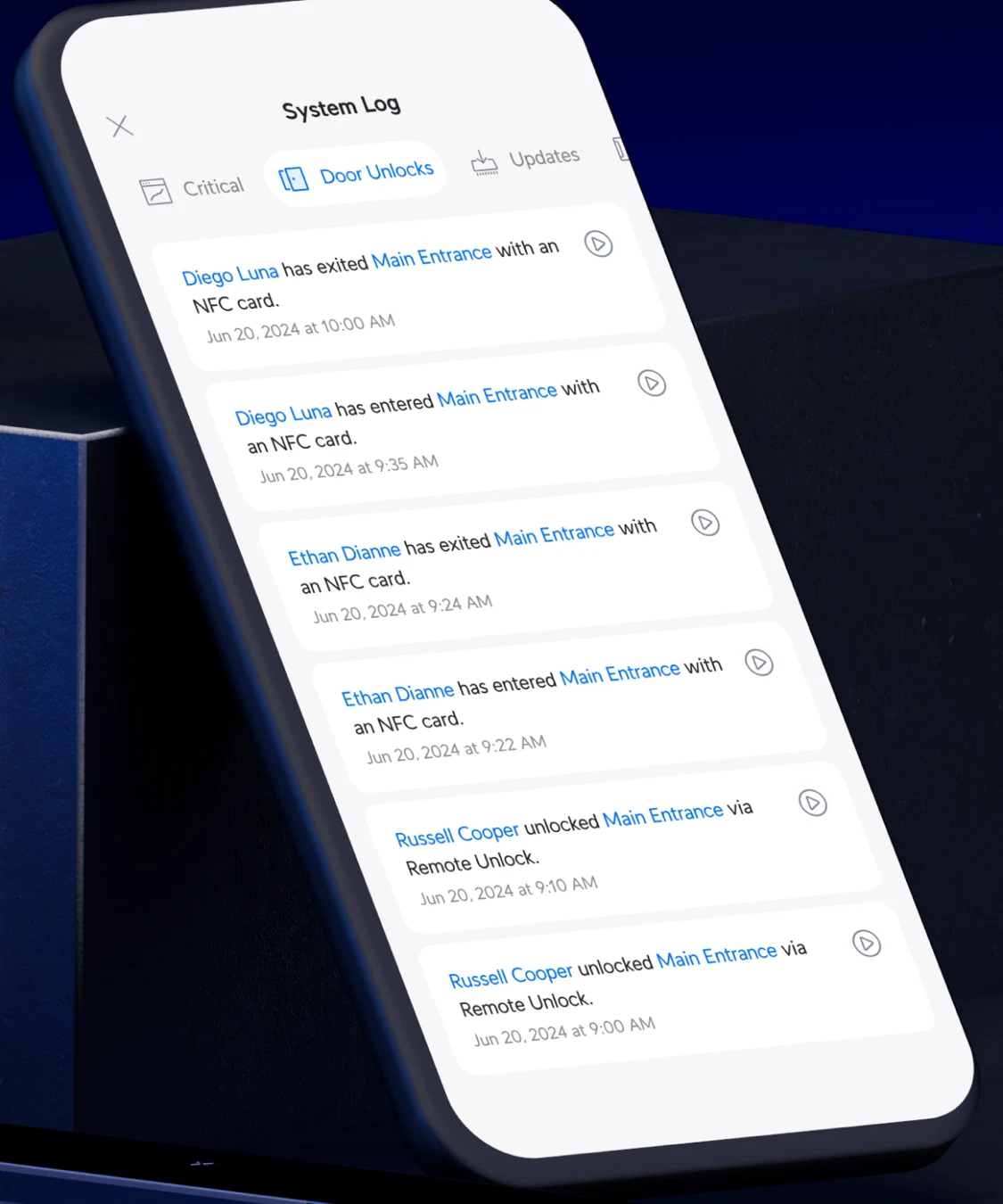
Camera footage, door logs, and window content remain accessible through dedicated screens. Managers view real-time status and historical logs from a phone or web browser.
Video screens display event filters next to a grid of clips with specific timelines for reviewing shop activity.
Phone apps list entry times and names for every door to track staff arrivals and stockroom access.
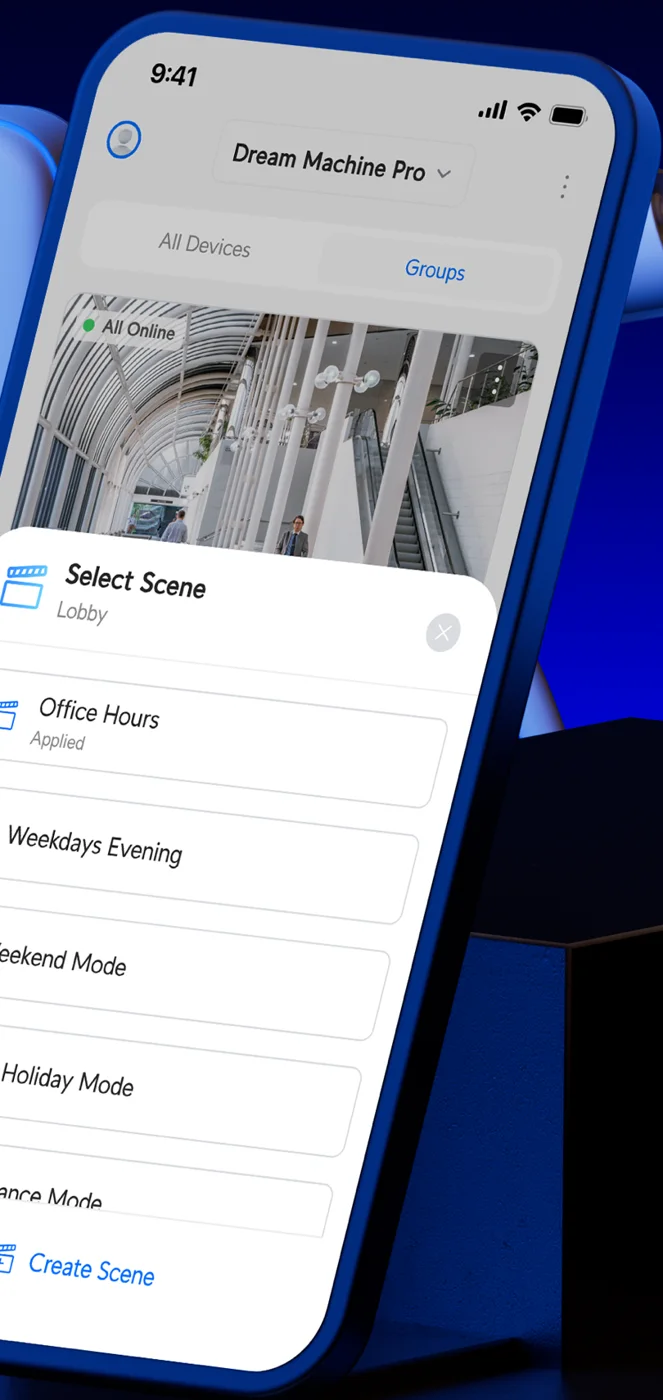
Signage apps show what every window screen is running and provide options for changing scenes.
Documentation images provided by the hardware manufacturers.
Implementation steps for retail technology
Every installation follows a standard sequence to verify coverage and separation of systems before the shop opens for the day.
- 1
Walk the building
Signal meters measure wall interference to determine where access points and cameras belong.
- 2
Separate card terminals
Payment networks stay apart from guest Wi-Fi and staff laptops before ordering any hardware.
- 3
Add components
Backup lines, cameras, and window screens connect to the central console for management.
- 4
Test at handover
Disconnecting the main line verifies the backup while guest-side tests confirm network separation.
- 5
Support and monitoring
Help desk staff monitor PCs and servers around the clock and answer requests by phone, email, or Teams.
Local retail IT support
- What does retail IT support cover day to day?
Support includes help desk access by phone, email, or Teams. Requests become tickets for tracking, while monitoring tools check hardware status and technicians visit for on-site needs.
- How are card terminals kept apart from customer Wi-Fi?
Terminals operate on a dedicated network separate from guest Wi-Fi and staff laptops. Guest-side testing at handover confirms separation, while payment brands set validation requirements.
- What happens to card payments when the internet goes down?
Cellular backup lines switch in automatically to keep registers and terminals online. Usually, only a transaction already in progress at the moment of failure is affected.
- Can cameras show a void or refund from the sale?
Video systems link to point-of-sale transactions. Managers can search for specific transaction types to find the corresponding footage from the recorder inside the building.
- Can a window screen change when the shop closes?
Schedules automate content changes between opening and closing hours. Screens can show arrivals during the day and switch to a brand message at night.
- Can regulars be texted about new arrivals?
Marketing texts require written consent and must follow specific hours. Senders must register with carriers, and a shop's attorney handles questions about legal requirements.
Manage your shop technology today
Call (844) 422-7000 or book a walkthrough to review systems for your storefront.