
Hardware for business
Business laptops ready for day one
Every machine arrives already registered to your organization, signs in and finishes setting itself up for your new hire.
Hardware procurement process
Business hardware specified, sourced and prepared for deployment
New machines arrive set up with your company accounts, security settings and management policies already in place. Your office unpacks ready-to-use equipment.
- 1
Specifying and sourcing business hardware
CloudCentric specifies and sources business-grade laptops, monitors, network equipment and desk phones for your particular roles.
- 2
Registering devices to your tenant
Every new machine is associated with your Microsoft tenant ID and registered for deployment before your staff opens the shipping box.
- 3
Recording models and serial numbers
Exact models and serial numbers are logged into your IT asset tracking records for warranty claims and deployment management.
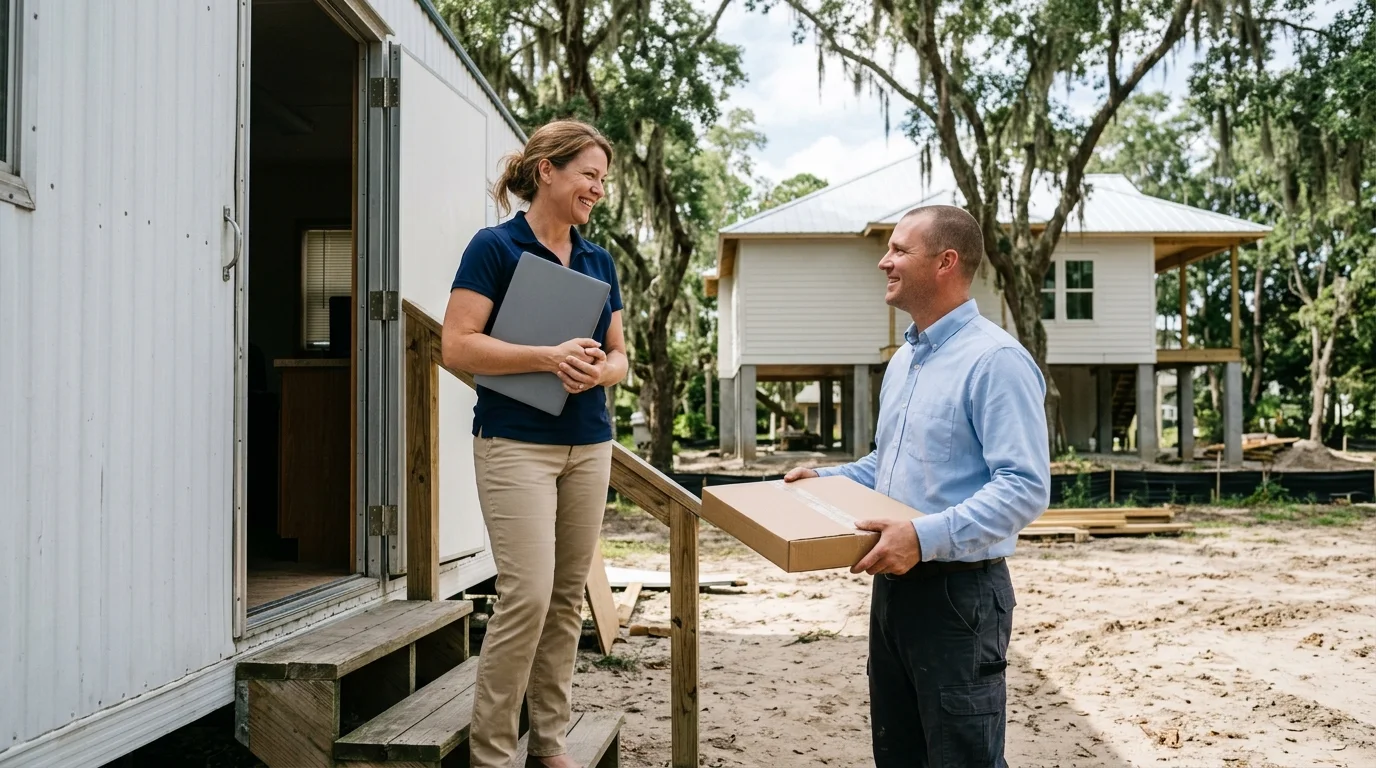
Equipment orders for local organizations
Mount Pleasant and Charleston organizations order exact hardware for their daily operations. Shipments arrive registered to your tenant with accounts, security settings and management already in place.
Typical device order
Windows Autopilot setup from order to daily use
Devices pass through a documented registration process. Your new hire simply connects to a network and verifies their credentials.
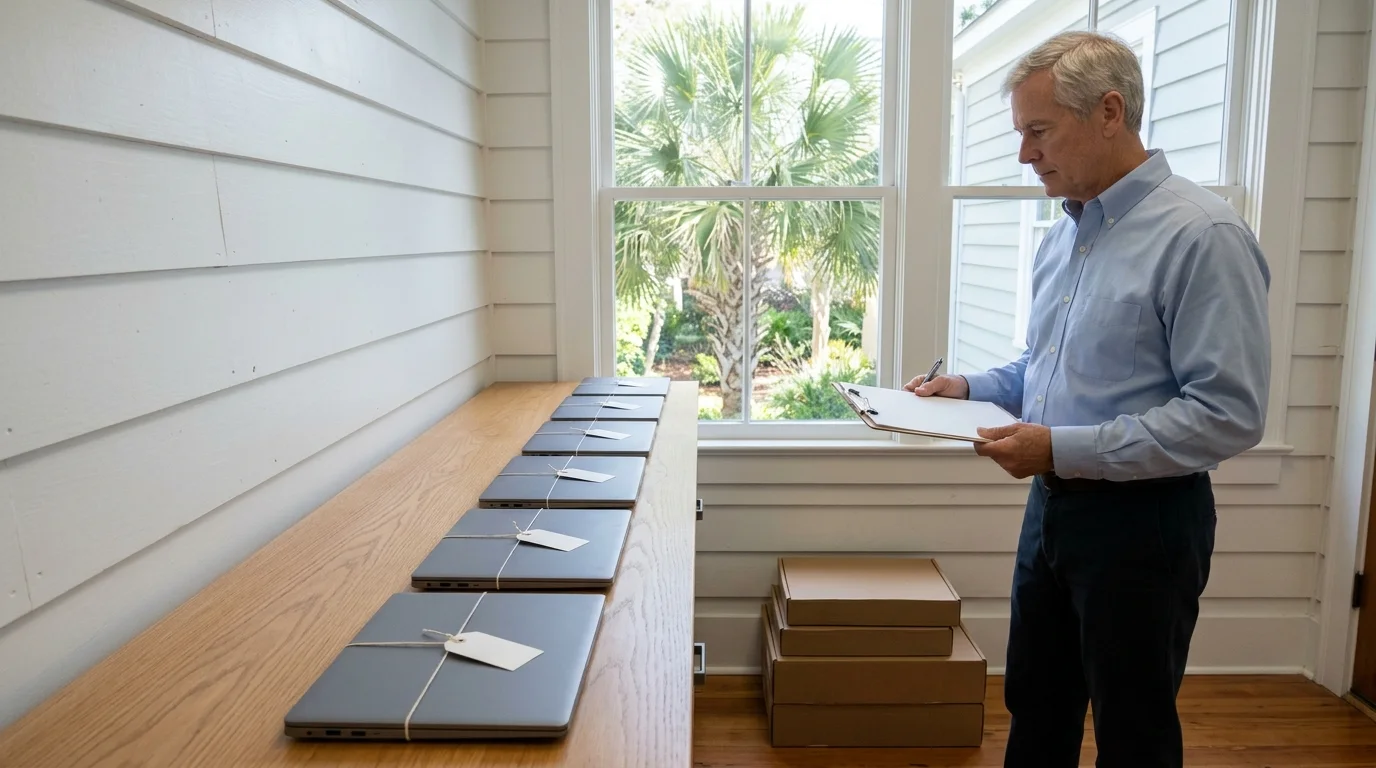
Recorded for one device
- Manufacturer
- Model
- Device serial number
- Hard drive serial number
- When the ID was generated
- Many other attributes that identify the device
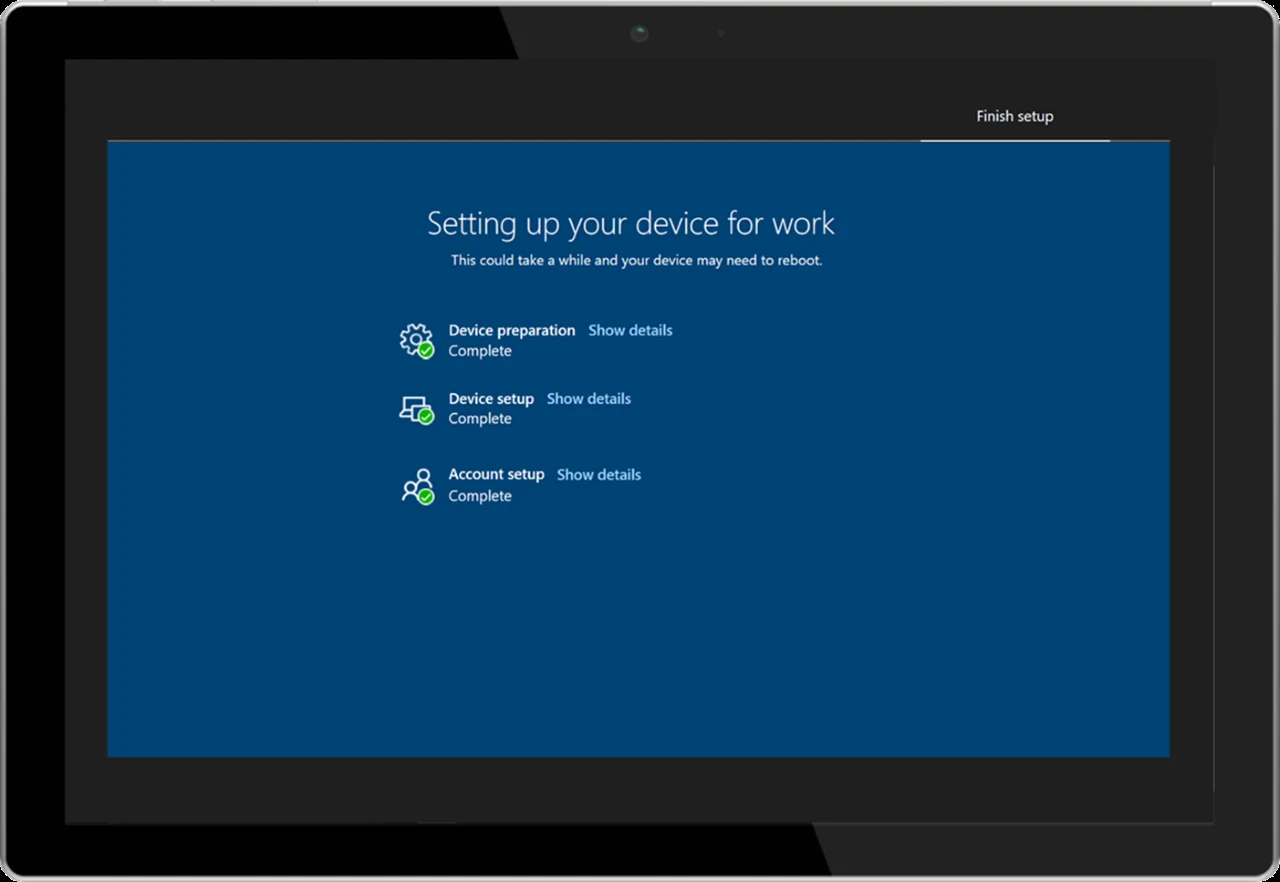
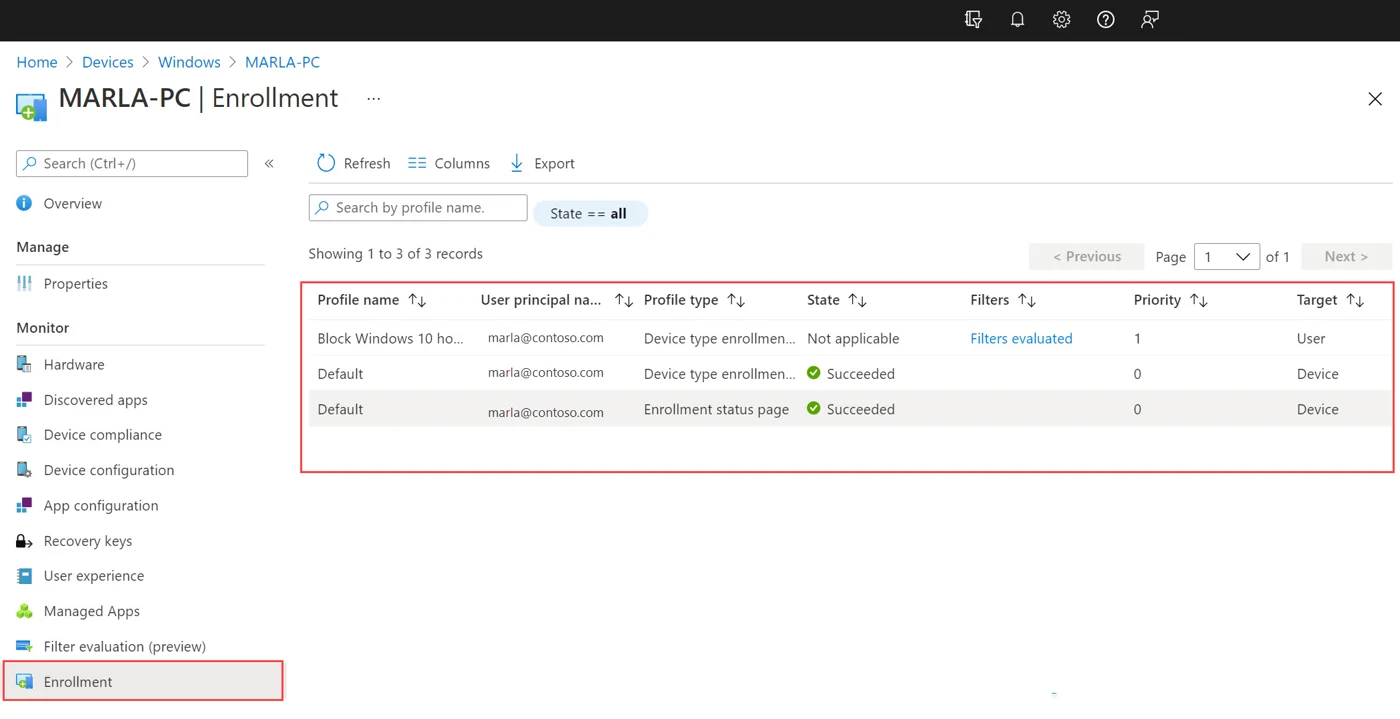
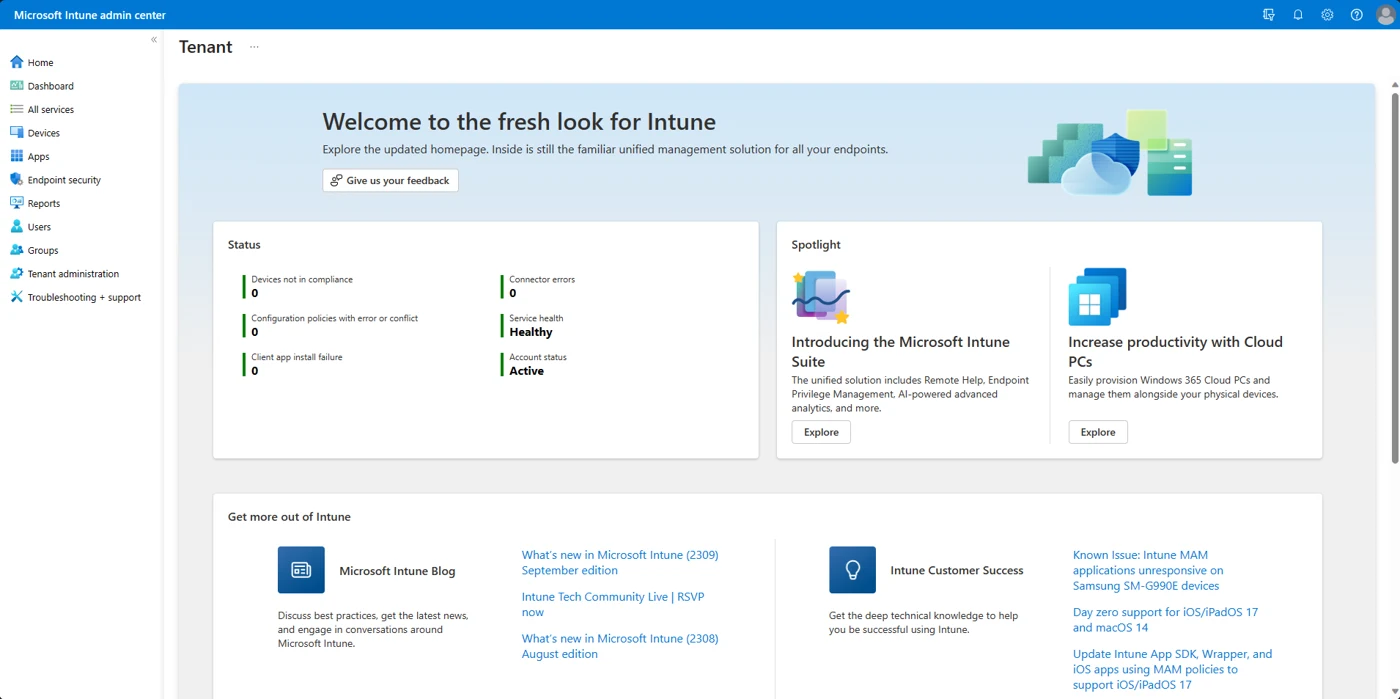
Screens are Microsoft's own documentation screenshots displaying Microsoft's sample data.
Checking machines for Windows 11 compatibility
Windows 10 reached end of support on October 14, 2025. Older machines no longer receive quality updates, new features, security updates or technical support unless enrolled in paid extended programs.
0 of 7
Computers missing any minimum requirement cannot run Windows 11. CloudCentric replaces these older systems with new hardware instead of redeploying them.
Secure IT equipment disposal for retiring machines
Machines leaving your organization follow CloudCentric's retirement sequence. Devices are wiped, deleted from Microsoft Intune and deregistered from Windows Autopilot to prevent orphaned records.
- 1
Wiped through Microsoft Intune
Factory resets remove all personal and organizational data, apps and settings from local storage drives.
- 2
Deleted from Microsoft Intune
Device records are removed from your active mobile device management list to keep your inventory accurate.
- 3
Deregistered from Windows Autopilot
Corporate ownership ties are removed entirely. Deregistering the hardware hash unlinks the machine from your tenant ID.
Machine status
Motherboard replacements change system details, generating a mismatched hardware hash. New hashes must be created and uploaded for registration.
Frequently asked questions
- Who chooses our laptops and how fast do they arrive?
CloudCentric specifies and sources business-grade laptops for your roles. Specific delivery times and equipment prices are not stated here, so please call us to discuss your next order.
- How do devices arrive and what do users do on first start?
Devices arrive set up with your accounts, security settings and management already in place. Users simply connect to a network and verify their credentials.
- Who registers the device and what permission does the seller need?
Your Microsoft Entra Global Administrator approves a seller first. When sellers register devices, no permissions to your tenant are granted or required. CloudCentric can also manually upload hardware hashes.
- How are our devices tracked?
Each device is recorded in your asset list with its model and serial number. Warranty claims and Windows Autopilot records are matched against your exact hardware inventory.
- What happens to our old Windows 10 machines?
Windows 10 reached end of support on October 14, 2025. CloudCentric replaces hardware that cannot run Windows 11 and wipes retired machines through Microsoft Intune before disposal.
- What happens to a laptop that leaves our organization?
Devices permanently leaving your business are wiped to factory settings, deleted from Microsoft Intune, and then deregistered from Windows Autopilot.
- Can Macs and iPhones arrive ready too?
Apple devices bought through Apple Business Manager can enroll automatically with Automated Device Enrollment. Management happens in your Microsoft Intune console. See our Apple page for details.
Ready for your next equipment order
Call (844) 422-7000 or book a walkthrough to plan your incoming device shipments.