
Battery backup installation
Battery backup keeps network equipment running during outages
Short outages restart every switch, camera, and door reader in a building unless a battery unit holds them up.
Battery backup for your place
Choose a kind of place to see exactly what hardware a UPS or battery backup keeps running during a short power cut.

Phones and doors stay online
Battery backup carries your gateway, switch, Wi-Fi, door readers and desk phones through a short outage so nothing reboots.
On the battery
On the wall
Power failure sequence
Batteries carry the gateway, switching, and access points through a short outage, so nothing reboots.
Protected equipment list
Desktops, monitors, and printers stay off battery backup. Keeping your protected list short is essential for useful runtime.
On the battery
On the wall
Names and times shown are an example.
Battery capacity and load
Reducing electrical load is usually a cheaper way to gain runtime than buying a bigger battery unit. Every connected device draws power.
 UPS Tower108Wh battery
 UPS 2U216Wh battery
 UPS 2U Pro720Wh battery
 UPS PoE Switch368Wh batteryUp to 8 devices, 120W in total
Published runtime at half and full load. Your own runtime depends on what is plugged in.
Batteries bridge short outages. Prolonged power cuts require generators with battery units bridging gaps.
Installation locations
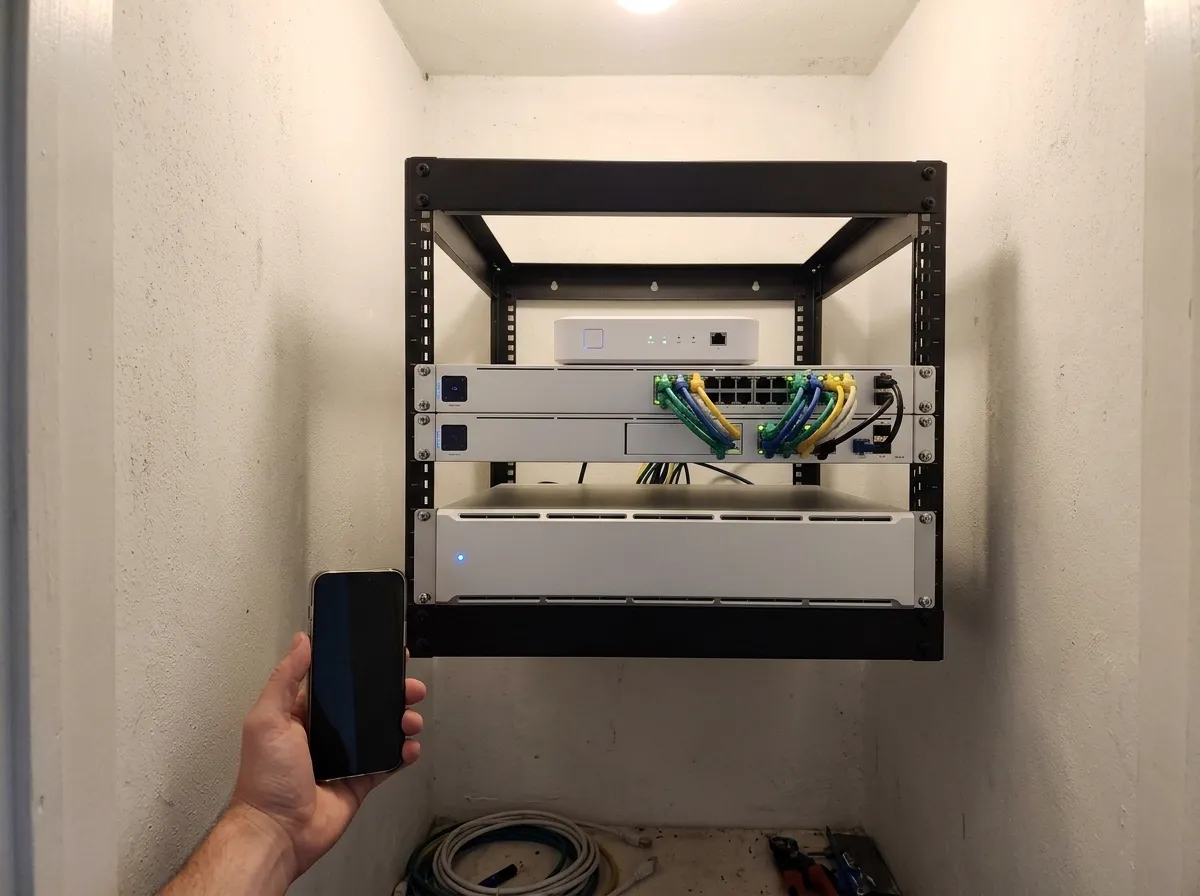
Units sit in network racks, stand on closet shelves, or mount near door controllers and edge cameras.
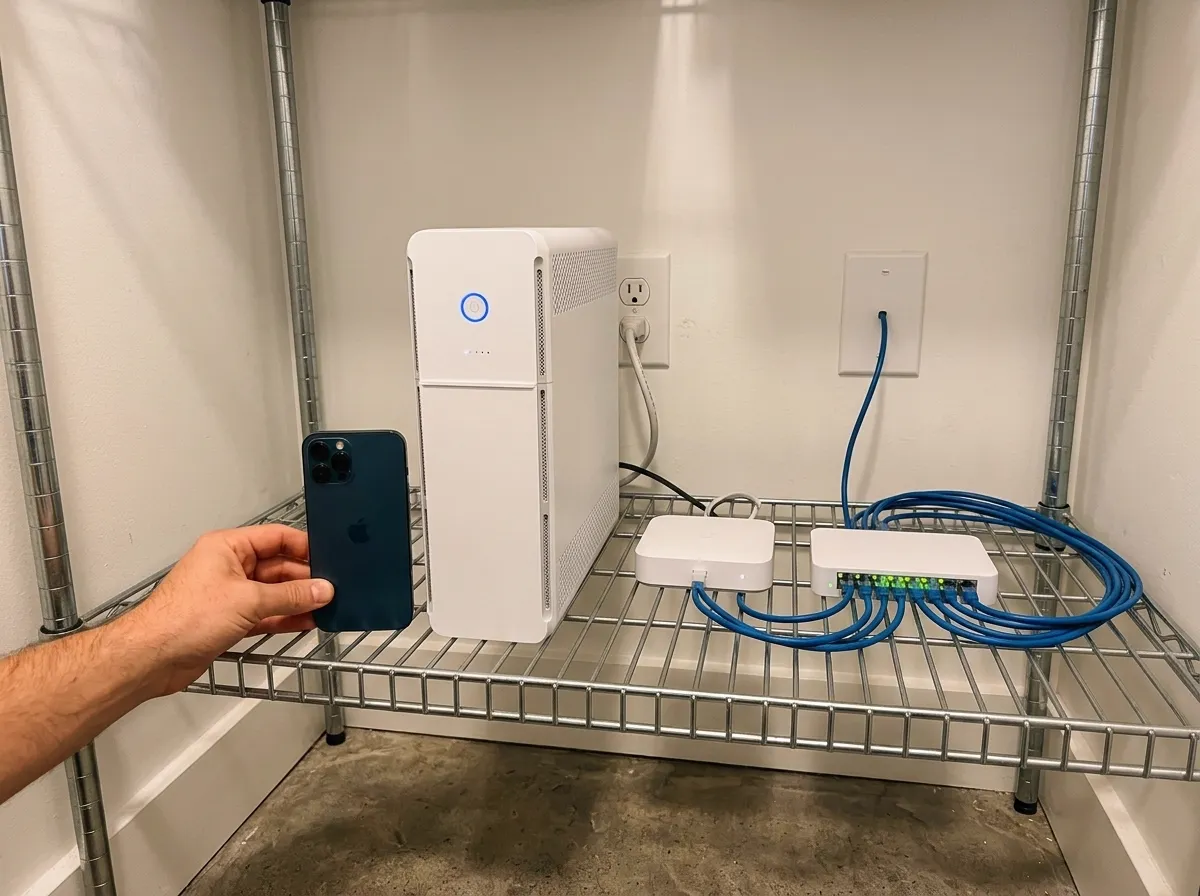
UPS Tower
Stands on a shelf, no rack needed. 5 battery-backed outlets and 5 surge-only outlets.
Rack mount UPS and battery backup units
Rack units, tower units, battery switches, and managed power distribution units meet different installation needs.
Setup process
- 1
Load measurement
Load is measured on the rack. Sizing can start from a photograph of the rack or closet with a note of what is plugged in.
- 2
Circuit planning
Racks usually need dedicated electrical circuits. We specify electrical work for your electrician to quote.
- 3
Equipment installation
CloudCentric mounts the units, connects the chosen devices to the battery, and specifies the electrical work.
- 4
Outage simulation
Handover includes simulating power failure to confirm equipment stays up by observation.
Common questions
- What keeps running in an outage?
Gateways, switches, access points, network cameras, and door controllers stay online. Network video recorders continue saving footage without gaps.
- How long does the battery last and what decides it?
Runtime depends strictly on what is plugged in. Cutting connected load increases duration.
- Why not put every device on the battery?
Desktops, monitors, and printers are normally left off battery units. Keeping the protected list short is what makes runtime useful.
- How does a worn battery get noticed?
Management consoles show load and battery age so a replacement can be planned.
- What to do about outages that last for hours?
Generators handle prolonged power cuts. Batteries act as a bridge until your generator turns on.
Keep equipment online through outages
Call CloudCentric to arrange battery backup installation.