Toner levels per cartridge
System watches ink and toner supplies for each color in your machines.
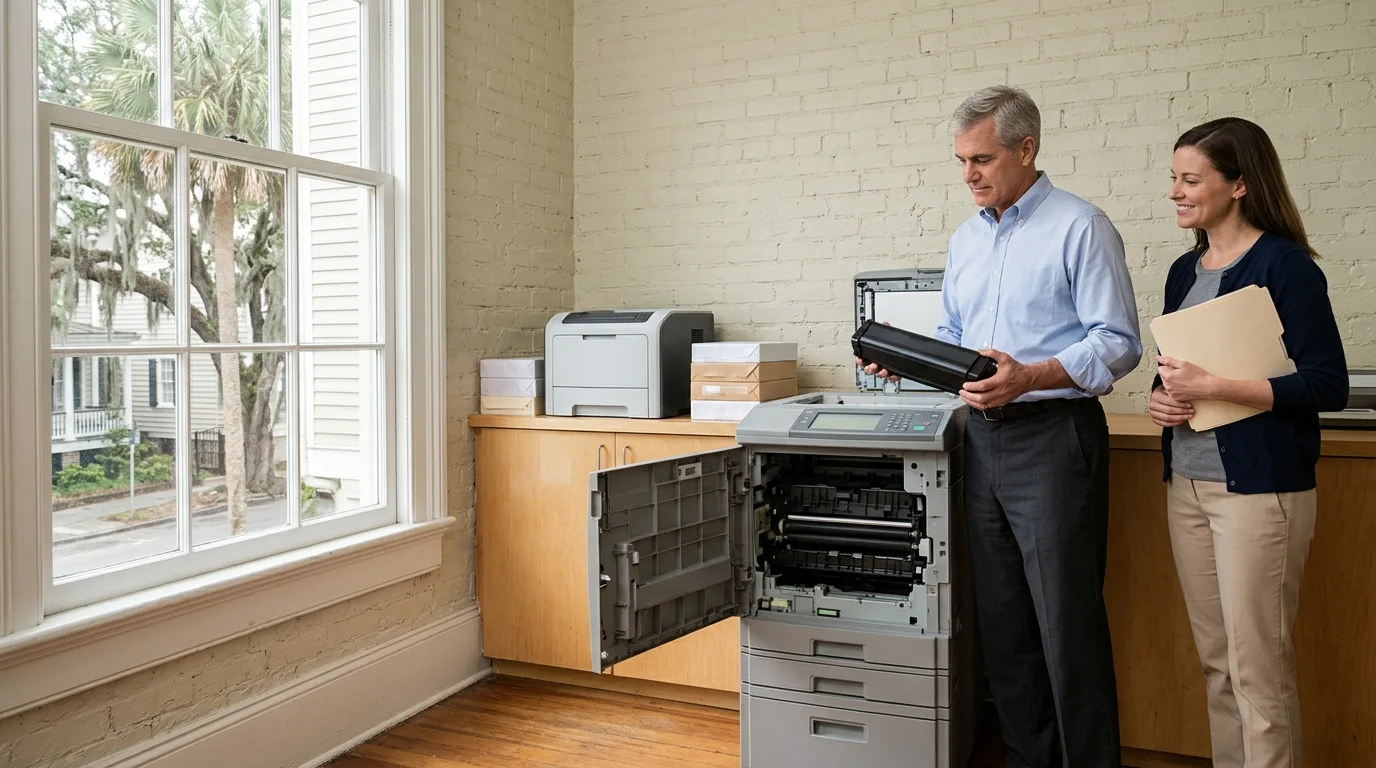
Managed printer services
Every networked printer is watched, toner is reordered before supplies run out, and an engineer visits your office when a machine needs attention.
Networked printers report their own state using SNMP and the Printer MIB standard. We watch these reports across brands to see what is happening in your office without installing anything on your machines.
Ink and toner levels per cartridge drop over time, triggering an alert when supplies fall below a threshold so replacements arrive before printing stops.
Printers report their empty input trays, letting your office refill paper so staff keeps working without waiting for someone to notice.
Page counts record over time, giving your office a monthly usage figure to show which machines carry the most work.
Critical alerts like a jam or open cover stop printing and raise an immediate ticket, while non-critical warnings flag low supplies.
Faults raise a ticket on our board directly from the printer reporting, so a jammed or offline printer gets noticed and logged for our engineers before anyone in your office calls.
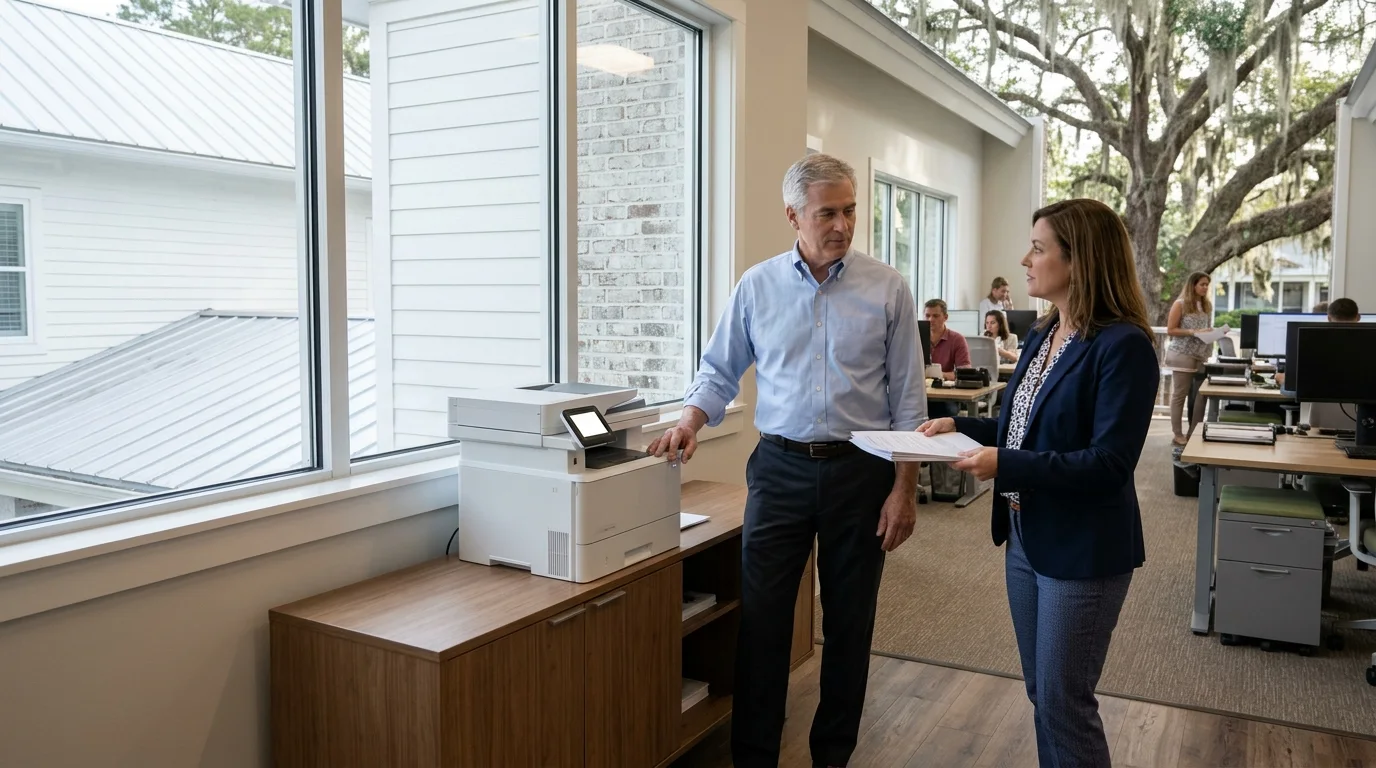
Pick a situation
Everyday on-site fixes
Copiers and printers are an everyday request that cannot always be done remotely. An engineer comes to your office to clear stubborn jams, fix an offline machine, or swap hardware so your team keeps working.
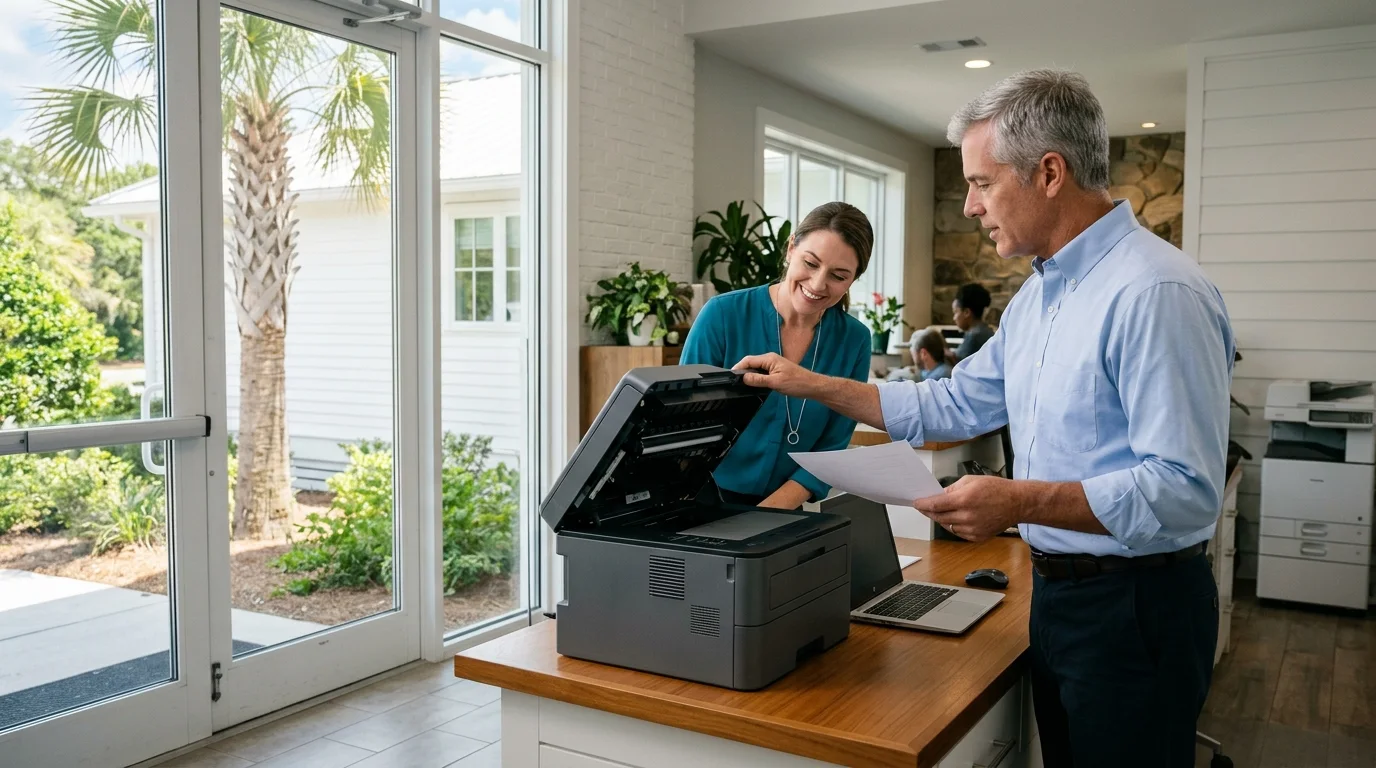
Engineer signs in with your office manager or whoever runs the site that day.
Users affected by the fault hear the fix explained in plain language.
Print rooms and desks are left exactly as they were found.
Engineer sends a written report to your office or IT lead after the visit.
Every office depends on reliable printing. We manage everyday copiers and printers across the Lowcountry so your staff focuses on their real work.
Call for details
View covered jobs
Monitoring and everyday on-site fixes cover your networked printing hardware, keeping pages flowing smoothly.
System watches ink and toner supplies for each color in your machines.
Fresh supplies get ordered automatically before your current cartridge runs empty.
Machine reports which input trays lack paper for daily jobs.
Critical alerts show exactly where paper is stuck or covers are open.
Connection drops raise a ticket so an engineer restores network access.
Lifetime counters track exactly how much work each machine carries.
Recorded totals help decide if an office needs a replacement printer.
Automatic reports reach our help desk board before anyone calls in.
An engineer visits your office to clear jams or restore connections directly.
Broken machines get replaced with fresh hardware during an on-site visit.
Printers live on your office network and share traffic with your computers. Managing them requires watching their status and keeping them visible to authorized users.
Printers are network devices with their own firmware, which can carry security vulnerabilities like any other connected device in your office.
A fixed network address keeps printers visible to staff computers after restarts, maintaining steady connections without interruption.
Monitoring reaches printers on the office network, while a printer plugged into one computer by USB is not visible to our system.
We work with business printers from any manufacturer that support standard network monitoring using SNMP, letting us oversee a mix of brands.
SNMP monitoring needs no software installed on the printer itself. Our system reads what the printer already reports on the network.
Toner is reordered before it runs out. A non-critical warning triggers the order when the level drops below a set threshold.
Monitoring reaches only printers on the office network. A printer plugged into one computer by USB is not visible to the system.
An engineer comes to the office for everyday fixes that cannot be done remotely, such as a copier that keeps jamming, an offline printer, or a hardware swap.
Our service area covers Charleston, Mount Pleasant, North Charleston, Isle of Palms, Folly Beach, Kiawah, Beaufort, Bluffton, Hilton Head and Savannah. Call for locations not stated here.
Call us at (844) 422-7000 to manage your networked printers before your next cartridge runs empty.