Locked account or forgotten password
Our team resets passwords and unlocks accounts remotely to get your staff back to work.

Help desk support
Staff message, call or email, and our team picks up your request, fixing most problems remotely.
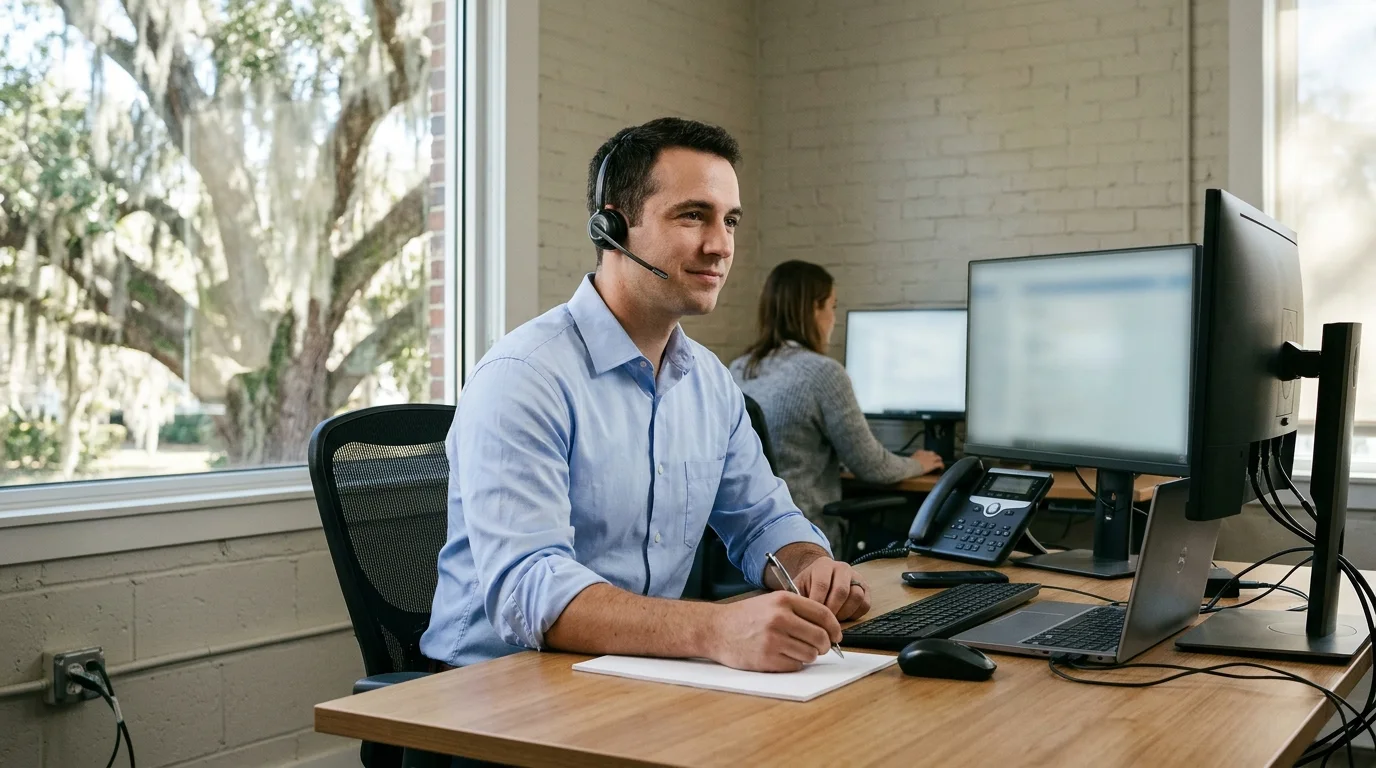
Ways to reach us
Every request becomes a ticket with a response clock and stays open until resolved. Most work happens remotely, without a visit and without asking your staff to hand over their machine.
Most requests arrive here as a quick chat message.
Call our team at (844) 422-7000 for direct assistance.
Send a message and our system creates your ticket.
Everyday technical requests arrive at our help desk as standard tickets. Our team works remotely to resolve locked accounts, offline printers, and network connection drops.
Typical requests
Common help desk jobs
From an initial message to a fixed problem, our team tracks every step. Your ticket history remains visible in our client portal, keeping your office informed along the entire journey.
Request arrives by
Request
Our team restores deleted emails and missing files using standard retention windows. Lost or stolen company devices are wiped remotely through Microsoft Intune.
Window
Help desk
Staff report typical technical problems to our help desk. Our team handles most requests remotely without asking anyone to hand over a machine.
Our team resets passwords and unlocks accounts remotely to get your staff back to work.
Team members resolve Microsoft 365 and email problems remotely.
Our team resolves laptop and desktop problems remotely without staff handing over their machine.
Our team resolves typical printer problems remotely without an office visit.
Staff report Wi-Fi and network problems to the help desk, which works on them remotely first, and a visit is arranged when hands are needed on site.
Employees report phone problems to our help desk, which works on them remotely first, and a visit is arranged when hands are needed on site.
Staff questions about Google Workspace applications go directly to our help desk for remote troubleshooting.
Access to a shared mailbox such as info@ is granted per person. Read and send as are separate.
Our team recovers deleted emails using standard retention windows.
Team members restore deleted files from the recycle bin or the backup where you have one.
Our team wipes lost laptops or phones remotely through Microsoft Intune.
Team members provision accounts, licenses, and devices before an employee starts.
Our team manages offboarding by securing accounts, licenses, and devices together.
Our team monitors machines and backups, so many problems are caught and ticketed before anyone calls.
Customers see their entire ticket history and progress within a dedicated client portal.
Problems with the network, Wi-Fi, phones or cameras that need a technician visit are handled on site.
Requests for a new starter or a leaver are handled as onboarding and offboarding. Our team manages accounts, licenses, devices, and shared passwords together in one go.
Our team monitors your machines and backups closely. Because we watch system health directly, many problems become help desk tickets before anyone in your office even needs to call.
Our team monitors customers' machines and backups, ticketing many problems before anyone calls.
Customers can see their ticket history and track progress in a dedicated client portal.
Each month the customer receives one clear report covering tickets, patching, backups, and security.
Monthly report
Staff reach the help desk by phone at (844) 422-7000, by email, or by messaging in Microsoft Teams. Most requests arrive through Teams.
Most help desk work is done remotely, without a visit and without staff having to hand over their machine. Problems with the network, Wi-Fi, phones or cameras that need a technician visit are handled on site.
Every request becomes a ticket with a response clock, and stays open until it is resolved. Customers can see their ticket history in a client portal.
Our help desk supports both Microsoft 365 and Google Workspace. Staff questions about Gmail, Drive, Calendar and Meet go straight to our team.
Company laptops or phones that are lost or stolen can be wiped remotely through Microsoft Intune, provided the device is enrolled in management and reaches the internet.
Deleted emails usually recover from Outlook for 14 days by default. SharePoint files recover for 93 days, and Google Drive files for 25 days after emptying trash. Anything older comes back from the separate backup, where the customer has one.
Requests for a new starter are handled together. Accounts, licenses, devices, email, phone and access to shared files and passwords are set up before their first day.
Call (844) 422-7000 or book a walkthrough.