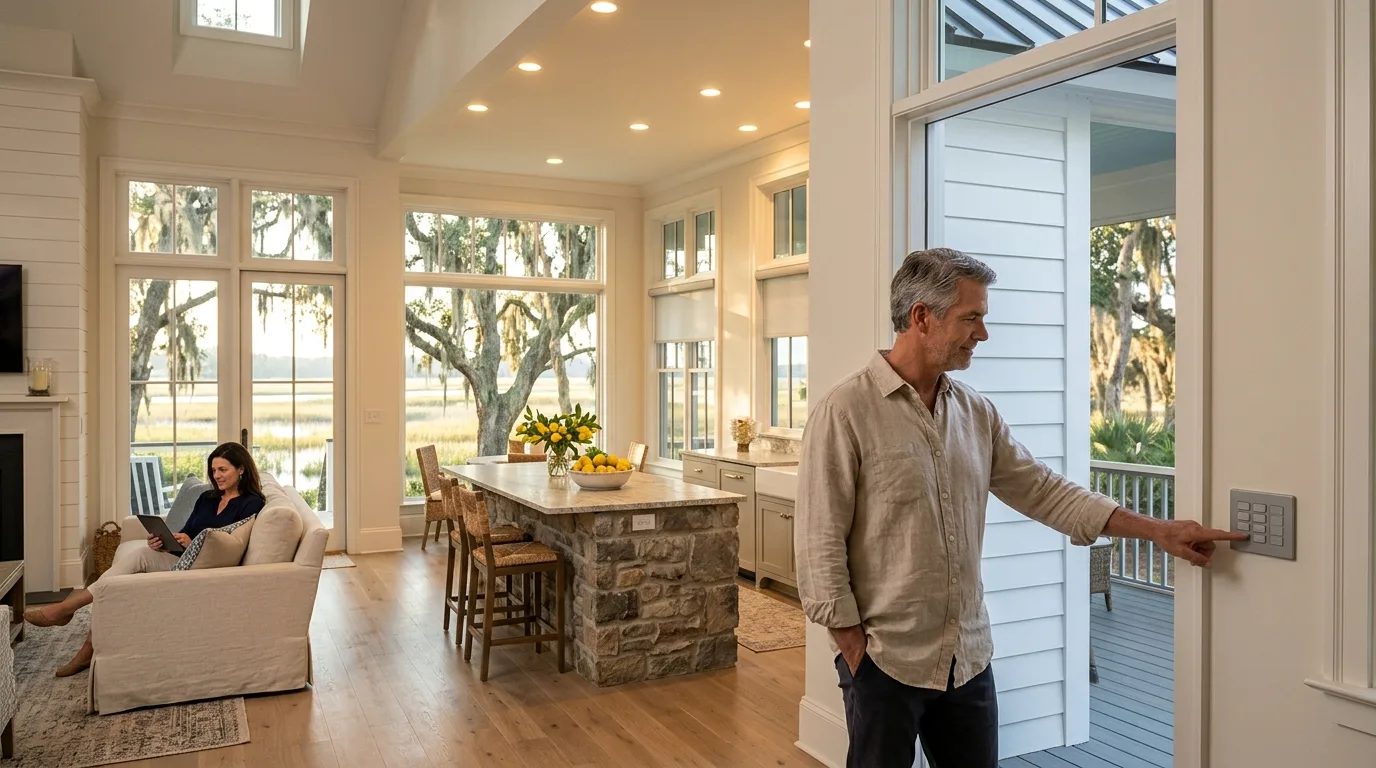
Home automation networking · Homes
UniFi network and cameras for Control4 and Home Assistant
CloudCentric configures UniFi networks, cameras and local credentials so an existing automation system displays cameras, doorbells, gates and doors across homes from Charleston to Savannah.
Houses running Control4 or Home Assistant systems
Local network design prepares a house for automation. Separate networks carry cameras, doorbells and doors, while a local user secures access to surveillance and door controls without cloud accounts.

Integrators install the UniFi Protect driver for Control4, adding live camera feeds, sensors, floodlights and relay controls to touchscreens and the Control4 app.
- 1Doorbell on keypadsDoorbell rings start Control4 programming, while a ViewPort puts doorbell camera views on televisions.
- 2Cameras in appSnapshots arrive via email or push notification, opening live camera feeds on a phone or tablet.
- 3Garage and gate controlsRelays operate garage doors from camera views, adding Open Garage and Unlock Door buttons directly to surveillance screens.
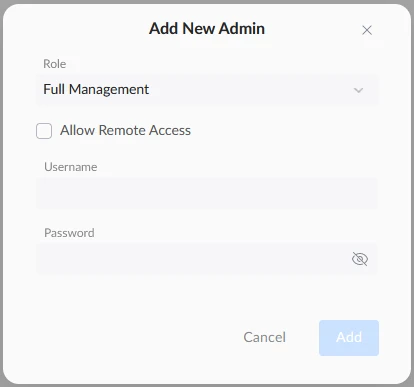
Official integrations run on a local connection. System administrators configure camera events, door locks and network rules using direct API tokens.
- 1Local user accessLocal UniFi users, rather than Ubiquiti cloud logins, let integrations receive doorbell, NFC, fingerprint and vehicle events.
- 2Dashboards for doorsDashboards display door open states, package cameras, NFC access events and temporary lock rules.
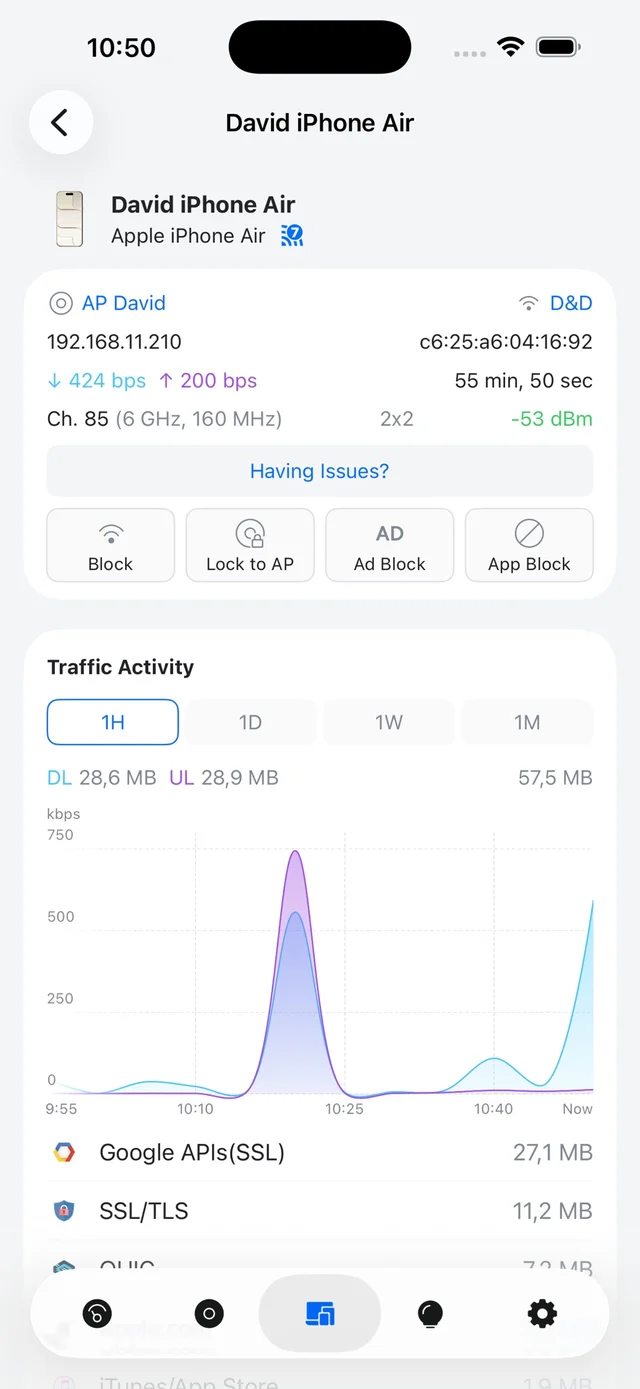
- 3Scheduled Wi-Fi networksIntegrations cycle network ports, track presence via phones and switch wireless networks on and off automatically.

Planning wire runs before drywall goes up places cameras, gates and access points exactly where automation systems need them later.
- 1Rack and cablingRacks house network switches while cabling reaches doors, gates and access points across the house.
- 2Separate control networkDedicated networks separate televisions, touchscreens and controllers from family internet traffic and guest devices.
- 3Future cameras and doorsCable runs reach gates and doors early, ready for hardware when an automation system comes online.

Phones show live camera feeds and door access from anywhere. Push notifications display package snapshots and gate activity on phone screens when owners stay out of state.
- 1Remote camera viewsPhones show vehicle arrivals and package deliveries while the house stays unoccupied during off seasons.
- 2Lock rules per doorAccess systems apply temporary lock rules to side doors or gates, tracking entry methods locally.
- 3Automation on arrivalAutomations track connected phones as presence, turning on porch lights when a car arrives at the gate and switching wireless networks on automatically.
Actions triggered at doors and gates
Doorbell rings and vehicle arrivals start programmed events. Systems see motion, recognized faces or specific vehicles, sending notifications or turning on lights without manual input.


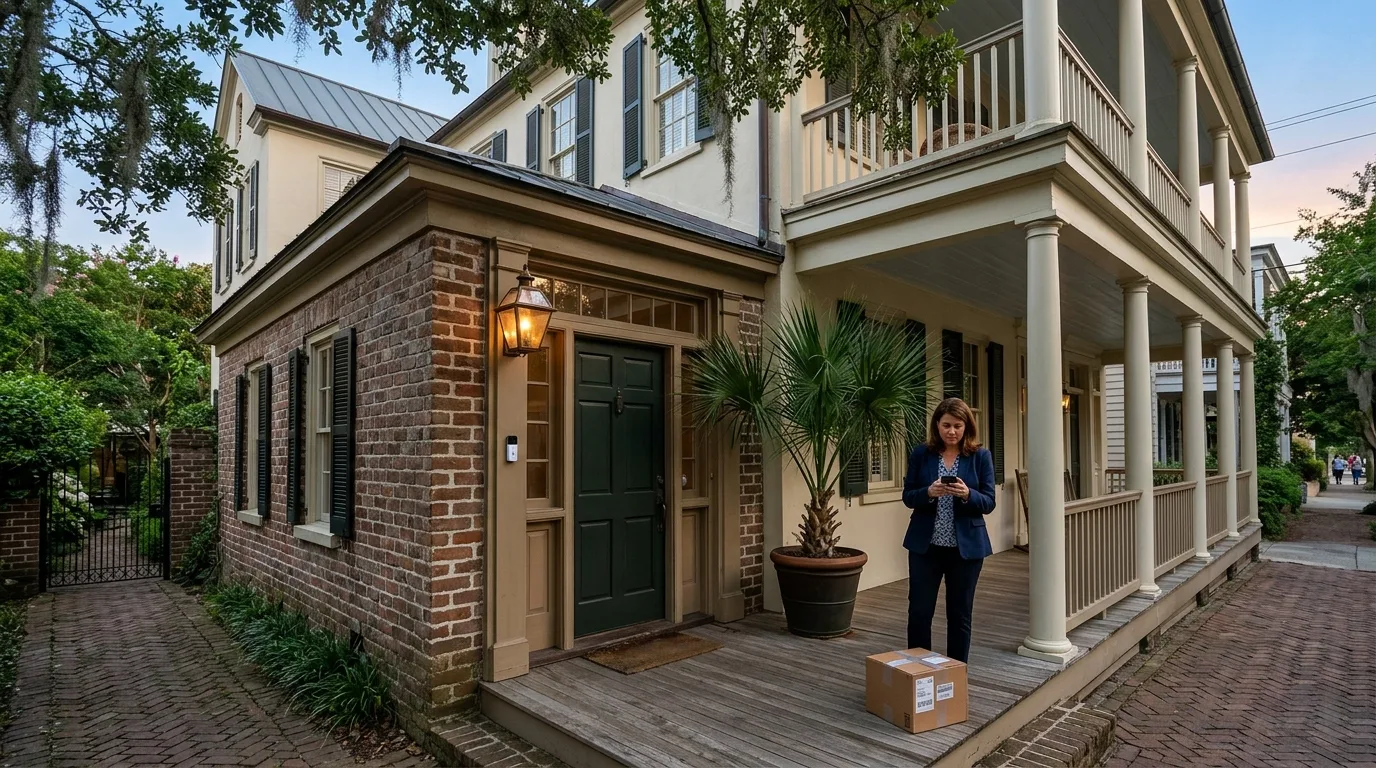



Ring events trigger Control4 programming, push notifications send snapshots and ViewPorts put doorbell views on televisions.
Dashboards report ring events, package camera views and doorbell screen message changes.
Programming reacts to line crosses, recognized vehicles, known faces or animals entering a camera zone.
People and vehicle detections become sensors for automations that send phone notifications with camera thumbnails.
Package detections from doorbells start Control4 programming, sending push notifications with camera snapshots to mobile devices.
Package events trigger notifications and integrations display the package camera feed directly.
Camera view buttons such as Unlock Door or Open Garage trigger actions directly from surveillance screens.
Access integrations grant entry, displaying unlocking methods such as PIN, NFC or face.
Entry sensors report open or closed states to automation programming for security routines.
Dashboards update door open or closed sensors as the Access controller pushes state changes over the local network.
Protect entry sensors feed Control4 programming, while SIP calls from Access doorbells allow touchscreens to unlock doors.
Lockdown switches secure every managed door simultaneously through local controller rules.
Separate networks keep automation traffic away from guest wireless usage automatically.
Automations turn wireless networks on or off and track connected phones as presence.
Relays open garage doors directly from camera views on phones or tablets.
Dashboards provide open buttons alongside gate camera feeds and access control events.
UniFi links to automation controllers
CloudCentric prepares cameras, gates, networking and door access. Control4 or Home Assistant handles lighting, audio, shades and climate, fetching surveillance video and door events locally.
UniFi
- Network
- Wi-Fi
- Cameras and recorder
- Doors and gates
- Phones
Control4
- Lighting
- Shades
- Audio
- Home theater
- Climate
CinDev provides the UniFi Protect driver for Control4, connecting cameras and doorbells on the local network while a DriverCentral license activates it.
Official Protect, Access and Network integrations connect to the UniFi console on the local network with an API key or token and a local user.
Preparing credentials for automation systems
Technicians build networks and issue credentials. Integrators or homeowners then link automation platforms to surveillance and doors.

Questions about UniFi and automation systems
- Does UniFi work with an existing Control4 system?
Integrators add the UniFi Protect driver for Control4 to existing setups. Camera views, sensor events and doorbell rings appear on current touchscreens and applications.
- Does UniFi replace Control4 or Home Assistant?
Automation systems run lighting, audio, shades and climate. UniFi handles surveillance, gates, door access and networking, passing video and entry events to automation controllers.
- Does Home Assistant need the internet or a cloud login to run UniFi?
Official integrations communicate with the console directly over the local network. Connection requires a local user and an API token, as Ubiquiti cloud logins are not used.
- What does a UniFi Access door do under Home Assistant or Control4?
Each door gets an unlock button, an open or closed sensor, a doorbell ring event and an access event naming the person and method such as NFC, PIN or face. Control4 receives doorbell calls over SIP.
- Who sets up the UniFi side and who programs the automation?
CloudCentric installs cameras, access hardware and local networks, handing over local credentials. Integrators or homeowners program lighting, notifications and scenes on automation systems.
Connect cameras to automation systems
Book a walkthrough to review networking, surveillance and entry access for large coastal homes.