
Business phone systems
Microsoft Teams Phone for Charleston businesses
Calls ring on desk phones, computers and mobiles, set up and numbers moved by CloudCentric across the coast from Charleston to Savannah.
Call routing examples for local offices
Choose your business type to see examples of how incoming calls are handled. Callers reach your staff through auto attendant menus, call queues and direct extensions.
Connection plan
Included calling features
Incoming call path
Microsoft Teams Admin Center and calling screens
Real Microsoft Teams screens show calling for staff, alongside phone numbers and call queues for administrators.
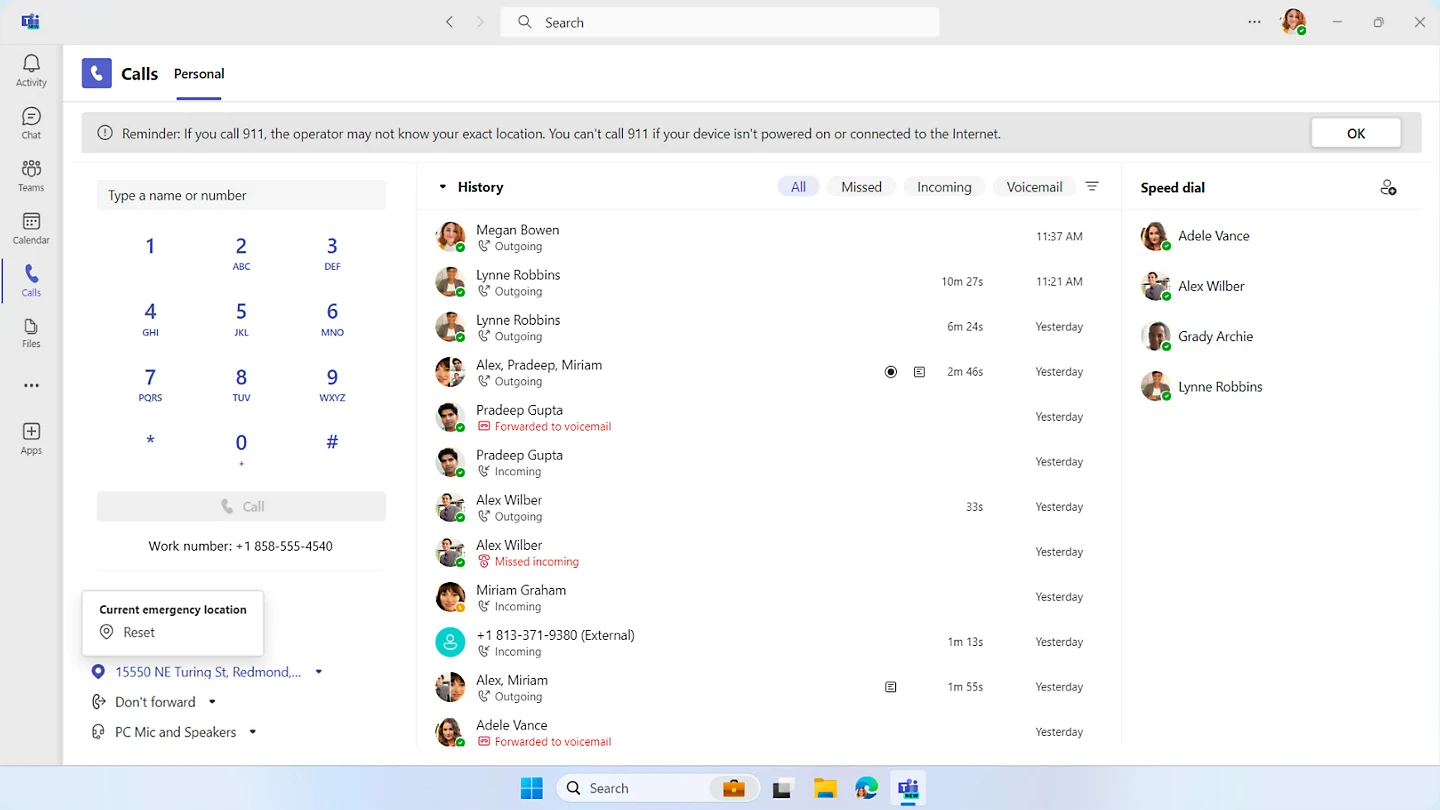
Dial pad, work number, emergency location, speed dials and call history filtered by missed, incoming and voicemail.
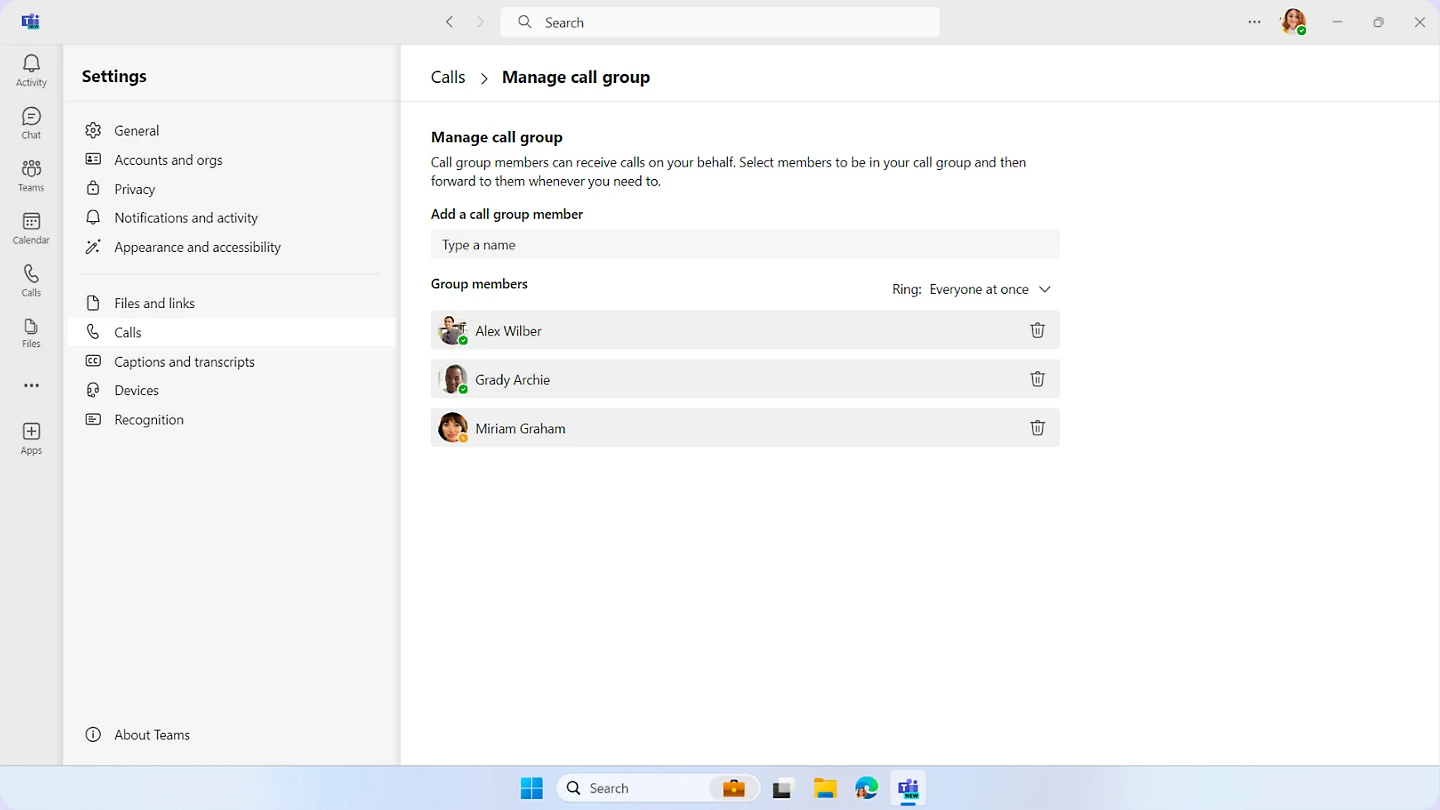
Manage call group page showing members added and set to ring everyone at once to answer on another person's behalf.
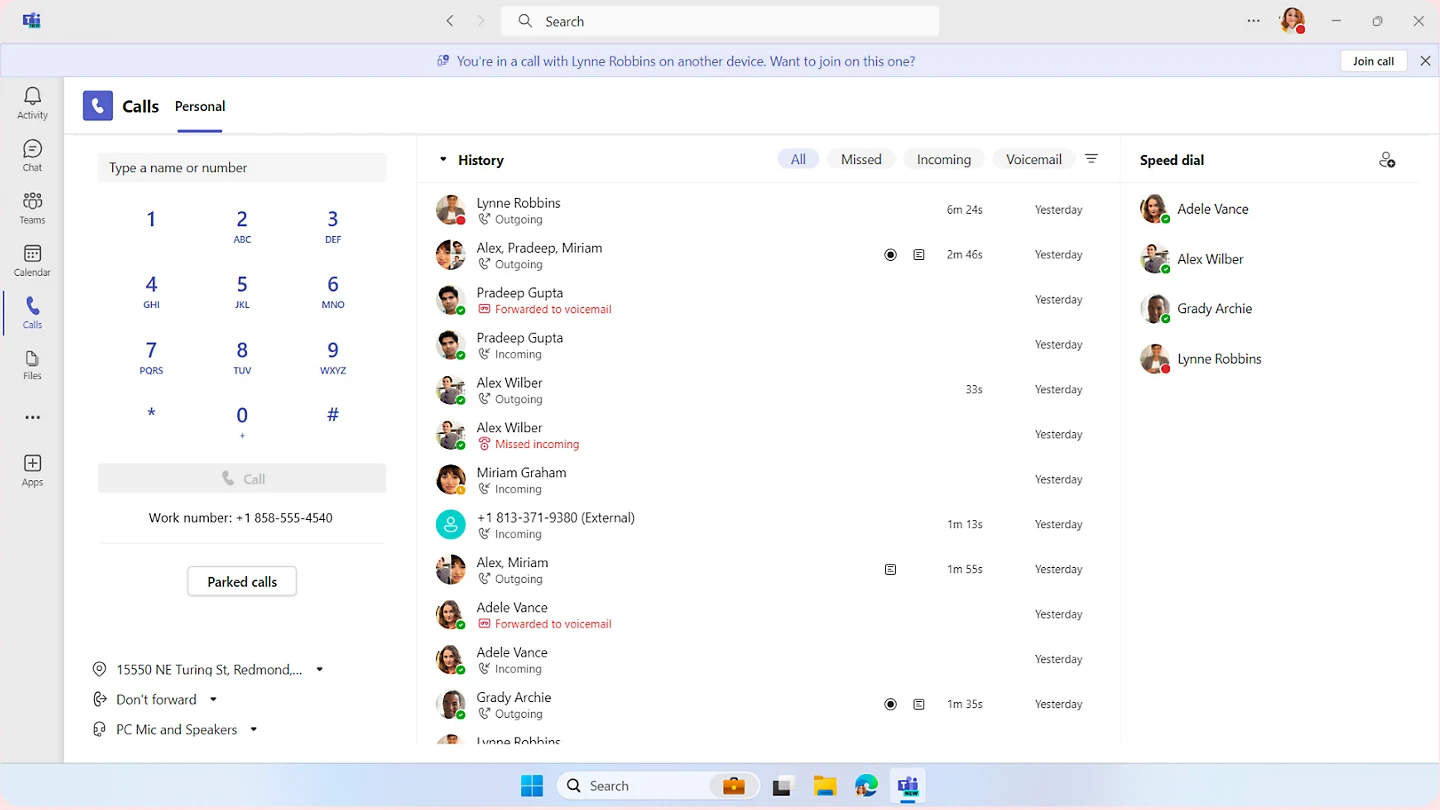
Banner offering to join an active call currently in progress on another device, alongside a parked calls button.
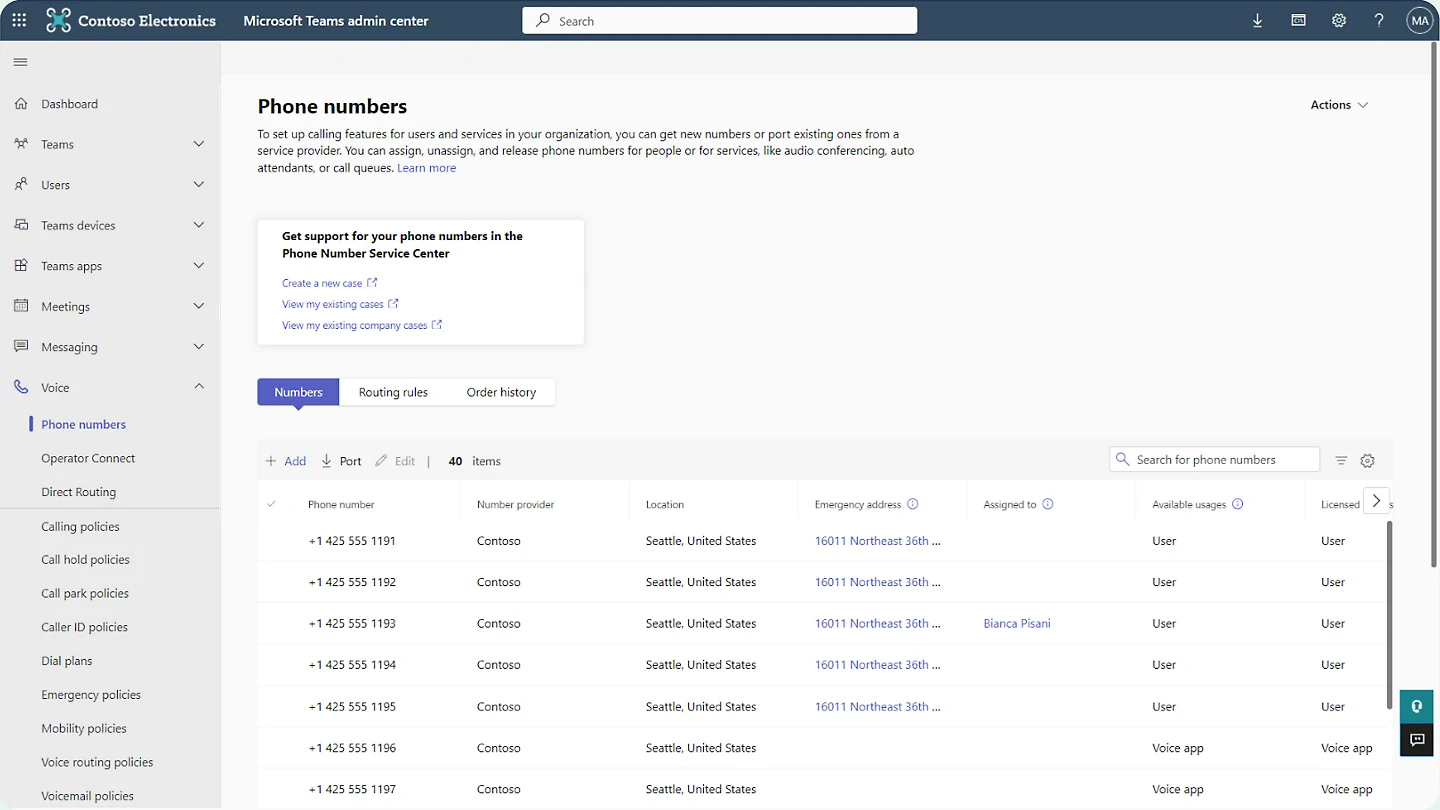
Phone numbers page displaying providers, locations, emergency addresses and assigned users for each business line.
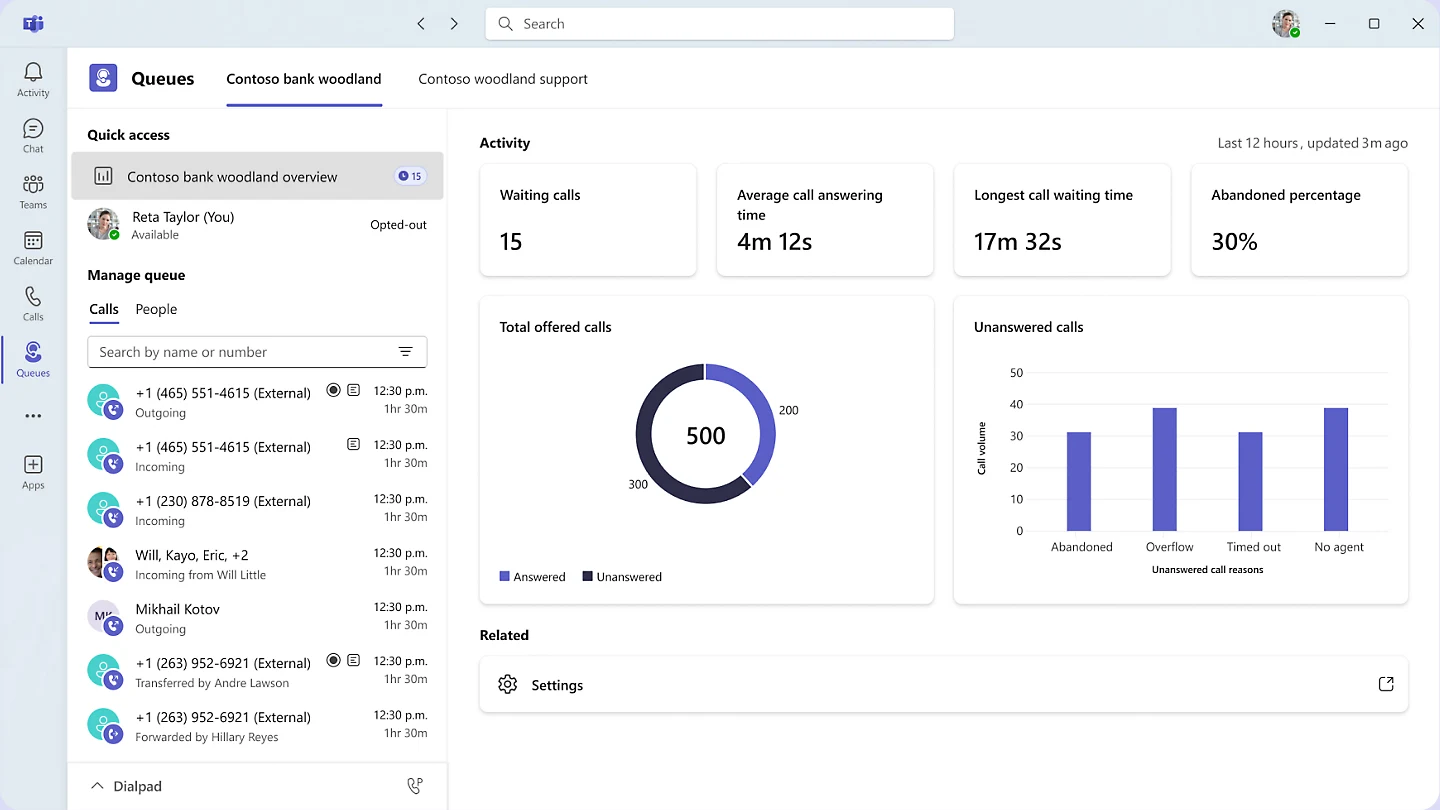
Waiting calls, average answering time, longest waiting time, abandoned percentage and a total offered calls chart.
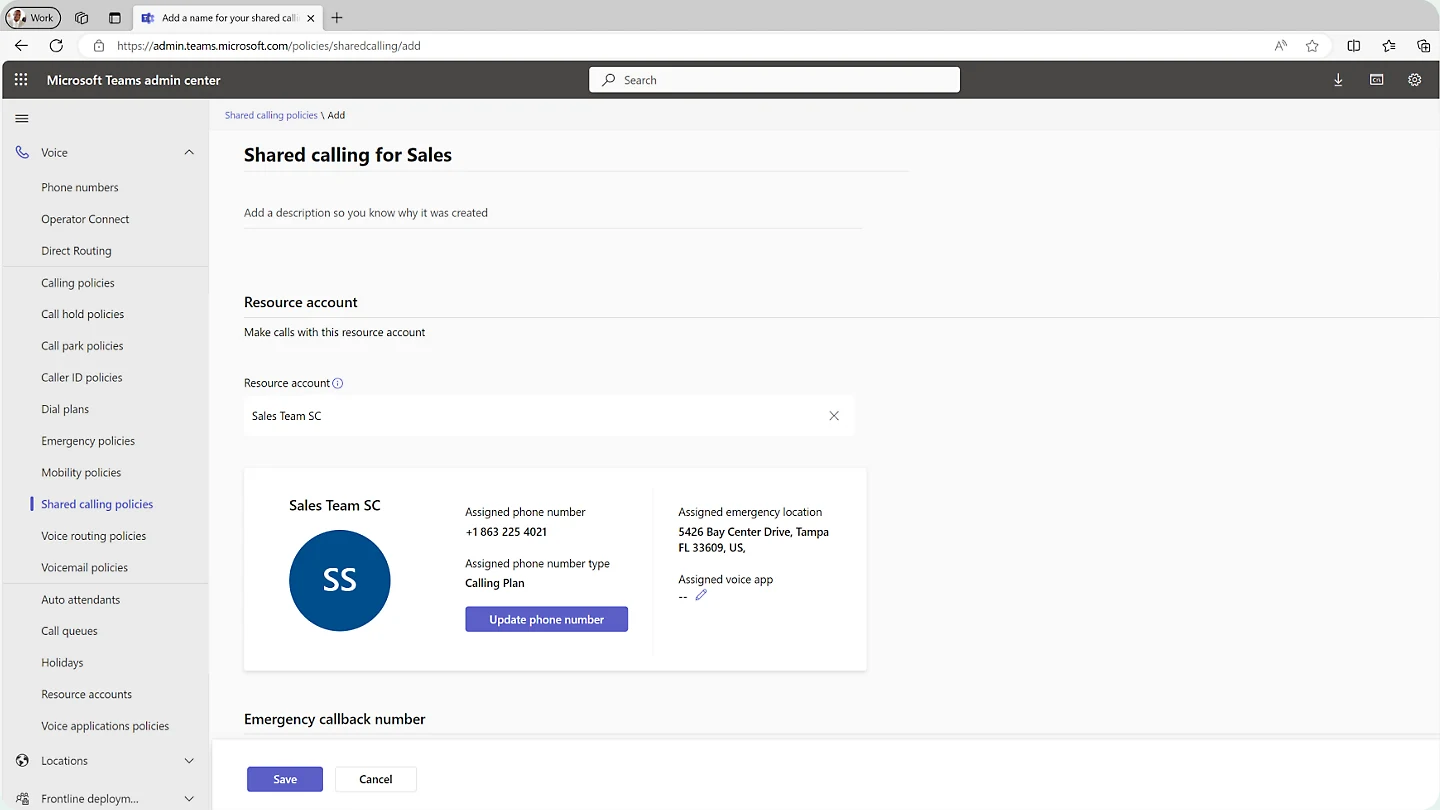
Shared calling policies showing a resource account given an assigned phone number of type Calling Plan and an emergency location.
Screenshots provided by Microsoft, shown cropped for detail. Microsoft Teams Phone
Microsoft Teams Phone plans
Four subscription options cover every staff member. Our local team reviews your current setup and pairs each person with a tier matching their daily calling needs.
$10 per user a month, paid yearly
Connects calls over internet connections for staff using an external carrier.
- Make and receive calls
- Transfer between devices
- Voicemail and caller ID
$13 per user a month, paid yearly
Gives a user a phone number with metered outbound calling minutes.
- Teams Phone Standard
- Assigned phone number
- Metered outbound minutes
$17 per user a month, paid yearly
Connects through Microsoft as the carrier with 3,000 outbound domestic minutes.
- Teams Phone Standard
- Assigned phone number
- 3,000 outbound domestic minutes
$34 per user a month, paid yearly
Connects through Microsoft with domestic or international outbound calling minutes.
- 3,000 outbound domestic calling minutes
- Or 600 outbound international calling minutes
- Assigned phone number
Microsoft published prices checked November 1, 2026. CloudCentric installation quoted separately. Microsoft price list
Teams calling plans and outside connections
Microsoft offers multiple paths to connect your system to the outside world. We guide you toward the right underlying connection for your office, existing contracts and technical setup.
Microsoft serves as the phone carrier, providing the numbers, public network access and emergency call screening directly.
Calls route through a certified third-party carrier, switched on easily from the admin center.
Connects any carrier through specialized network routing equipment run by the customer, an integrator or a provider.
Makes a user's mobile SIM number their Teams number, without supporting auto attendant, call queue or audio conferencing numbers.
Different offices or people can use different connection options in the same Teams setup.
Teams desk phones and hardware
Desk handsets take power and data from existing network cables, managed in bulk from the Microsoft Teams admin center and Yealink Management Cloud Service.
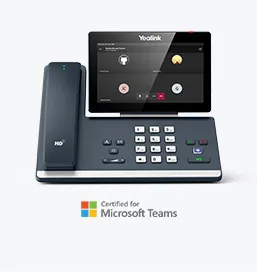
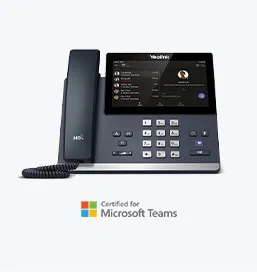
Yealink MP58-WH E2
Executive desk
Premium model featuring a 7-inch adjustable touch screen and a wireless Bluetooth handset with a 10-meter range for professionals.
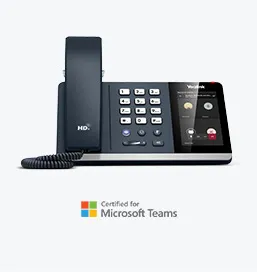
Yealink MP56 E2
Front desk and office
Standard model featuring a 7-inch touch screen, dedicated Teams button, Bluetooth, Wi-Fi and support for up to three expansion modules.
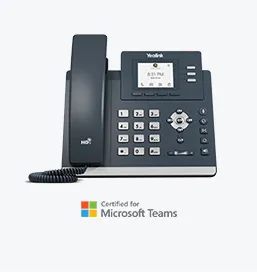
Yealink MP54 E2
General office
Entry-level model with a 4-inch touch screen, dedicated Teams button, Bluetooth, Wi-Fi and dual-port gigabit Ethernet.
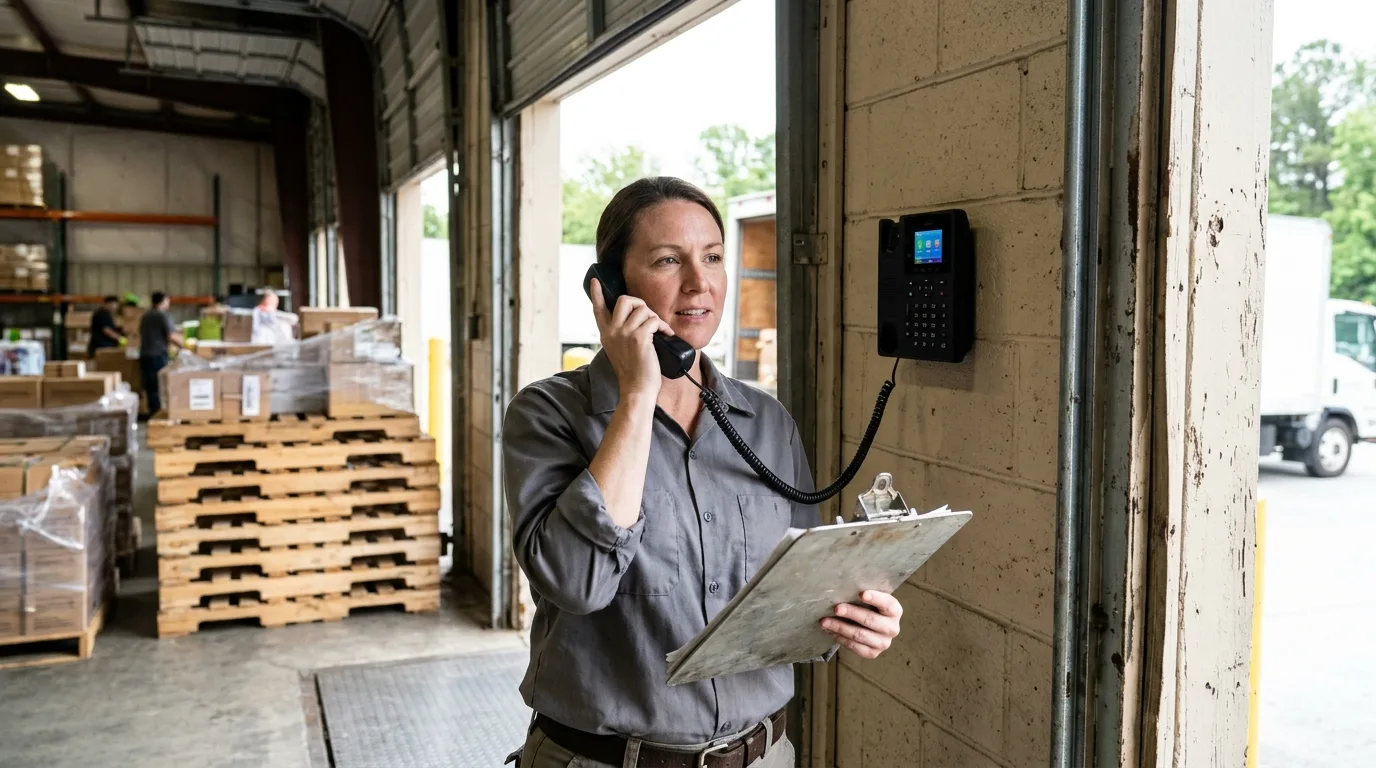
Yealink MP52 E2
Corridors, warehouses and lobbies
Features a 2.4-inch color screen and line keys supporting common area accounts, auto attendants and call park.
Two supported office phone systems
CloudCentric installs both Microsoft software and UniFi hardware as equal options for local businesses. Both systems can run together with one directory and one main number.
Teams Phone
Monthly per-user cost delivering office calling with no phone system hardware to buy on site.
Compare business phone systemsUniFi phone system
Lower monthly cost per number with a console bought up front.
Replacing legacy office landlinesHandsets sit at a counter or in a warehouse while everyone else uses software.
Moving Teams phone numbers and installation
Upgrading your communication tools follows a structured path. Our technicians handle porting, system configuration and hardware placement to keep your daily operations running smoothly.
- 1
Current phone bill check
Carrier details, numbers in use and contract terms are verified before any switch begins.
- 2
Call flow agreement
Routing rules for lunchtimes, after-hours schedules and first rings are mapped out and confirmed.
- 3
Scheduled number porting
Numbers port from the current carrier onto the chosen route on a booked date. Old lines keep working until completion.
- 4
Hardware installation and sign-in
Extensions come from the existing staff list. Fax machines and analog devices move to an analog telephone adapter.
Questions asked by local businesses
- Do we need a Microsoft 365 plan first?
Calling inside the company works on most Microsoft 365 plans. The phone license adds calls to outside numbers, and a separate Microsoft Teams license is required with every Teams Phone plan.
- What does it cost per person?
Published Microsoft prices are billed per user per month on an annual subscription. See the plans section above for current tier costs. CloudCentric installation is quoted separately.
- Can we keep our current phone numbers?
Numbers port from the current carrier onto your chosen connection route on a booked date. Old lines keep working normally until the port completes.
- Which desk phones work with the system?
Calls can be made from Teams-certified desk phones, meeting room devices and the Teams app on computers and mobiles. Yealink models handle everything from executive desks to warehouse walls.
- What happens to calls if our internet goes down?
Both phone systems need the internet connection to function. A second internet path requires separate equipment to keep calls routing properly during outages.
- How does emergency calling know where a person is?
Each user gets a validated emergency address. Dynamic emergency calling routes calls and notifies security based on where the client is at the time of the call.
- Where does CloudCentric install and support these systems?
CloudCentric is a managed IT provider in Mount Pleasant, South Carolina, serving businesses across Charleston, the Lowcountry and Savannah.
Ready for clear office communication?
Call our Mount Pleasant team to discuss your current setup and plan a transition to modern calling.