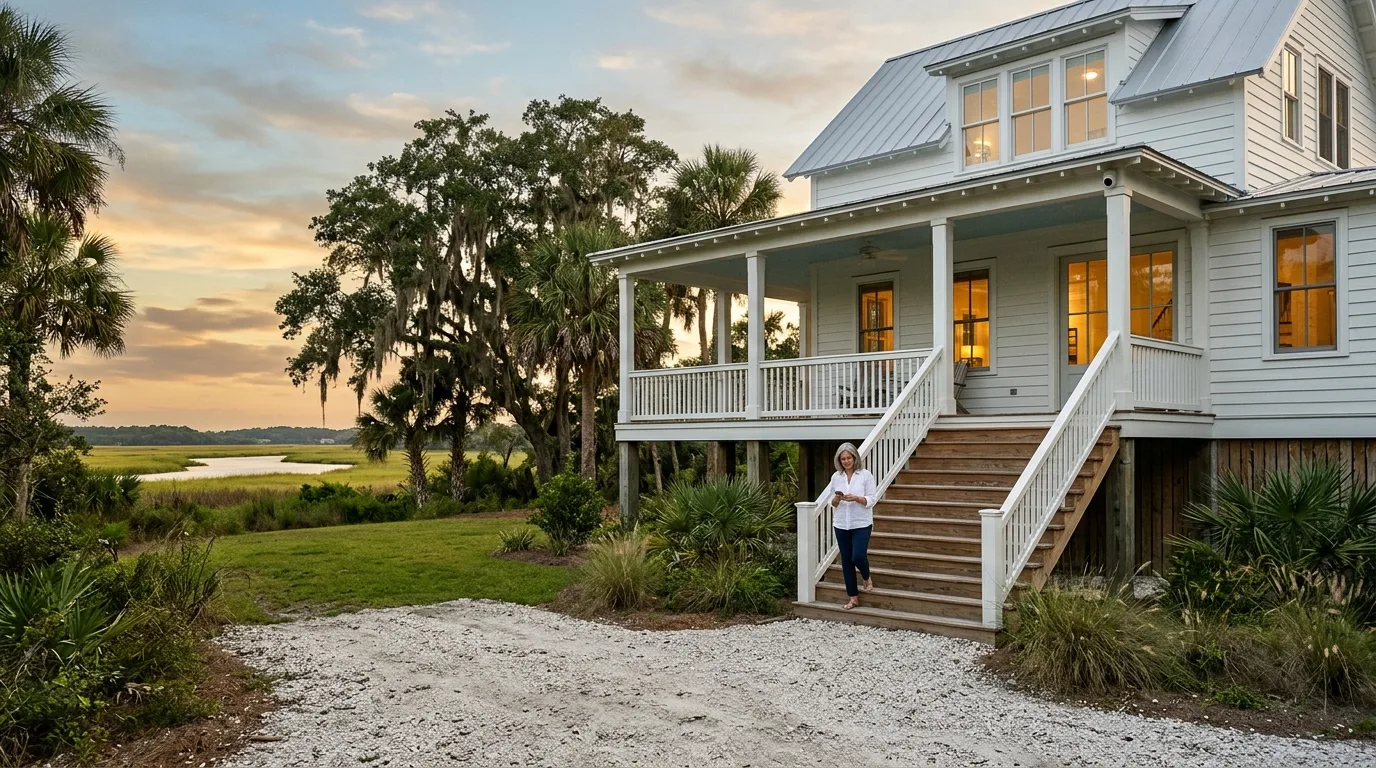
Lowcountry home installations
Hidden home security cameras for Lowcountry houses
Mount Pleasant technicians install compact cameras in planned positions, record footage locally, and provide live video on your phone.
Hidden home security cameras for every kind of house
Every Lowcountry house handles cabling differently. Select your home style below to see camera options, mounting places, and wiring methods for your property.
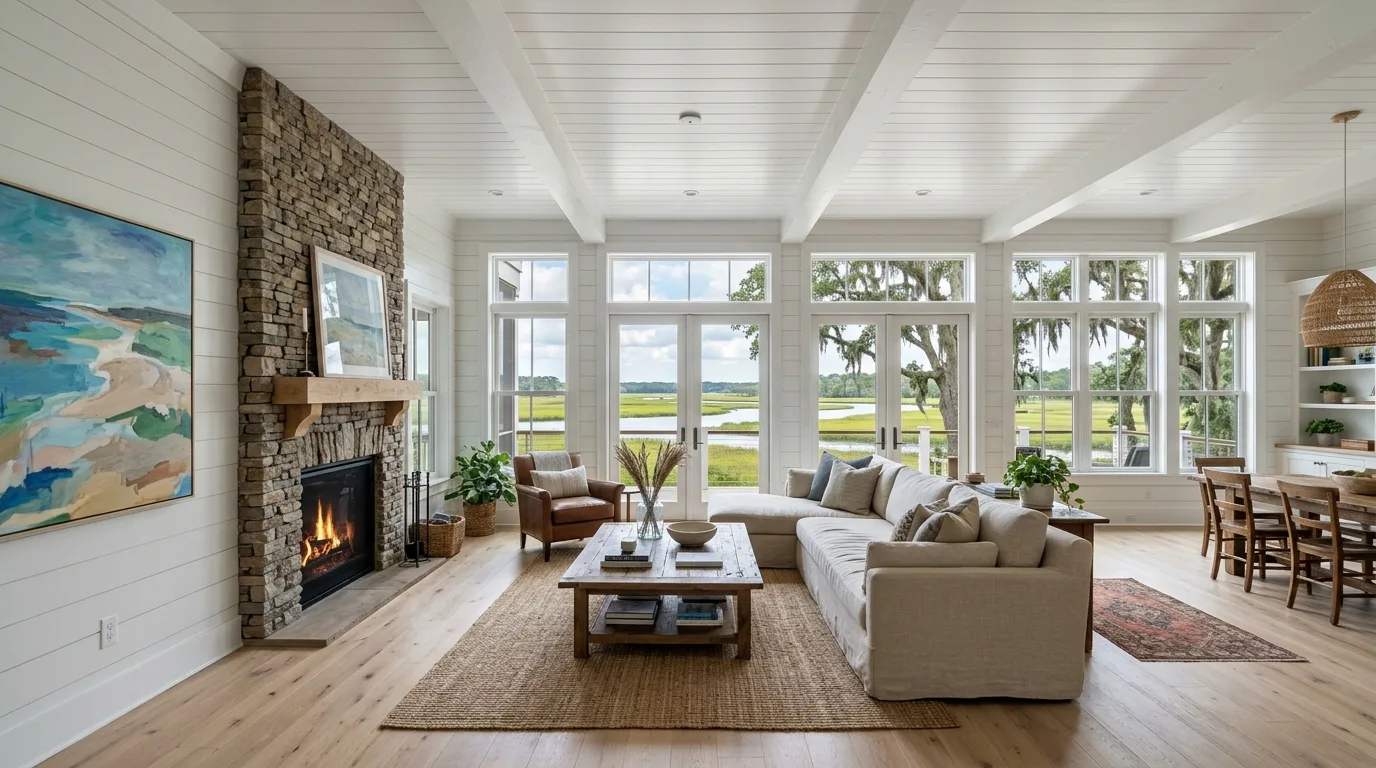
Carefully decorated homes get small flush ceiling lenses indoors and compact porch cameras outside, using attics and crawlspaces to reach room positions.
See true-size drawings of flush ceiling lenses and compact hubs further down this page.
View finished home setups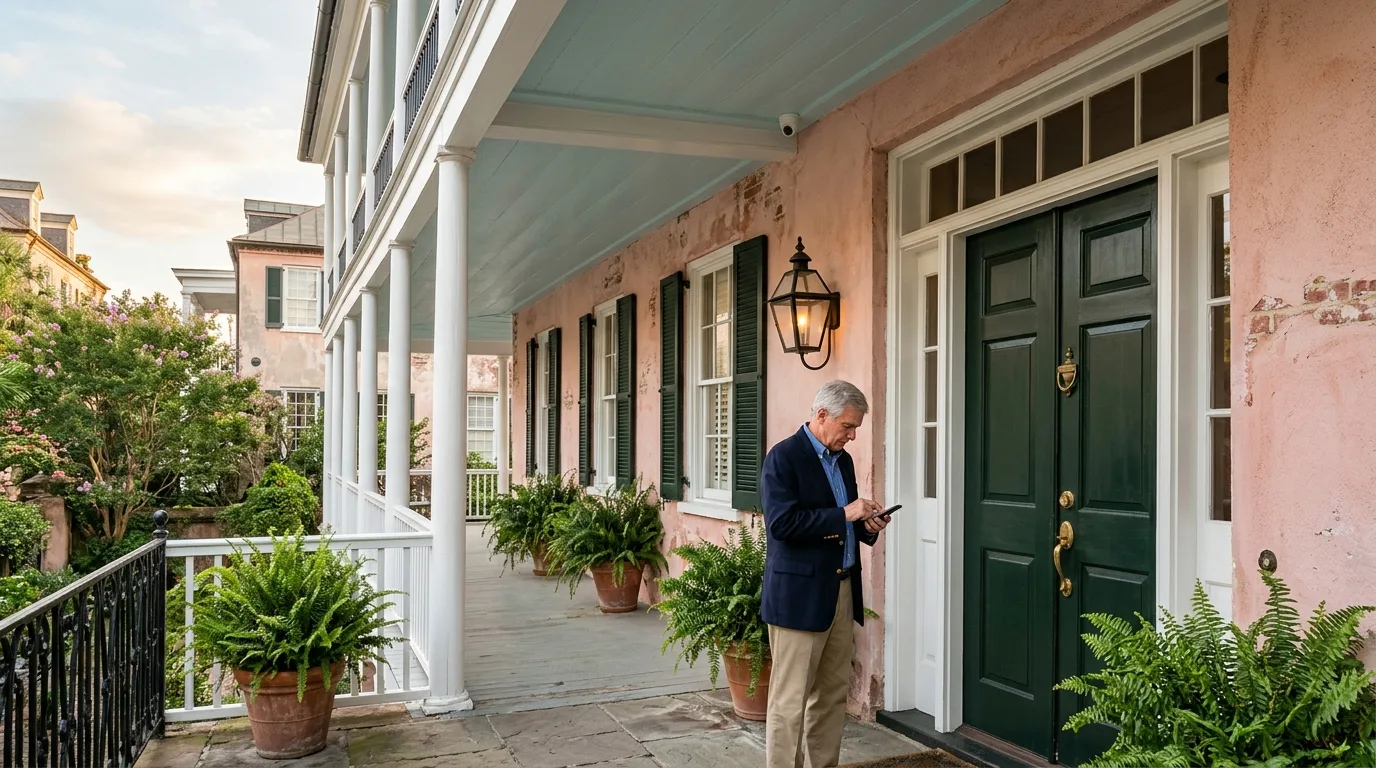
Historic plaster, brick, and tabby walls remain untouched by using compact Wi-Fi cameras plugged into standard wall outlets.
Privacy zones black out neighboring windows directly inside camera settings.
View historic home optionsVacation homes and beach properties receive discreet outdoor coverage reachable from anywhere via phone apps without monthly subscriptions.
Notification rules send customized push alerts to each user based on camera triggers.
View second home setups
New construction projects allow network cabling to run behind framing before insulation and drywall cover walls.
Camera locations get marked directly on floor plans before cable pulling begins.
View custom build options
Vacation rental properties receive exterior-only cameras, keeping indoor spaces completely private while documenting property access points.
Explore full listing guidelines on our dedicated vacation rental page.
View rental property setupsA concealed security camera in plain sight
Lenses measure less than an inch across and set flush against ceiling drywall. Network hubs hide inside nearby closets, keeping your room design clean.
Flush ceiling lens connects by cable to a hub placed out of view above drywall.
Small security cameras for the home, at true size
Lens faceplates sit smaller than a quarter on ceiling surfaces. Compact camera bodies tuck neatly under exterior soffits.
Drawings reflect true scale using published manufacturer hardware dimensions.
Sample interior and exterior camera locations
Installers place hardware under eaves, on pilings, and flush with ceiling drywall to maintain clean lines while covering your property.
Example layout showing sample equipment placement positions.
Zones, timeline and alerts in the app
Local recording software gives you full control over motion sensitivity, notification rules, privacy masks, and event histories.

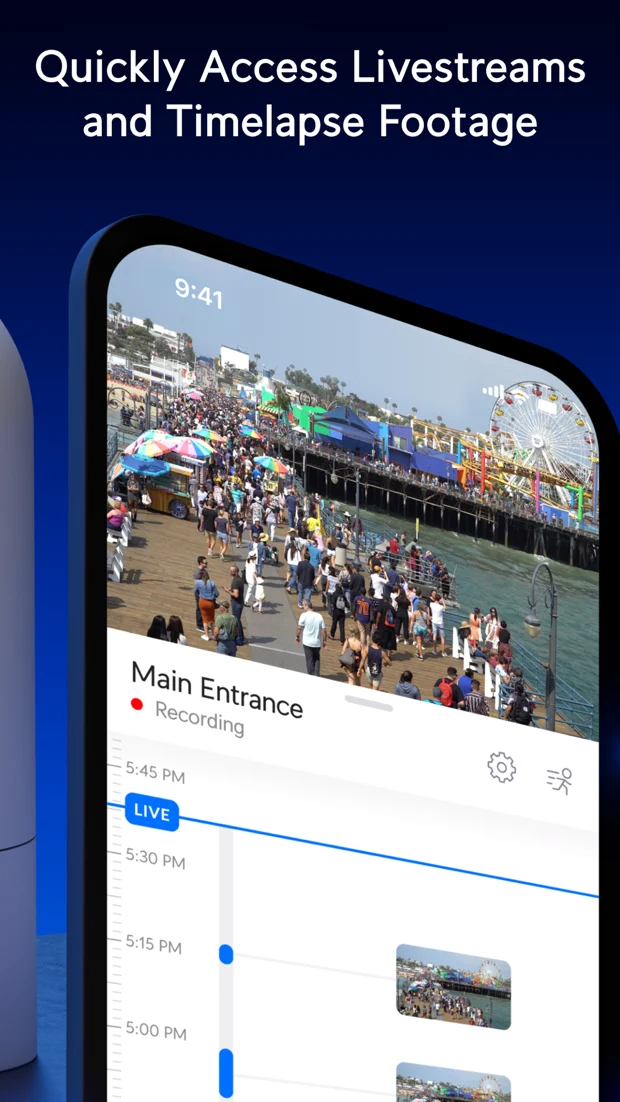
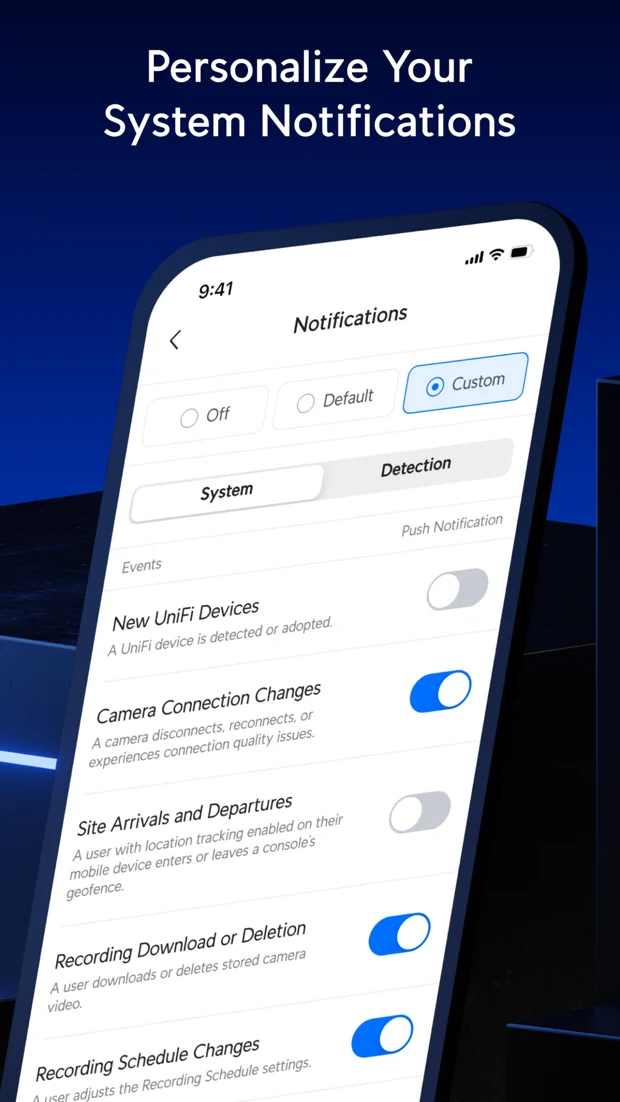
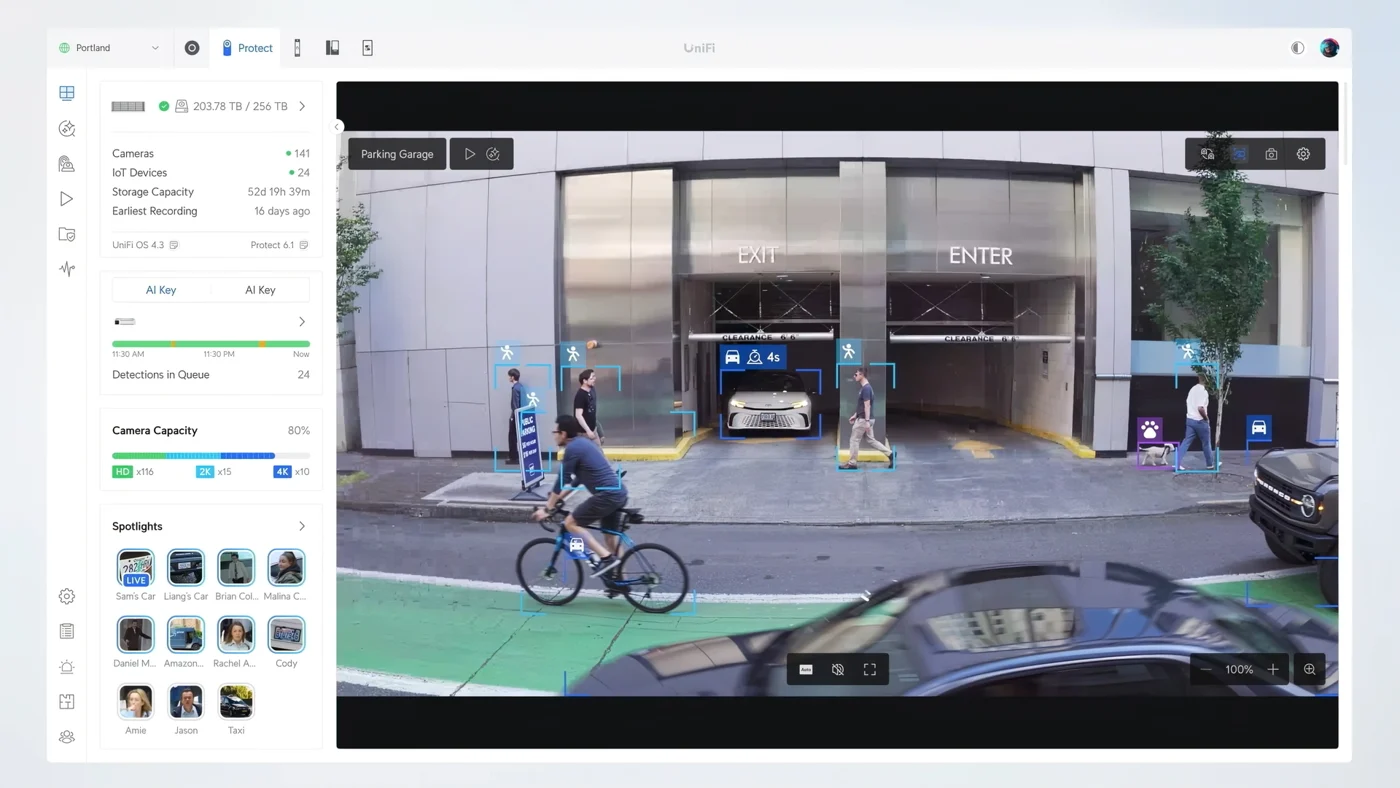
Motion detection zones adjust sensitivity while privacy zones block out sensitive areas.
Recorded events show along a continuous video timeline stored inside your house.
Notification rules send customized push alerts per user based on specific camera triggers.
Software identifies people, vehicles, license plates, and faces to filter footage by detection.
UniFi Protect, screenshots from the app's store listing and the vendor's help pages.

Video doorbell cameras and small cameras
We select compact hardware matching your building structure, wall types, and preferred mounting locations.
Cameras for your own property
Equipment placement stays strictly focused on your private grounds, entrances, and common living areas, protecting your home while respecting privacy standards.
- Doors, drive and porchExterior cameras watch arrival points, driveways, and entryways to track property access.
- Rental listing disclosuresVacation rental equipment remains strictly outdoors, with exact locations documented for guest listings.
- Configured privacy zonesSoftware masking prevents cameras from recording neighbor windows or neighboring grounds.
Four steps to setup
- 1
Site survey
We review sightlines, mounting surfaces, and cabling paths across your property.
- 2
System design
Camera models and installation points get selected to match your home structure.
- 3
Clean installation
Technicians hide cables inside walls or soffits and mount cameras.
- 4
App configuration
We connect your phone app, set up privacy zones, and test local recording.

Frequently asked questions
- How small is the smallest camera?
AI Theta lenses measure 22.8 millimeters across, sitting narrower than a US quarter when mounted flush in ceiling drywall.
- Do historic walls need to be opened?
No. Historic plaster, brick, or tabby walls stay intact by using Wi-Fi cameras powered by standard wall outlets.
- Where may cameras go in a rental?
Vacation rentals get outdoor cameras only, covering entrances, driveways, and parking areas. Interior spaces never receive cameras.
- Can a neighbor's window be kept out of view?
Yes. Software privacy zones black out specified areas of a camera's view, preventing neighbor windows from being recorded.
- Where is footage kept and is there a subscription?
Footage stays on a local recorder inside your home. Video remains under your control without monthly subscription fees.
Discuss your Lowcountry home security project
Call CloudCentric at (844) 422-7000 or schedule an onsite walkthrough for your coastal property.