Physical security systems
Business security systems for coastal Carolina companies
Four integrated systems run from a single application on your phone, giving you control of doors, gates, cameras and alarms with no monthly fee.
Find security setups matching your facility type
Select your facility type to review systems matched to each operation. CloudCentric installs cameras, intrusion alarms, door access and gate entry across the coast.
Tap your facility type
Systems used here
Software running your building
One application handles all four systems. You view cameras, manage door schedules, revoke a lost key fob or unlock gates remotely from your phone, tablet or browser over an encrypted connection.
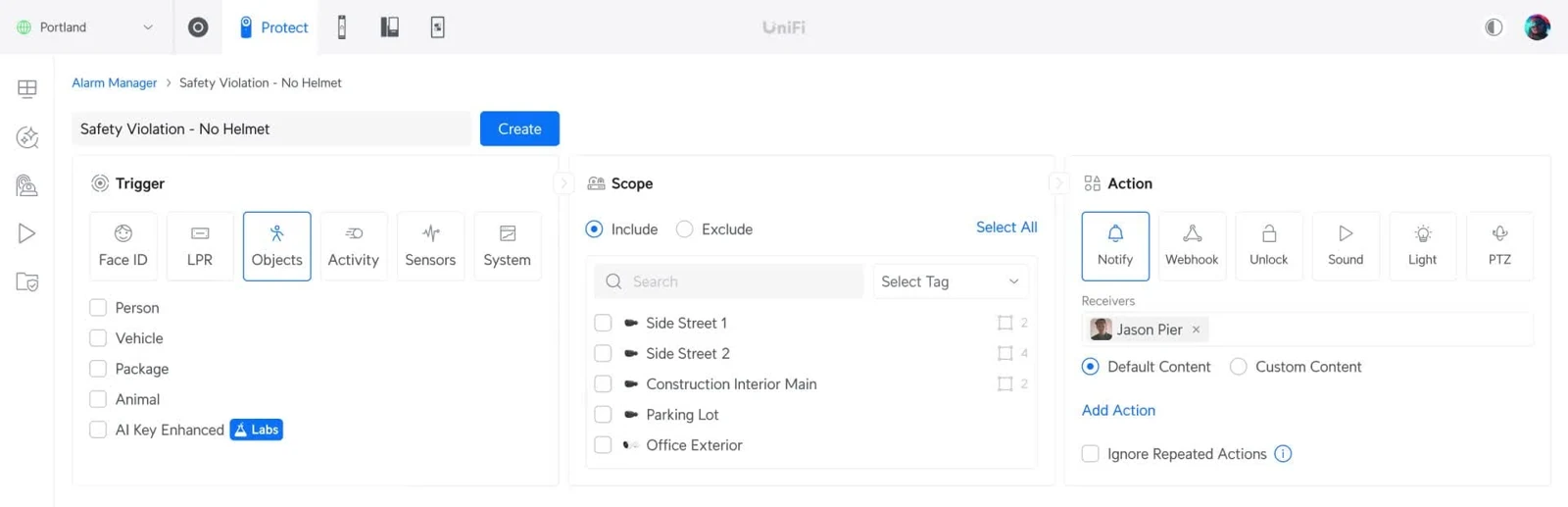
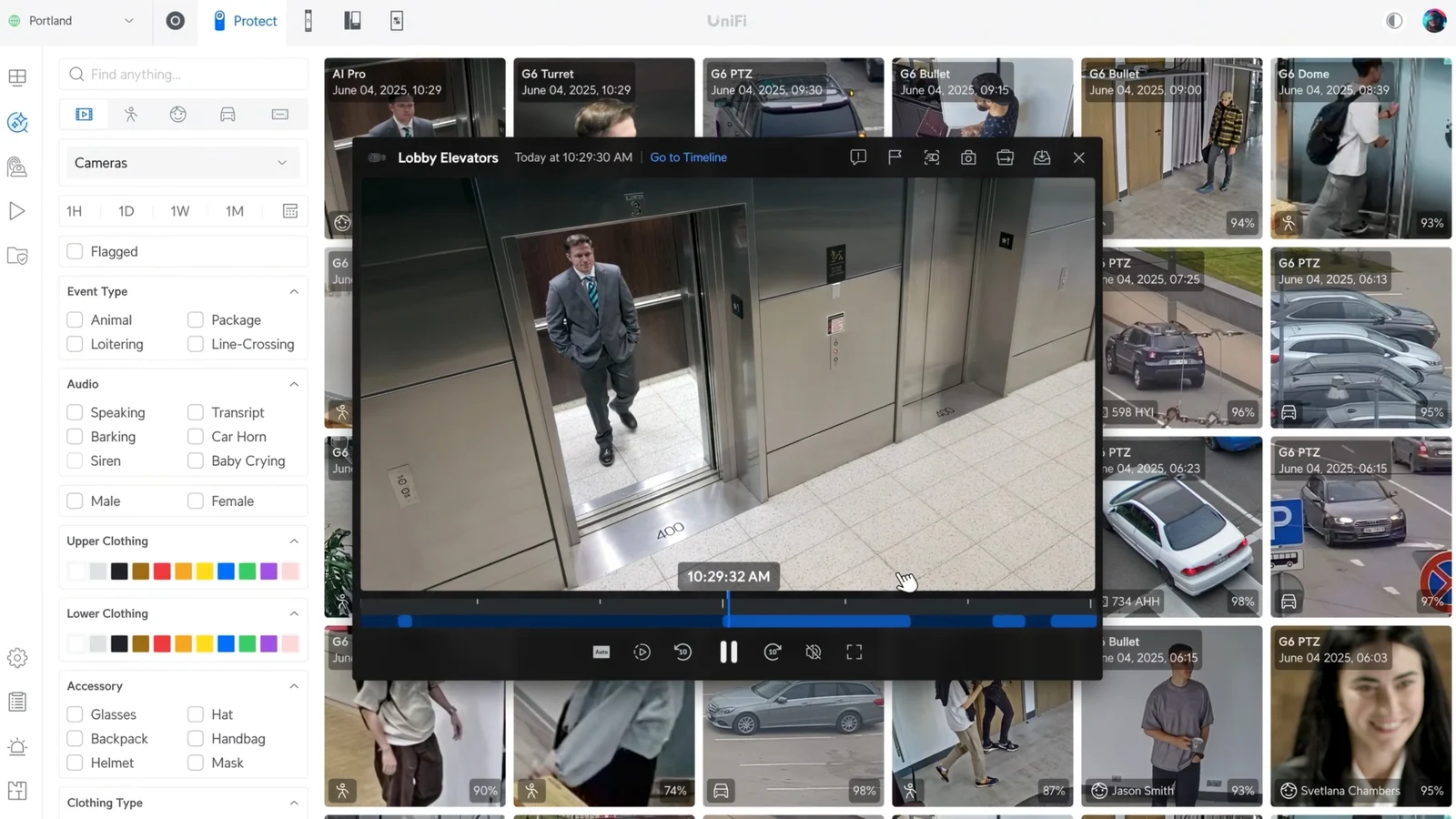
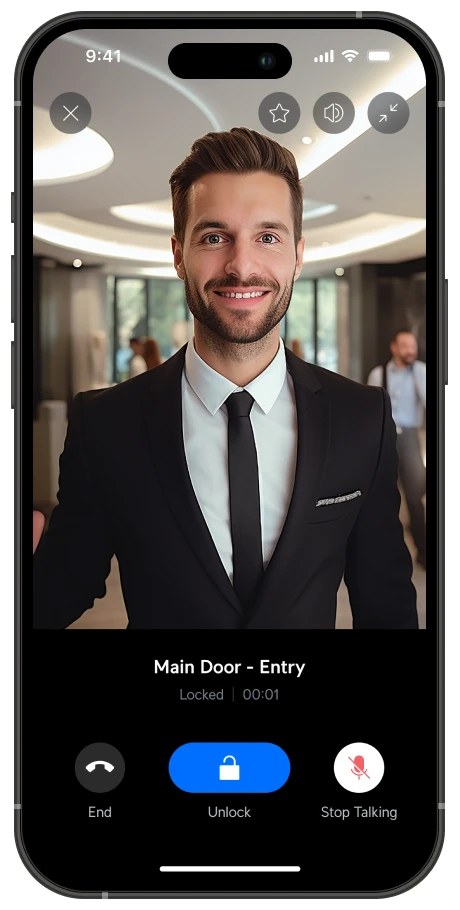
Maker's own application screens
Four systems in one application
Review security cameras, intrusion alarms, door access and gate entry setups. CloudCentric reuses compatible older cabling of Cat5e grade or higher where possible.
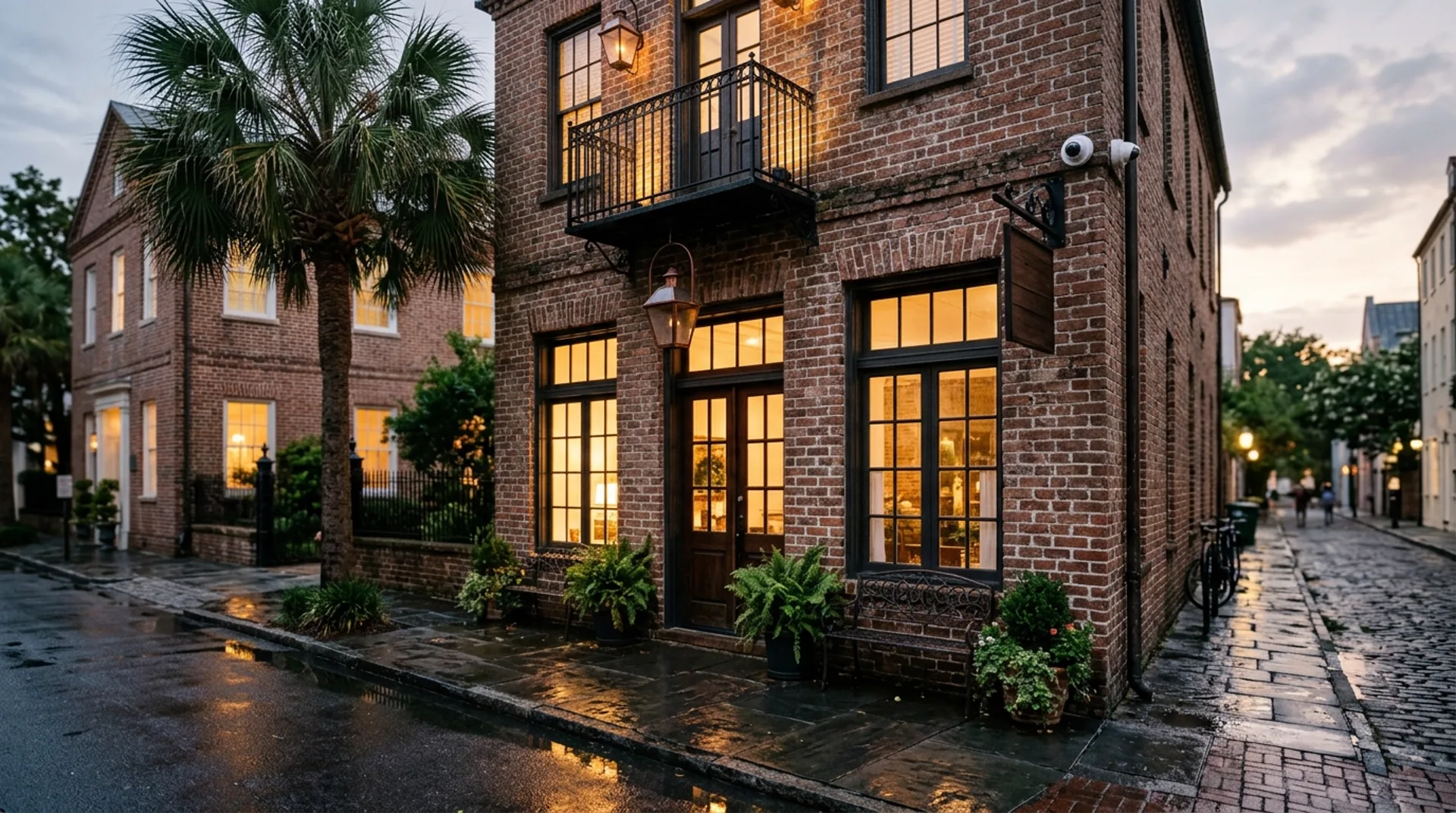
Security cameras
Five camera body types share the same software. Footage writes to an internal recorder, continuing even during an internet drop.
View cameras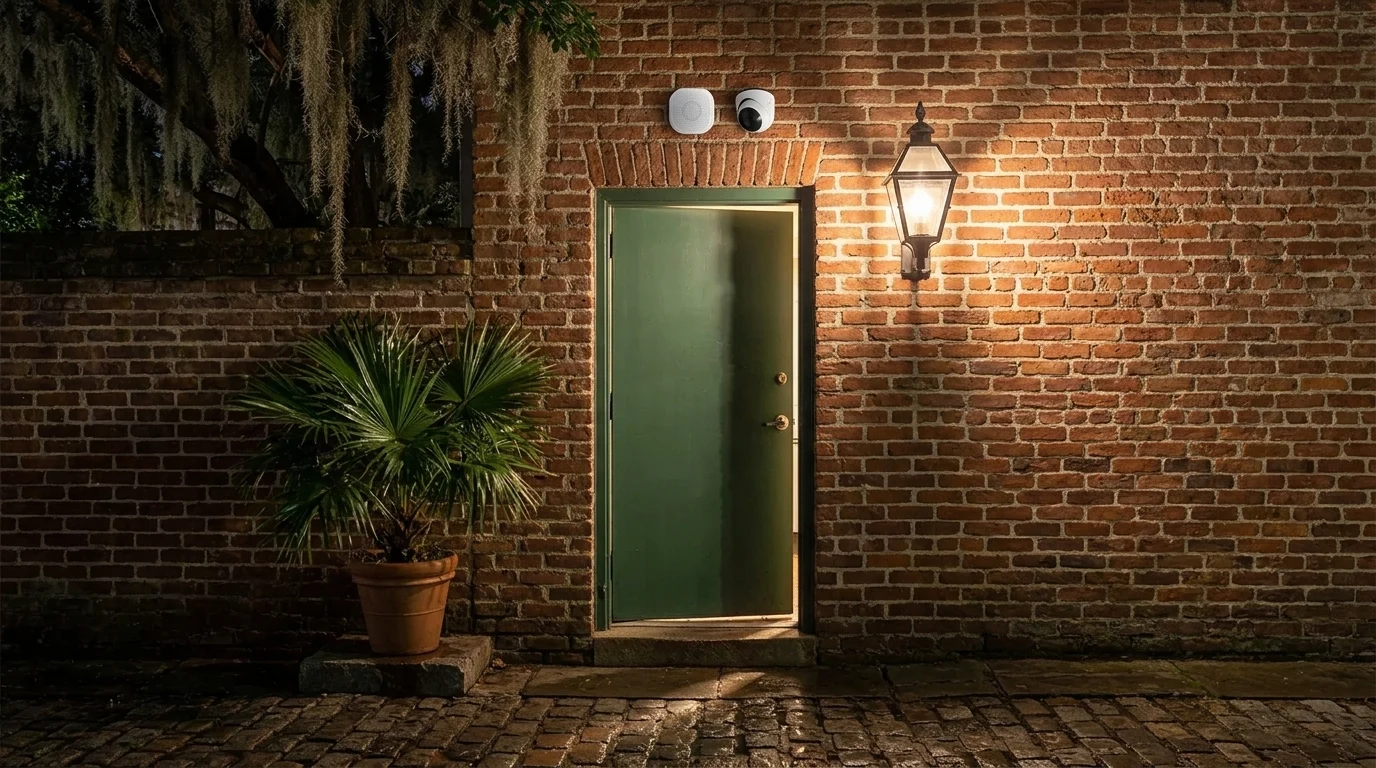
Business alarm system
Alerts go directly to your phone without a central station. Wireless sensors cover doors, windows, glass breaks and leaks.
View alarm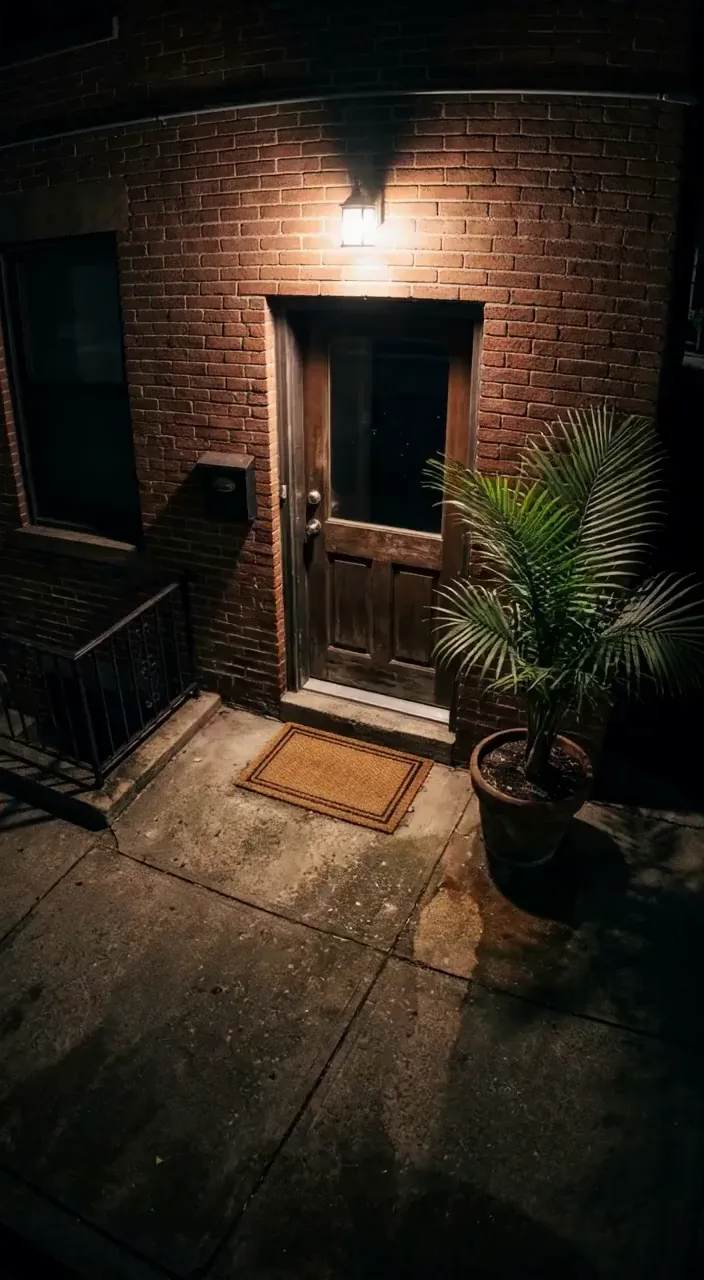
Door entry
Each person receives their own credential limited to chosen doors and hours. Revoking one stops that person everywhere without rekeying.
View door entry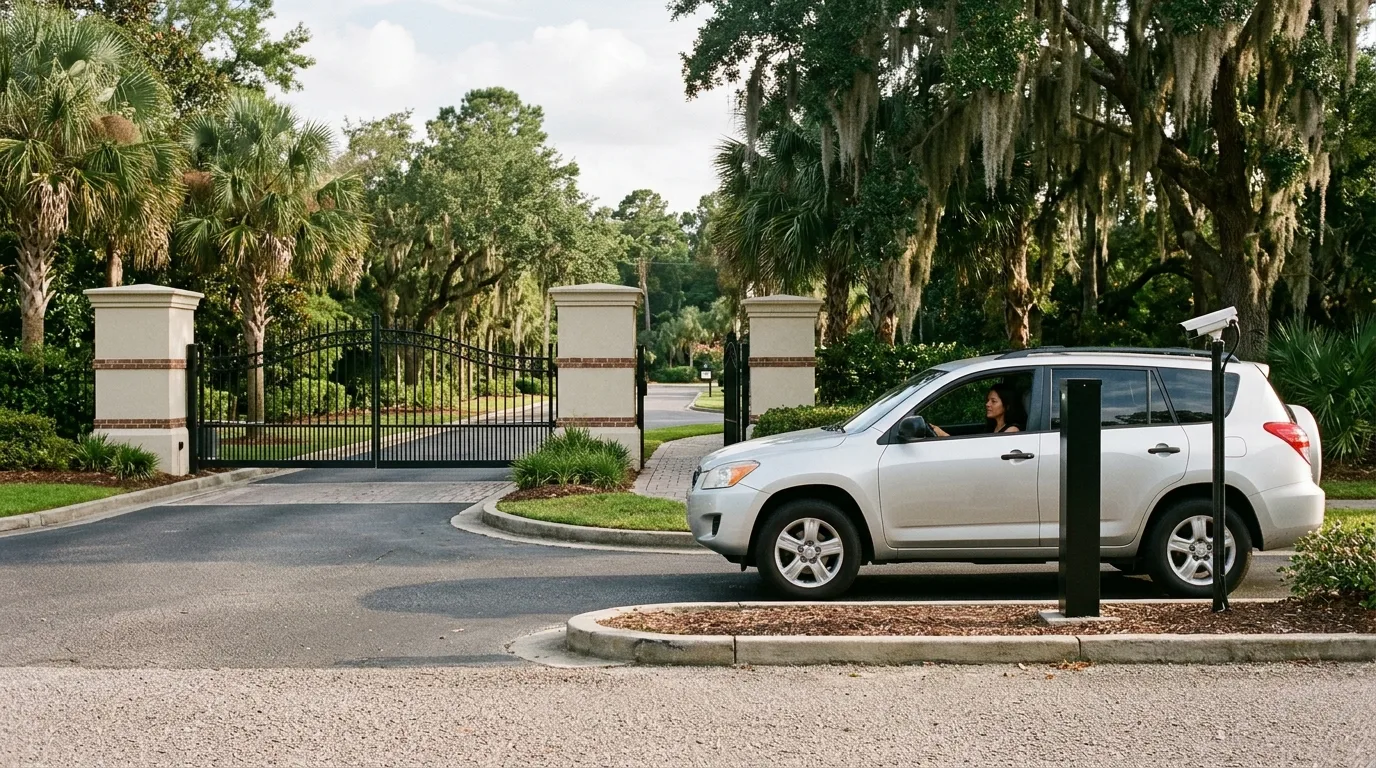
Gate entry
Gate hubs drive sliding, swing, barrier and roll-up gates. Plate-reading cameras open the vehicle gate for listed plates automatically.
View gate entryReplacing call boxes and door keys
Complete list of security pages
Browse all guides and system details for local businesses updating physical security.
- Replacing an Analog Gate Call Box with a UniFi Intercom
- Smart Door Access Control
- Business Alarm Systems in Charleston
- Charleston Business Security Cameras by CloudCentric
- Door Entry and Access Control
- Charleston Gate Entry Installation
- Use Apple or Google Wallet as Your Door Key
- Visitor Management, Check-In Kiosks, and Printed Badges
- Keeping Existing Readers, Wiring, and Cards When Switching Access Systems
- License Plate Gate Access
- Owning License Plate-Reading Cameras
- Door Intercoms That Ring Staff Mobile Phones
- Automated Camera and Speaker Warnings
- Long-Range Battery Sensors for Coolers, Docks, Barns, and Outbuildings
- Building Intercom for Apartments and Condos
- Construction Site Security
- UPS battery backup in Charleston
- Business Internet Backup in Charleston
Installation and setup steps
Every site is surveyed first to review existing alarms, doors, gates and monitoring contracts. Each sensor is tripped and every door tested at handover.
- 1
Site survey and planning
We survey the existing alarm, doors, gate and any monitoring contract, checking what is wired and what your lease asks for.
- 2
Installation and pairing
Wireless equipment is placed around the property and paired to a gateway. One gateway supports up to ninety-six sensors reaching up to two kilometers in line of sight.
- 3
Testing and validation
Each sensor is tripped and each door and gate tested at handover. Every unlock and refused attempt logs the person, door and time.
- 4
Handover and setup
Chosen staff are set up to receive alerts on their phones. Door access gives each person their own credential limited to chosen doors and hours.
Common questions
- Is there a monthly fee for a system?
Camera applications carry no license fee at any camera count, and alarms add no monthly fee.
- Is an alarm monitored by a central station?
Self-monitored alarms send alerts directly to owners and chosen staff on their phones. Businesses needing a UL central-station certificate keep a listed alarm company for that requirement.
- Can my old alarm wiring be reused?
Steel wall panels take thirty-two wired alarm inputs. Wired contacts and motion detectors of an old burglar alarm can often be reused, which we confirm per building at our survey.
- What happens when internet connections drop?
Footage writes to a recorder inside your building, continuing recording normally. Door controllers hold credential lists locally, keeping your schedules active during an outage.
- Are fire alarms part of a package?
Fire alarms stay on a listed fire alarm system. Fire panels can be wired to a door hub so evacuation alarms unlock doors.
- Where does CloudCentric work?
CloudCentric serves businesses across the coast from Charleston to Savannah, including Mount Pleasant, North Charleston, Summerville, Beaufort, Bluffton and Hilton Head.
Ready to update your building
Book a walkthrough to review your doors, gates and alarm wiring with our team.