New employee accounts
CloudCentric adds accounts and assigns licenses with Gmail and Calendar turned on.
Google Workspace support
CloudCentric sets up your accounts, moves mail and files, administers the settings and runs a help desk for businesses from Charleston to Savannah.
CloudCentric configures accounts, handles mail imports and manages licenses for companies needing professional email and shared files.
Typical request
Typical requests

Google Workspace setup
CloudCentric configures a new domain, creates accounts for everyone and puts security rules in place on day one.
Gmail on a business plan uses professional email addresses at your own domain.
CloudCentric adds users and assigns a Google Workspace license with Gmail and Calendar turned on for each person.
Administrators can require 2-Step Verification for chosen groups, restricted to security keys or passkeys where wanted.
CloudCentric sets up SPF, DKIM and DMARC on your domain, required by Google for anyone sending more than 5,000 messages a day to Gmail.
Google provides data import tools to copy email, calendars and files from old servers into Google Workspace. Migration progress is tracked with reports.
Select a source
Items copied
Items left behind
Workspace domains must be verified, and each user needs an active account with a license.
An administrator connects the import tool by signing in to Microsoft 365 as a Global Administrator.
Administrators map each Exchange Online address to a Workspace address, choose a start date and select optional settings.
Background imports run automatically. A delta import then copies new or updated data and retries failed items.
CloudCentric manages users, devices, apps, access and data in one place. Migration progress is tracked with reports and audit logs.
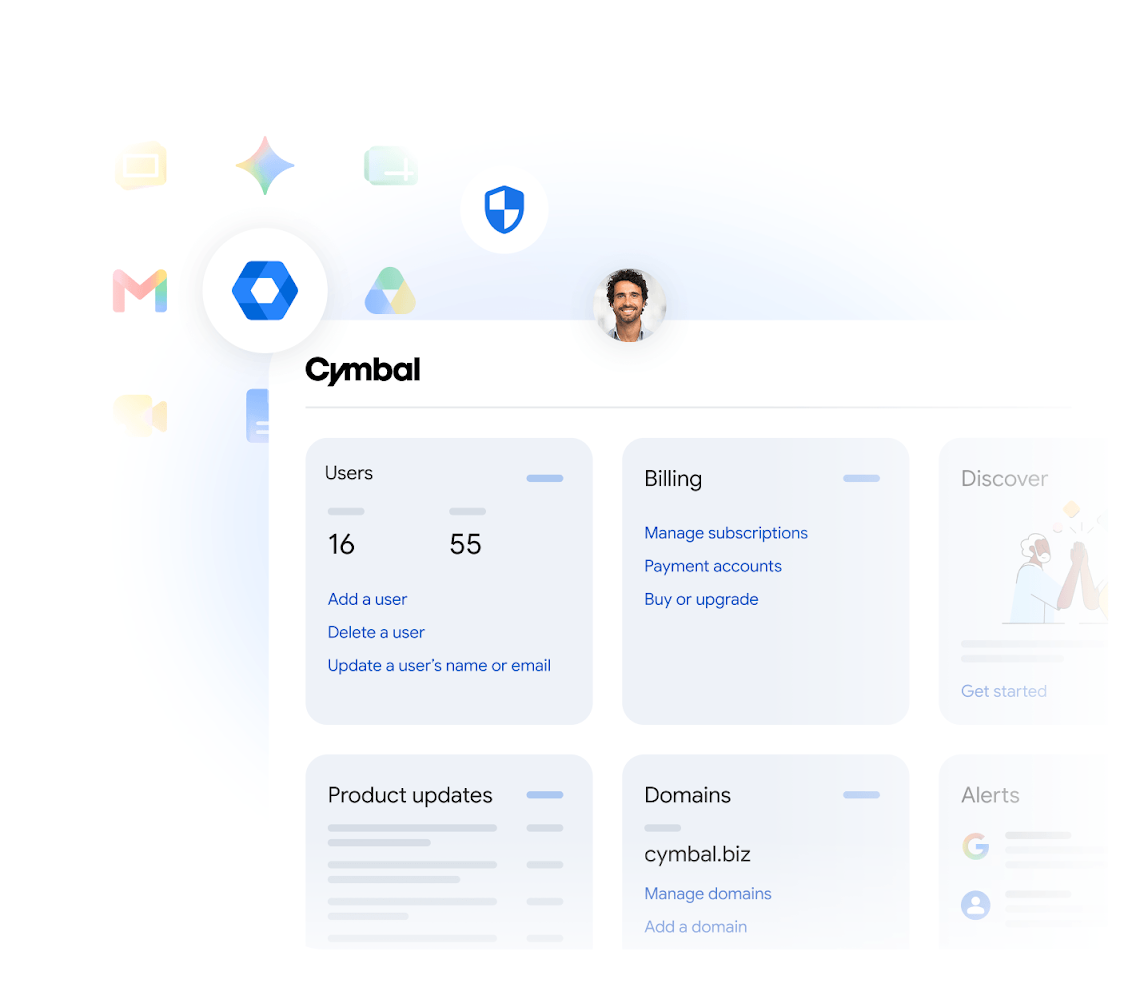
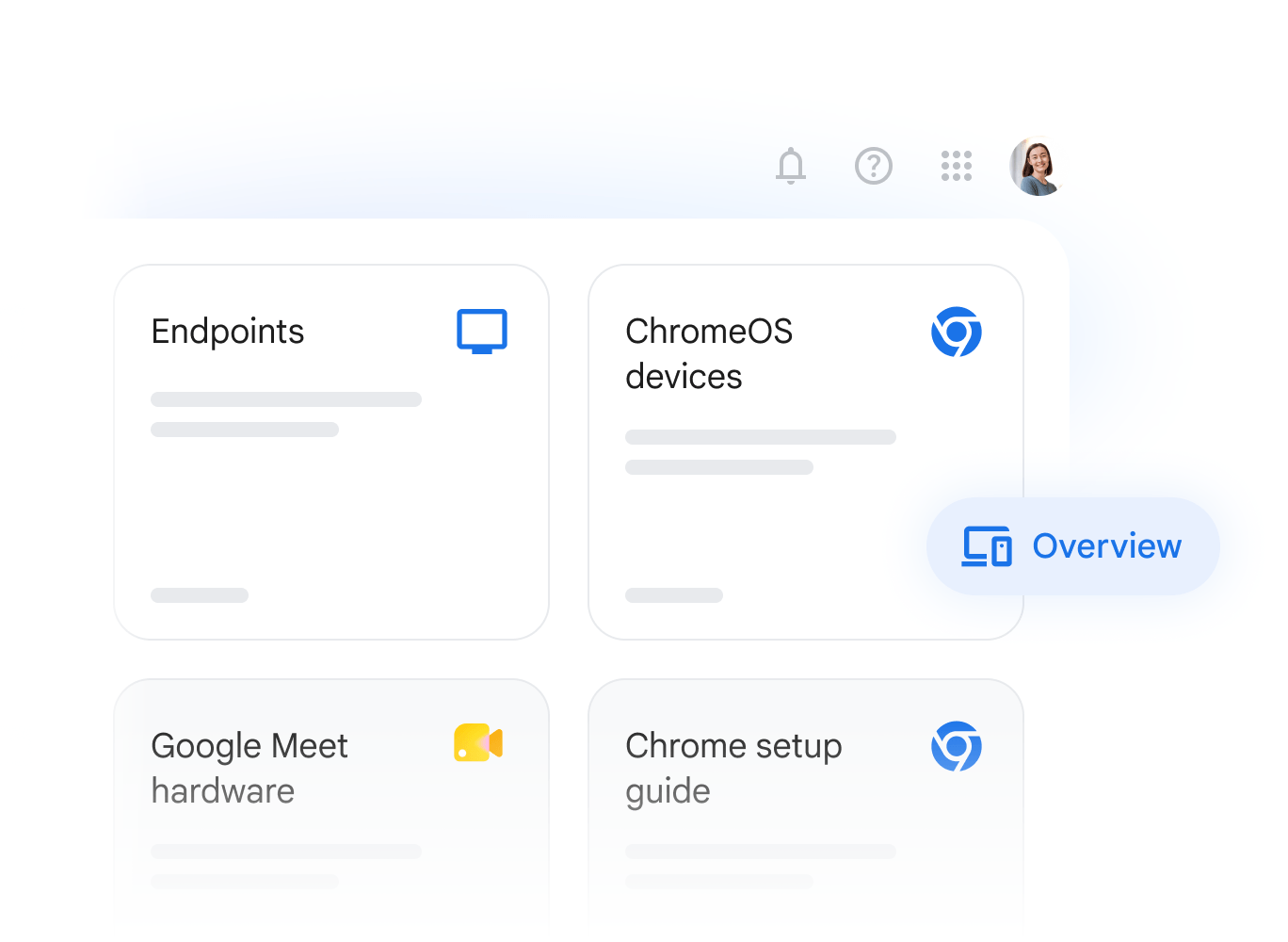
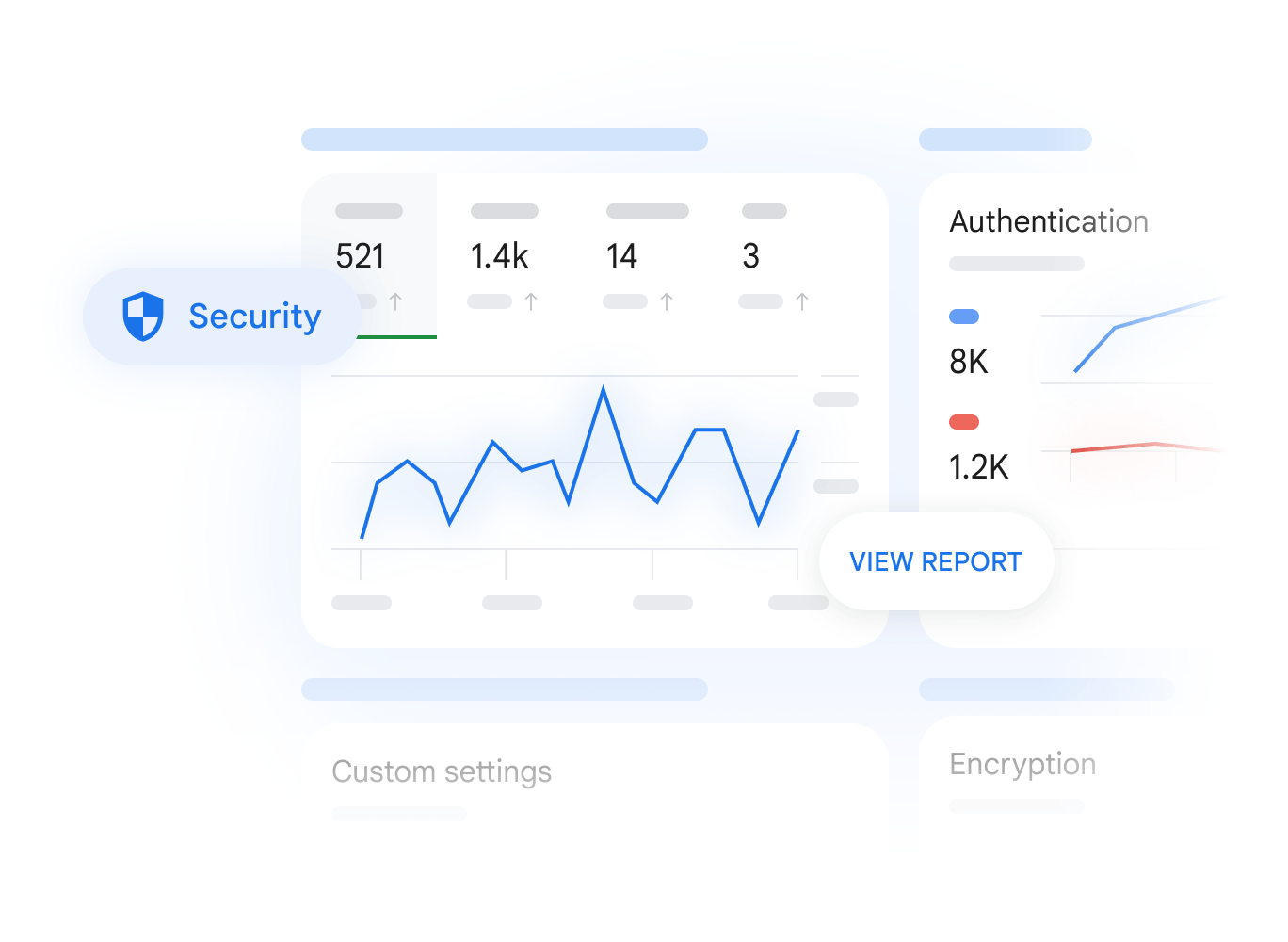
CloudCentric handles settings, accounts and mail moves. Staff bring their questions about Gmail, Drive, Calendar and Meet to our help desk.
CloudCentric adds accounts and assigns licenses with Gmail and Calendar turned on.
Drive files, calendar and Looker Studio reports can be transferred to another user as the account is deleted.
Administrators can recover Drive files for 25 days after a user empties their trash.
CloudCentric configures security settings to require 2-Step Verification for everyone or for chosen groups.
Access can be restricted to security keys or passkeys, which resist phishing.
Senders transmitting over 5,000 messages daily to Gmail require SPF, DKIM and DMARC set up on their domain.
Data import tools copy email, calendar events, contacts and tasks without altering the original Exchange Online mailboxes.
Email from IMAP accounts such as Yahoo, iCloud Mail, GoDaddy, Zoho and Titan is copied into Google Workspace.
Files, folders and permissions are imported from Microsoft OneDrive and SharePoint Online.
Remote device management handles enrolling company devices, enforcing phone password rules and configuring remote wipe.
CloudCentric supplies licenses for Business Starter, Business Standard, Business Plus and Enterprise editions.
Google Vault manages retention and eDiscovery for organizations using Business Plus and Enterprise editions.
Google Workspace backup is available from CloudCentric as a separate service, because Google states that Vault is not a backup.
Staff with questions about Gmail, Drive, Calendar and Meet call our help desk.
Dashboards, reports and audit logs are inside the Admin console, and migration progress can be tracked with them.
Staff call the help desk for assistance, while an administrator handles settings. CloudCentric buys and bills licenses, and the account is handed over to you if the business ever leaves.
Staff with questions about Gmail, Drive, Calendar and Meet go to the CloudCentric help desk.
CloudCentric administers users, licenses and security settings inside the Admin console.
Accounts are added as people join, and departing user files are transferred before deletion.
CloudCentric supplies Google Workspace licenses by buying them and billing them to the business.
Account ownership usually transfers to your business if you ever decide to leave CloudCentric.
CloudCentric supplies Google Workspace licenses by buying them and billing them to the business. Account ownership is usually handed over to your business if you ever leave CloudCentric.
Email, calendars, contacts and tasks are imported. Messages over 150 MB, Notes folder email, shared folders, mail contacts and calendar permissions stay behind. Migration duration is not stated here; please call.
CloudCentric supports Google Workspace alongside Microsoft 365, so a business can choose the platform that suits it.
Drive files, calendar and Looker Studio reports can be transferred to another user as the account is deleted. Administrators can also recover a deleted user's Drive files for 20 days.
Google Workspace backup is available from CloudCentric as a separate service, because Google states that Vault is not a backup.
Administrators can require 2-Step Verification for everyone or for chosen groups. Verification can be restricted to security keys or passkeys, which resist phishing.
Starter, Standard and Plus are limited to 300 users, while Enterprise has no user limit. Pooled storage ranges from 30 GB to 5 TB per user. Meet participants are limited from 100 to 1,000 depending on the edition.
Contact us to set up Google Workspace, move your files and get ongoing help desk support.