Up to 500 meters
Short hops across a lot or creek work with high-speed radios. Two units pair out of the box to carry traffic.
Up to 500 m (1,640 ft) with Building Bridge or Building Bridge XG.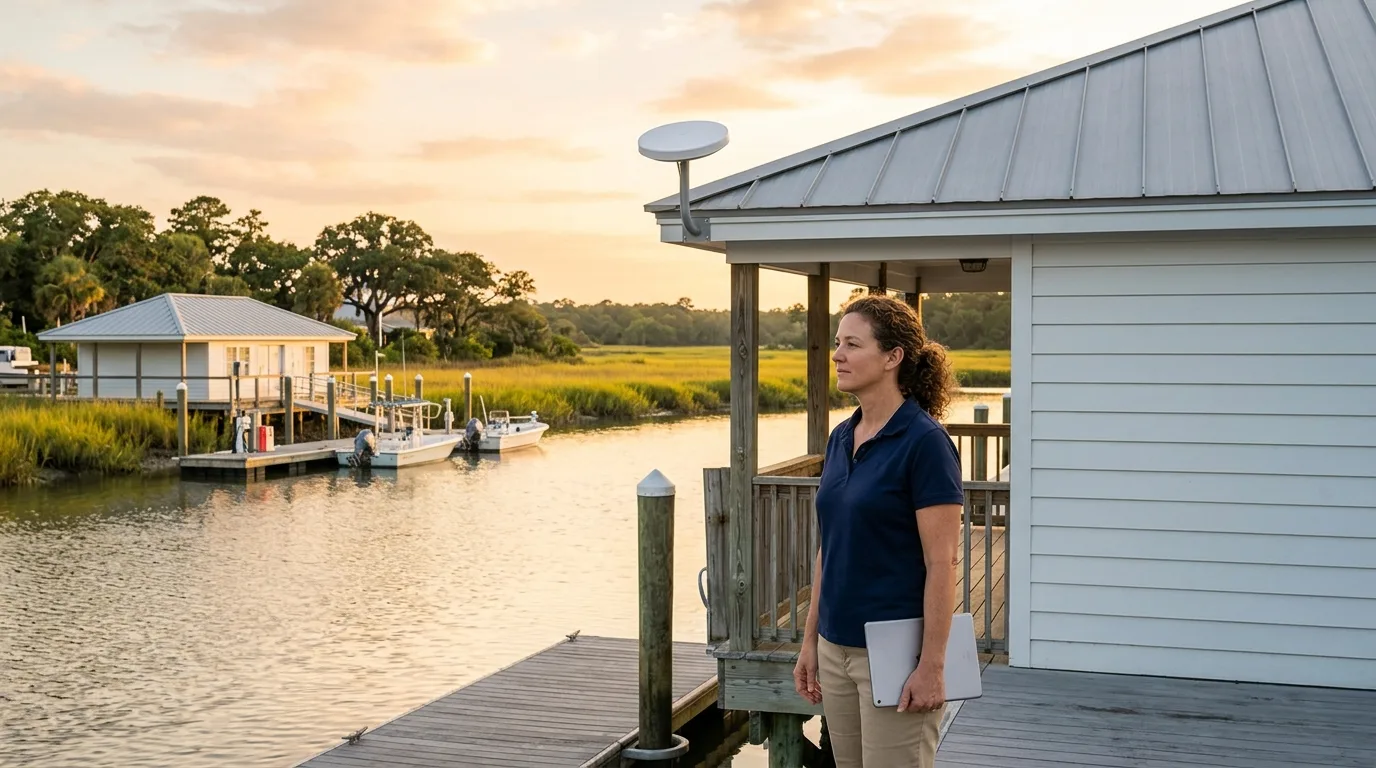
Point-to-point wireless networks
CloudCentric links detached facilities across the Lowcountry to your main network with equipment mounted on poles or walls.
Many properties have a structure across a yard, marsh or parking lot that needs access to your main systems. A link over the air avoids tearing up ground.
220 m, 60 GHz pair. Drawn plan; the distance and building names are an example.
Dock offices and remote buildings need network access across the water. Point-to-point radios bridge the gap over marsh creeks so your staff stays connected without trenching cable.
1,200 m, 5 GHz pair. Drawn plan; the distance and building names are an example.
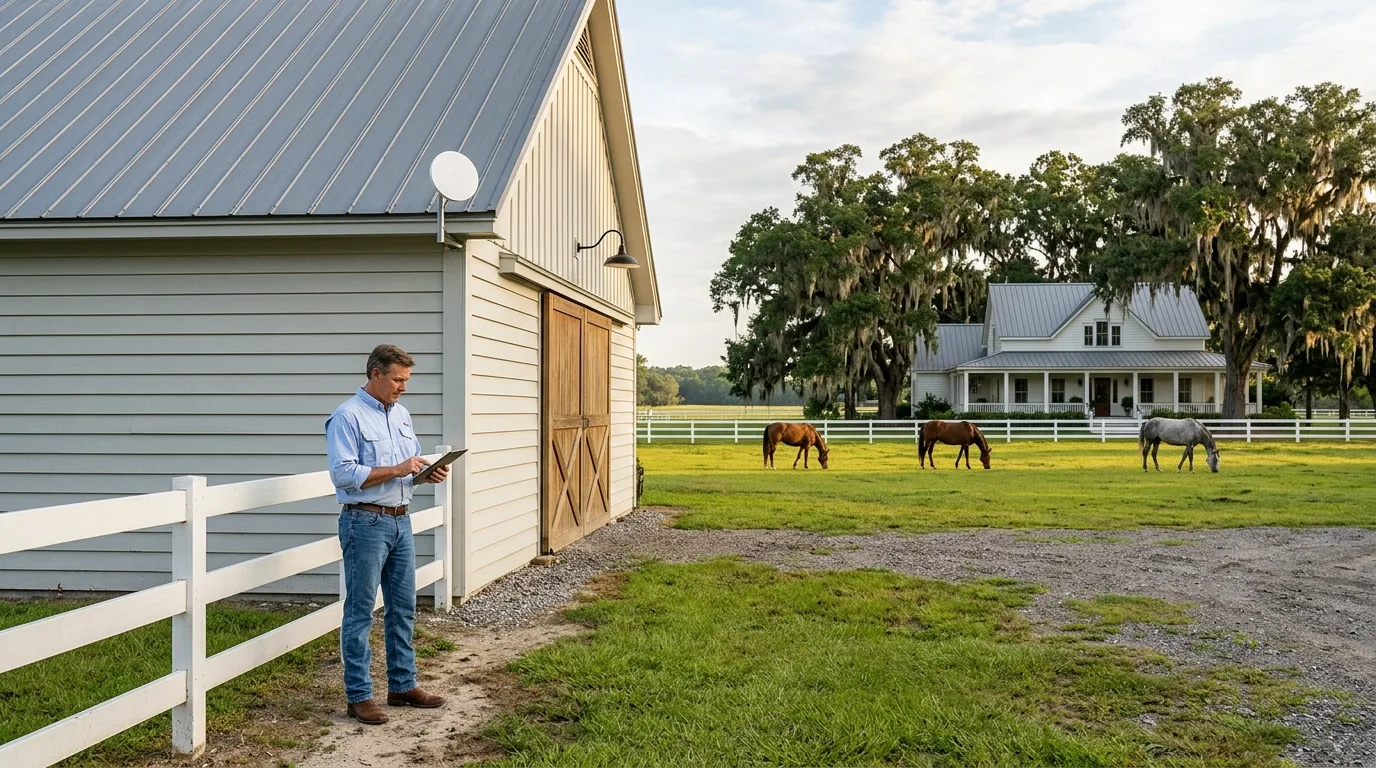
Barns and remote storage sheds often sit far from the main house. A point-to-point connection brings internet across open fields to distant outbuildings.
90 m, 60 GHz pair. Drawn plan; the distance and building names are an example.
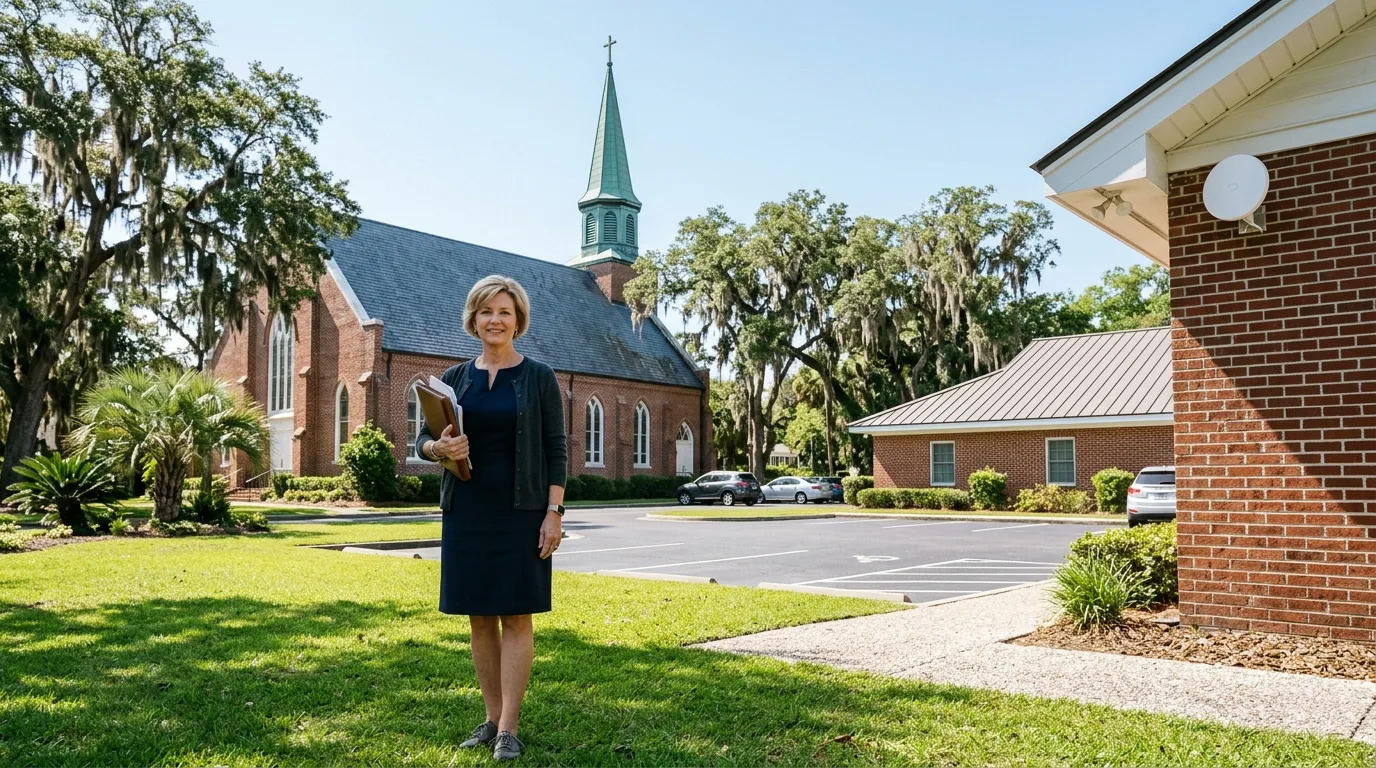
Fellowship halls separate from your main sanctuary still require network access. Equipment mounted on a wall or pole connects detached rooms to your central network without trenching.
350 m, 60 GHz pair. Drawn plan; the distance and building names are an example.
Inventory lots and secondary storage yards sit far from your main office. A wireless bridge carries your local network across the property without trenching cable through the ground.
800 m, 5 GHz pair. Drawn plan; the distance and building names are an example.
Clubhouses, pools and guard shacks need internet across large acreages. A central radio broadcasts to receiving units on distant buildings without digging up landscaping.
60 m, 60 GHz pair. Drawn plan; the distance and building names are an example.
Guest houses and detached garages need network access. A wireless bridge joins your secondary structure to your main network without trenching cable across the ground.
Different distances require specific radios. We select each unit based on its rated range for the gap between your buildings.
Short hops across a lot or creek work with high-speed radios. Two units pair out of the box to carry traffic.
Up to 500 m (1,640 ft) with Building Bridge or Building Bridge XG.Longer distances over open water or large fields require specialized directional radios. Bridges running on 5 GHz connect remote outbuildings at up to 867 Mbps.
From 500 m to 5 km (3.1 mi) with Device Bridge Pro.One central radio broadcasts in a wide arc. Distant buildings equipped with receiving units catch the signal to join your network.
Several buildings or many far sites from one point with Device Bridge Pro Sector.Figures are manufacturer ratings. A site survey sets your actual limit.
Our technicians install hardware tailored to your distance, speed and power requirements.

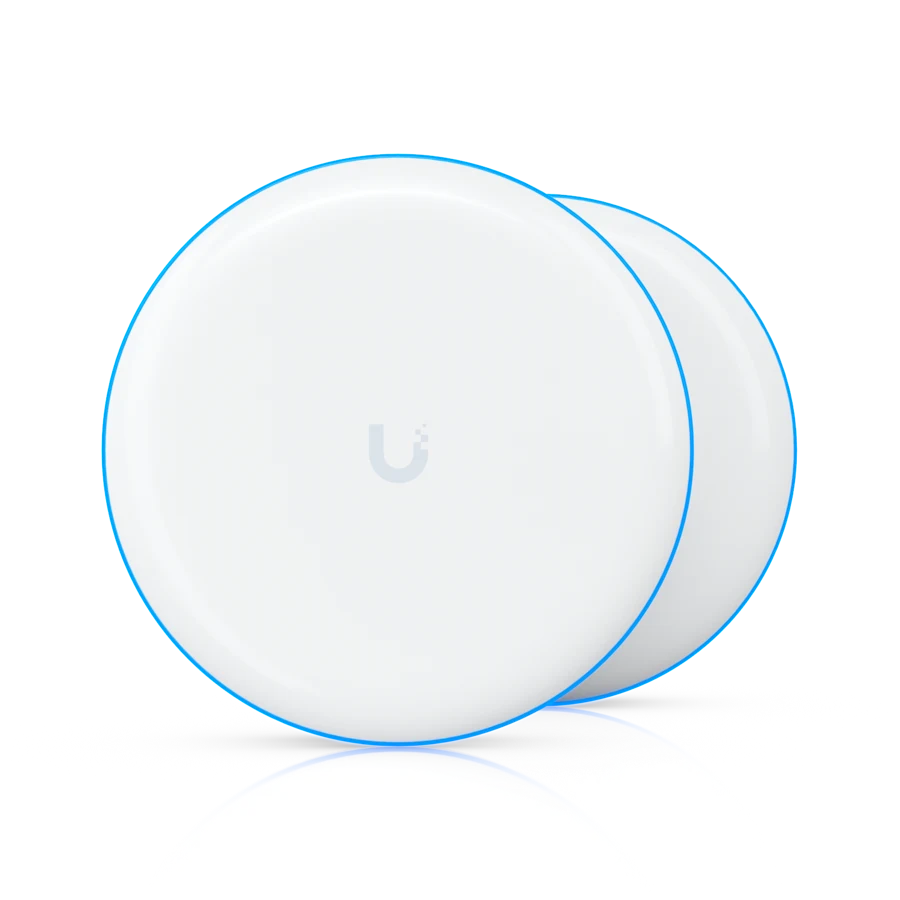
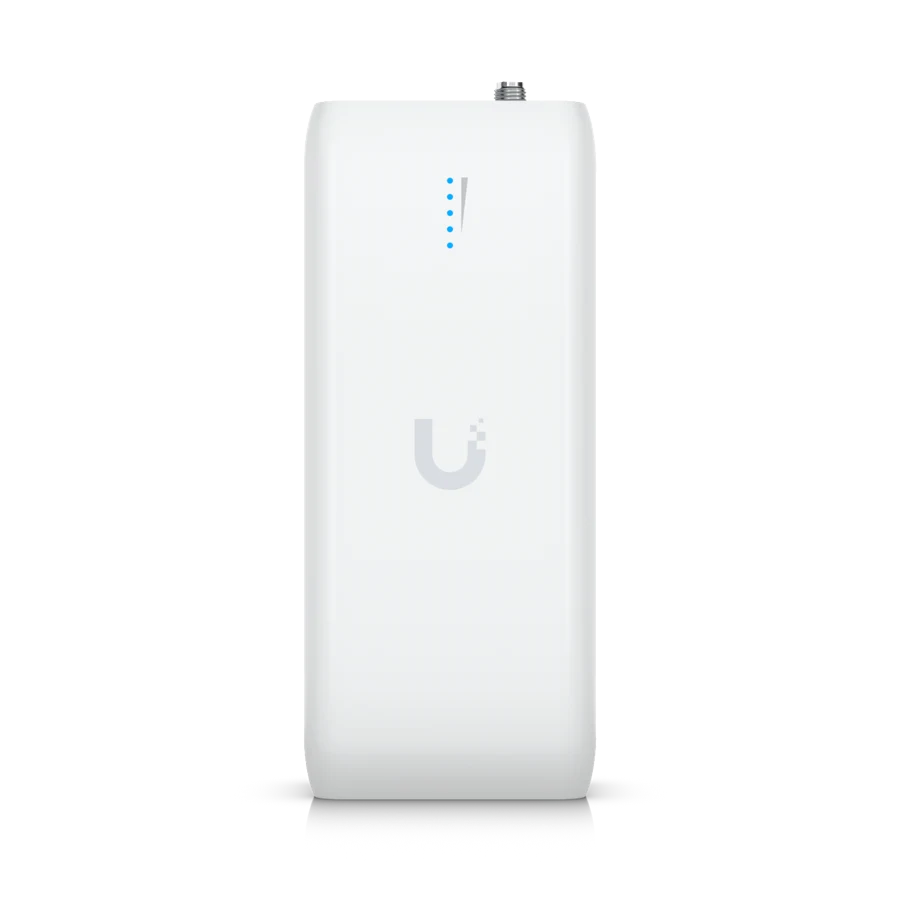
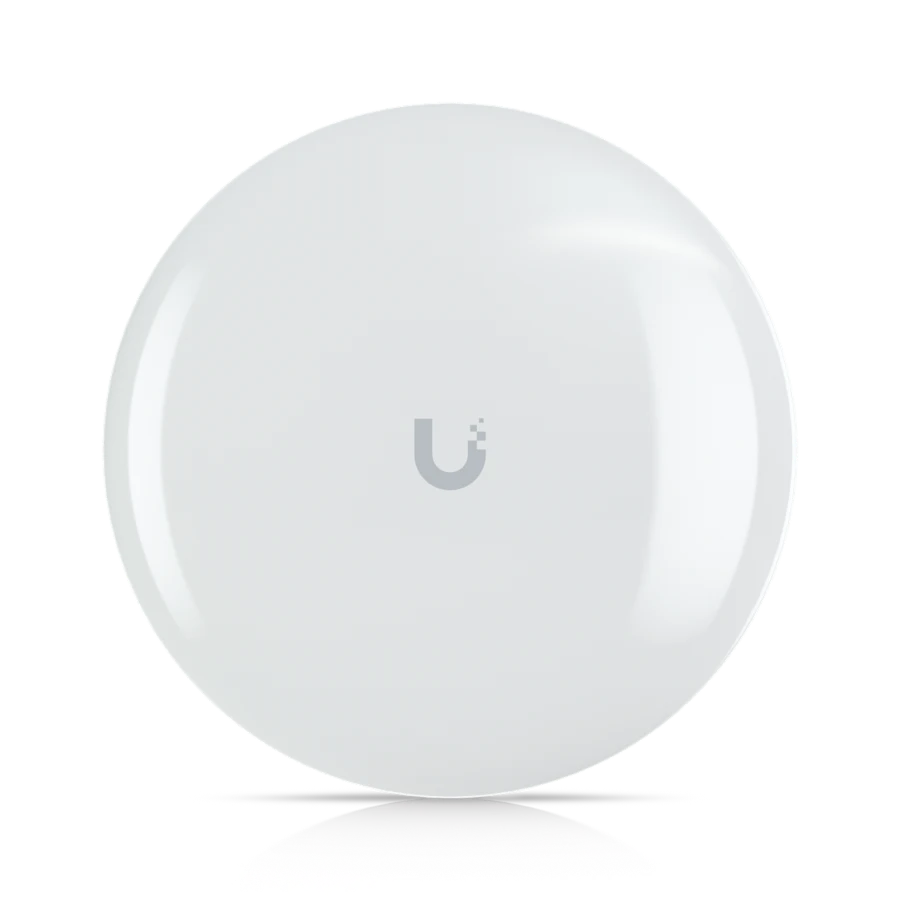
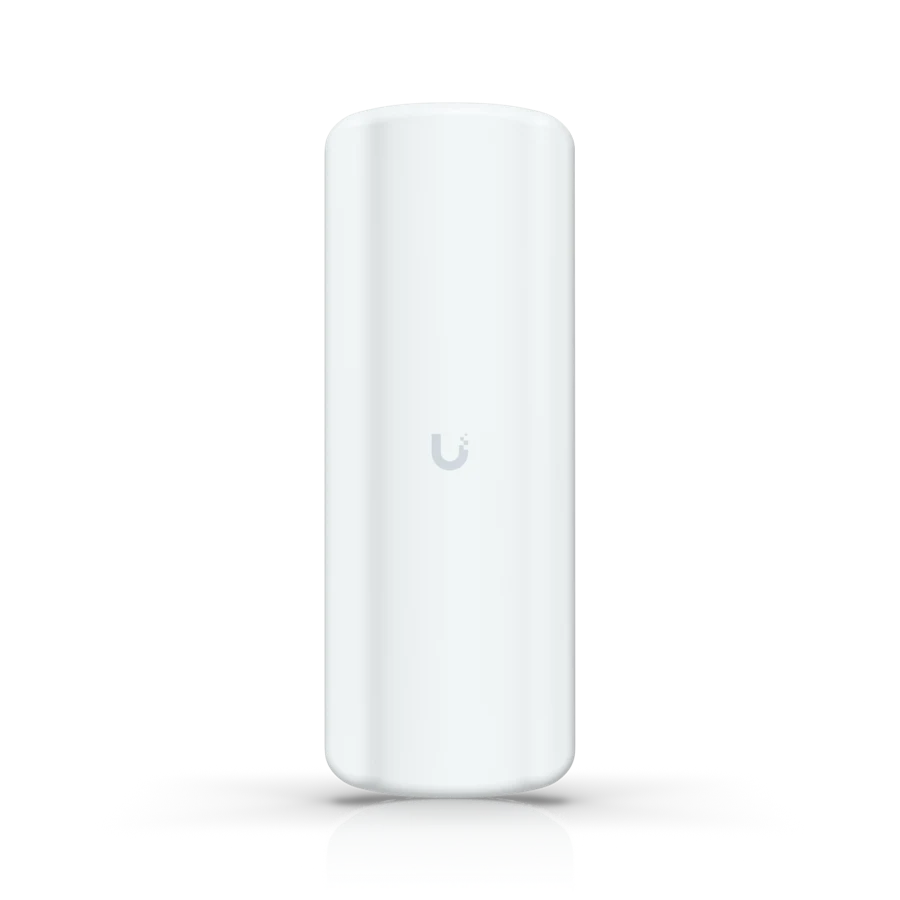
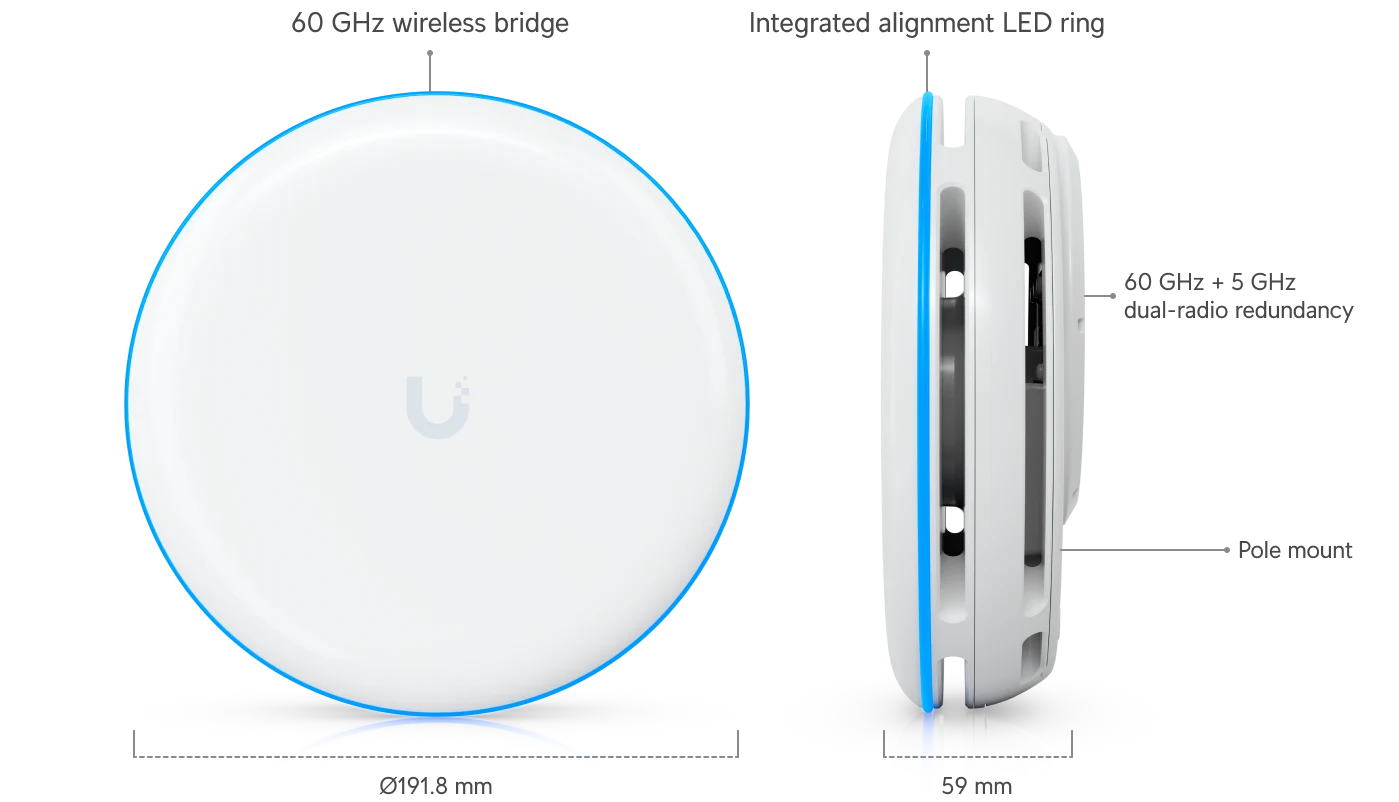
Crosses short distances up to 500 m with high speeds and a backup radio.
Remote cameras, doors and Wi-Fi appear on the same console as your main building. Adopting bridges into a central gateway allows full management and firmware updates.


A link needs a clear line between the two units. Trees, marsh hammocks and summer foliage block signals first, so a site walk decides your mounting spots.
Listed figures are the manufacturer's ratings. A professional survey sets the real limit based on your exact environment and local conditions.
Each end needs power from a switch or adapter. We install appropriate power sources in both buildings before mounting radios.
Bridges are managed from the console for full capabilities. Standalone pairing has limited features and provides less visibility into your link.
Call us to discuss your property layout and what systems your remote building requires.
Our technicians walk your property to find clear sight lines and plan cable routes.
We secure brackets to walls or poles, run network cables, and power up your new radios.
Technicians aim the antennas, verify signal strength, and perform a test across the link to confirm speed.
Manufacturer ratings go up to 500 meters for high-speed units and up to 5 kilometers for directional bridges. A survey determines your exact limit.
Yes, 60 GHz links need a clear line of sight. Trees and summer foliage block signals, so we find mounting locations that avoid obstacles.
No, your remote building shares the internet connection from your main building over the air.
Yes, a sector unit acts as a central hub to connect multiple remote buildings within a 90 degree area.
High-speed 60 GHz links include a 5 GHz backup radio to maintain your connection if the primary signal drops.
Call us today to connect your detached buildings across the Lowcountry.