
Managed IT services
Complete server backup and workstation imaging
A whole machine is saved as an image so it can come back complete, with copies kept apart from original drives.
Images capture whole machines
A complete image brings a failed machine back
A whole-machine image brings a server back as it was, not just its folders.
- 1
Whole machines are saved
An operating system, programs, settings and files form one image.
- 2
Copies are kept apart
Backups sit on storage away from machines they cover.
- 3
Single files can come back
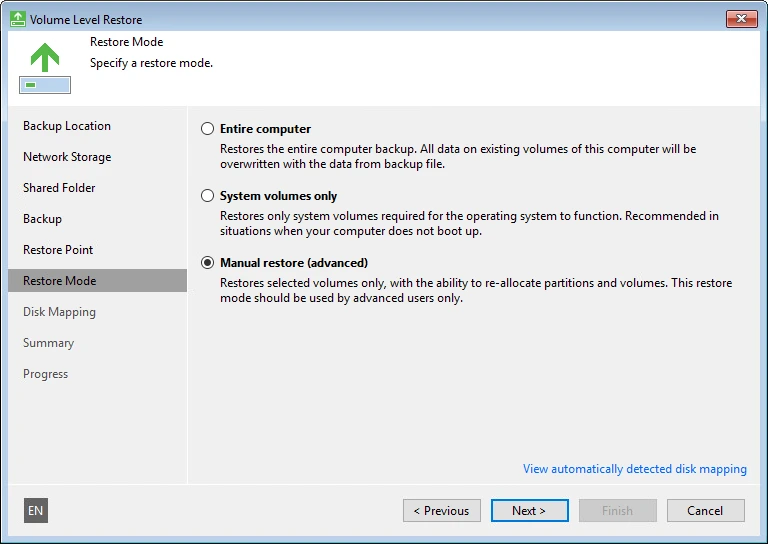
A single file or a whole machine can come back from one backup.
Bare metal restore brings failed hardware back
Hardware fails or a user overwrites a file by mistake. Image backups provide exact copies to restore lost data.
Pick an incident to see
Recovery steps
- 1
- 2
- 3
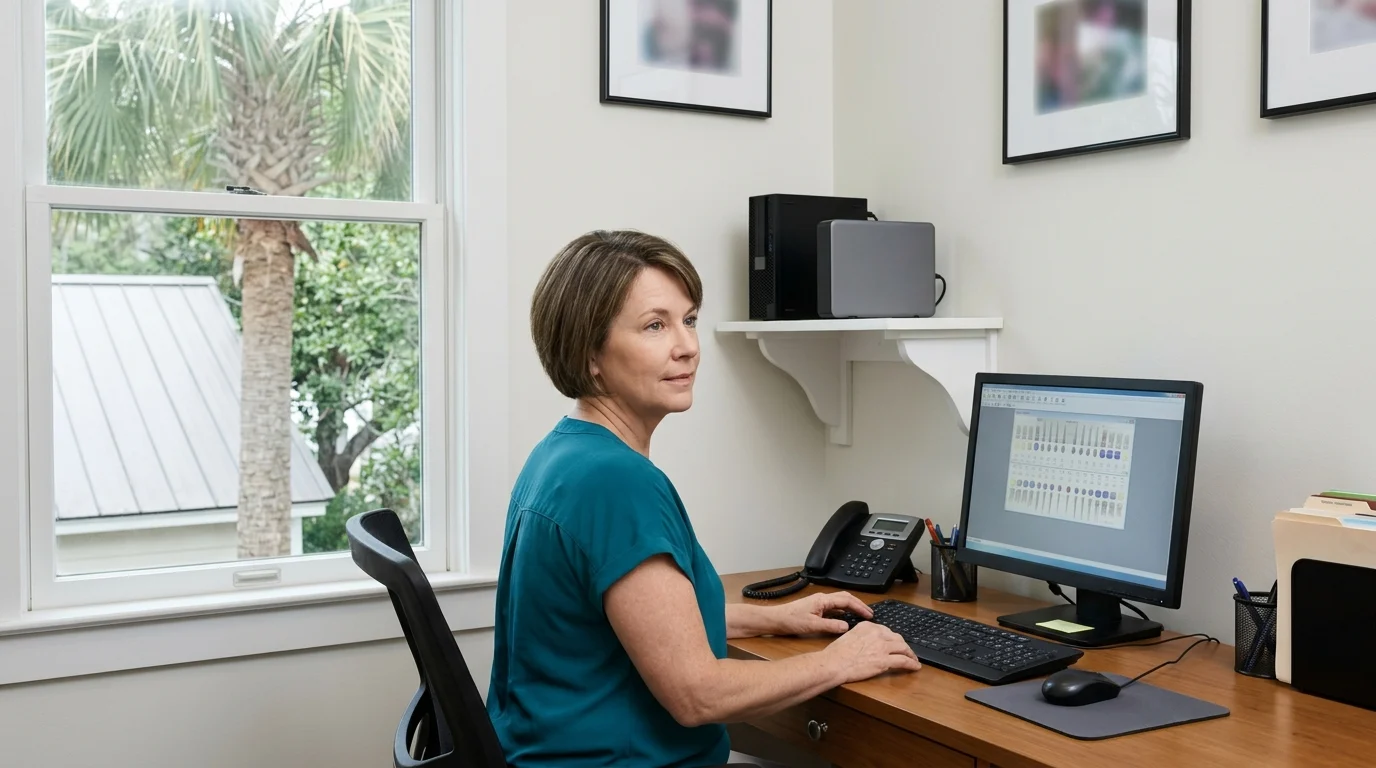
Server backup protects professional offices and local businesses
Software that takes days to reinstall runs on on-site servers. Image backup fits servers running practice management, accounting or database applications.
Common machines covered
Frequently needed restores
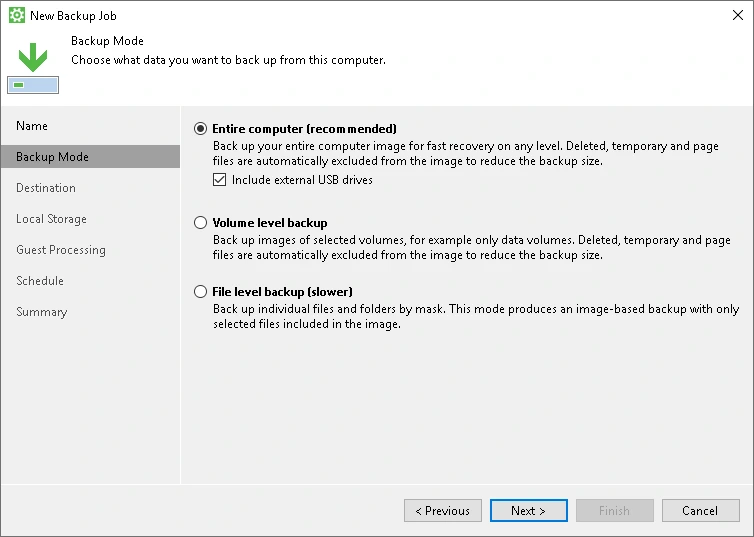
CloudCentric configures a backup mode and a storage destination
Administrators configure a machine backup job with a mode and a destination. Veeam Agent for Microsoft Windows protects desktops, laptops and physical servers.
Separate storage keeps backups apart from local hardware
A copy that sits on a local server is lost with it. Backups are kept apart from a machine.
- 1
- 2
- 3
Veeam writes backups to several different storage destinations
Offsite backup and local storage provide distinct recovery options. Veeam can write a backup to several different destinations.
Drive attached to server
A locally attached USB, Firewire or eSATA drive can hold copies.
Shared network folder
An SMB share on a network storage device or a regular file server holds backups.
Object storage
Amazon S3, Microsoft Azure, Google Cloud or S3 compatible storage holds backup data that can be made temporarily immutable.
Veeam backup repository
Copies can go to a Veeam backup repository on a local network.
Veeam Cloud Connect repository
An off site Veeam Cloud Connect repository holds copies away from a local office.
CloudCentric chooses a tool to fit customer hardware
CloudCentric chooses a tool to fit customer machines and storage.
Veeam
Image backup of Windows servers and PCs offers whole-machine and file restores.
Acronis
Acronis imaging captures servers as whole machines.
N-able Cove
N-able Cove copies data directly to cloud storage with no appliance on site.
Axcient
Axcient sends backups straight to cloud storage without a local appliance.
CloudCentric tests restores and monitors scheduled jobs
- 1
Image every server
Every server and PC is imaged whole.
- 2
Write copies away
A copy is written away from a machine.
- 3
Monitor backup jobs
Failed jobs raise a ticket and are looked at the same day.
- 4
Test recovery operations
Restores are tested, not assumed.
A job reporting success shows a copy was written, not that a file opens. CloudCentric tests restores on a schedule to confirm data comes back.
Frequently asked questions
- What is an image backup?
Operating systems, programs, settings and files are captured as a single package. A failed machine can be restored complete, rather than just restoring selected folders.
- Can a whole server be restored on new hardware?
Bare metal restore brings a whole computer image back to original or new computers.
- Can I get back one deleted file?
Individual files can be restored from an image backup using Veeam Backup Browser, displaying folders and files in a backup.
- Where is the backup kept?
A backup is kept separate from a machine it protects. Copies can be sent to local network storage, object storage or an off site repository.
- Is a backup on the same server enough?
A copy that sits on a local server is deleted or encrypted along with original data. Backups are kept apart from a machine.
- Does it cover database applications such as SQL Server?
For servers running VSS-aware applications such as Microsoft SQL Server, SharePoint or Exchange, Veeam application-aware processing creates transactionally consistent backups.
- How do you know the backup works?
Restores are performed on a schedule and elapsed times are recorded. Backups are monitored, and a job that did not finish is looked at the same day.
Start backing up servers and workstations
Call (844) 422-7000 or book a walkthrough to review server backup options with a managed IT provider in Mount Pleasant.