Network switches
Network switches power your devices through one cable
Every camera, access point, phone, and door reader gets power and data directly from the switch, needing no outlet at the device.
Switch layout depends on building size
Buildings dictate switch placement. Structures larger than a single closet get one switch per closet, joined together by fiber cable to bypass copper distance limits.
- Fiber
- Copper cable
Floor closets link to one main aggregation switch
Offices spanning several floors or connecting more than 24 devices get a switch in each floor's closet. Fiber links run from every floor down to a main closet, plugging into an aggregation switch that joins them together.
- Link aggregation lets several connections between two switches work as one.
- One 10G multi-mode fiber module reaches 400 meters on OM4 fiber and 300 meters on OM3.
- Layer 3 switches route traffic between internal networks right inside the switch hardware.
- Copper cable
One closet holds a single appropriately sized switch
Shops and restaurants usually need just one switch in a single closet. Port count and power budget dictate the size, leaving enough headroom for next year. Pick a layout and size from the tool below to see numbers.
- Power budget calculations leave headroom so adding cameras later requires no new switch.
- Copper Ethernet runs powering devices top out at 100 meters.
- Cameras, payments, and guests run on separate networks over the same cabling.
- Fiber
- Copper cable
Fiber connects distant switches and panel DIN-rail units
Warehouses get switches placed at the far ends over fiber runs to power cameras and access points. Inside control panels, industrial DIN-rail switches mount directly to the rail, running on DC power with no fan.
- Control panel DIN-rail switches run on 12 to 60 volts DC, and PoE models need 44 to 57 volts.
- One 1G single-mode module reaches 3 kilometers for very long building runs.
- Replacing panel switches requires coordination with plant engineers because controller addressing might change.
- Fiber
- Copper cable
Closets on each floor power individual room networks
Hotels and apartment buildings get a switch closet per floor, joined by a riser. Every guest room gets an in-wall access point powered over its own dedicated cable run straight back to the floor's switch.
- In-wall access points draw 13 watts and cover about 1,250 square feet.
- Guest internet networks are kept strictly isolated from cameras and building equipment.
- Battery-backed switches keep door access hubs powered through electrical supply cuts.
Drawn buildings serve only as visual examples. Draws are the published maximums.
Single cable setup
Power over Ethernet sends power down the same cable as your data. Cameras, payments, staff, and guests sit on separate networks over the same cabling. A camera that stops responding can be power-cycled right from your desk.
- Cameras
- Wi-Fi: staff, guest, payments
- Staff phones
- Door access
Building, ports, and readings represent an example setup.
Total power in the switch
Switches can have enough ports and still lack power, causing random restarts. We work out your power budget before ordering, carrying enough headroom so later additions do not require a new switch.
Switch
Devices
- G5 Bullet cameraup to 4 W
- G6 Turret cameraup to 12.5 W
- G5 PTZ cameraup to 14 W
- U7 Pro access pointup to 21 W
- U7 Outdoor access pointup to 19 W
- G2 Touch phoneup to 8 W
- Door Hub Miniup to 19 W
- Power drawn
- 0 W of 0 W
- Power left
- 0 W
- PoE ports used
- 0 of 0
Draws are the published maximums. Door Hub Mini is counted without a reader on its output.
Closets containing many devices take a 48-port switch. Aggregation switches lack PoE ports entirely, serving only to join other switches together using fiber connections.
Battery backup options
Battery-backed switches keep door access hubs powered through a power cut. Eight ports offer a mix of four PoE+ and four PoE++ connections. Door hardware draws from 120 watts of total PoE power to function during an outage.
Sample building. The battery-backed switch is shown with door access hubs, as stated above.
Central management application
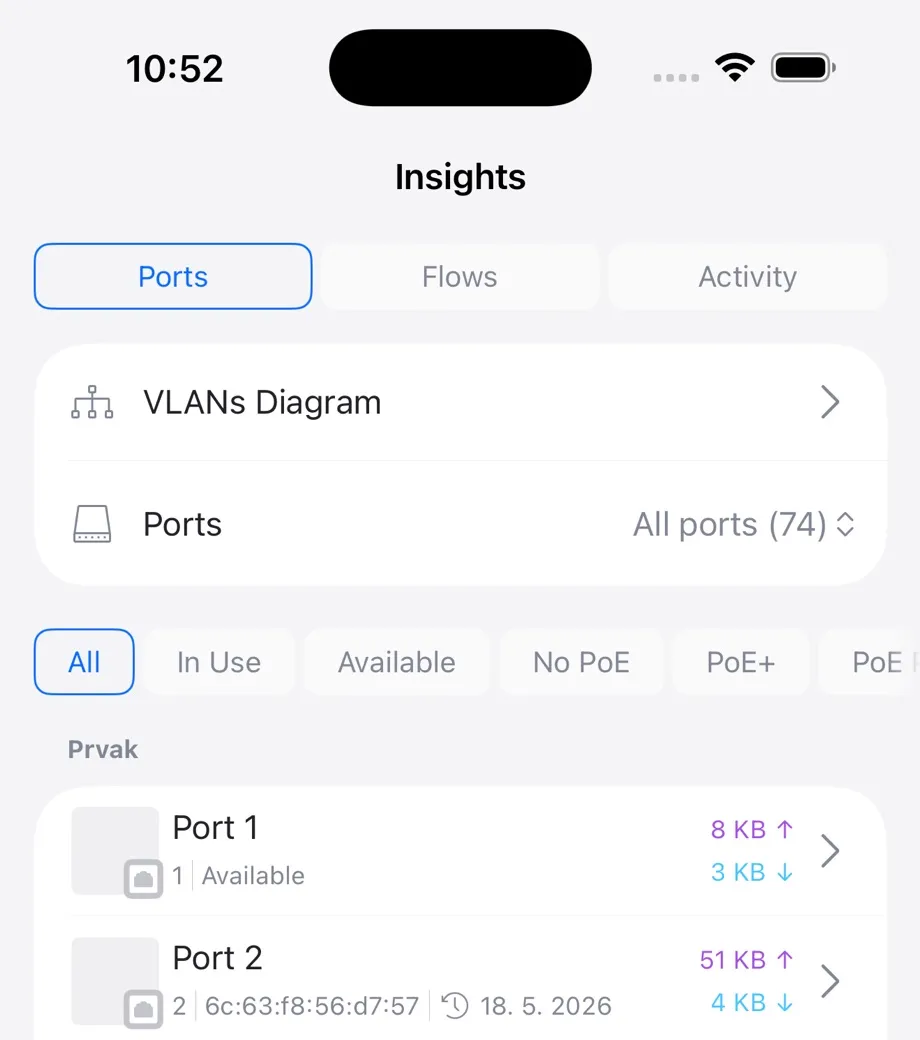
Switches are managed in the same application as your gateway and Wi-Fi. The management application can alert on PoE problems, power loss, and port errors.
Switch size options
Sizes range from a small eight-port switch to a 24-port switch with sixteen PoE++ ports and 400 watts of power.
Installation process
- 1
Count devices and draw
Count every device and its power draw to work out the power budget and needed headroom.
- 2
Mount and uplink hardware
Switches are mounted securely and uplinked properly so the uplink connection avoids becoming a bottleneck.
- 3
Separate internal networks
Cameras, payments, staff, and guests sit on separate networks over the same physical cabling.
- 4
Label ports and document
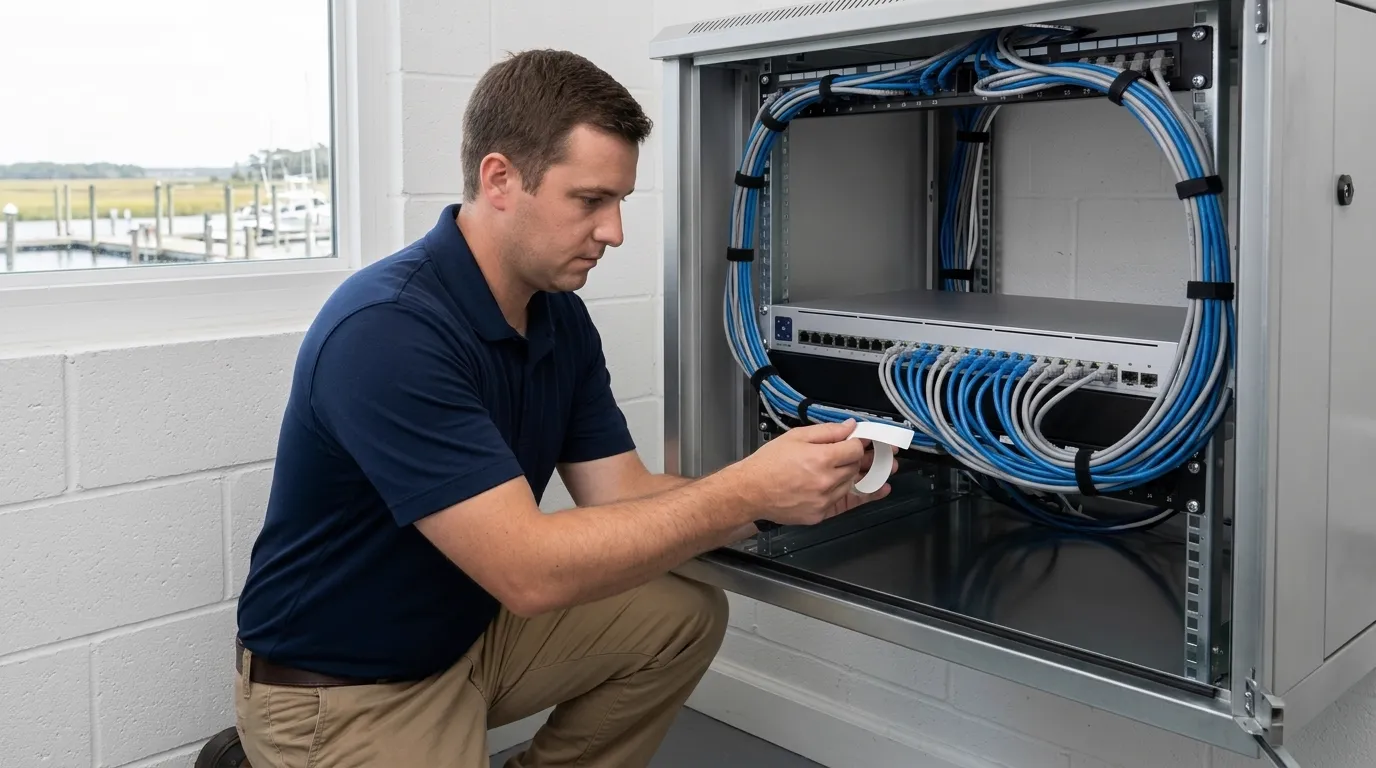
Ports are labeled to match your wall jacks, leaving your network fully documented for service.
Common buyer questions
- What do the three PoE levels deliver to a device?
PoE delivers up to 12.95 watts at the device, PoE+ up to 25.5 watts, and PoE++ up to 51 watts for Type 3 or about 71 watts for Type 4.
- What happens when devices ask for more power than the switch has?
Random restarts happen when your devices ask for more power than your switch holds. A switch can have enough empty ports and still lack power.
- How far can a cable run?
Copper Ethernet runs are limited to 100 meters or 328 feet. Power over Ethernet shares this limit because power travels down the same cable as your data.
- Can my existing cabling be reused?
Existing cabling can be reused if it is Cat5e or better and properly terminated. Technicians check your cabling before giving you a quote.
- Do I need a rack?
Racks are not required. A rack matters for tidiness and cooling more than actual function, so your switch runs perfectly fine without one.
Start getting devices powered
Book a walkthrough or call us to get your power budget calculated.