Business Firewall Installation
Separate Your Office Networks and Block Outside Threats
Card terminals, staff laptops, cameras, and guest Wi-Fi each sit on their own network, keeping your systems apart and blocking traffic between them.
Device Rules and Access
Rules decide exactly which addresses, ports, and web domains a network can reach. A page called Flows records blocked traffic and names your specific rule catching it.

Devices and addresses shown are an example.
Network Zones and Isolation
Card terminals and registers sit on their own network, separate from staff laptops and guest Wi-Fi. A grid groups your networks into zones, showing exactly whether traffic between them is allowed, blocked, or governed by rules.
| From to | Staff computers | Guest Wi-Fi | Camera network | Card terminals | Internet |
|---|---|---|---|---|---|
| Same network | |||||
| Same network | |||||
| Same network | |||||
| Same network |
Devices and addresses shown are an example. Select a row name to scan from that network, or a cell to flip it.
Gateway Intrusion Detection
Intrusion detection scans traffic for known threat patterns. You choose whether to just notify or notify and block. A detection records your affected device, source address, protocol, and time, letting administrators block connections or addresses directly.
Web filtering for offices and schools
Content filtering blocks malicious and explicit websites across chosen networks and devices. Whole application categories are blocked on an optional schedule, keeping screens clear of distractions.
Chosen networks
Filter policy
Optional schedule
Policy shown is an example only.
Two internet lines on one gateway
Connecting a second internet line allows a backup to take over automatically if your first line becomes unreachable. Traffic returns to your first line when it recovers.
Failover settings shown are an example.
Gateway Equipment
Gateways support max rated throughputs with intrusion prevention on, ranging from 1 Gbps up to 5 Gbps for 2,000 or more clients.
Installation Process
- 1
Survey and Quote
Your survey records existing internet service and equipment. Quotes require knowing your internet lines, termination box, and systems needing separation.
- 2
Separation Planning
Systems kept apart are decided before we order equipment. Throughput is checked against your actual internet service before quoting.
- 3
Swap and Installation
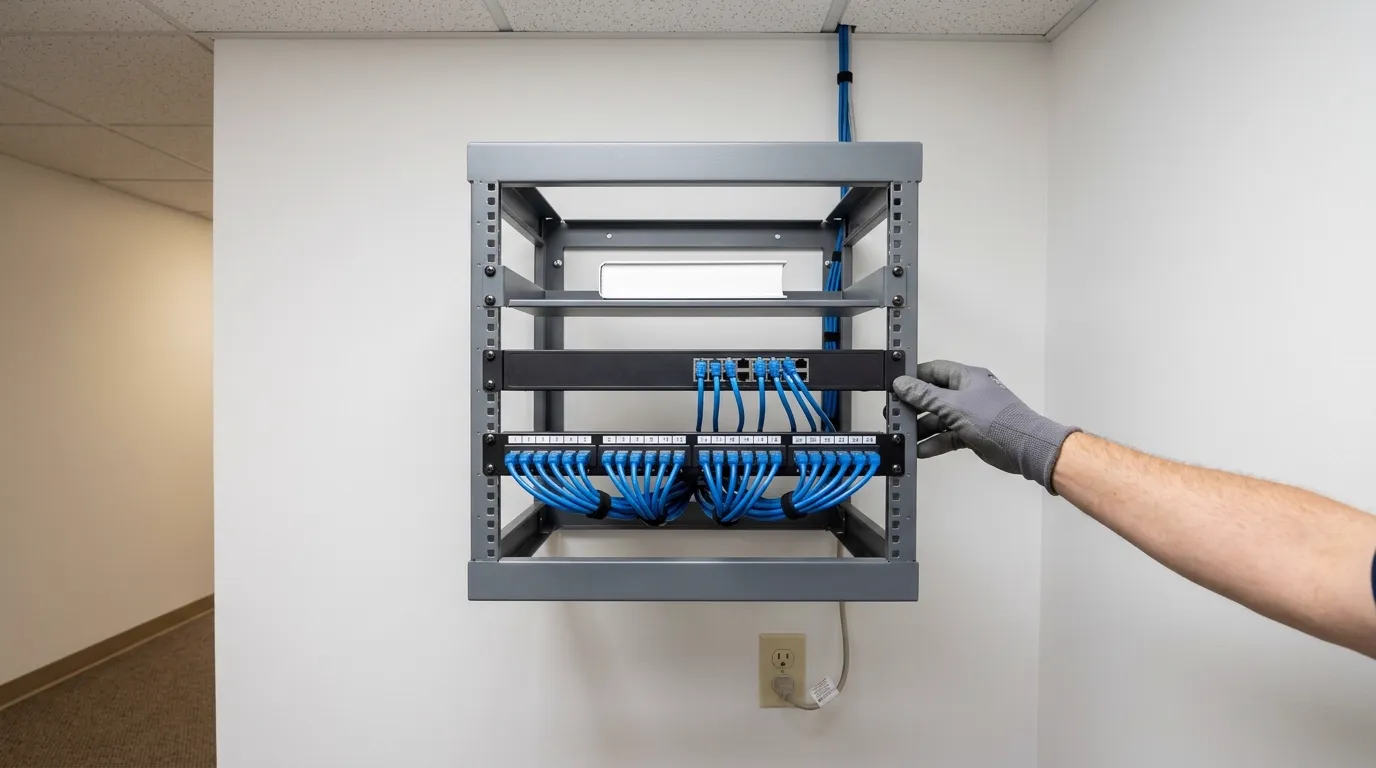
Swapping your gateway usually takes one working day. Existing cabling and access points stay unless we replace them for your job.
- 4
Testing and Handover
Remote access is tested for your staff, and separation is tested from your guest side before we hand over your system.
Common Questions
- Can guests on the Wi-Fi reach the card terminal or our file shares?
Guest Wi-Fi reaches the internet only, not your registers, cameras, or file shares. Traffic between two guest networks is also blocked by default.
- What happens when the gateway spots a threat, and can it block it by itself?
Intrusion detection alerts you via email and mobile push. Setting your system to prevention mode automatically blocks the threat, recording the source address and time for your administrator.
- Can our staff work from home safely on this system?
Staff can connect from off site through a private route. Connections stay private and publish nothing to the open internet.
- Does the firewall need a yearly subscription to work?
Your firewall works without a subscription. A separate per-site subscription is only needed if you want to extend your threat signature list.
- Can the firewall stop staff from reaching certain apps or websites?
Applications or whole categories of applications can be blocked for chosen networks or devices. You can also run these rules on an optional schedule.
Ready to Separate Your Office Networks?
Call (844) 422-7000 or book a walkthrough to plan your firewall installation.