
Custom network design
Whole-house Wi-Fi for large coastal homes
Coverage reaches every room, porch, and dock, keeping guests separated from your cameras and door locks.
Layouts chosen for your walls and floors
Access points go exactly where your layout needs them. Plaster, brick, and foil-backed insulation block signals, so we survey your property first to cover main rooms, garages, and outdoor areas.
- FamilyFamily network
- GuestsGuest network
- Cameras, locks and smart devicesCamera, lock, and smart device network
- FamilyFamily network
- GuestsGuest network
- Cameras, locks and smart devicesCamera, lock, and smart device network
- FamilyFamily network
- GuestsGuest network
- FamilyFamily network
- GuestsGuest network
- Cameras, locks and smart devicesCamera, lock, and smart device network
Signal blockers in a raised house
Building materials stop signals. Metal roofs, foil-backed insulation, brick, and plaster over metal lath require access points in specific rooms. Every unit wires back to a rack positioned safely above flood level.
Building cutaway serves as an example.
Separate connections for guests and cameras
Visitors access only your internet. Guest devices cannot see each other, keeping them completely apart from your door locks, cameras, and personal laptops. Management happens on a console inside your house.
Pick where the guest phone should connect.
- Family networkLaptops, tablets, phones
- Guest networkVisitors' phones
- Cameras, locks, smart devicesKept apart from both

Reaching docks and pool houses
Outbuildings get online via buried conduit if your ground is open. Docks and finished garages connect using point-to-point wireless links reaching up to 1,640 feet with a backup radio.
Site plan represents an example layout.
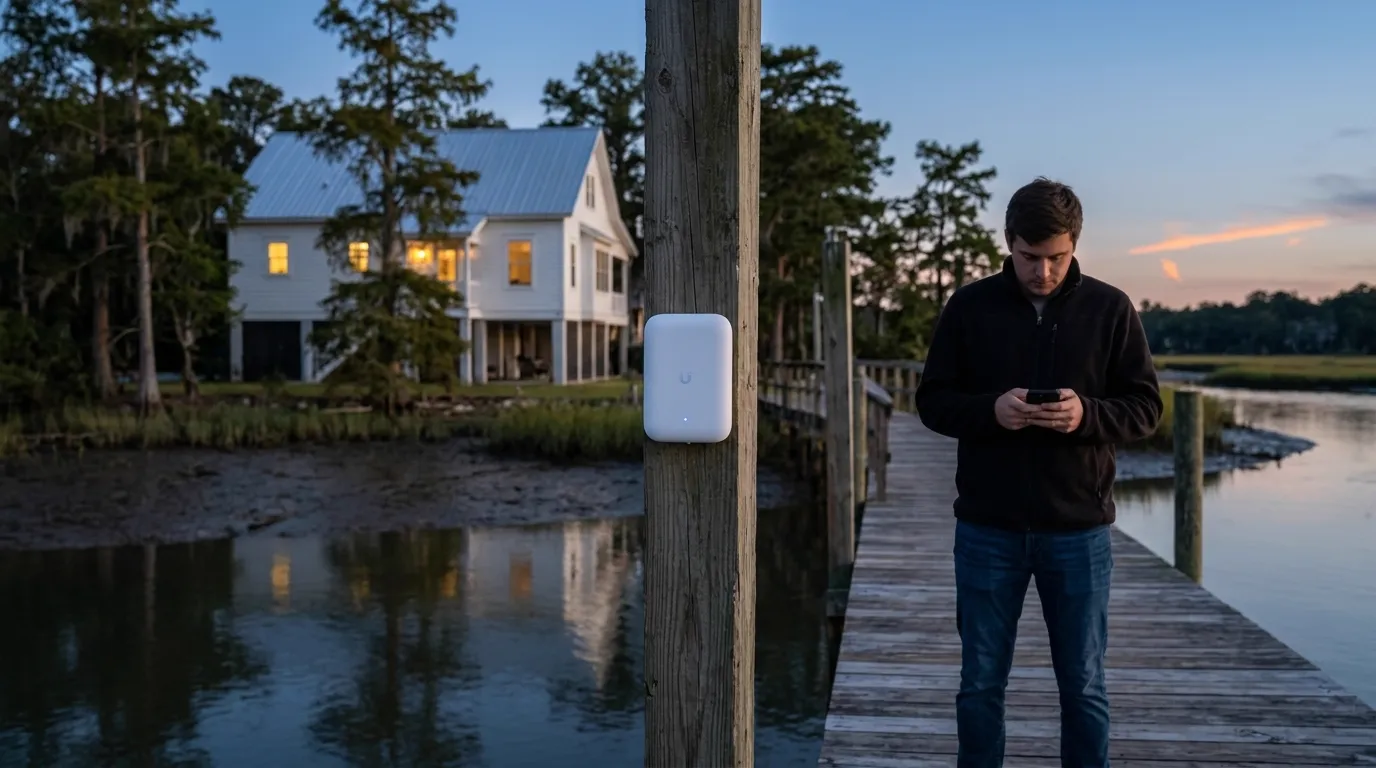
Access points and networking gear
Flush ceiling units, wall plates, and outdoor units wire directly to your central rack using dedicated network cables.
Process from survey to handover
- 1
Surveying walls and floors
Property walks determine how far signals reach through your exact plaster, brick, or tabby walls.
- 2
Cabling and mounting units
Every access point gets a dedicated cable wired back to your main rack, using existing attic or crawlspace openings.
- 3
Configuring separate network connections
Family, guest, and camera traffic gets split apart. Backup internet lines are set to take over automatically.
- 4
Testing and handing over
Coverage gets tested on a phone in every room. Homeowners receive their own login before we leave.
Common questions from homeowners
- Why does a large house have dead spots?
Building materials block signals. Foil-backed insulation, metal roofs, and thick brick or plaster walls stop standard routers from reaching every room.
- Are mesh boxes enough for a big house?
Every access point gets its own cable wired back to the central rack. Mesh units are used only where a cable cannot reach, like a dock or outbuilding.
- How do the dock and pool house get covered?
Open ground allows conduit runs for direct cabling. Finished properties use point-to-point wireless links to carry connections across yards and water.
- Can guests reach the cameras or door locks?
Guest networks remain completely separate. Visitors only reach your internet connection and cannot see your personal laptops, cameras, or door locks.
- What is the quote based on?
Quotes are built from your property size, specific wall materials, and the total number of devices needing to be online at once.
Start with a property walkthrough
Call (844) 422-7000 or book a walkthrough to get your home surveyed.