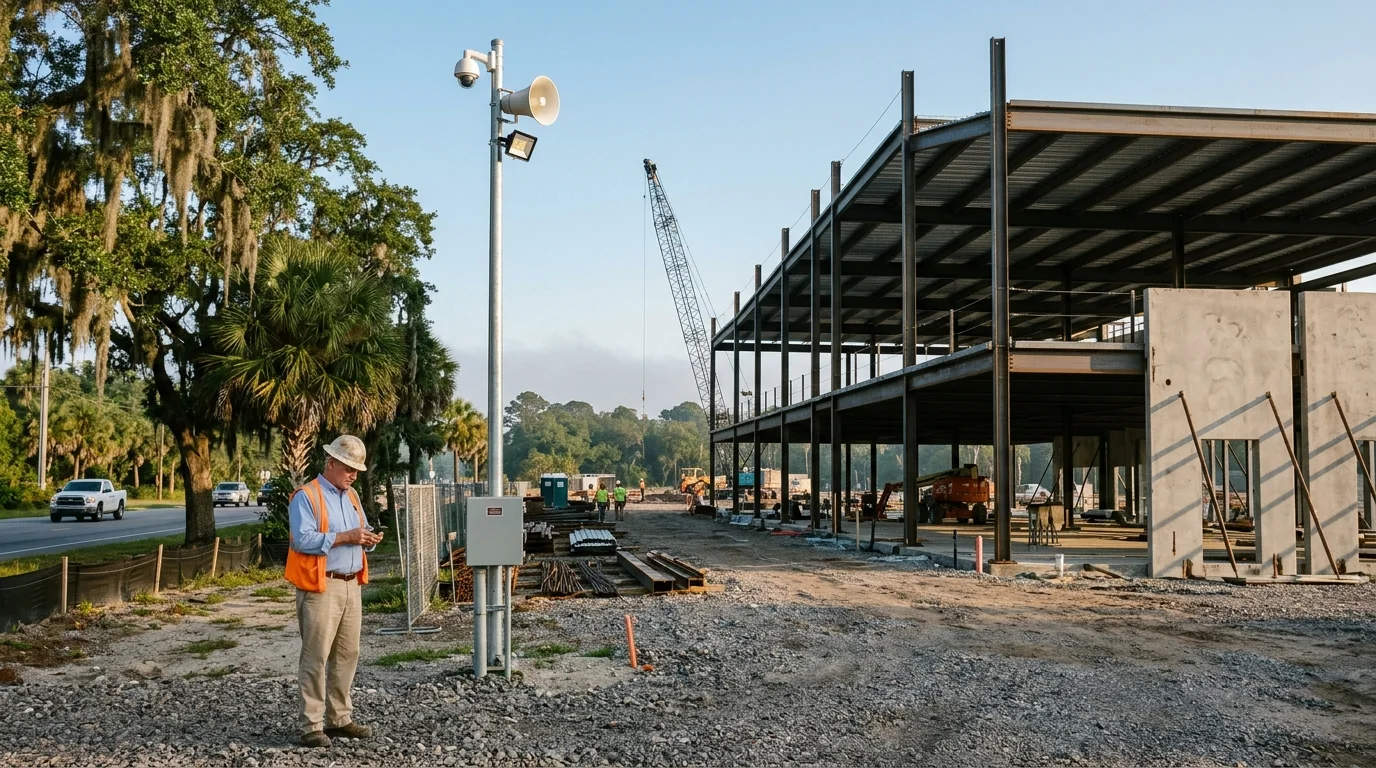
Job site security
Construction site security cameras for bare ground
Solar panels and batteries provide power while a cellular line handles internet, letting project managers watch sites from a phone without pulling cables.
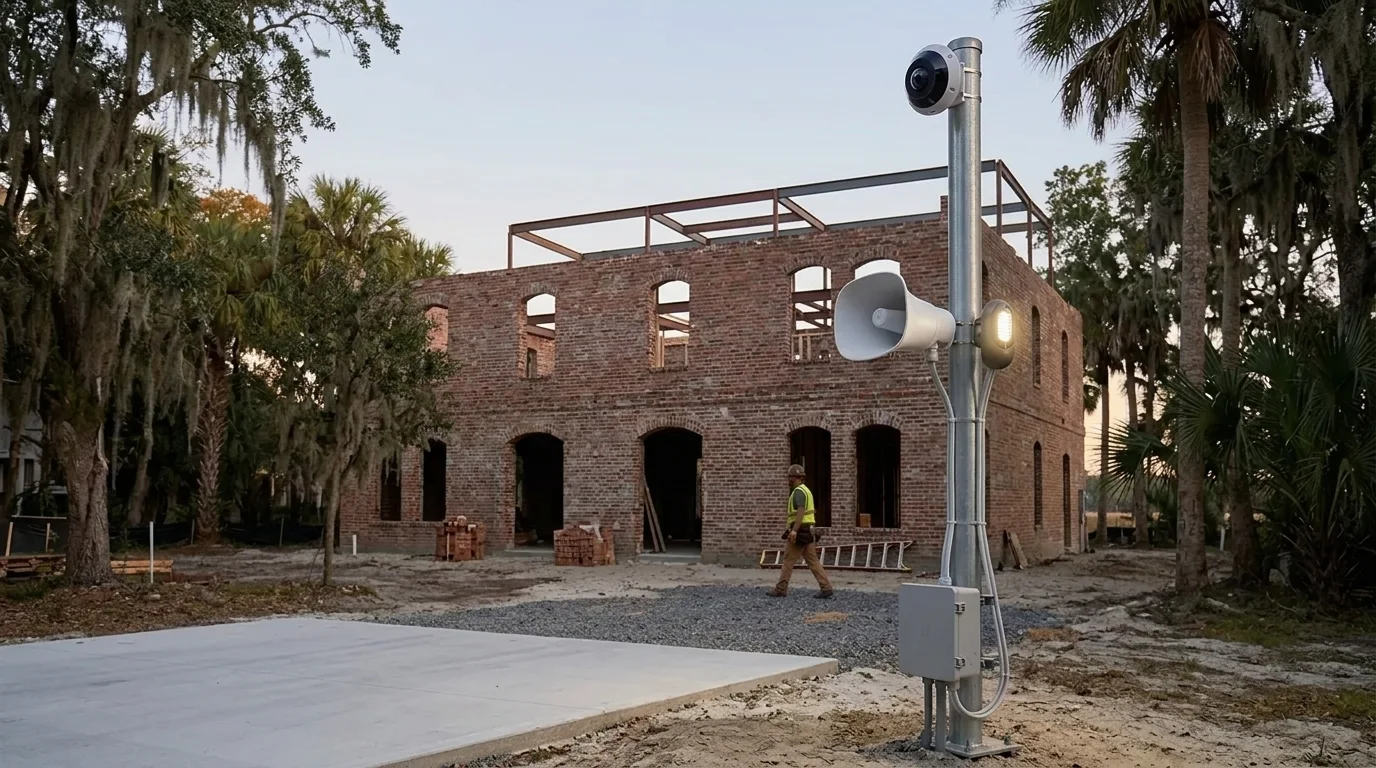
Solar powered cameras
Construction site security built for muddy ground
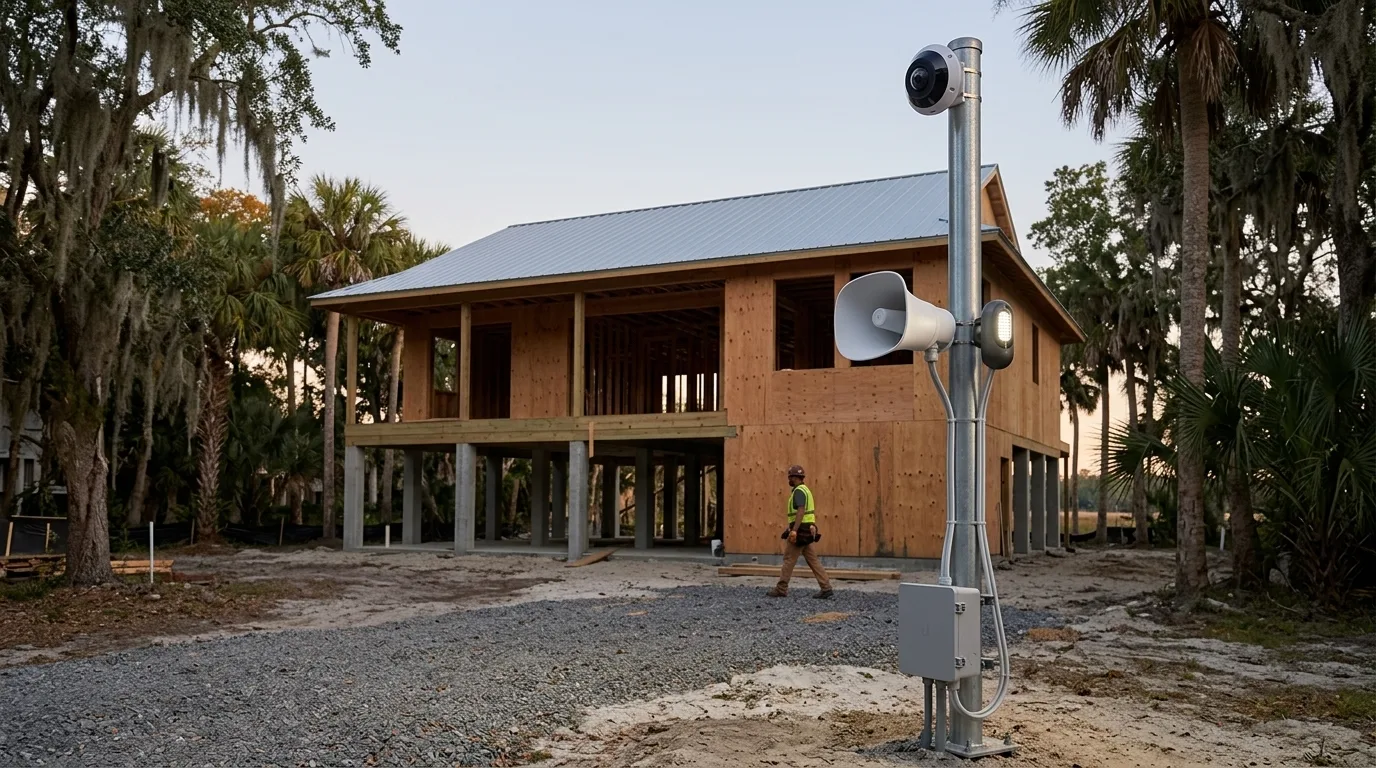
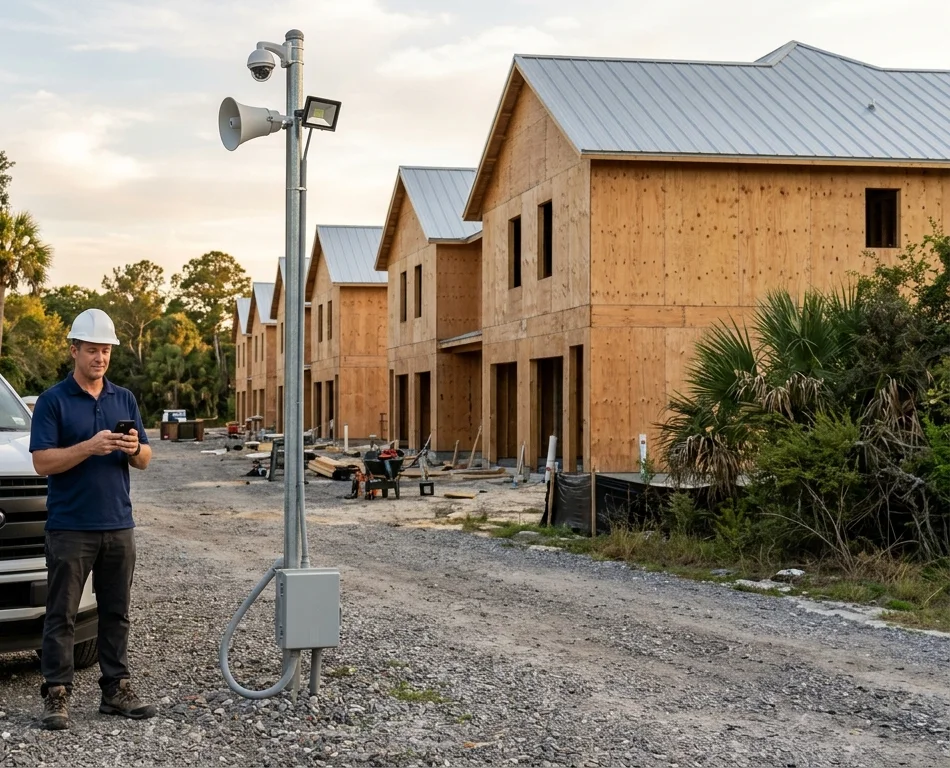
Galvanized poles use solar panels and batteries to run equipment, bringing security cameras, LED floodlights and cellular internet to bare construction sites missing utility grids.
- 1
Camera watches the site
Camera on top watches the entire area, seeing 50 feet in the dark with smart infrared and resisting weather and impacts.
- 2
Floodlight and horn answer motion
Motion triggers an LED floodlight and an all-weather horn speaker to alert people on the ground.
- 3
Solar power and cellular line
Solar panels and batteries replace power outlets, while a 5G and LTE cellular modem replaces network cables.
Cameras fit different kinds of construction
Project managers use cellular camera kits across various builds, bringing visual coverage and network equipment to job sites spanning from Charleston to Savannah.
Select your site type
Coverage on site
Job site cameras run an after-hours sequence
Perimeter cameras link back to the main pole wirelessly, and detected motion during after-hours schedules triggers localized alerts and turns on equipment.
Plan shows idle pole and wireless perimeter cameras on a bare site.
Select a site device
- 1
Person detected after hours
Camera detects a person walking on the site during scheduled after-hours blocks.
- 2
Floodlight comes on
Motion triggers the LED light on the pole to illuminate the area.
- 3
Horn sounds
Action rules trigger a loud tone through the horn speaker.
- 4
Phone alert to site manager
Push notification goes directly to the project manager on the phone app.
Manage alerts and live video from a phone
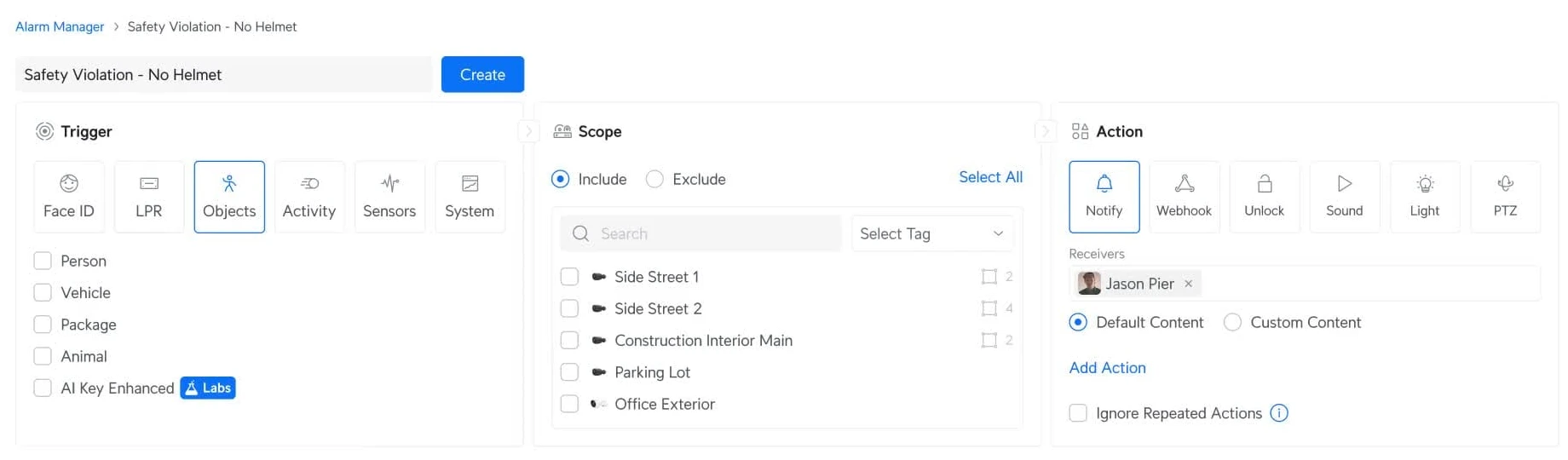
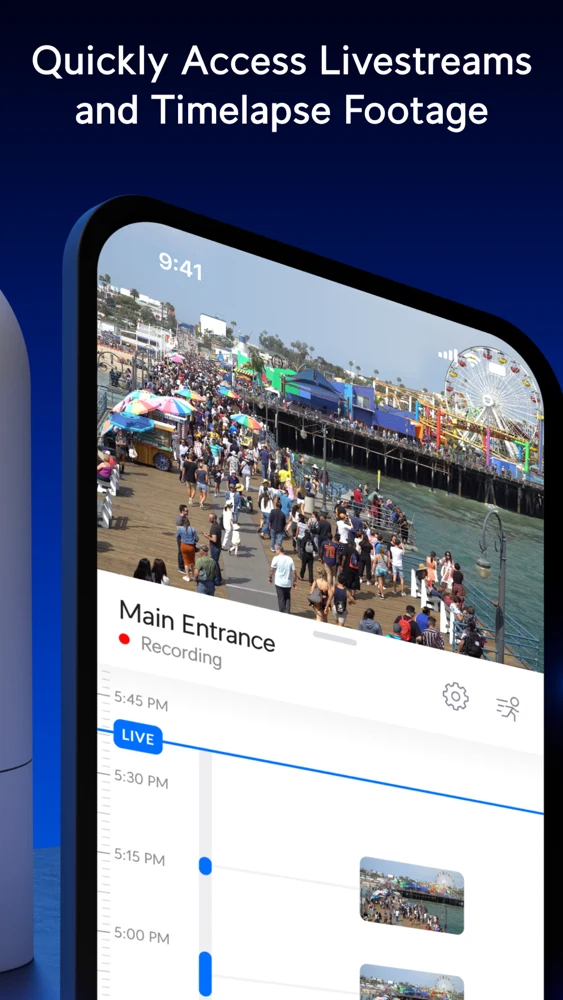
Superintendents watch live footage and play back video directly from phone applications. Alarm rules combine a trigger, a scope and an action to customize after-hours alerts for active sites.
Access for subcontractors
Give gate passes for specific work hours
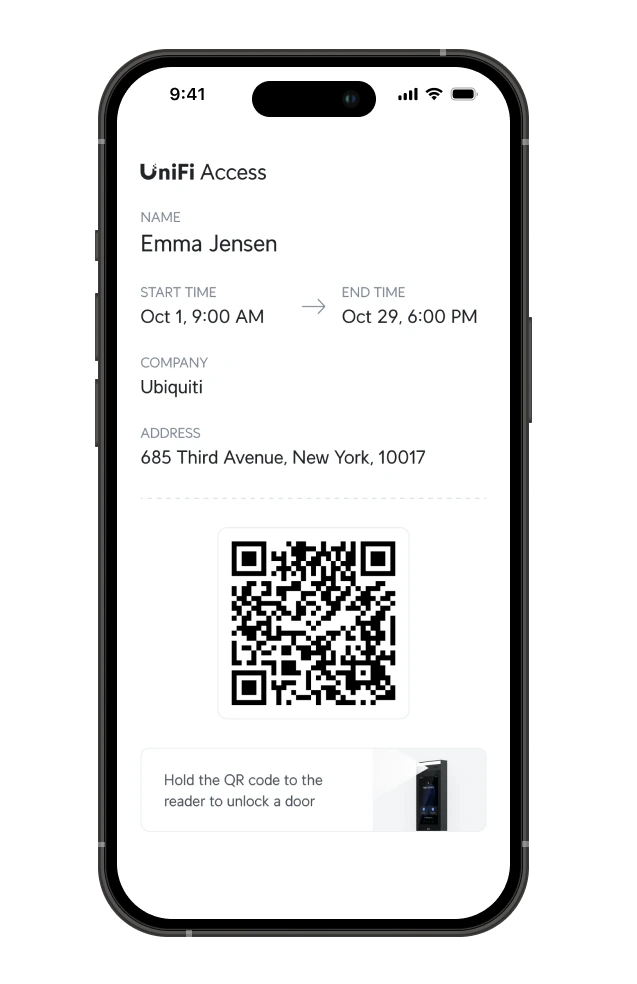
Subcontractors get visitor passes on mobile devices to open gates or doors, running only for assigned days and hours of scheduled work.
- 1
Pass has start and end
Project managers issue passes with a specific start time and end time for each trade.
- 2
Pass opens the chosen gate
Visitor uses a code on their phone to unlock the designated entrance.
- 3
Pass ends by itself
Access stops automatically when the scheduled end time arrives.
Sequence of a solar security kit
CloudCentric handles the camera kits directly, taking security poles from empty dirt at the start to final project completion.
Questions about job site cameras
- Does the site need power or internet?
Solar panels and batteries supply power, while a 5G cellular modem handles internet access.
- What does the pole carry?
Galvanized pole holds a camera, LED floodlight, horn speaker, cellular modem, and an industrial gateway recording to a memory card.
- Do the perimeter cameras need a cable?
Perimeter cameras run on individual solar panels and link back to the main pole wirelessly.
- How does the after-hours alert work?
Detected motion turns on floodlights, sounds horns and notifies site managers via phone alerts.
- Who can watch and from what?
Project managers use a phone application to watch live camera feeds and play back recorded footage from anywhere.
- How do subcontractors get through the gate?
Subcontractors receive phone passes unlocking gates only for assigned days and hours of their work.
- Does the kit move to the next site?
Entire poles and all perimeter cameras move to next projects when current jobs finish.
Bring cameras to your bare ground
Call us or book a site walk to put solar security poles on your next project.