Live voice
Users speak through camera speakers from the Protect phone app to communicate with people on site.
Protect two-way audio help article
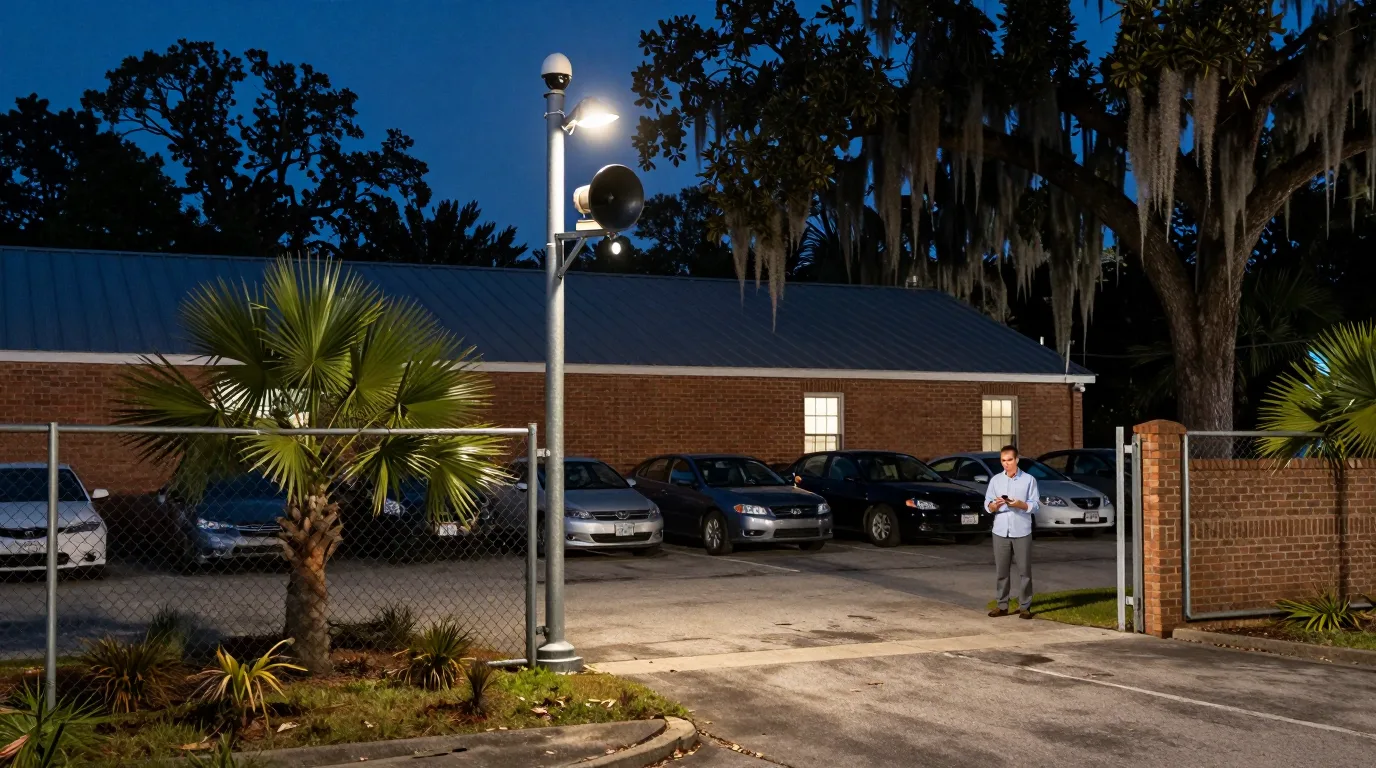
After hours site security
Cameras detect people on a lot after hours, sounding a horn and turning on floodlights while your phone receives the live alert.
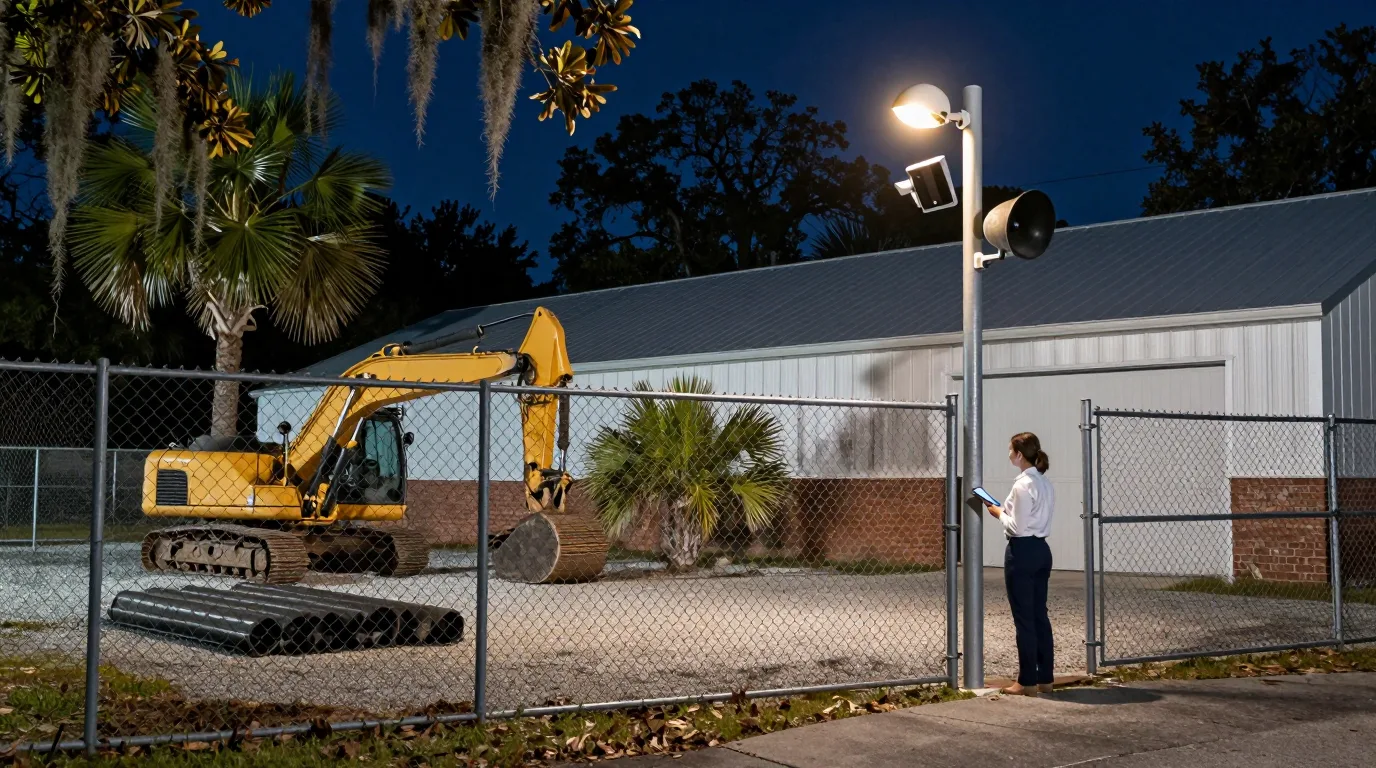
Automated site responses
Cameras identify people on your yard after hours and trigger Alarm Manager, the alert feature of the camera software. You can then speak live through the camera speaker from your phone app.
Detection runs on the camera hardware using a schedule for after hours monitoring without sending video to the cloud for analysis.
Alarm Manager triggers floodlights, sounds tones through speakers, and sends notifications to your phone and email when a person is detected.
Two-way audio from the Protect phone app allows speaking directly through the camera speaker to anyone on the property after hours.
Properties require specific camera and speaker placements to cover gates, fence lines, and entrances effectively with a talk down security camera after hours.
Select your property type
Sales lots need gate coverage and pole-mounted cameras to monitor vehicle inventory after hours.
G6 Pro 360 and AI Horn Speaker on a pole provide 360-degree coverage and loud audio for entrance gates.
Equipment yards use floodlights and horns to respond to people detected near assets after hours.
G6 Pro 360 with AI Horn Speaker and a Floodlight covers wide equipment storage areas and dark perimeter fence lines.
Building sites utilize pole-mounted kits to monitor perimeters without permanent building mounts.
Pole kits combine cameras, floodlights, and horns for sites needing high-mounted hardware that triggers lights and notifications.
Retail entrances require wide-angle coverage and integrated lighting for after hours sidewalk monitoring.
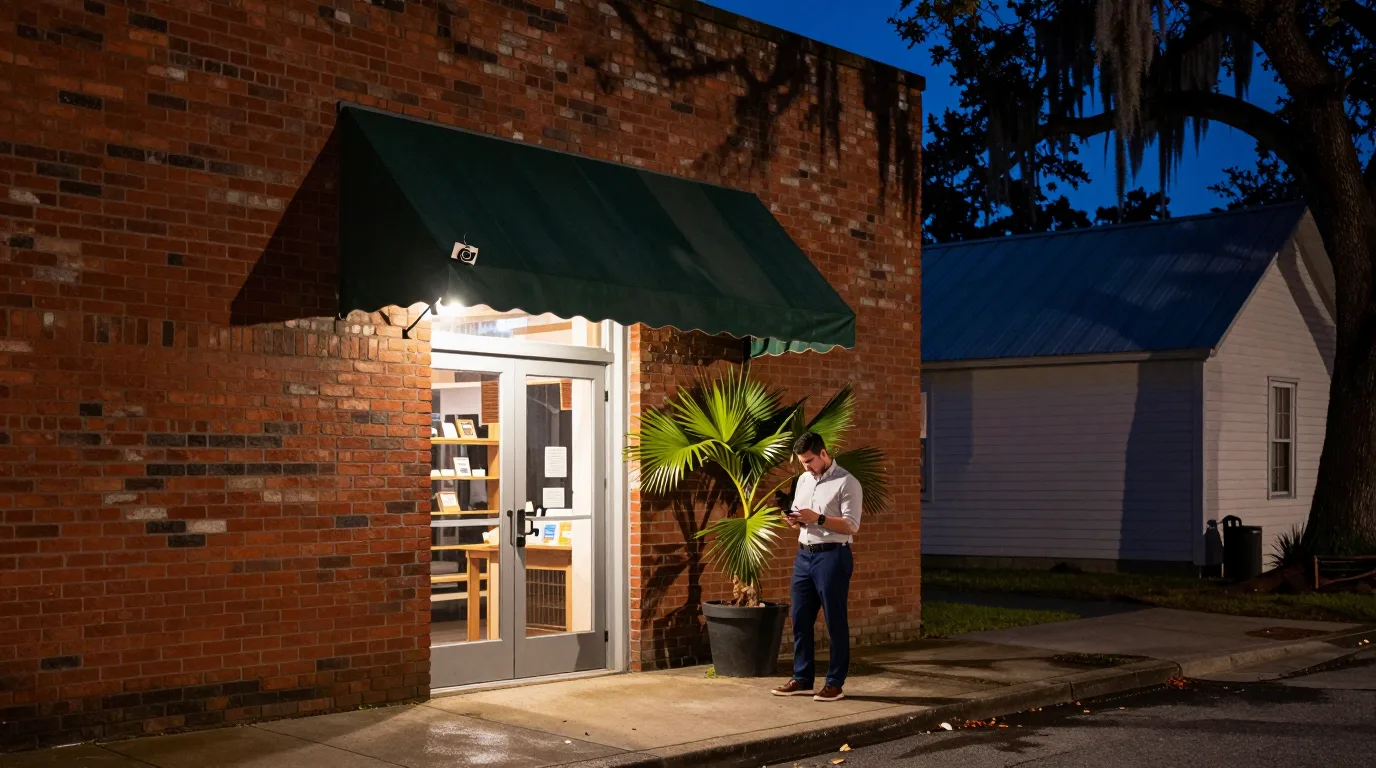
G6 180 under an awning offers 180-degree views and built-in spotlights for coverage of sidewalks and storefront glass.
Loading docks and rear alleys benefit from wall-mounted speakers and floodlights paired with cameras.
AI Horn Speaker on a wall mount combined with floodlights covers rear delivery areas and loading dock entrances.
Sites monitor perimeters and respond automatically when a person enters the lot after hours.
Screenshots provided by the manufacturer.
AI Horn Speakers sound tones and camera speakers broadcast live voice during after hours events.
Users speak through camera speakers from the Protect phone app to communicate with people on site.
Protect two-way audio help article
Alarm Manager Sound action plays a tone through the AI Horn Speaker when a trigger occurs.
Alarm Manager help article
Manufacturer descriptions mention playing prerecorded messages on loudspeakers when cameras detect motion.
ui.com Alarm Manager description
Cameras, speakers, and lights connect via network cables to provide site-wide coverage and automated responses.
Click devices for specifications
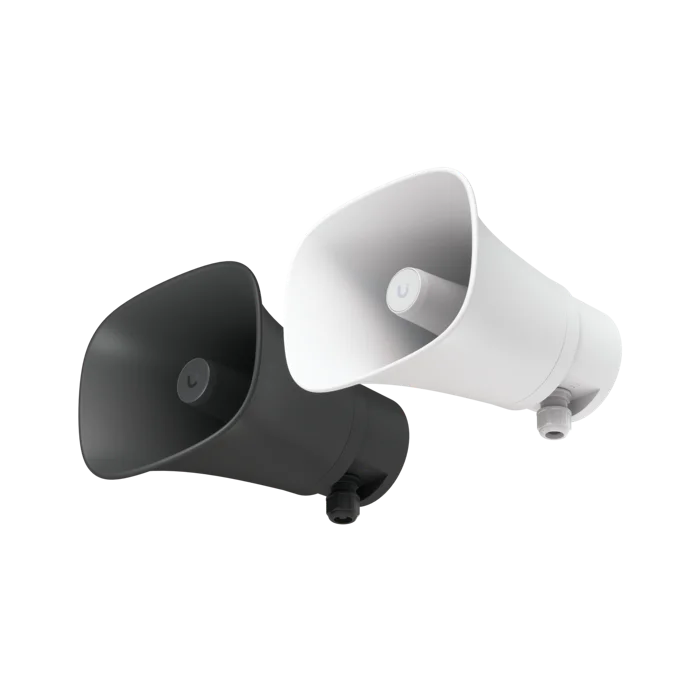
All-weather PoE horn speaker playing tones at 120 dB from wall or pole mounts.
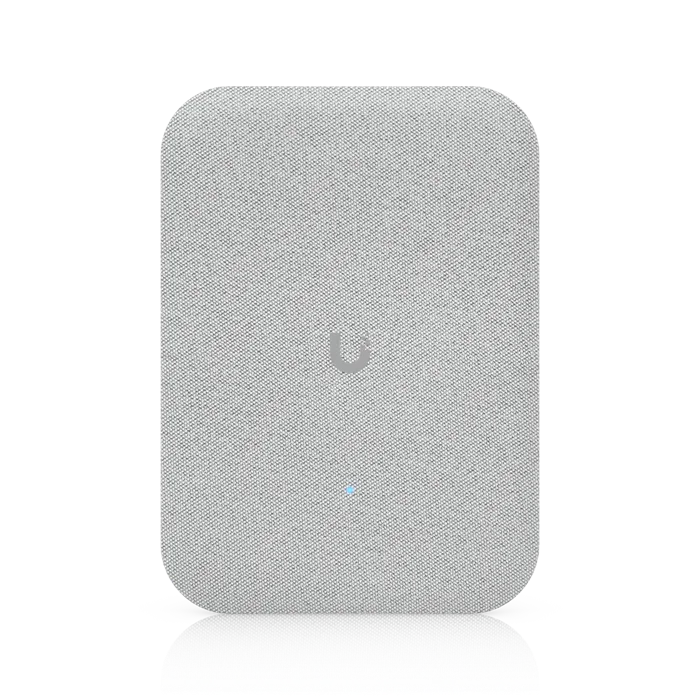
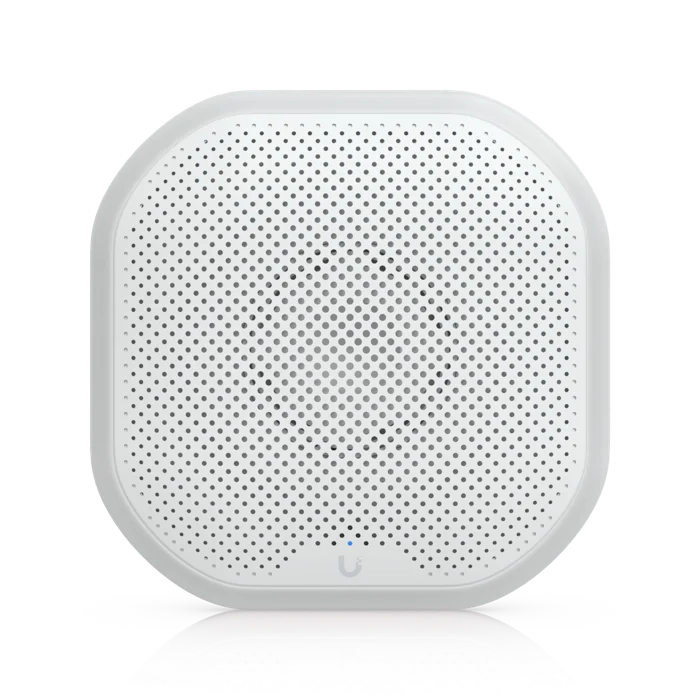
Indoor PoE speaker providing 100 dB audio for storefront interiors and offices.
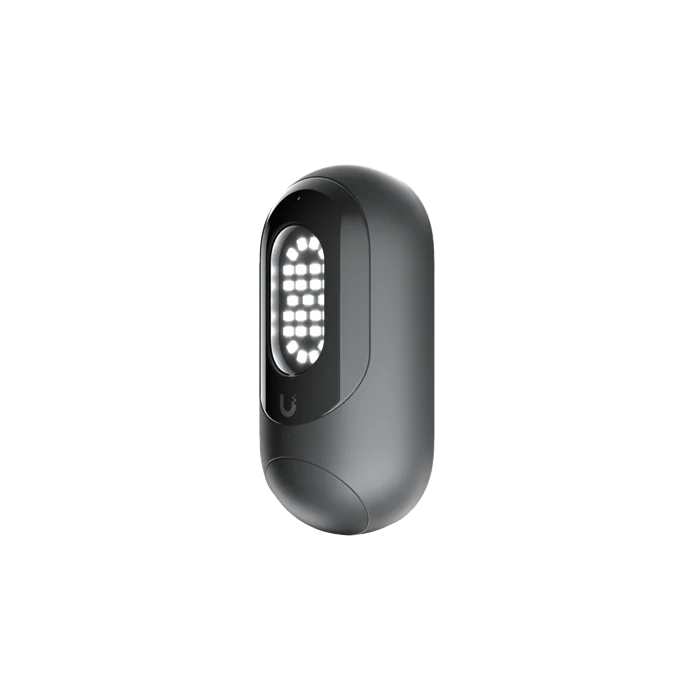
Motion-triggered LED light providing 550 lumens of illumination over network cables.
All-weather siren with 110 dB output and emergency LED lighting for wall mounting.
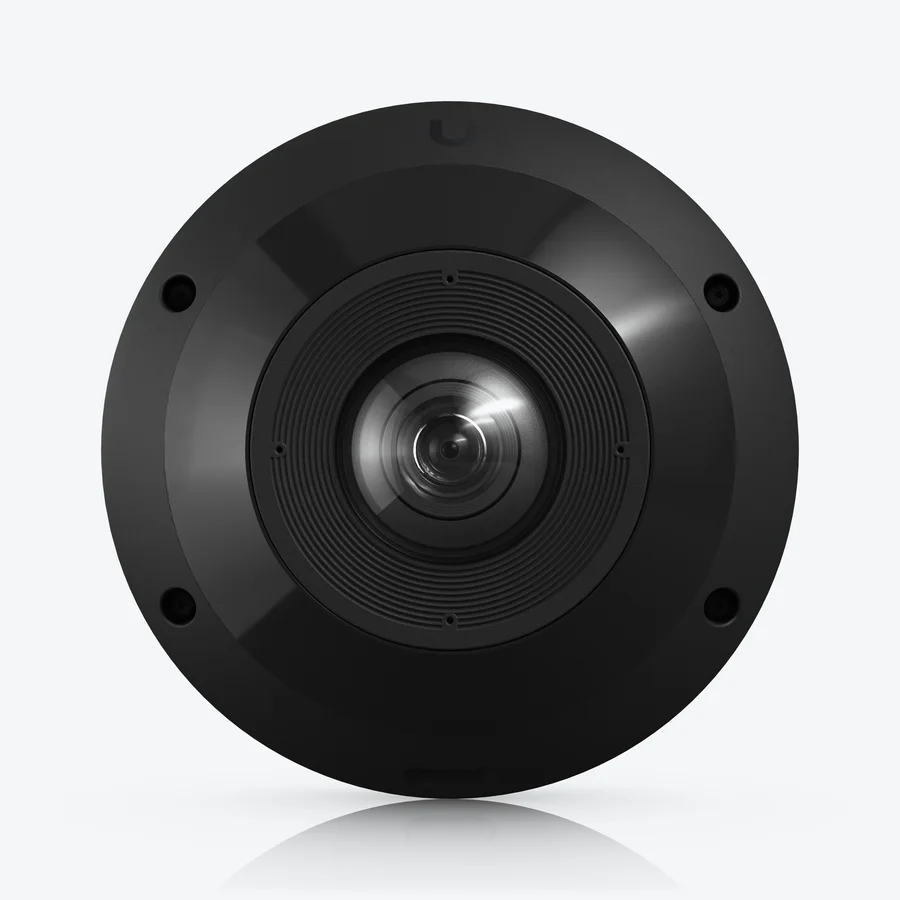
Weather-rated camera with 360-degree views, two-way audio, and 50 feet of infrared night vision.
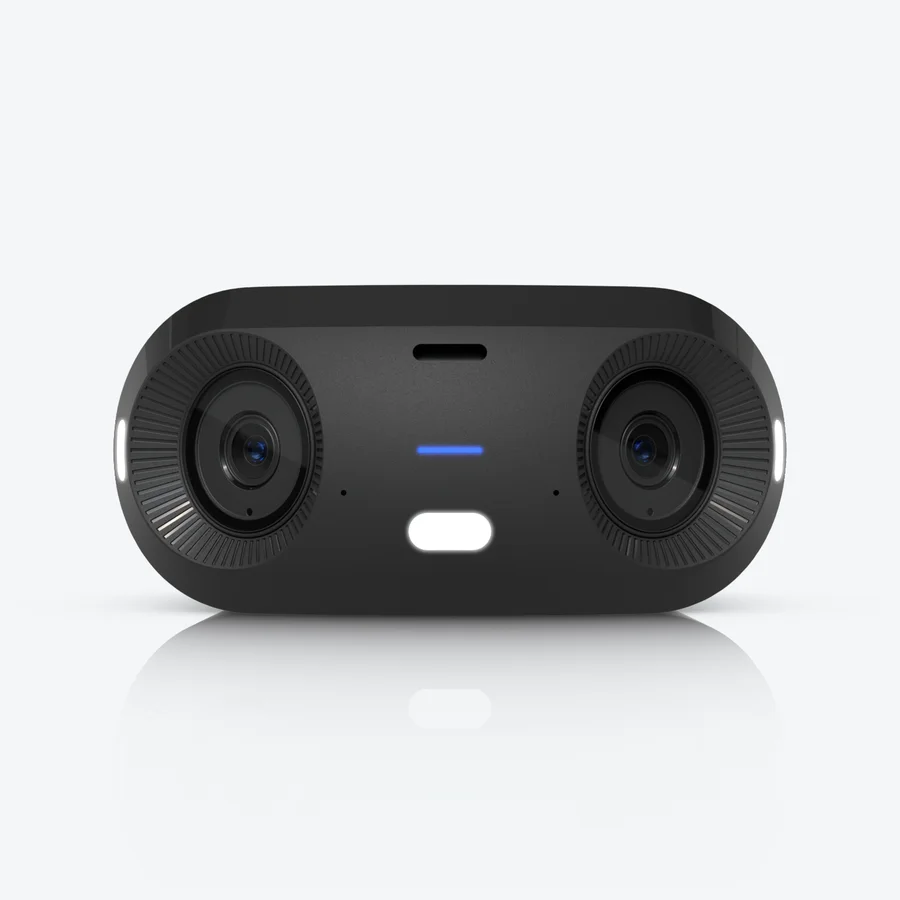
Wide-angle camera with three spotlights, two-way audio, and 65 feet of infrared night vision.
Figures sourced from manufacturer datasheets.
Strategic placement of cameras and speakers ensures coverage of gates, rear loading areas, and storefronts.
View site positions
Pole at the gate carries a camera, horn, and floodlight on one pole for entrance monitoring.
Building wall mounts hold a horn, floodlight, and camera to cover delivery bays and rear doors.
Pole mounts for horns and lights cover perimeter lines and lot corners along the fence.
G6 180 under the awning provides wide views with spotlights and two-way audio for retail fronts.
Schematic for illustration only; not to scale.
Mobile apps receive notifications while footage remains stored on the property recorder even if internet access fails.
Push and email alerts notify selected users when people are detected after hours on the property.
Video stays on the property recorder with no license fees or per-camera charges for site recording.
Pole kits mount a 360-degree camera, motion-triggered floodlight, and all-weather horn speaker on a single pole.
Specialized cameras for reading and recording license plates at site gates and driveway entrances.
Wide-area coverage for car lots and employee parking areas using 360-degree camera views.
A tone plays through the horn speaker and a person can speak live through the camera's own speaker. Manufacturer descriptions also list playing a prerecorded message as an example of what Alarm Manager can do.
Yes, users speak through the camera's own speaker from the Protect phone app, but not through the horn speaker.
Schedules allow alarms to run during specific times, such as after business hours, to reduce unnecessary mobile alerts.
Alarm Manager includes an Ignore Repeated Actions setting to prevent multiple alerts from piling up during a single event.
Storefronts use the G6 180 while indoor spaces utilize the AI Speaker for audio alerts and interior monitoring.
Footage records to a device on the property with no license fees or per-camera charges required for viewing.
Call (844) 422-7000 to speak with CloudCentric in Mount Pleasant.