Large intercom units
Installers report the street unit is large, and directory calls to a phone connect slowly.
CloudCentric access control
Replace an aging buzzer with a clear video directory that rings phones, apps or viewers, installed and managed across Charleston and Savannah.
Select a property type to see visitor and resident access.
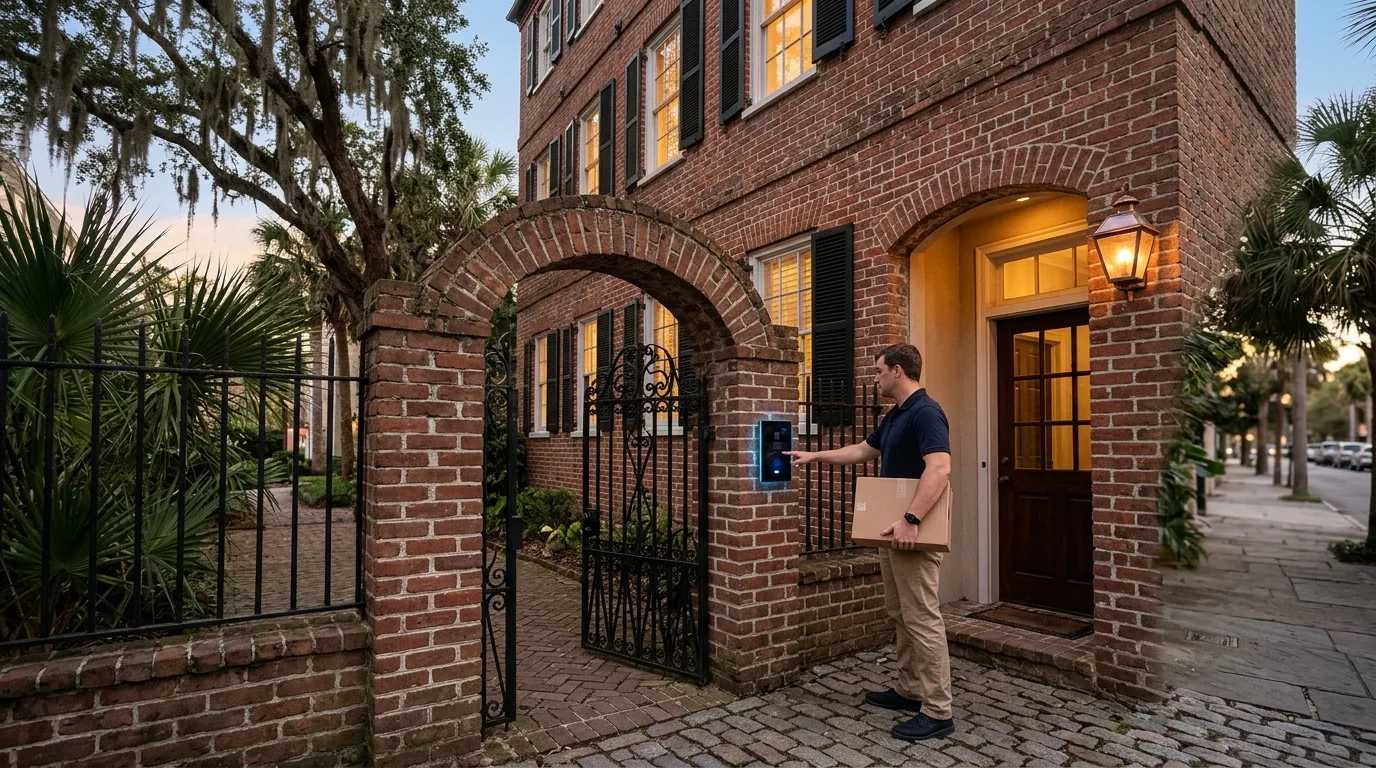
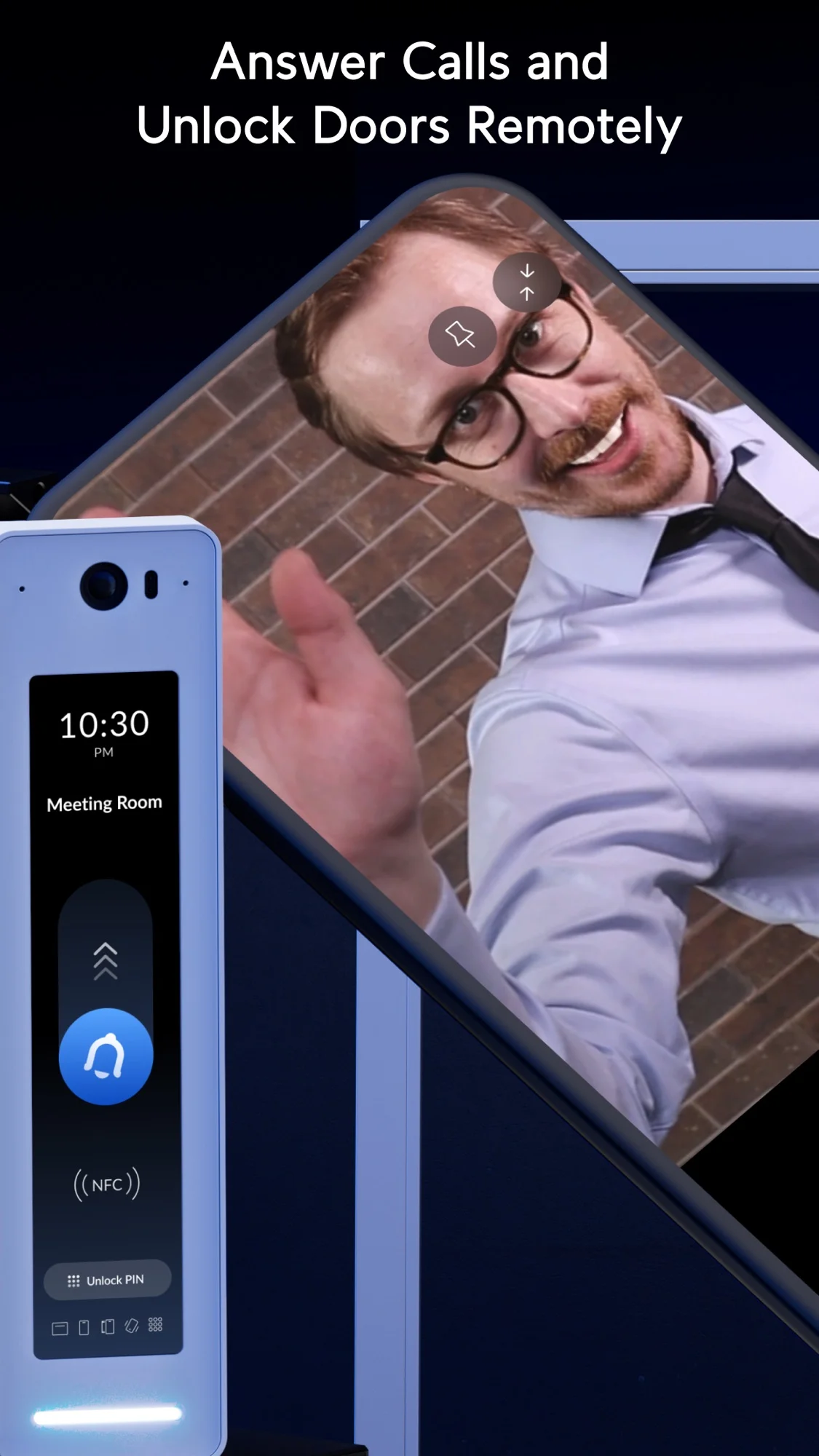
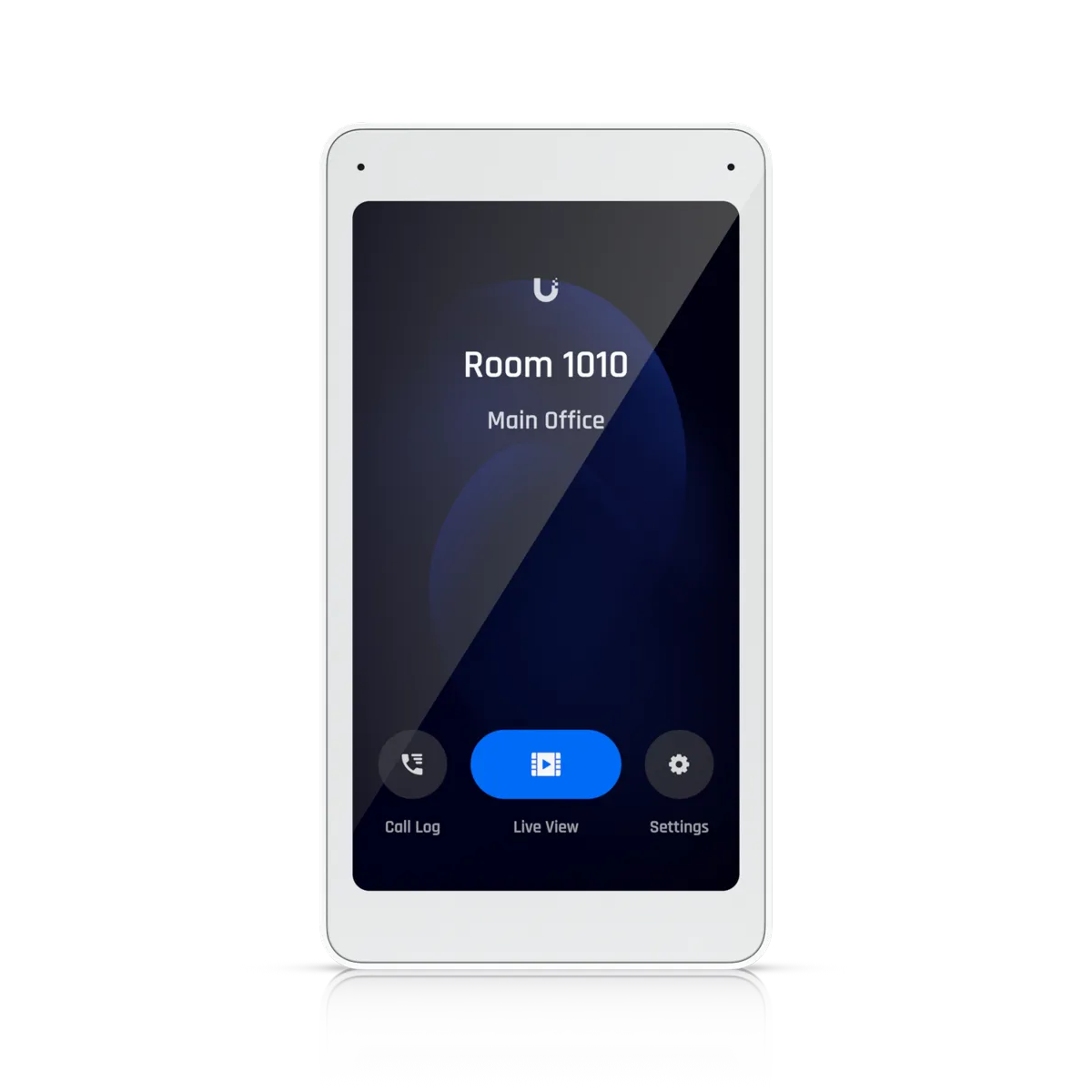
Residents open gates and common doors from their phones, couriers use a delivery button, and visitors select a unit from the directory to call an app or a standard phone number.
Homeowners manage their own guest passes and open neighborhood gates from anywhere. Service providers and housekeepers receive recurring passes for chosen days.
Caregivers enter on a set weekly schedule, while residents answer the gate from a traditional home phone number without needing an app or a smartphone.
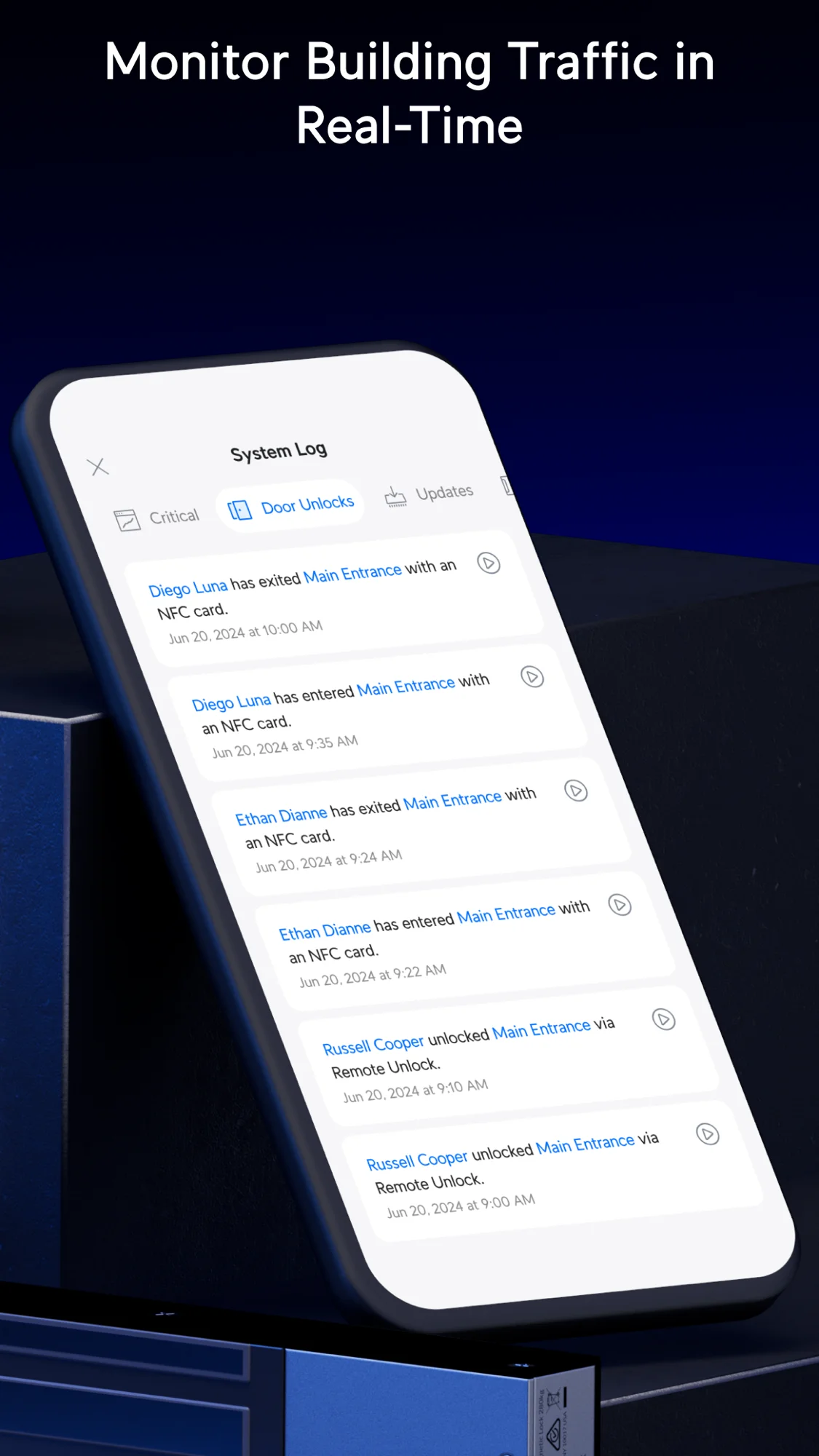
Street visitors call a unit to request entry, and approved guests ride the elevator only to the permitted floor. Entry logs record every door event.
Receivers shown are one example configuration.
Visitors dial a unit code on the street directory. Unanswered calls automatically forward to a second and third group in order.
Receivers shown are one example configuration.
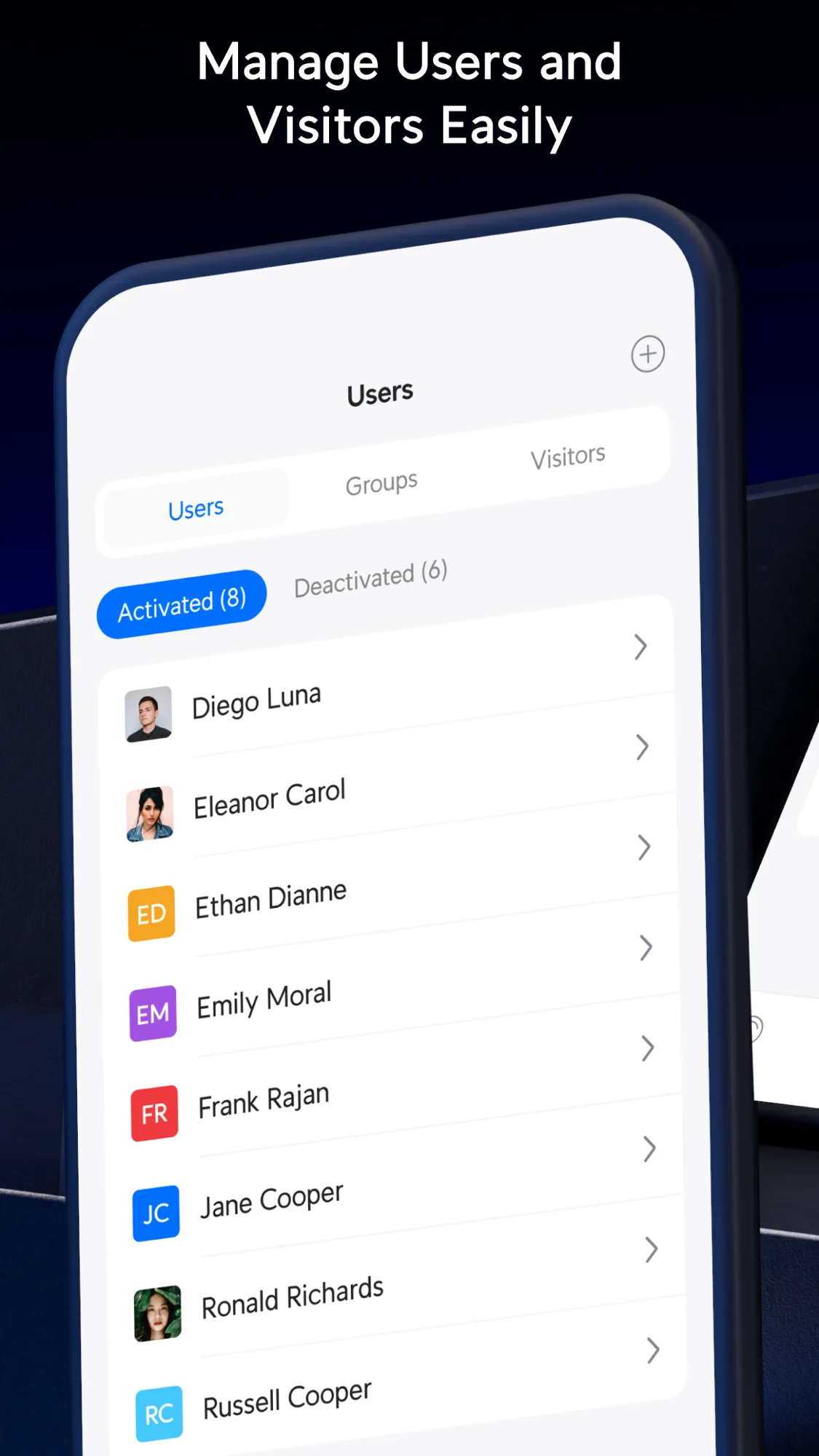
Residents manage daily access and guests directly from a smartphone screen, whether they are at home or away.
Controllers limit riders to authorized levels using existing coax or twisted-pair cable and two-wire power over ethernet extenders, securing up to 18 floors per controller.
Floors, names and times shown are an example.
Common doors use the same central system. Custom policies dictate permitted users and operating hours, with up to 20 daily timeframes and holiday exceptions.
Floors, names and times shown are an example.
Installers report the street unit is large, and directory calls to a phone connect slowly.
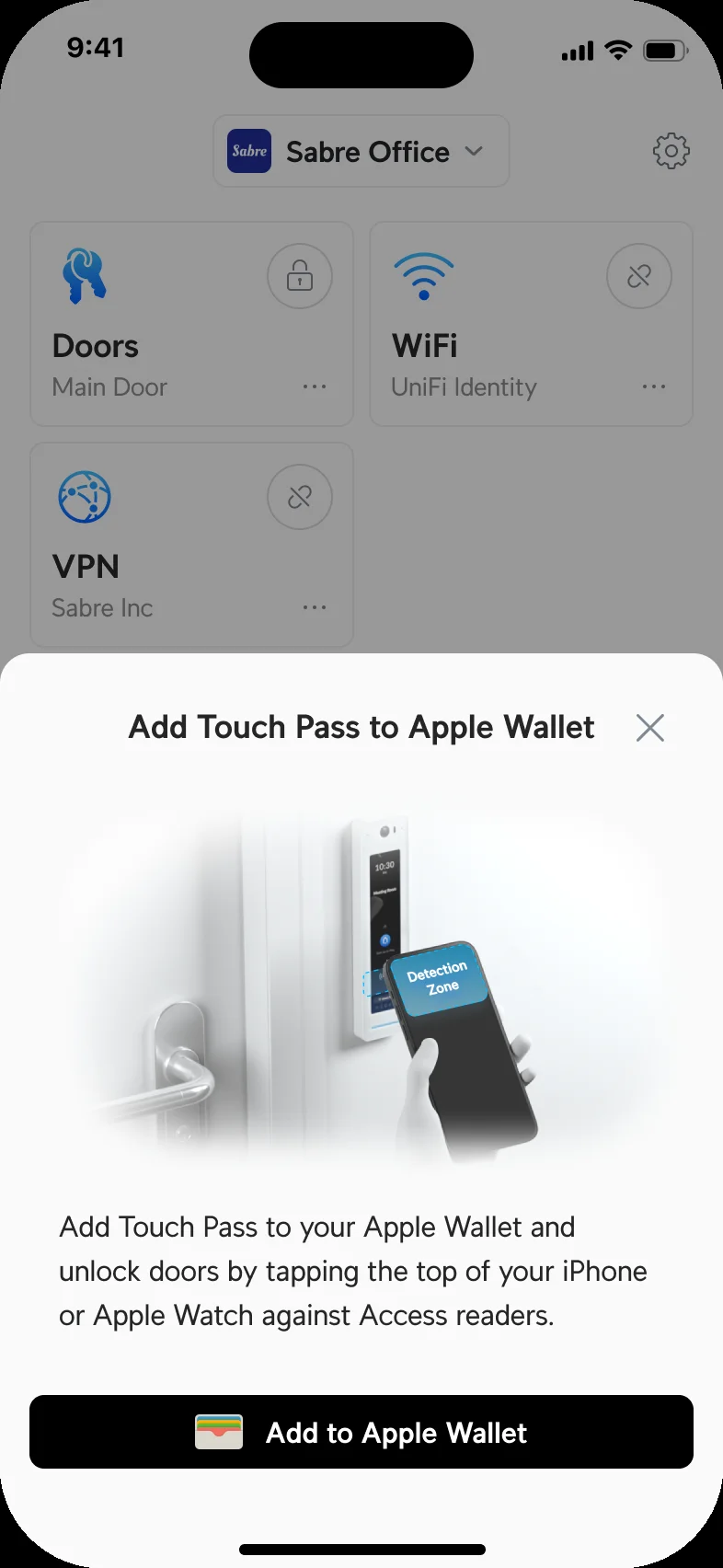
Residents use the app, a wallet pass, a card or a PIN instead of passive walk-up unlock by Bluetooth alone.
Evidence for 250 units comes from planning discussions rather than finished jobs. Large buildings need redundant controllers and a professional design.
Fire alarm release and local code stay with the installer and fire contractor. Fire panel and elevator emergency lines go on a listed cellular communicator.
Access readers and controllers hold UL 294 certification and share a central console with building cameras and wireless networks.
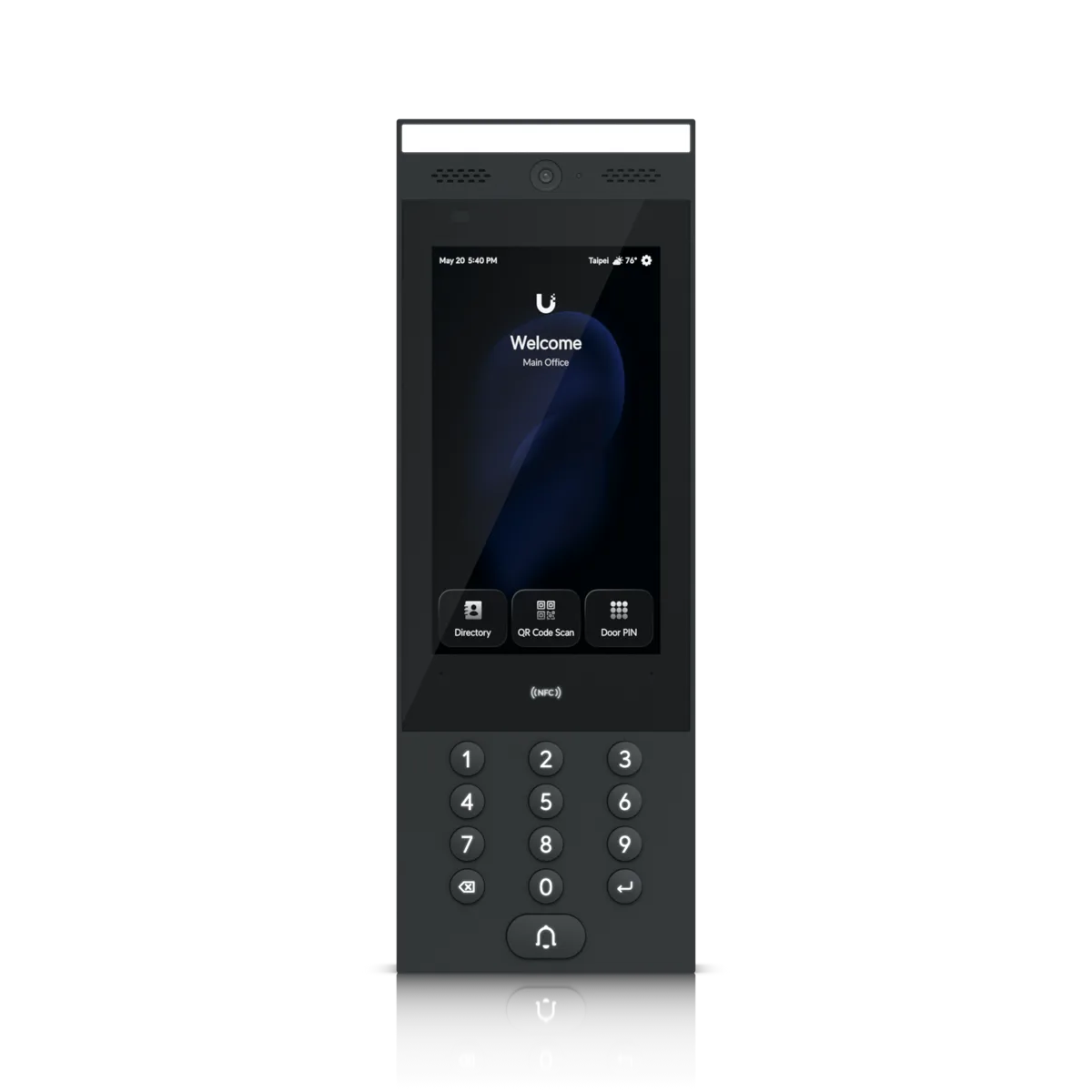
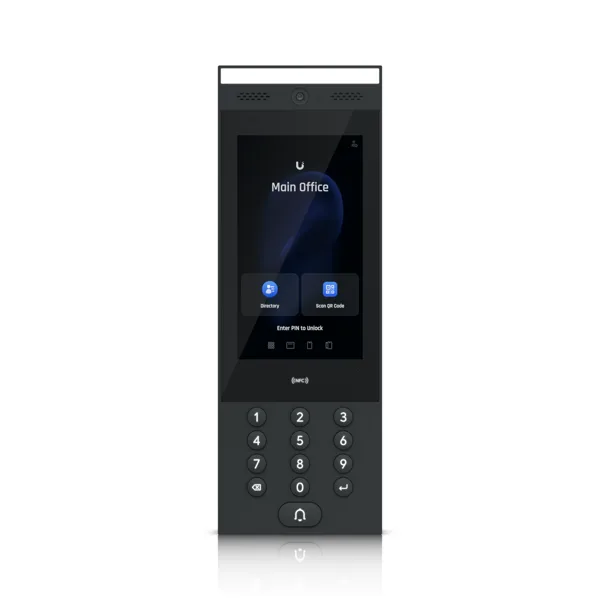
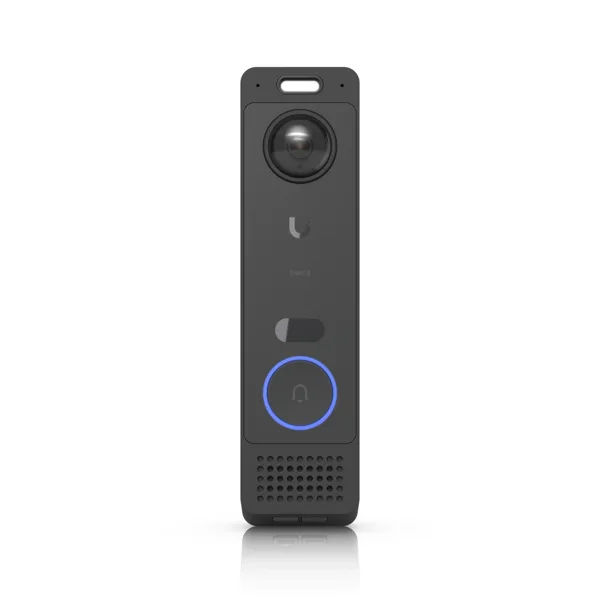
CloudCentric visits the location to survey gates, inspect existing wiring and plan reader placements.
Technicians install the central console, pull necessary network cables and wire the door controllers.
Installers mount intercoms, card readers and cameras, securing all physical hardware at entrances.
Property managers receive administrative access, and CloudCentric provides ongoing technical support for the system.
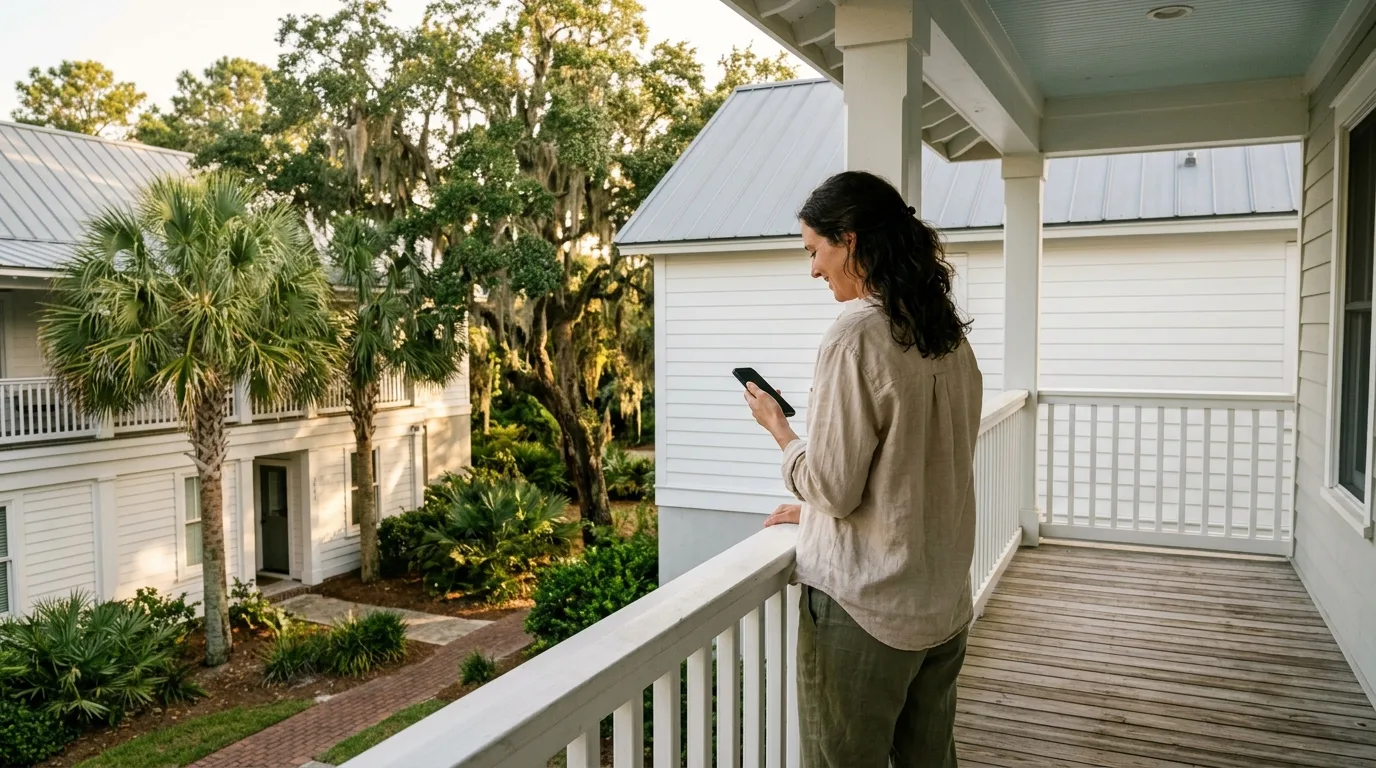
No, intercom calls can dial a regular phone number or SIP phone. Residents can answer the gate and unlock doors without using a smartphone application.
Intercoms feature a dedicated delivery button. Couriers can also be issued a scheduled visit pass to open a regular package room door.
Yes, residents and managers can create visitor passes with specific start and end times. Passes expire automatically when the time ends.
Administrators revoke the credential in the central system, which instantly stops that person from entering any door or gate on the property.
Yes, the same system controls elevators and shared doors, applying separate schedules and user rules to every common area.
Call CloudCentric or book a walkthrough to upgrade property security across Charleston and Savannah.