(844) 422-7000
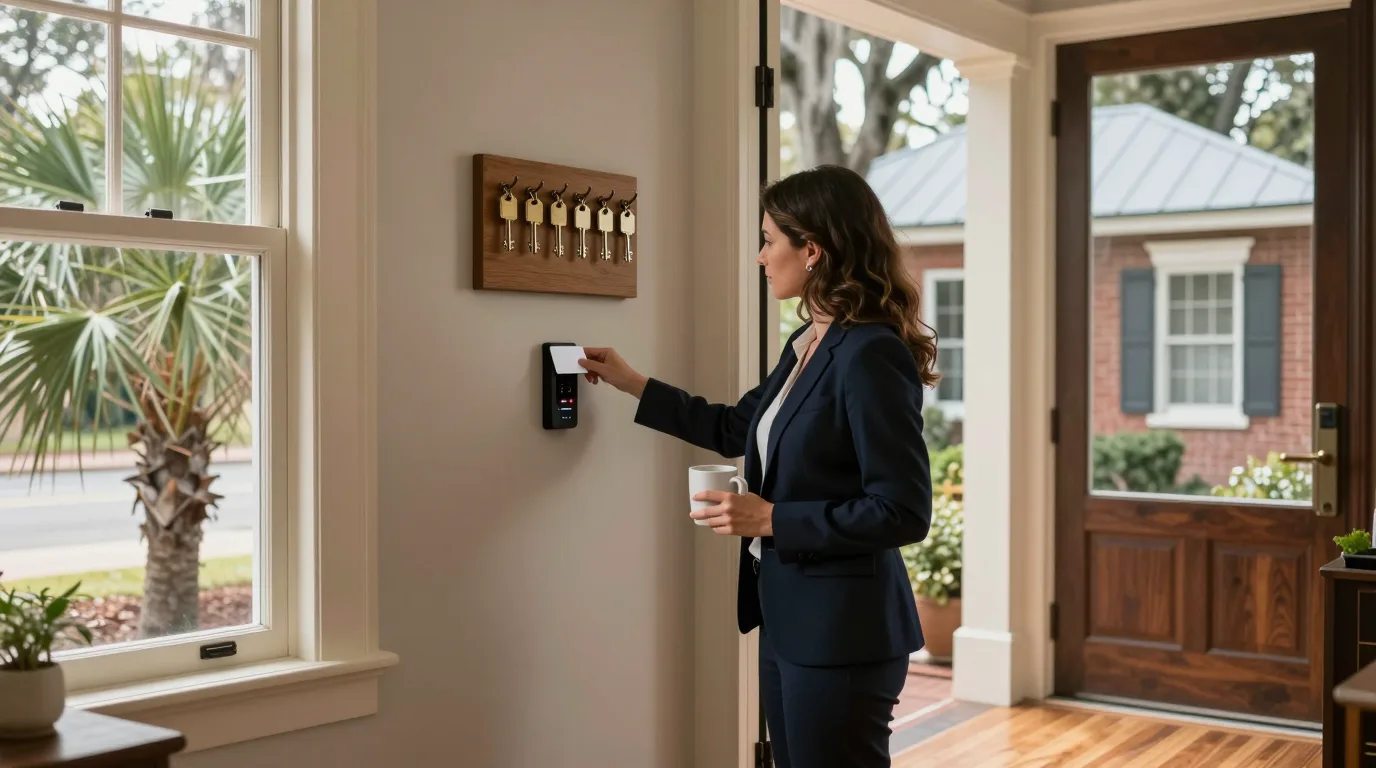
A woman in a navy blazer, a coffee mug in one hand, tapping a card on a small black reader on the wall beside the front door of a converted Charleston single house, with a board of old brass keys hanging above the reader

Door access management

Keyless entry system for business

Each person receives their own credential. Removing someone once revokes access at every door.

Door access control system by business type

Coastal businesses from Charleston to Savannah replace brass keys and shared codes with individual permissions across offices, clinics, property sites, churches, and dining rooms.

Centralized credential management across suites automates staff entry permissions at professional offices from Charleston to Chatham.

  • New hireReceives default access policy automatically upon onboarding.
  • Office visitorChecks in at kiosk, scans ID, and receives a printed visit badge.
  • Departing employeeRemoved once from the console to revoke entry at all doors.
  • Assign default policy automatically to new staff members
  • Import user directory from Microsoft Entra ID or Okta
  • Print temporary visit badges from an iPad kiosk

Door permissions map

Selecting a person and hour shows which doors open based on assigned permissions, while removing access closes every door simultaneously.

StreetSupplyRecordsBreak roomReceptionOpen office1Front door2Back door3Records room4Supply closet

  • 1Front door
  • 2Back door
  • 3Records room
  • 4Supply closet

Brass key holders keep physical access until locks are rekeyed and new keys are reissued to everyone.

Names and times shown are an example.

Five ways to unlock doors

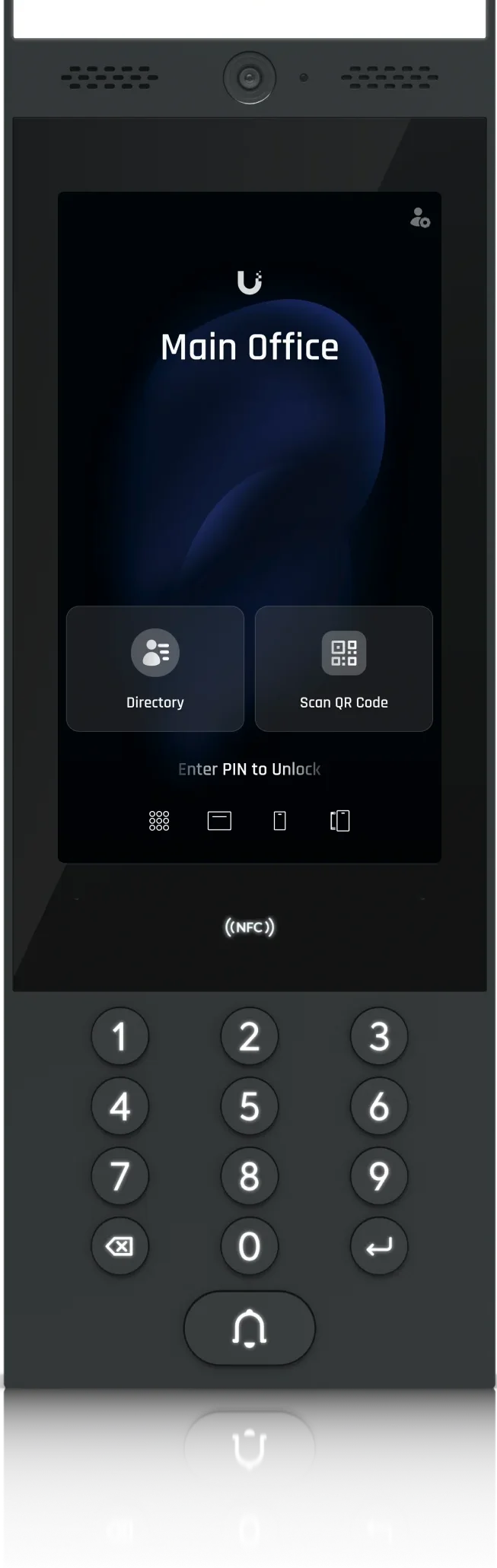
Doors support multiple entry methods configured per reader to match staff, visitor, and administrative preferences.

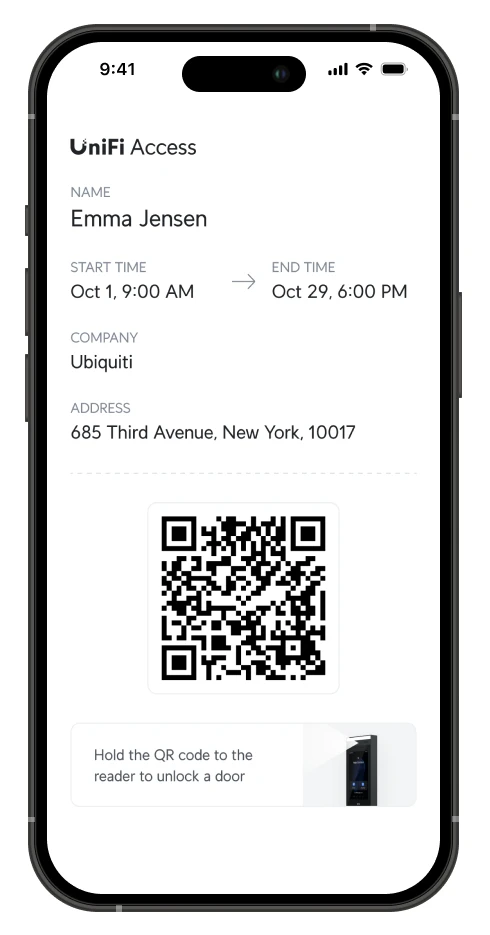
The access app offering to add a pass to Apple Wallet, with the Add to Apple Wallet buttonThe access app on an iPhone with a door tile unlocking, and the same door listed on an Apple Watch

Phone or watch

Touch Pass in Apple Wallet or Google Wallet allows tapping a phone or watch without opening an app. Express Mode on an iPhone works without unlocking the device first.

Custom schedules and door behavior

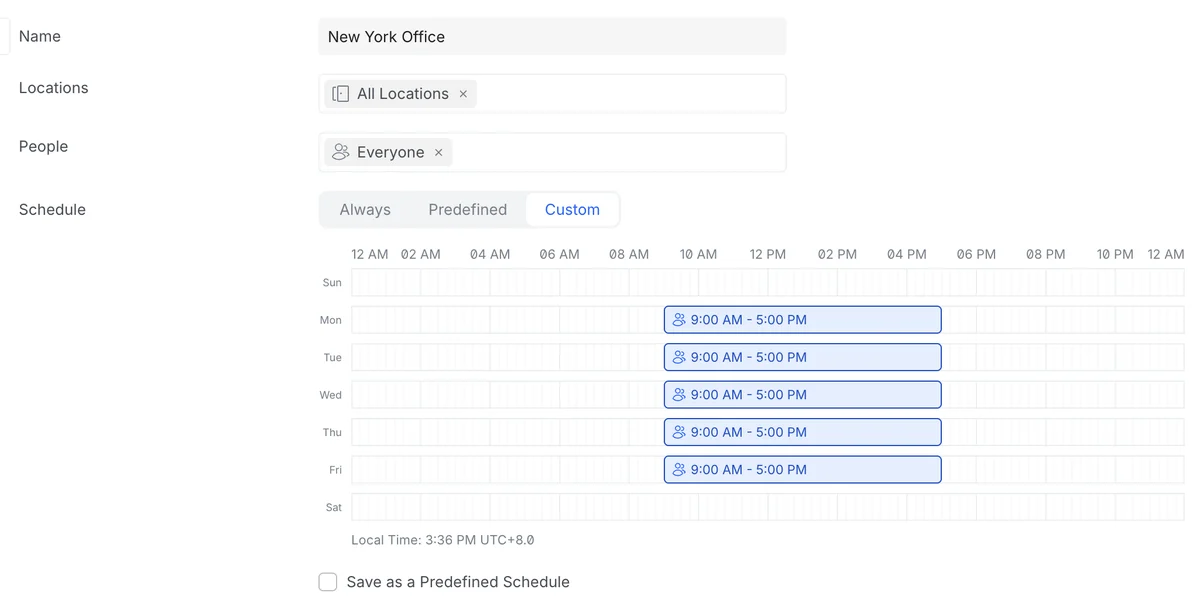
Access policies assign specific doors to people or groups by day and hour with holiday exceptions. Systems support any number of policies and schedules. Doors stay unlocked on a schedule during opening hours and lock at close.

The access console's policy editor: a name, locations, people and a weekly schedule grid with 9 AM to 5 PM blocks from Monday to Friday
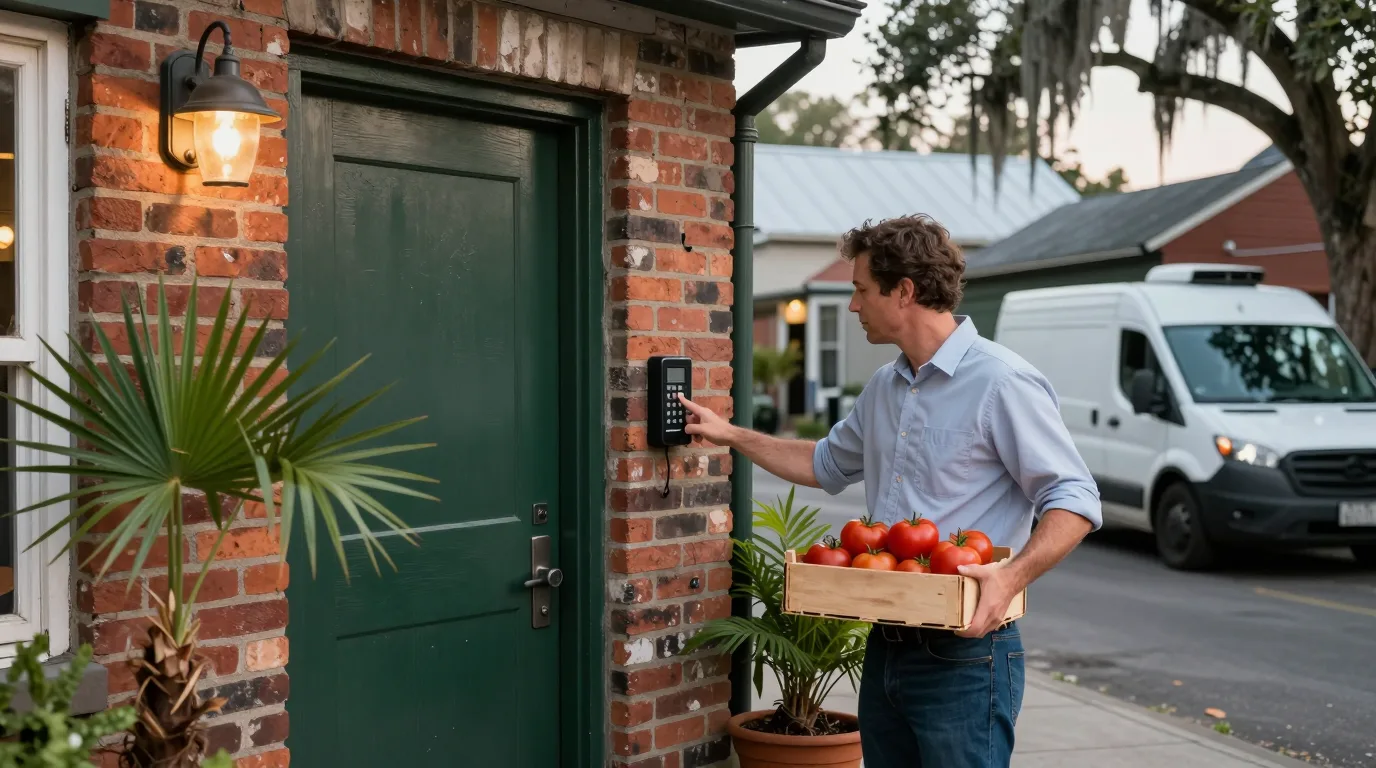
A produce supplier carrying a crate of tomatoes and pressing the keypad on a small black reader beside the dark green back door of a brick Charleston restaurant
01

Scheduled contractors and cleaners

Cleaners and service crews receive access strictly within their designated working hours and assigned doors.

02

Delivery door window permissions

Restaurant produce or linen suppliers use recurring visitor PINs active only inside scheduled delivery windows.

03

Restricted internal rooms

Server rooms, records storage, and supply closets restrict entry to named individuals, with optional second person approval.

Event logging and active management

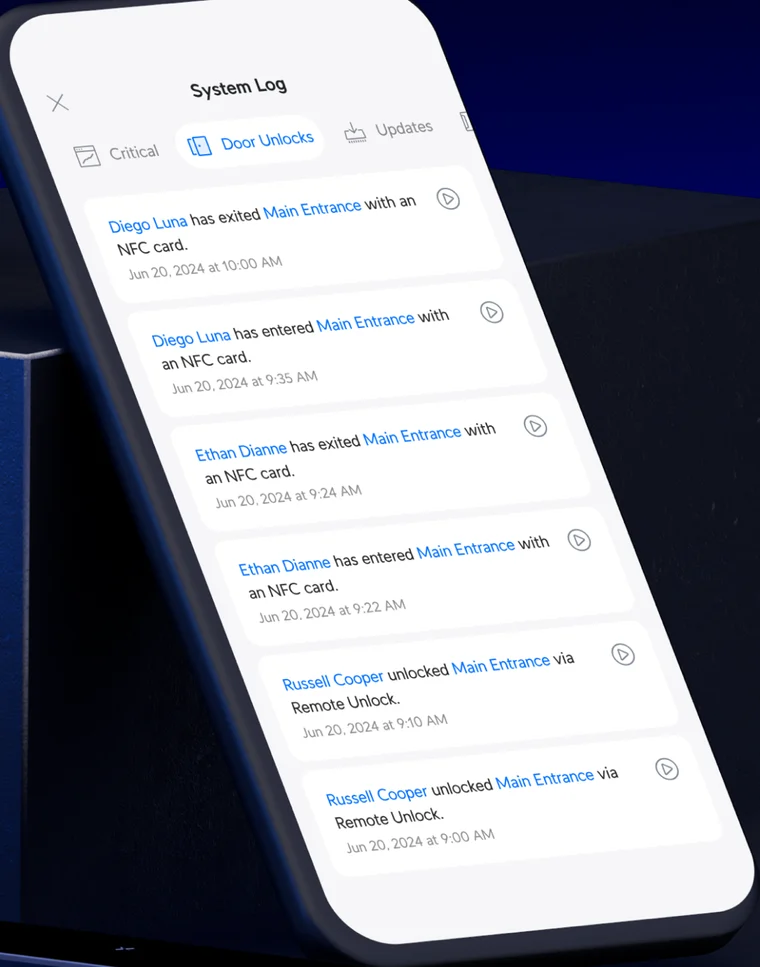
System logs record every door unlock and refused attempt with the person, door location, and exact time.

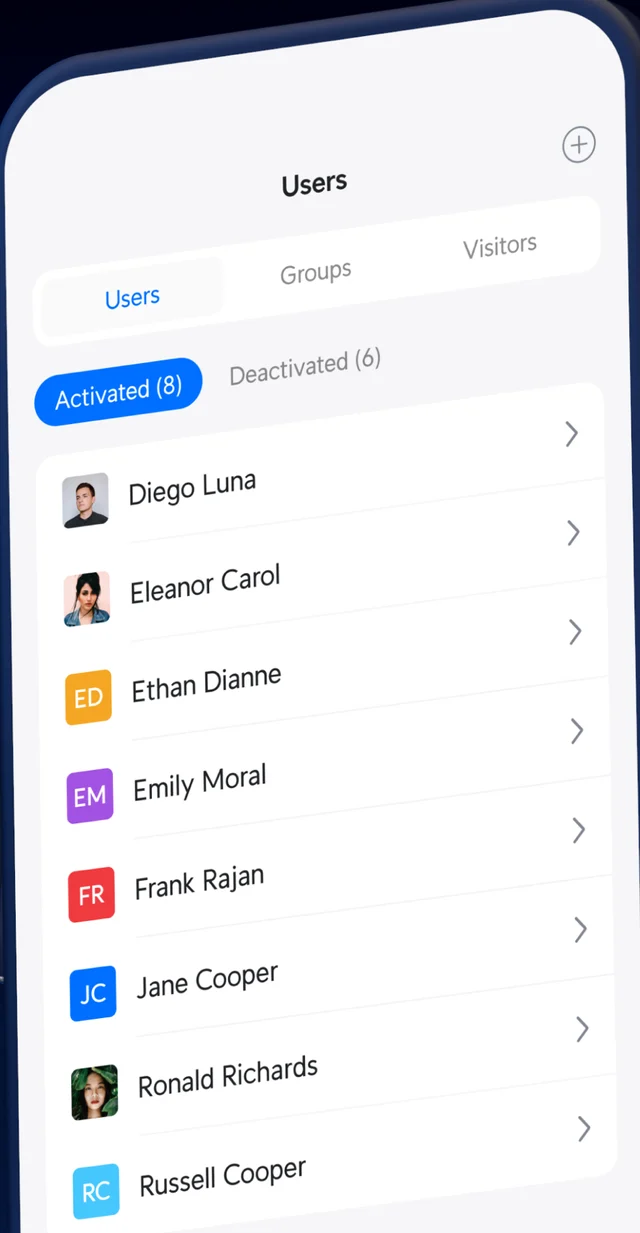
The access app's System Log on the Door Unlocks tab, listing people entering and exiting the main entrance with an NFC card, each with a date and timeThe access app's Users list with Activated and Deactivated tabs, showing a list of named people
  • 1

    Detailed system log

    System Log features a Door Unlocks tab recording every successful entry and denied attempt across all facility doors.

  • 2

    Real-time alarm manager alerts

    Alarm Manager alerts on after-hours unlocks, refused badges, or new users, delivering push notifications with back door camera clips.

  • 3

    Central user directory management

    Users list shows Activated and Deactivated tabs. New hires receive default policies automatically, with Entra ID or Okta import on UID Enterprise.

Door system technical limits

01

Console connection and offline operation

Revocations reach a door hub when connected to the console. Credentials already synced keep working offline, and building controllers maintain schedules when internet drops.

02

Touch Pass licensing structure

Consoles include 10 free Touch Passes in a one-year trial, then bought per user yearly. Cards, fobs, PINs, faces, and app carry no per-user fee.

03

Fire alarm and power failure

Power failure behavior is set per door during survey: fail-secure stays locked, fail-safe releases. Doors release on fire alarm, tied in by the installer.

04

Health records software scope

No HIPAA compliance claim is made by the manufacturer for the access software, and none is made here.

Access hardware lineup

Entry hardware includes readers, keypads, intercoms, hubs, and magnetic locks: G3 Reader, G3 Reader Pro, Reader Flex, G3 Intercom, Intercom, G6 Entry, Door Hub, Door Hub Mini, Magnetic Lock.

Four step installation process

  1. 1

    Document doors and credentials

    Map existing doors, current key holders, active door codes, and access permissions required for staff and visitors.

  2. 2

    Survey door hardware

    Inspect locks, frames, closers, fire ratings, and power failure release requirements for each door on site.

  3. 3

    Mount hardware and hubs

    Install readers on door frames, wire door hubs, connect lock strikes, and integrate fire alarm release triggers.

  4. 4

    Configure access and test

    Add people, assign schedules, invite visitors, and verify physical operation across every configured door.

A woman holds her phone up to a small black reader on the clapboard wall beside the white side door of a church building, a live oak with Spanish moss and a palmetto beside the brick path

Frequently asked questions

Upgrade to door access control today

Call (844) 422-7000 or book a door survey to replace physical keys across coastal South Carolina and Georgia facilities.

CharlestonMount PleasantSummervilleBeaufortBlufftonHilton HeadSavannah
Call (844) 422-7000
CloudCentric · Mount Pleasant, SC · serving Charleston and the Lowcountry(844) 422-7000