Historic district
Historic District Review Board guidelines apply to work downtown. Equipment stays small and utilizes existing paths to minimize visual impact on historic structures.

Beaufort IT support
Help desk engineers fix most problems remotely, and an engineer comes to the office for any work that has to be done at the machine.
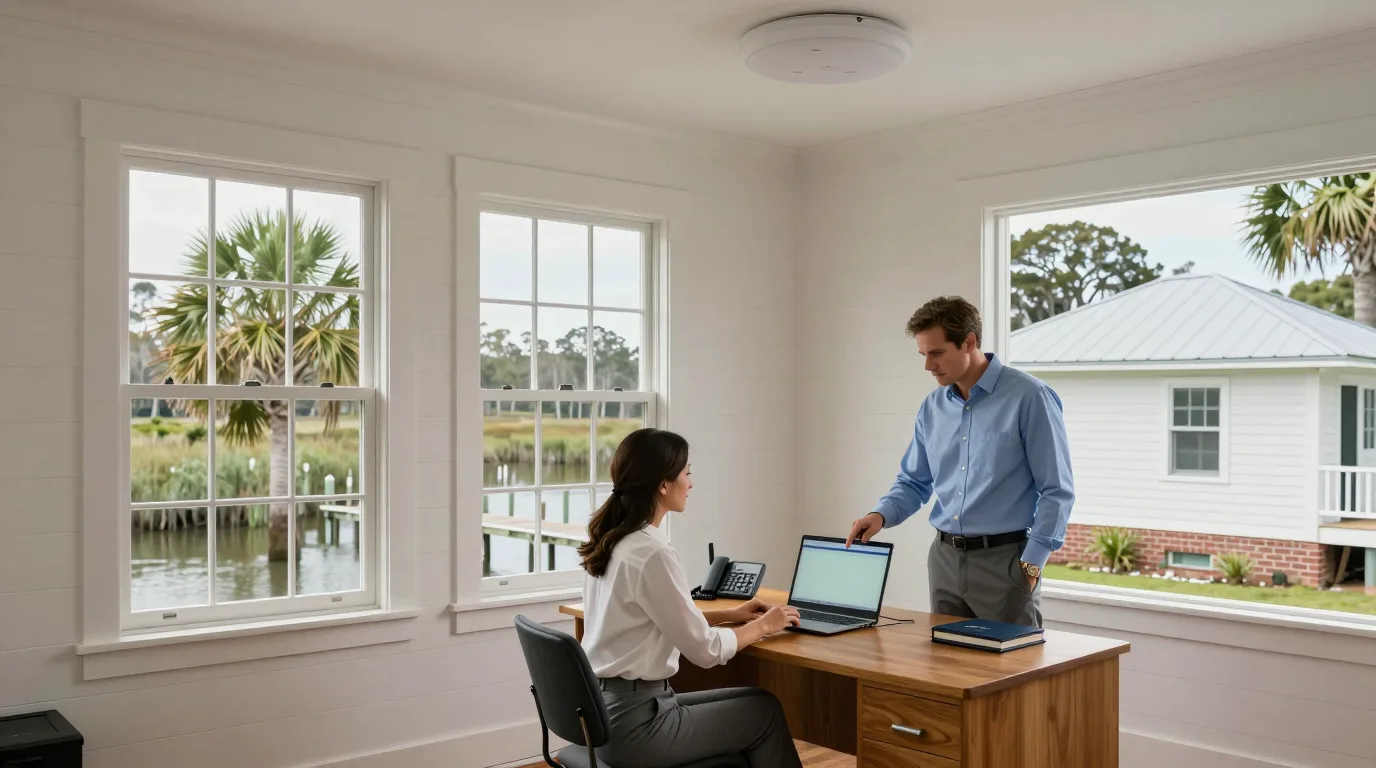
Engineers resolve many issues through the help desk. If a machine needs physical attention, an engineer visits your office to fix printers, network hardware, or individual computers.
Pick a step below
Staff reach the help desk by phone, email, or messaging in Microsoft Teams. Every request becomes a ticket and stays open until it is resolved.
Help desk staff fix most problems without a visit. You keep your machine while they work on password resets, Microsoft 365 issues, or software troubleshooting.
Engineers visit for hardware tasks. They check in with the office manager, fix the machine, and explain the work in plain language before leaving the space as found.
Written summaries follow every visit. You receive an inventory of equipment and all logins held in your own name. Backups and machines are monitored to catch problems early.
Services match the specific needs of offices, contractors, and shops across the Sea Islands. Find your category to see how computer repair in Beaufort, SC works for you.
Select your business type
Professional offices and medical practices on Lady's Island or downtown receive help desk support and Microsoft 365 management, with cloud backups and logging set up for patient records.
Defense contractors near Parris Island, Marine Corps Air Station Beaufort, and Naval Hospital Beaufort receive technical controls for NIST SP 800-171 and CMMC. CloudCentric documents control descriptions and evidence.
Bay Street shops and restaurants use guest Wi-Fi and separate networks for card terminals. Automatic cellular backup keeps registers running if the main internet line fails.
Companies with Beaufort branches direct work through their main IT team. Engineers visit the branch for on-site tasks, label ports, and send inventory data back to the home office.
Owners of waterfront homes and rentals connect docks and outbuildings with wireless bridges. Door codes for guests start at check-in and stop at checkout while guest Wi-Fi runs separately.
Engineers visit offices across the Sea Islands. Most software issues are handled remotely, while hardware tasks happen at your location on Port Royal Island or Lady's Island.
Click a location
Schematic map, not to scale. Examples are illustrations of the kind of work done in that kind of place
Downtown Beaufort
Small cameras, wireless links, and cabling run through existing paths to keep visible equipment to a minimum in the Historic District.
Lady's Island
Shopping centers and offices on Lady's Island receive outdoor access points and network management across the Beaufort River.
Port Royal
Battery and internet backup systems keep homes and offices on the south end of Port Royal Island online.
Building systems must account for the local climate and regulations. Hardware choices and installation methods reflect these specific Beaufort conditions.
Historic District Review Board guidelines apply to work downtown. Equipment stays small and utilizes existing paths to minimize visual impact on historic structures.
FEMA maps put many buildings in low-lying areas. Network racks and battery backups are installed above expected flood height to protect hardware from rising water.
Storms from June to November can cut power for days. Systems include cellular backup, battery power, and sensors for leaks or high temperatures.
Coastal exposure corrodes standard outdoor fittings. Exterior hardware is specified for salt air environments to prevent premature failure of cameras and access points.
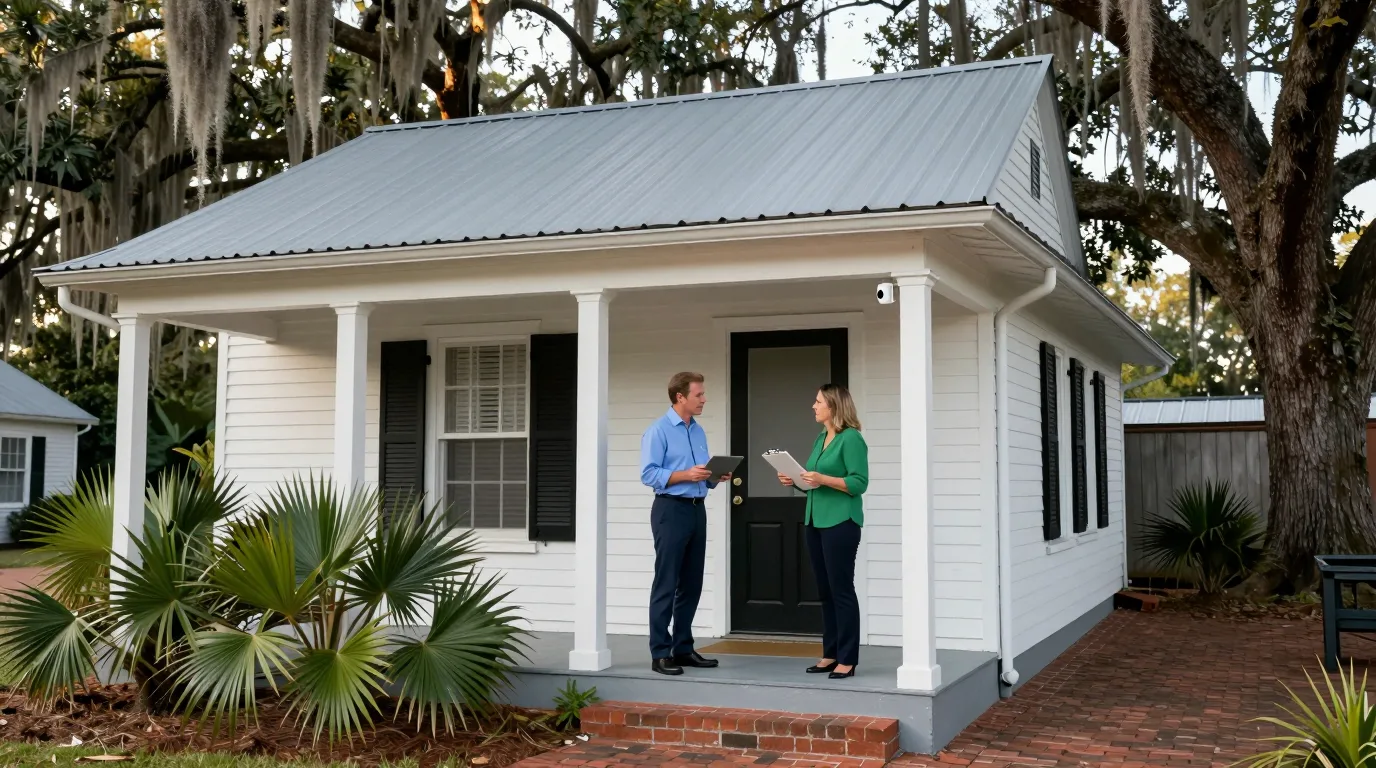
Service pages linked below detail managed IT support, Microsoft 365 management, phone systems, network installations, door entry controls, and security cameras.
Help desk staff attempt a remote fix first. If the problem requires physical work at the machine, an engineer comes to your office. Call (844) 422-7000.
Engineers visit for hardware issues like jammed copiers, printer errors, or keyboard replacements. Hardware swaps cover printers, phones, and network equipment that cannot be repaired.
Support extends to businesses across Port Royal Island, Lady's Island, and the surrounding Sea Islands. Engineers travel to your site for any work that cannot be done remotely.
Technical controls for NIST SP 800-171 are configured in Microsoft 365. Documentation and evidence are prepared for CMMC, though a C3PAO must perform the actual certification assessment.
Call (844) 422-7000 to discuss your needs. A site survey or walkthrough records your current internet service and hardware to determine what needs to change.
Call (844) 422-7000 to speak with an engineer about your office technology.