Legal advice on terms
Business owners write their own terms for guests to accept. CloudCentric does not provide legal advice regarding welcome page rules.

Managed guest networks
Give visitors a branded connection while keeping your card readers and staff computers separated behind a protected network.
See exactly how visitors experience your wireless internet and view exactly which business systems stay hidden behind protected zones.
Customers expect internet while drinking coffee or eating lunch. Give them access through a branded portal while keeping point-of-sale systems hidden.
Guests need reliable internet throughout their stay. Welcome them with property colors and custom terms before granting full access.
Visiting clients need a quick connection without asking receptionists for passwords. Provide simple internet access while securing company laptops.
Campers and boaters want reliable connections during their vacation. Sell access vouchers at your front desk for limited durations.
Event attendees need internet access during services or rented events. Keep guest connections away from your own televisions and casting devices.
Shoppers often look up products or compare prices on their phones. Let them connect quickly while keeping checkout registers secure.
Provide access through multiple specialized methods. Put your business name and distinct colors on a customized welcome screen.

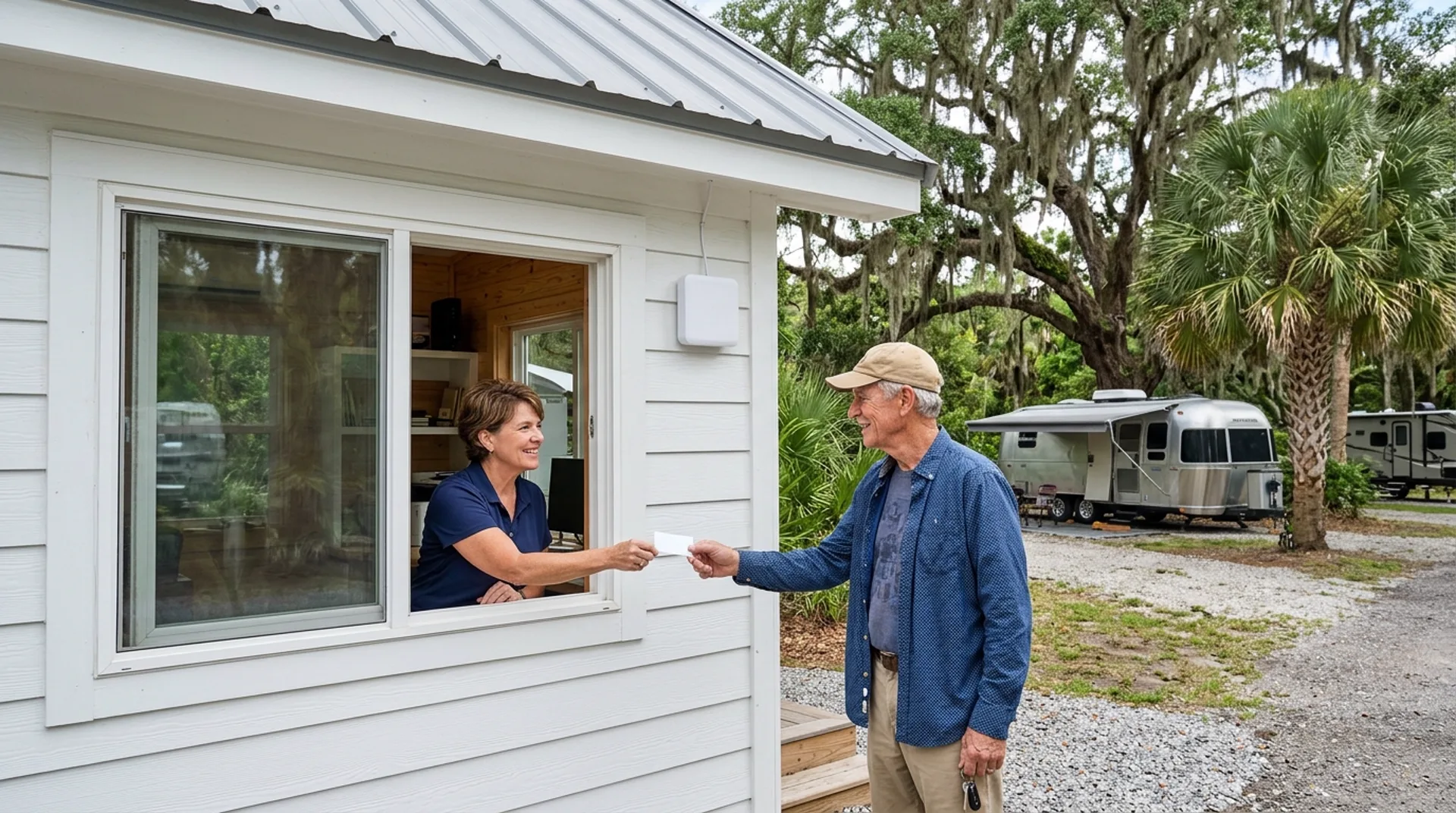
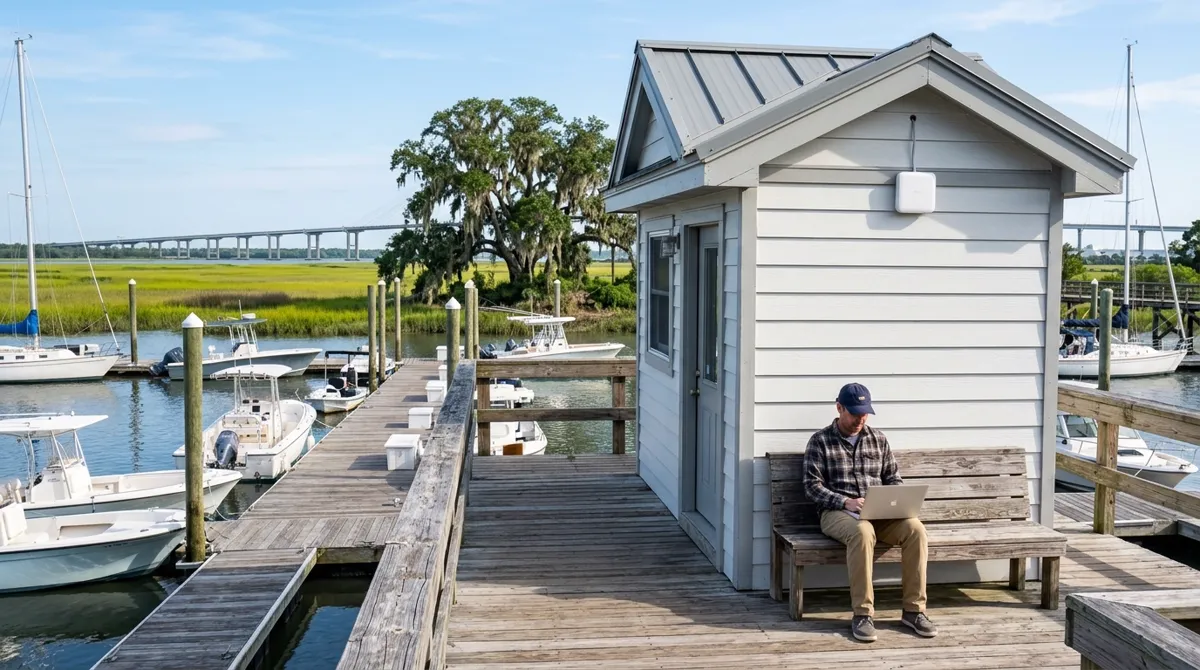

Front desk staff can hand out codes to visitors. Every voucher can carry an expiration time, a specific speed limit and a strict data limit.
Vouchers shown here are an example.
Visitors only reach allowed internet destinations. Phones connecting to your guest network stay strictly separated from critical business hardware and other visitors.
Target tests from a guest phone.
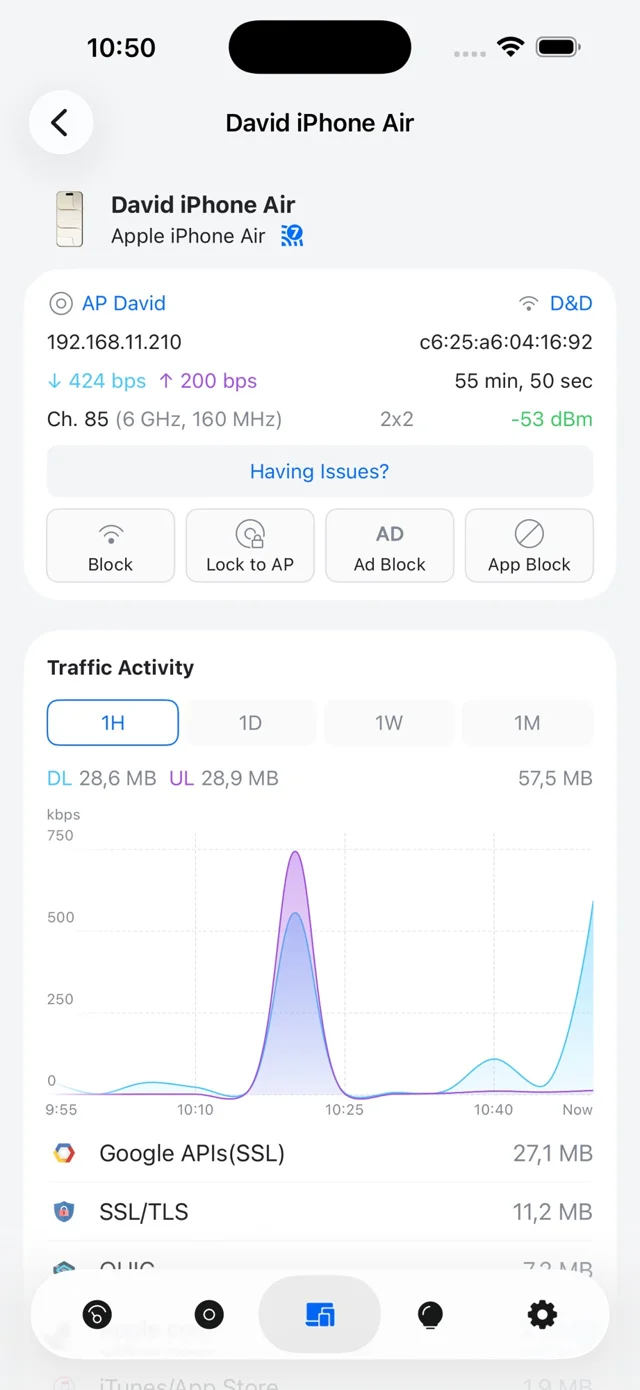
Managers view connected devices in a phone application showing signal strength and traffic activity. Control limits from a central console inside your building.
Business owners write their own terms for guests to accept. CloudCentric does not provide legal advice regarding welcome page rules.
Paid access goes directly through Stripe. Standard Stripe processing fees apply to all guest purchases on your network.
Hotel sign-in pages do not replace guest-room locks connected directly to a property management system.
Manufacturer voucher screens and sign-in pages are not displayed online. Walkthrough appointments show them operating live.
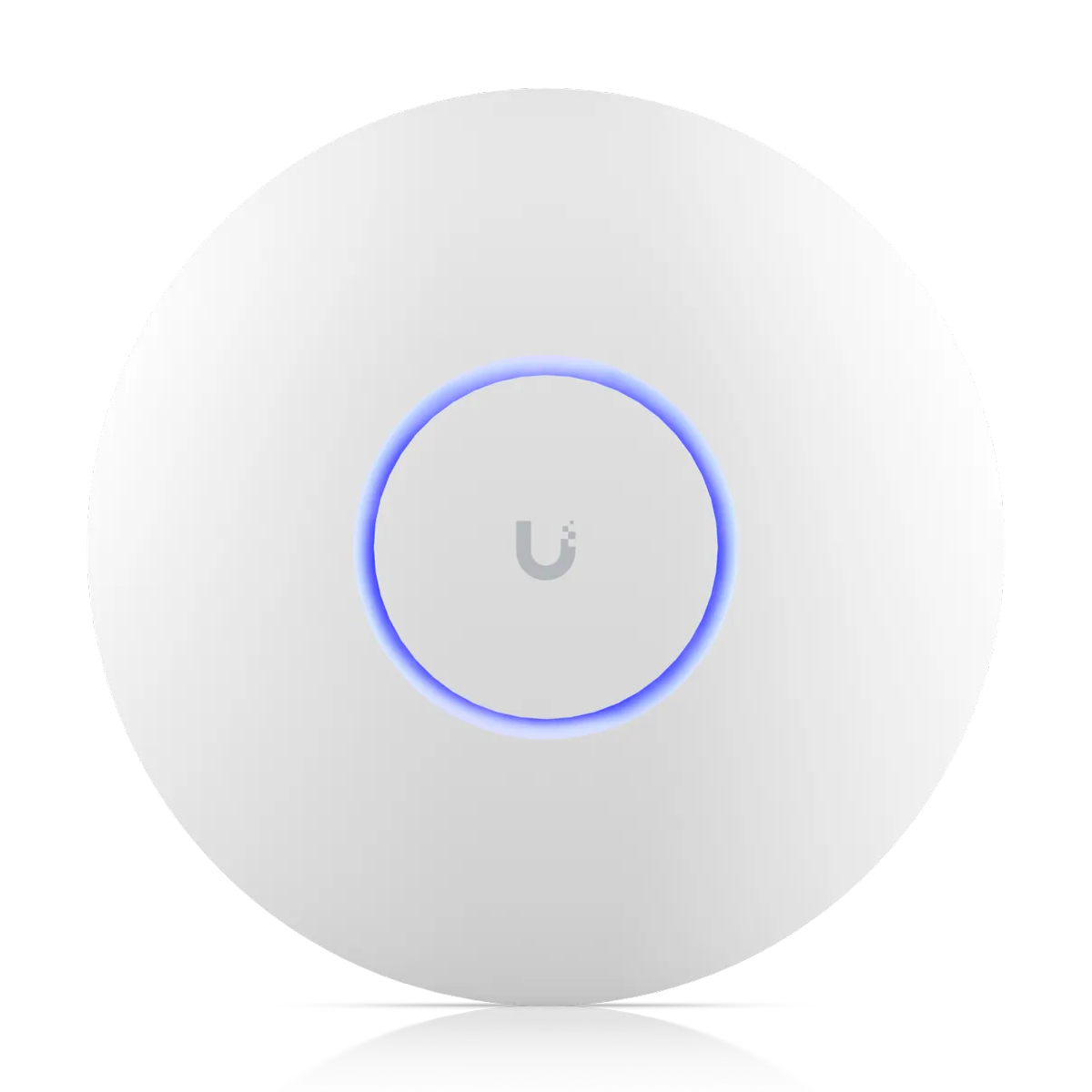
Every cloud gateway includes an isolated guest zone by default with no extra hardware to buy and no monthly platform fees.
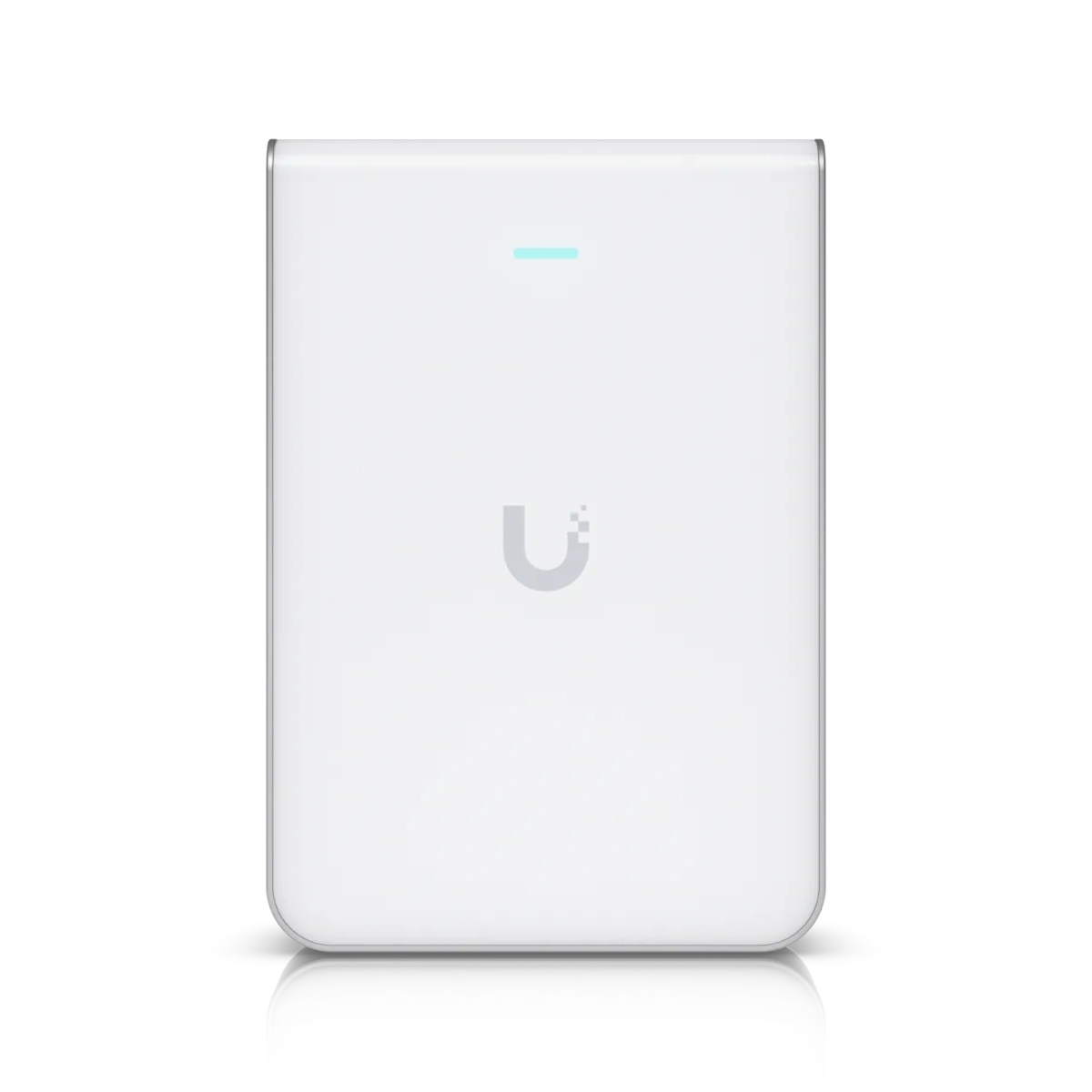

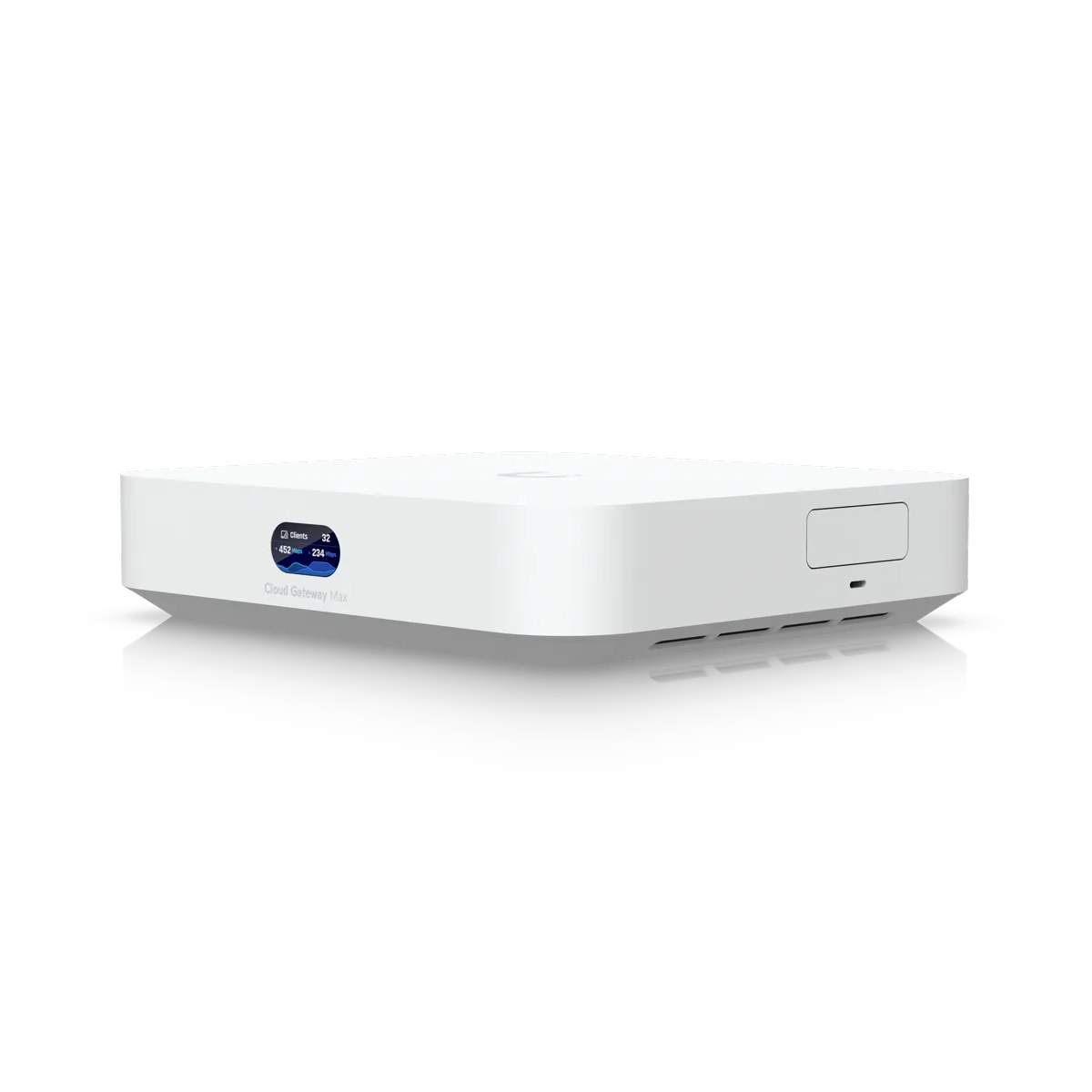
Managers call us to discuss building sizes and typical visitor numbers.
Technicians examine your space to plan access point placements.
Crews mount access points and configure your central building console.
Technicians test your guest network thoroughly from a visitor phone.
No, point-of-sale systems and card readers remain safely isolated behind a protected zone.
Yes, visitors can buy access directly on your sign-in page using credit cards. Payments route through Stripe, and standard Stripe processing fees apply.
Yes, front desk staff can generate time-limited vouchers for individual stays, or managers can update main passwords easily.
No, managers can apply speed limits per device or per network to keep visitors from crowding your main internet connection.
Yes, welcome screens display your own colors, custom logo and business name alongside your usage terms.
Call our local team today to plan your network installation.