Branch offline
Console into equipment, reboot firewalls, and hand the remote team administrative access.
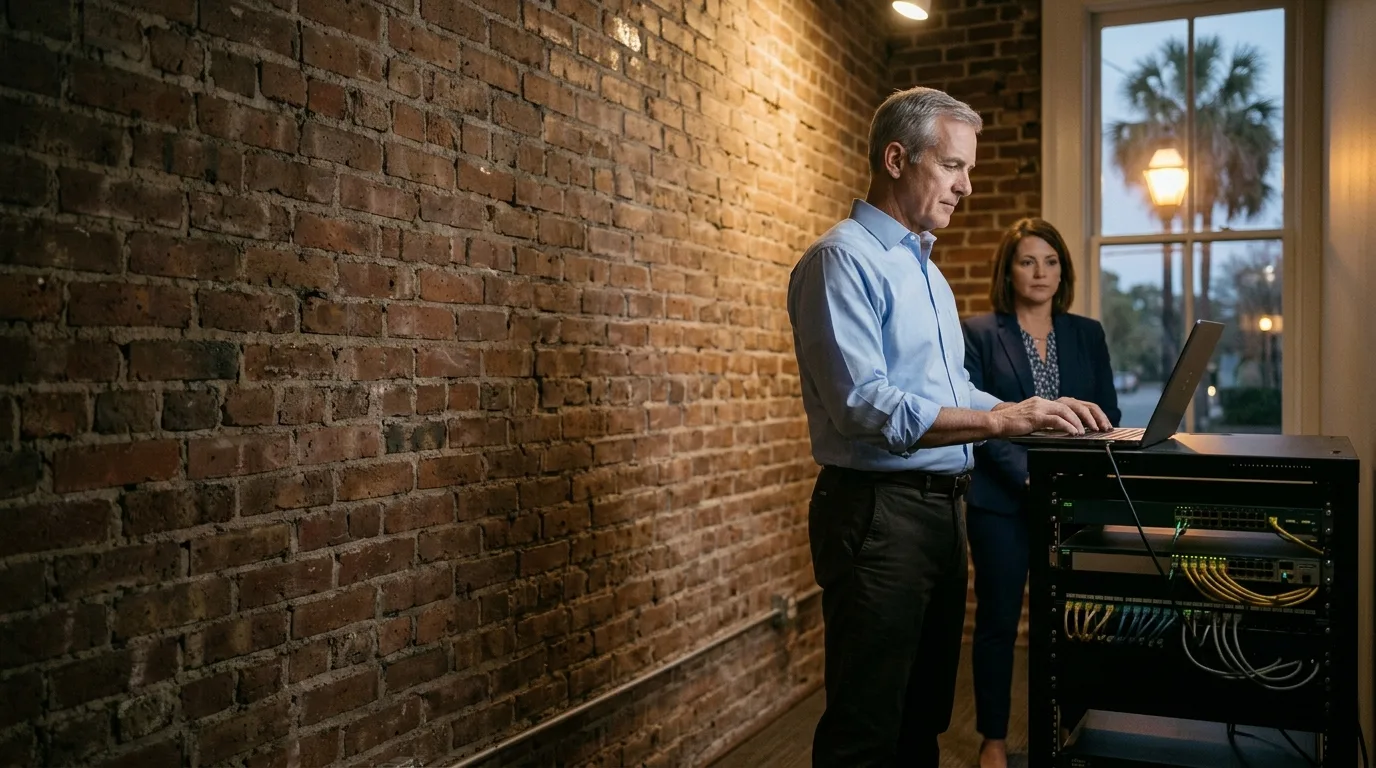
On-site engineer
24/7, an experienced engineer goes on site for outages and everyday requests that need someone at the desk, covering sites from Charleston to Savannah.
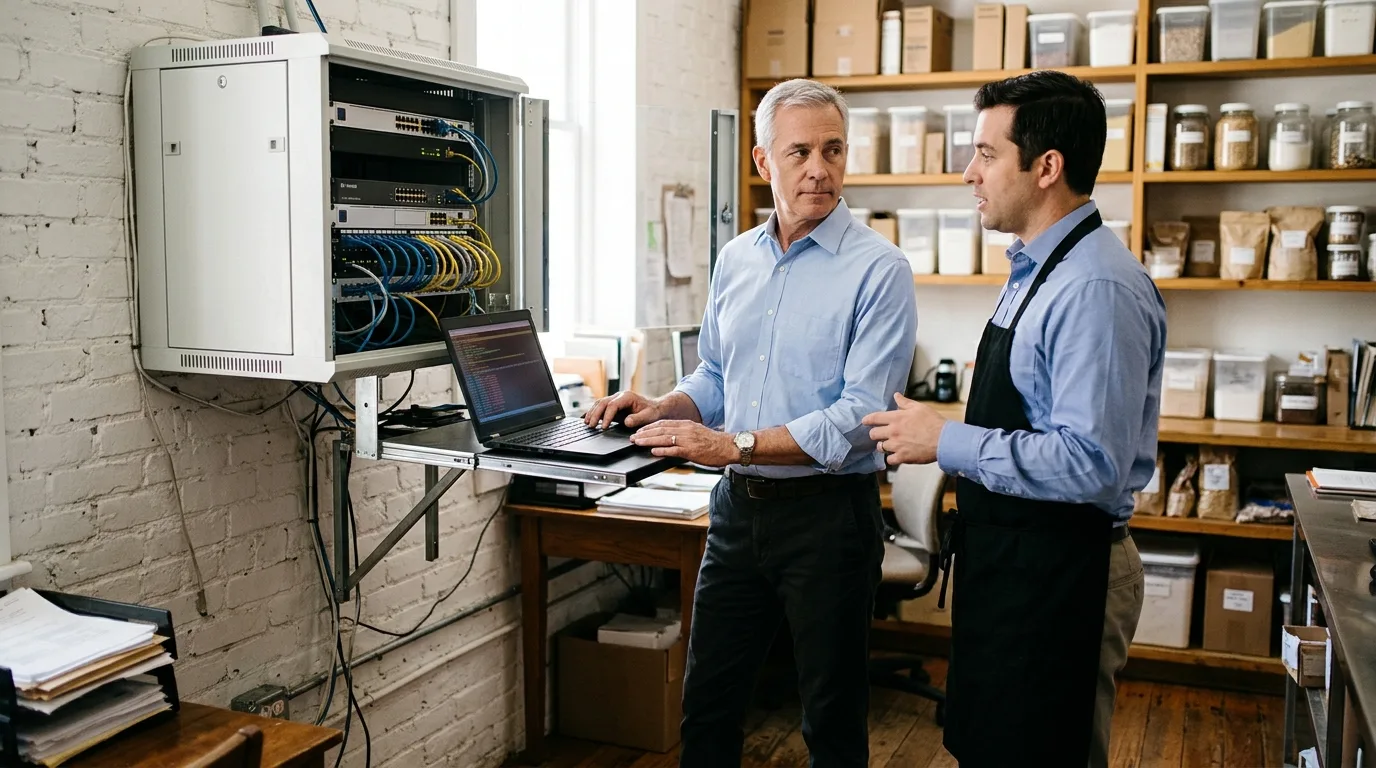
Outage resolution
Once on site, our engineer diagnoses the failed firewall, modem, or switch. We reboot or replace the hardware, console in to hand your remote team access, and send a written close-out to your IT lead.
Our engineer checks in with the office manager or whoever runs the site that day on arrival to find exactly what failed.
Diagnosis uncovers the root cause. Hardware like a firewall, modem, or switch is rebooted or replaced, and we console into the equipment to hand your remote team access.
Our engineer explains the fix in plain language to the person it affects and sends a written close-out to your IT lead.
Everyday requests
Everyday requests cover a copier, a mouse or keyboard, and account changes made at the machine. Our engineer checks in on arrival, explains the fix in plain language, leaves the space as found, and sends a written close-out.
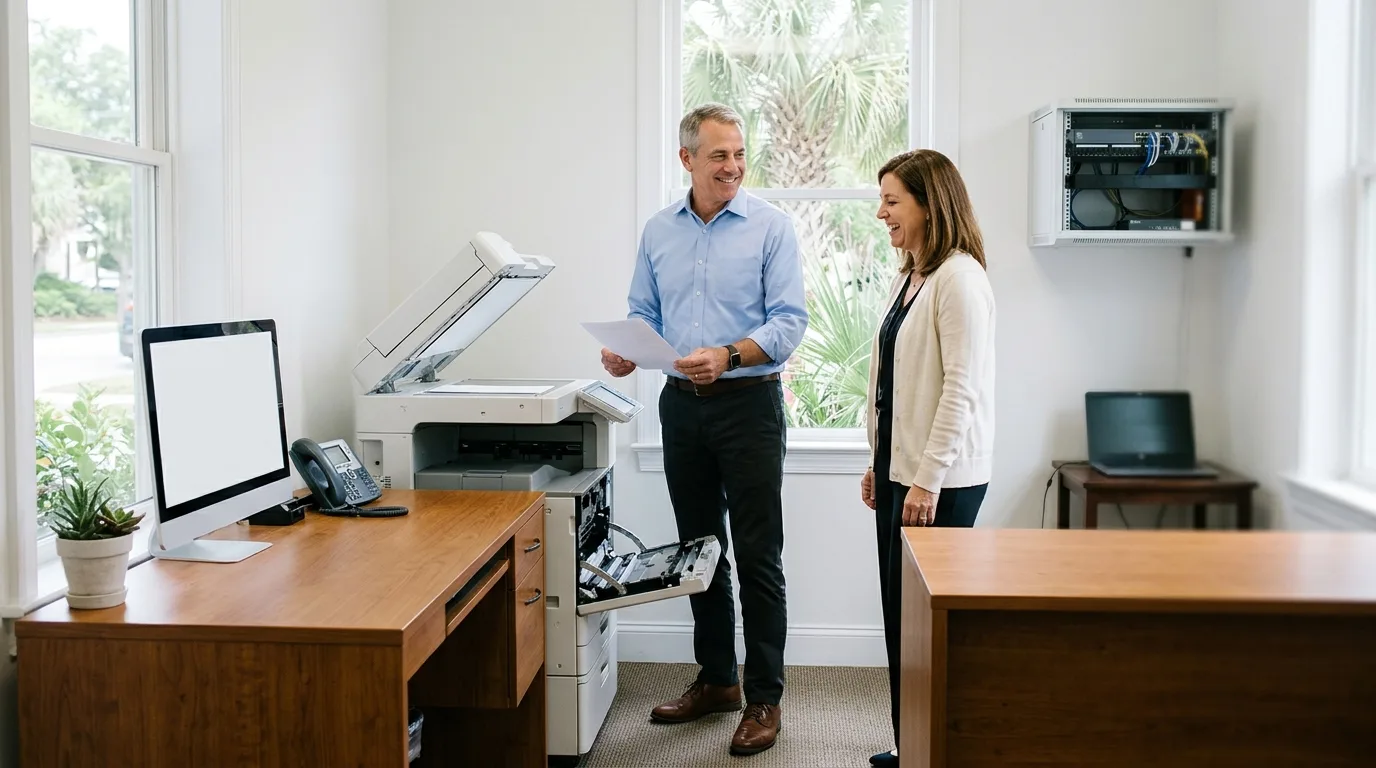
On arrival, our engineer checks in with the office manager or whoever runs the site that day.
Technical terms are dropped, and our engineer explains the resolution in plain language to the person it affects directly.
Cables are bundled, packaging is cleared, and work areas are left exactly as they were found before our engineer steps out.
Your IT lead receives a clear written summary of the request, the steps taken, and any configuration changes made at the machine.
Central IT departments call an IT consultant to resolve hardware faults and physical configuration changes. We handle production outages and everyday requests at branch offices, storefronts, and local clinics.
Typical request
On-site tasks
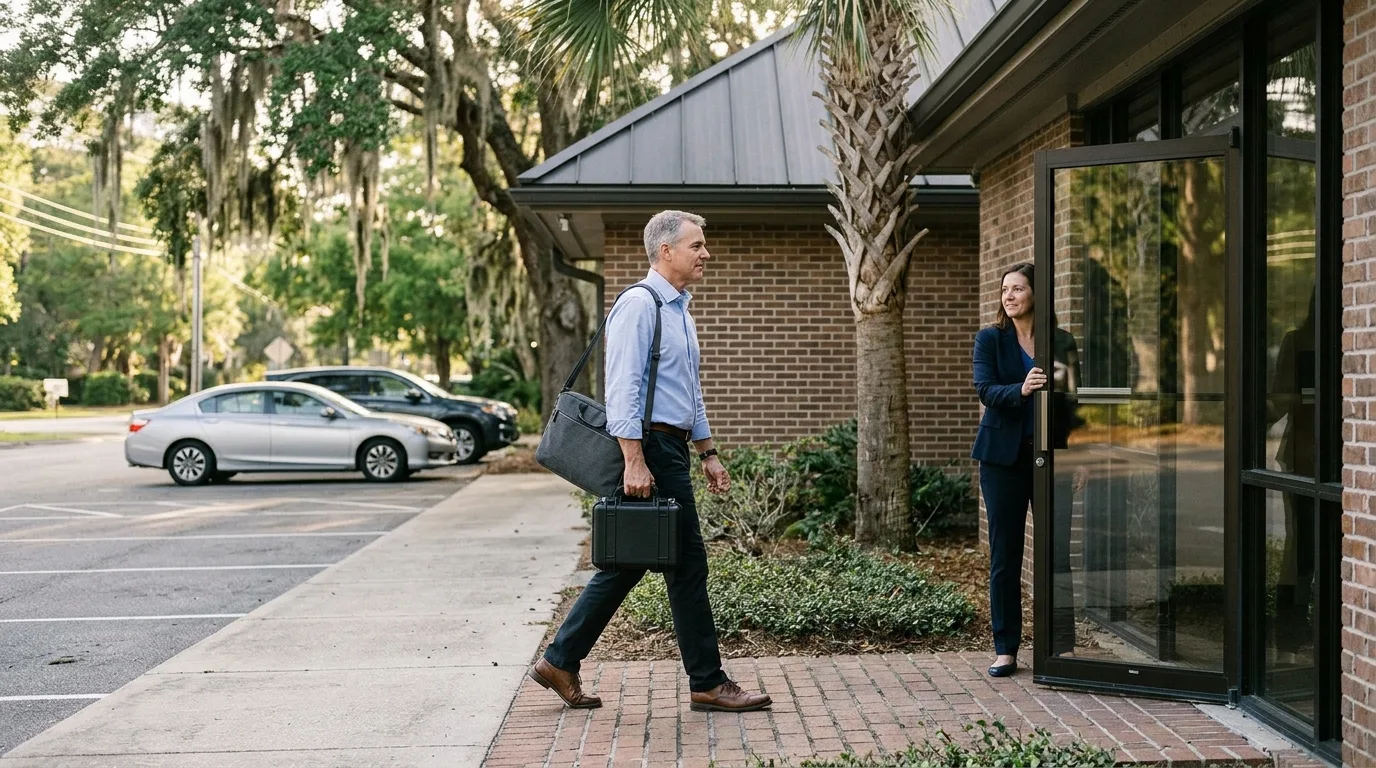
Calls reach CloudCentric directly at any hour by phone, email, or Microsoft Teams to initiate a ticket. Our engineer goes on site to diagnose the fault, restore the hardware, and close out the ticket with your central team.
Hour the call comes in
Incident
We manage the physical hardware and local configurations that your remote tools cannot reach, ensuring steady operations for every branch and office.
Console into equipment, reboot firewalls, and hand the remote team administrative access.
Your team ships return-merchandise and depot replacement units, and our engineer installs them.
We rack new equipment to your own standard, dress cables neatly, and label both ends.
New-site turn-up means racking equipment, cabling, and meeting the carrier technician to extend the demarcation point.
Desks are relocated, workstations set up, and office expansions handled efficiently during your change windows.
Our engineer joins a bridge call as the person on site to work through the problem with you.
We meet internet providers, allow access, and extend the demarcation point to your networking equipment.
A front-desk copier that keeps jamming or shows an error gets cleared and fixed immediately.
A staff member's mouse, keyboard, or desk equipment is swapped out so work can continue.
Some account or directory changes have to be made at the person's own machine, and our engineer handles those directly.
Retail registers, receipt printers, and back-office machines are troubleshot to keep checkout lines moving.
Failed wireless access points are swapped out, mounted, and cabled in ceilings and halls.
Security cameras are refocused, reconnected, or swapped to restore visibility across the physical property.
Failed desk phones are replaced and provisioned to ensure communication lines remain open for staff.
Detailed evidence is sent back as part of the work, including organized port maps.
Central departments keep control of their systems. CloudCentric works strictly to your tickets, runbooks, and change windows, and sends a written close-out to your IT lead after every visit.
Call, email, or use Microsoft Teams to reach CloudCentric directly at any hour to initiate a ticket.
Site access is arranged for the visit, and our engineer checks in with the office manager on arrival.
Our engineer follows your standard operating procedures strictly, applying configurations only within your approved change windows.
You receive complete documentation of the fix, including visual proof of cable dressing and hardware status.
Passwords, port labels, and complete inventories are handed back directly, keeping all systems fully under your ownership.
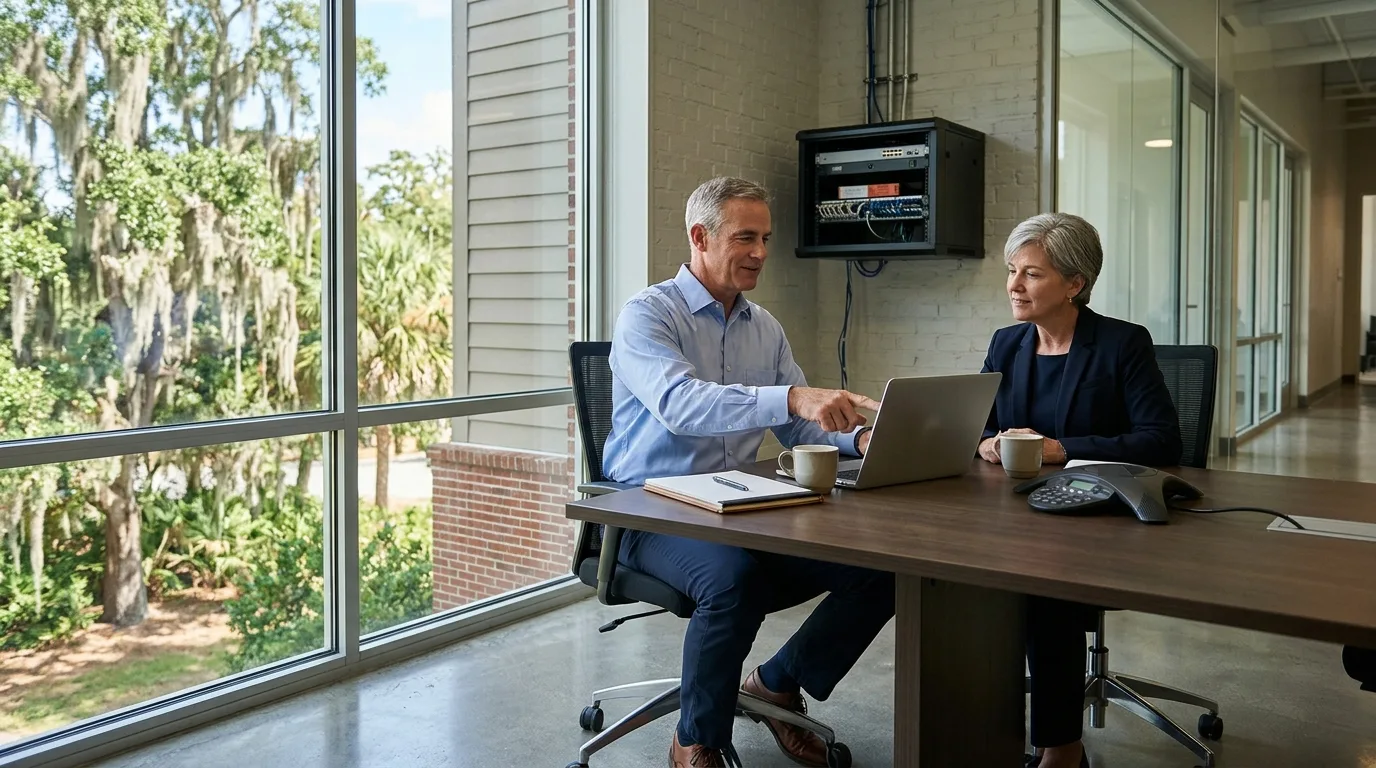
Our engineer travels across the coast to serve branches, stores, clinics, and offices from Charleston down to Savannah.
Example site
Call
Visit
Central teams keep complete control at all times. Our engineer works strictly to your tickets, runbooks, and change windows, ensuring all configurations and logins remain in your name.
Our engineer checks in on arrival, reboots or replaces a firewall, modem, or switch, consoles in, and hands your remote team access. We explain the fix plainly, leave the space as found, and send a written close-out to your IT lead.
Calls reach CloudCentric directly at any hour by phone, email, or Microsoft Teams, and each request becomes a ticket.
Everyday on-site requests are as welcome as emergencies. Our engineer goes on site to fix a copier that keeps jamming, swap a staff member's mouse, or handle local account changes.
Hardware swaps are a standard part of our work. Your team ships return-merchandise and depot replacement units to the branch, and we arrive to unbox, rack, and cable the replacement.
Your IT lead receives a written close-out summarizing the fix. Handover includes photos of the neatly dressed rack, port maps, and an inventory of installed serial numbers.
Our service area spans the coast from Charleston to Savannah. We cover Mount Pleasant, North Charleston, Isle of Palms, Folly Beach, Kiawah, Beaufort, Bluffton, and Hilton Head. Call (844) 422-7000.
Call (844) 422-7000 to initiate a ticket, or book a walkthrough for your local sites.