Managed network infrastructure
Coastal multifamily wifi for private unit networks
Residents connect to one building network name using a private password that puts each unit on its own network.
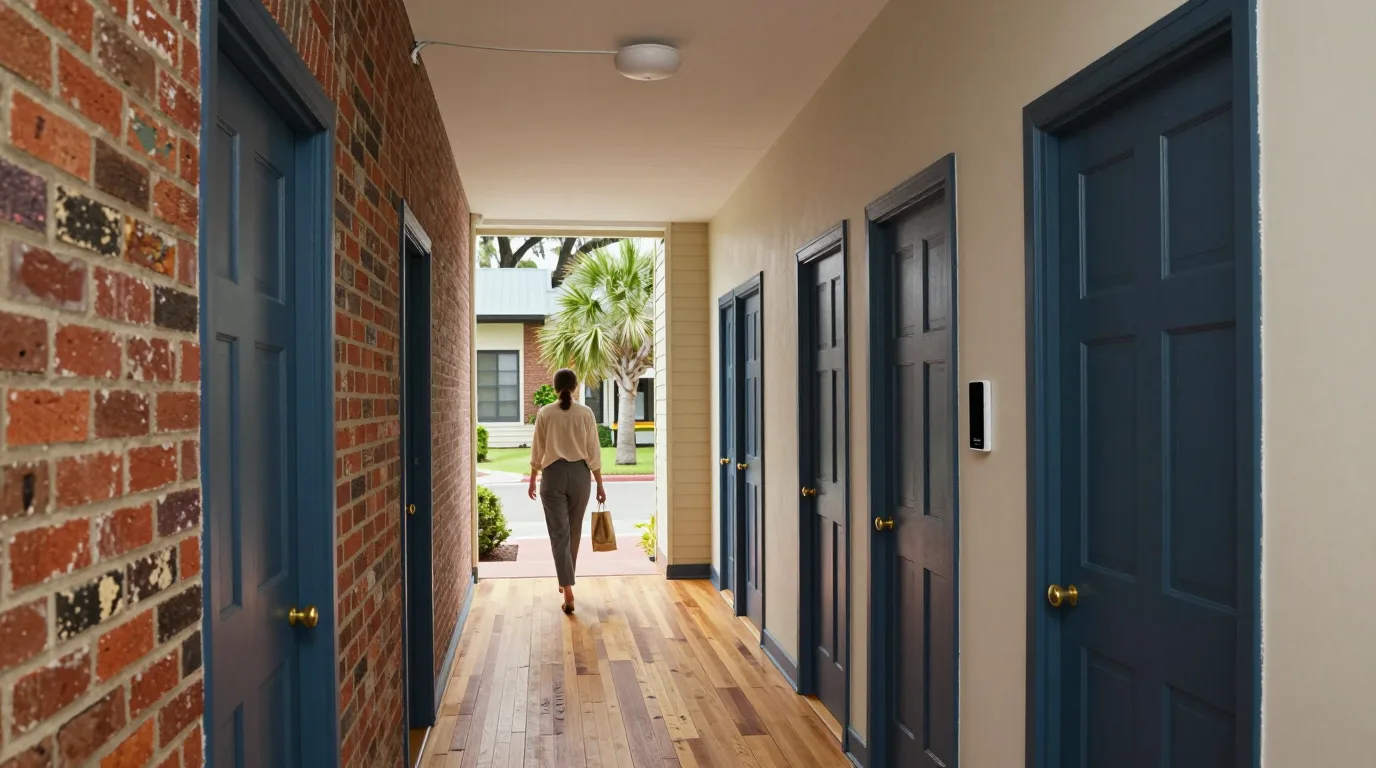
Centralized building hardware
Private unit networks on one building system
One building-wide system carries private Wi-Fi for tenants under one network name. Residents connect using a password per unit that assigns devices to dedicated networks.
- 1
One building network name
Every resident sees the same network name throughout the property and connects with a unique password.
- 2
Password-based network assignment
Passwords decide which network a device lands on, removing the need for individual usernames.
- 3
Legacy and IoT device support
Private keys work with all kinds of client hardware, including legacy equipment and smart-home IoT devices.
Private unit networks for properties
Managed systems adapt to different building layouts and ownership structures along the coast from Charleston to Savannah.
Select a property type
Apartment buildings with many units need centralized management to bundle internet with rent and provide private networks.
- Assign private passwords
- Isolate unit traffic
- Limit resident speeds
Centralized hardware serves many units efficiently while keeping every tenant's data separate.
View apartment setupCondo associations provide a building-wide network where every owner receives a private access password.
- Secure owner devices
- Isolate unit networks
- Limit network speeds
Password-based network assignment places unit devices on isolated networks.
View condo setupSmall multifamily properties like duplexes benefit from one professional system instead of multiple residential accounts.
- Assign unit passwords
- Isolate network traffic
- Provide private Wi-Fi
Access points broadcast one network name while passwords assign devices to isolated networks.
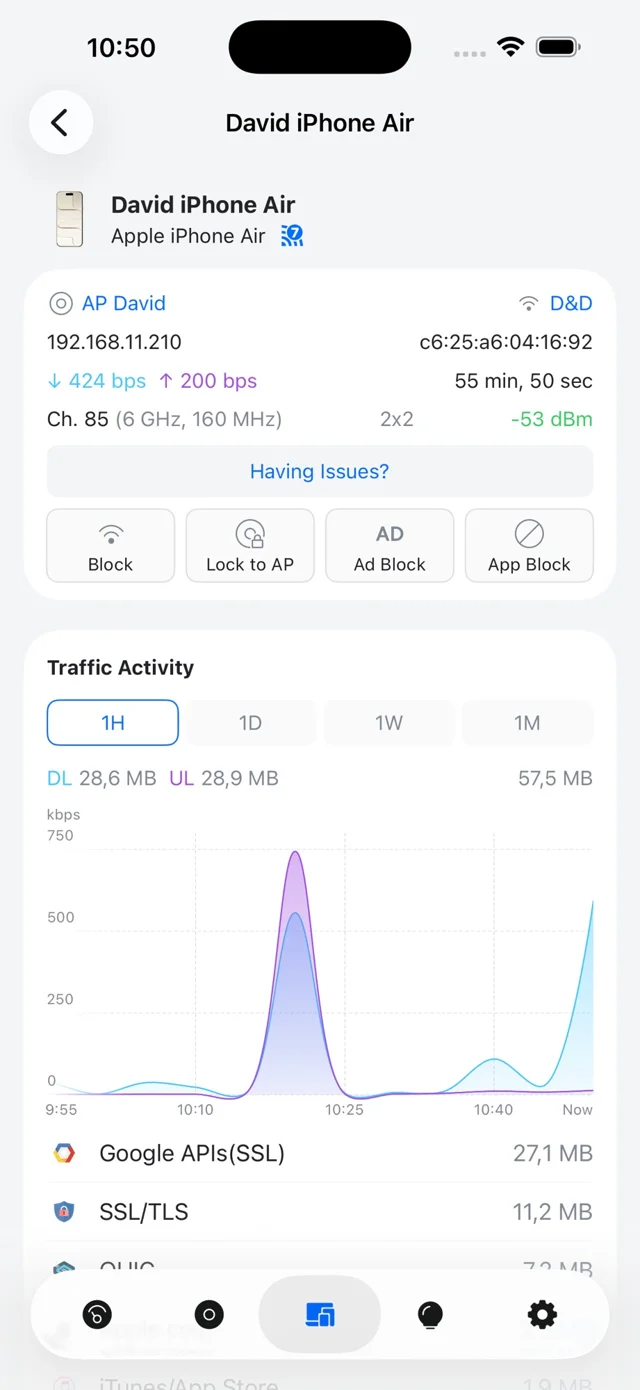
View small setupManagement interfaces display connected devices, signal levels, and traffic activity alongside separate guest networks.
- Monitor device traffic
- Manage guest Wi-Fi
- Update resident access
Management screens list each device with its access point, signal strength, and traffic chart.
View management setupShort-term rental hosts provide guests with a separate network and sign-in page while keeping internal devices separate.
- Offer guest sign-in
- Isolate guest traffic
- Monitor network health
Separate guest networks feature sign-in pages while network isolation keeps main traffic apart.
View rental setupPrivate unit isolation on shared hardware
Every apartment functions as its own network even though the building uses shared hardware.
Click a unit to view
Unit 1A
- Building network
- Harbor Lane Residents
- Unit password
- Unit1A
- Resident devices
- PhoneLaptopSmart TV
- Surrounding units
- Isolated networks
Unit 1B
- Building network
- Harbor Lane Residents
- Unit password
- Unit1B
- Resident devices
- PhoneTabletThermostat
- Surrounding units
- Isolated networks
Unit 1C
- Building network
- Harbor Lane Residents
- Unit password
- Unit1C
- Resident devices
- PhoneLaptopGame console
- Surrounding units
- Isolated networks
Unit 2A
- Building network
- Harbor Lane Residents
- Unit password
- Unit2A
- Resident devices
- PhoneSmart TVDoorbell
- Surrounding units
- Isolated networks
Unit 2B
- Building network
- Harbor Lane Residents
- Unit password
- Unit2B
- Resident devices
- PhoneLaptopSmart speaker
- Surrounding units
- Isolated networks
Unit 2C
- Building network
- Harbor Lane Residents
- Unit password
- Unit2C
- Resident devices
- PhoneTabletSmart TV
- Surrounding units
- Isolated networks
Unit names, network names and devices shown are an example.
Delivery options for private networks
Two methods provide dedicated unit networks based on existing building wiring and management preferences.
Choose a delivery method
Building-wide managed Wi-Fi system
One system serves the building with a private password per unit that assigns devices to specific networks managed in one place.
- One network name
- Isolated unit VLANs
- Central management
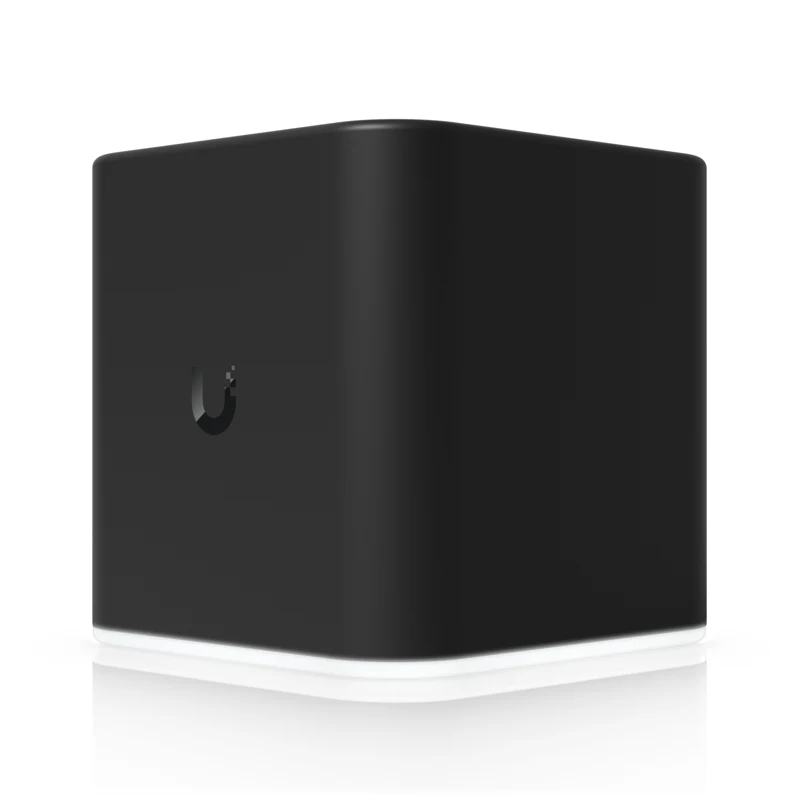
Individual unit access point cubes
Small cubes in each unit broadcast private Wi-Fi, fed by Ethernet or existing coax cabling using an adapter and managed in UISP.
- Local Ethernet ports
- Coax adapter support
- Unit-based hardware
- Wi-Fi
- 2.4 and 5 GHz, dual band
- Speeds
- 300 / 866.7 Mbps
- Ports
- 4 × Gigabit Ethernet
- Power
- Adapter included, or PoE 24V on port 1
- Size
- 87.8 × 89.5 × 89.25 mm (3.5 in)
- Weight
- 280 g (9.9 oz)
- Managed in
- UISP
- Billing
- UISP CRM
Automated billing and speed management
UISP billing module maintains client accounts with service plans, recurring invoices, and card autopay while shaping connection speeds to the plan.
- Service plans and recurring invoices
- Autopay on a saved card on the invoice creation date or due date
- Speed limits per plan through a UISP gateway
Separate applications manage these two ways, with UISP managing the cubes and a separate network application managing the one-system way.
Commercial hardware for coastal buildings
Wall and ceiling units provide coverage for different room layouts and construction types.
Select an access point
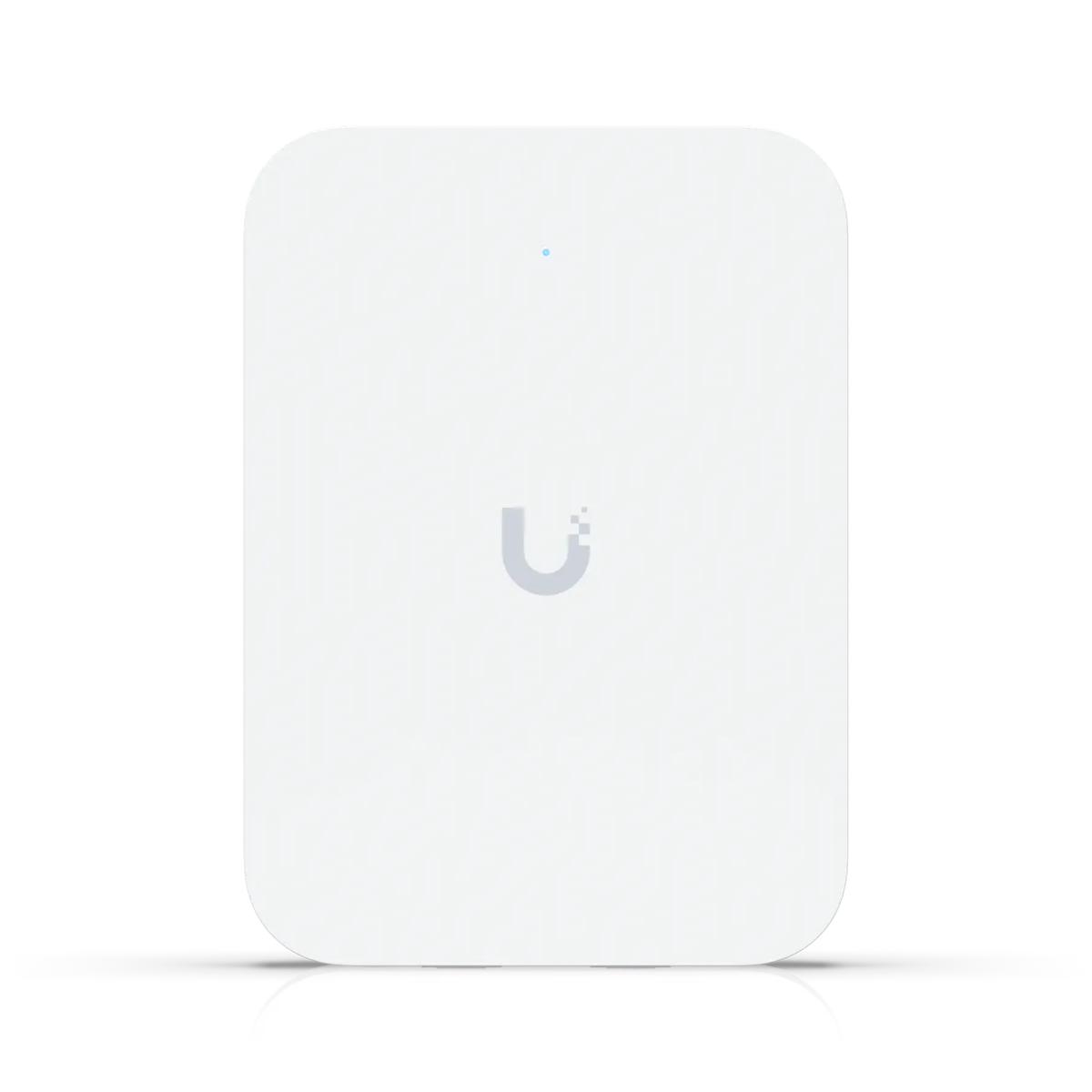
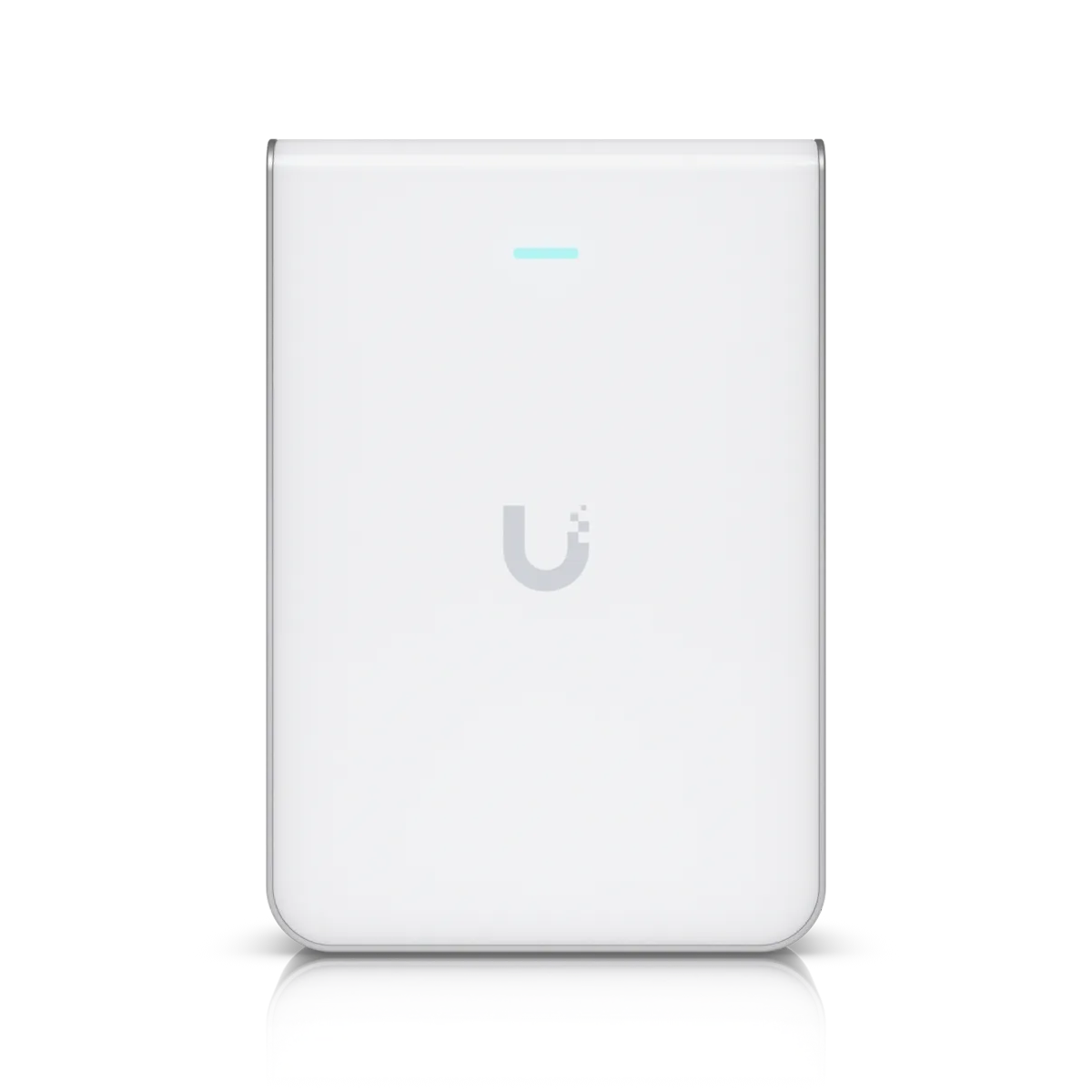
U7 In-Wall
Hospitality-designed wall units include an integrated 2.5 GbE PoE switch and require PoE+ input for PoE output.
- Wi-Fi
- Wi-Fi 7, 4 spatial streams
- Coverage
- 115 m² (1,250 ft²)
- Devices
- 200+ connected
- Mount
- Wall, metal mount included
- Power
- PoE+ in for PoE out
- Size
- 137 × 98.7 × 30.2 mm
- Uplink
- 2.5 GbE, integrated PoE switch
- Weight
- 400 g (14.1 oz)
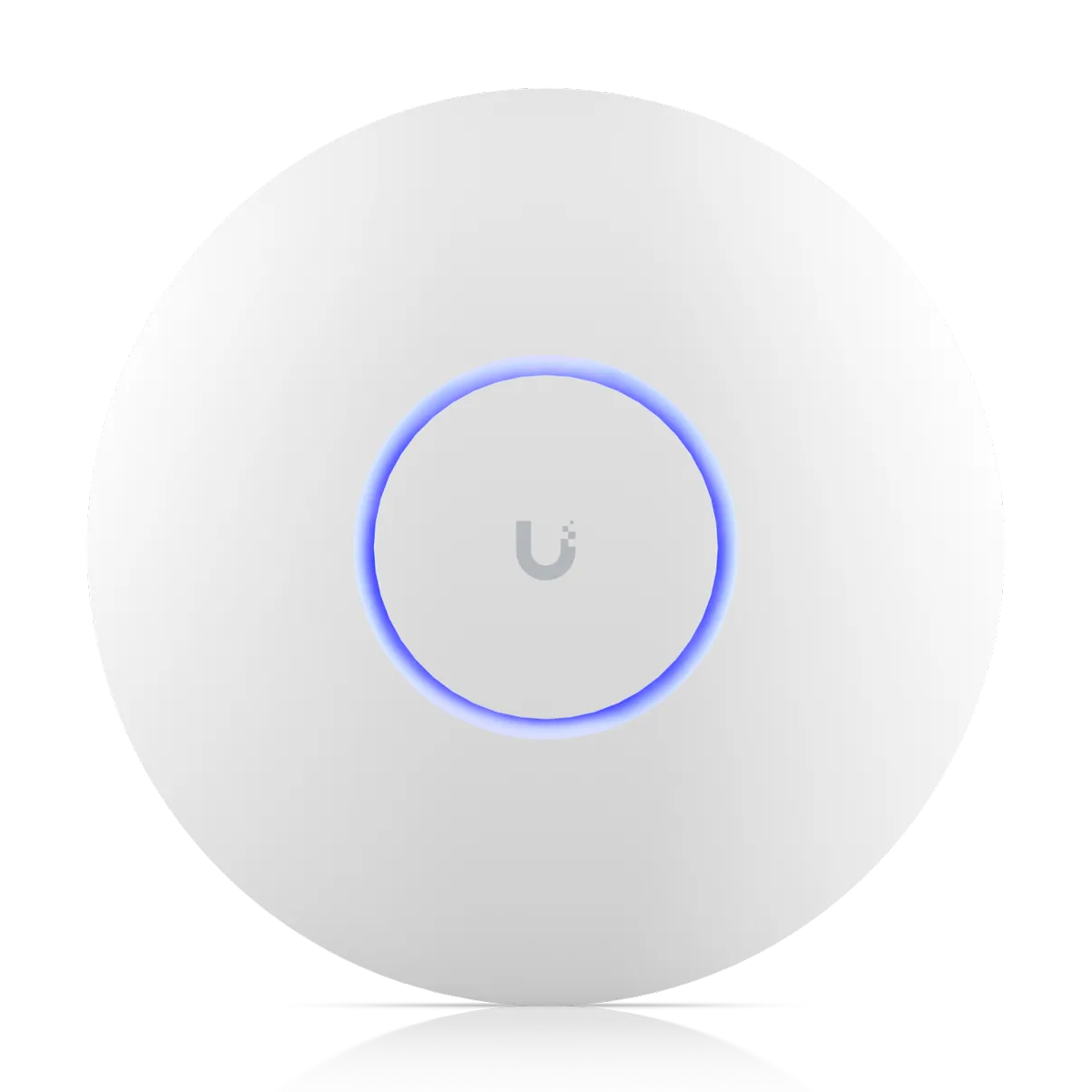
U7 Pro
Ceiling-mounted units for hallways or large rooms; 6 GHz radios are present but PPSK runs on 2.4 and 5 GHz.
- Wi-Fi
- Wi-Fi 7, 6 spatial streams
- Coverage
- 140 m² (1,500 ft²)
- Devices
- 300+ connected
- Mount
- Ceiling or wall
- Power
- PoE+
- Size
- ⌀206 × 46 mm
- Uplink
- 2.5 GbE
- Weight
- 680 g (1.5 lb)
U7 Pro Wall
Wall-mounted units mount on walls and carry the same listed ratings as U7 Pro ceiling models.
- Wi-Fi
- Wi-Fi 7, 6 spatial streams
- Coverage
- 140 m² (1,500 ft²)
- Devices
- 300+ connected
- Mount
- Wall
- Power
- PoE+
PPSK is WPA2 only and does not work on the 6 GHz band.
Manufacturer product specifications.
Configuration steps for private access
Setting up the building network follows a specific sequence in the management application.
Step 1
Create unit VLANs
Virtual networks are created first to define the boundaries for each apartment or condo unit.
Step 2
Enable private keys
Private Pre-Shared Keys are turned on within the wireless settings for the building network.
Step 3
Assign unit passwords
Custom passwords link every unit to its specific VLAN when a device connects.
Step 4
Resident device connection
Residents connect to Wi-Fi; those needing a different network forget the network and connect with the new password.
Step 5
Monitor network activity
Dashboard views show each device, its signal strength, and traffic activity in the management application.
Manufacturer help documentation.
Federal facts on bundling internet
Federal records detail the rules for internet arrangements in buildings with multiple tenants.
February 11, 2022
FCC 22-12 adoption
Adopted rules prohibited certain exclusive and graduated revenue sharing agreements while stating in a footnote that the order did not address bulk billing.
Official FCC documents FCC 22-12, Report and Order and Declaratory Ruling, GN Docket 17-142 Read on 2026-11-11
March 5, 2024
Bulk billing proposal
Proposed measures sought comment on banning bulk billing and letting tenants opt out, but the Commission did not adopt the proposal.
Official FCC documents FCC press release, 2024-03-05 Read on 2026-11-11
January 24, 2025
Proposal consideration ends
January 2025 saw the Commission end its consideration of the 2024 bulk billing proposal according to the official announcement.
Official FCC documents FCC press release, 2025-01-27 Read on 2026-11-11
Dated facts from official FCC documents are not legal advice for bundled arrangements.
Common questions about multifamily systems
- How does the airCube path differ from the one-system path?
airCube setups place one small access point in each unit managed in UISP, while the one-system option uses building access points with a password per unit (PPSK) managed in one network application.
- Can a property bill residents through UISP?
UISP software includes modules for service plans, recurring invoices, and card autopay with speed shaping through a gateway.
- Do residents need usernames?
No individual usernames are required because passwords determine which unit network the device reaches.
- What happens with older devices and smart-home devices?
Private keys work with all kinds of client devices, including legacy hardware and smart-home IoT devices.
- Which devices cannot use PPSK?
Devices requiring WPA3 or 6 GHz bands cannot use PPSK, which is limited to WPA2 on 2.4 and 5 GHz.
- How does a resident move to another network?
Residents forget the Wi-Fi network in their device settings and reconnect using the new password.
- Is this legal advice for bundling internet?
FCC dates listed here are stated as facts from official FCC documents and are not legal advice.
Managed network solutions for coastal properties
Contact CloudCentric in Mount Pleasant to discuss private unit Wi-Fi for your building.