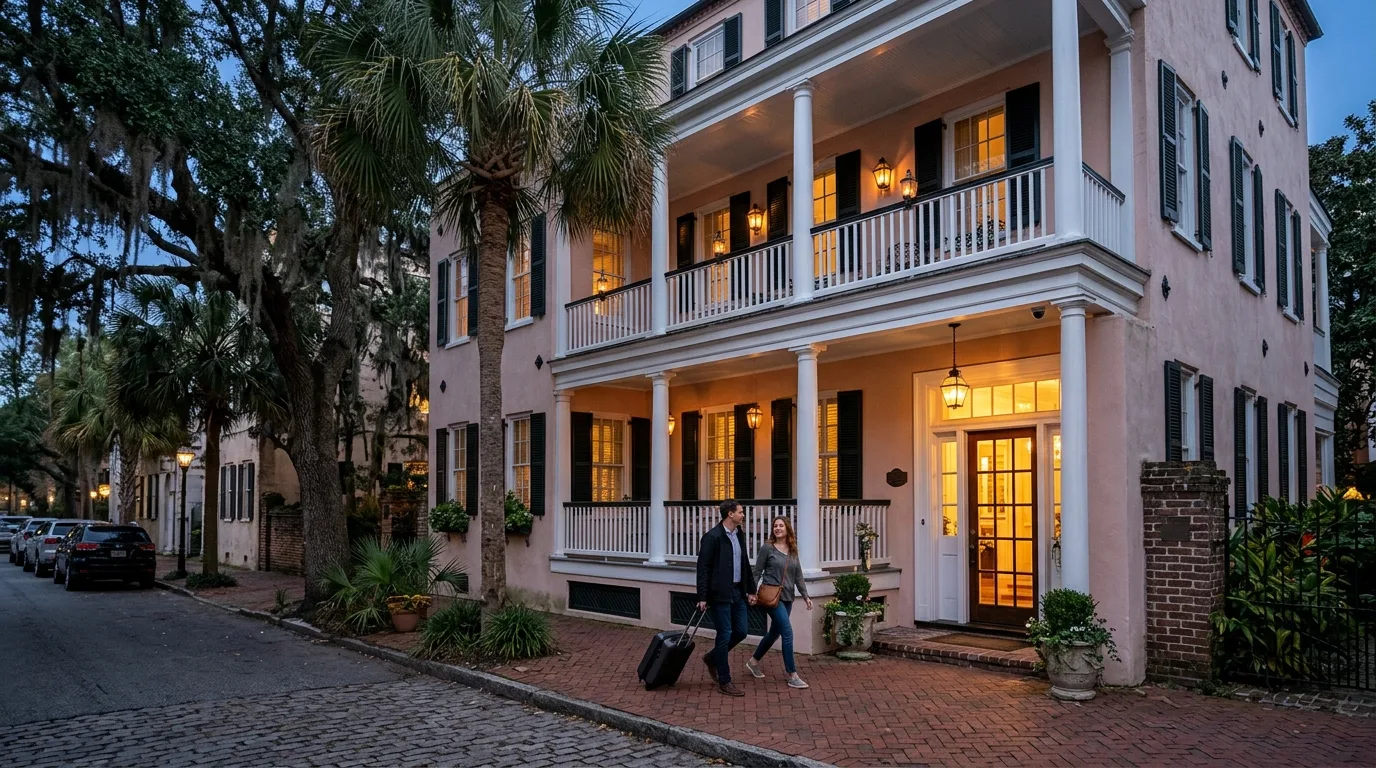
Boutique Hotel Technology
Guest Wi-Fi and Systems for Coastal Inns
Give rooms dependable wireless and wired connections on a guest network kept apart from your own systems.
Setup for your exact property
CloudCentric surveys properties and handles installations for specific types of hospitality businesses. Choose yours below to see an exact setup.
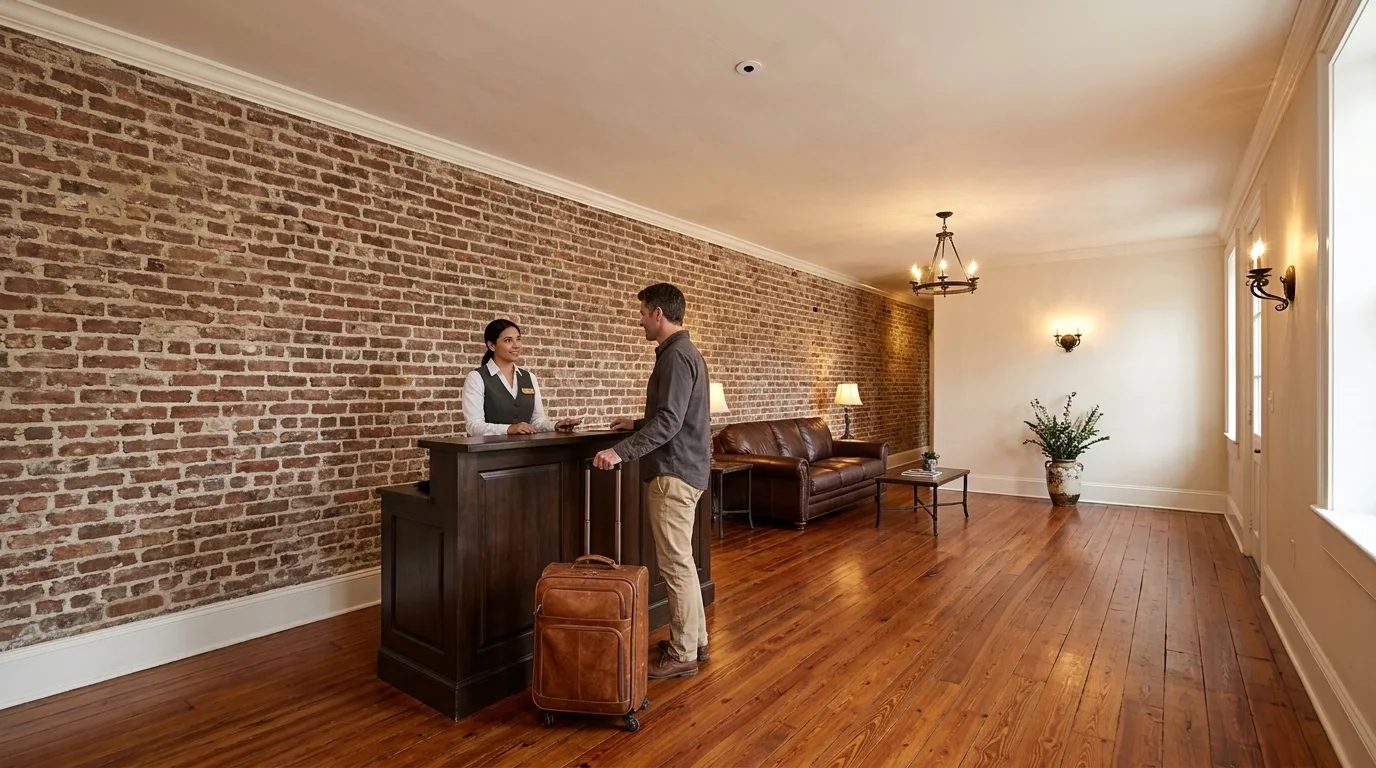
Downtown Charleston locations and older coastal properties needing modern service inside thick walls.
Guests get Wi-Fi 7 in their rooms and entry is logged. Your staff control doors and cameras from a console, and lobbies keep their character without large electronics on ceilings.
- Signal through old wallsWe meter your rooms to find block walls and plaster over lath before placing access points.
- Small lobby camera lensSeparate processing boxes hide elsewhere so indoor camera lenses stay under an inch wide.
- Staff and contractor doorsService doors unlock with cards, phones or PINs, logging every entry against the person.
- Lobby welcome screensOrdinary TVs welcome a group on the day it arrives and show events on schedules before coming down by themselves.
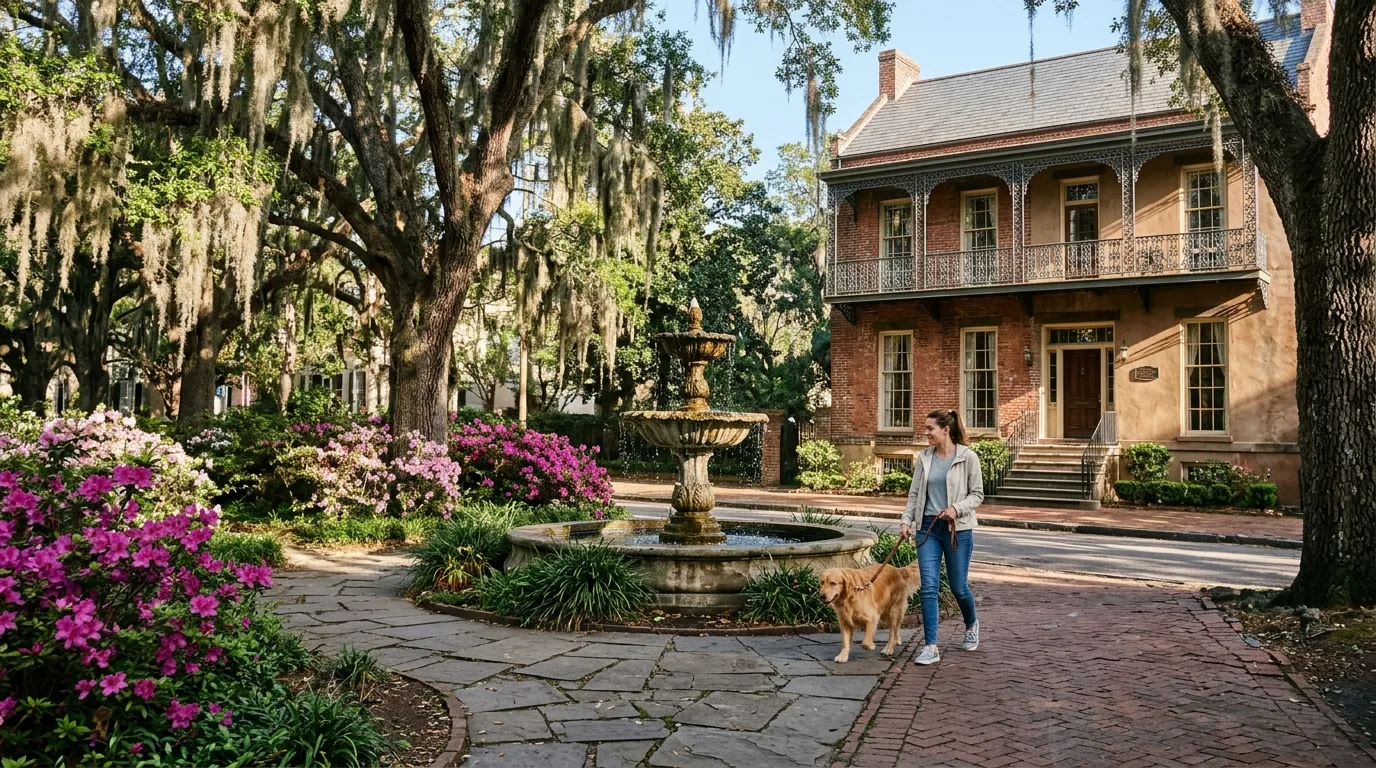
Small operations where owners live on site or manage things from a single desk.
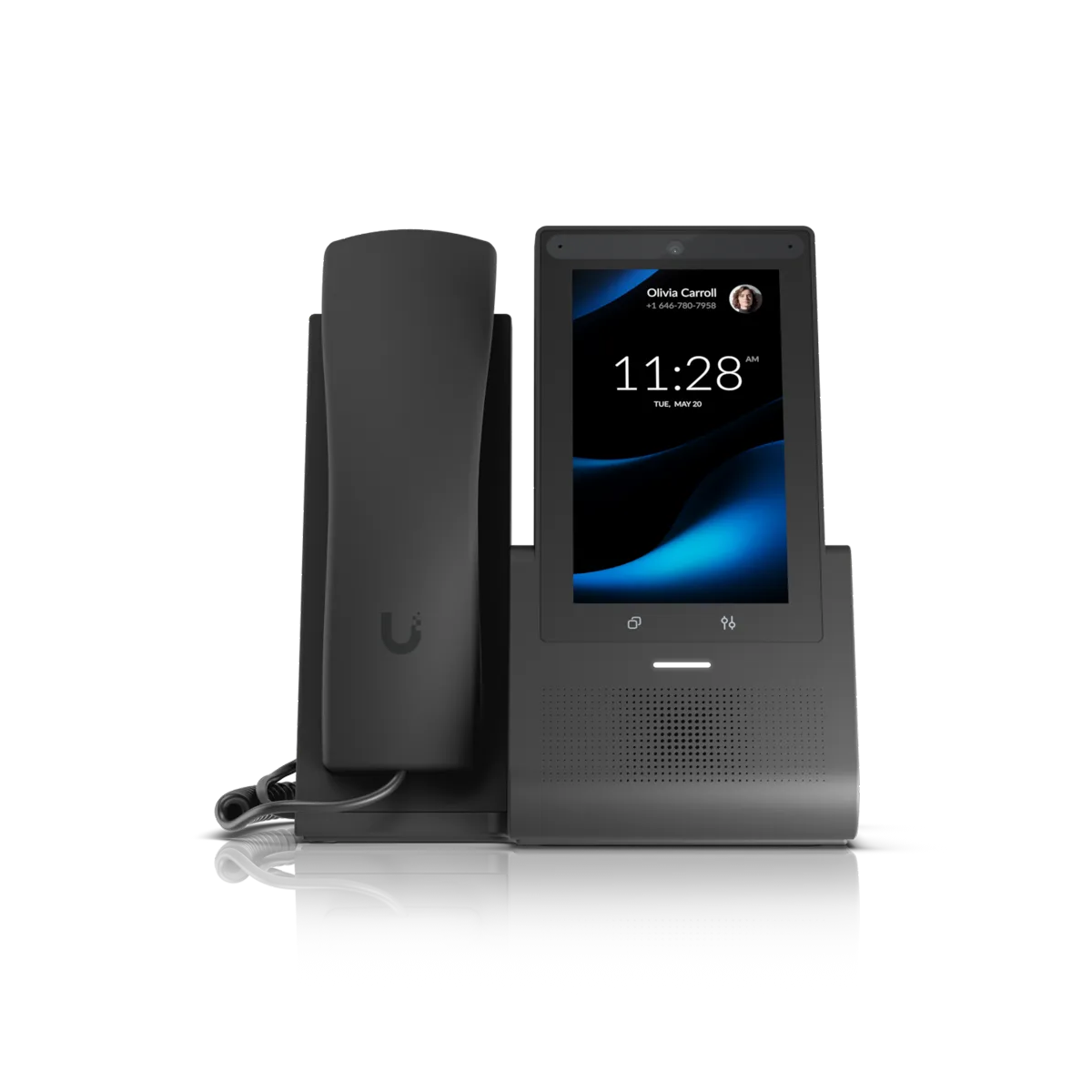
Visitors sign into a guest network apart from your own devices. You manage calls, doors and cameras from a front desk touch phone, and card payments keep working during local outages.
- Wi-Fi access vouchersHand out vouchers carrying an expiry time and speed limit to control traffic.
- Separated guest networkVisitors reach only internet, completely apart from your private computers and equipment.
- Front desk touch phoneAnswer calls, view your cameras and unlock doors from one touch display.
- Cellular backup lineSecond carrier lines take over automatically during outages so your card terminals keep running.
Motor lodges on the I-26 corridor or near the airport serving drivers overnight.
Sealed outdoor access points serve the grounds and cameras watch the parking. You collect payments for EV charging from interstate drivers, and everything runs from one console inside.
- Sealed outdoor access pointsRugged units mount on brackets or masts to give Wi-Fi to outside walkways and common areas.
- Parking camera coverageRegular outdoor cameras monitor your porches, parking and entrances, viewed easily from a phone.
- Paid EV charging stationsDrivers tap a card to authorize a session and pay per kilowatt hour.
- National brand standardsOne brand's disclosure document requires approved third party vendors, so check your franchise agreement before changing guest Wi-Fi.
Spread out properties hosting large events and managing heavy contractor traffic on busy weekends.
Wireless bridges link detached buildings without trenching across your grounds. Outside crews get temporary door passes, and screens update themselves for daily event schedules.
- Wide outdoor Wi-FiBring coverage to grounds with sealed units mounted on brackets or masts.
- Wireless building bridgeJoin detached buildings without trenching cable, putting their cameras and doors on your main console.
- Visitor door passesOutside crews get a QR code or PIN by text for days with heavy contractor traffic.
- Event schedule screensDisplays change automatically by event to show meeting rooms and welcome groups.
In-Wall Room Connections
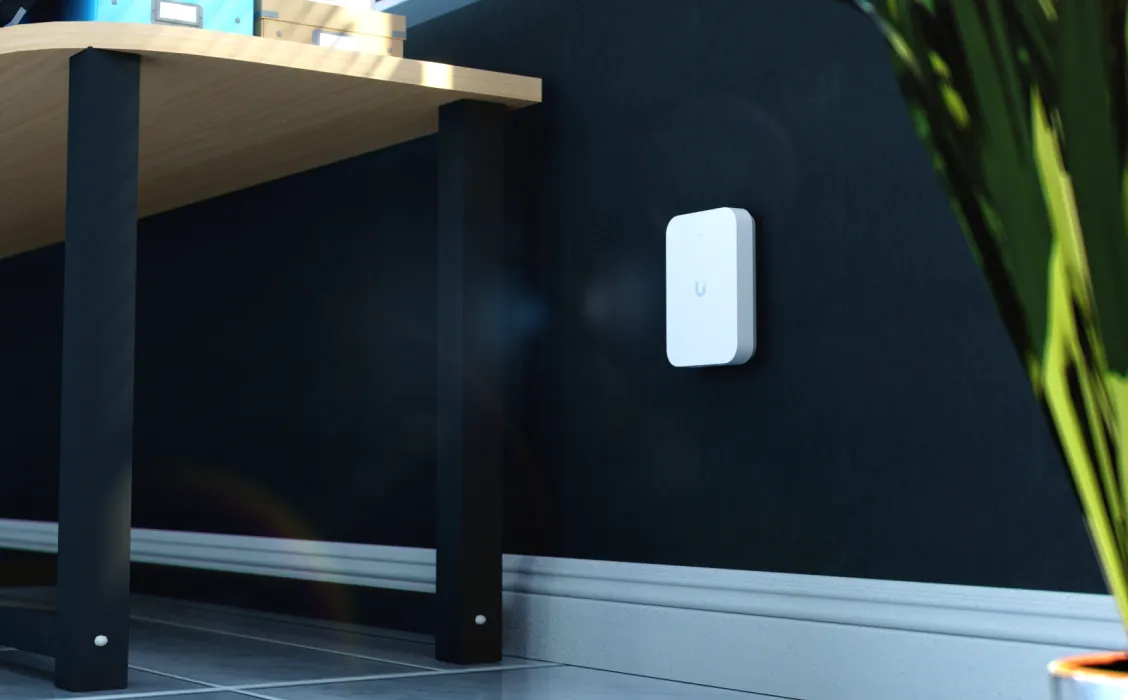
One wall plate replaces a standard outlet plate to provide strong wireless coverage and wired ports right where guests sleep and work.
Guest Wi-Fi Sign-In
Visitors accept your terms on a branded page before getting online. Guests move freely around your property without signing in again at every new access point.
Names, rooms, and times shown are examples only.
Networks Kept Separated
Guest traffic reaches the internet only and speed limits keep your own connection clear. Visitor devices cannot see each other or reach your business computers.
Floor plan of a typical small hotel
Click numbers below to see connections in a working layout. Most operations keep a mix of new network equipment and older hardware like analog fax machines and emergency lines.
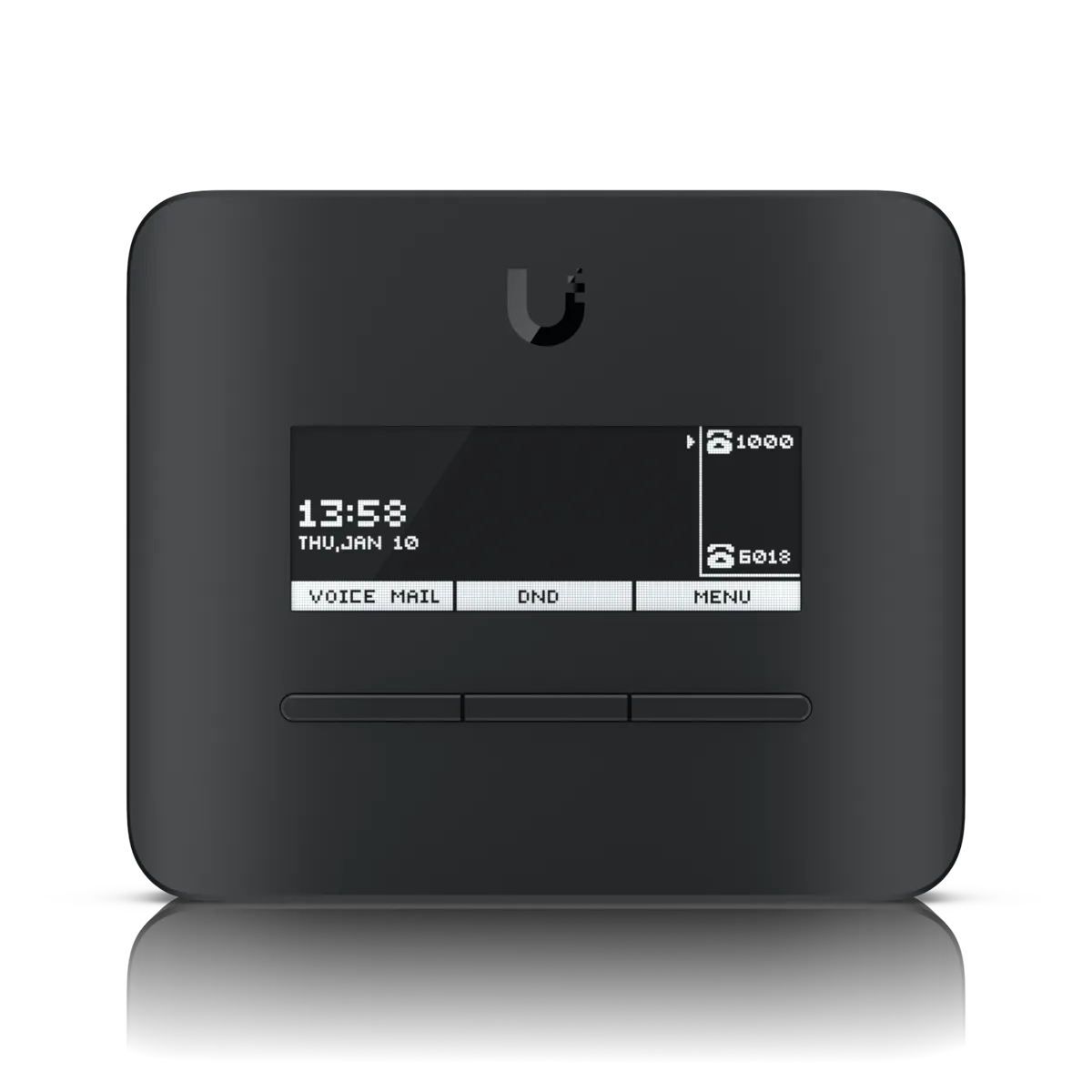
Fire alarm and elevator lines stay on a carrier or listed cellular line. Your fire marshal and elevator inspector decide what is accepted during any change.
Staff and Service Doors
Control access to back doors and entrances using cards, PINs, or phone passes. Every entry is logged against the person, and managers view footage from any browser.
Names, rooms, and times shown are examples only.
Door systems secure staff and service doors only. Systems are not a replacement for room-key locks tied to a reservation system.
Keep running during an outage
Second carrier cellular lines take over automatically when your main connection fails. Traffic returns to your main line when service is restored, keeping card terminals, registers and phones operating.
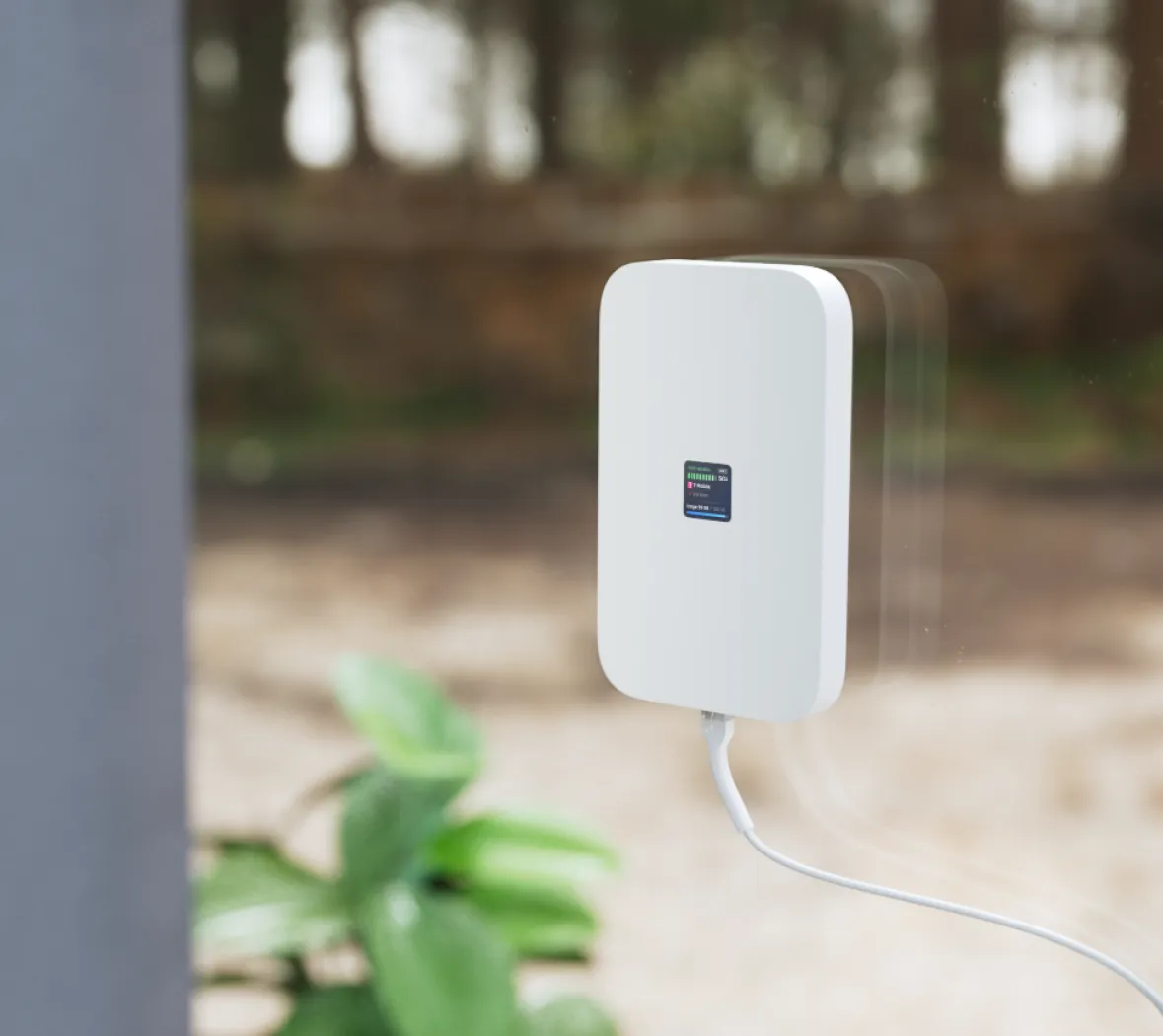
Cellular backup is sized strictly for payments, your register and phones. We measure signal inside your building first, and antennas may need a sky view.
Change your lobby screens on a schedule
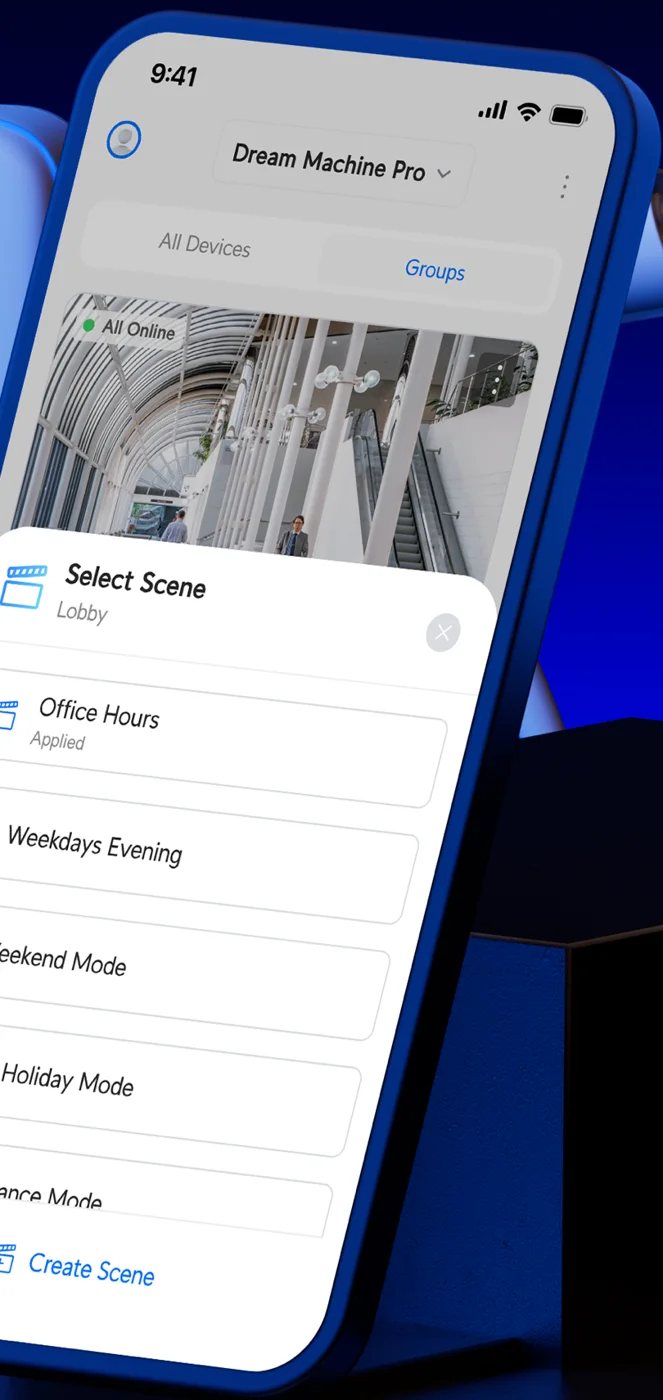
Display welcome messages and schedules on ordinary TVs using small players. You manage screen content by hand or on a schedule from a phone app or an on site console.
- 1Welcome arriving groupsSet a custom greeting to appear automatically on the exact day a large group arrives.
- 2Day events and roomsGuide visitors to their meetings by showing the daily schedule and specific room assignments.
- 3Coming down by itselfScreens clear your custom welcome messages automatically when the event finishes.
Paid Public EV Charging
Drivers charge their cars using a terminal right in your parking lot. Available current is split evenly among cars when demand exceeds your supply.
United States only. Requires EV Station Pro with payment terminal and a merchant account through a third-party processor.
Names, rooms, and times shown are examples only.
Equipment Lineup
Management runs on a console right in your building with no per-unit licenses and no monthly platform fees.
Installation Process
- 1
First Call Survey
CloudCentric visits your property to survey rooms and plan connections.
- 2
Hardware Installation
Technicians install network cabling, access points, doors, cameras, and chargers.
- 3
Configuration Setup
Administrators build your custom sign-in page and payment tiers.
- 4
Handover and Testing
Installers test guest networks from a visitor phone before handover.
Common Questions
- Can guests sign in with a room number and surname?
Room number sign-in requires an external portal supplied by a third party. Built-in options provide no link to a reservation system.
- Do the doors replace our room-key locks?
Door hardware secures staff doors, back-of-house doors, service doors, and entrances only. Systems do not replace guest-room locks integrated with reservations.
- Can the 360 camera go outdoors?
No, small 360-degree lenses are rated for indoor use only. Regular outdoor cameras must be used for entrances, parking, and grounds.
- How do guests pay for EV charging and what limits apply?
Drivers tap a card or phone on the Pro terminal. Processing requires a third-party merchant account, available in the United States only.
- Can guests see each other or the front desk computers?
Guest devices reach the internet only. Connections remain isolated from staff computers, and guest devices cannot see each other.
- What if my motel carries a national brand?
One brand's disclosure document requires an on property Wi-Fi network meeting brand standards from approved third party vendors. Check your franchise agreement or franchise contact before making any change to guest Wi-Fi.
- Does the elevator phone move to the new phone system?
No. Elevator emergency phones stay on a carrier line or a listed cellular line. Your elevator inspector decides what is accepted, so your elevator contractor must be part of any change.
- What do the phones do when the internet goes down?
Second carrier cellular lines take over automatically, keeping phones running. If power and backup lines fail entirely, a failover redirect number can send incoming calls to a chosen number.
- Can the lobby screen pull events automatically from my booking system?
No. Screens do not read arrivals or events from a reservation or event system. Content is set by hand or built on a schedule.
Upgrade Your Hotel Technology Today
Call CloudCentric to schedule a site walkthrough for your property.