Redundancy design
Redundancy comes from two DC inputs and paired uplinks. Switches list STP and RSTP only, with no ring protocol capabilities.
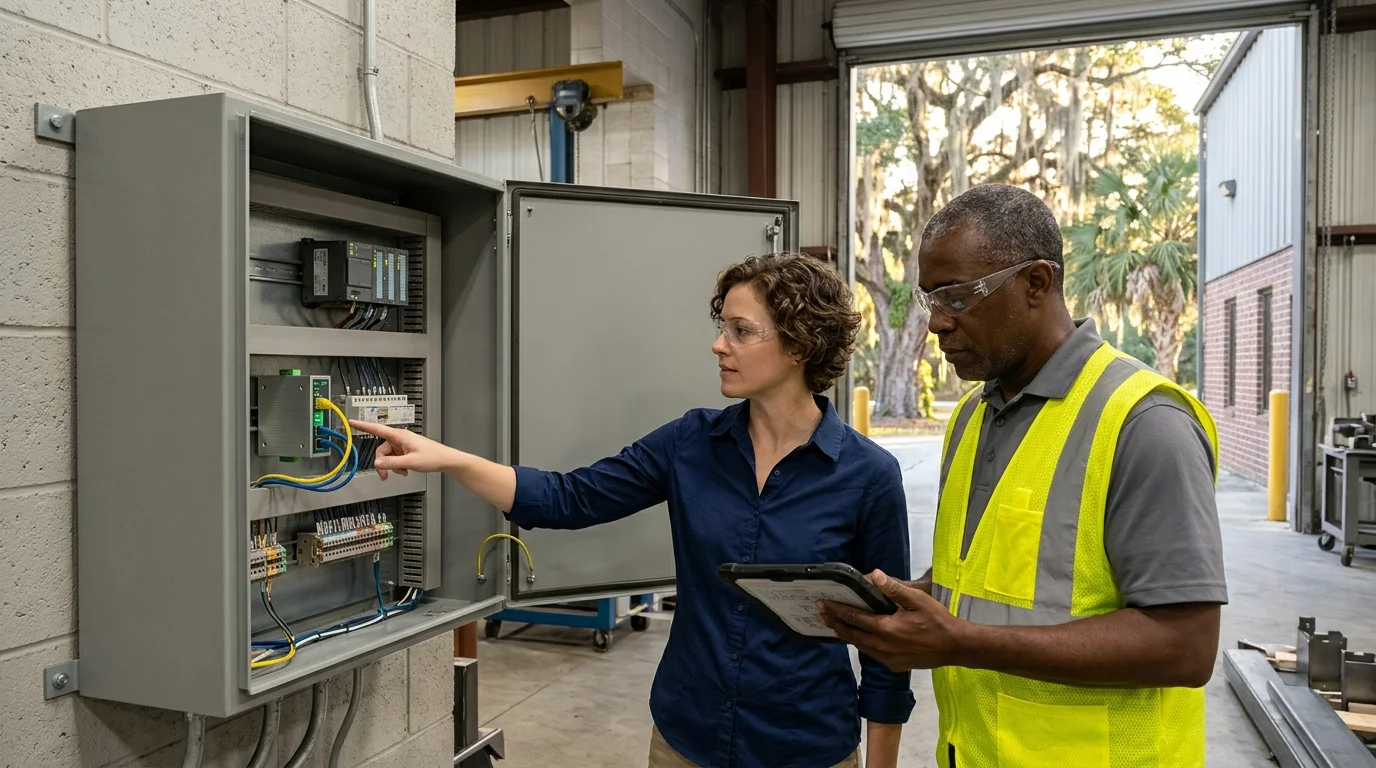
Managed panel networks
Put a managed switch in your cabinet on its own DC supply, installed by CloudCentric from Charleston to Savannah.
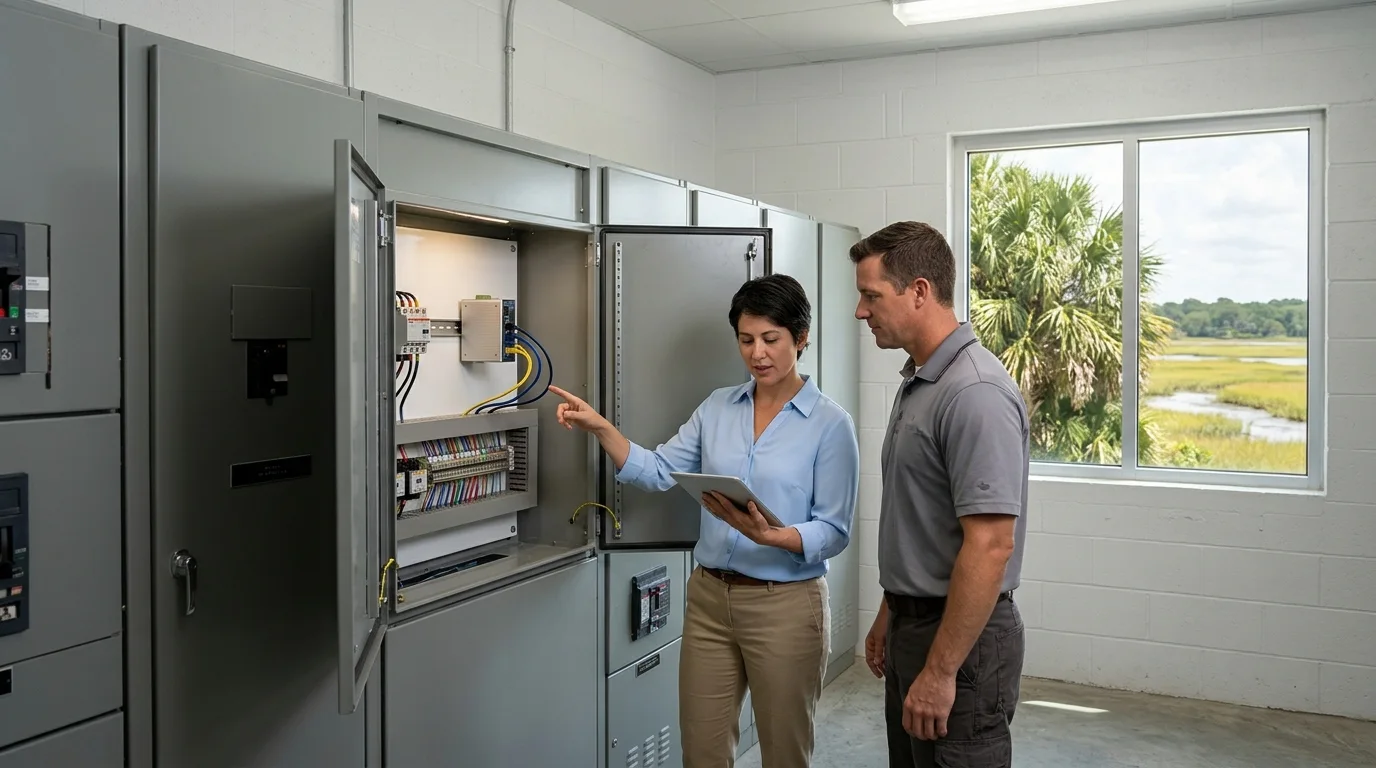
Cabinet network visibility
An unmanaged switch shows a blinking light. A managed switch reports port status, connected devices and alerts directly to your console.
See port status, connected devices and active alerts on the console instead of relying on panel LEDs.
Address changes often accompany a switch swap. CloudCentric coordinates directly with your controls integrator or plant engineer.
Redundant power runs from the cabinet's existing DC supply on one input and a second feed on the other.
Managed switches sit in cabinets alongside PLCs, drives and terminal blocks, with PoE models powering connected cameras and access points.
Facility network role
Typical cabinet devices
Match the switch to your cabinet voltage and powered device load. Choose your existing supply voltage and whether you need to power cameras or access points.
Choose your cabinet details
Cabinet supply voltage
PoE requirements
See how a managed switch integrates into an existing control cabinet alongside PLCs and drives.
Select a cabinet component
Does
Connects to
Cabinet layout shown is an example.
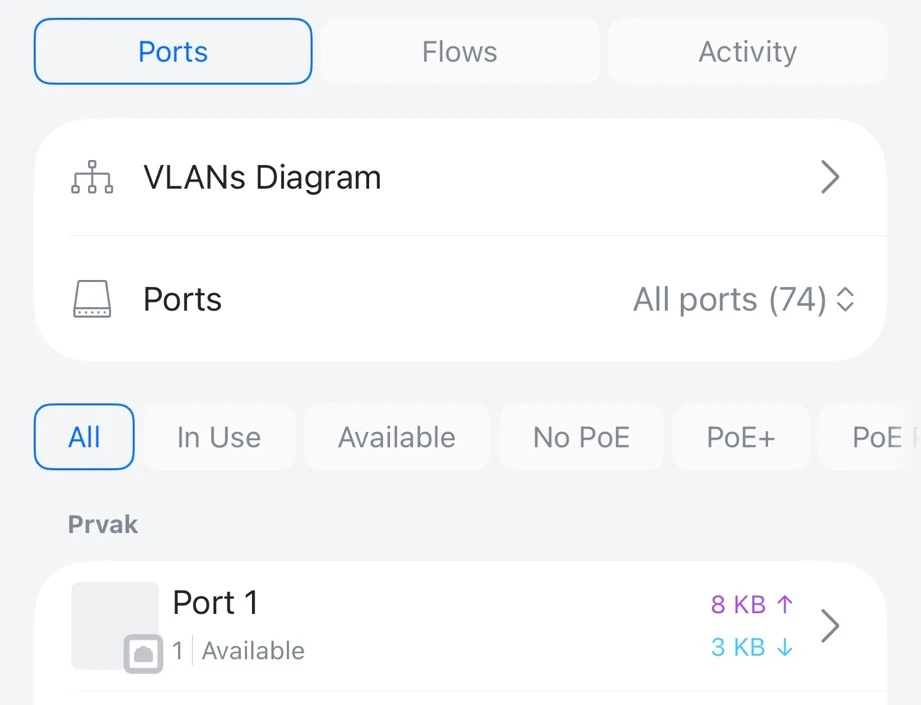
View each port, what is plugged into it and its traffic in the console, where before there was only a blinking light.
Ports list their current traffic and status directly in the console, giving a clear view of all connected panel devices.
Ports filter by in use, available, no PoE, PoE+ and PoE++ to quickly locate open connections for new devices.
Port views link to a VLANs diagram, showing exactly where each connection sits across your configured network segments.
Technical specifications for the three industrial switch options suited for control panels.
| USW-Industrial-DIN-8 | USW-Industrial-DIN-8-PoE | USW-Industrial | |
|---|---|---|---|
| Ports | 8 x 1 GbE RJ45, 2 x 1G SFP | 8 x 1 GbE RJ45 (all PoE++), 2 x 1G SFP | 10 x 1 GbE RJ45 (8 PoE++) |
| PoE budget | None | 480 W, up to 60 W per port | 430 W, up to 60 W per port |
| Power input | 12 to 60 V DC, two inputs | 44 to 57 V DC, two inputs | 100 to 240 V AC, internal supply |
| Operating temperature | -30 to 70 C | -30 to 70 C | -40 to 50 C at 450 W; -40 to 60 C at 240 W |
| Mounting | DIN rail or wall | DIN rail or wall | Wall or desktop |
| Alarm relay | NC/COM/NO, 30 V DC at 1 A | NC/COM/NO, 30 V DC at 1 A | Not listed |
| VLANs | 1,000 | 1,000 | 256 |
| Size | 139 x 100 x 52 mm | 139 x 100 x 52 mm | 252.5 x 238 x 60 mm |
Redundancy comes from two DC inputs and paired uplinks. Switches list STP and RSTP only, with no ring protocol capabilities.
Switches go in unclassified rooms. No hazardous-location ratings are listed, and no substation, marine or vibration approvals apply.
DIN-rail switches carry no IP rating and are installed inside a control panel or enclosure alongside other hardware.
Switches operate strictly at Layer 2, so routing between zones happens at the gateway. No IEC 62443 certification is claimed.
Walk the panel with your integrator or plant engineer to map out existing connections.
Check the existing supply voltage and verify controller addresses to prepare for the swap.
Mount the new switch, power it up and adopt it into the console.
Name all active ports, set VLANs to separate traffic and hand over the finalized network.
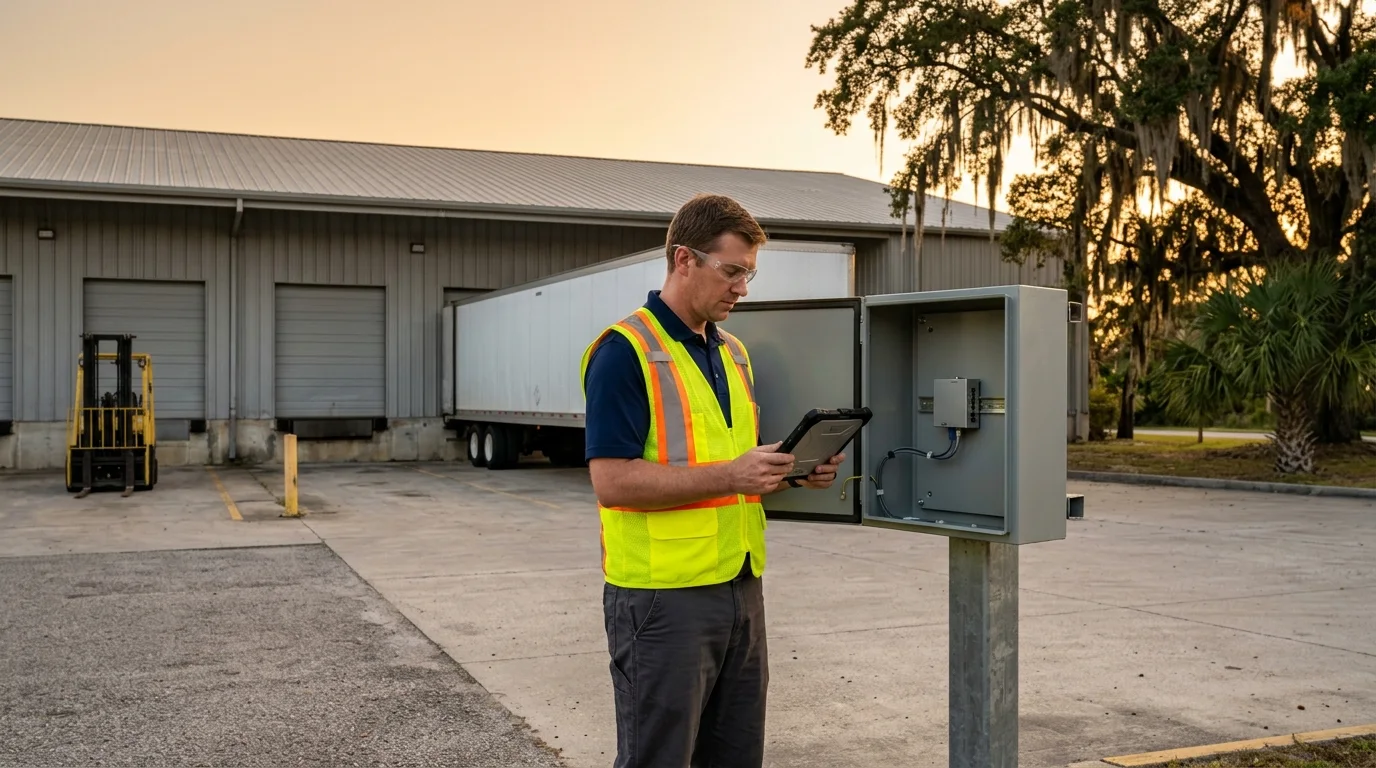
Non-PoE DIN-8 models run directly from 12 to 60 V DC, accepting your existing 24 V supply. PoE models require a 48 V supply.
Two terminal-block inputs allow a second feed for redundancy on the DIN-rail models.
Select a PoE model. The DIN-8-PoE provides up to 480 W total PoE output, feeding compatible devices directly from the switch.
Layer 2 operation means routing between zones happens at your gateway.
Redundancy relies on STP and RSTP paired uplinks. No industrial ring protocols are supported.
Both DIN-rail models run from -30 to 70 C. The older USW-Industrial runs from -40 to 60 C at lower loads.
Call CloudCentric to schedule an industrial switch installation from Charleston to Savannah.