(844) 422-7000
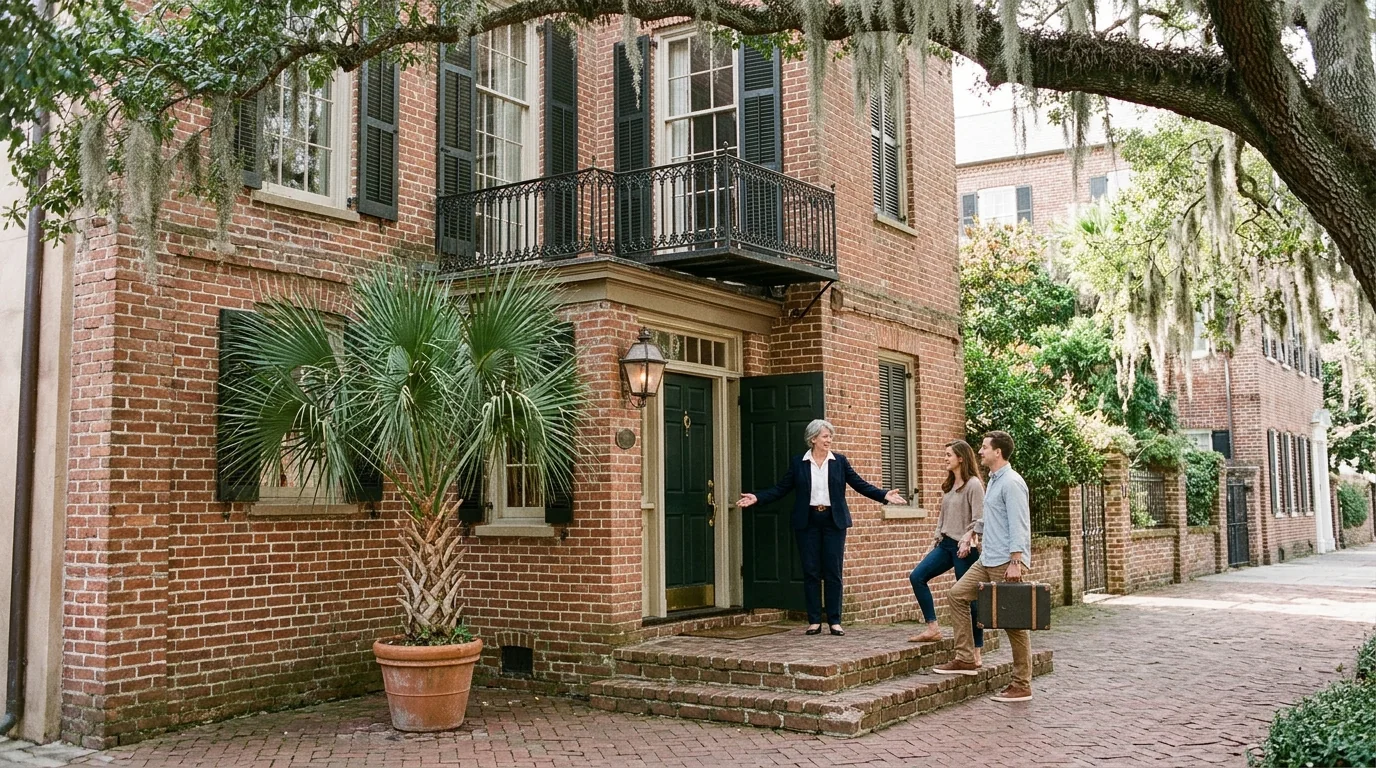
An innkeeper in a navy blazer opens the green door of a brick Charleston inn to welcome two guests carrying a suitcase, a palmetto in a pot beside the steps and live oak moss overhead

Guest room networks

Hotel Wi-Fi for your guest rooms

We survey your building with a meter and install in-wall access points in guest rooms to provide Wi-Fi and wired ports.

Networks for your exact building

Wireless coverage depends mainly on walls, so we walk your building with a meter before placing any access points.

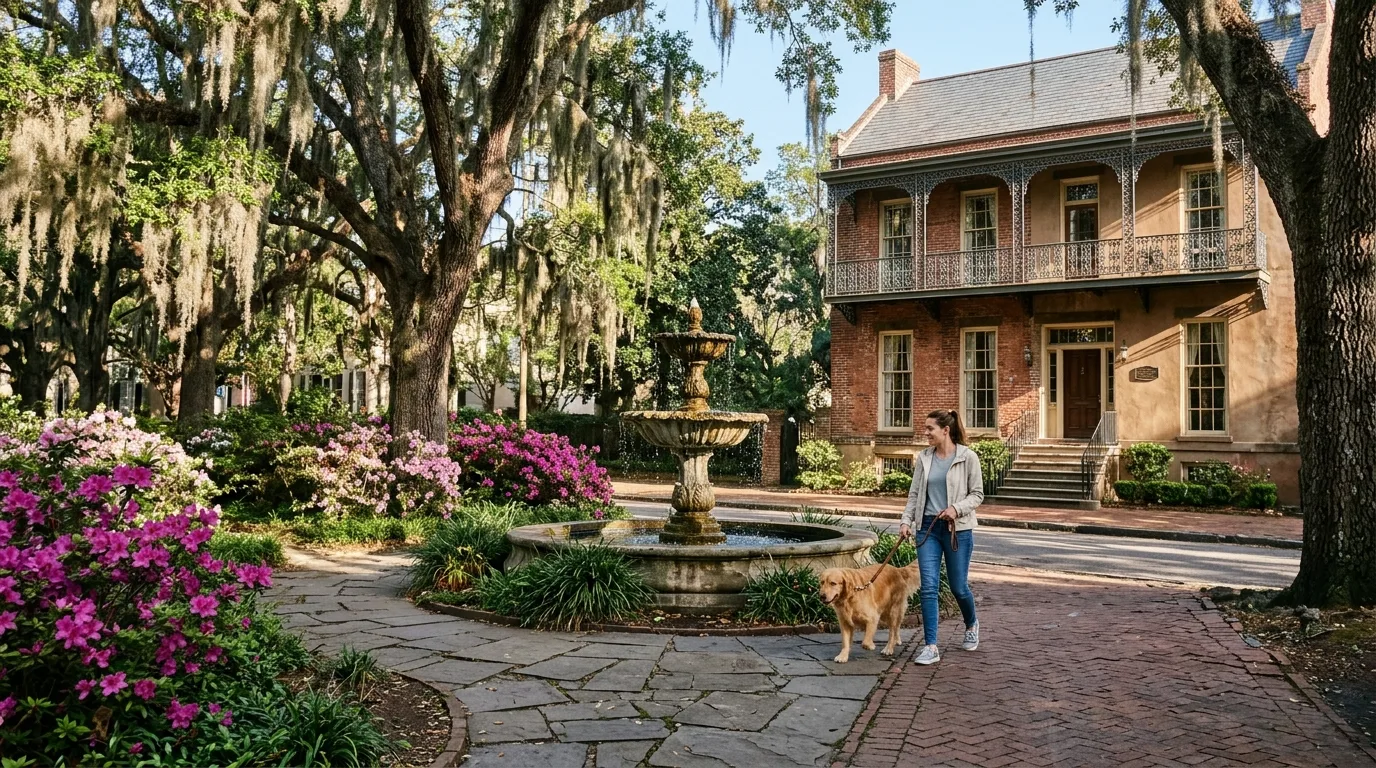
A historic two-storey Savannah inn with an iron balcony seen across a fountain square, a guest walking a golden retriever past the front steps

A boutique historic hotel in downtown Charleston or Savannah has thick old walls.

  • Survey of the wallsWe walk the building with a meter to read the signal at the far corners of each room.
  • One network cableOne network cable runs from a switch to each in-wall access point.
  • Ceiling access pointA ceiling access point provides wireless coverage in your lobby.
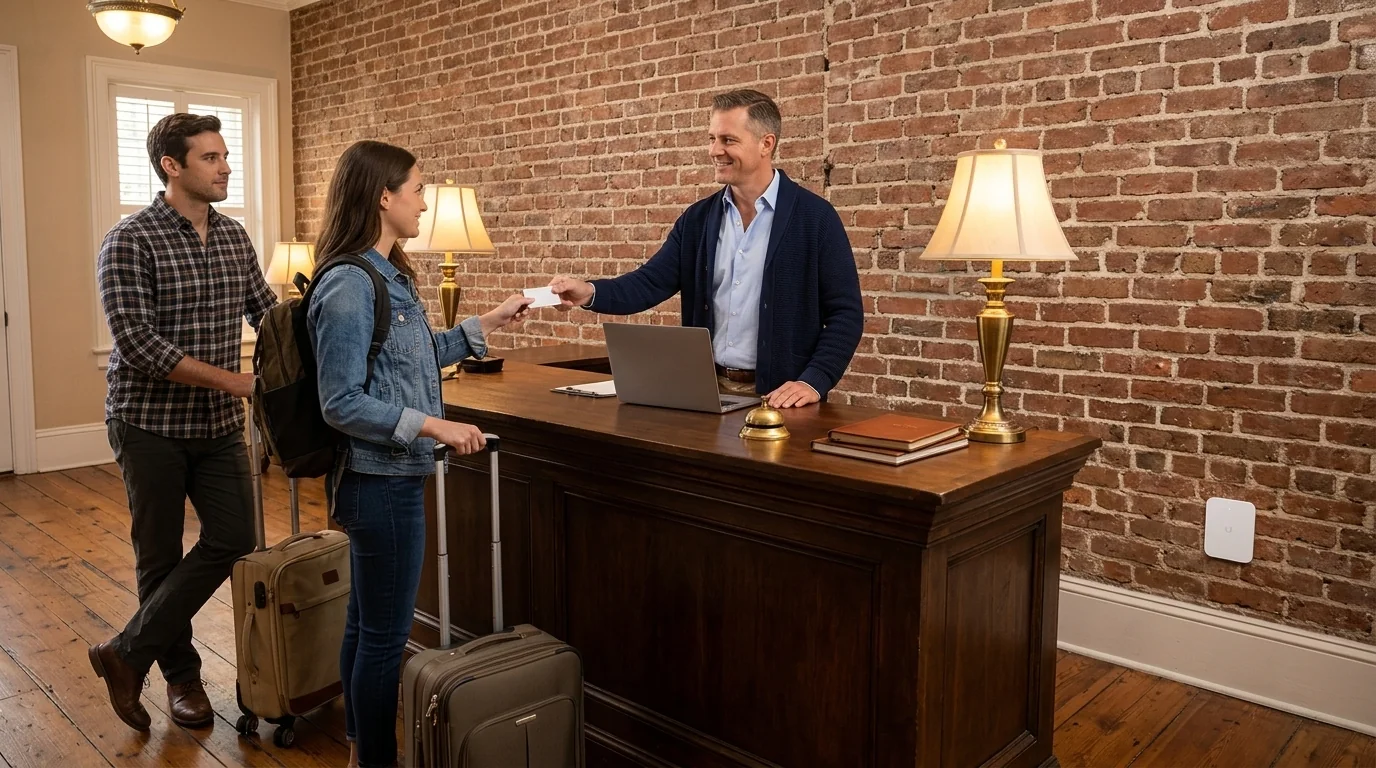
An innkeeper at the front desk of a historic inn hands a guest a blank card across a wooden desk, a second guest waiting behind with a suitcase

Your bed and breakfast or small inn has a front desk run by an owner.

  • Vouchers handed outVouchers handed out at the front desk carry an expiry time, a speed limit and a data cap.
  • Separate guest networkA guest network runs apart from your own devices.
  • Wall plate in roomAn in-wall access point replaces a wall outlet plate and gives the room Wi-Fi.
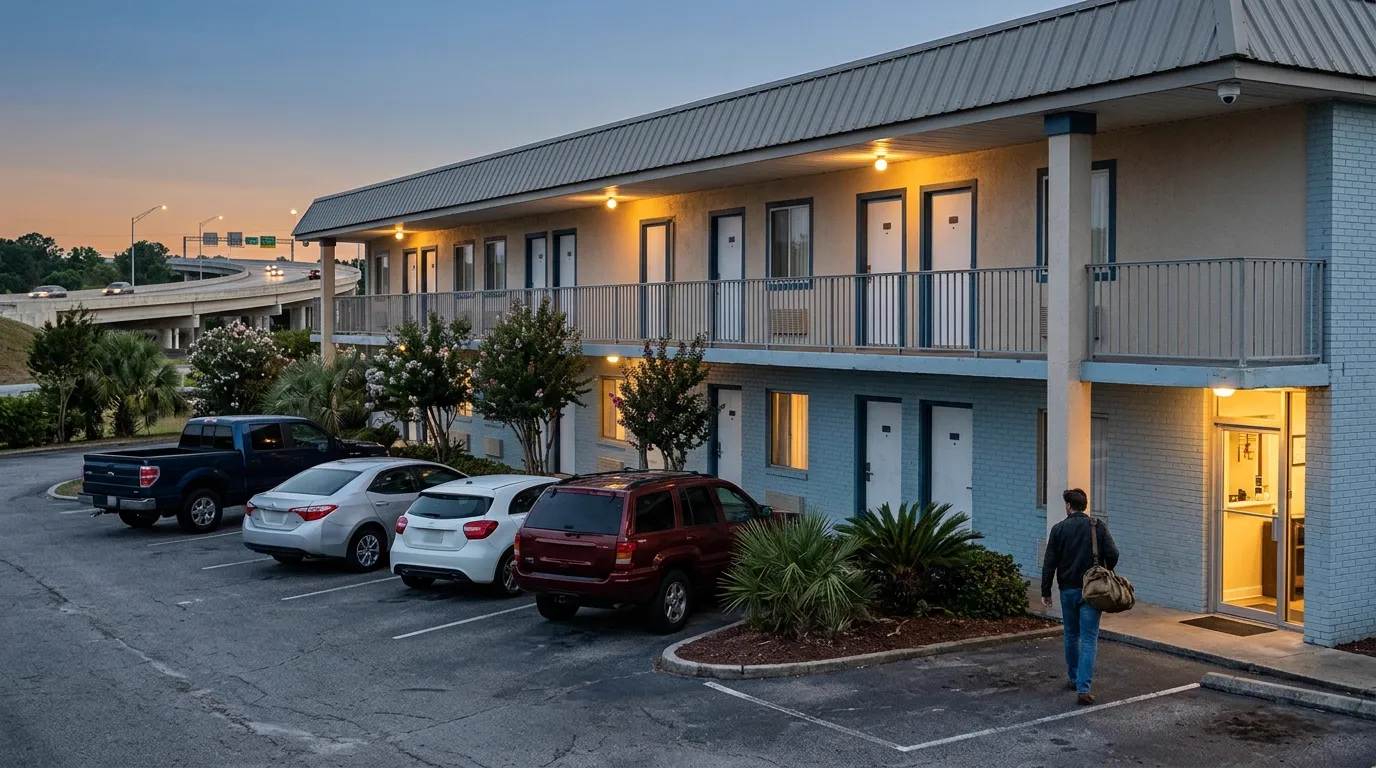
A two-storey roadside motel at dusk near an interstate overpass, a guest with a duffel bag walking to the lit office, a camera under the upper walkway

An independent motel along the interstate often features outdoor walkways.

  • Sealed outdoor access pointsSealed outdoor access points mount securely on brackets.
  • Speed limits per deviceSpeed limits per device and per network mean guest traffic does not crowd your hotel's own connection.
  • Wired ports in roomsWired ports in each room let a guest plug in a laptop.
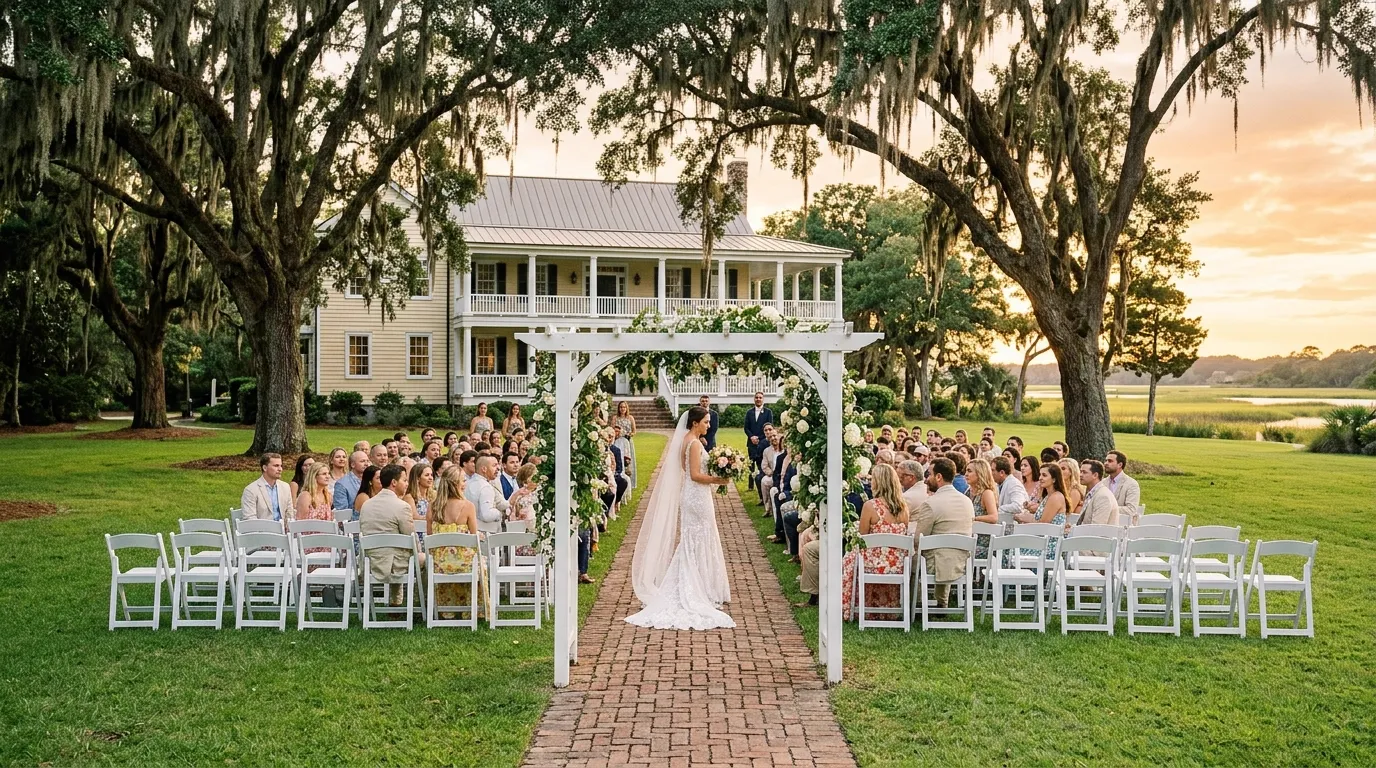
A wedding ceremony on a lawn under live oaks hung with Spanish moss, rows of white chairs facing an arbor, a pale two-storey house with a piazza behind

Your resort or wedding venue sits on larger grounds with several buildings.

  • Outdoor access pointsOutdoor access points mount on a bracket or mast to cover open spaces.
  • Building bridge connectionA 60 GHz bridge joins a detached building without trenching cable across your grounds.
  • Vouchers with an expiry timeVouchers handed out at the front desk carry an expiry time.
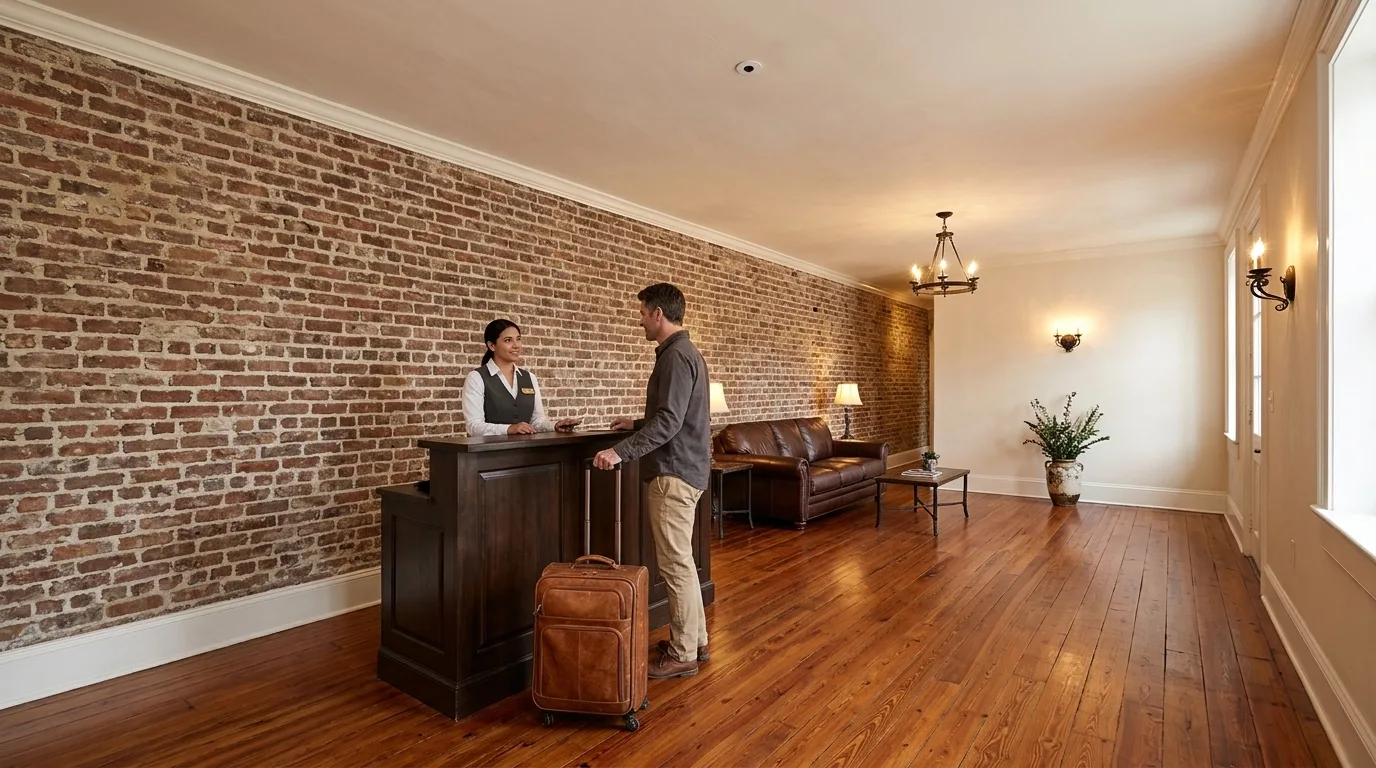
A hotel lobby with a front desk, a guest checking in and a small round camera lens flush in the ceiling

A hotel carrying a national brand follows specific corporate standards.

  • Check franchise agreementCheck your franchise agreement or franchise contact before any change to your guest Wi-Fi.
  • In-room installation planningYour franchise contact confirms approved vendors and network standards before any in-room work is planned.
  • Secondary internet connectionA secondary internet connection is encouraged by at least one national brand's franchise document.
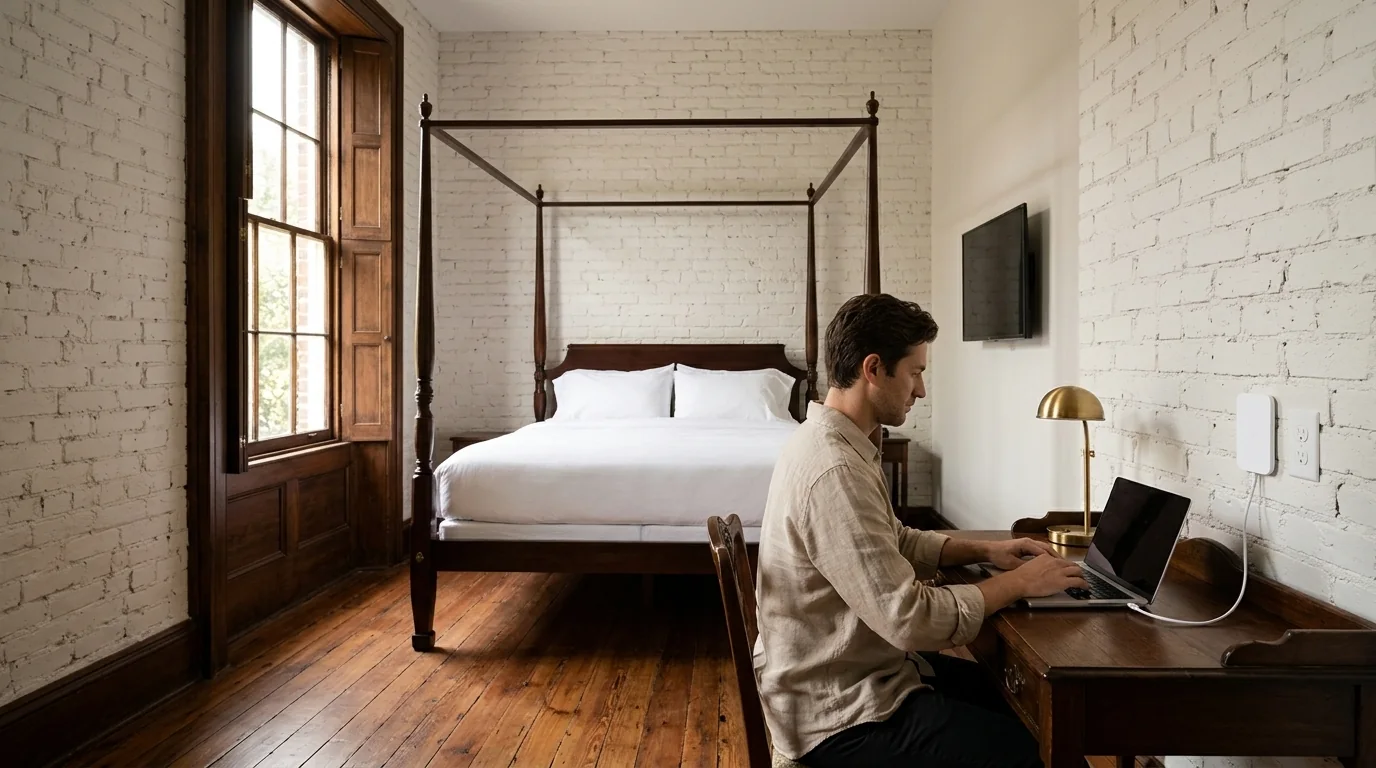
A guest in a linen shirt types at a writing desk in a historic Savannah inn; a slim white wall plate on the painted brick wall beside the outlet has a short cable running to the laptop

Wall plates for every guest room

An in-wall access point replaces a wall outlet plate in a guest room. It provides Wi-Fi to the room and lets a television plug straight into a wired port.

  1. 1Wi-Fi 7 modelAn in-wall model replaces an outlet plate and gives the room Wi-Fi 7.
  2. 2Wired ports for devicesWired ports on the plate let a guest plug in a TV or a laptop.
  3. 3One network cableOne Cat6 network cable from each plate runs to a switch that powers it and carries its data.
  4. 4Wi-Fi 6 modelA Wi-Fi 6 model with wired ports fits rooms that do not need Wi-Fi 7.

Wireless coverage depends on walls

Block walls, foil-backed insulation, plaster over metal lath and stone chimneys cut coverage. We walk your rooms with a meter.

ClosetCorridorRoom 1Room 2Room 3Room 41234
  • Plaster over metal lath
  • Foil-backed insulation
  • Block
  • Stone chimney
  • Meter reading at the far corner

A survey walks the building with a meter and reads the signal at the far corners of each room before any access point is placed.

Floor plan drawings are examples of a room layout.

Wireless network details

01

Walls decide coverage

Block walls, foil-backed insulation, plaster over metal lath and stone chimneys all cut wireless coverage.
02

Airtime in full rooms

Capacity is separate from coverage. A room that reaches a far wall can still run out of airtime when full of users.

03

Wireless repeaters drop throughput

A wireless repeater halves network throughput, so a repeater is used only where a cable cannot reach.

04

Staff and service doors

A door system runs staff and service doors, and does not replace room-key locks tied to a reservation system.

Guests sign in on your page

A guest sign-in page carries your hotel name and terms. Guests accept your terms before they get online.

An innkeeper at the front desk of a historic inn hands a guest a blank card across a wooden desk, a second guest waiting behind with a suitcase
Guest meets itHanded out at the front desk

Guest networks run separately

A guest network reaches the internet only. Guest Wi-Fi is kept apart from your own devices and building equipment.

Guest phone
Internet accessNot tested
Other guest phoneNot tested
Front desk computerNot tested
Card terminalNot tested
Security cameraNot tested

Drawings shown are examples of guest network rules.
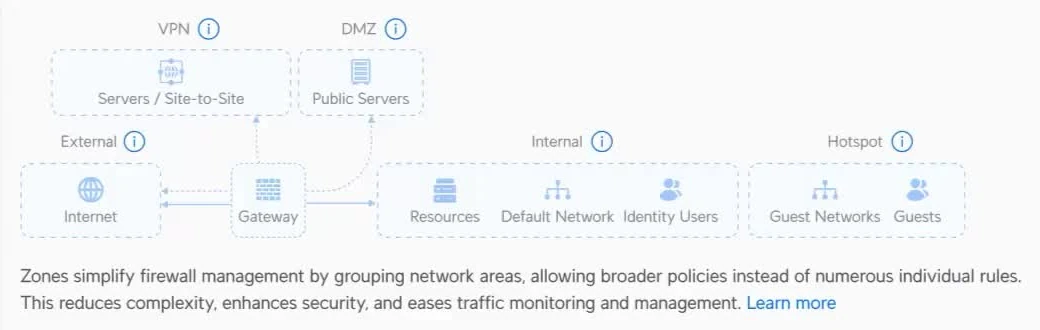
The manufacturer's Network app, Policy Engine: a diagram of firewall zones with a Hotspot zone holding Guest Networks and Guests, drawn apart from the Internal zone that holds Resources, Default Network and Identity Users
Guest networks sit in their own zone apart from your hotel's own networks.

Management runs in your building

Your network console lives on a compact gateway in your building. You see each connected guest device, the access point it is on and its traffic.
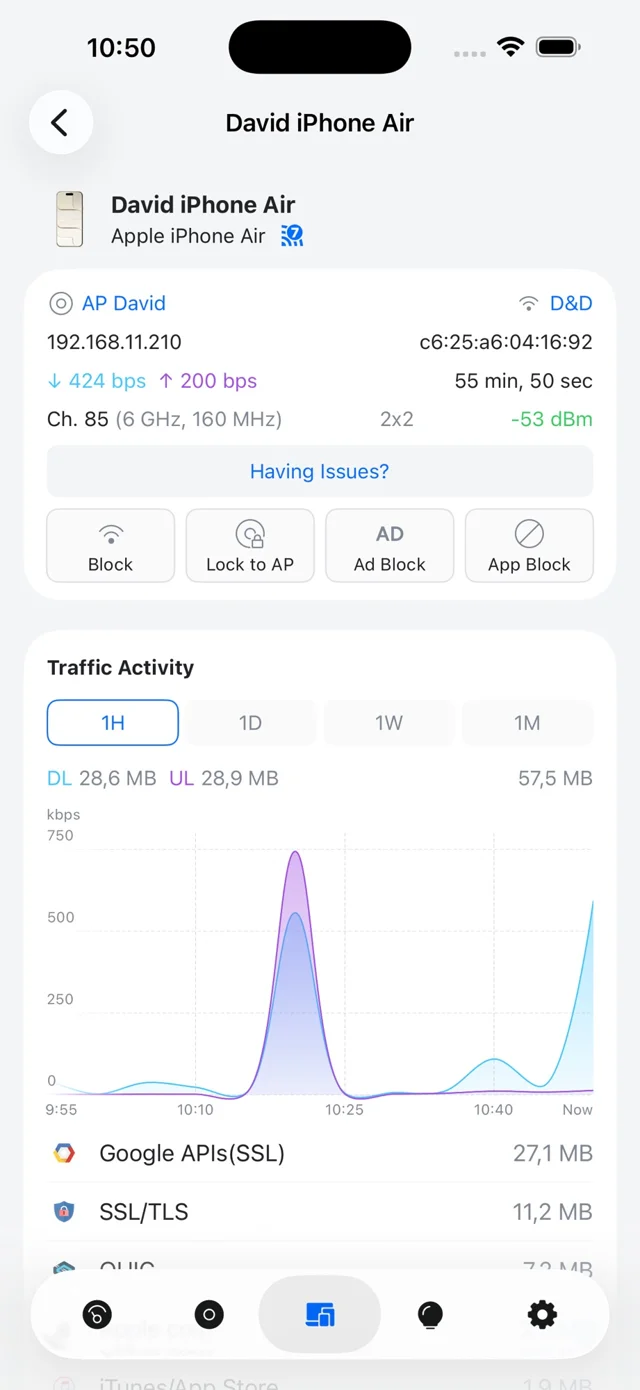
  1. 1No platform feesManagement runs on a console in the building with no per-unit license and no monthly platform fee.
  2. 2Custom speed limitsSpeed limits per device and per network mean guest traffic does not crowd your hotel's own connection.
  3. 3Moving between access pointsGuests' devices move between access points around your property without a full sign-in at each one.
The manufacturer's Network app showing a connected phone: its access point, signal, Block, Lock to AP, Ad Block and App Block buttons, and a traffic activity chart
Network app shows a connected phone, its access point and its traffic.

Parts for your network

We install in-wall models made for hospitality rooms and ceiling access points that suit open public areas.
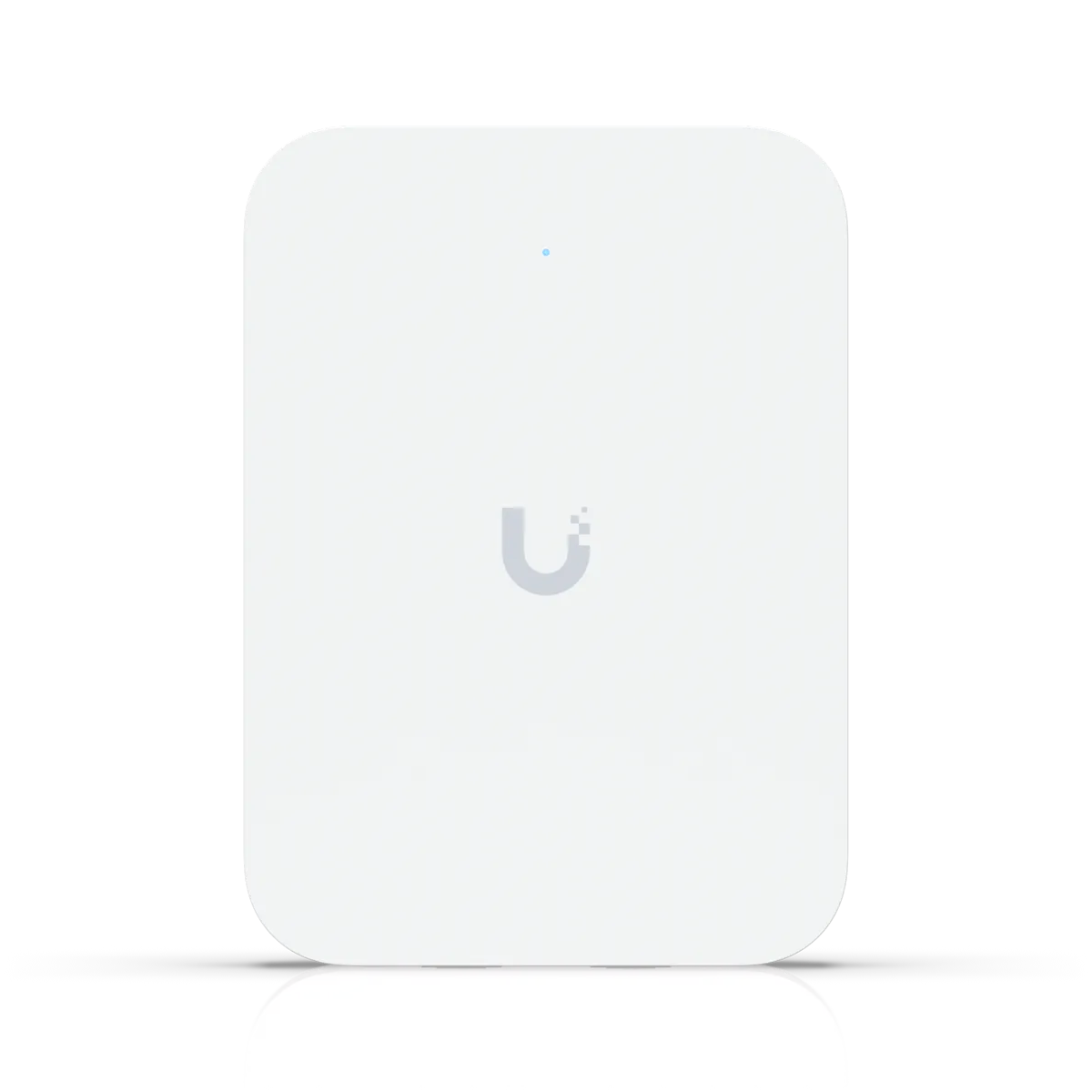
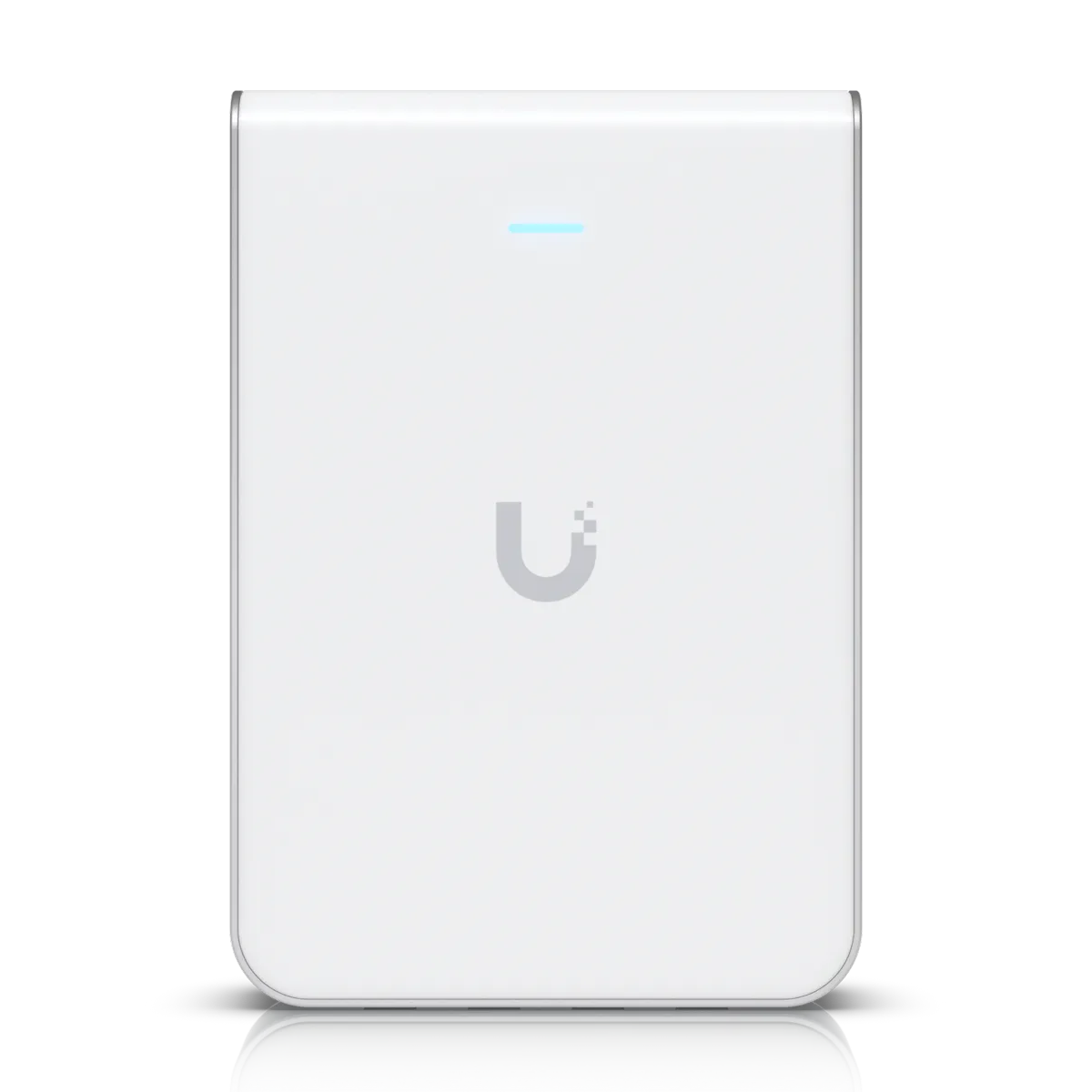
U7 In-Wall
U7 In-WallA Wi-Fi 7 in-wall access point covers about 1,250 square feet, takes power over its network cable and has wired ports on the plate.
U6 In-Wall
U6 In-WallA Wi-Fi 6 in-wall access point fits rooms that do not need Wi-Fi 7.
U7 Pro
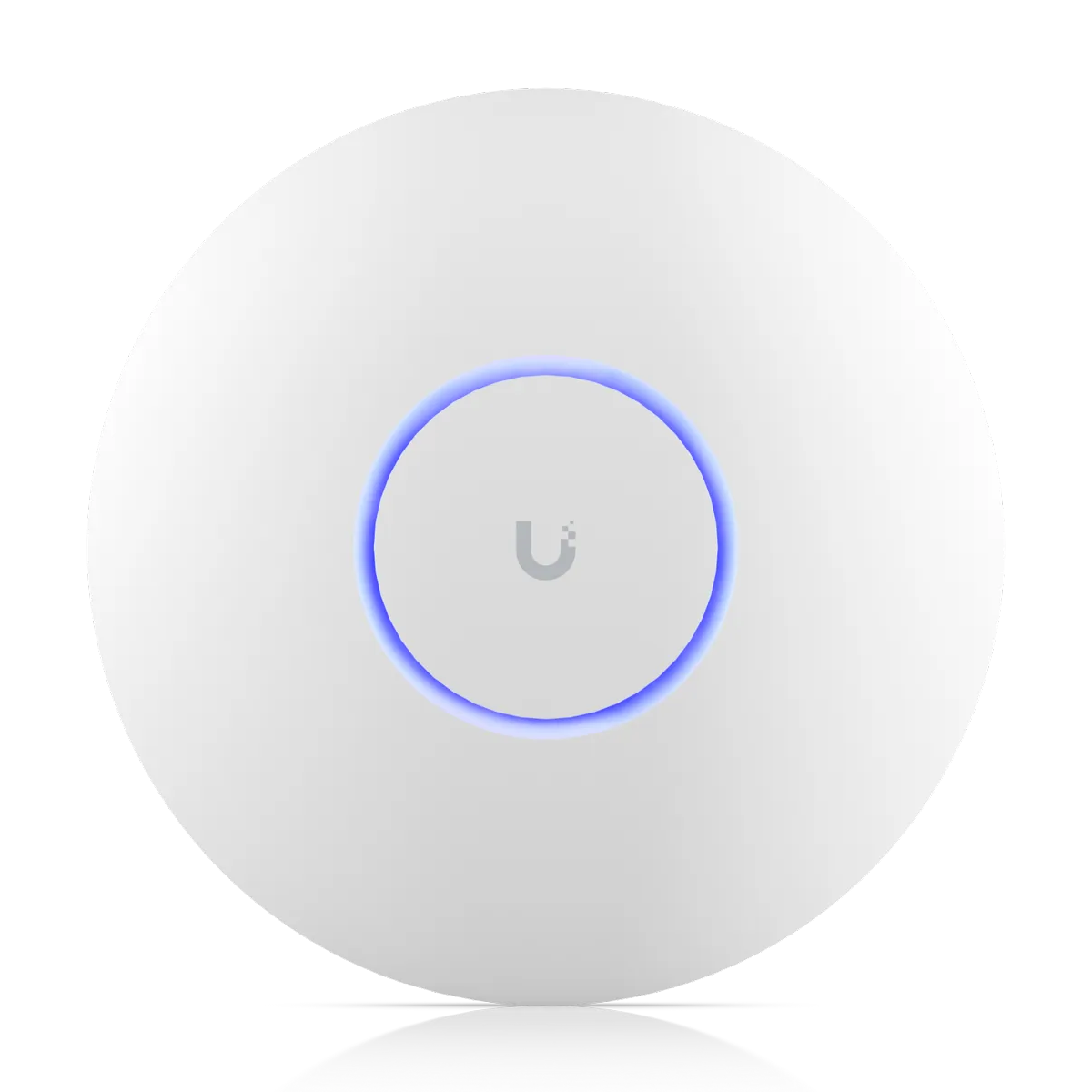
U7 ProCeiling access points suit open public areas inside a building, such as a lobby or breakfast room.
U7 Outdoor
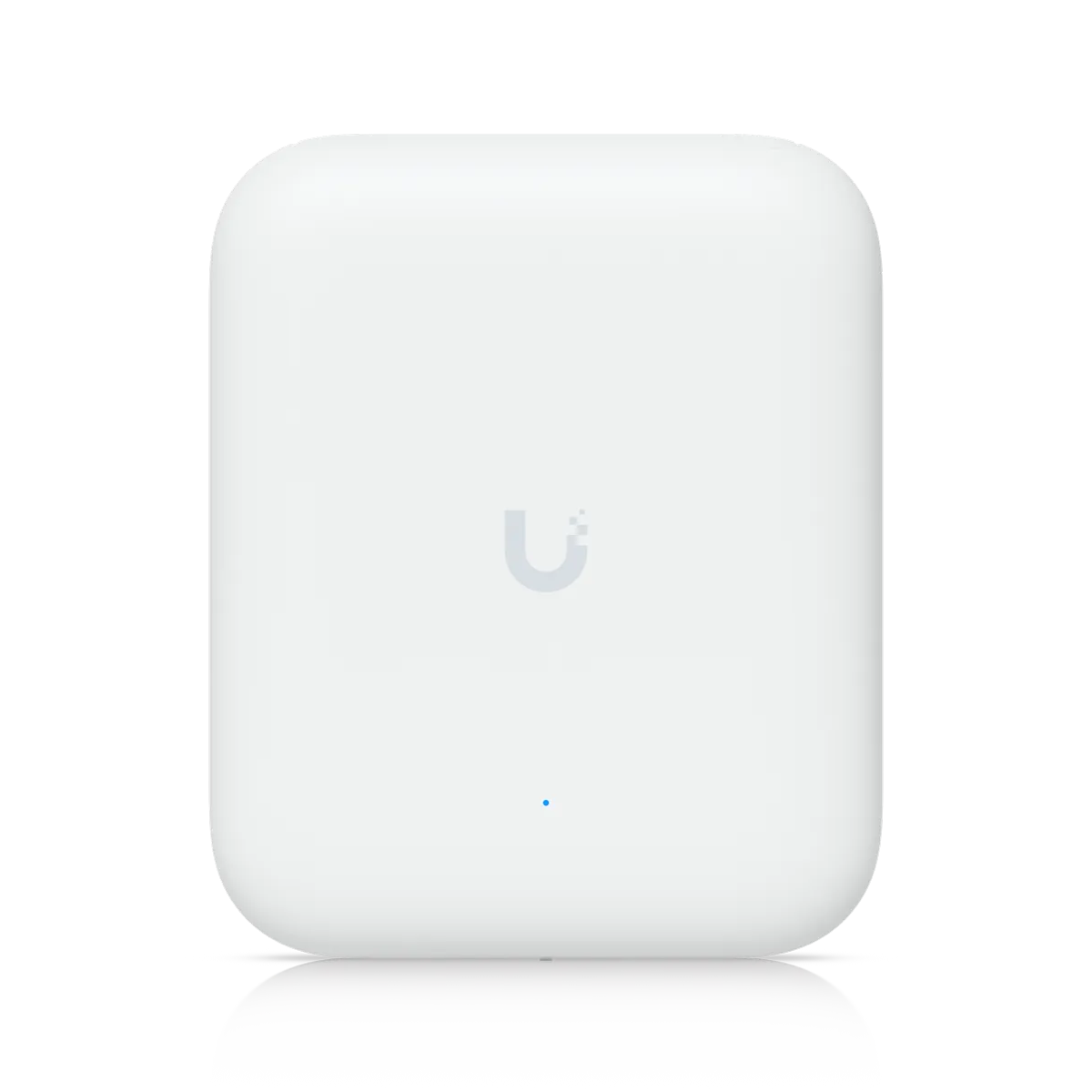
U7 OutdoorSealed outdoor access points mount on a bracket or a mast to cover outdoor spaces.
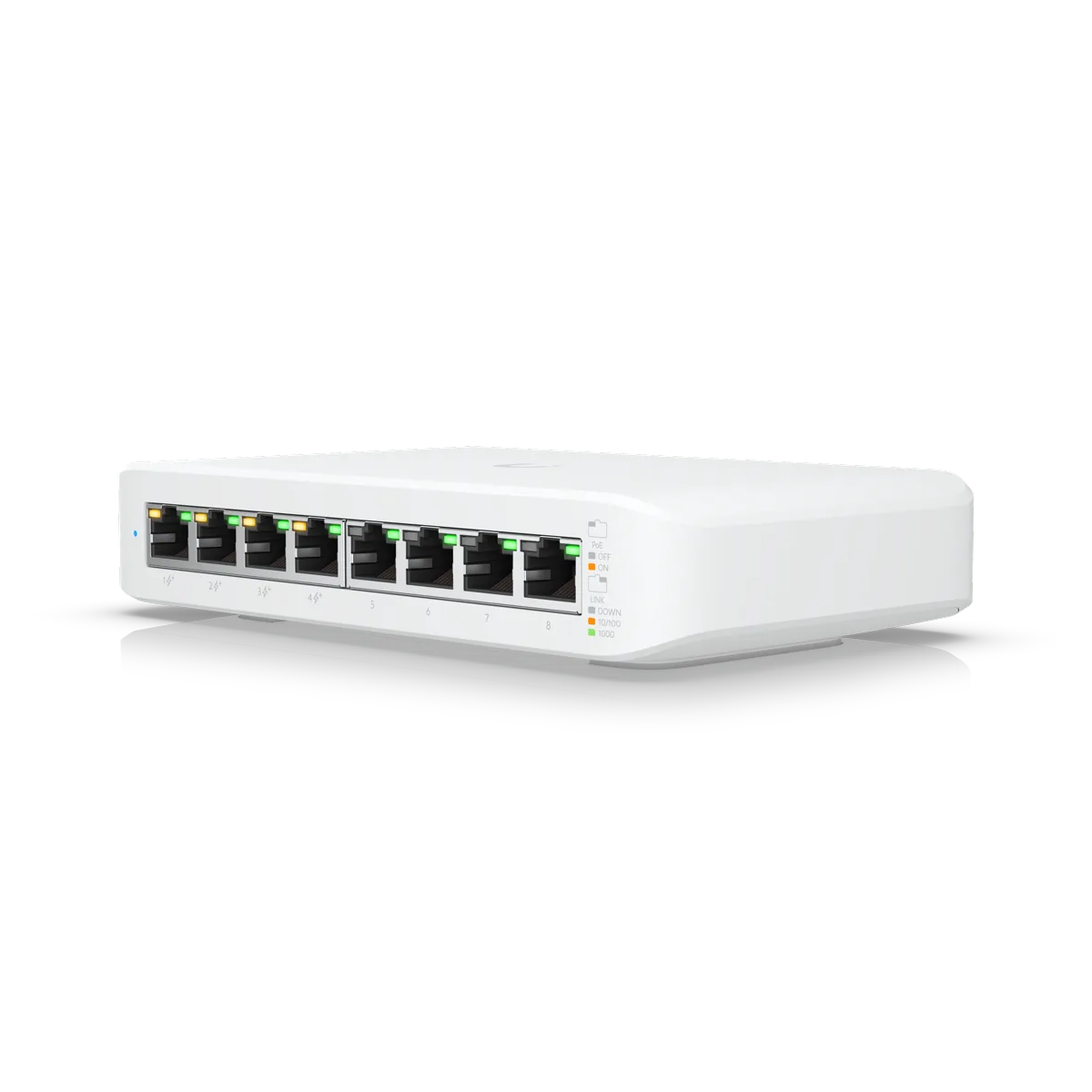
Lite 8 PoE
Lite 8 PoEAn eight-port PoE switch feeds access points from a closet and powers them over the network cable.
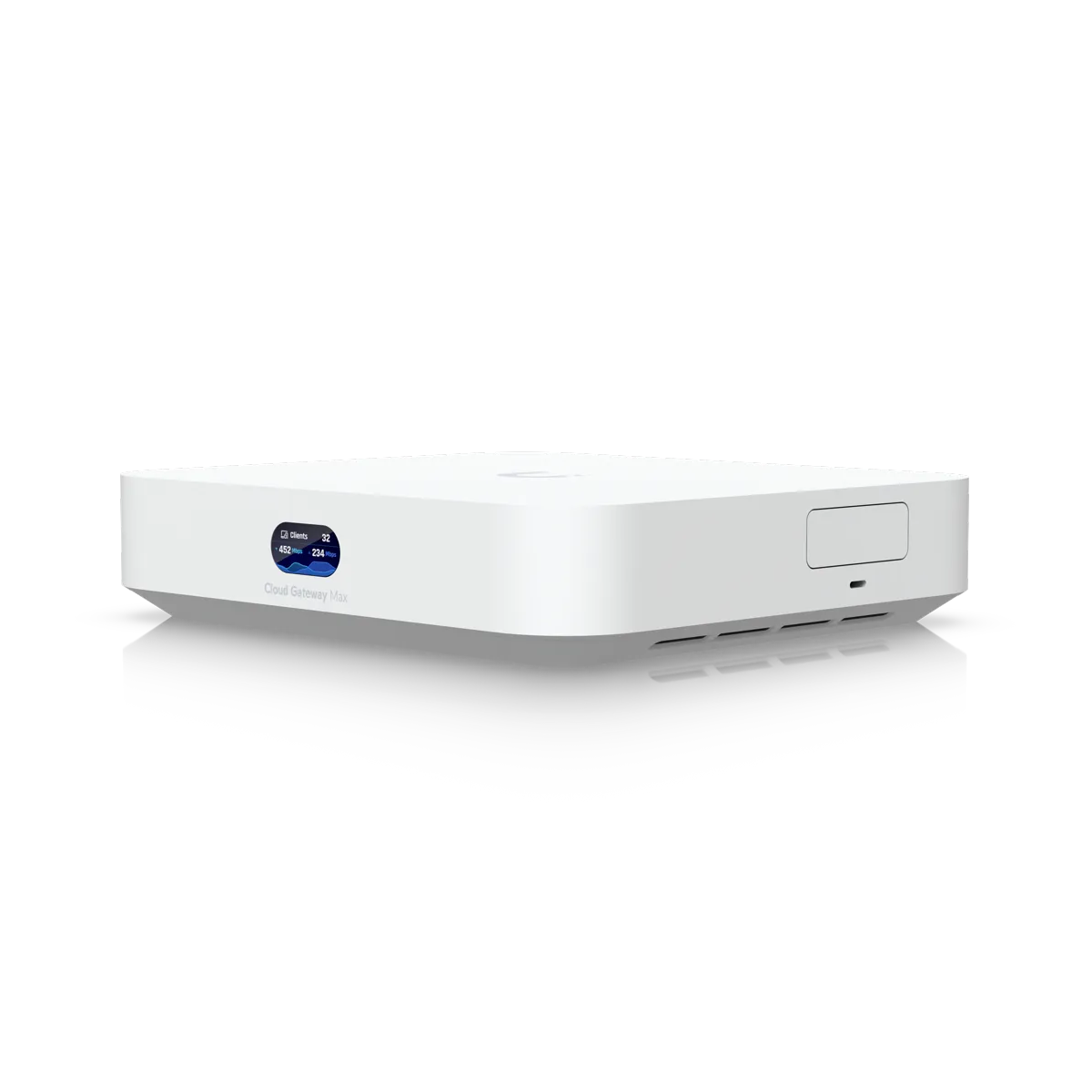
Cloud Gateway Max
Cloud Gateway MaxA compact gateway runs the network console in the building and supports 30 or more devices.

Steps to get online

  1. 1

    Survey walk with a meter

    We survey your property room by room to read the signal before any access point is placed.

  2. 2

    Cable runs and switch installation

    We install the cable, switches and access points to connect your rooms.

  3. 3

    Sign-in page and networks

    We set up your sign-in page and separate guest networks on your console.

  4. 4

    Testing from a visitor phone

    A guest network is tested from a visitor's phone at handover.

A small brick and stucco inn with an iron balcony on a Savannah square, a guest walking a dog past a fountain

Questions about hotel networks

Connect your guest rooms

Call (844) 422-7000 or book a walkthrough to plan a network for your hotel.

CharlestonMount PleasantIsle of PalmsFolly BeachKiawahHilton HeadBlufftonBeaufortSavannah
Call (844) 422-7000
CloudCentric · Mount Pleasant, SC · serving Charleston and the Lowcountry(844) 422-7000