Digital signage installations
Digital signage for menus, specials and lobby notices
Ordinary televisions become managed signs updated from a browser or a phone, installed across Charleston and Savannah by CloudCentric.
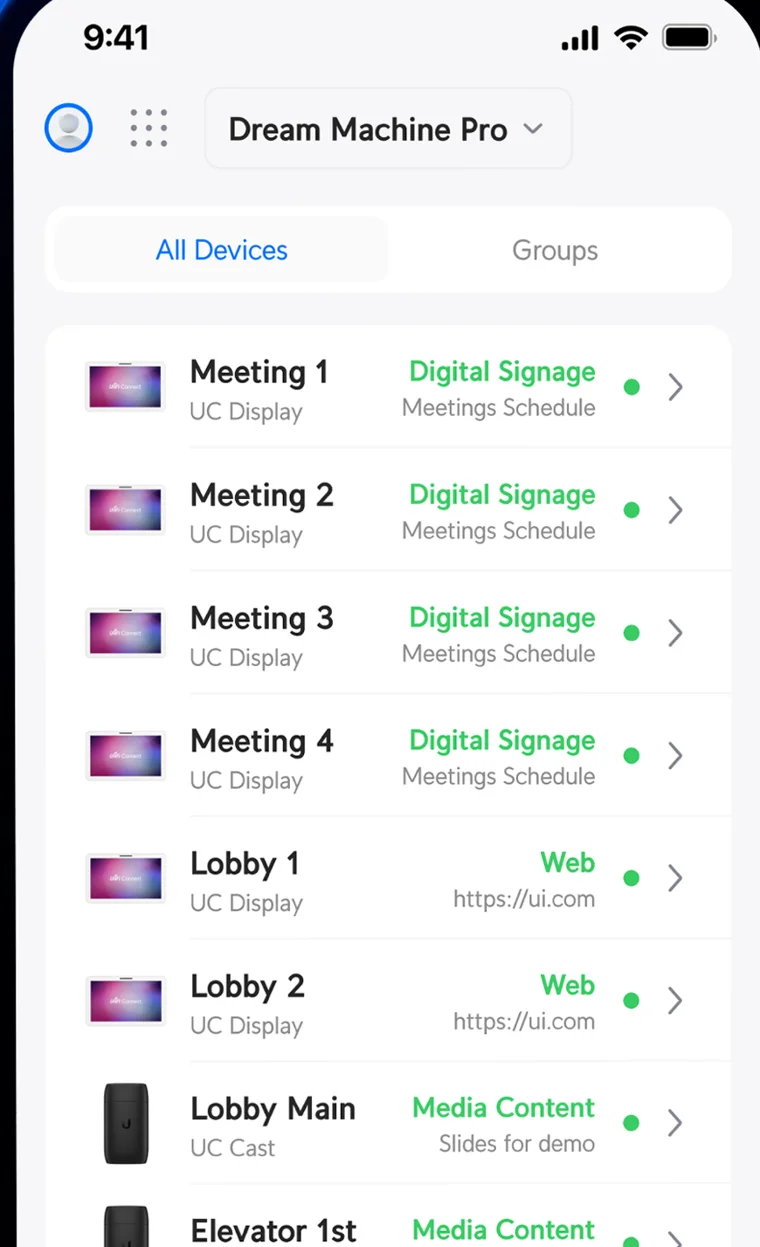
Run digital signage software from a phone or browser
Signage runs on the network console already on site. Content changes happen in a web browser or the Connect app for iOS and Android, reaching every screen directly over your network.
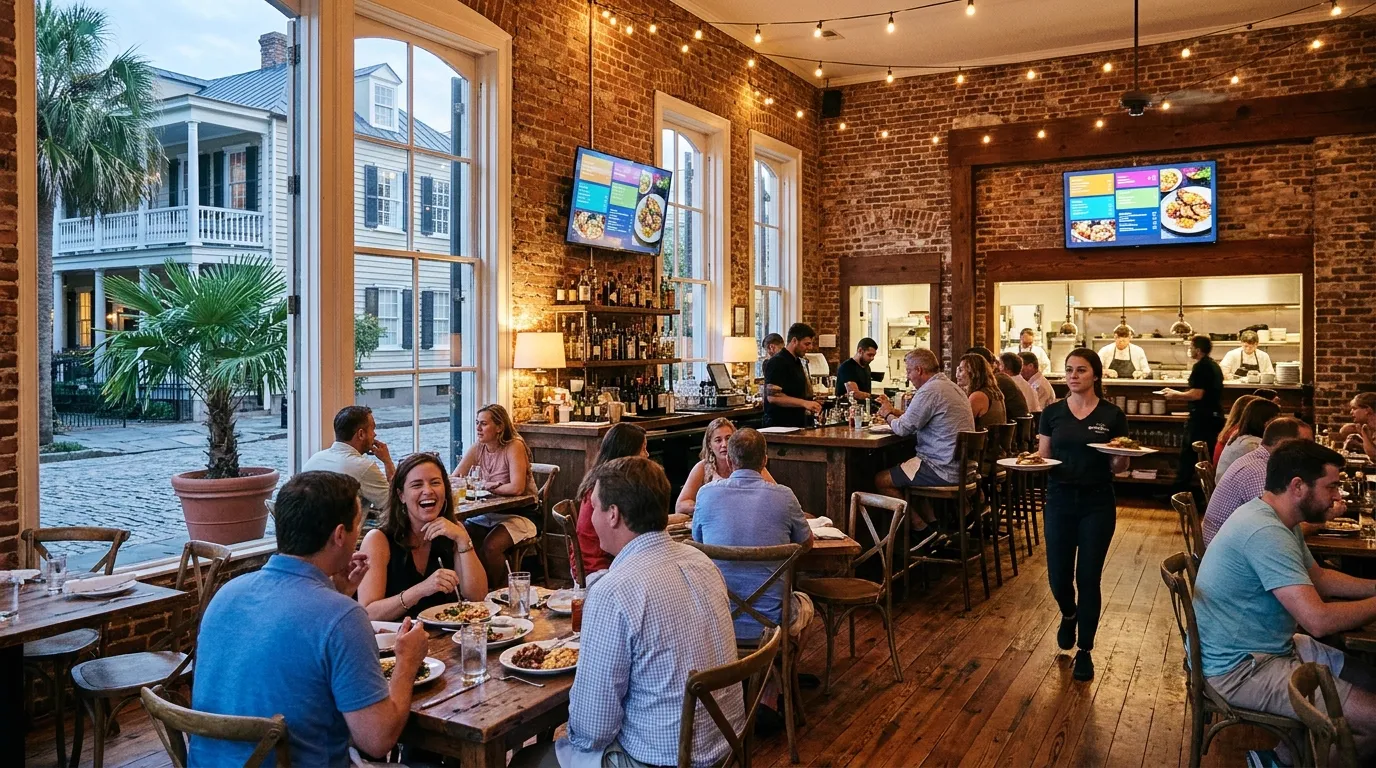
- She-crab soup
- Fried oyster po’boy
- Pecan pie
On tap
- 1 Marsh pale alePale ale
- 2 Low tide lagerLager
- 3 Black creek stoutStout
Dishes and serving times are an example.
Digital menu boards change by time of day
Breakfast, lunch, dinner and happy hour boards switch on a weekly schedule. Your screens turn on at opening and off at closing automatically using one automation per change.
12:30 PMLunch board
- TV on7:00 AM
- Board changes11 AM · 4 PM · 6 PM
- TV off10:00 PM
Dishes and serving times are an example.
Automations run weekly or for exact dates
Automations change content on many screens at once. Each automation does one thing and runs when someone taps it, or on a schedule set for once, weekly or a date range.
Sun 8:00 AM
- Weekday notices
- Early service playlist
- Late service playlist
- Sunday afternoon
- Wednesday programme
- Youth night
- Advent campaign
Church schedule is an example.
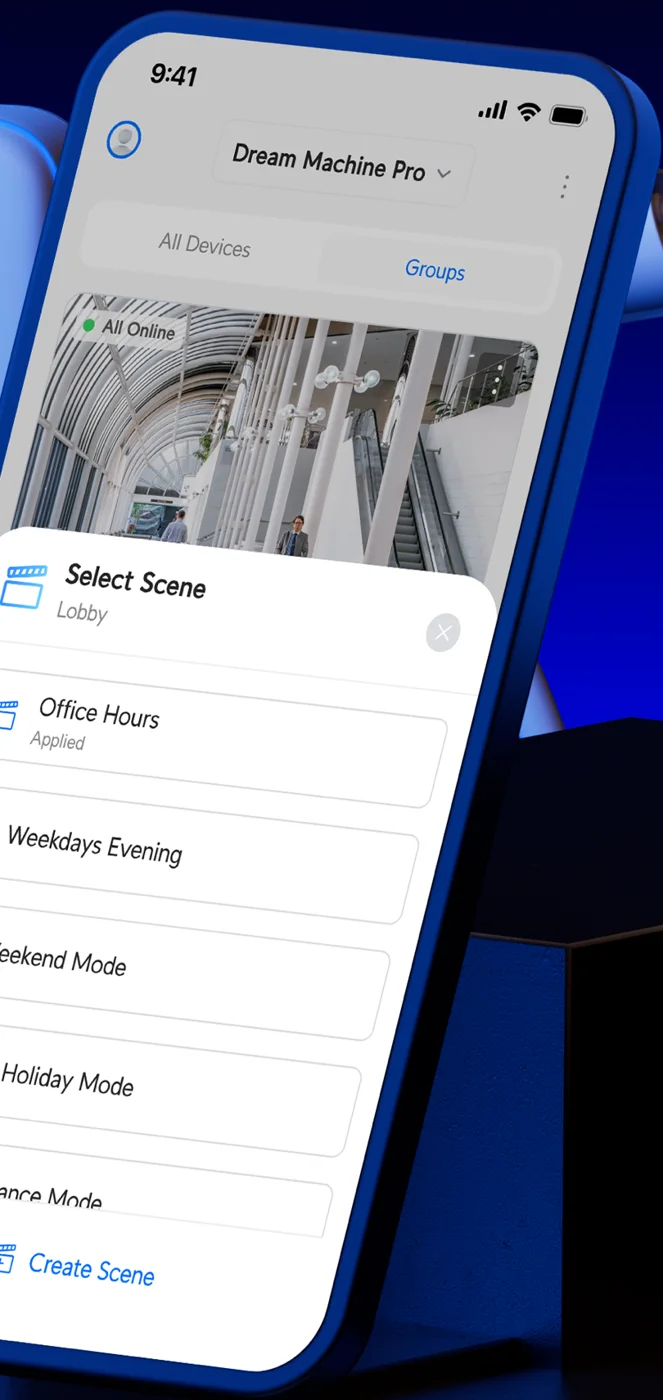
Updates reach every room instantly
Sold-out items come off the board on every screen at once from a phone. Seasonal specials switch on across your dining room, patio and bar with one tap.
- She-crab soup
- Fried oyster po’boy
- Lowcountry boil
- Pimento cheese sandwich
Dishes and serving times are an example.
Screens built for your daily operation
Digital displays clear up paper clutter and communicate directly with guests, patients and staff in your building.
Names, times and readings on drawn screens are examples.
Touchscreens run your own kiosk page
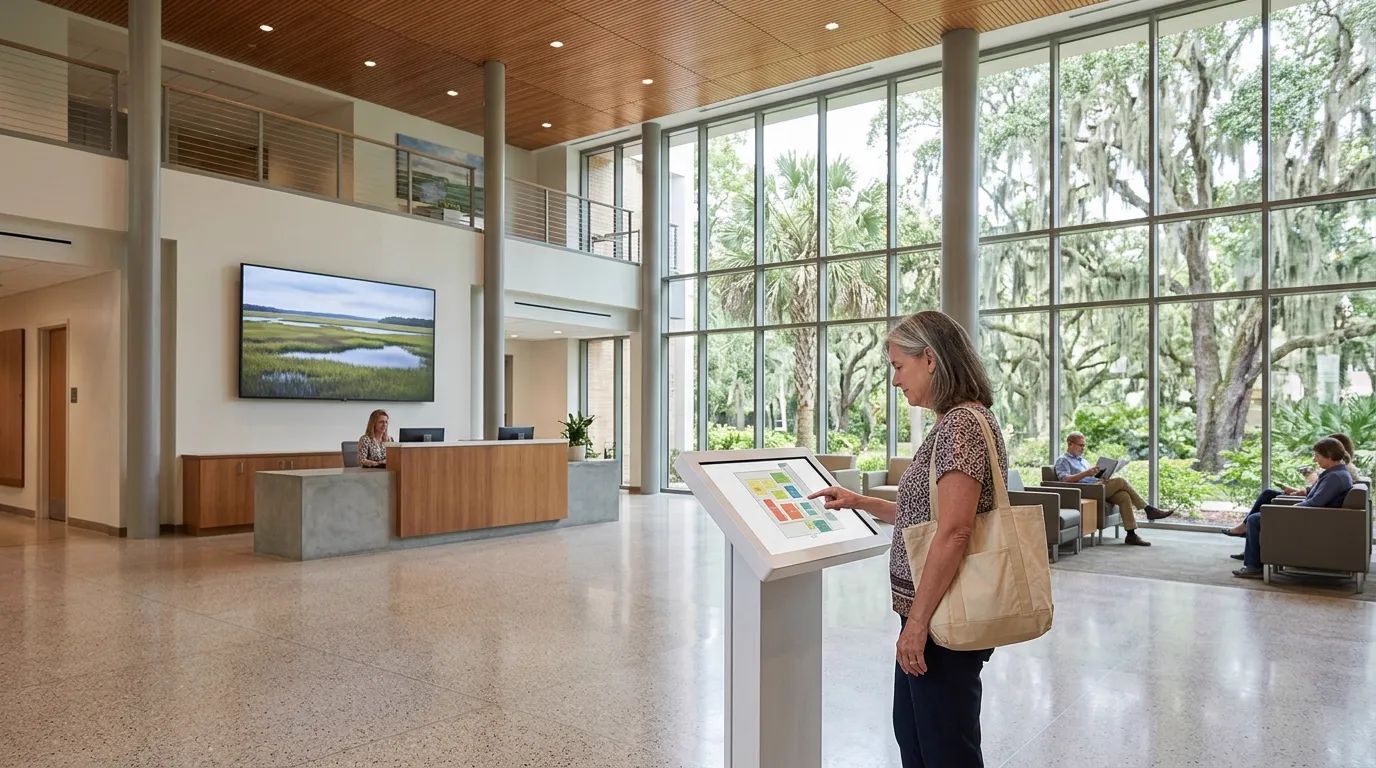
Visitors tap through campus maps, directories or visitor guides on a touchscreen display. Your existing web page simply loads full screen in web mode.
Tap a department to see the way.
Map and department names are an example web page, not signage software.
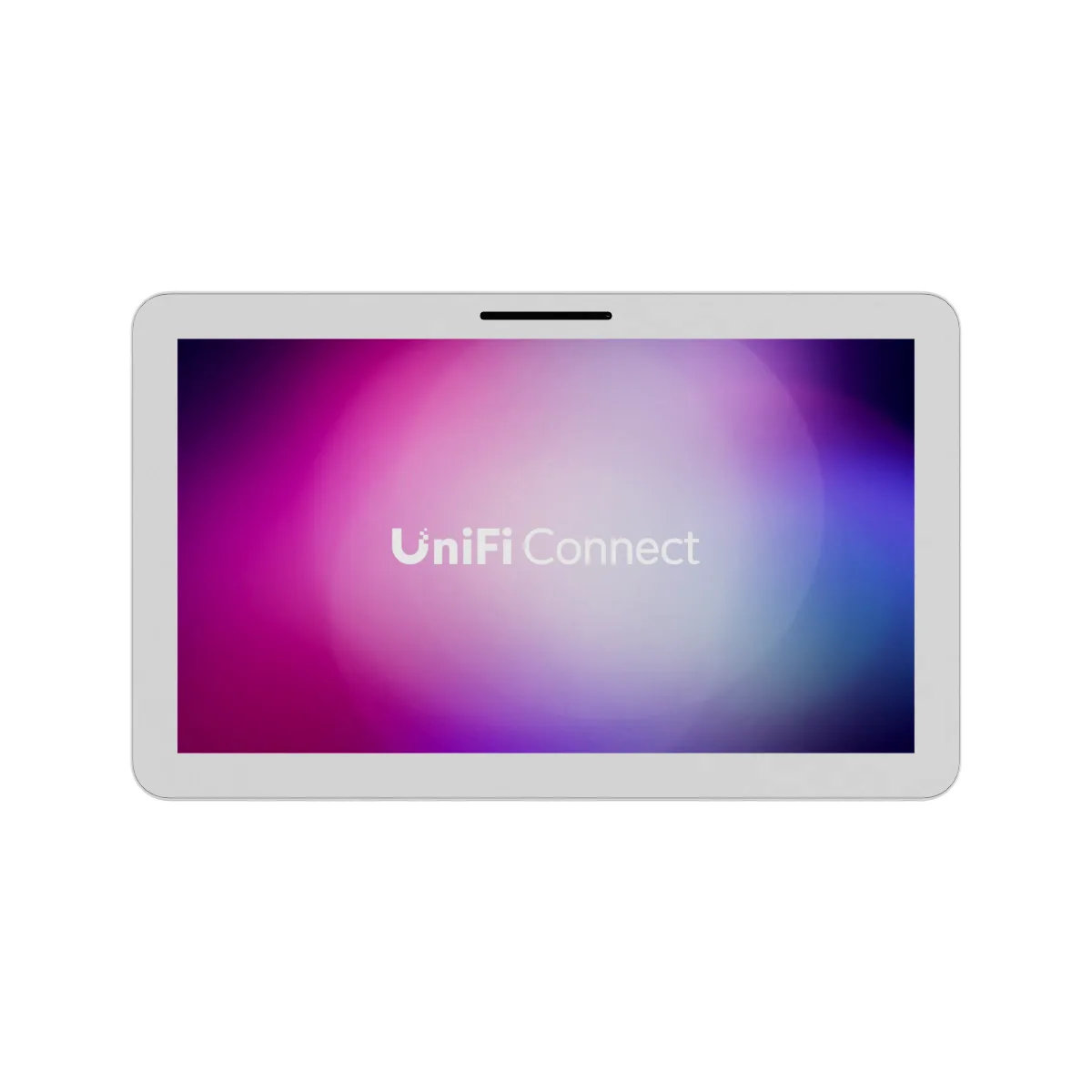
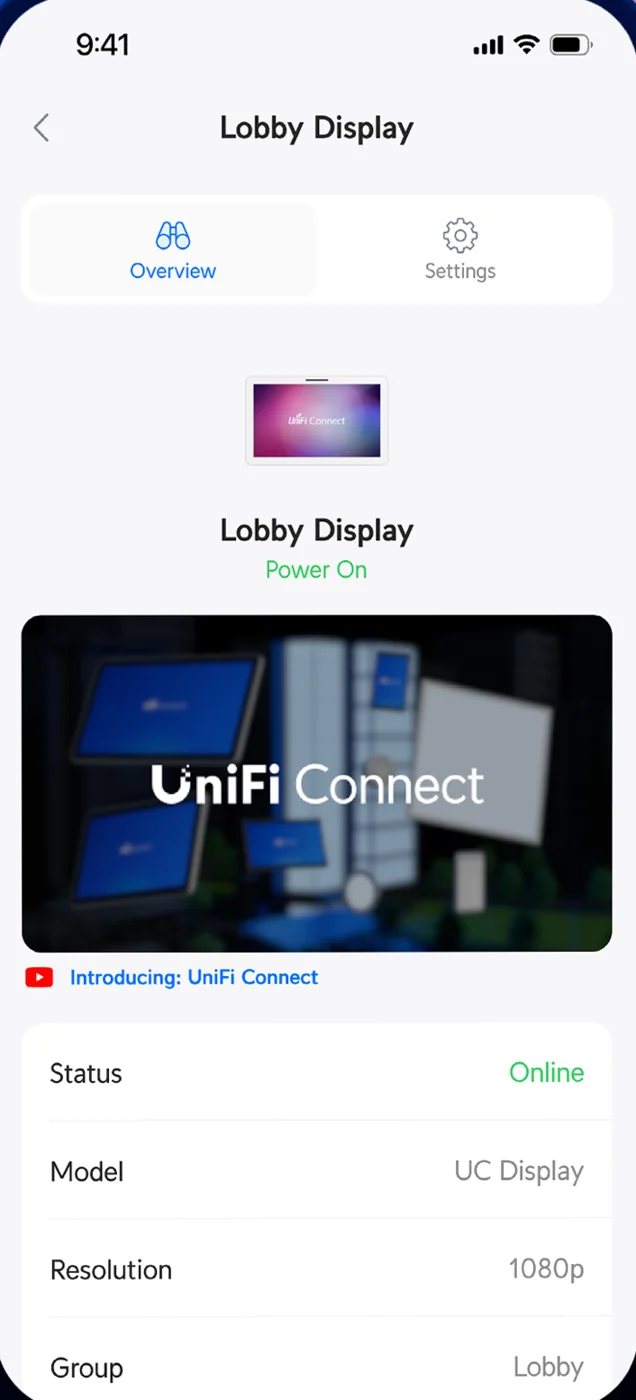
Connect Display is a 21.5-inch touchscreen powered over one network cable. On October 31, 2026, the manufacturer listed no restock date.
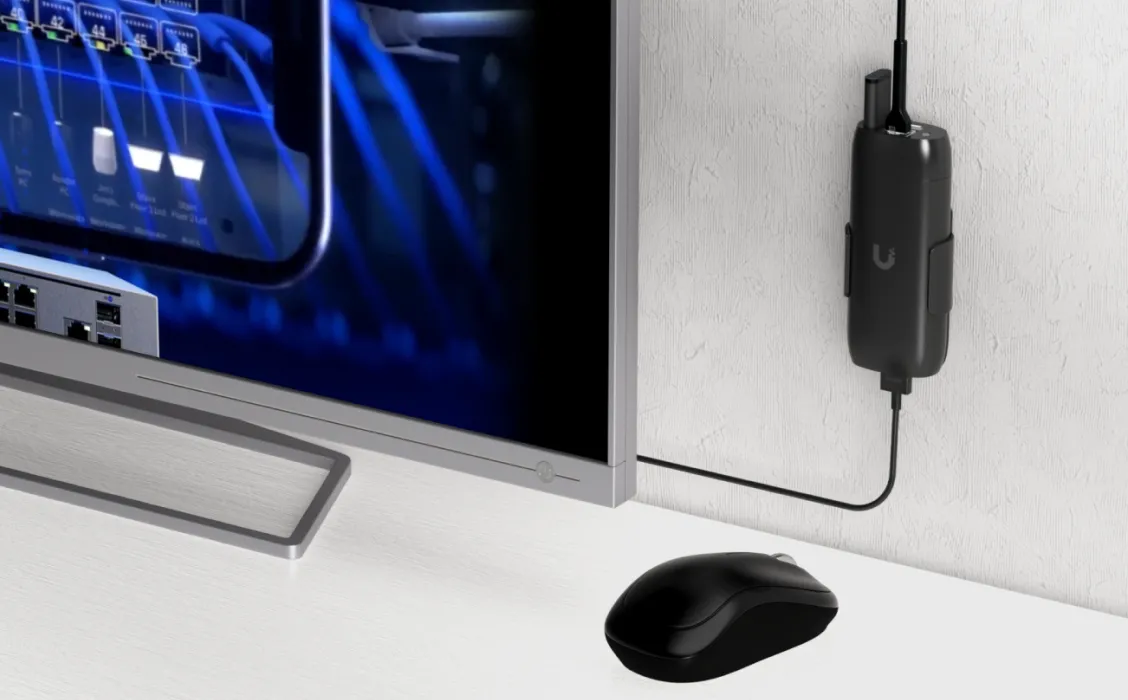
Larger players take a keyboard and mouse over USB-C. Touch input through the player is not documented by the manufacturer.
Small players plug into ordinary televisions
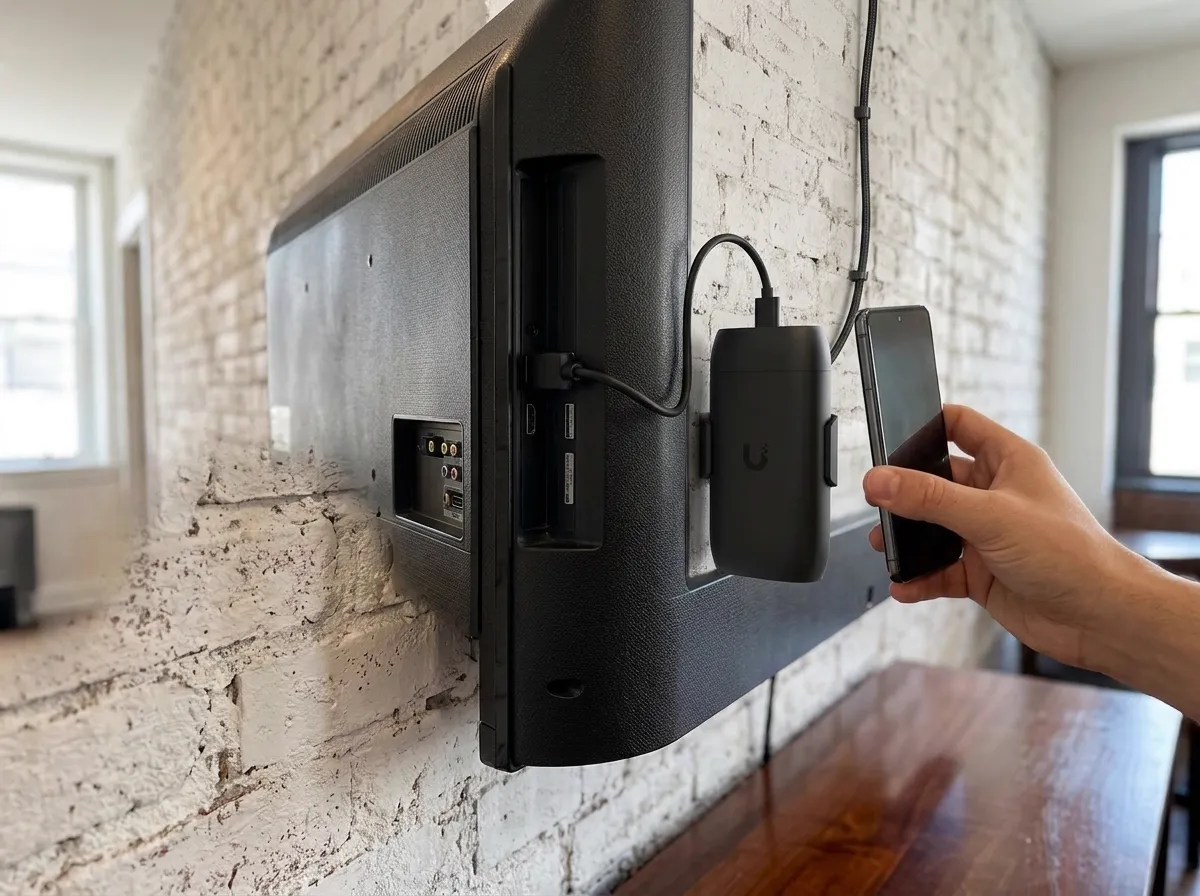
Ordinary flatscreen televisions display your content using small players hidden behind the screen, with cable routed to the display during installation.
Equipment and displays
Players and screens connect to the console already managing your site network.
Installation and handover
- 1
Site visit and quote
Photographs of your walls start the quote. We check reading distance, power and network access.
- 2
Brackets and cabling
Televisions mount securely to your walls with power and network cables routed cleanly out of sight.
- 3
First layout built
Screens turn on displaying your actual menu, prices and typefaces, built by us during setup.
- 4
Handover and training
Staff learn directly on their own laptops how to update menus and schedules.
Questions and answers
- Can I use the TVs I already have?
Ordinary flatscreen televisions can be used. Small players plug into the HDMI port, running content up to 1080p on the simpler model and 4K on the larger player.
- Can a screen show a web page or YouTube?
Public or unlisted YouTube videos play directly. Live web pages display full screen on the larger player or touchscreen.
- Can a screen be a touch kiosk?
Touchscreens display your existing map, directory or check-in web page full screen, allowing visitors to tap through it.
- What happens when the internet goes down?
Content remains held locally. Screens keep playing the last schedule and take changes again once connection returns.
- Is there a fee per screen?
Manufacturer product pages state no per-screen subscription for these players.
- Who changes the menu day to day?
Staff update sold-out items and schedules from a web browser or phone app after we show them during handover.
- Can a screen show my cameras?
Signage players do not show camera feeds. Camera walls use a separate viewer device quoted with camera work.
Start managing your screens today
Call for a walkthrough and see your menus or notices on the wall.