
(844) 422-7000
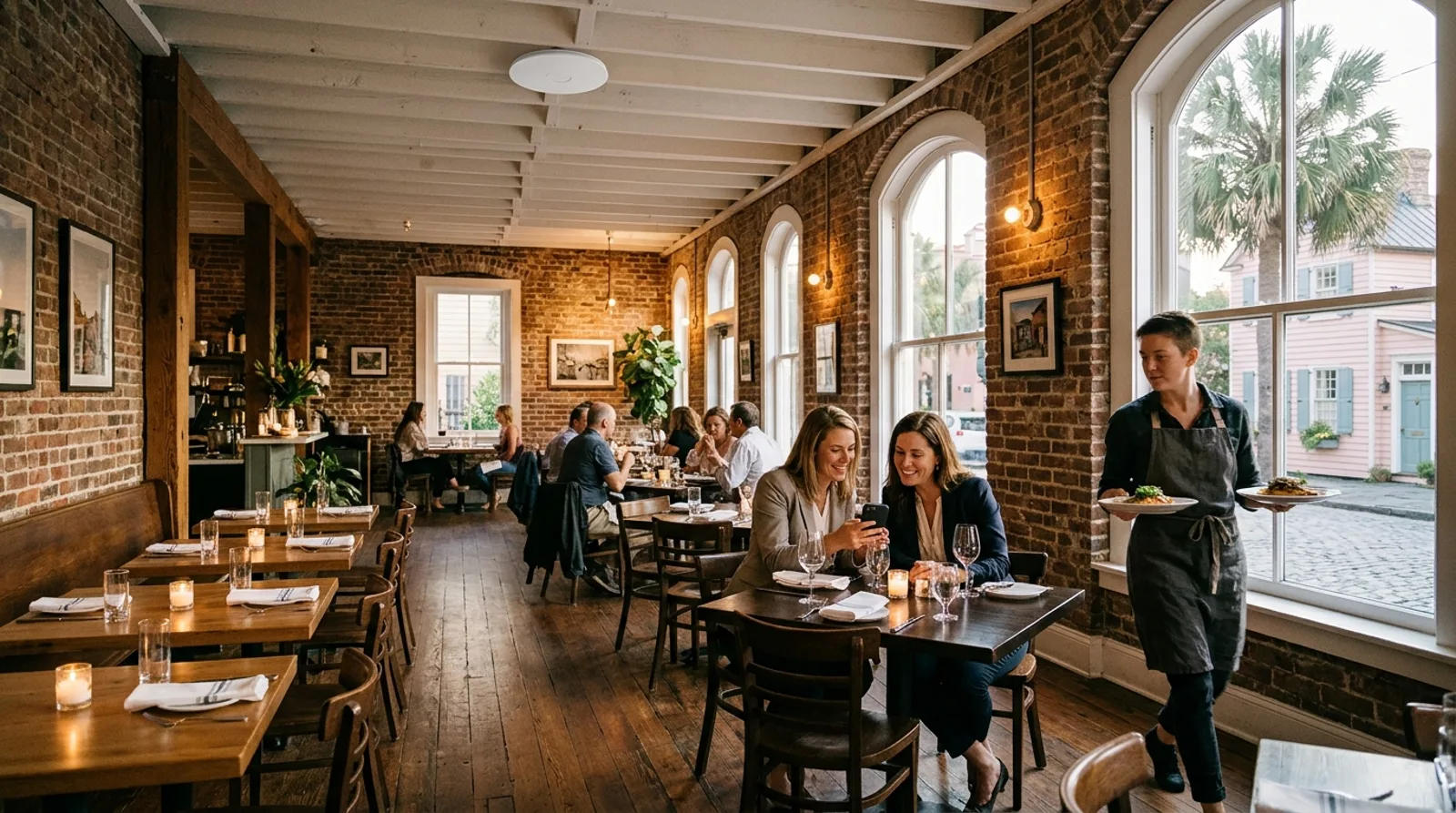
Two women at a table in a brick Charleston dining room look at a phone together while a server carries plates past, with a white Wi-Fi access point on the ceiling

Custom restaurant Wi-Fi

Restaurant Wi-Fi separated from card terminals

Visitors sign in through a page displaying your logo and terms, staying on a network kept apart from registers and staff devices.

Wi-Fi setups for different restaurant spaces

Connections operate differently depending on layout and foot traffic. Setup matches physical spaces and keeps point-of-sale devices on a separate network over the same cables.

Diners want to check messages or share photos without interrupting meals. Setup accounts for brick walls reducing coverage, while registers run separately on internal networks.

Host standGuest arrives
1Select guest network
2Accept welcome terms
3Browse online
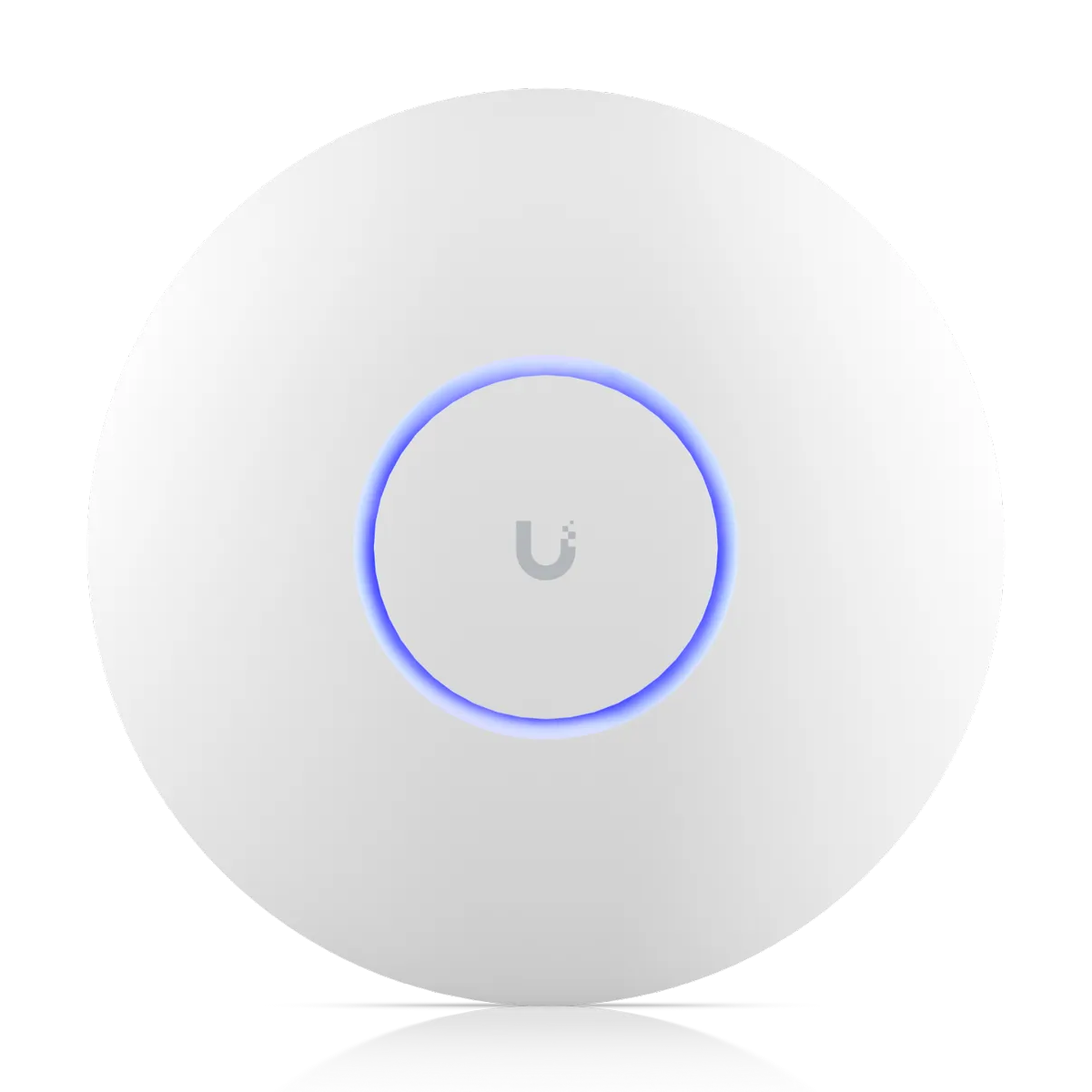
  • Ceiling unitsHardware mounts above tables to project signals down across dining room floors.
  • Brick wallsHeavy masonry reduces coverage, requiring careful placement to maintain strong connections.
  • Card terminal networkRegisters run separately on an internal network kept apart from visitor devices over the same cabling.

Guest network separation from a card terminal

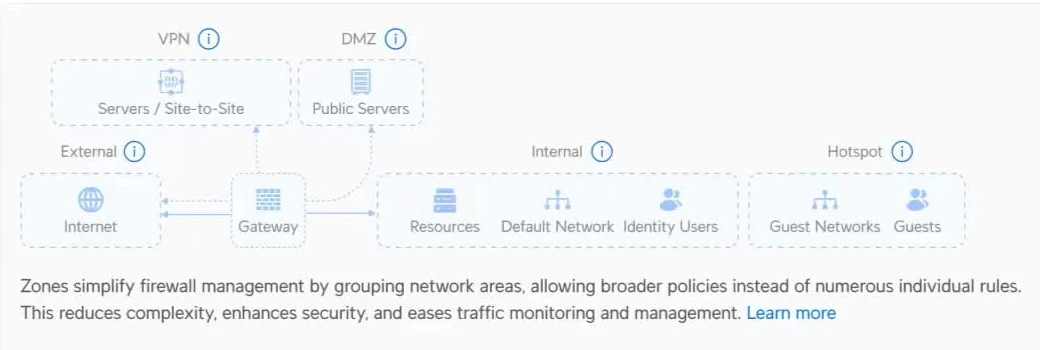
Visitors reach only internet connections. Point-of-sale systems, cameras and staff hardware are kept apart in an internal zone. Operations run over the same cabling without exposing local hardware to guests.

Guest phone

Illustration shows an example guest zone setup

The manufacturer's Network app zone screen: an Internal zone holding resources, the default network and identity users, and a separate Hotspot zone holding guest networks and guests, with the gateway and internet beside them
Guests sit in their own zone apart from internal networks

Four ways to handle a sign-in page

Connections start with a welcome screen. Options range from simple passwords to generated vouchers, giving visitors access while keeping them off your internal network.

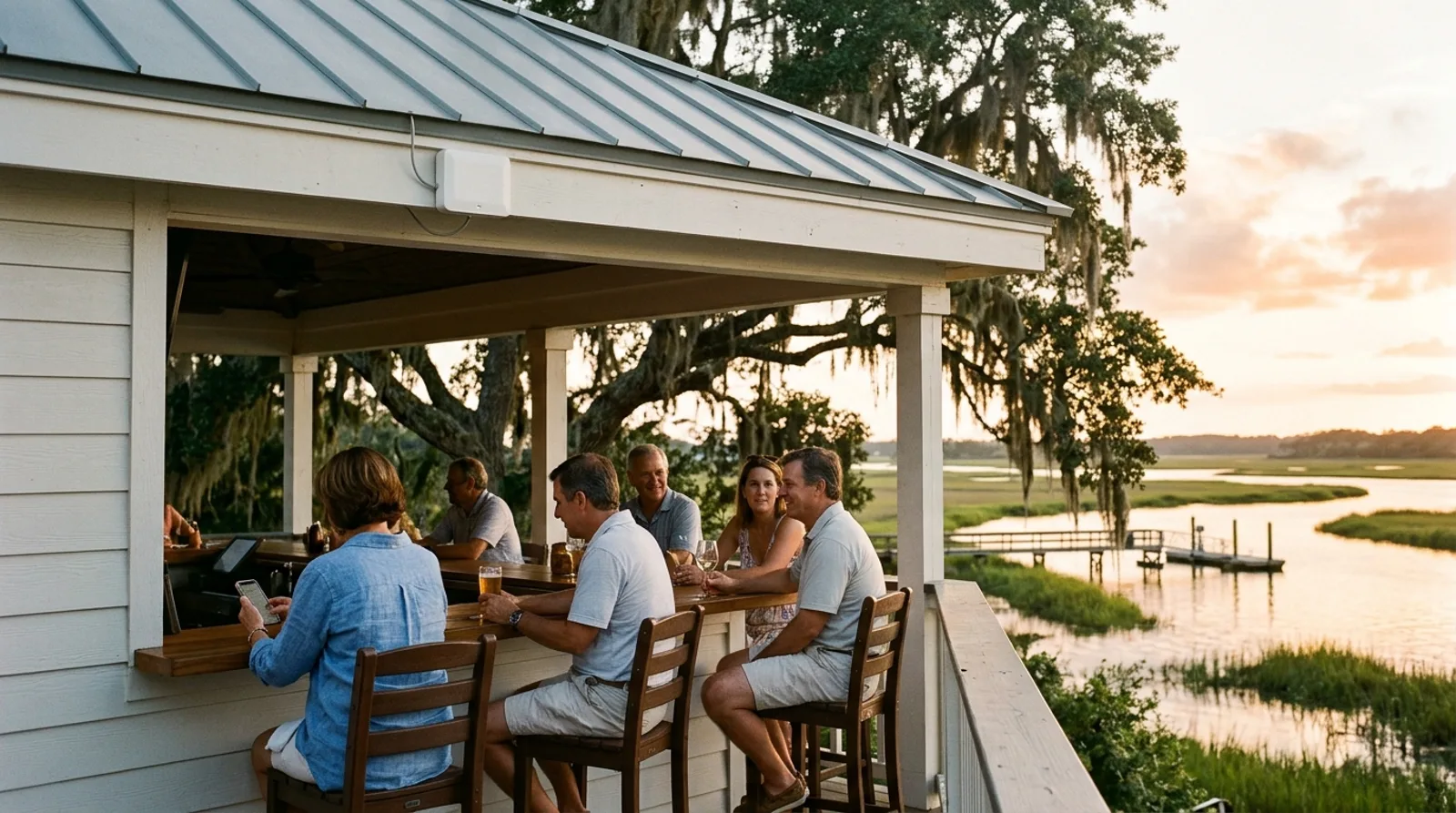
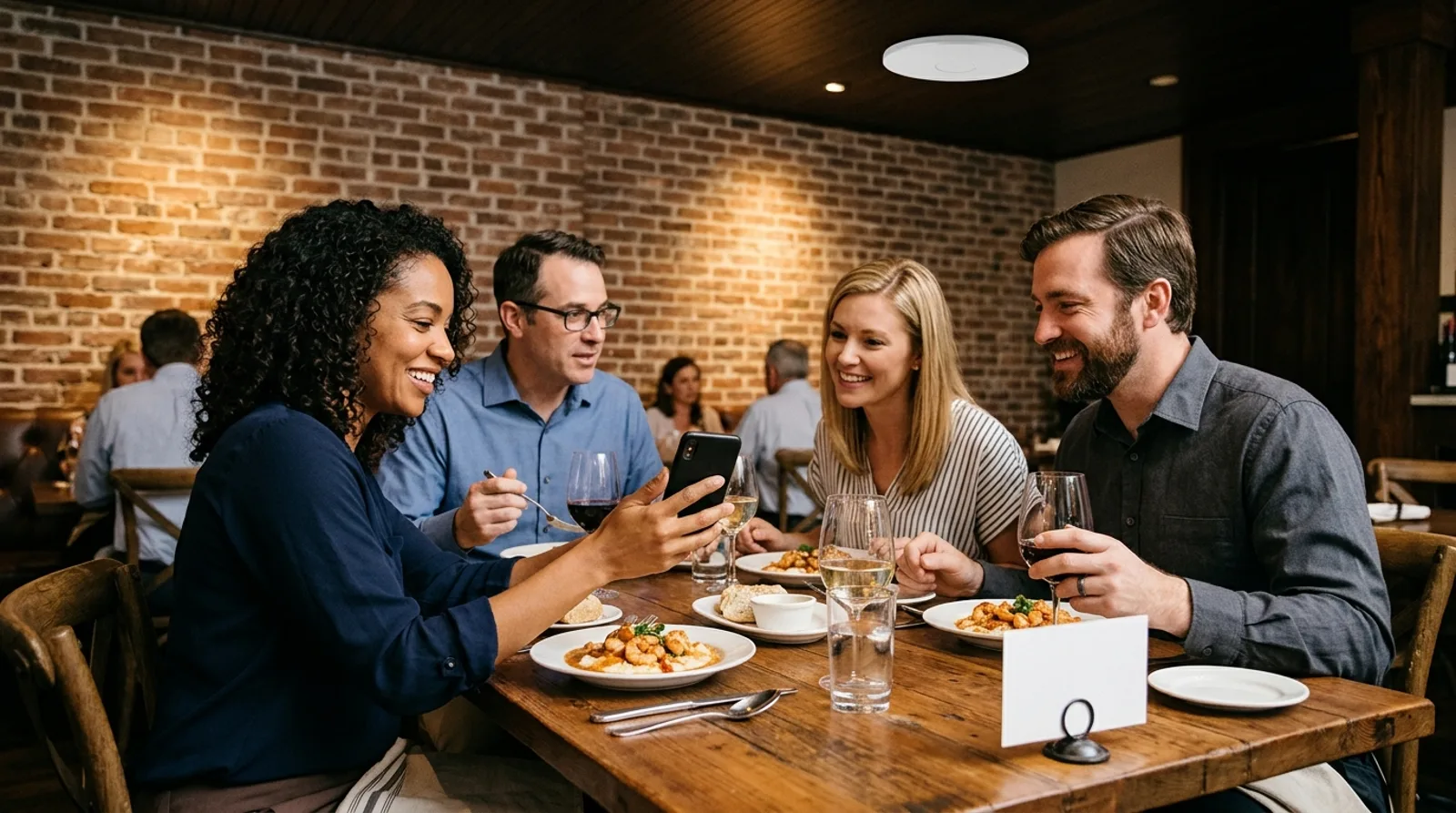
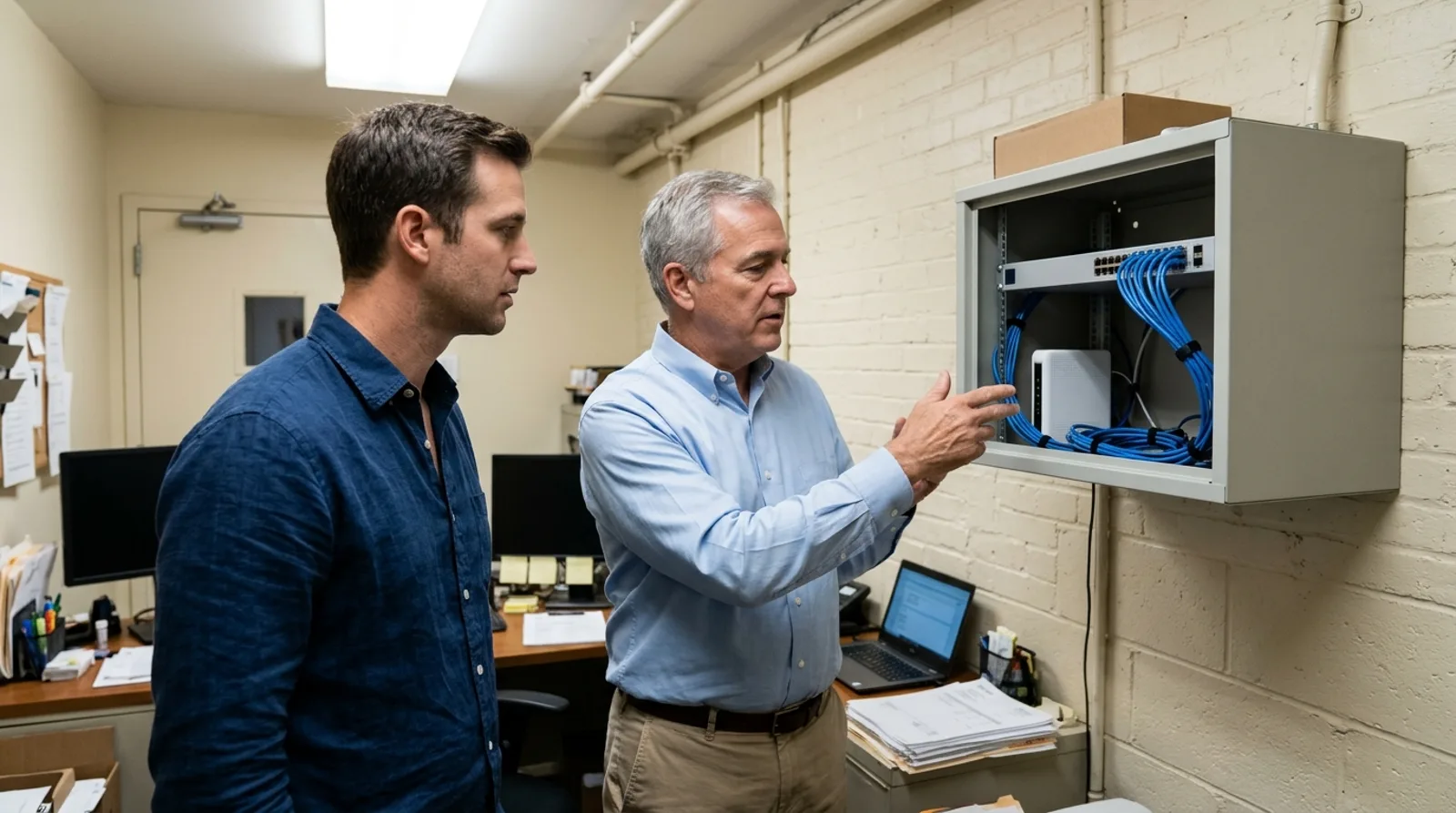
Guests at the covered patio bar of a waterfront Lowcountry restaurant, one looking at her phone, with a sealed white outdoor Wi-Fi access point under the roof edge, live oak and marsh behindTwo couples at a table in a brick Charleston dining room, one woman showing her phone to the others, a small blank card in a holder on the table and a white Wi-Fi access point on the ceilingA host hands a small blank card across the host stand of a brick dining room to a guest, a card terminal on the stand and a white Wi-Fi access point on the ceilingA restaurant general manager and a consultant beside a small wall-mounted network cabinet in a back office, with a switch, a gateway and neatly routed blue cables inside
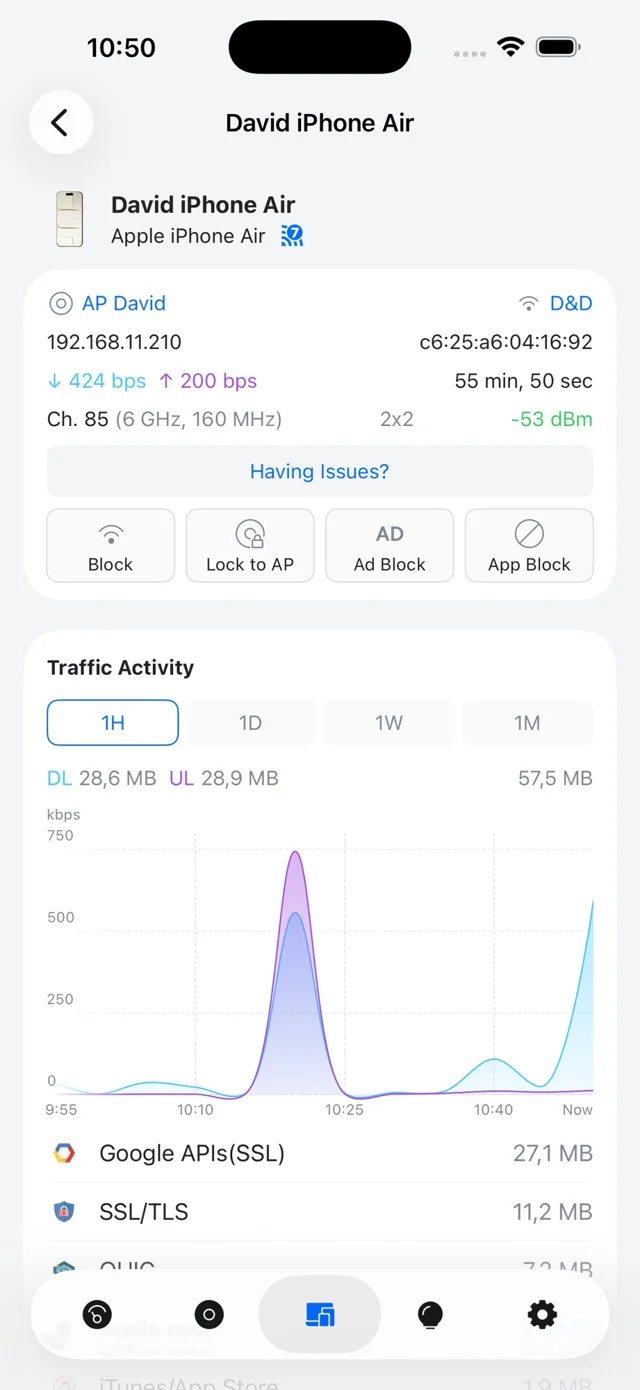
The manufacturer's Network app showing a connected phone: its access point, signal, Block, Lock to AP, Ad Block and App Block buttons, and a traffic activity chart
Network app: a connected phone, its access point and its traffic.

Managing networks directly from a phone

Managers monitor connections during busy shifts using the Network app. Controls allow quick adjustments to keep main internet lines clear for critical operations.

  • Optional speed limitsLimits per device and per network keep single guests from crowding main internet connections during peak times.
  • Blocking specific appsCategories of apps, such as file transfers and torrents, get blocked on guest networks to preserve bandwidth.
  • Moving between access pointsDevices move between access points without signing in again at each unit while patrons walk across physical spaces.
  • Blocking or locking devicesConnected phones display signal strength alongside buttons to block access entirely or lock users to one specific access point.

Keeping registers online during internet outages

Your card terminals and phones switch automatically to a second carrier when the main line fails. Guest Wi-Fi can stay off the cellular backup while critical devices continue operating. A cellular line requires its own data plan.

Network rules and physical building limits

01

Card processors and payment brand rules

PCI Security Standards Council guidelines say brick-and-mortar businesses offering free Wi-Fi need a separate network for processing payments. Your card processor and payment brands set the actual validation requirements.
02

Custom terms and conditions

Terms accepted by guests remain your own words. Management supplies the text for sign-in pages, listing rules visitors must accept before getting online.

03

Wall construction and signal coverage

Plaster over metal lath, block walls, stone chimneys and foil-backed insulation reduce coverage significantly. Surveys walk buildings with meters, reading signal strength at far corners.

04

Live demonstrations of sign-in screens

Walkthroughs show sign-in and voucher screens live, letting you see exactly what your visitors encounter when connecting to a guest network.

Equipment matched to physical layouts

Every cloud gateway includes a guest zone on by default, keeping customer Wi-Fi apart from staff systems without extra hardware to buy.

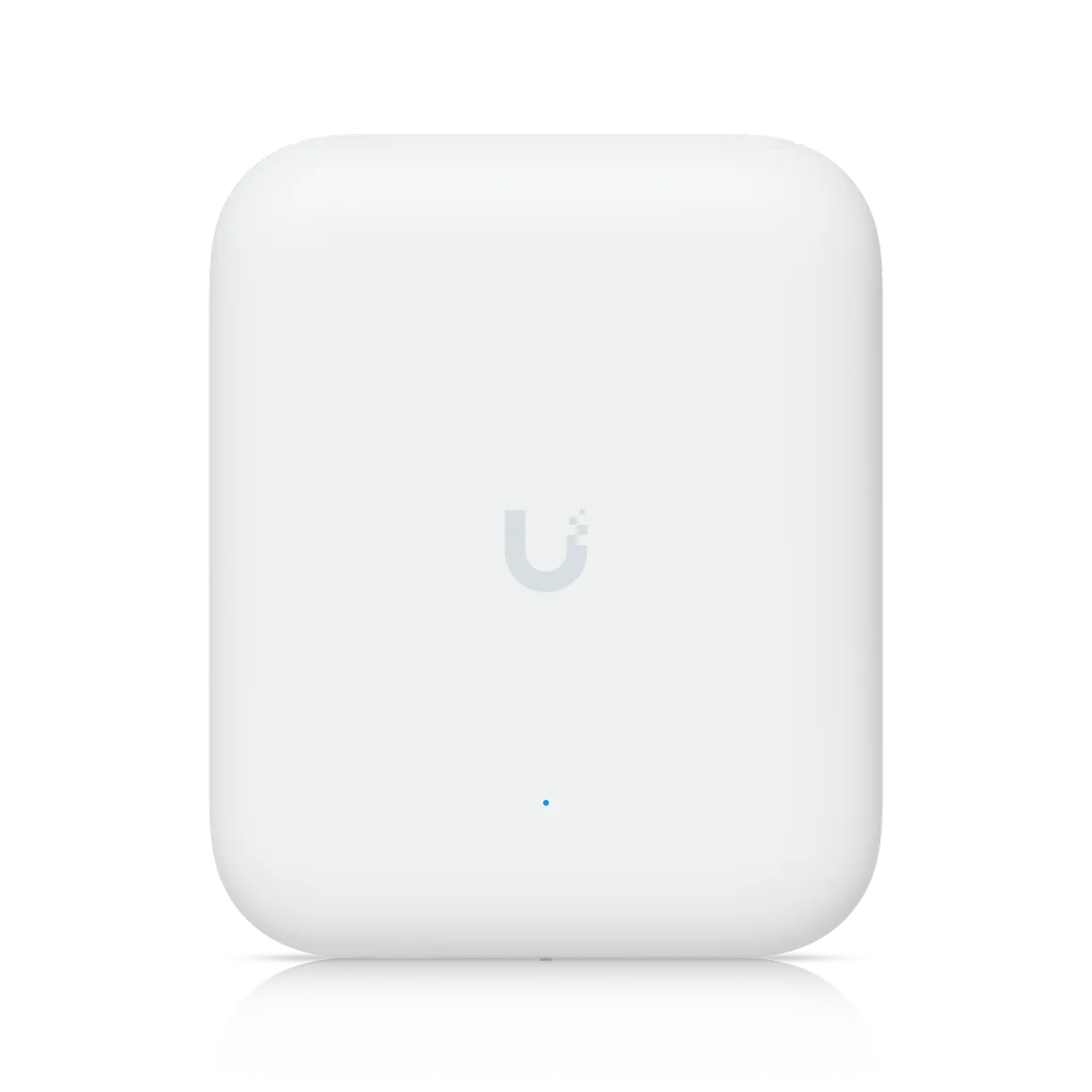
Ceiling unit
Ceiling unitCeiling units suit dining rooms and shop floors for wide coverage.
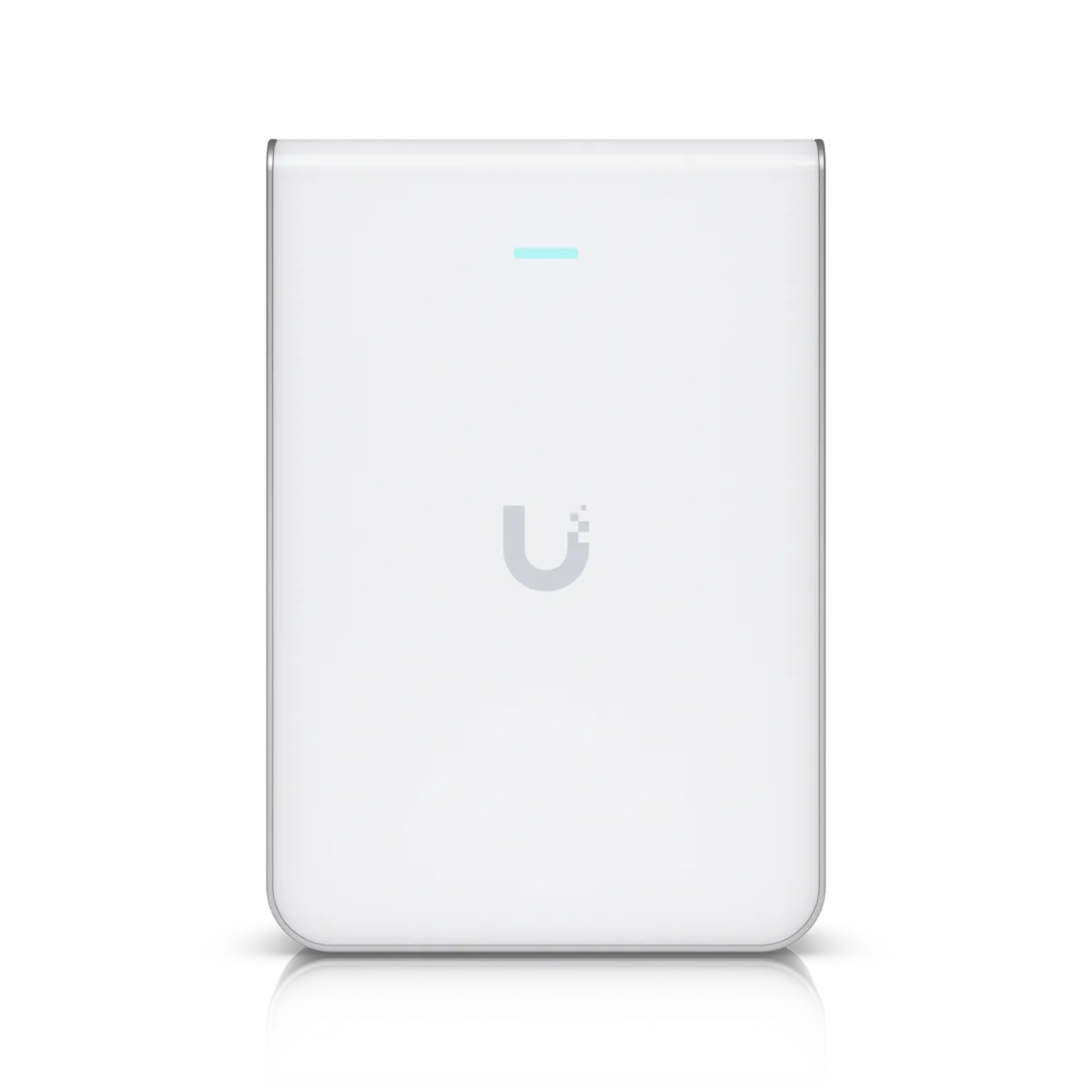
Wall plate unit
Wall plate unitWall plate units fit neatly into small rooms.
Outdoor unit
Outdoor unitSealed outdoor units mount on brackets or masts for patios, docks and parking areas.
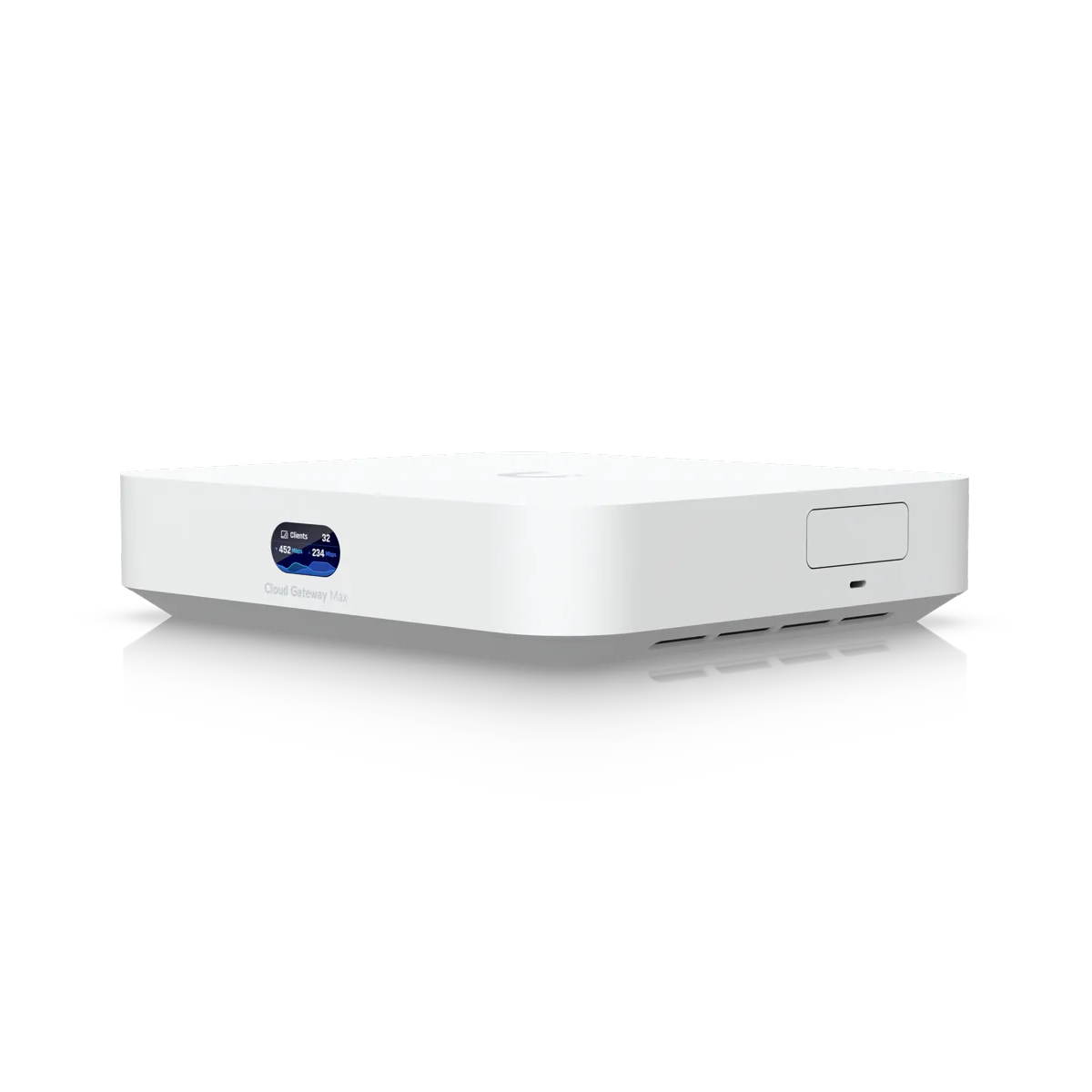
Cloud gateway
Cloud gatewayCloud gateways provide internal routing and guest zones without monthly platform fees.

Installation steps from start to handover

  1. 1

    Initial site survey

    Surveys record incoming internet services and determine which internal systems must stay entirely separate.

  2. 2

    Designing separate networks

    Network plans keep registers apart from guest devices. Decisions happen before ordering any equipment.

  3. 3

    Running dedicated cables

    Technicians pull individual Cat6 cables to switches that power each access point directly.

  4. 4

    Testing separation at handover

    Handover includes a test from a visitor's phone. Checks confirm guest networks stay apart from card terminals.

A restaurant general manager and a consultant look at a tablet together at a wooden table in an empty brick dining room before opening, with a white Wi-Fi access point on the ceiling

Common questions about restaurant installations

Book a walkthrough for your restaurant

Call (844) 422-7000 or book a walkthrough to separate your card terminals from guest devices.

CharlestonMount PleasantNorth CharlestonIsle of PalmsFolly BeachKiawahBeaufortBlufftonHilton HeadSavannah
Call (844) 422-7000
CloudCentric · Mount Pleasant, SC · serving Charleston and the Lowcountry(844) 422-7000