Private AI setup
Run AI models on your own office network
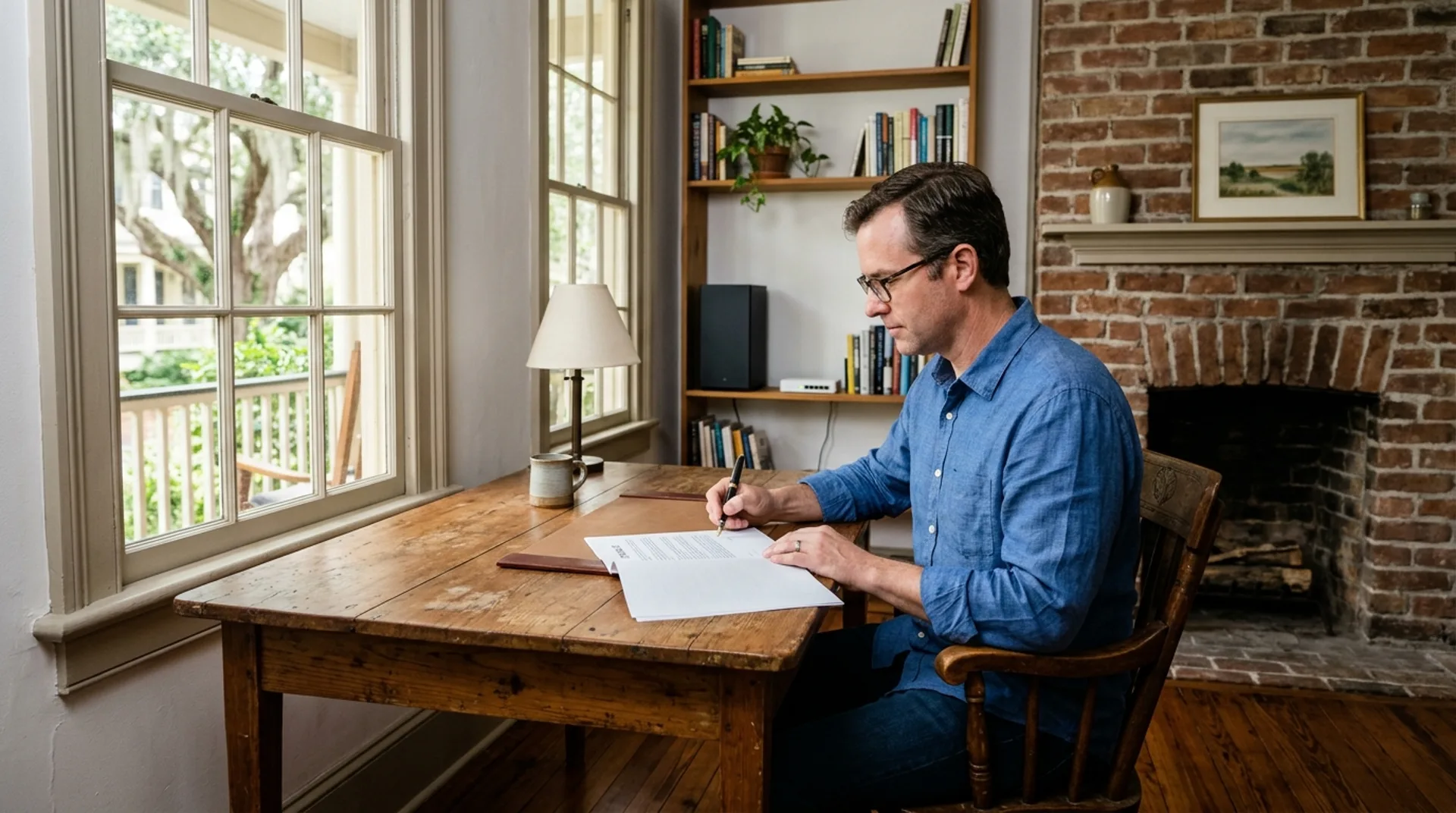
Your prompts and files stay in your building when your business runs open-weight models on a workstation in your own rack or utility room.
Data stays on your network
Private AI means models run on hardware your business owns. Your documents never go to an outside AI service because Ollama runs locally.
Prompts and documents stay on your business network instead of going to an outside AI service. Default settings bind the software so only the machine itself can reach it.
Sensitive work runs strictly on your office computer, while your staff sends other tasks to a Microsoft or AWS AI service. Both systems operate side by side.
Floorplan shows an example office layout.
Hardware limits and model sizes
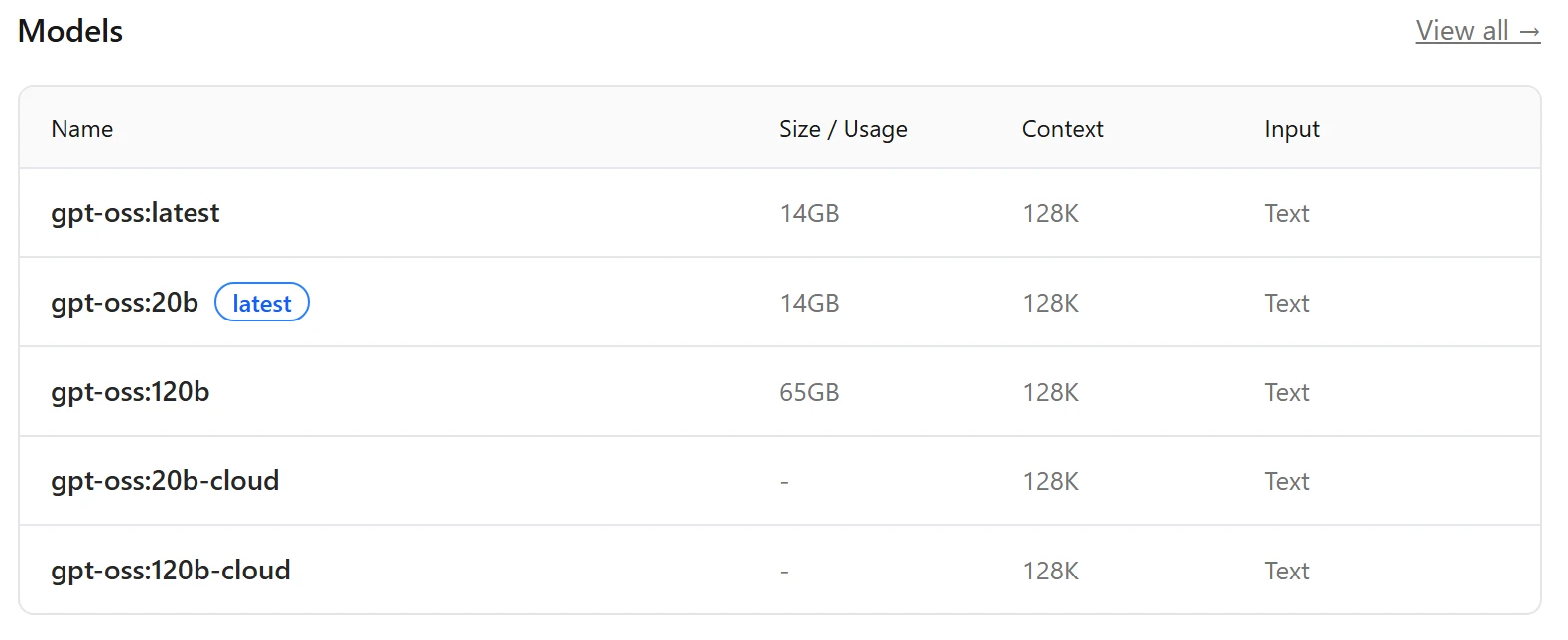
A 16 GB card runs gpt-oss 20b at 14 GB, and the 120b at 65 GB fits a single 80 GB GPU. A model bigger than the card is split with system memory, which reduces speed.
Download sizes are the figures Ollama lists for each model. Memory in use also depends on context length and parallel requests, as Ollama queues requests beyond what a model handles at once.
Open-weight models for local hardware
Small office computers run models published by major developers. Each model requires a specific download size and memory limit to operate on a self-hosted AI system.
Meta publishes Llama. Llama 3.3 comes under Meta's community license, which asks a company above 700 million monthly users to request a license from Meta and asks distributors to display 'Built with Llama'. Sizes are 4.9 GB for 3.1 8b and 43 GB for 3.3 70b.
- Publisher
- Meta
- License
- Llama 3.3 Community License
- Ollama download
- 3.1 8b 4.9 GB · 3.3 70b 43 GB
- Context
- 128K
Mistral AI offers its 7B Instruct model under an Apache 2.0 license. Function calling works natively, and the model is a 4.4 GB download.
- Publisher
- Mistral AI
- License
- Apache 2.0
- Ollama download
- 7B 4.4 GB
- Function calling
- Supported
OpenAI publishes gpt-oss under an Apache 2.0 license. 20b needs a 14 GB download and runs within 16 GB of memory with a 128K context window.
- Publisher
- OpenAI
- License
- Apache 2.0
- Ollama download
- 20b 14 GB · 120b 65 GB
- Context
- 128K
Qwen team publishes Qwen2.5 under an Apache 2.0 license. Instruction models support more than 29 languages as a 9.0 GB download for the 14B version.
- Publisher
- Qwen team
- License
- Apache 2.0 (14B and 32B)
- Ollama download
- 14b 9.0 GB · 32b 20 GB
- Languages
- More than 29
Tested in our own office
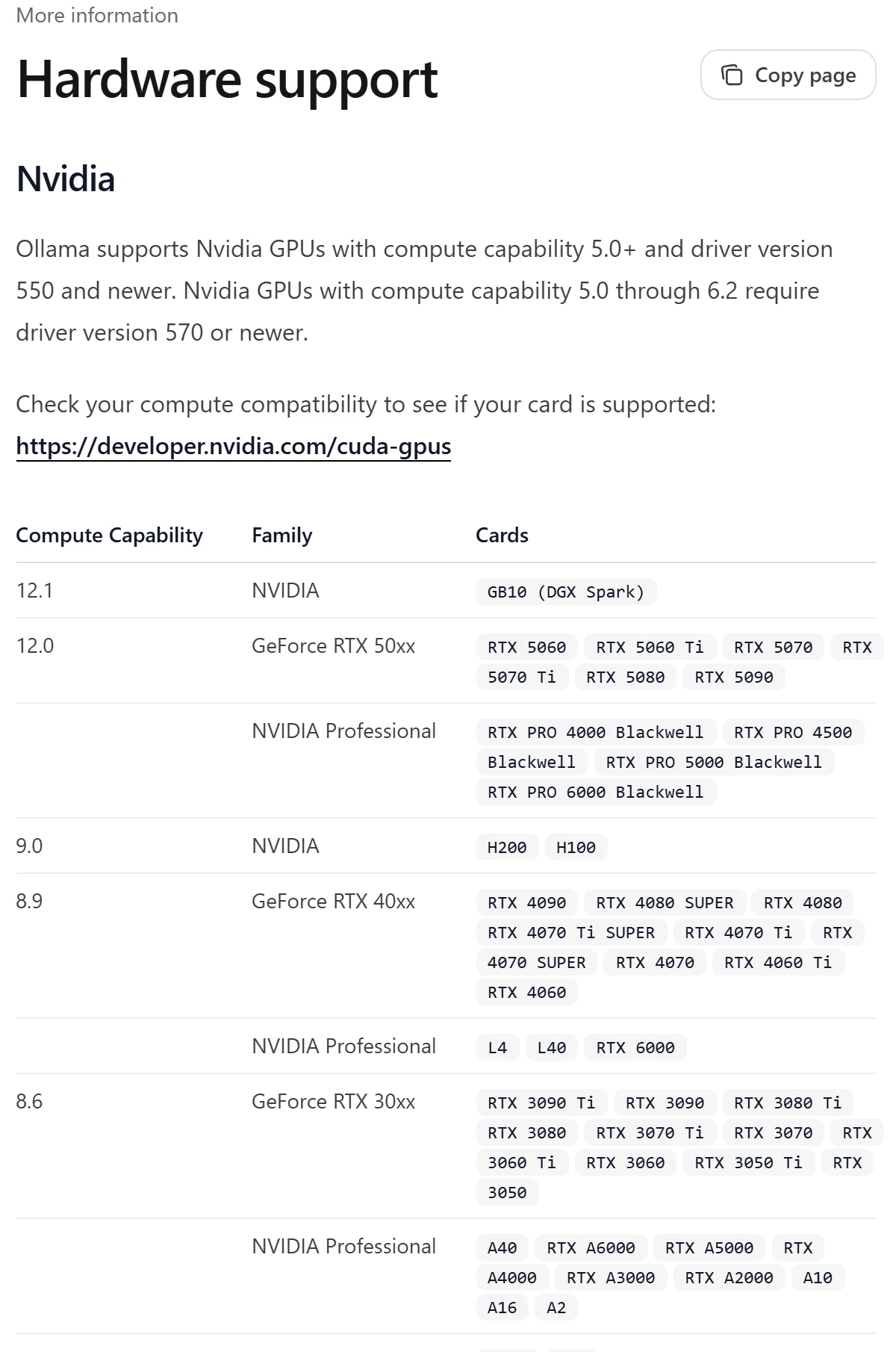
CloudCentric runs open-weight models on its own in-house NVIDIA RTX A4000 workstation with 16 GB of memory. Technicians use Ollama for chat, document reading, image judging, embeddings and transcription.
Local offices keeping their own files
On-premise AI lets professionals run searches and summaries on local hardware. Staff give the AI specific jobs using internal documents without sending data outside the building.
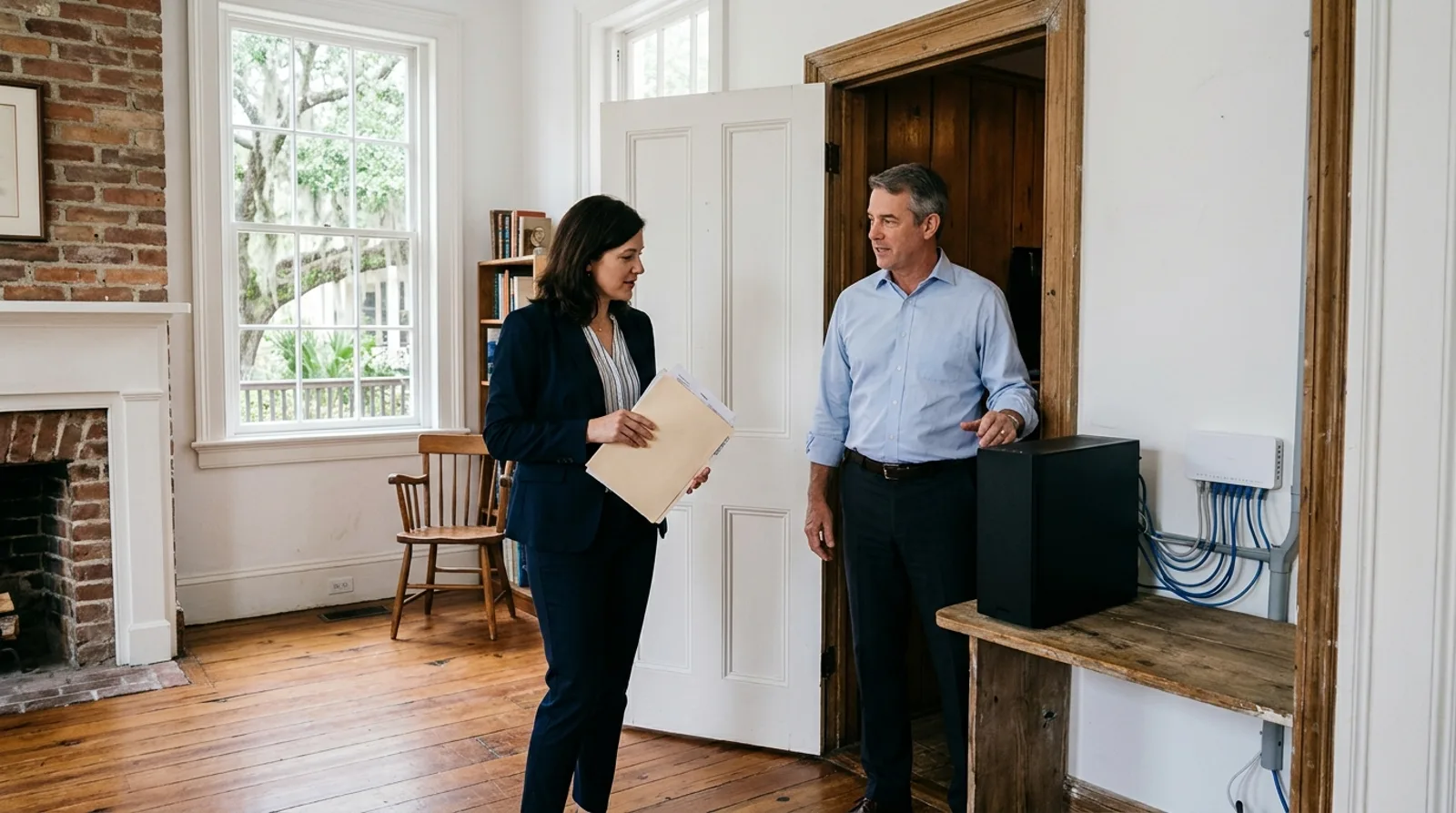
Partners run document reading tasks on an office computer. Staff use the setup for searching and summarizing the office's own files or drafting from their own documents instead of using an outside AI service.
Law and accounting firms: AI servicesProfessionals run tasks like reading scans on local hardware. Employees assign jobs to an AI system for searching and summarizing the office's own files instead of going to an outside AI service.
Medical and dental practices: AI servicesBrokers run document reading on an in-house workstation. Agents use the setup for drafting from their own documents and searching the office's own files rather than sending prompts to an outside AI service.
Insurance and real estate: AI servicesManagers assign image judging and document reading to an office machine. Teams search and summarize the office's own files locally or draft from their own documents without sending files to an outside AI service.
Builders and engineers: AI servicesInstallation and remote management
- 1
First call and planning
We discuss your hardware needs and office layout for an upcoming installation.
- 2
Network and hardware setup
Technicians install your workstation in an office or rack and connect it to your network.
- 3
Model downloads and configuration
Our team installs Ollama, adjusts network bindings, and downloads your chosen models.
- 4
Ongoing remote management
CloudCentric manages your AI system remotely alongside other standard IT services.
Common questions from local businesses
- Do my prompts and files leave the building?
Prompts and documents stay on your business network. Ollama runs locally, so no outside AI service sees your questions or data.
- Which models can my office run and from whom?
You can run open-weight models published by major developers. Choices include gpt-oss from OpenAI, Llama from Meta, Mistral 7B Instruct from Mistral AI, and Qwen2.5 from Qwen team.
- What happens when a model is bigger than the card's memory?
Ollama splits a large model between your graphics card and standard system memory. Splitting models reduces processing speed compared to a fully loaded card.
- Can a private system work beside Microsoft or AWS AI services?
Private systems sit beside Microsoft or AWS AI services. Work on sensitive documents runs on office hardware, while other work uses a cloud service.
- Who manages the hardware and models afterward?
CloudCentric manages your local AI hardware and models remotely. Technicians maintain your setup the same way we manage cloud systems.
Book an office walkthrough today
Call (844) 422-7000 to discuss putting a private AI system on your own rack or utility room shelf.