Structured wiring
Each device has its own cable, and power is delivered through that cable to access points and cameras.
View system details
One local technology team
Cabling to cameras to phones, everything is installed together and supported by one local company, serving small businesses from Charleston to Savannah.
Small businesses need different setups depending on their daily work. Pick your field to see typical device combinations that share wiring and run from one cabinet.
Typical installation
Connected systems
Each device operates on the same network and connects back to a single cabinet. Everything relies on shared cabling to deliver data and power to your equipment.
Each device has its own cable, and power is delivered through that cable to access points and cameras.
View system detailsSwitches sit in the wall cabinet, supplying data and power to each device over one cable.
View system detailsAccess points are positioned for your building's layout, and one login manages all of them. Guest Wi-Fi reaches the internet only.
View system detailsFirewalls filter traffic between your building and the internet, isolating guest Wi-Fi from card readers and laptops over the same cabling.
View system detailsCellular connections from a second carrier switch in automatically to keep your business internet and phone operating during a main line failure.
View system detailsShort outages are carried by batteries so that switches, cameras and door readers do not restart.
View system detailsYour office security system records to equipment inside the building, and footage can be viewed from a phone without a license fee.
View system detailsAccess is granted by badge, phone or code, using your own hardware. Every entry and refused credential is logged with the person and time.
View system detailsContacts follow an arming schedule, sending alerts to chosen staff on their phones, covering doors, motion, glass breakage, water, heat and cold.
View system detailsDesk phones and Microsoft Teams run together, with numbers and the directory unchanged either way.
View system detailsShared file storage is on the same network as its users and is paid for once.
View system detailsMenus, specials and live pages show on existing screens, updated from a laptop.
View system detailsCharging stations keep a record of who plugged in and how much power each session drew.
View system detailsSystems connect to the same cabinet and draw power from it. Each device has its own cable routing back to one enclosure.

Combined project quote
Equipment and labor are listed together in one quote, broken down by system. Reviewing your project is straightforward, showing exactly what goes into wiring, cameras, doors and network hardware.
Planning your technology as one project ensures your network, cabling and power are sized correctly for all devices.
Equipment and labor are listed together in one quote, broken down by system so you see exactly what each part involves.
Existing cabling is tested and kept wherever it passes. New components are added logically, sized for your current needs and later additions.
Handover delivers the logins in your own name, labeled ports, and a complete inventory of what is installed where.
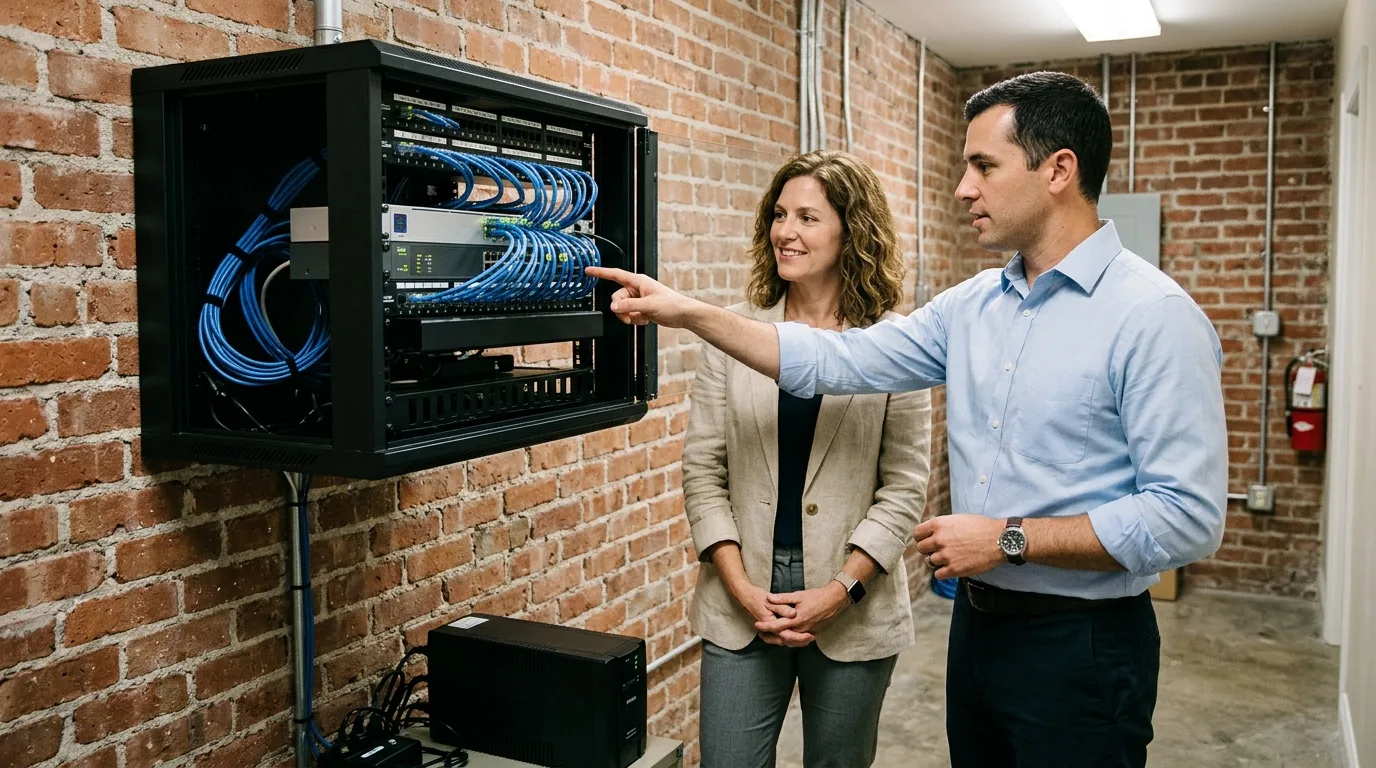
Combined system installation
Systems share cabling, switches and power, so they are surveyed together. Devices connect to one wall cabinet, creating a combined plan for your whole building.
Walking through your building lets us plan cabling, cameras, access points and phones at once.
Cabling, switches and your internet line are planned first because every other device depends on them to operate.
Most jobs combine two or three systems initially, and your first stage is sized to support later growth.
Managed IT services monitor your systems around the clock, while the help desk answers questions. Setup for a new employee is completed before their first day, providing immediate access to email, phones and shared files.
Every PC and server is monitored around the clock. A ticket is raised automatically when a monitored condition crosses a threshold.
View managed ITStaff reach the CloudCentric help desk by phone, email, or messaging in Microsoft Teams. Every request becomes a ticket and stays open until resolved.
View help deskMost jobs combine two or three of these systems. Surveying them together ensures they share cabling and power efficiently, and the first stage is sized for later additions.
Networking hardware, meaning cabling, switches and the internet line, is sized first because other systems depend on it. Specific details are agreed at the survey, so call to plan your space.
Existing cabling is tested and kept wherever it passes. New runs are added only where needed to connect additional devices.
Combined quotes cover the cameras, door readers, wireless network and phones together. Equipment and labor are listed together in one quote, broken down by system.
Handover delivers the logins, labeled ports and an inventory of what is installed where. Logins are held in the business's own name.
Your business owns the door hardware, and there is no per-door or per-user subscription to keep the doors working. Camera applications carry no license fee.
Staff reach the CloudCentric help desk by phone at (844) 422-7000, by email, or by messaging in Microsoft Teams. Most help desk work is done remotely.
Call (844) 422-7000 or book a walkthrough to survey your technology needs from Charleston to Savannah.