Managed IT services
Charleston law firm IT support and help desk
CloudCentric runs Microsoft 365 accounts, email, devices and backups for law practices from Charleston to Savannah as one local team.
Roles and decisions
Lawyers make the rules and CloudCentric runs the systems
Firm partners decide who sees matters and what professional duties require. CloudCentric sets up and runs the daily administration, accounts and help desk carrying out those decisions.
Firm partners
- Decides which people and teams may see which matters
- Decides who joins and leaves
- Decides what professional duties require
CloudCentric
- Sets sign-in rules and team separation in Microsoft 365
- Runs the help desk, devices and backups
- Closes access the day someone leaves
IT support across different practice areas
Daily operations vary by practice. Accounts, shared mailboxes, team separation and device management match the work happening inside your firm.
Everyday IT jobs
Managed IT services for law firms
Systems administration handles sign-ins, messages, machines and restores day to day. Staff reach the help desk by phone, email or Microsoft Teams.
Controls vary with each firm's Microsoft 365 plan and setup.
System administration screens
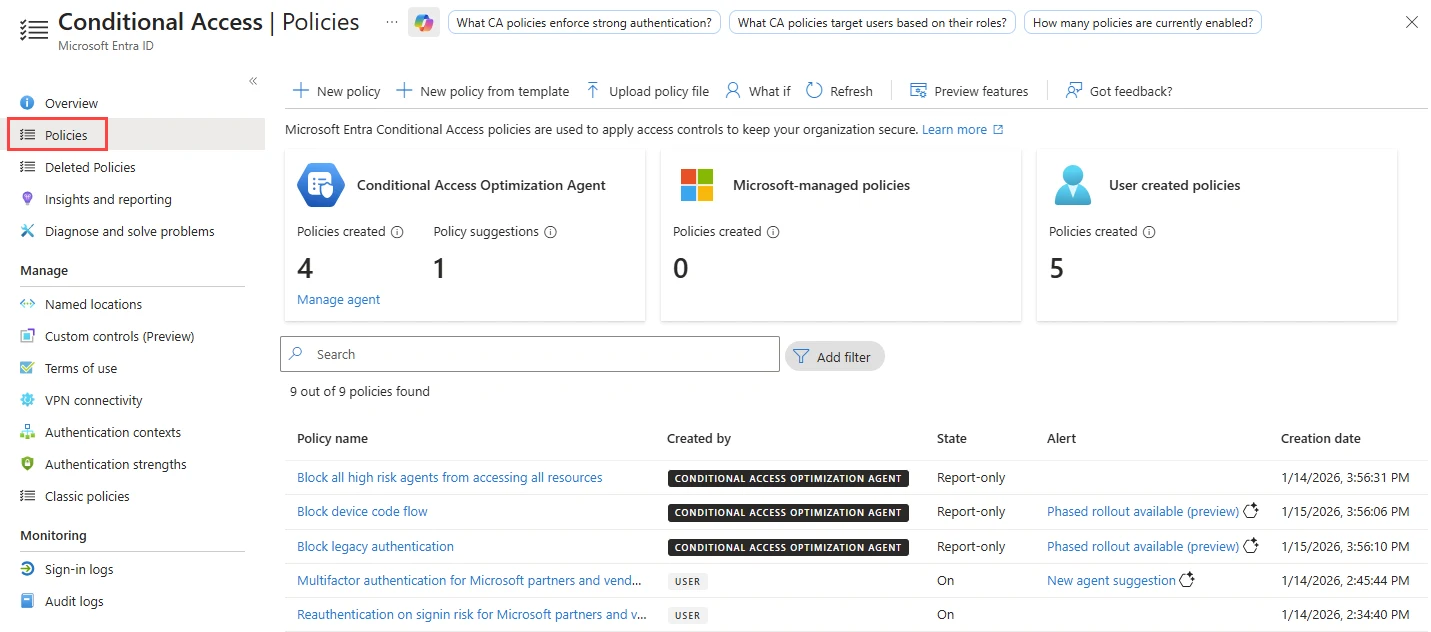
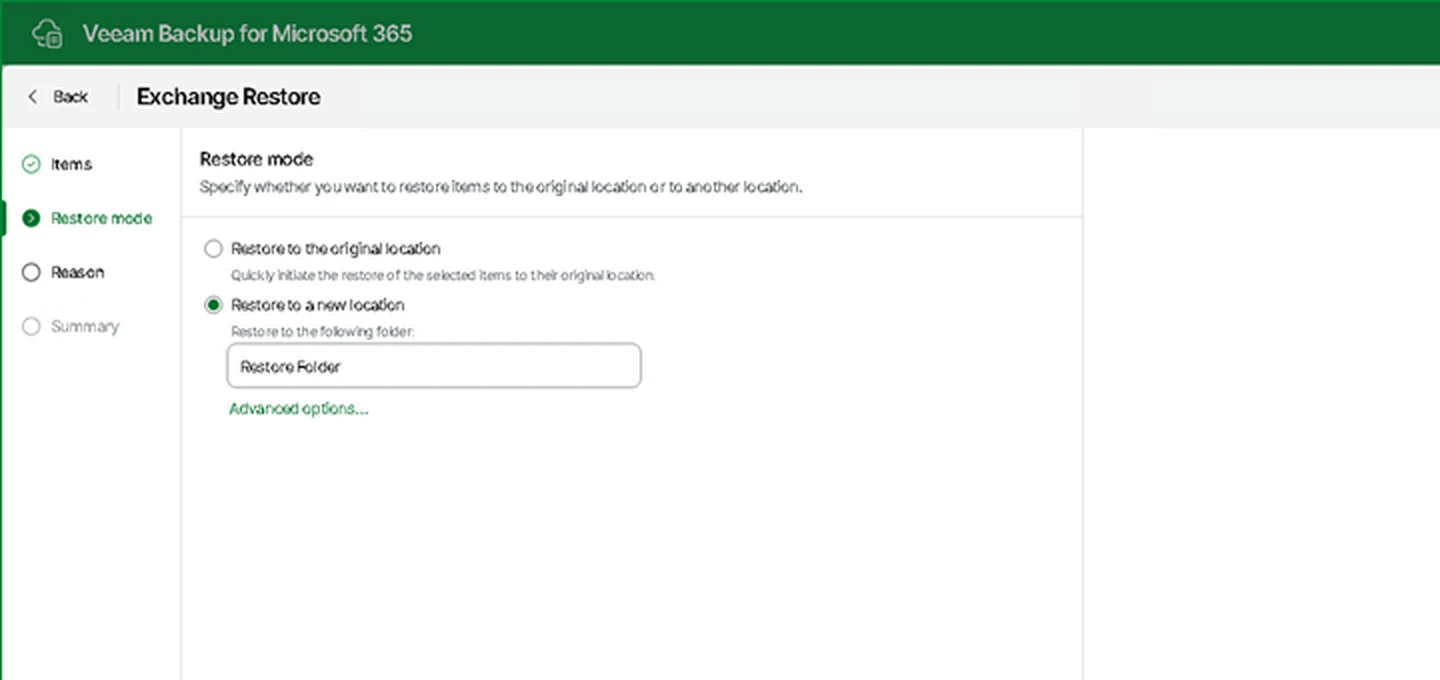
Sign-in rules are set in the Microsoft admin center. Technicians pick original or new locations in a restore portal.
Microsoft Entra Conditional Access policies list showing policy names alongside their On or Report-only state.
Veeam restore step choosing the original location or a new location for restored Exchange items.
Vendor documentation samples from Microsoft Learn and Veeam Help Center.
Onboarding and daily operations
Service begins with an assessment of existing equipment. Computers fall under regular monitoring and patching schedules.
- 1
Assess accounts, devices and backups
Technicians inventory existing computers, network hardware, accounts, licenses and backup systems to build an asset list.
- 2
Set sign-in rules and access
Conditional Access rules and password manager vaults are configured according to firm decisions.
- 3
Enroll devices and monitoring
Every machine is brought under management for monitoring, patching and remote wiping capabilities.
- 4
Set up and test backups
Image backups and Microsoft 365 backups are established completely separate from original systems, then tested.
- 5
Help desk and monthly report
Staff reach technicians via Teams, email or phone. Partners receive a monthly report covering tickets, patches and backups.
Common questions
- What does the IT support cover day to day?
CloudCentric handles accounts, passwords, Microsoft 365, laptops, desktops, network hardware, printers and phones. Every request becomes a ticket and stays open until it is resolved.
- How are teams in the firm kept apart in Microsoft 365?
Microsoft Purview Information Barriers sit between users and organizational areas. Firm partners decide which groups need separation, and technicians set up the controls inside the admin center.
- What happens to a mailbox when someone leaves?
Technicians back up the mailbox and OneDrive before removing the license. The account can be converted to a shared mailbox so the address keeps receiving mail for another person.
- How long can a deleted email be recovered?
Exchange Online keeps deleted email for 14 days by default, though an administrator can raise that limit to 30 days. Backups stored separately let items be restored after Microsoft's window passes.
- Can a firm with its own office administrator use CloudCentric alongside them?
Co-managed IT is offered alongside your existing administrator. CloudCentric provides backup, monitoring tooling and after-hours cover from the same local team.
- Where is AI work for law firms covered?
Closing packets, lease abstracts, scheduling orders, records requests and intake inquiries are covered on the separate AI for law firms page.
Ready to start
Call (844) 422-7000 or book a walkthrough to discuss your firm's computers, network and accounts.