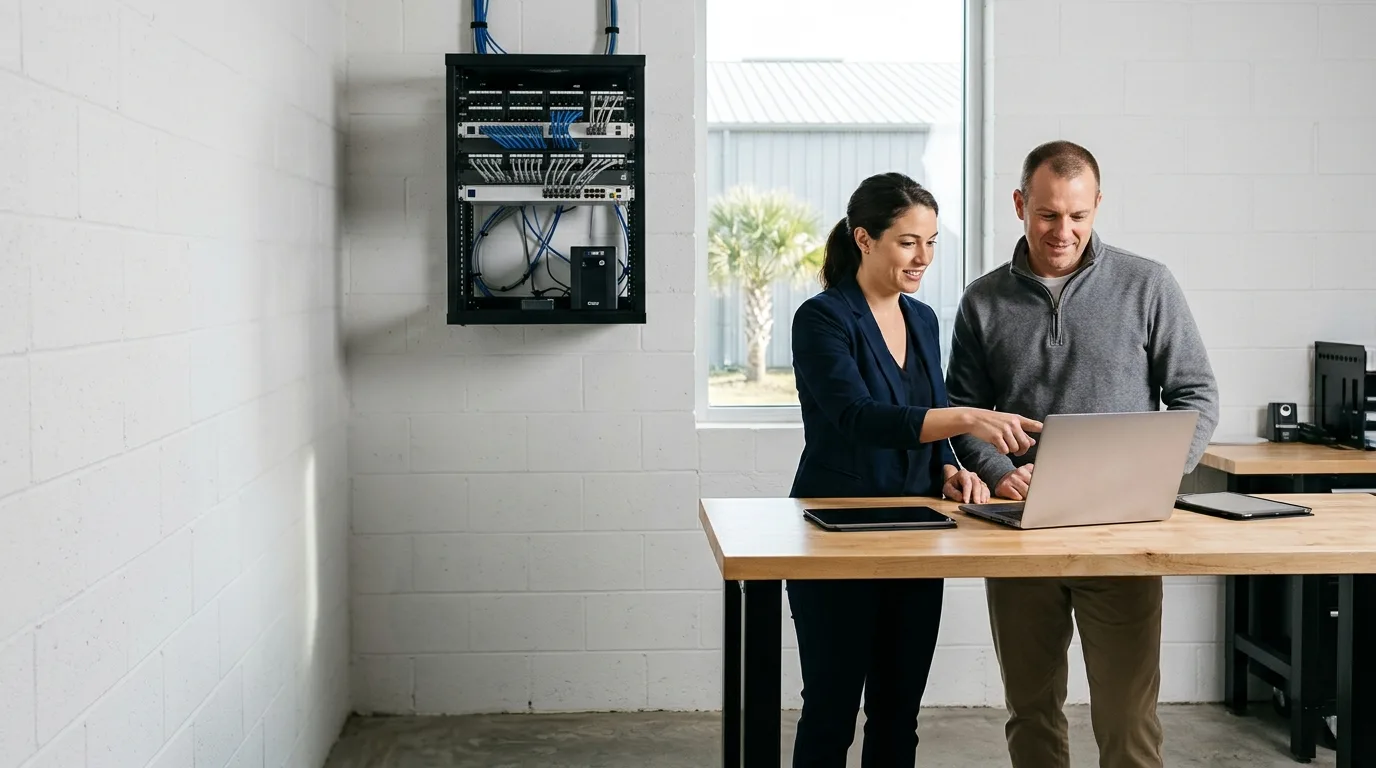
Alongside your IT person
Co-managed IT for coast businesses
Bring backup that restores, monitoring, patching, security tools and emergency on-site cover to work alongside the IT person a company already has.

Backup and tooling
Outside tools for a single in-house person
Co-managed IT outsourcing is offered for a company that has its own IT person and wants backup, tooling and after-hours cover from CloudCentric.
- 1
Backups with tested restores
Whole-machine backups sit safely apart from their servers. Microsoft 365 files receive dedicated Azure backups, and restores undergo regular testing.
- 2
Tools running on their own
Constant monitoring and patching run quietly on every machine. Microsoft Defender and Intune manage settings, secure endpoints and flag failing parts.
- 3
Cover when offices are closed
Round-the-clock monitoring tracks outages, and Microsoft Defender alerts are followed through to closure. Emergency on-site support sends an engineer 24/7 when equipment goes down.
Vendor tools and sample data
Management and recovery happen directly inside these screens. View the actual vendor software your team will see when reviewing devices, deploying updates or restoring data.
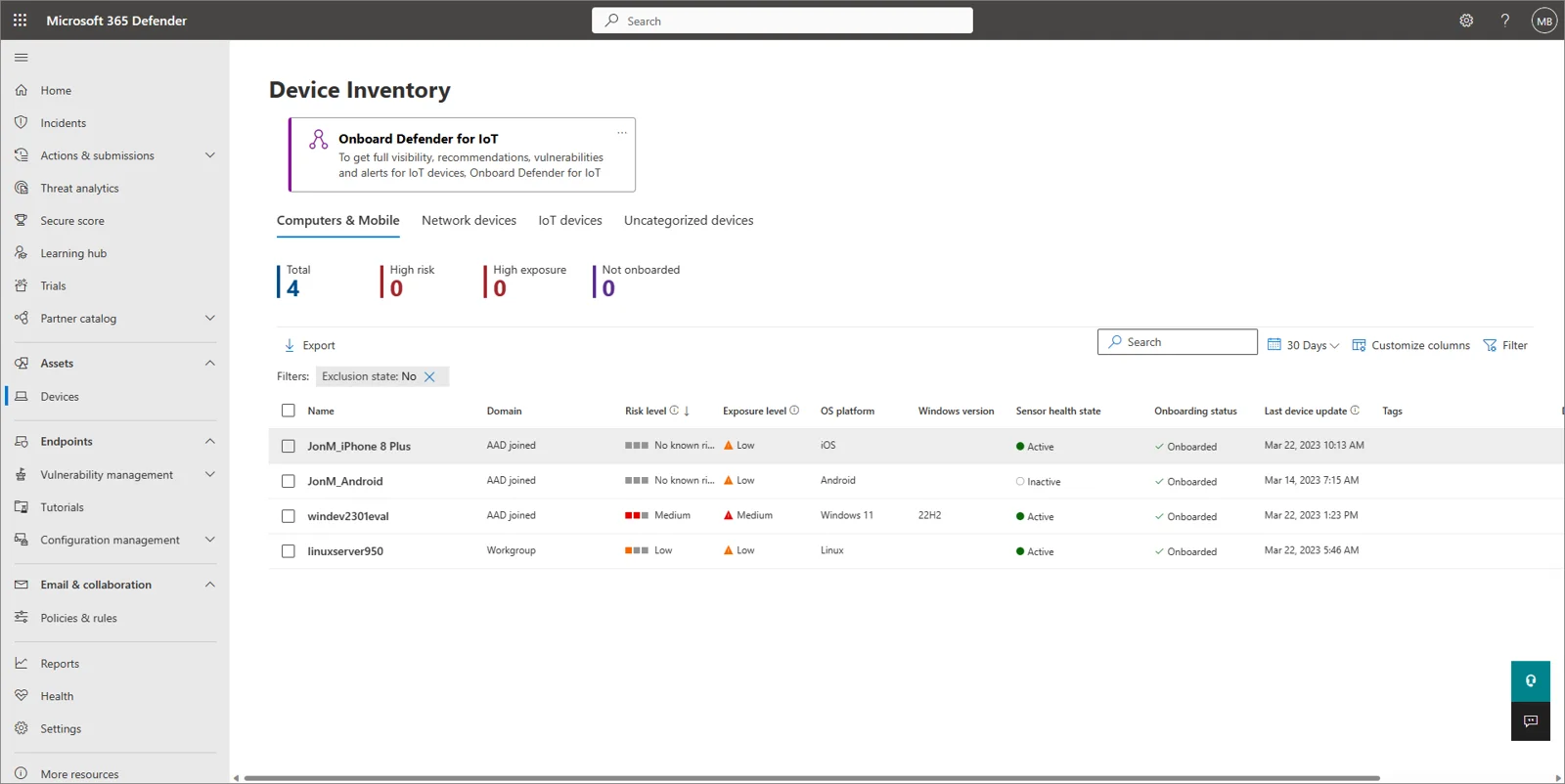
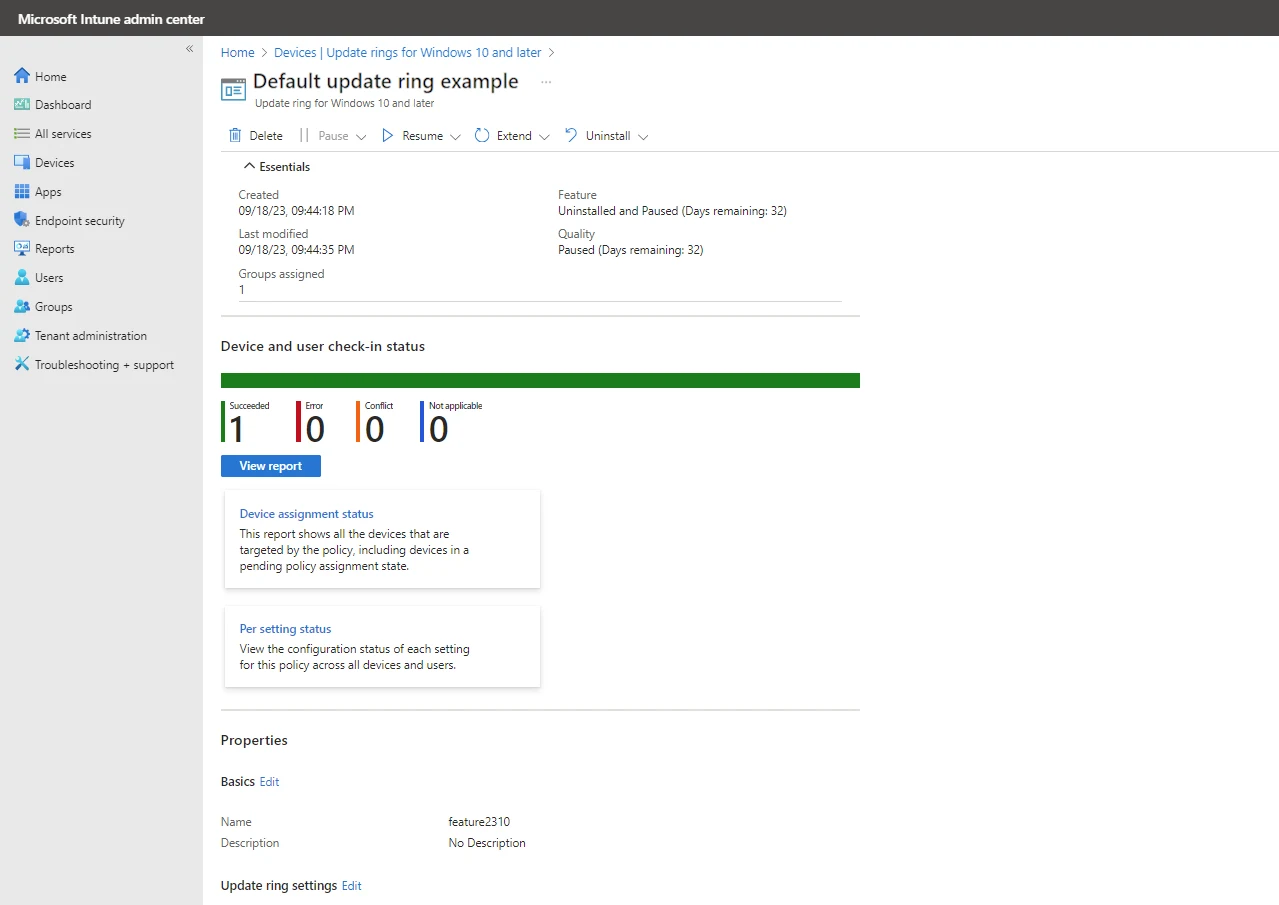
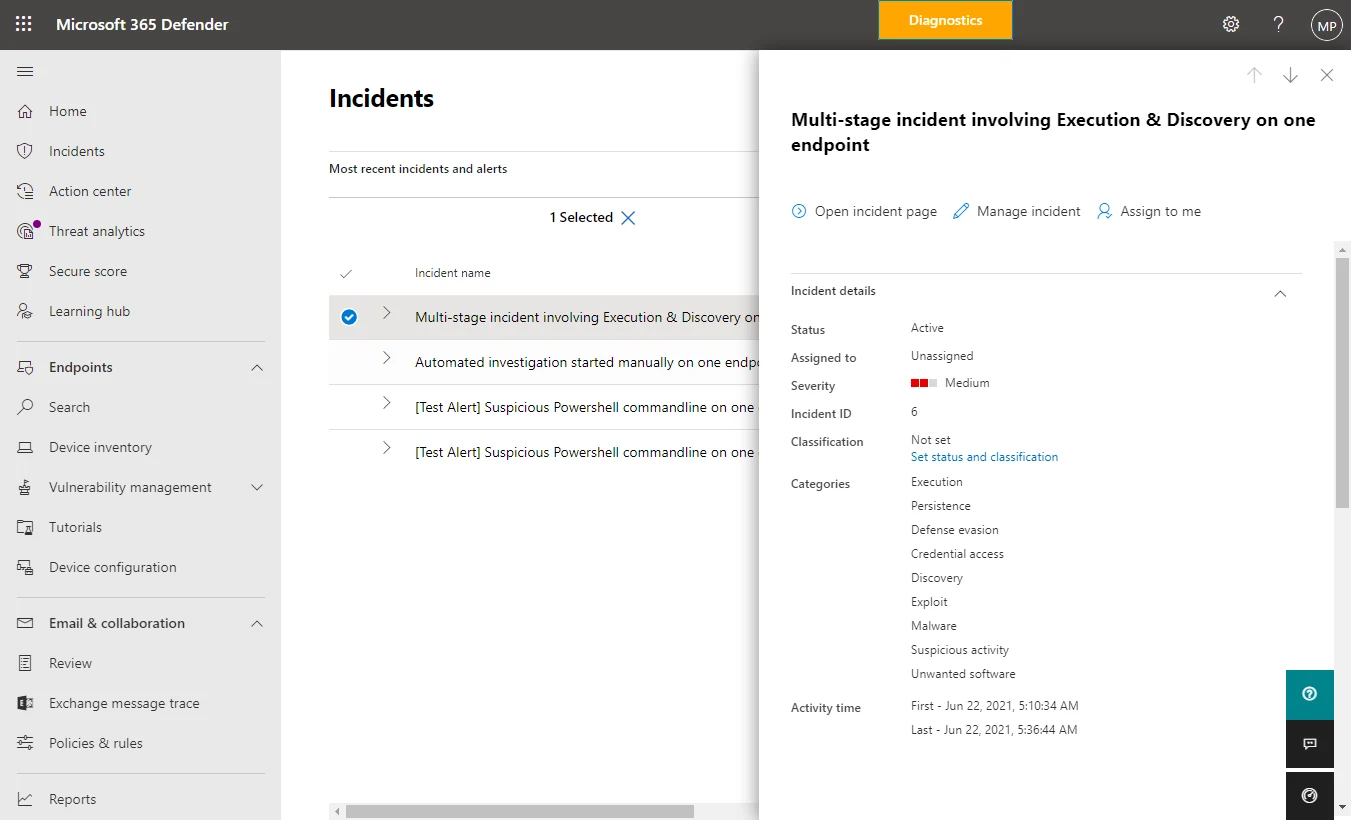
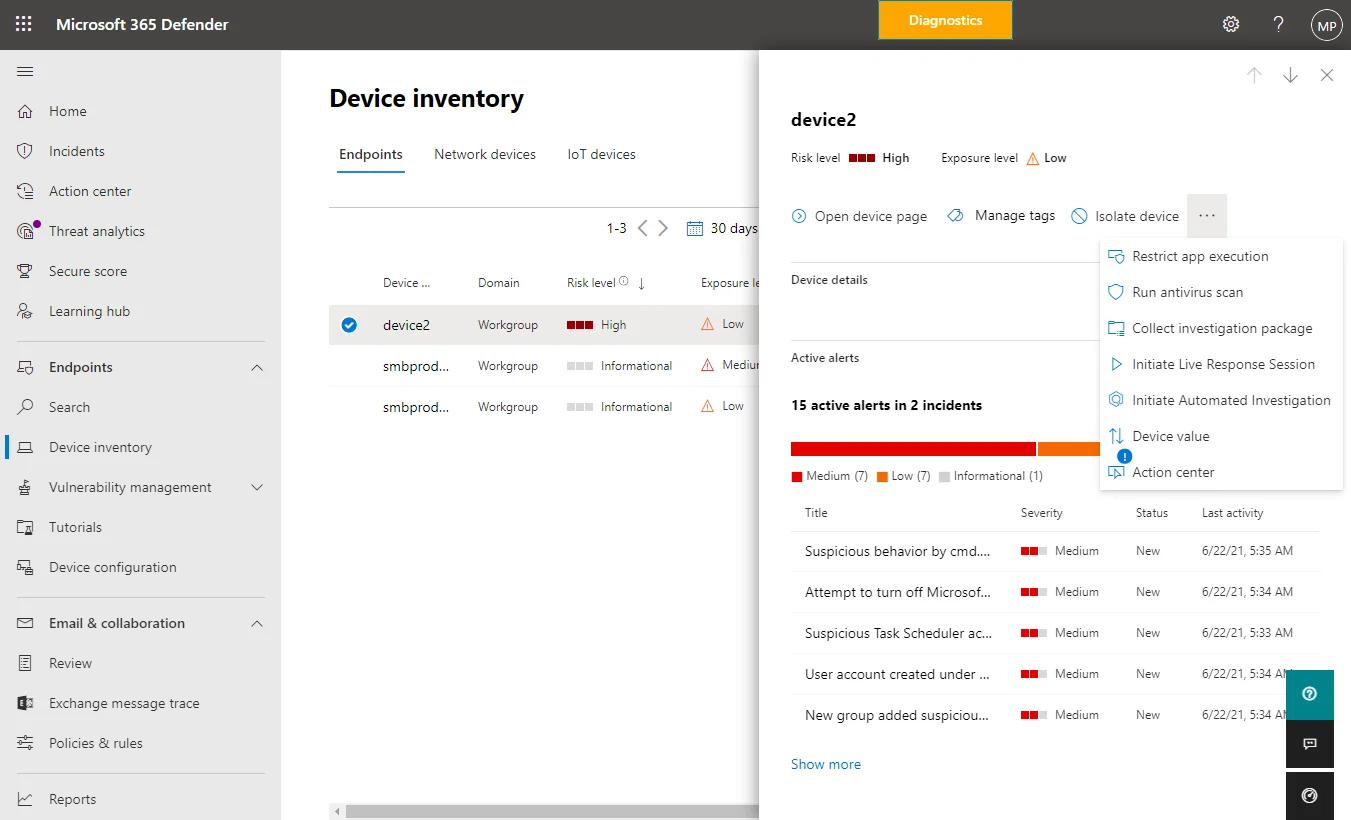
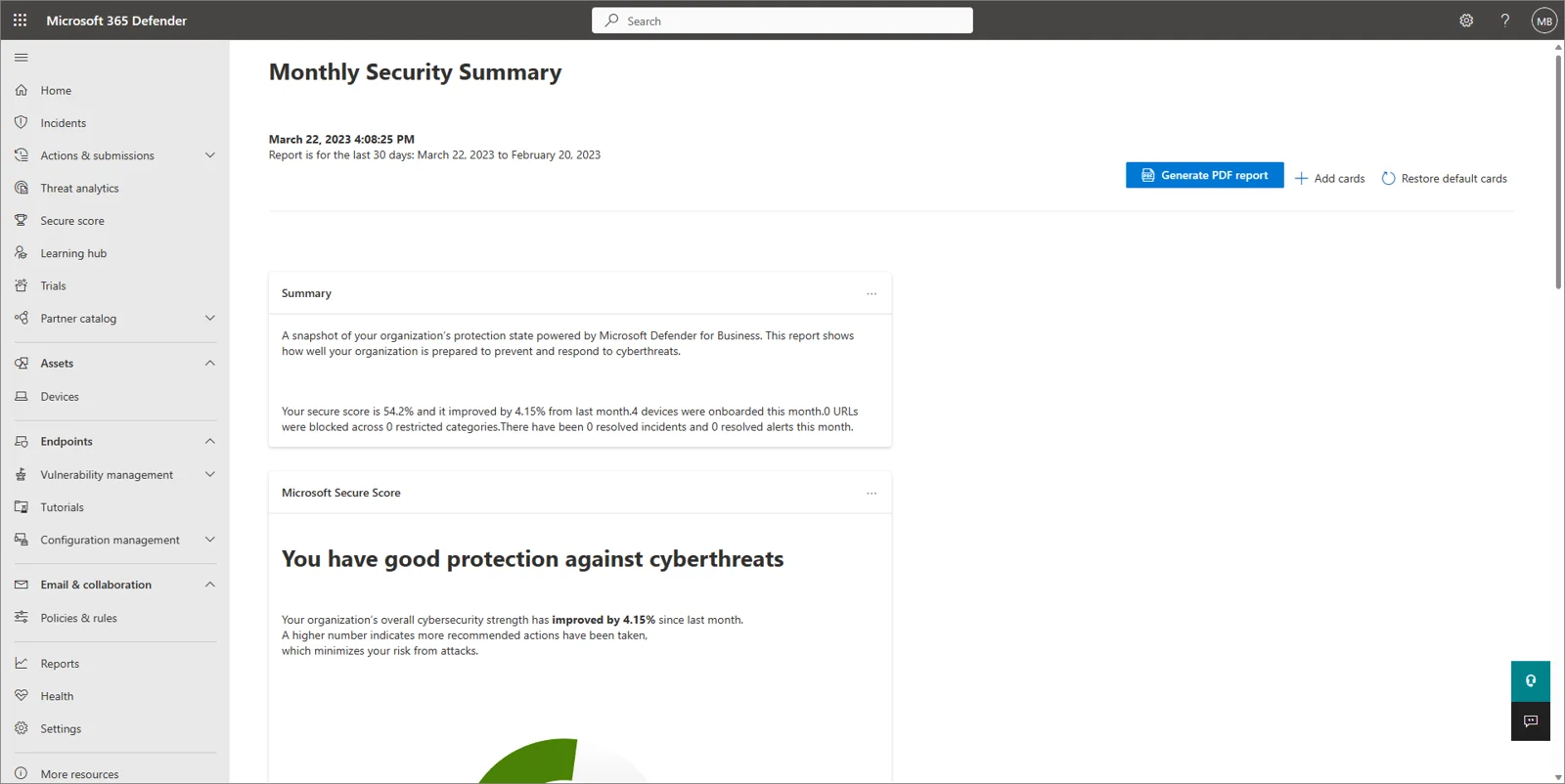
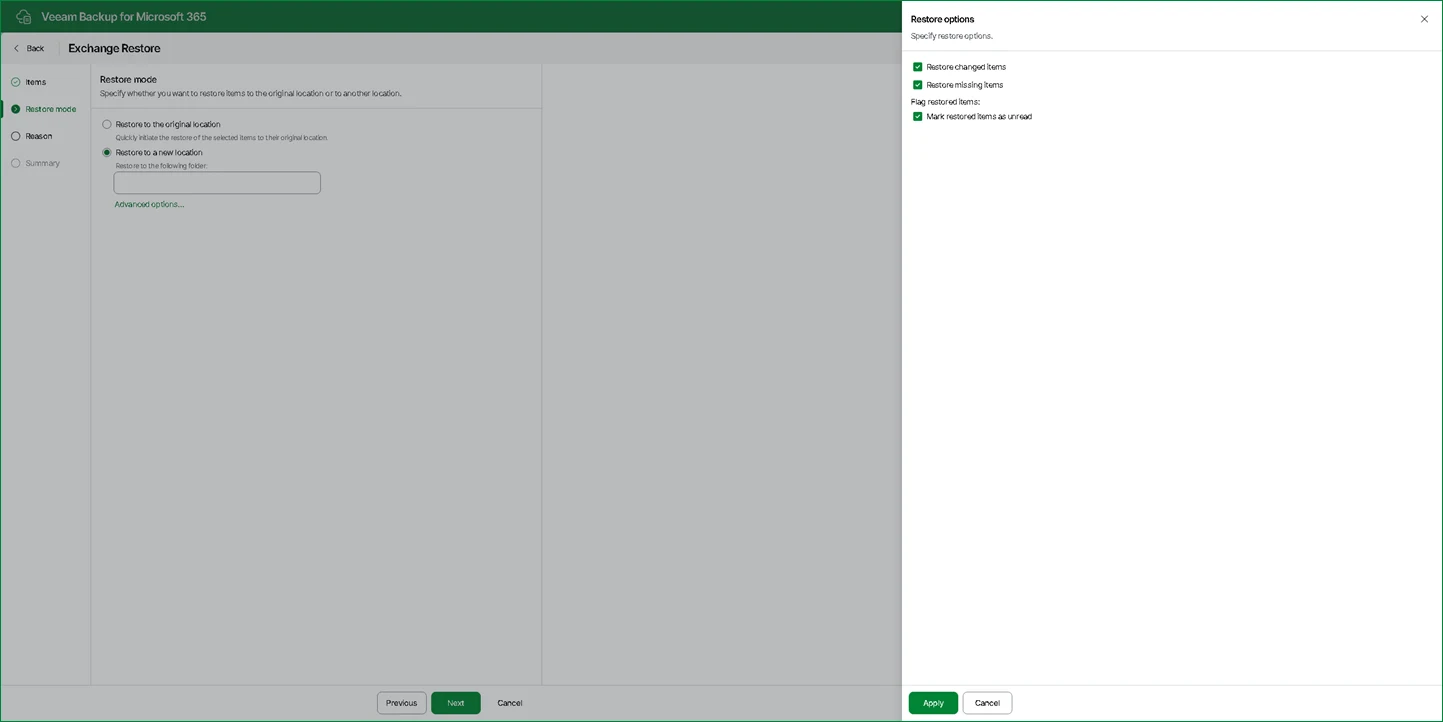
Screen
Read moreCore systems tracked and backed up
Outside tools plug directly into your daily work. Every machine gets enrolled in centralized updating, and continuous monitoring spots full disks or offline devices.
Pick a service need
View specific services
Onboarding and setup
Bringing outside tools to your network
Integration begins with a clear inventory and configuration phase. Engineers catalog equipment, deploy agents and establish emergency access without disrupting daily work.
- 1
Assessing your current setup
Engineers assess existing computers, network hardware, user accounts, licenses and backup systems. Shared logins are secured under your own business name.
- 2
Deploying monitoring and patching
Every machine goes into an asset list with a model and serial number. Computers and servers are brought under round-the-clock monitoring and scheduled patching.
- 3
Setting up daily backups
Backup routines take whole-machine images and keep them separate from the protected machine. Restores undergo testing to confirm readiness.
- 4
Launching reports and emergency reach
Monthly reporting begins, covering tickets, patching, backups and security. Your IT lead can call for emergency on-site support if equipment fails.
Questions about co-managed IT
- What does co-managed IT mean here?
Co-managed IT supports a company that has an IT person but wants backup, tooling and after-hours cover from CloudCentric. Outside engineers handle monitoring and patching alongside your existing staff.
- Does our in-house person keep control of their systems?
Your business keeps control of its systems. Outside engineers work to your tickets, runbooks and change windows. Logins are held in your business's name, ensuring your IT lead directs the work.
- How do staff reach the help desk?
Staff reach the help desk by messaging in Microsoft Teams, calling (844) 422-7000 or sending an email. Every request becomes an open ticket, and ticket history remains visible in a client portal.
- What happens when something fails after hours?
An experienced CloudCentric engineer goes on site 24/7 when equipment goes down. Call (844) 422-7000 to reach support; no arrival time is stated here. Engineers take charge of the outage, fix it and report back to your IT lead.
- What does the business receive each month?
Each month yields one report covering tickets, patching, backups and security. Patching sections list machines missing updates, while backup sections show successful runs, fixed failures and unprotected endpoints.
- Is full managed IT available instead?
Full managed IT is available from the same team for companies that want it.
- How does this relate to outsourced IT of everything?
Co-managed IT is offered for a company that has its own IT person. Full managed IT is available from the same team for companies that want it. Call (844) 422-7000 to discuss options.
Start building your outside support
Call (844) 422-7000 or book a walkthrough to see the tools in action.