Teams Rooms Basic
Included at no additional cost with a certified system for up to 25 rooms. Covers scheduling, joining meetings with one touch, content sharing, and whiteboard.
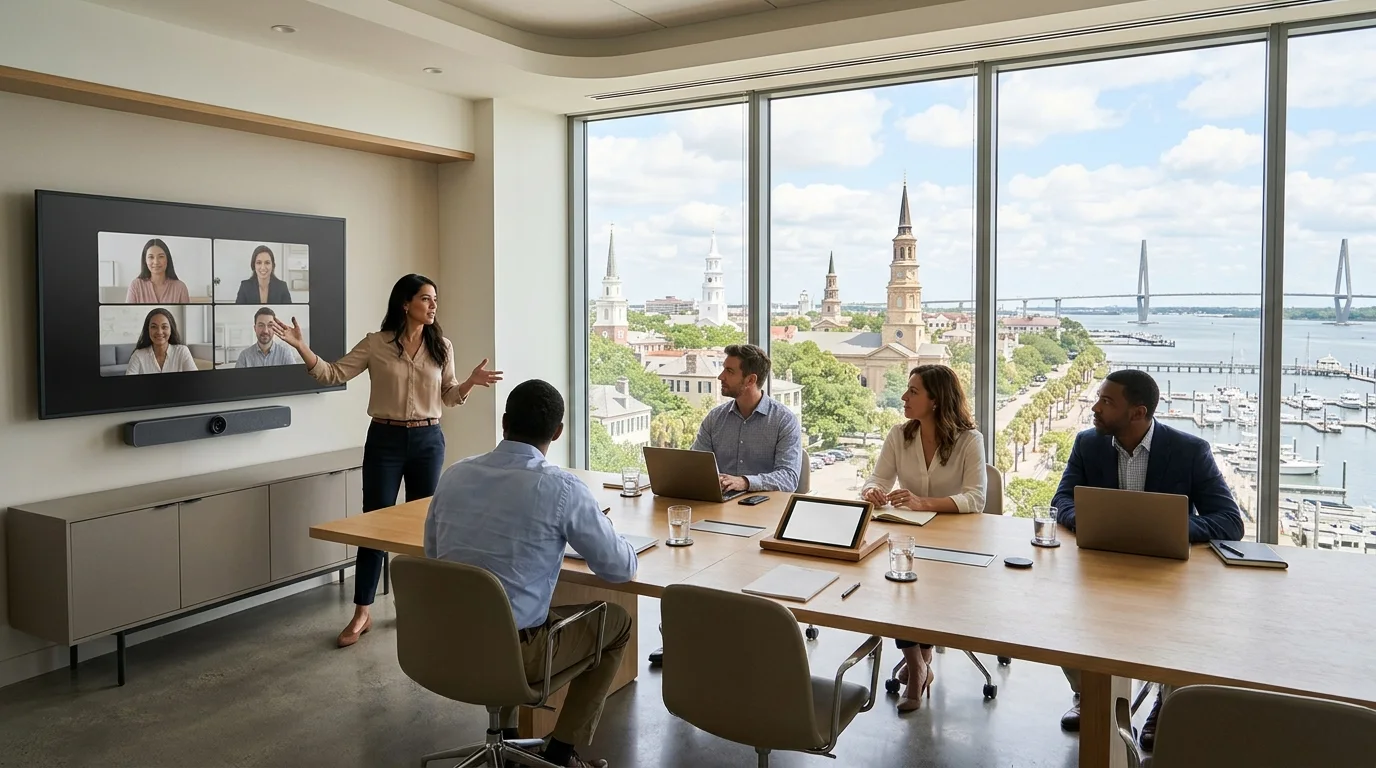
Teams Rooms installation
CloudCentric installs and supports Microsoft Teams Rooms with certified Yealink hardware for local offices and boardrooms.
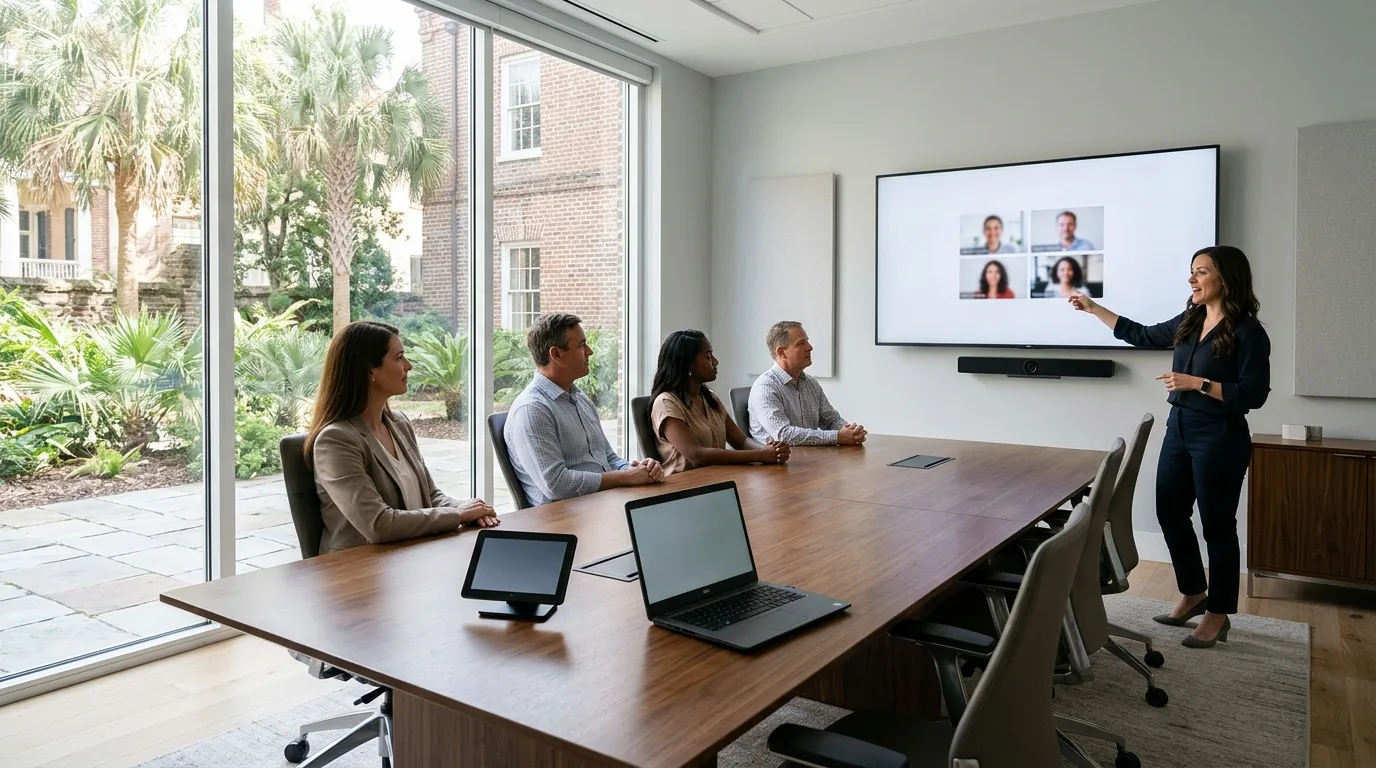
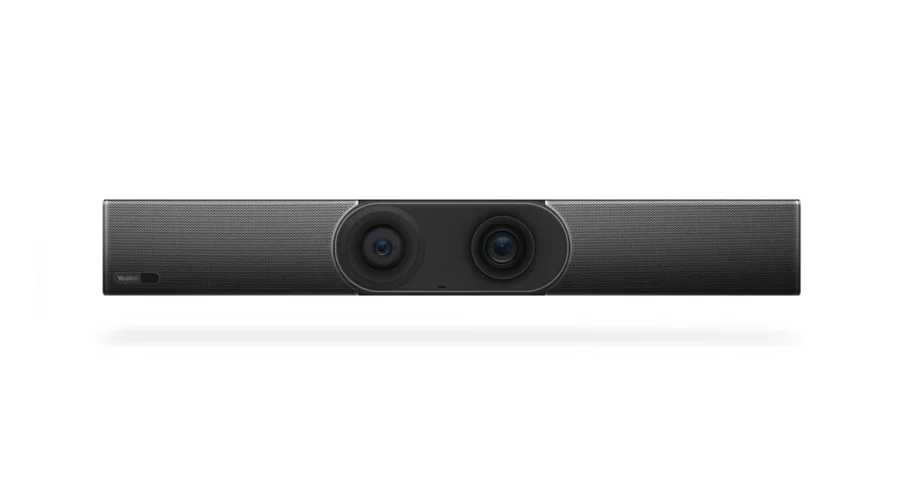
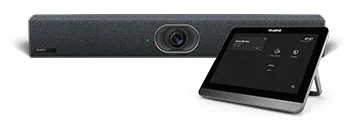
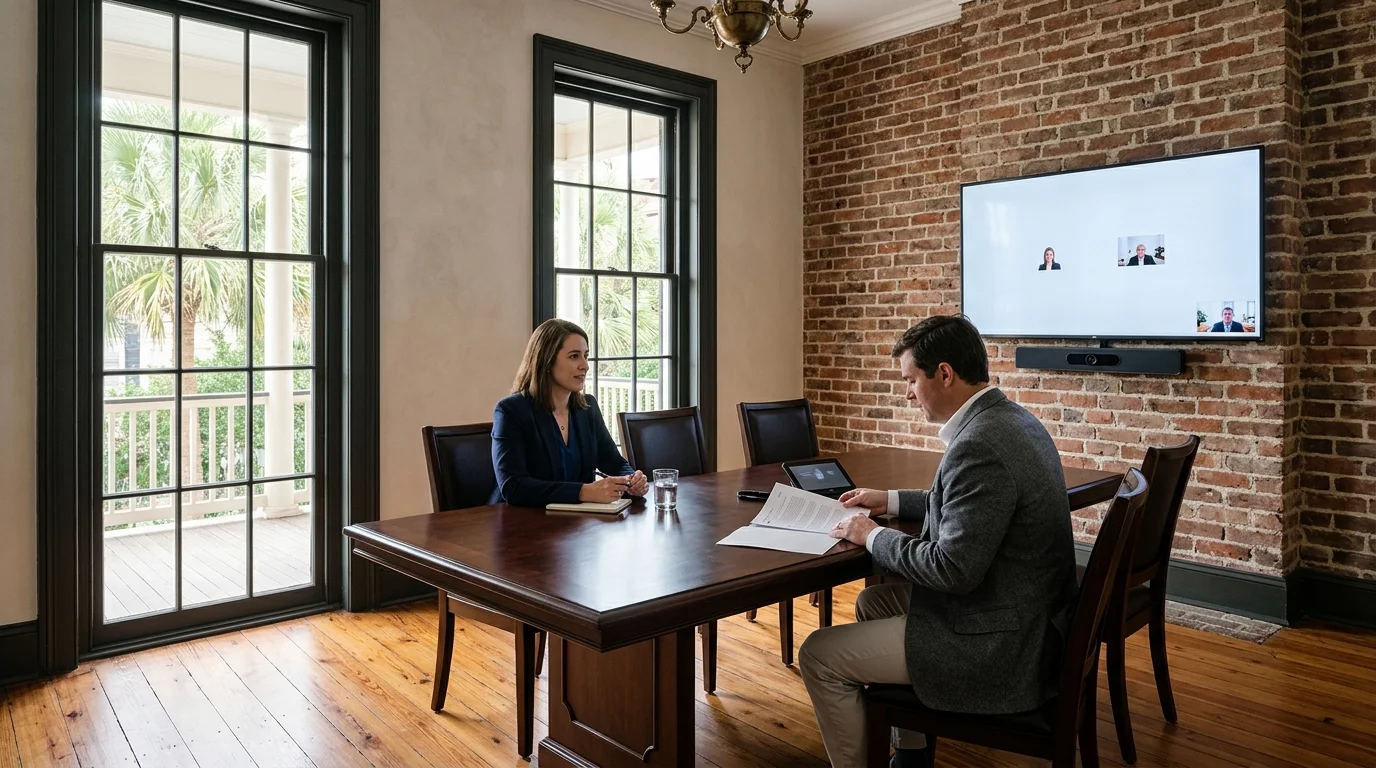
Placed by the wall display, an all-in-one video bar holds the camera, speakers, and microphones for your meeting.
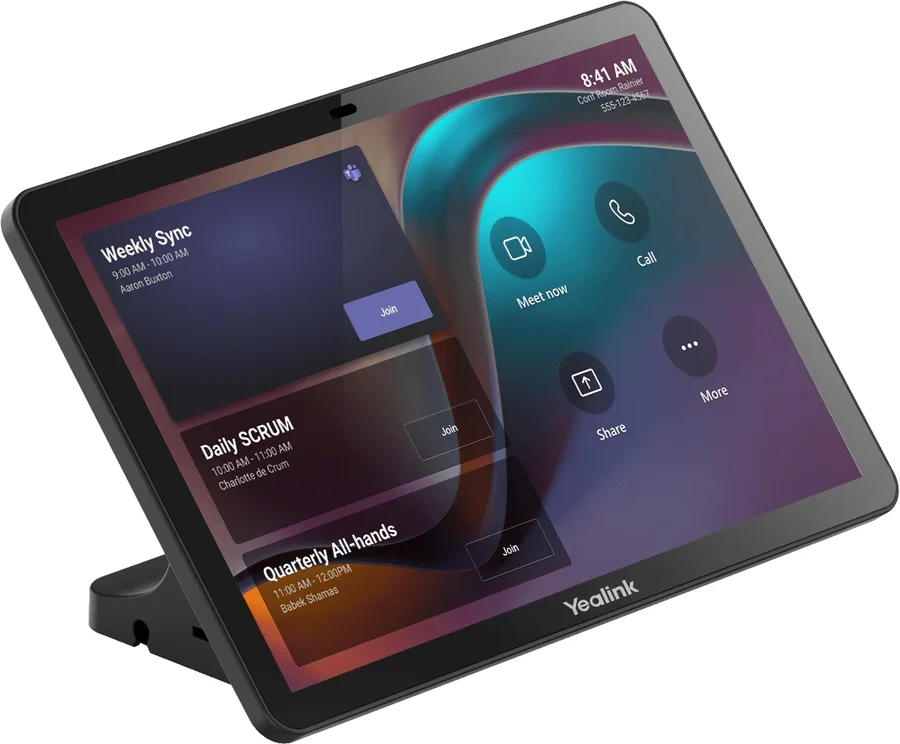
Sitting on the conference table, an Android touch console lets people run the meeting and join upcoming calls.
Product photos: Yealink product pages, collected 2026-11-08. Room scene generated for illustration.
Pick your office type to see standard room sizes and common meeting uses for your team.
Partners and associates hold client meetings, partner meetings, and remote depositions with someone elsewhere.
Practices hold staff meetings and case review sessions in a medium room.
Staff join meetings with one touch using the same kind of room at each site.
Teams hold customer and carrier meetings on Zoom or Webex in boardrooms and training rooms.
Boards hold meetings with absent members, and staff make calls from a small room.
Microsoft certifies room equipment by size and capacity. Pick a room size to see certified Yealink hardware and touch consoles for your meeting space.
Room layouts are drawn for illustration.
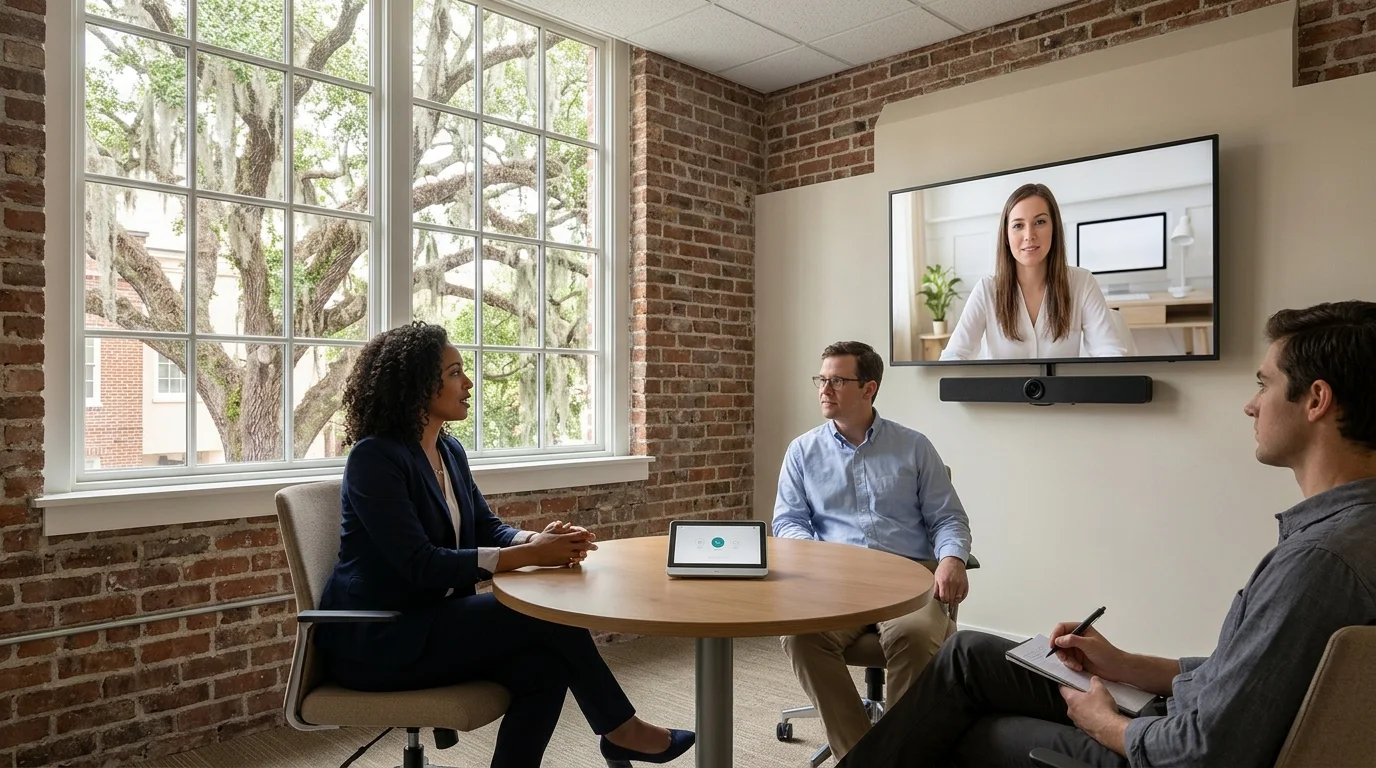
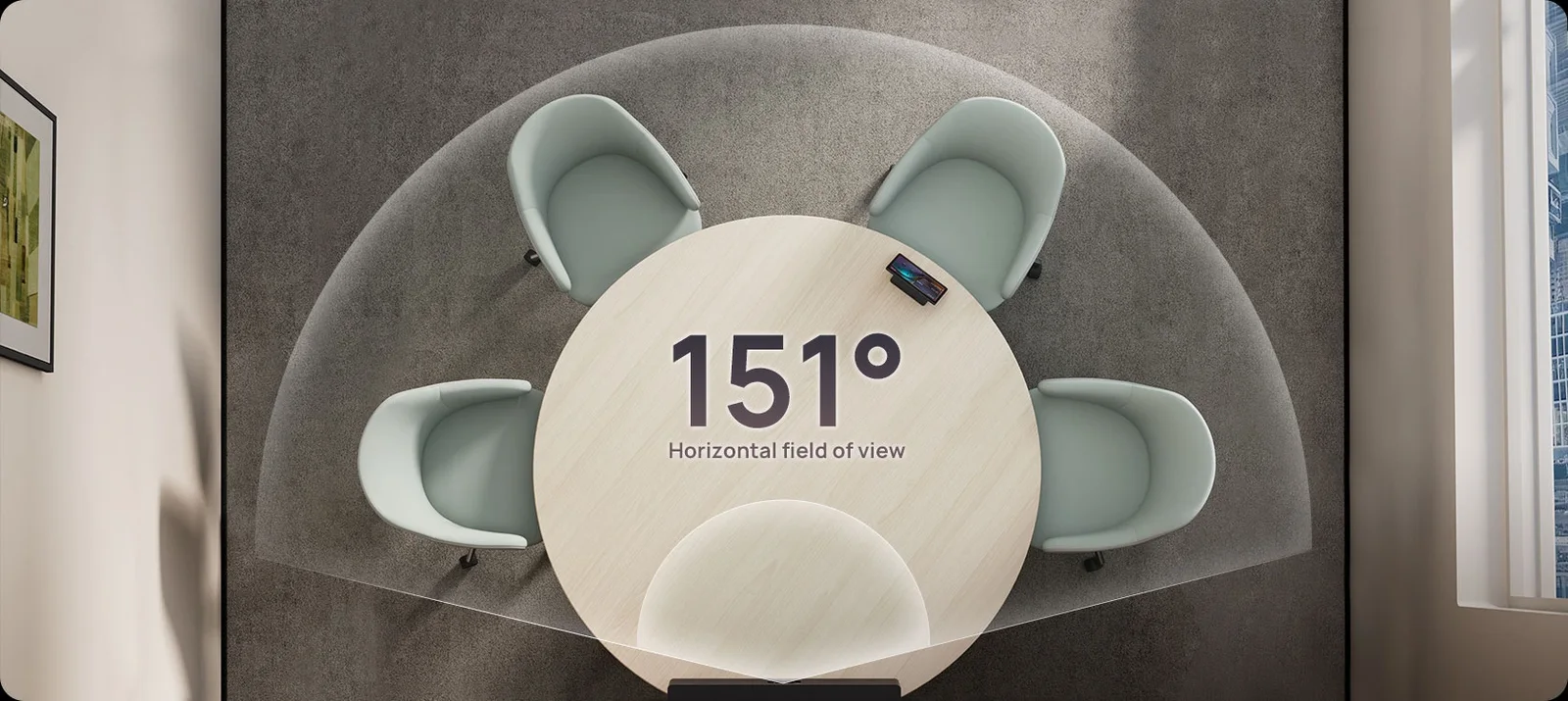
Two to four people join a short call using an all-in-one meeting bar.
Room layouts are drawn for illustration.
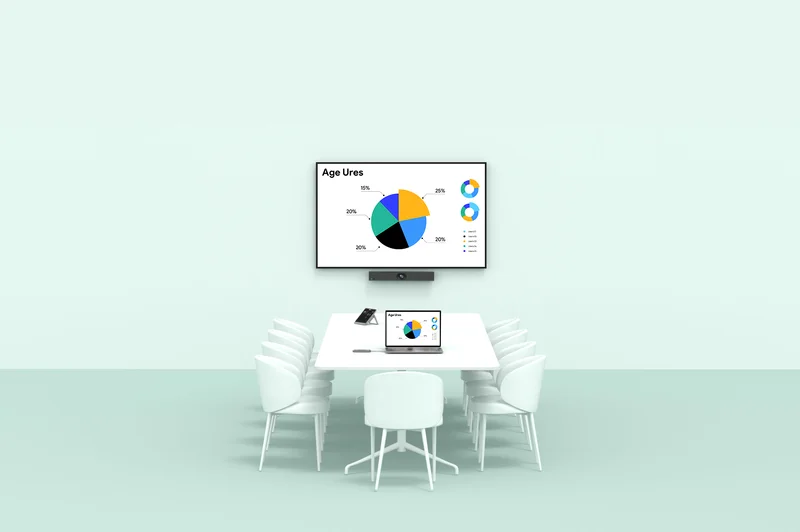
Four to six people hold client meetings and staff calls around a small table.
Room layouts are drawn for illustration.
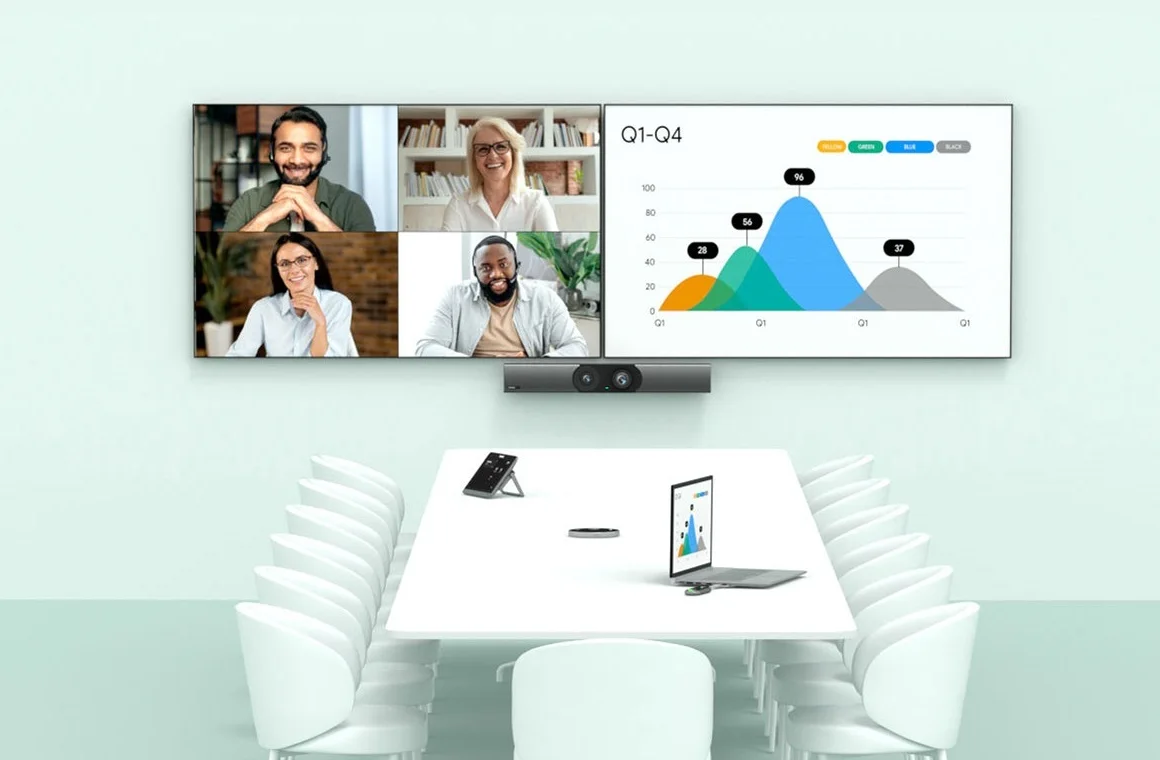
Six to twelve people hold staff meetings and case reviews around one table.
Room layouts are drawn for illustration.
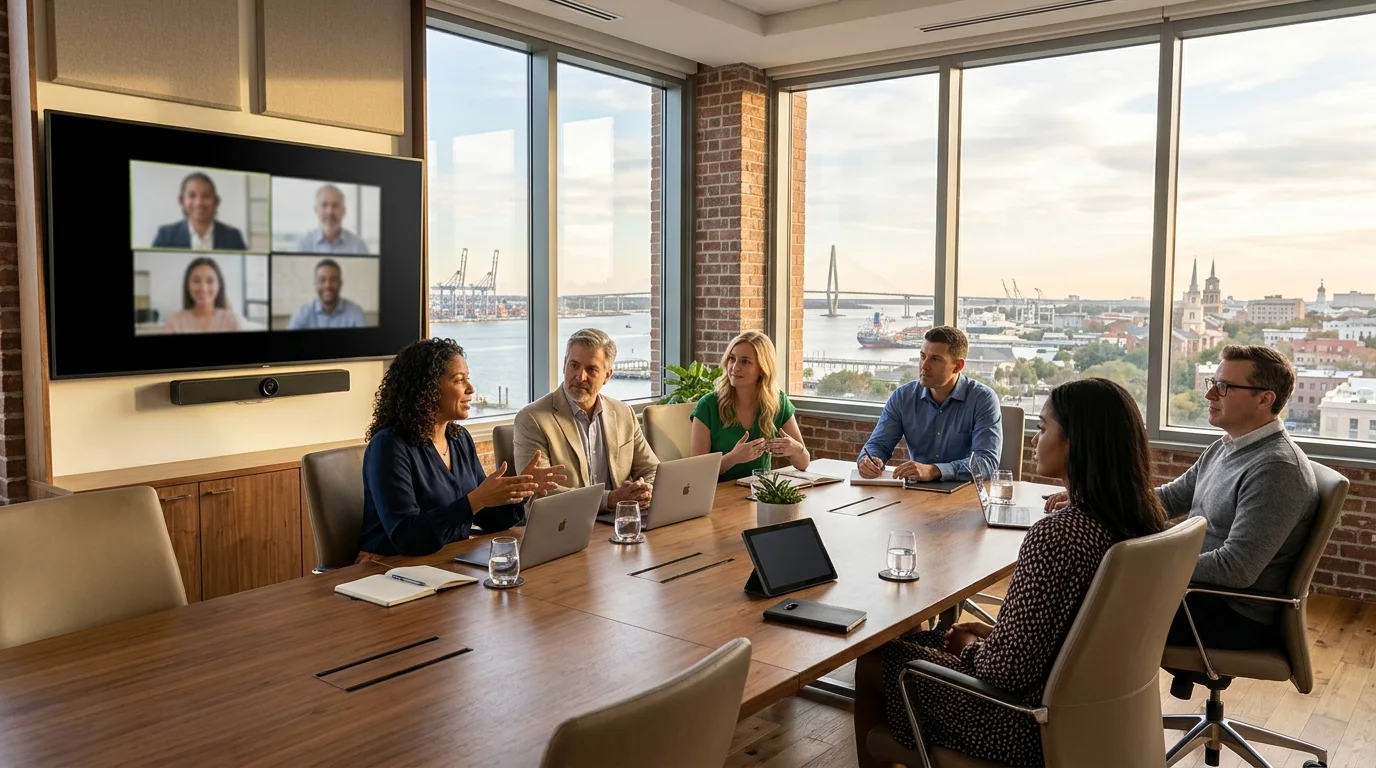
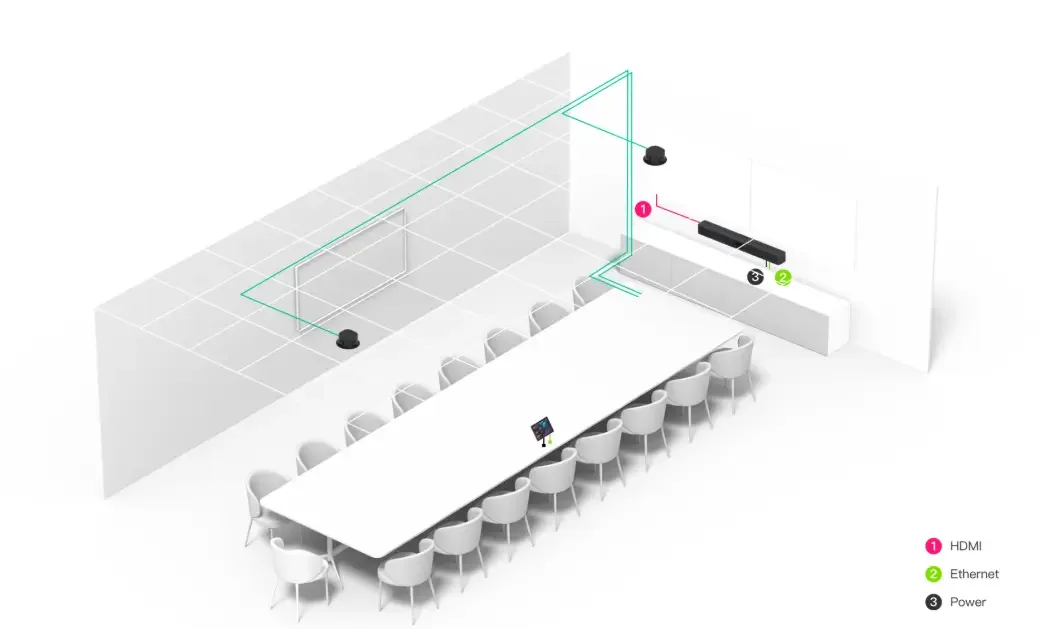
Twelve to sixteen people meet in a boardroom with satellite microphones extending coverage.
Room sizes and people: Microsoft Learn, Teams Rooms planning and certified hardware, read 2026-11-07. Certified room sizes: Microsoft Learn, Teams Rooms on Android certified devices. Yealink's own pages quote different capacity ranges, so a walkthrough confirms each room.
People run meetings from a touch console on the table. Tap a button label to see actions available on your room home screen.
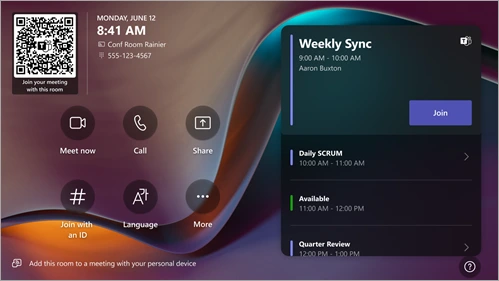
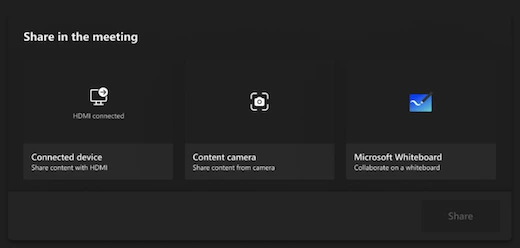
Law firms join remote depositions and hearings with someone elsewhere. Firms share an exhibit from a laptop and join third-party hosts.
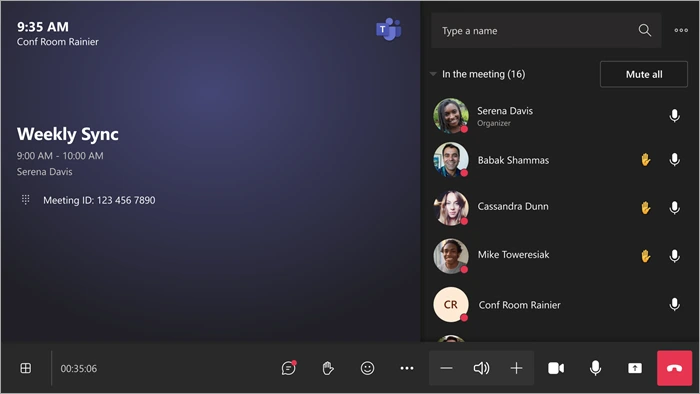
Remote parties join by a Microsoft Teams meeting link, and your room joins from its calendar in one touch.
| Join button (Direct Guest Join) | Join through SIP | |
|---|---|---|
| Join button | Webex, Zoom, Google Meet | Webex, Zoom, Google Meet, GoToMeeting, RingCentral, Amazon Chime |
| Join by meeting ID | Zoom, Google Meet | Zoom, Google Meet, Webex, GoToMeeting, RingCentral, Amazon Chime |
| Video, receive and send | Up to 720p, 30 fps | Up to 1080p, 30 fps |
| Receive content | Yes | Yes |
| Send content by HDMI or content camera | No | Yes |
| Front of room displays | One | Two |
| Teams Rooms license | Basic or Pro | Pro |
| Paid SIP dialing plan | Not needed | Needed |
Law firms and their court reporters settle how each deposition is run.
Each physical meeting room needs a Microsoft Teams Rooms resource account and license. Compare Microsoft's two license tiers for meeting room devices.
Included at no additional cost with a certified system for up to 25 rooms. Covers scheduling, joining meetings with one touch, content sharing, and whiteboard.
Microsoft says Pro is a great fit for medium and enterprise organizations, or smaller ones with many rooms or advanced needs, and any room beyond your twenty-fifth needs a Pro license. Adds front row, dual screens, meeting chat, multi-camera support, AI noise suppression, Conditional Access, and remote management in your portal.
Teams Rooms Basic
| Basic | Pro | |
|---|---|---|
| Join with one touch, proximity or meeting ID | ✓ | ✓ |
| Share a laptop by cable or Teams cast | ✓ | ✓ |
| Whiteboard | ✓ | ✓ |
| Join Zoom or Webex by button | ✓ | ✓ |
| Peer-to-peer and group calls | ✓ | ✓ |
| Pro Management Portal inventory and automatic updates | ✓ | ✓ |
| Meeting chat | ✓ | |
| Front row | ✓ | |
| Large gallery, up to 50 videos | ✓ | |
| Dual screen support | ✓ | |
| Multi-camera and panoramic room view | ✓ | |
| AI noise suppression and people counting | ✓ | |
| Whiteboard share with a content camera | ✓ | |
| Phone calls through a calling plan | ✓ | |
| Conditional Access policies | ✓ | |
| Remote configuration and custom health alerts | ✓ | |
| Device analytics and ITSM integration | ✓ |
Microsoft Learn, Microsoft Teams Rooms licenses, read 2026-11-07. Basic is for up to 25 rooms, one license for one room. Teams Rooms also needs a certified system. No license price is shown here.
Teams Rooms Pro licenses let administrators monitor device health incidents in a management portal. Pick an incident type to see reported issues and actions needed to restore a room.
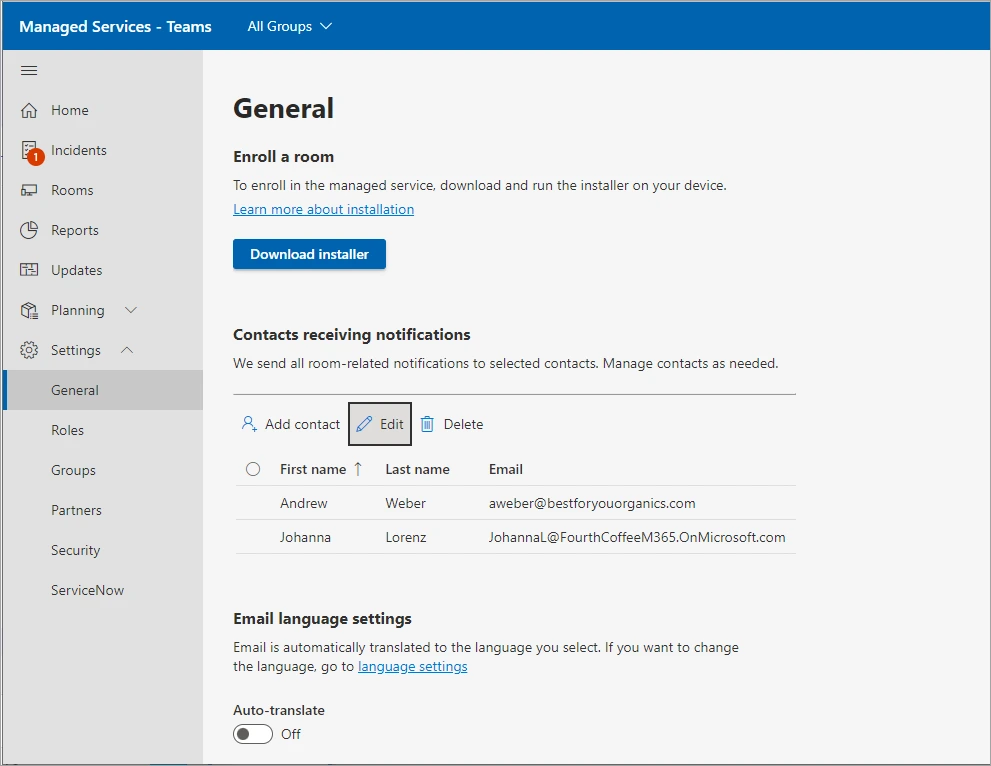
Portal views flag when the display does not appear healthy and the incident lists what to do.
Health: Critical and Important incidents. Not health: Warning incidents, such as app version and OS version.
We order equipment and confirm your meeting rooms are ready for power, network, and furniture.
We prepare your network, create resource accounts, and assign administrator roles for management.
We physically deploy the devices, connect peripherals, and complete system setup.
We run several test calls and meetings to confirm functionality before handing over the room.
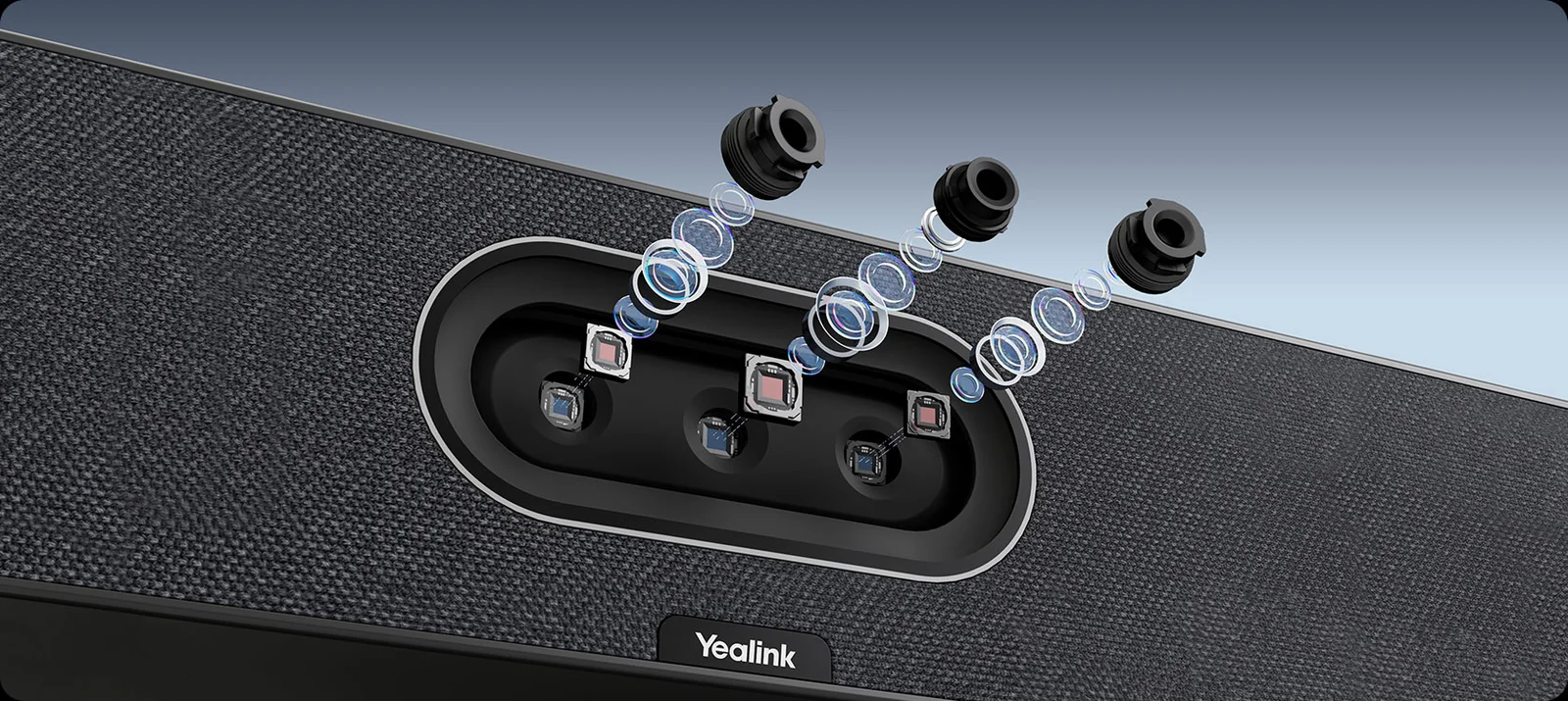
Microsoft certifies equipment by room size. Huddle spaces need an all-in-one meeting bar, while large rooms require a boardroom kit with satellite microphones. We confirm your room size at a walkthrough.
Each physical room needs a Teams Rooms resource account and license. Teams Rooms Basic is included with a certified system for up to 25 rooms at no additional cost. Teams Rooms Pro is a paid license sold separately.
Teams Rooms join Zoom, Webex, and Google Meet meetings using Direct Guest Join. Rooms send and receive video at up to 720p and receive content, requiring direct internet access.
Teams Rooms Basic handles core meeting jobs, but you need Teams Rooms Pro for features like meeting chat, front row, dual screens, AI noise suppression, or Conditional Access.
Teams Rooms Pro Management Portal flags critical incidents. At our walkthrough, we agree on who manages devices and checks connections when a camera or microphone stops working.
Call us to discuss your meeting spaces or book a walkthrough for your Charleston or Savannah office.