Program logic and repair
CloudCentric works on network paths and backups around controllers, beside plant controls engineers or integrators. CloudCentric does not write or debug PLC logic and does not repair controller hardware.
Network-side support
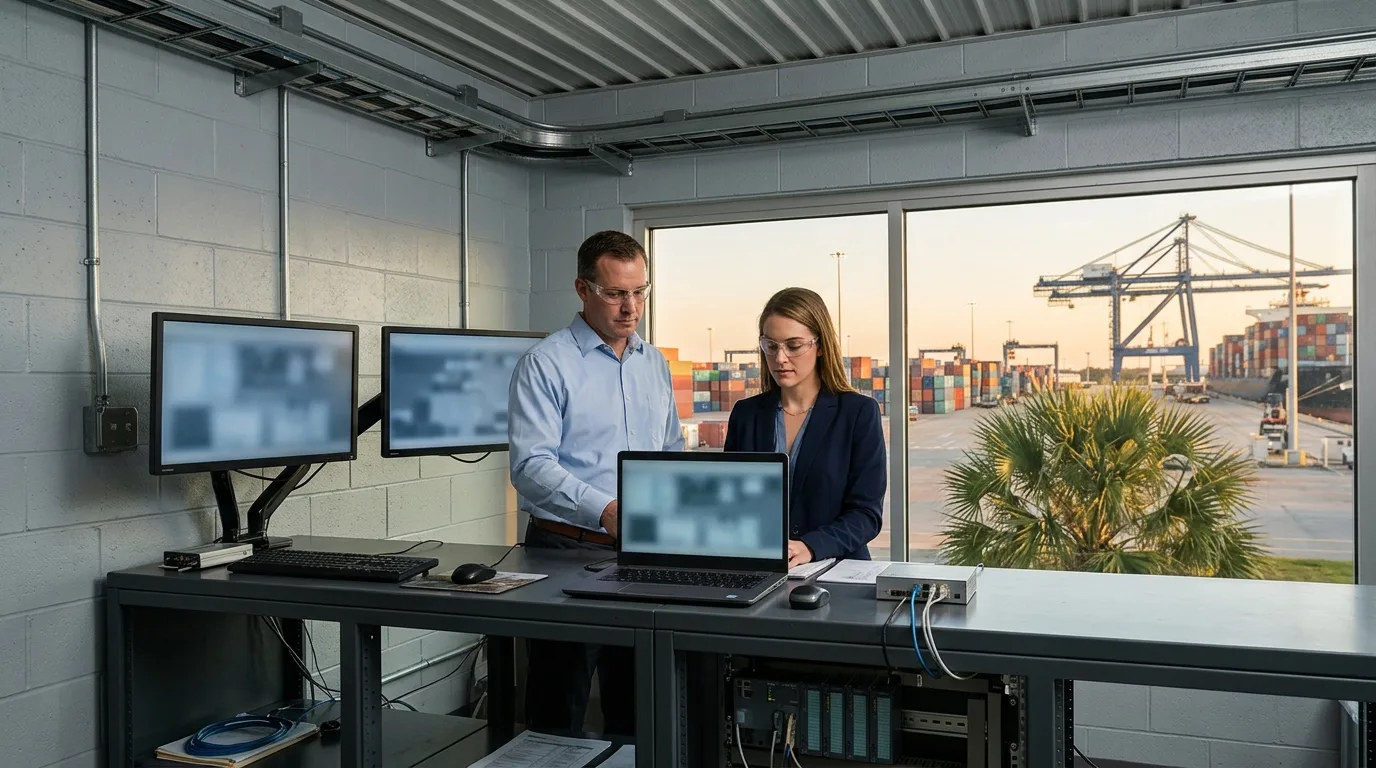
CloudCentric manages links, addresses, traffic and backups around controllers from Charleston to Savannah.
Network symptoms first
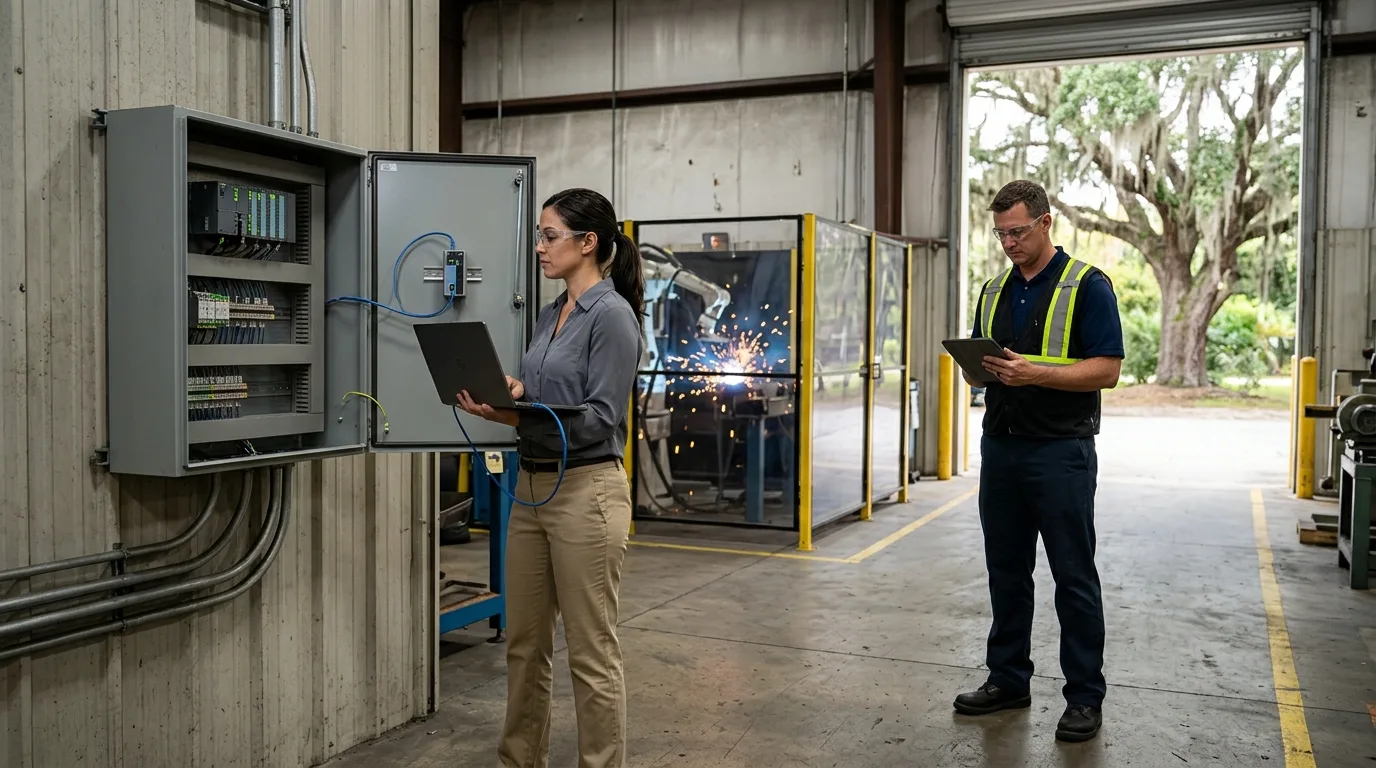
Many controller faults show first as a network symptom, so support starts by looking at ports, addresses and paths.
Links and ports are read first in switch consoles to verify active connections.
Active IP addresses are checked against plant records and multicast traffic is checked at the switch.
Clean offline backups are copied securely before anything changes in panels.
CloudCentric serves manufacturing plants, warehouses, utilities, port terminals and controls integrators from Charleston to Savannah.
Network support role
Facility needs
Separation puts controllers, HMIs and workstations on distinct VLANs. Firewalls control every path between plant and office.
Select a position
Checked here
Tells us
Layout shown is an example.
Controls engineers keep controller programs current using vendor tools, and a backup copy needs an offline project file.
Screenshots are vendor documentation examples, not customer systems.
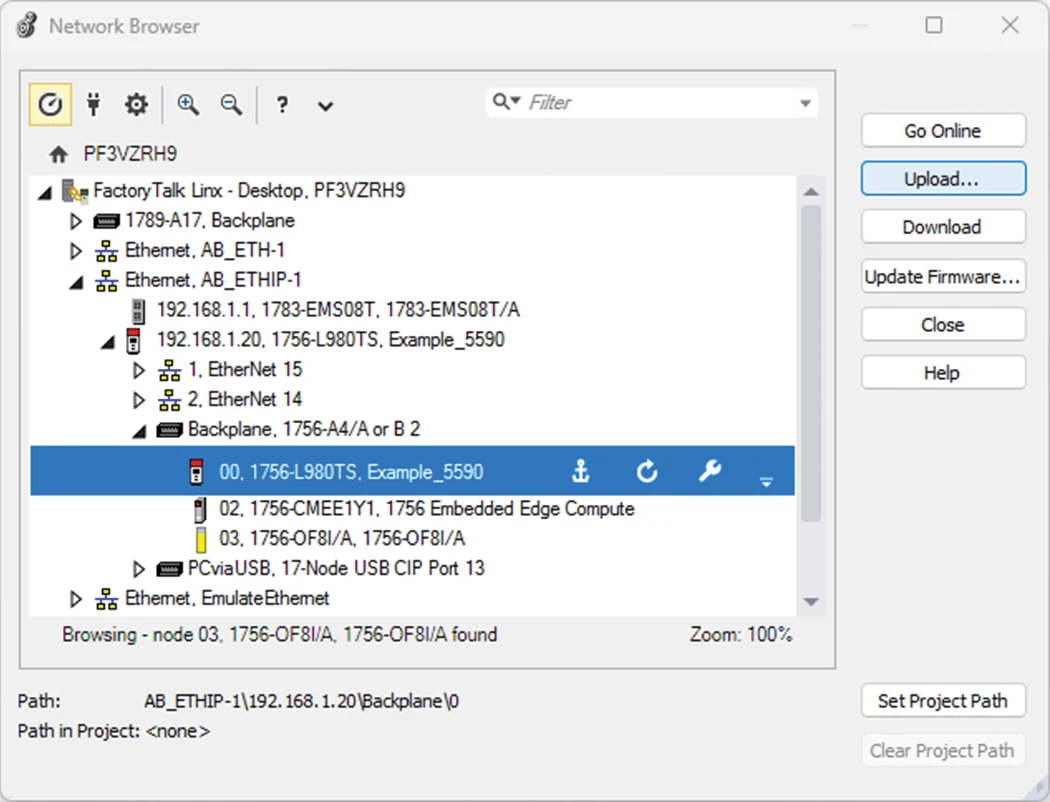
Keeping a known clean backup of every PLC image allows plants to recover if threat actors modify passwords and lock out operators.
Projects are copied from controllers using vendor engineering applications.
Clean copies are stored offline, away from internet-exposed threats.
Stored copies are tested to verify they open and restore properly.
Backups are updated whenever controls engineers change program logic.
CloudCentric works on network paths and backups around controllers, beside plant controls engineers or integrators. CloudCentric does not write or debug PLC logic and does not repair controller hardware.
Rockwell, Allen-Bradley and Siemens are names that identify equipment, with no partner or authorized-integrator status claimed.
Firewalls write rules by address and port and do not read industrial protocols.
DIN-rail switches are Layer 2, take two DC inputs and paired uplinks for redundancy rather than ring protocols, and go in unclassified rooms.
Walk sites and list every controller, switch and modem connected to networks.
Read active ports and IP addresses to identify conflicts or missing links.
Fix network paths and copy each controller program for offline storage.
Hand over detailed network drawings alongside verified offline backups.
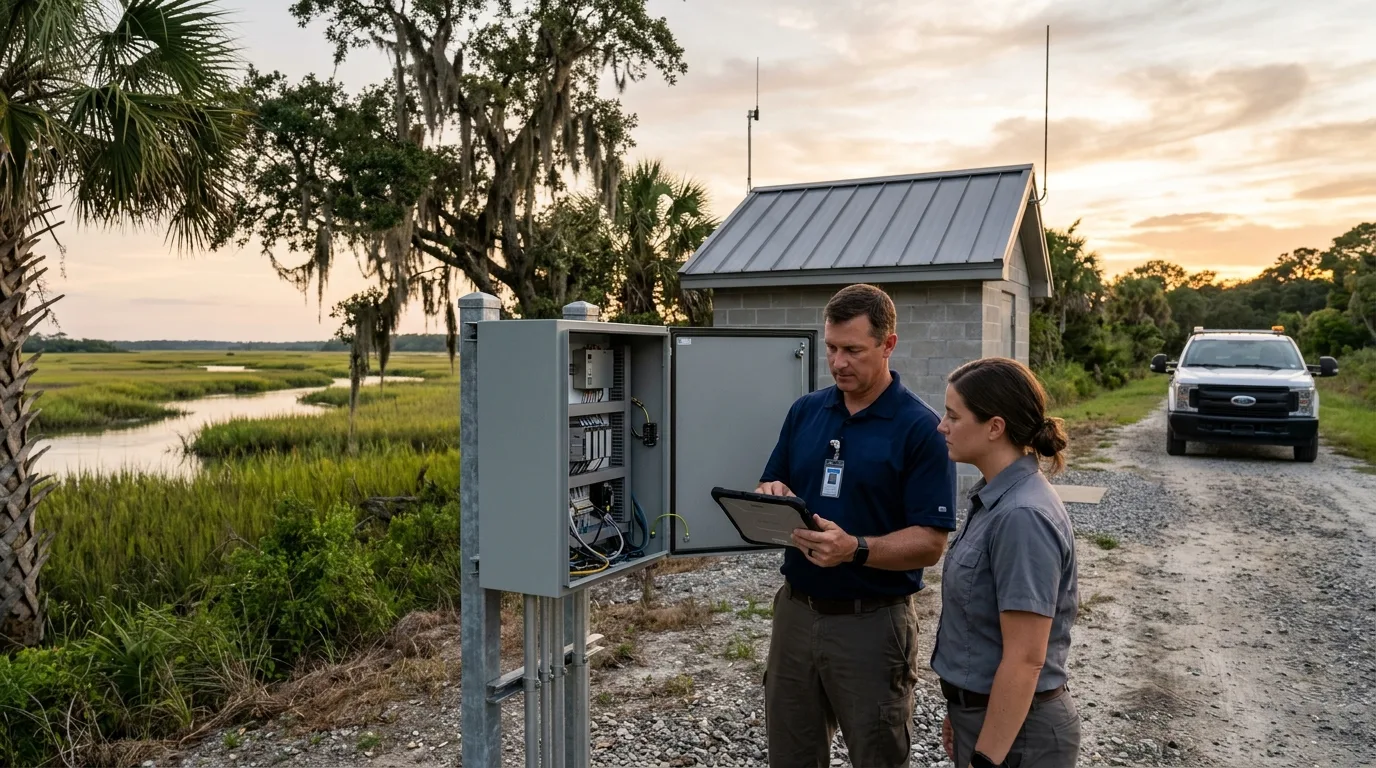
Another device on the network has the same IP address. Whichever device powers up first keeps the address, forcing the other into Conflict mode.
Program changes and hardware repairs stay with plant controls engineers or integrators. Network-side support fixes addresses, paths and links.
Clean copies of controller programs and configurations are kept offline. Stored files restore controllers if passwords change or failures occur.
Direct cellular modems are replaced with logged VPN access through firewalls. Rules allow vendors to reach only specific controllers they support.
Switch replacements are planned with controls engineers or integrators, because a changed IP address can break HMI and peer connections. Controller addresses are kept when separating networks.
Controllers belong off the internet, and CISA advises checking logs for suspicious traffic on ports 44818, 2222, 102 and 502. Remote access requires a VPN or gateway instead.
Call CloudCentric to secure paths, document addresses and store offline backups for Allen-Bradley and Siemens controllers.