
Coastal rental Wi-Fi
Airbnb Wi-Fi for coastal homes
Guests accept house terms and get online while cameras and locks stay on a network guests never reach.
Rental Wi-Fi for your setup
Choose the option that matches your property management style to see how the system works for your home.
Owner-run rentals
Manage your own property with a system that handles guests and house hardware on separate networks.
- Guests accept terms
- Access points cover porches
- One visit covers hardware
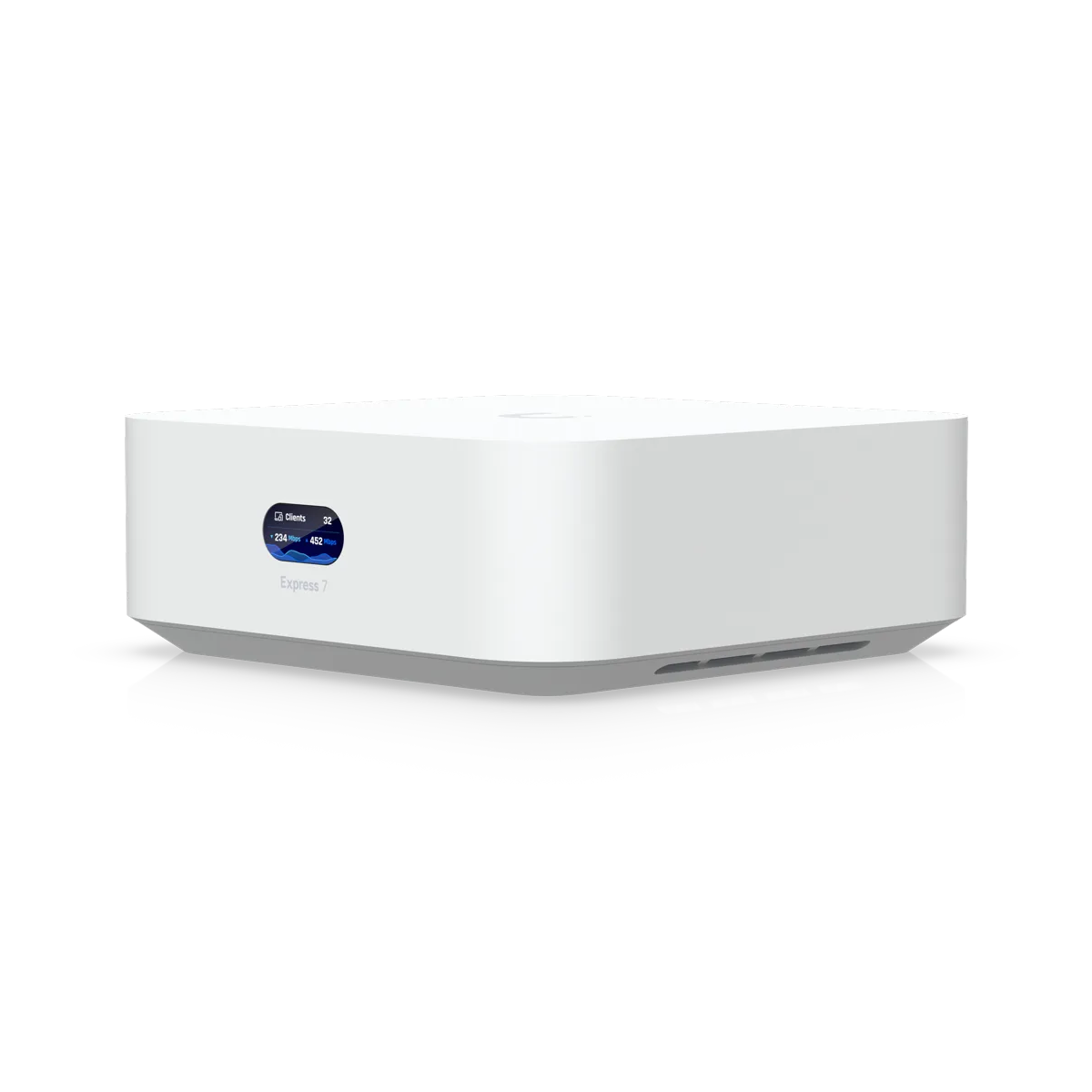
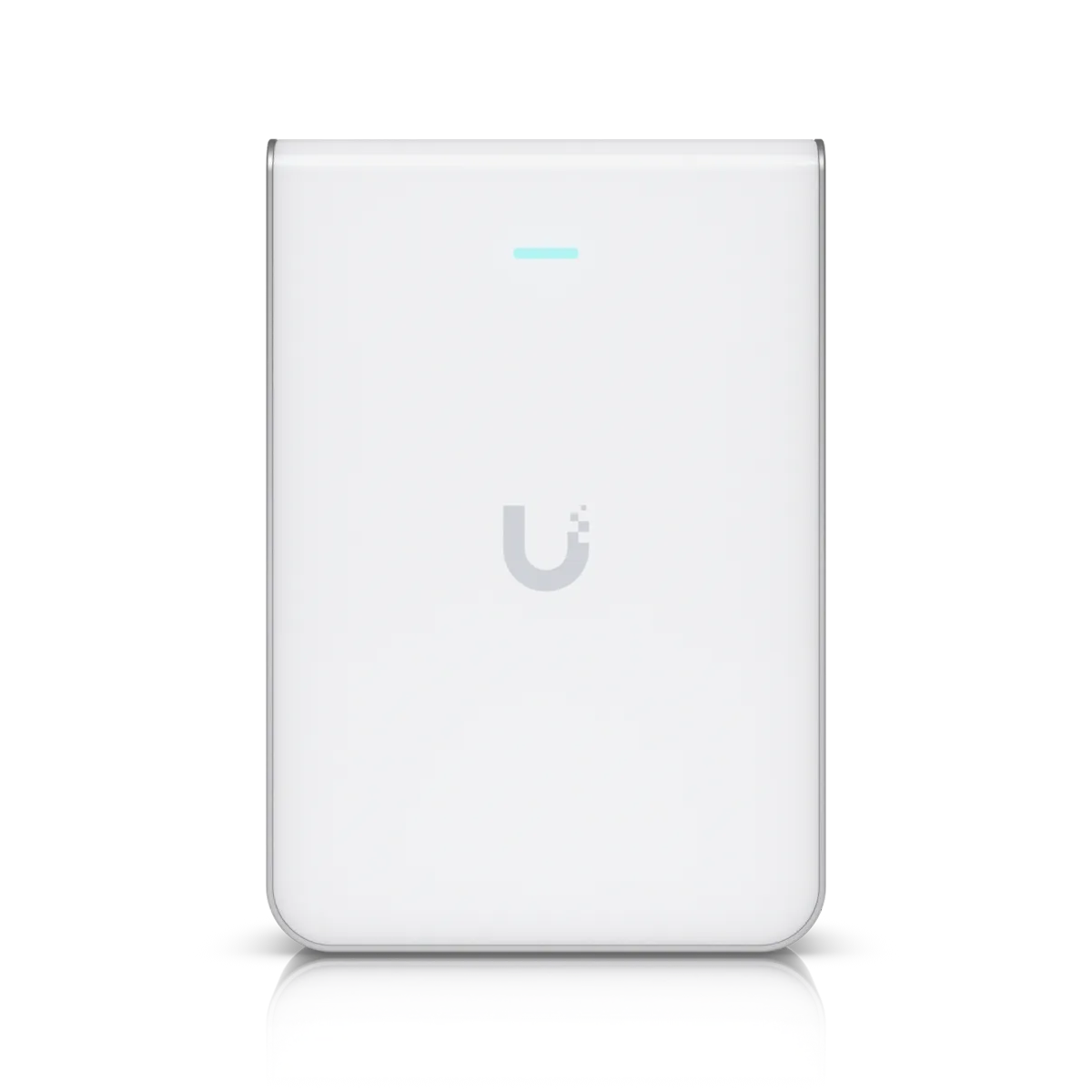
Professional management portfolios
Secure multiple homes for different owners while keeping management devices apart from guest traffic.
- Guest devices reach internet only
- Vouchers end at checkout
- Wi-Fi tested at handover
Unoccupied vacation homes
Maintain door codes and guest access during outages with cellular backup while eliminating password updates between stays.
- Door codes stay working
- Cellular backup available
- No taped passwords needed
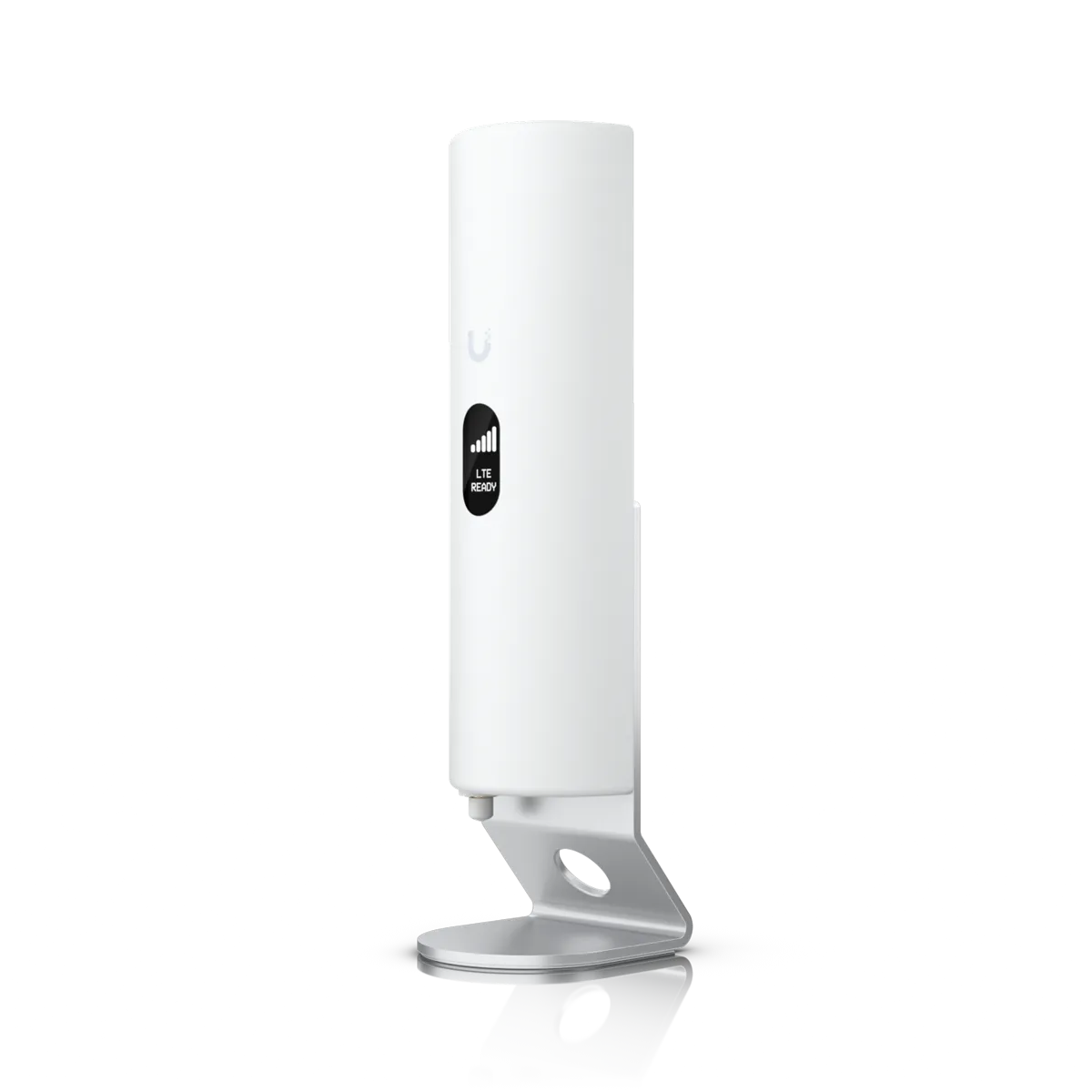
Large capacity rentals
Support high-occupancy homes with hardware designed for many devices streaming at the same time.
- Eight people streaming capacity
- Speed limits prevent slowdowns
- Coverage includes pool decks
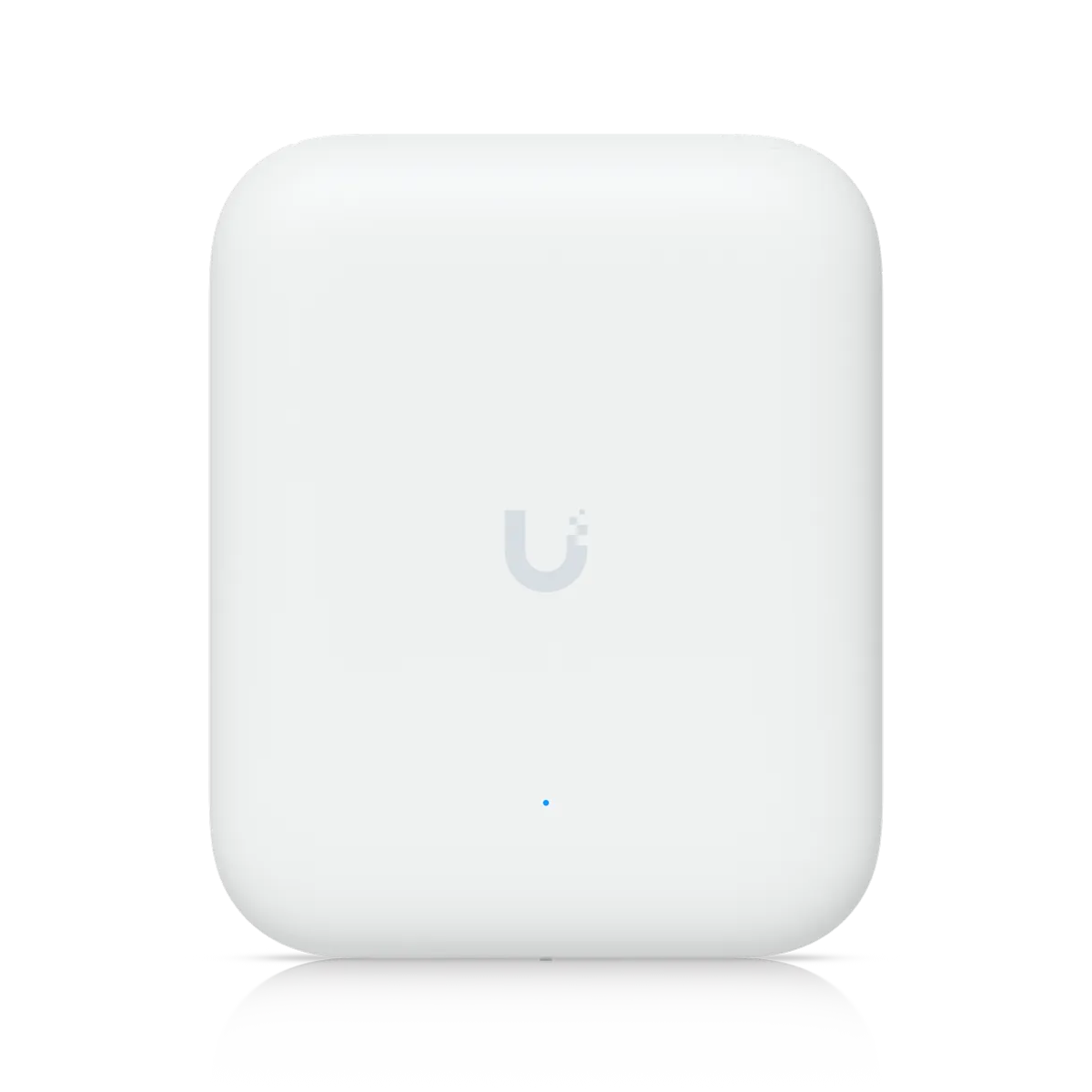
Individual villa networks
Provide wall-plate access points for guest sign-in pages and house terms while keeping guest devices from seeing each other.
- Wall-plate access points
- Guest devices cannot see others
- Bandwidth-heavy apps blocked
Separated networks for guests and hardware
Three distinct networks keep guest traffic away from the equipment you use to run the house. Guests get internet access without seeing your private devices.
Guest phone
Guest network
Guest network
Internet access only for visitors. Guests cannot see each other or reach your cameras.
- Internet
- Door keypad
- Camera at the drive
- Thermostat
- Manager devices
- Other guests’ devices
Devices shown are an example
Vouchers for every guest stay
Vouchers carry expiration times, speed limits, or data caps that end at checkout. Guests sign in with a password or a voucher while network settings manage speed limits.
- Thu 4:00 PM Check-in: the voucher works
- Sun 10:00 AM Checkout: the voucher ends
- Sun 4:00 PM Next guest: a new voucher
Dates and times are an example

House terms guests accept first
Sign-in pages show your logo and welcome text. Guests must click through editable house terms before getting online. Acceptance is recorded right on the page.
Recorded acceptance is not a signed agreement. Legal advice is not provided here.
Complete Wi-Fi coverage for guests
Access points cover bedrooms, porches, the pool, and the dock. Vacation rental Wi-Fi is specified for eight people streaming at once and tested from a guest phone at handover.
- Individual speed limitsSpeed limits keep one guest from using the whole connection.
- Block bandwidth-heavy appsHeavy apps such as file transfers can be blocked.
- Private guest sessionsGuests cannot see each other's devices on the network.

Professional rental Wi-Fi hardware
Ceiling access points, wall-plate units, outdoor hardware, and property routers provide coverage for any home layout.
Cellular backup for outages
Cellular backup takes over if the internet drops to keep guest Wi-Fi and door codes working. Owners provide a SIM card from their preferred mobile carrier.
Installation steps for your rental
- 1
Initial walkthrough
Review the property layout to plan coverage for all bedrooms, porches, and outdoor areas.
- 2
Equipment installation
Place access points and routers to cover bedrooms, porches, the pool and the dock.
- 3
Network configuration
Set up separate networks for guests and hardware with your custom sign-in page.
- 4
Handover testing
Test the connection from a mobile phone to confirm signal strength before guests arrive.

Common rental Wi-Fi questions
- Can guests see my cameras and smart locks on the Wi-Fi?
Guest devices reach the internet only. Separate guest networks stay apart from cameras, door hardware, sensors and thermostats.
- Do I have to change the password between guests?
No password needs to be taped to the fridge. Guests meet a sign-in page and use a voucher that can end at checkout.
- Can guests accept my house rules before they connect?
Sign-in pages show editable house terms. Guests must accept these terms on the page before they get online.
- Does accepting the terms protect me legally?
Recorded acceptance is not a signed agreement. Legal advice is not provided here.
- What if the internet goes down during a stay?
Cellular backup takes over automatically if the main connection drops. Door codes and guest Wi-Fi remain functional during outages.
- Can one guest slow the Wi-Fi for everyone else?
Speed limits on the guest network keep one person from using the whole connection. Bandwidth-heavy apps can also be blocked.
Reliable Wi-Fi for your rental guests
Call (844) 422-7000 to schedule a walkthrough for your property from Charleston to Savannah, including Hilton Head and the surrounding islands.