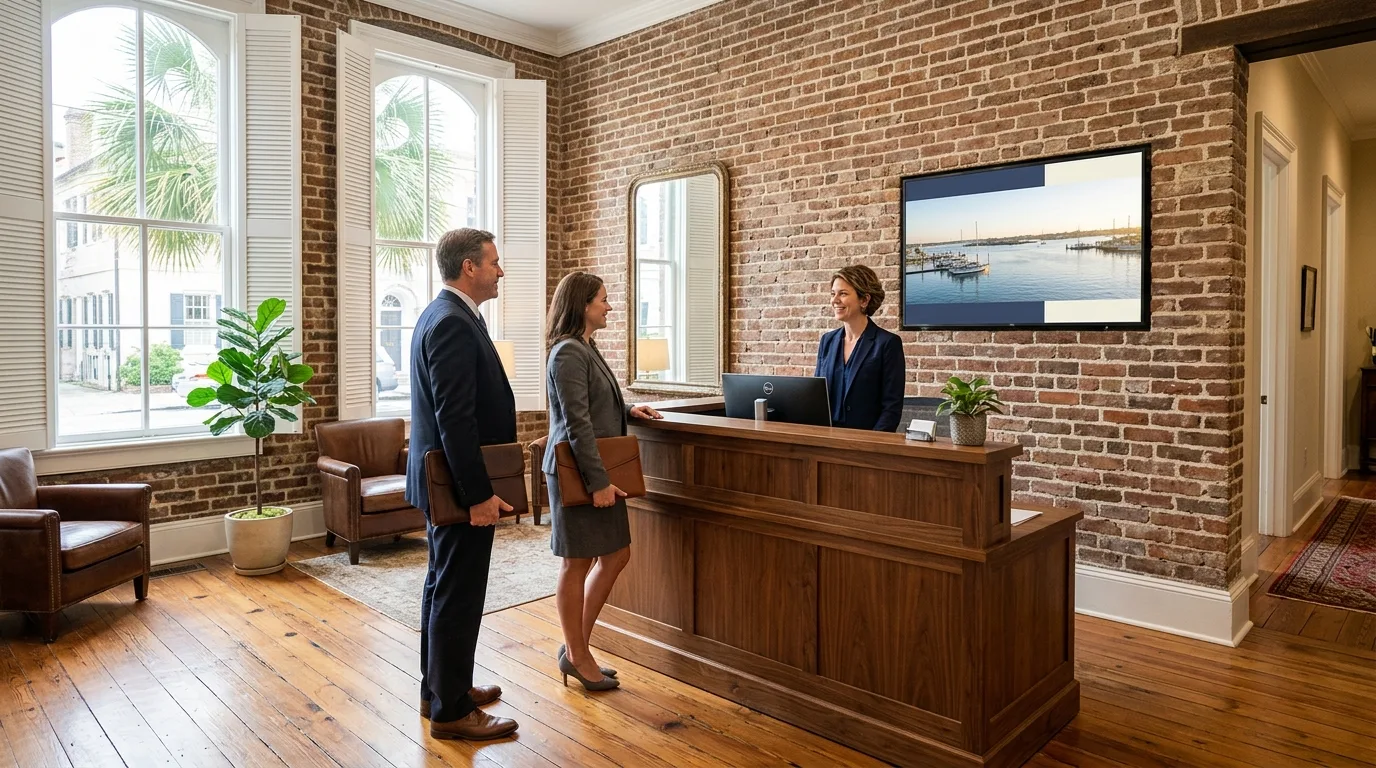
Lobby digital signage
Lobby digital signage for offices and workplaces
Professional welcome screens, front-door intercoms and digital directories installed by a local IT team in Mount Pleasant.
Digital signage for businesses across the Lowcountry
One network console manages every display and door access panel. Screens run daily welcomes, company news or safety notices depending on your workplace.
Names, rooms and times shown are examples.
Digital welcome sign and visitor passes
Visitors receive an invitation before they arrive. Intercoms at the entrance dial the host directly, and customized lobby displays greet guests before temporary access expires at the end of the meeting.
Lobby screen
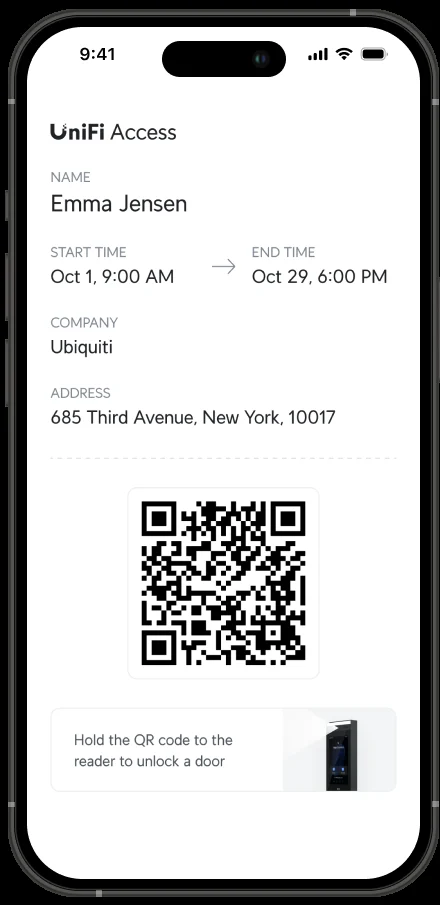
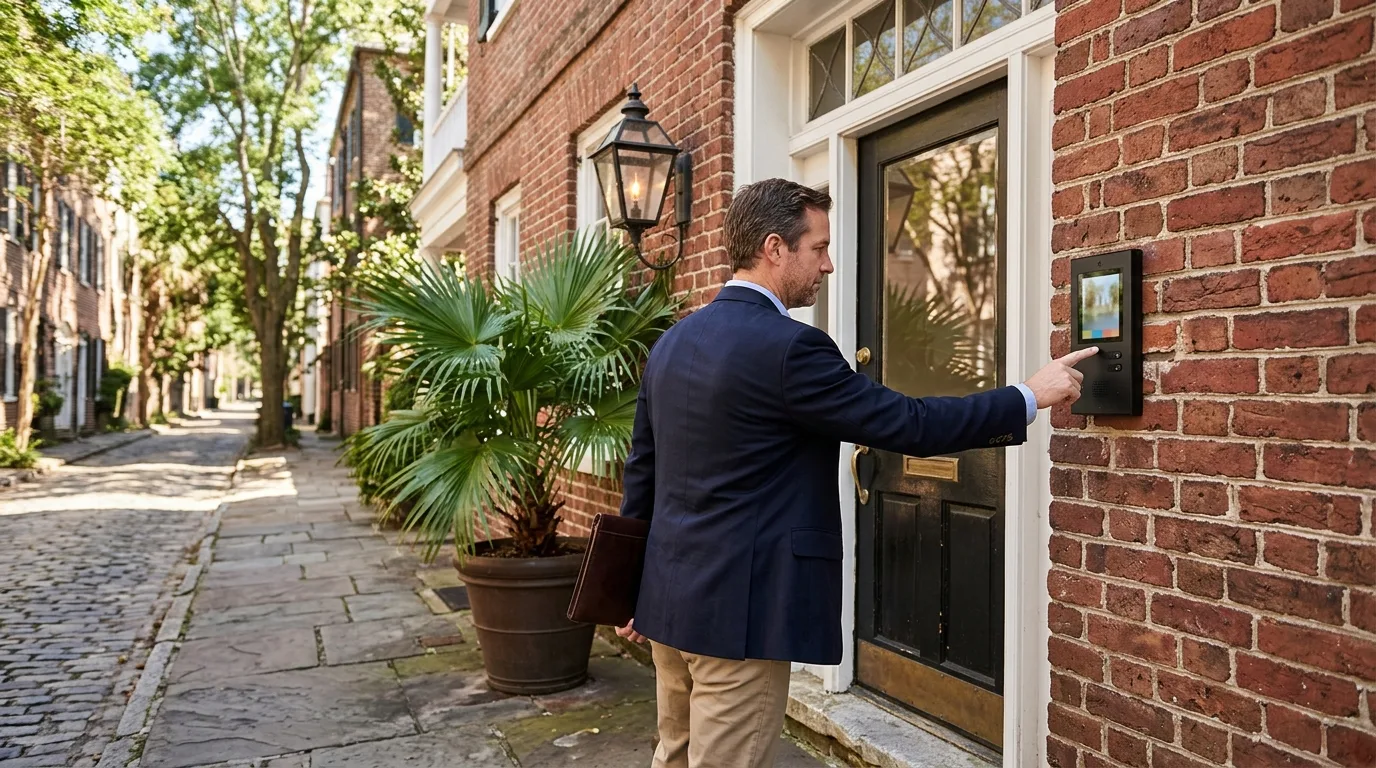
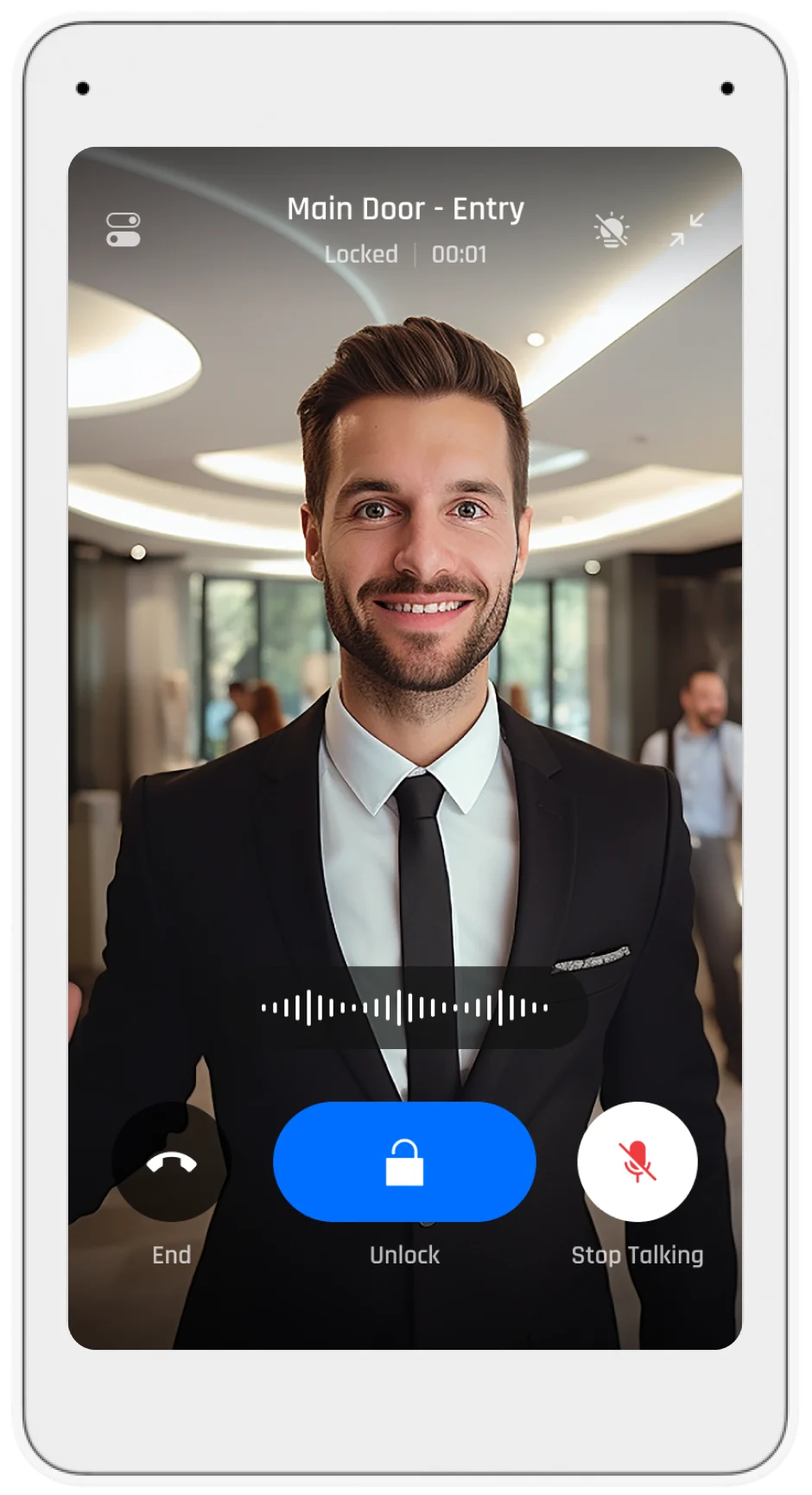
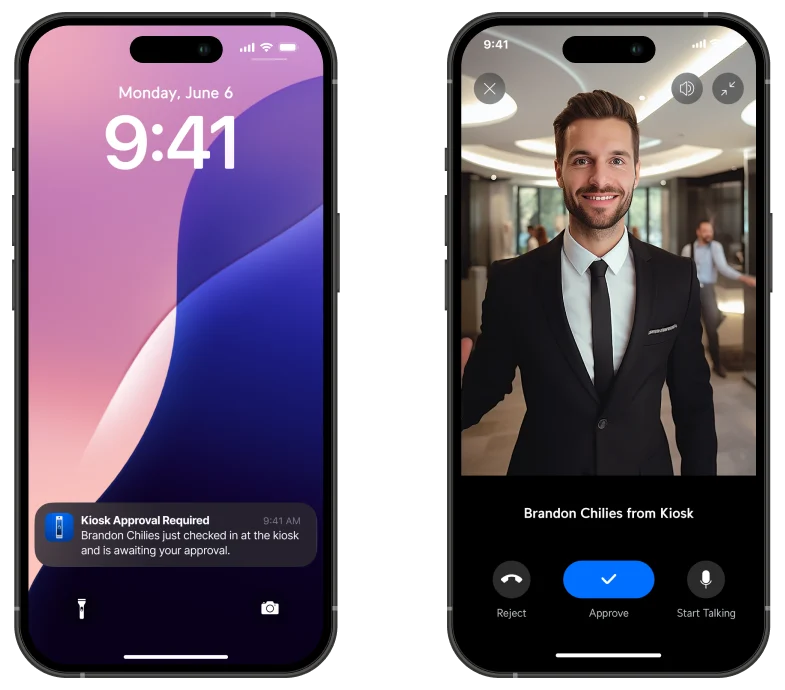
Names, companies and times shown are samples.
Managing multiple office locations
Players at other locations connect to the same console over the internet. The Connect app lists every screen alongside its current content and online status. Managers group screens by room, applying holiday hours across all branches or pushing safety notices to one specific site.
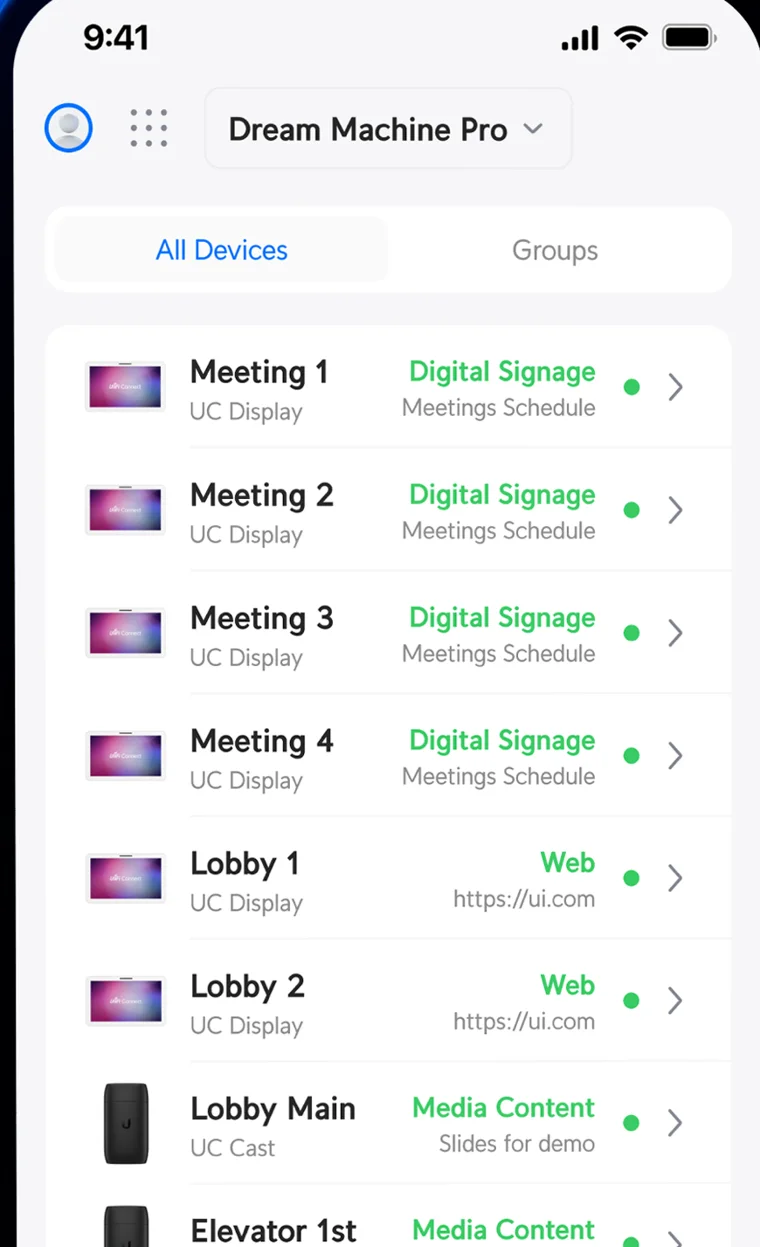
Names and notices in examples are samples.
Digital building directory and dashboard displays
Web mode on the larger player shows live web pages full screen. Displays handle everything from touch-enabled directories to production metrics, provided the business already has the web page built.
Sample dashboard content and directories are examples only.
Display and intercom hardware
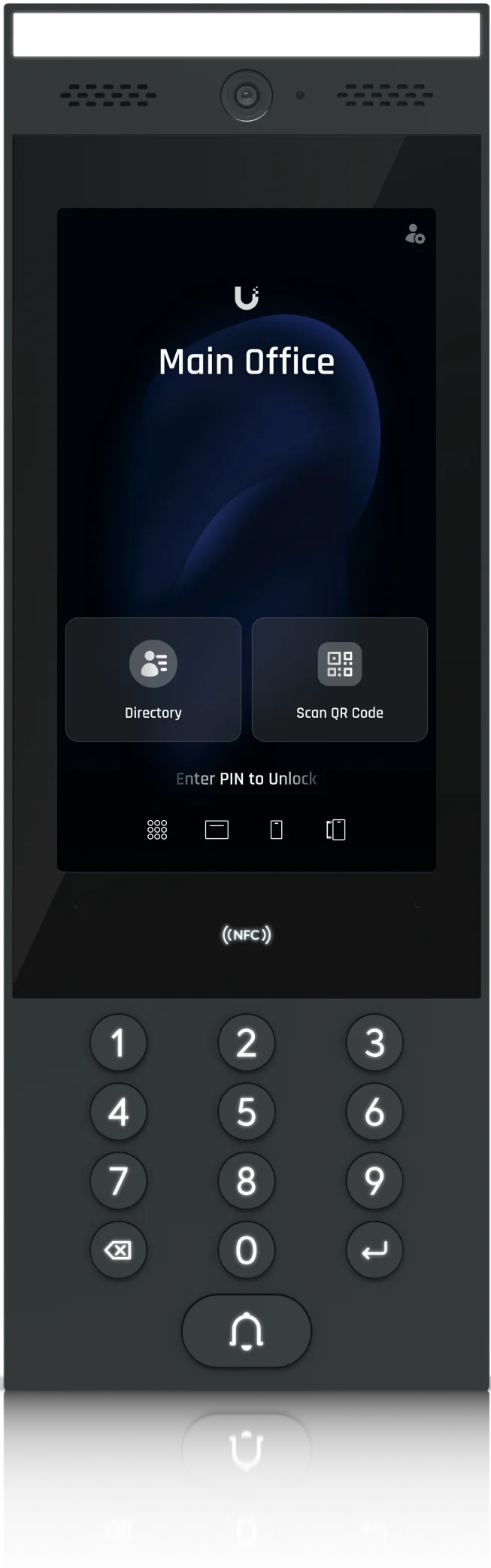
Small players plug into television HDMI ports for standard content, while larger players support layouts and USB-C accessories.
Installation process
- 1
Site visit and quote
Site visits check the room, the reading distance, and whether power and network reach the screen location. A photograph of the wall starts the quote.
- 2
Mounting and cabling
Installation covers the mounting brackets, routed network cable and power at the screen.
- 3
Hardware setup
Installers connect the displays and intercoms to the site console, organize them into groups and set up the initial layouts.
- 4
Handover and training
Staff receive instruction on changing screen content and scheduling welcomes from their own laptops.
Common questions
- Can I use the TVs I already have?
Ordinary flatscreen televisions work for digital signage. Small media players plug directly into an available HDMI port to run content at resolutions up to 4K.
- Can the lobby screen welcome a visiting group by name?
Staff set up a scheduled automation for the specific date of the meeting. Displays greet guests upon arrival and revert automatically when the visit ends.
- How does the front door reach the right person?
Guests pick a name from the intercom directory or dial a short code. Calls ring directly to the Access app, an inside viewer or a desk phone.
- Does a visitor's pass end by itself?
Visitor credentials revoke automatically as soon as the scheduled visit time concludes. Staff can also cancel a visit manually to revoke access immediately.
- Can a screen show a calendar or a dashboard?
Larger players run a web mode that displays live web pages full screen. Businesses can link a read-only Outlook calendar or a dashboard page they already have.
- What happens when the internet goes down?
Content is held locally on the players. Screens keep running their last active schedule and accept new updates once the connection returns.
- Is there a fee per screen?
Manufacturer product pages for the players state there is no per-screen subscription.
Schedule your lobby display upgrade
Call our Mount Pleasant office to book a walkthrough for your front room screens and intercoms.