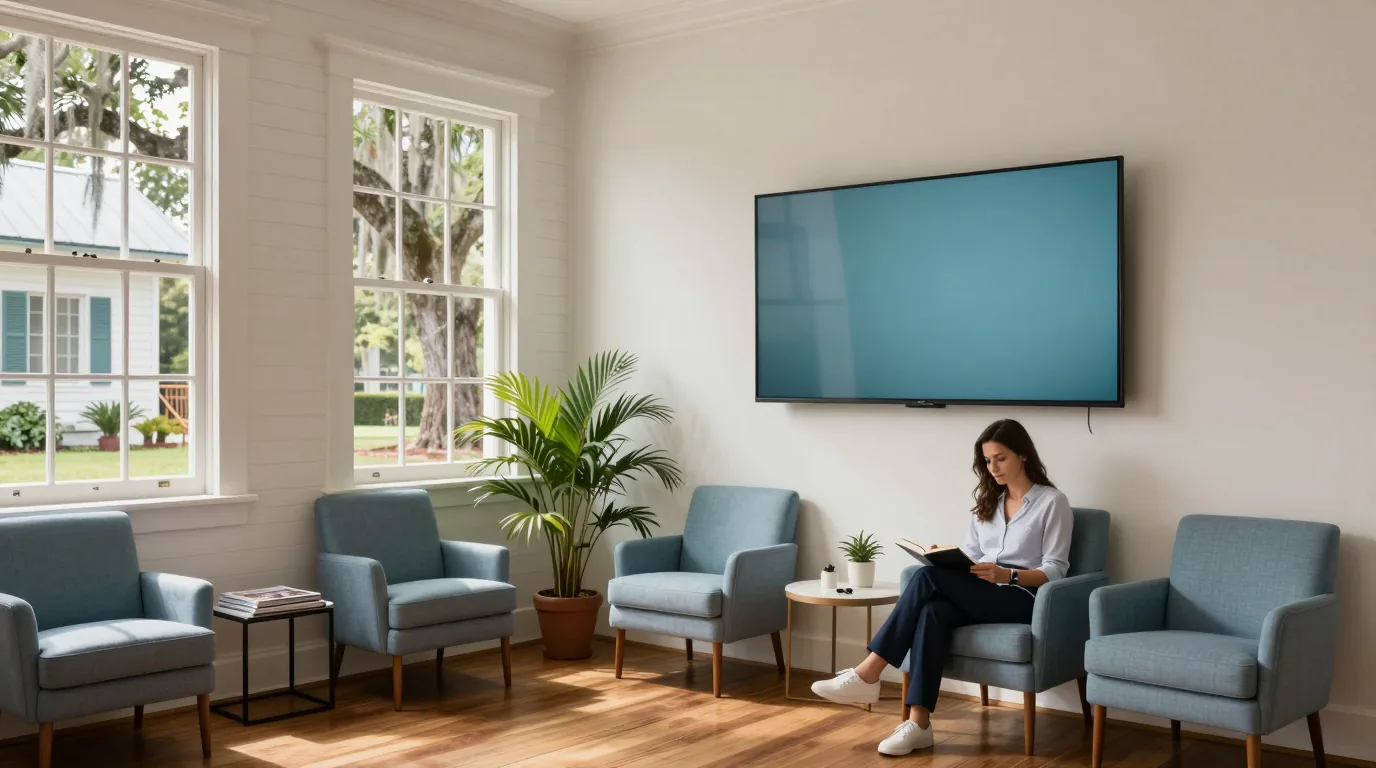
Medical office signage
Digital signage for medical offices in the Lowcountry
CloudCentric installs waiting room screens and check-in boards for practices from Charleston to Savannah.
Digital signage for medical offices
Display practice news, provider introductions, and seasonal health reminders. Manage content from a laptop or phone across one or several locations.
Ticket numbers and room assignments are examples.
Waiting room screens on a schedule
Automations turn displays on at opening and off at closing. Content changes throughout the day, moving from morning check-in notices to afternoon wellness campaigns without manual updates.
12:30 PMMidday board
- TV on7:30 AM
- Board changes11:30 AM · 2 PM
- TV off5:30 PM
Hours and times are examples.
Central control for every notice
Update holiday hours or insurance requirements once to reach every screen in the office. Campaigns for flu shots or screenings run across a specific date range and stop automatically when the period ends.
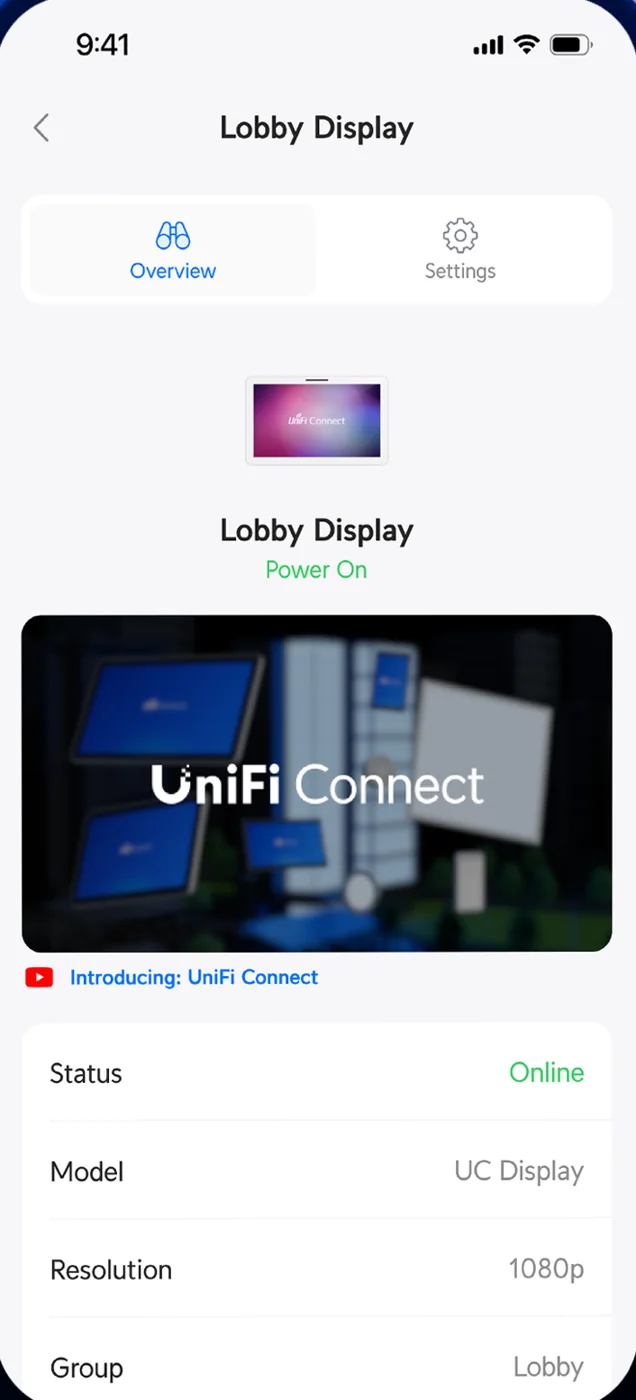
- Check-in reminder
- Insurance card
- Patient portal
- Office hours
Dates and clinic times are examples.
Screens in a medical office floor plan
Reception, waiting areas, and hallways run distinct content. Touchscreens display floor maps or patient surveys. Hallway screens provide directions to specific exam rooms, labs, or restrooms.
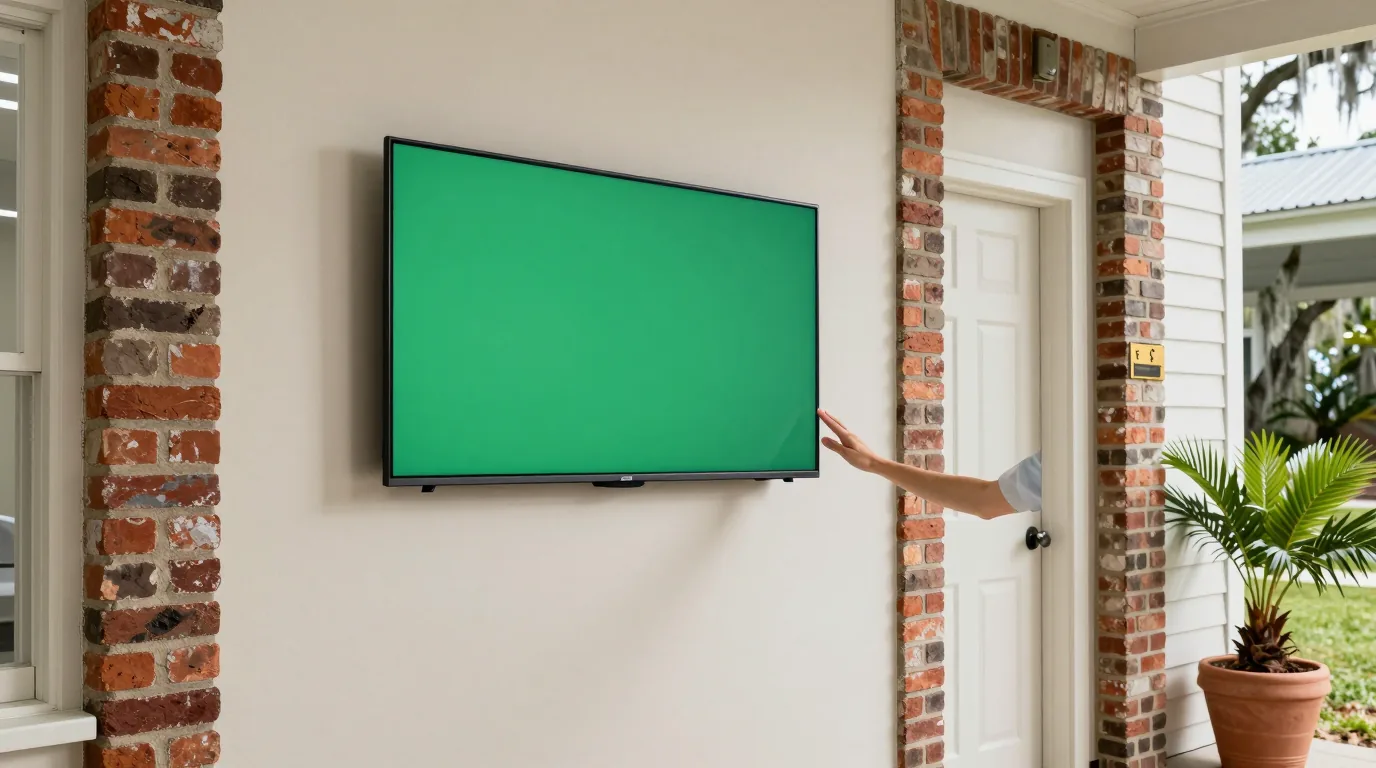
Corridor screens sit with the bottom edge above 80 inches, below 27 inches, or on low-profile mounts projecting 4 inches or less.
Floor plan is an example.
Content for every practice area
Check-in boards show ticket numbers and room assignments by displaying a queue page from the practice's check-in system in full-screen web mode. Health education videos play from MP4 files or unlisted YouTube links. Touchscreens run Android apps, such as patient surveys, if the app supports Android 9. Screens operate independently of scheduling or records systems.
Players and screens
Hardware options include small Wi-Fi players, larger network-powered units with web modes, and 21.5-inch touchscreens.
Installation from start to finish
- 1
Site walkthrough
CloudCentric visits the office to review wall space, network access, and power needs for each screen.
- 2
Detailed quote
Proposal covers screens, players, mounting brackets, and all cable work needed for a finished look.
- 3
Professional installation
Technicians mount displays, route cables behind walls, and connect players to the local network console.
- 4
Staff handover
Handover includes a walkthrough of the Connect app so staff can change practice news and hours.
Frequently asked questions
- Can I use the TVs I already have?
Yes, small players plug into the HDMI port of existing flatscreen TVs to turn them into digital signs.
- Can a flu shot reminder start and stop by itself?
Yes, automations run campaigns across a date range and remove them from all screens once the end date passes.
- What shows on the check-in board?
Boards built for the waiting room show a ticket number and a room number, such as Ticket A-14, Room 2, with no patient name and no reason for the visit.
- What happens when the internet goes down?
Screens continue running the current schedule and last downloaded content until the internet connection returns to take new updates.
- Is there a fee per screen?
Manufacturer product pages for these players state no per-screen subscription is required for operation.
- Can the hallway screen show directions to exam rooms?
Yes, hallway screens run their own playlists with directions and location labels separate from the waiting room.
- Can several offices share one set of screens?
Yes, one console manages screens across multiple locations, allowing for shared campaigns or office-specific content.
Start your office signage project
Call (844) 422-7000 for a walkthrough and quote for your practice in the Lowcountry.