
Menu boards and screens
Digital menu boards for restaurants in the Lowcountry
Menus switch by time of day, sold-out dishes come down from a phone, and bar screens run their own list.
Digital signage for restaurants and bars
One console manages screens across a single dining room or several locations. Menus update from a phone, and event nights appear the week before and come down after.
Dishes, prices and hours are an example.
Restaurant menu boards by time of day
Breakfast, lunch, happy hour and dinner menus switch on a weekly schedule. Screens turn on at opening and off at closing using separate automations.
12:30 PMLunch board
- TV on11:00 AM
- Board changes4 PM · 6 PM
- TV off10:00 PM
Dishes, prices and hours are an example.
Menu updates from a phone
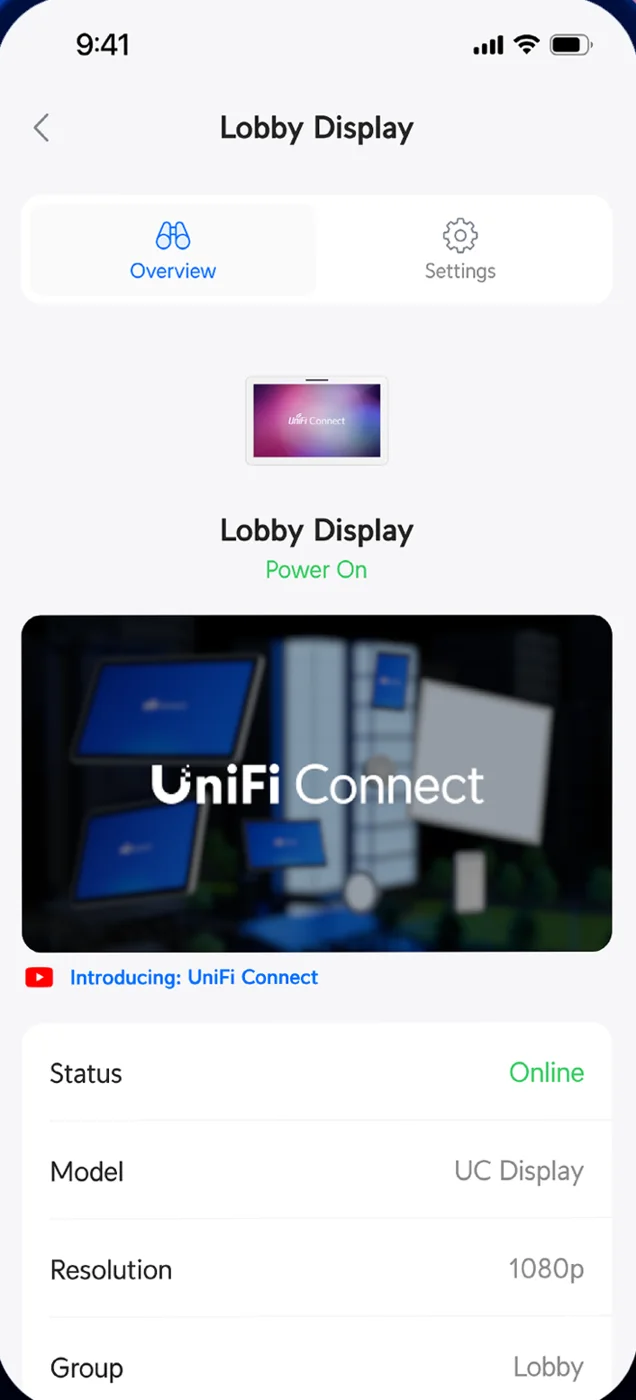
Sold-out dishes drop off every screen across the dining room, patio and bar from the Connect app. Seasonal specials go live on every menu board with one tap, and bar screens keep running their own separate drink lists.
- Shrimp burger
- She-crab soup
- Fried oyster po’boy
- Pimento cheese sandwich
Dishes, prices and hours are an example.
Restaurant music by zone
Background music runs to the dining room, bar and patio as separate zones with distinct volumes. Amplifiers drive up to six ceiling speakers each, carrying a built-in business music service alongside AirPlay and Spotify Connect.
Personal music subscriptions are licensed strictly for personal listening. Music played to customers requires a business license or a business music service.
Floor plans are an example of speaker layouts.
Screens beyond the menu
Wait lists and tap lists fill a screen in web mode. Event nights appear the week before and come down after, and dish videos play on a loop. Displays operate independently from registers and kitchens.
Screen hardware and players
Small players plug directly into the HDMI port of an ordinary flatscreen TV.
Installation and handover
- 1
Walkthrough and site survey
Walkthroughs at the restaurant choose screen locations for the upcoming installation.
- 2
Hardware and player setup
Players are set up on the network console already on site, grouped by room or event.
- 3
Screen mounting and wiring
Installation covers brackets, routed cables and power at every screen location.
- 4
Handover and system training
Staff learn to change content, switch schedules and update menus from their own laptops.
Frequent questions
- Can I use the TVs I already have?
Ordinary flatscreen TVs can be used. Small players plug into HDMI ports and play 480p, 720p, 1080p and 4K content.
- Can the menu change by itself during the day?
Breakfast, lunch, happy hour and dinner boards switch on a weekly schedule. One automation handles each change.
- How does a sold-out item come off the screens?
Sold-out items come off the board from a phone in the Connect app, updating every screen at once.
- Can the bar run a different menu?
Bar menus run on a different screen from the dining room menu, managed from the exact same console.
- What happens when the internet goes down?
Content remains held locally. Screens keep the last schedule running and take changes once internet lines return.
- Is there a fee per screen?
Manufacturer product pages for the players state no per-screen subscription.
- Can music play in different areas?
Dining rooms, bars and patios run from amplifiers or audio ports to ceiling speakers, each set as its own zone with its own volume.
Menu boards for your restaurant
Book a walkthrough to review screen locations and network setups.