Bar signage systems
Digital signage for bars and breweries in the Lowcountry
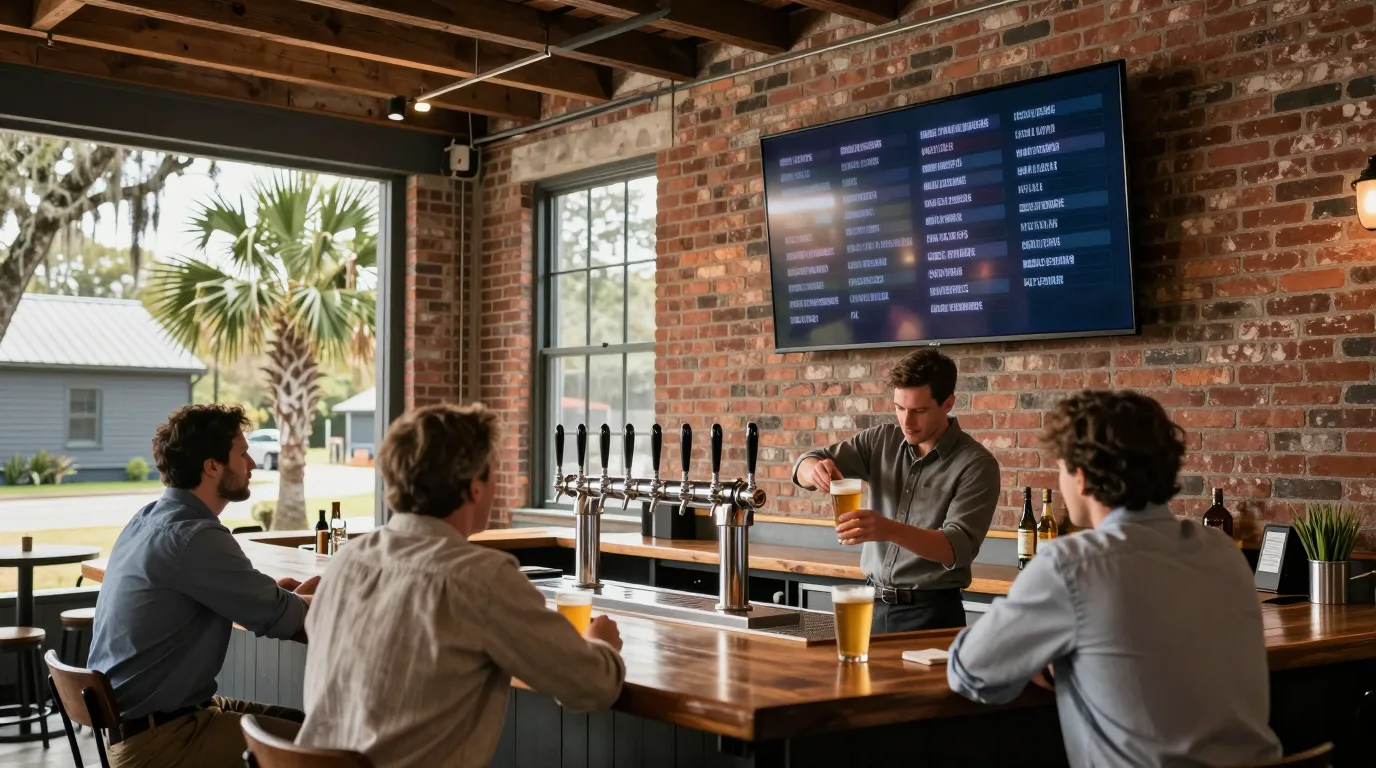
Manage tap lists and event screens across your taproom and beer garden from one app, while background music runs in zones from amplifiers to ceiling speakers.
Digital signage for bars
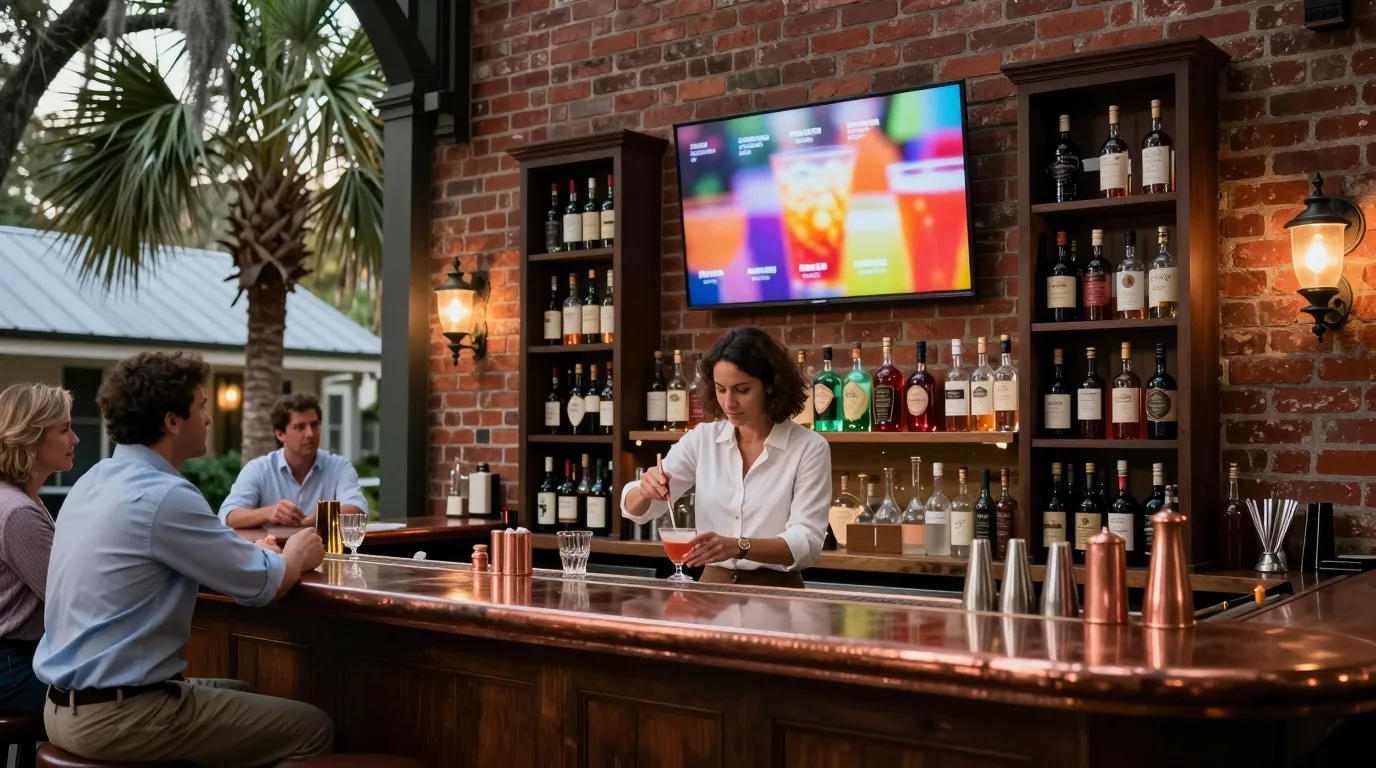
Update your beer menu and event schedules from a phone or laptop. Screens change automatically based on your schedule to show happy hour, specials, or upcoming live music.
Venue types and menu items are examples.
Digital tap list schedules
Set screens to switch content automatically on a schedule. Happy hour boards start and stop by themselves, while event slides appear the week before a show. Automations in the Connect app can even turn TVs on and off.
12:30 PMLunch board
- TV on11:00 AM
- Board changes4 PM · 6 PM
- TV off10:00 PM
Beer names and times are examples.
One-tap menu updates
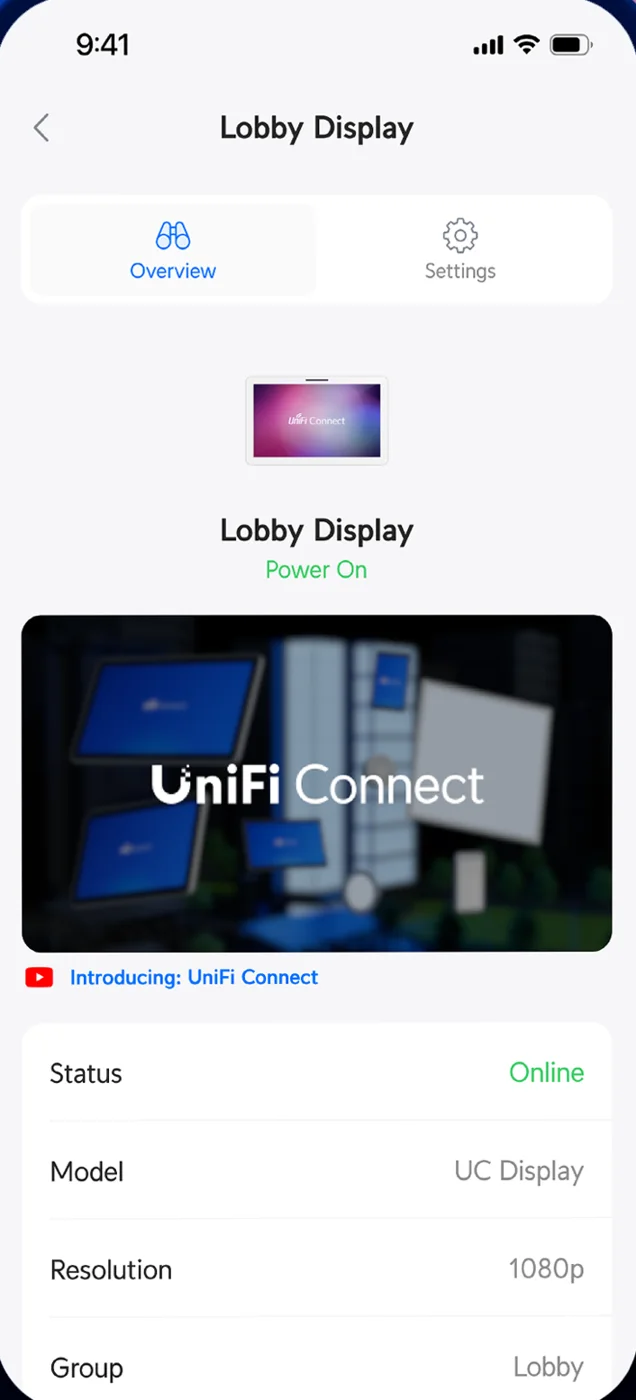
Change your whole board with one tap in the Connect app. Keg changes in your tap list service reach the screen on a live web page without editing slides. Automations trigger specific layouts for new releases or holiday hours.
- Marsh pale ale
- Low tide lager
- Black creek stout
- Hazy dock IPA
Canned beer lists are examples.
Bar music and zone control
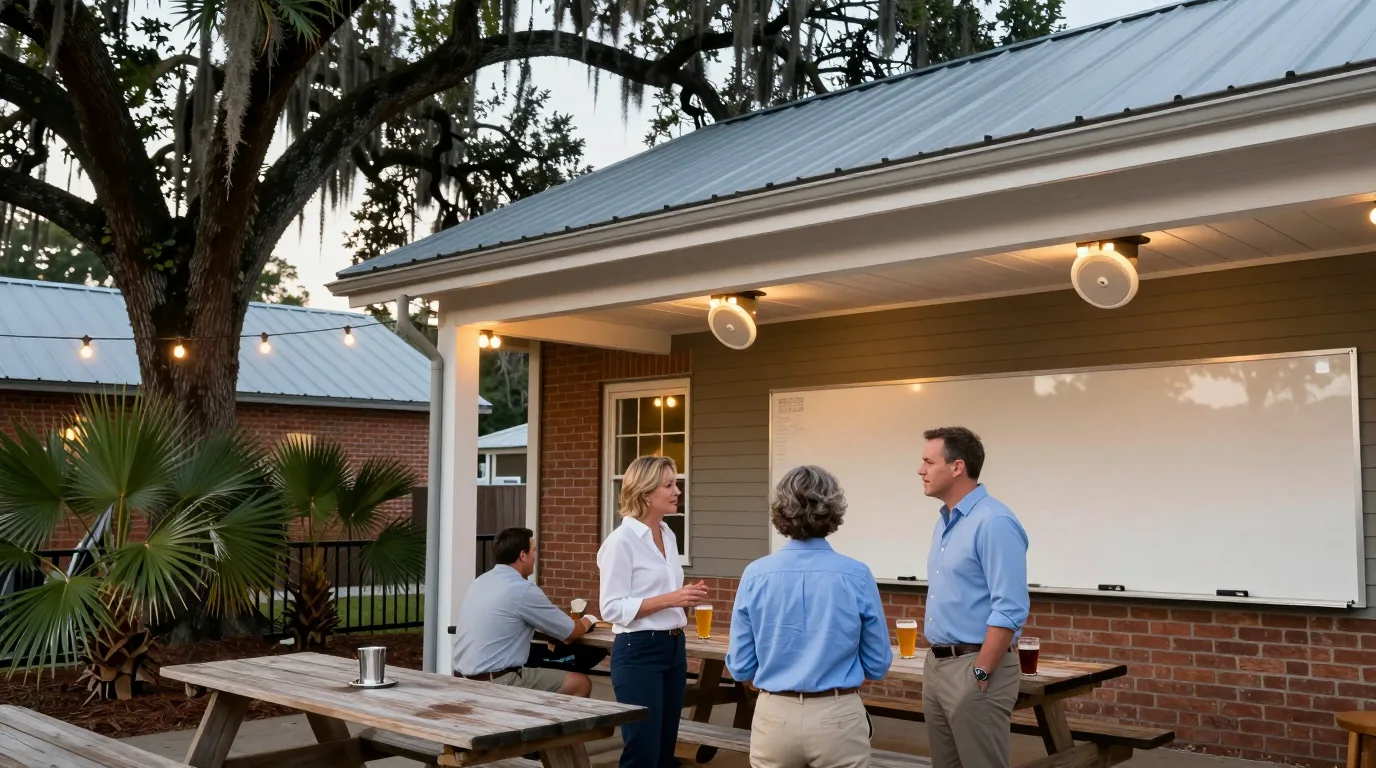
Separate areas like the beer garden and taproom have independent volume levels. One amplifier drives up to six in-ceiling speakers. Use the included business music service or connect via AirPlay and Spotify Connect. Game audio from a TV plays through the ceiling speakers.
Personal music subscriptions are licensed for personal listening. Music played to customers requires a business license or the included business music service.
Floor plan is an example.
Screen content and limits
Larger players run live web pages full screen for tap lists, alongside custom layouts with clock and ticker widgets. Simpler players run playlists of images and videos for event schedules, canned beer lists, or register menus. Slides can include QR codes pointing to online shops, event tickets, or mailing lists.
Playback hardware
Small players plug into existing TVs while larger players add web pages and power over network cables.
Installation process
- 1
Site walkthrough
CloudCentric visits your bar to plan screen placement and cabling.
- 2
Professional installation
Technicians mount brackets, run network cables, and provide power.
- 3
System setup
Players connect to your on-site console for local content storage.
- 4
Staff handover
Your team learns how to change menus on their own laptops.
Common questions
- Can I use the TVs I already have?
Existing flatscreen TVs work by plugging a small player into an HDMI port.
- Can happy hour start and stop by itself?
Automations schedule screens to change content at specific times every day or week.
- How does a kicked keg come off the tap list screen?
Updating your tap list service reflects on the screen because the player shows the live menu page.
- Can the can shop screen run a different menu?
Every screen or group of screens can run its own playlist or web page.
- What happens when the internet goes down?
Content stays on the screen because players hold the schedule locally and update when the line returns.
- Is there a fee per screen?
Manufacturer product pages for these players state there is no per-screen subscription fee.
- Can music play in different areas?
Amplifiers create separate zones so the beer garden and taproom play different music at different volumes.
Lowcountry bar and brewery signage
Call (844) 422-7000 to discuss your taproom or bar.