
Private AI setup
Microsoft Foundry environments built in your Azure subscription
Run private AI models and applications behind your own identity and network boundary without moving client files out of your control.

Azure subscription ownership
Private AI hosted in your own Azure account
CloudCentric builds and manages your environment directly in an Azure subscription your company owns. Resources sit under your name, grouped within one resource provider namespace for role-based access control and networking.
- 1
Private endpoints on your network
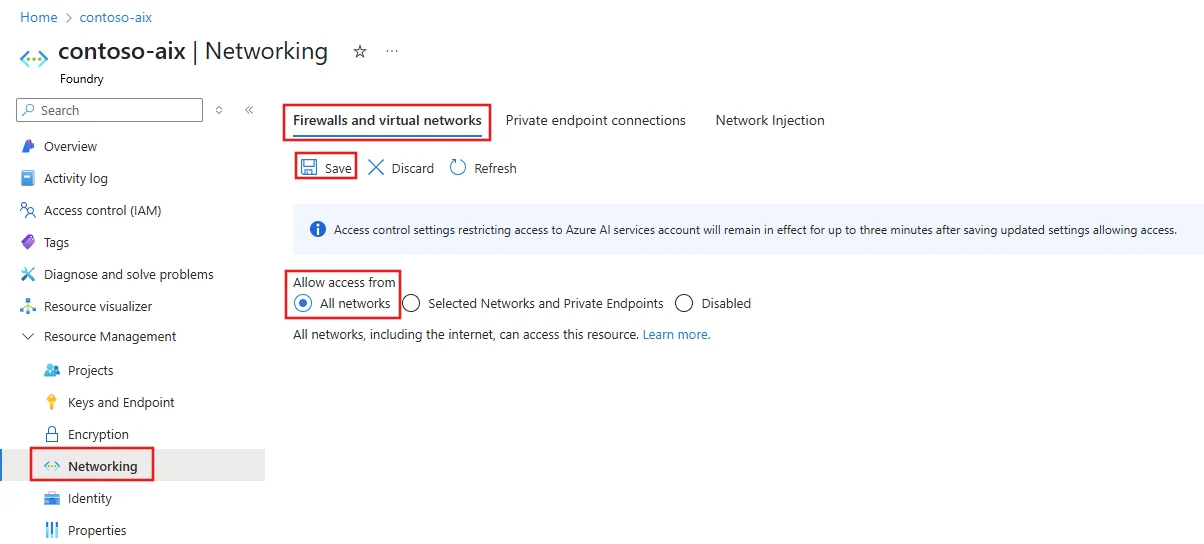
Applications reach models from your virtual network rather than public connections, using Microsoft Entra identity and role assignments instead of keys stored in configuration files.
- 2
Deployment types for data boundaries
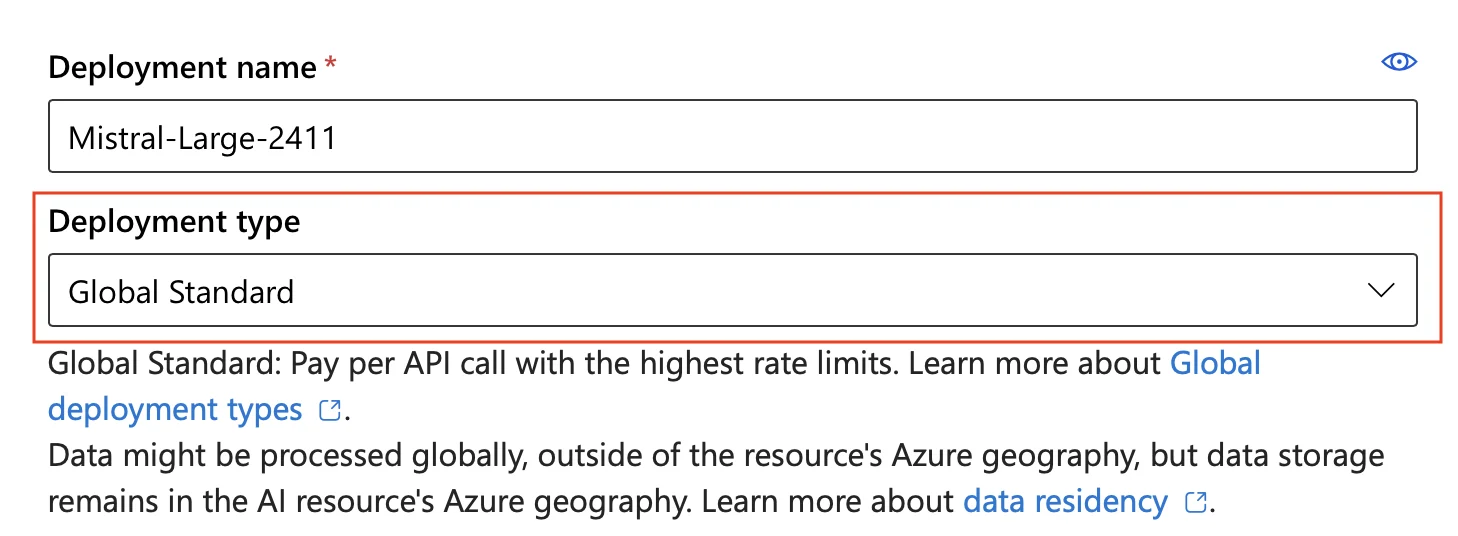
Processing locations depend on the deployment type chosen first. Microsoft states that data stored at rest stays in the Azure geography designated by your company.
- 3
Customer data remains private
Microsoft states prompts, completions, embeddings and training data are not available to OpenAI or other customers, and are not used to train foundation models without your permission.
Secure AI configurations for your kind of business
Companies hold different files and manage distinct operations. Our setups match your work, keeping access restricted and choosing a deployment type based on where processing happens.
Select your business type
Review related configurations
Real portal views from Microsoft Foundry
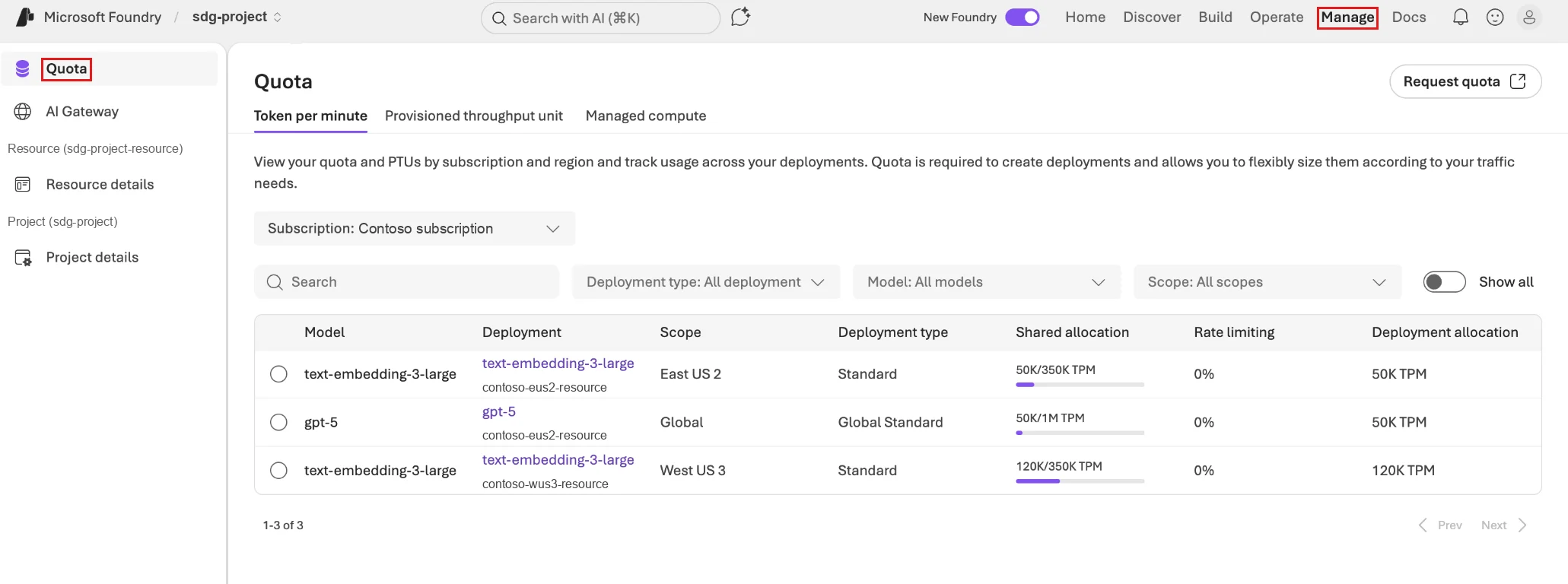
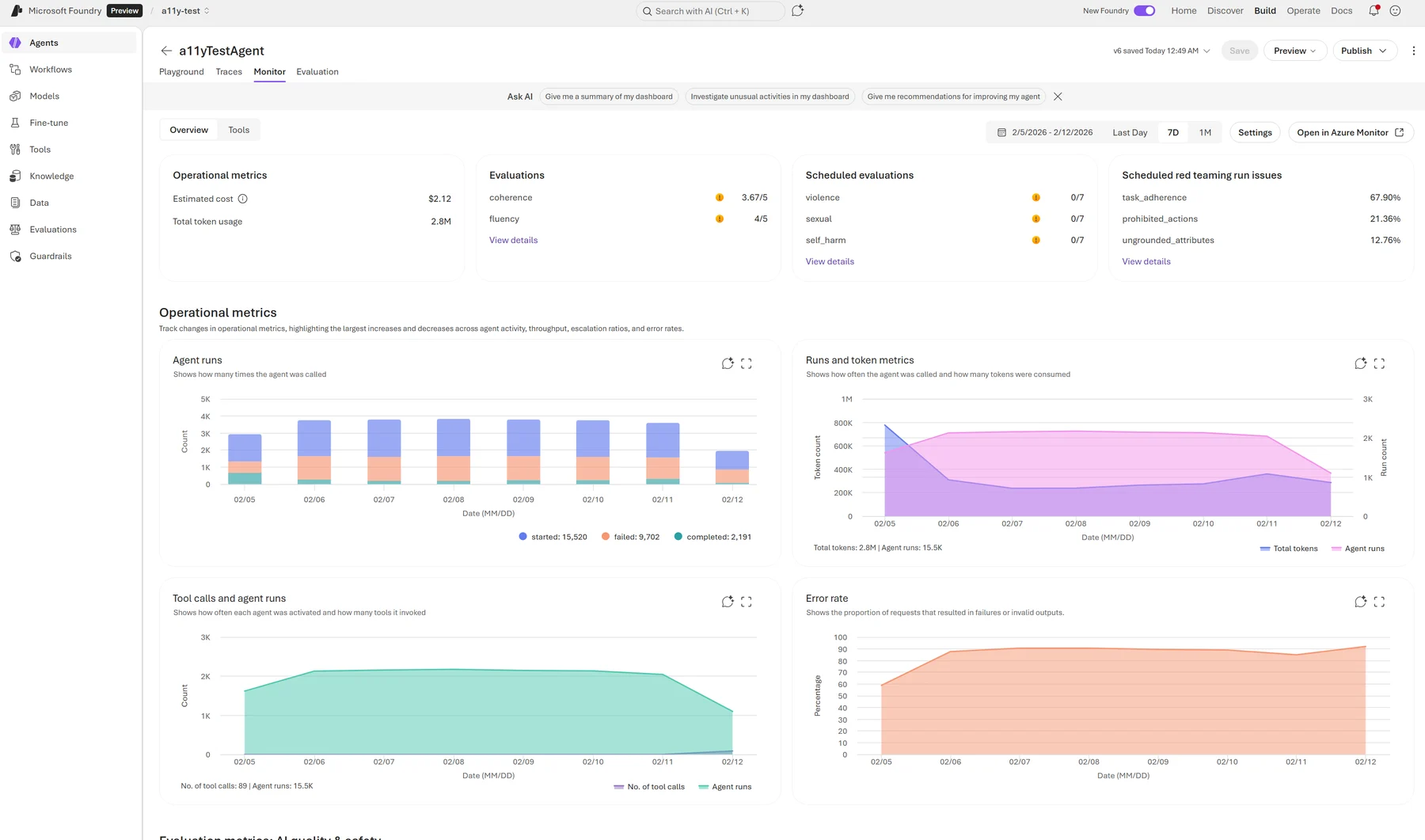
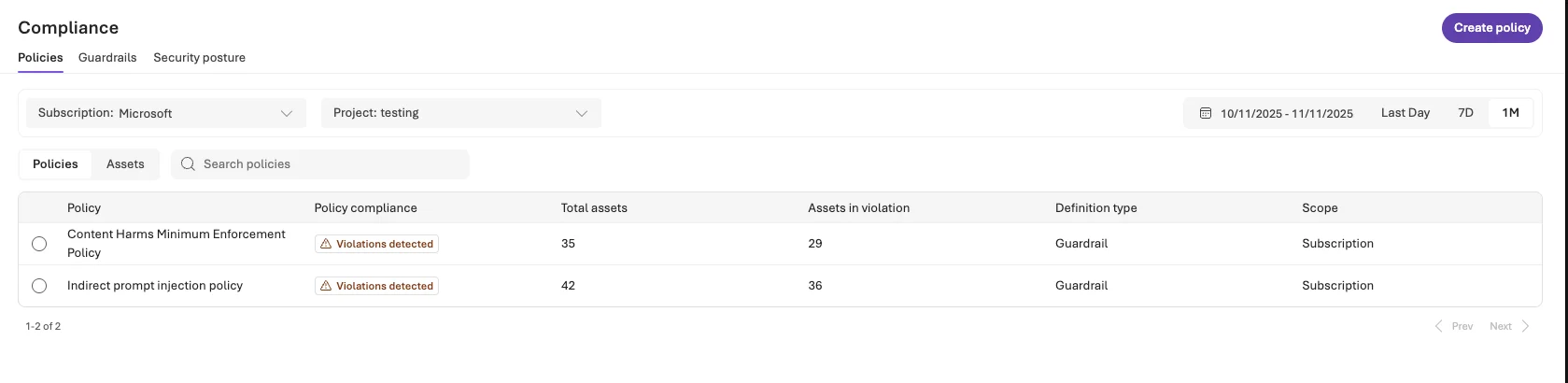
Microsoft Foundry brings models, tools, and agents into one resource provider namespace. Examples below show Microsoft's own portal interfaces for deployment, networking, quotas, and cost tracking.
Choose a portal view
AI agents and document answers built on Foundry
Foundry acts as a platform for building applications rather than a chat product. Most projects center on agents connecting instructions and tools directly to your business systems.
View an example build
Sample request and response
Control maintained over your data and environment
Azure subscriptions belong completely to your company. CloudCentric administers the environment while ensuring ownership, access, and logging remain in your hands.
Subscription and data ownership
Resources and data sit entirely under your company's name. Control over the environment rests with your organization from day one.
Search index and access control
Retrieval returns only what the asking person may see. Search indexes are copies rebuilt on a schedule, meaning answers can lag behind your current files.
Model retirement and testing
Microsoft sets each model's retirement date about eighteen months after launch. Replacement models get tested against the same evaluation set before any switch happens.
Visibility into application spend
Token usage, estimated costs, and agent runs remain visible through monitor views. CloudCentric establishes spend attribution rules so administrators track exact usage across the environment.
Four steps to deploy your secure AI environment
CloudCentric manages the setup process from reviewing your current configuration to handing over a completed, monitored platform ready for your applications.
- 1
Review the current tenant
Administrators review your current tenant configuration before building the Azure environment and adding new resources.
- 2
Build the Azure environment
Subscriptions, landing zones, private networks, identity settings, policies, and spend attribution rules are established.
- 3
Connect content with permissions
SharePoint files and business systems connect to the platform, with strict permission checks ensuring access remains properly restricted.
- 4
Hand over and monitor
Environments are handed over with active monitoring tools in place, alongside a clear model migration plan.

Common questions about Microsoft Foundry
- Is Microsoft Foundry the same as Azure AI Foundry?
Microsoft Foundry is the same product, recently renamed. Earlier versions were called Azure AI Foundry, and before that, Azure AI Studio.
- How does it differ from Microsoft 365 Copilot?
Copilot is a per-user license running over Microsoft content. Foundry acts as a platform for building business-specific applications, allowing you to automate work and reach systems Copilot cannot reach.
- Does Microsoft train on our prompts and files?
Microsoft states prompts, completions, embeddings, and training data are not used to train foundation models without permission. Furthermore, Microsoft states your data remains unavailable to other customers or to OpenAI.
- Where is our data processed?
Processing location depends entirely on your chosen deployment type. Global types process anywhere, Data Zone types process inside a specified zone, and Standard and Regional Provisioned types limit processing to your chosen geography. Microsoft states data at rest stays in the geography you designate.
- What happens when a model is retired?
Microsoft sets each model's retirement date about eighteen months after launch. Prompts do not transfer cleanly between versions, so replacement models are tested against your original evaluation set before making a switch.
- What if our systems run on AWS?
Amazon Bedrock serves as the usual alternative for estates running on AWS. Amazon Bedrock has its own dedicated page on our site.
Secure a private AI environment
Call (844) 422-7000 or book a conversation to discuss running Microsoft Foundry in your own Azure subscription.