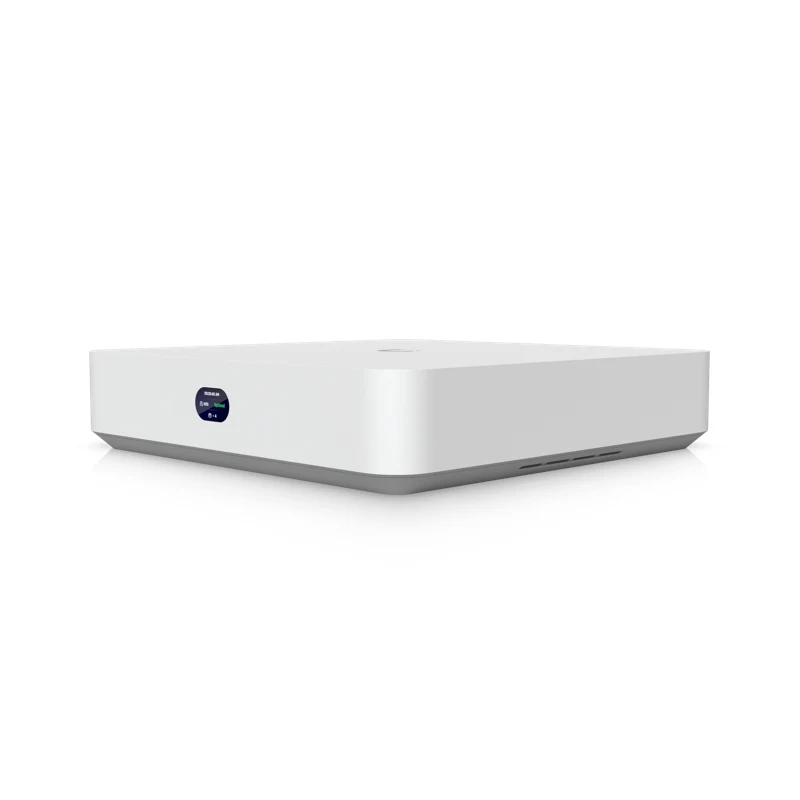
Network Video Recorder Instant
Compact recorder stores footage on your property with an integrated six-port PoE switch and HDMI output.
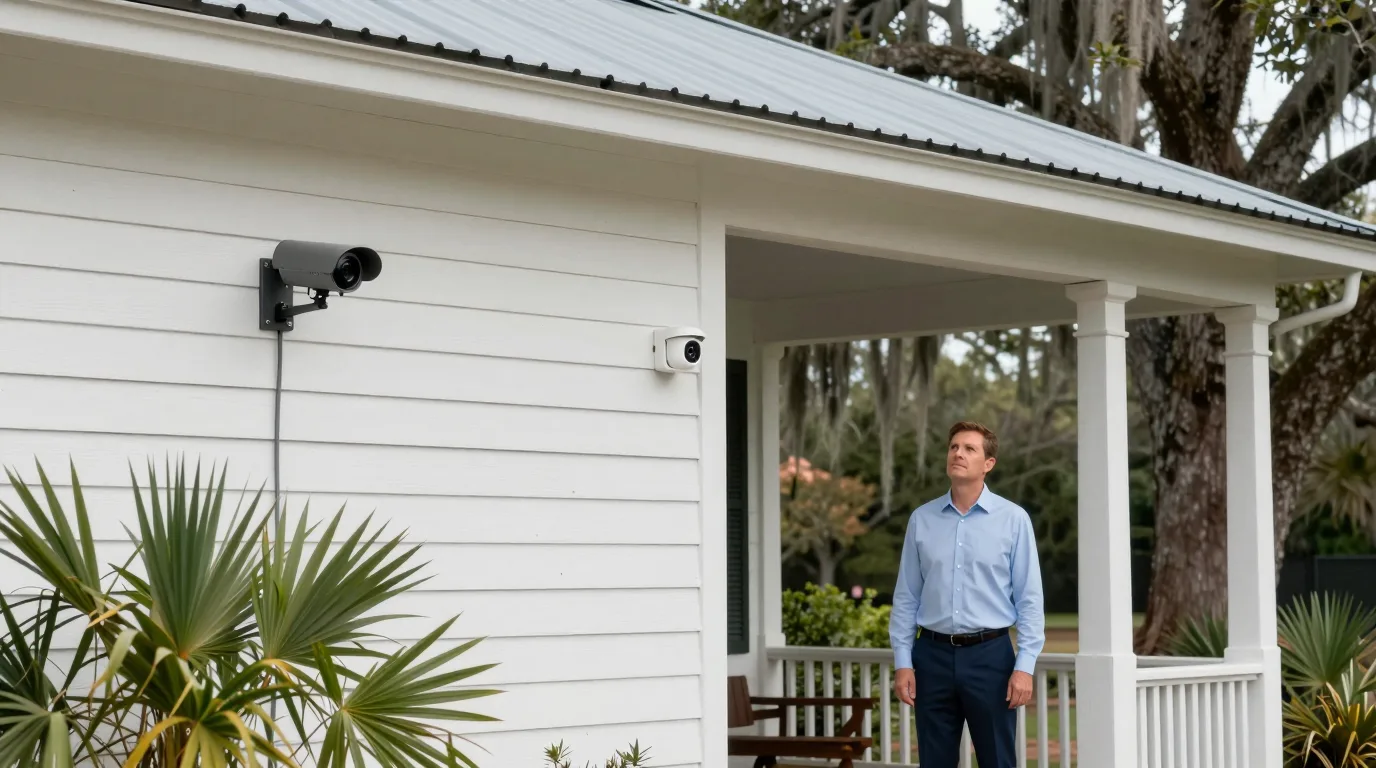
Camera system upgrades
Cameras already on the wall move to a new recorder and footage stays on your property.
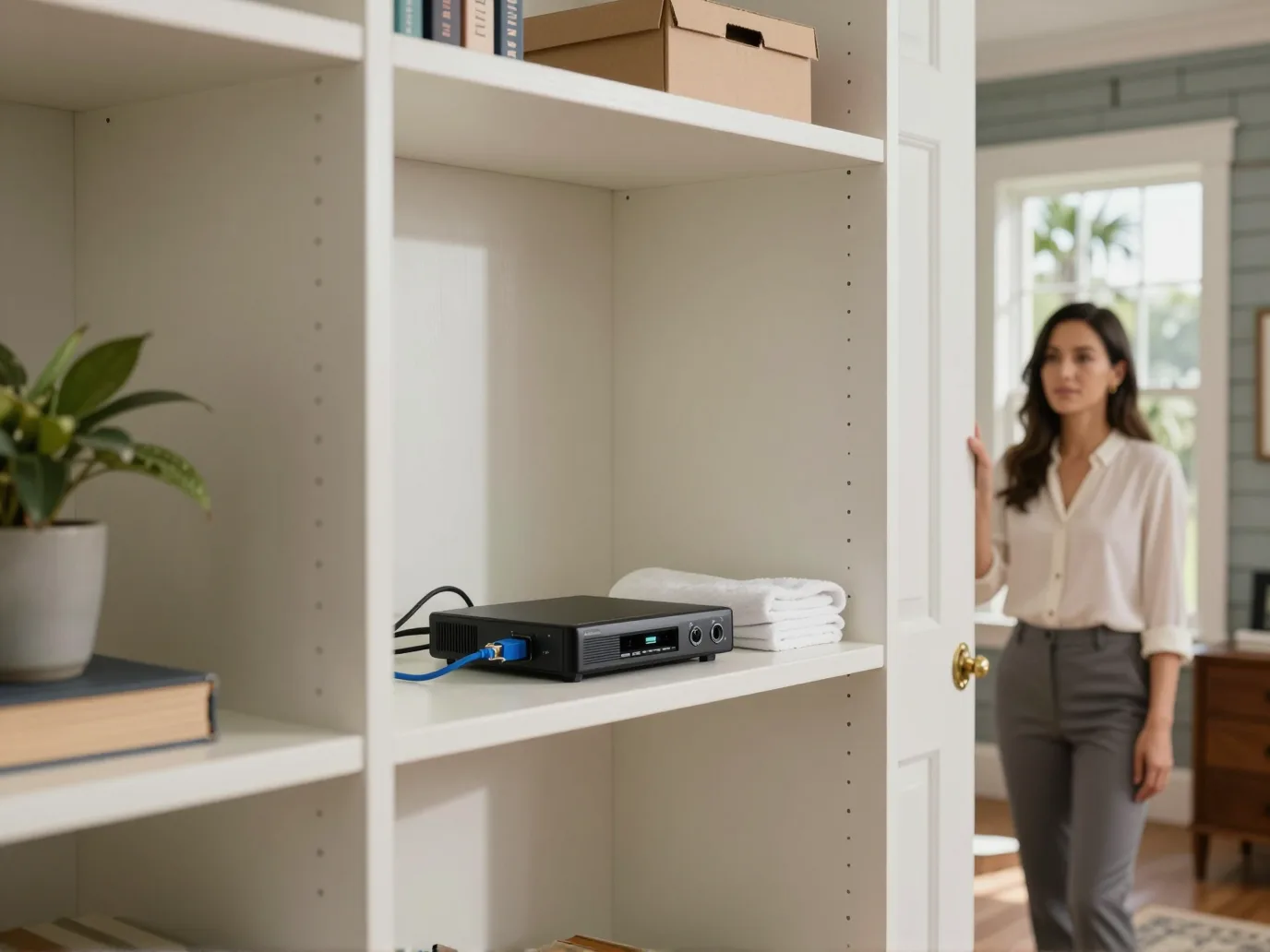
Gradual camera transitions
Cameras following the ONVIF standard join the camera software. Transition gradually instead of replacing every camera at once.
Turn on ONVIF and set a unique username and password.
Discover Third-Party Cameras in settings then adopt the device.
View live footage, play recordings, and use motion or audio.
Match existing hardware with the right recorder and accessories for your location.
Select your building type
Offices with older lobby and hall cameras move at a comfortable pace when recorders fail.
Move gradually using existing wiring.
Detection capabilities for existing camerasShop owners adopt working counter cameras and add an AI Port for face, vehicle, and license plate detections.
AI Port adds detections.
Detection capabilities for existing camerasChurches and halls with multi-sensor cameras bring combined views into the new software.
Combined views display several sensor feeds together.
Detection capabilities for existing camerasHomeowners set ONVIF logins for house cameras and watch from a phone.
ONVIF login enables adoption.
Detection capabilities for existing camerasChoose accessories to define what your cameras see.
Select an upgrade level
Live view, playback, motion settings, pan-tilt-zoom, and audio function without extra hardware.AI Port adds people, vehicle, and animal detection plus face and license plate recognition.AI Key adds clothing color filters, speech-to-text, AI-enhanced alarms, and natural language search.
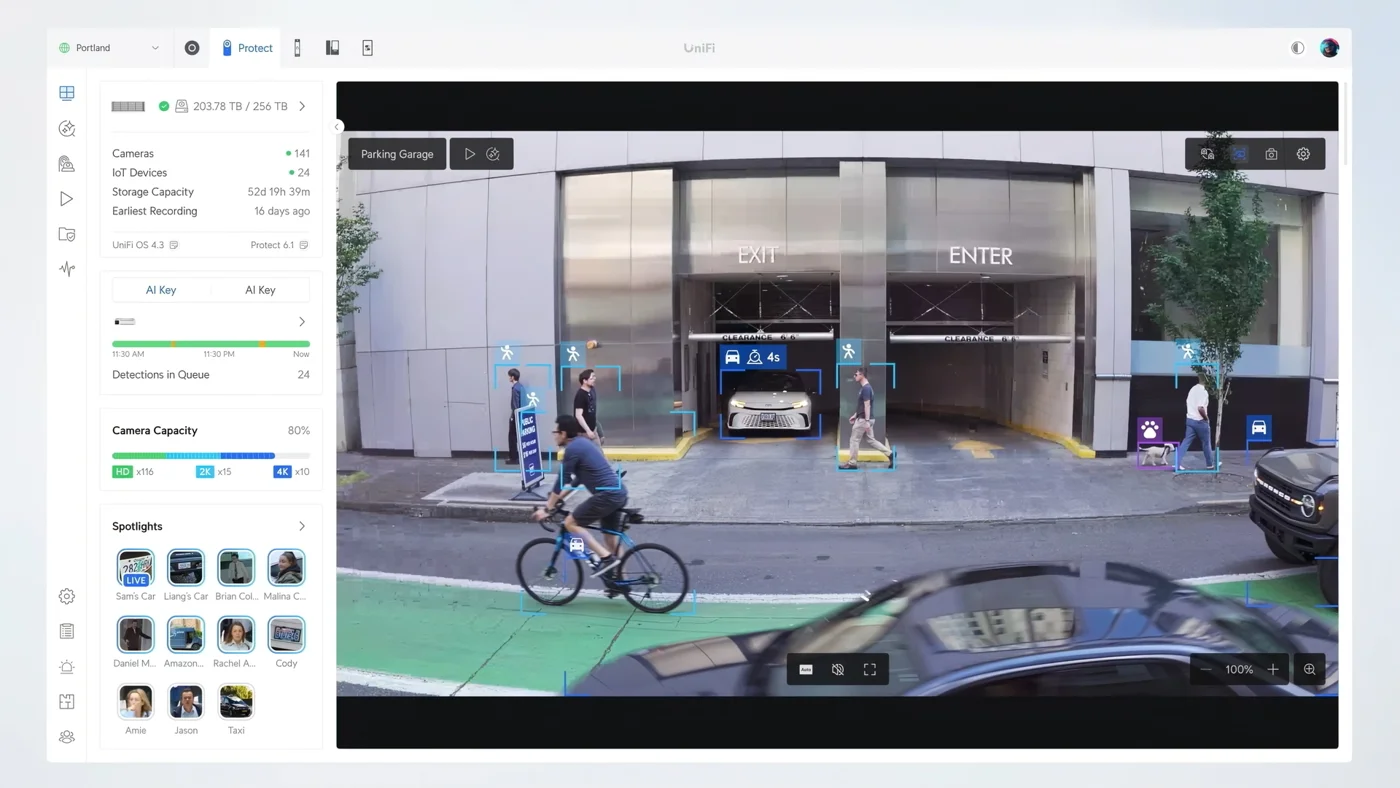
Screenshot and detection table are the manufacturer's own.
Each AI Port manages specific counts of third-party cameras based on resolution.
Adjust camera counts
Resolution
Camera count: 5
AI Ports needed
AI Ports support up to 4K at 30 frames per second for single-stream cameras anywhere on the network.
Local recorders and AI accessories build the system.
Compact recorder stores footage on your property with an integrated six-port PoE switch and HDMI output.
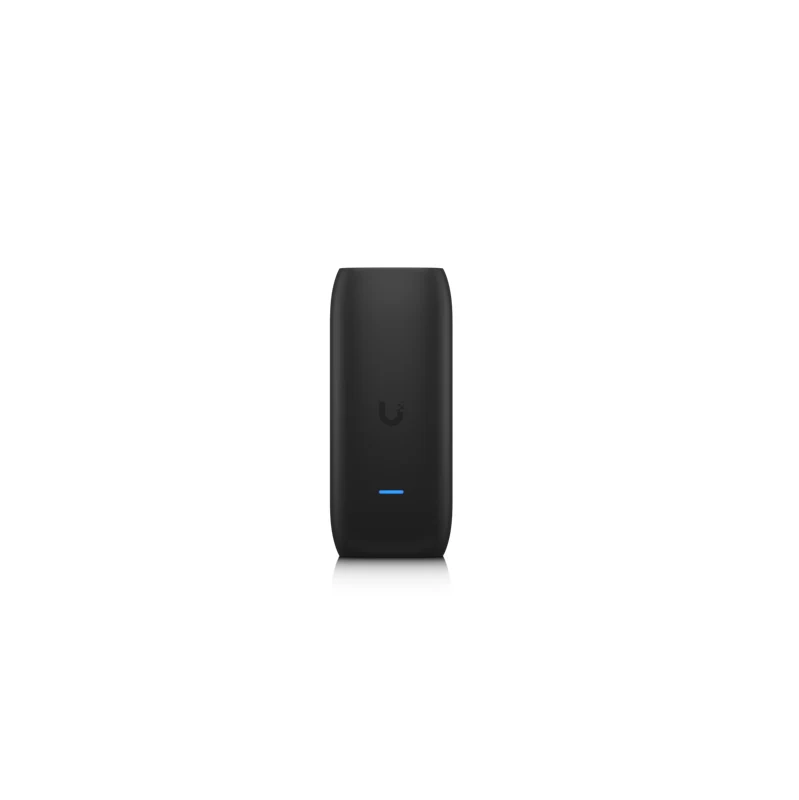
Accessory adds motion, person, and vehicle detections to cameras from other brands on the network.
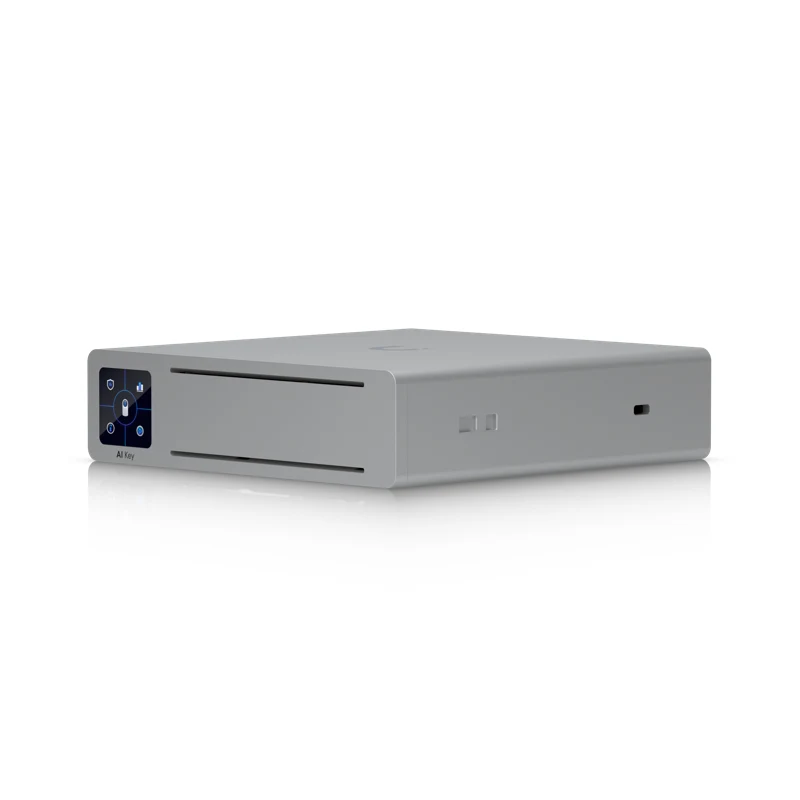
AI appliance analyzes up to 1,800 smart detection events per hour to enable natural language search and clothing color recognition.
Pictures are the manufacturer's own.
Survey and preparation ensure the new recorder finds every camera.
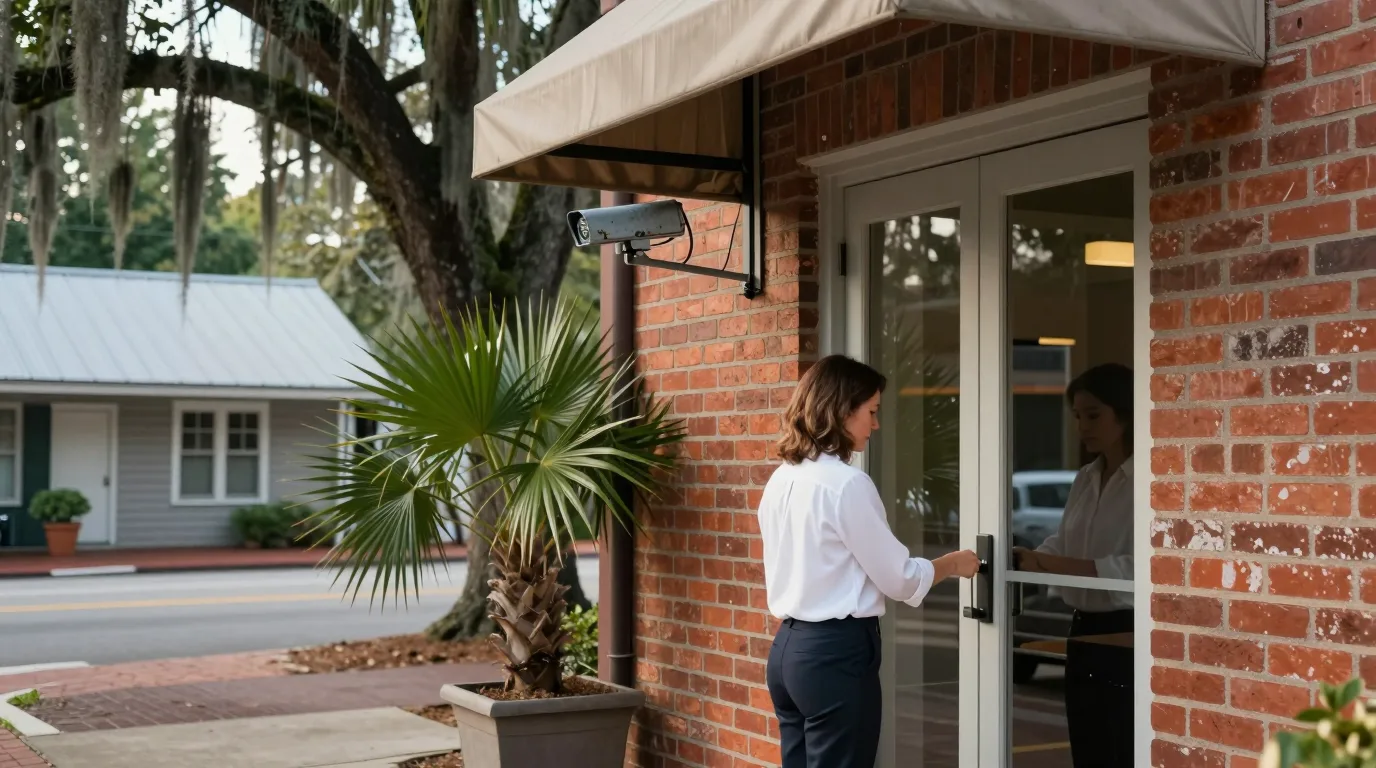
Plug in cameras one at a time as some ship with the same default IP address.
Create a username and password and apply any firmware updates.
Enable ONVIF and set the clock and timezone for authentication.
Open camera software settings and enable Discover Third-Party Cameras.
Click adopt in the software and enter the camera credentials.
Verify HQ and LQ streams and set motion detection on the camera.
Steps are from the manufacturer's help center.
ONVIF is the standard used for adoption; a survey tests each camera for compatibility.
Live view, playback, motion detection, pan-tilt-zoom control, and audio are supported.
AI Port adds detections; AI Key adds natural language search and AI-enhanced alarms.
Yes, the manufacturer supports a gradual move at your own pace.
Manufacturer states the camera software has no licensing fees, with video stored on your property.
Video stays on a recorder on the property and recording continues without internet.
Call (844) 422-7000 or book a walkthrough for your Charleston or Savannah property.