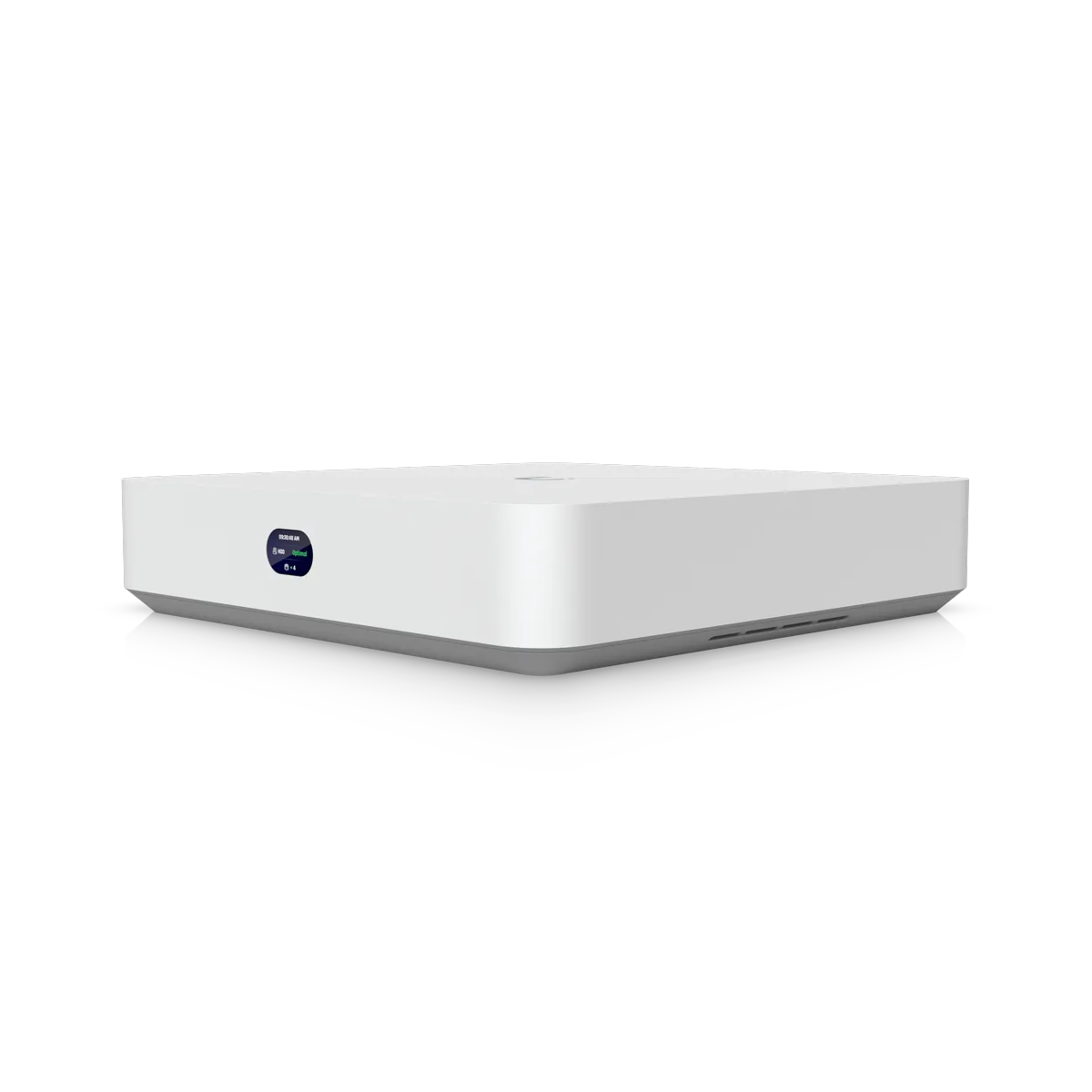
Network Video Recorder Instant
One 3.5-inch drive bay supports local storage. Integrated six-port PoE switch and HDMI output connect cameras and screens. Supports 15 HD, 8 2K or 6 4K cameras.
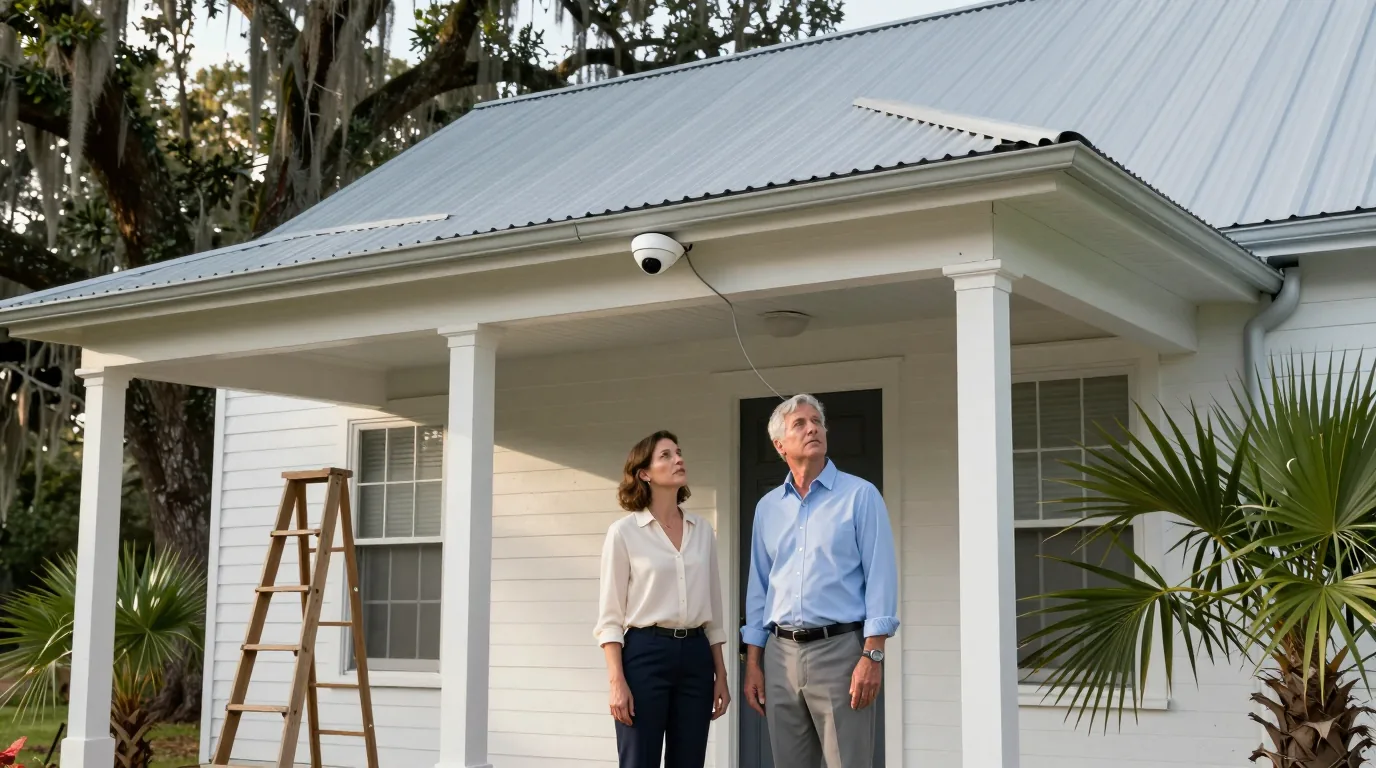
Building security upgrades
Existing coax in your walls carries signals to new IP cameras while a recorder in the building stores every frame.
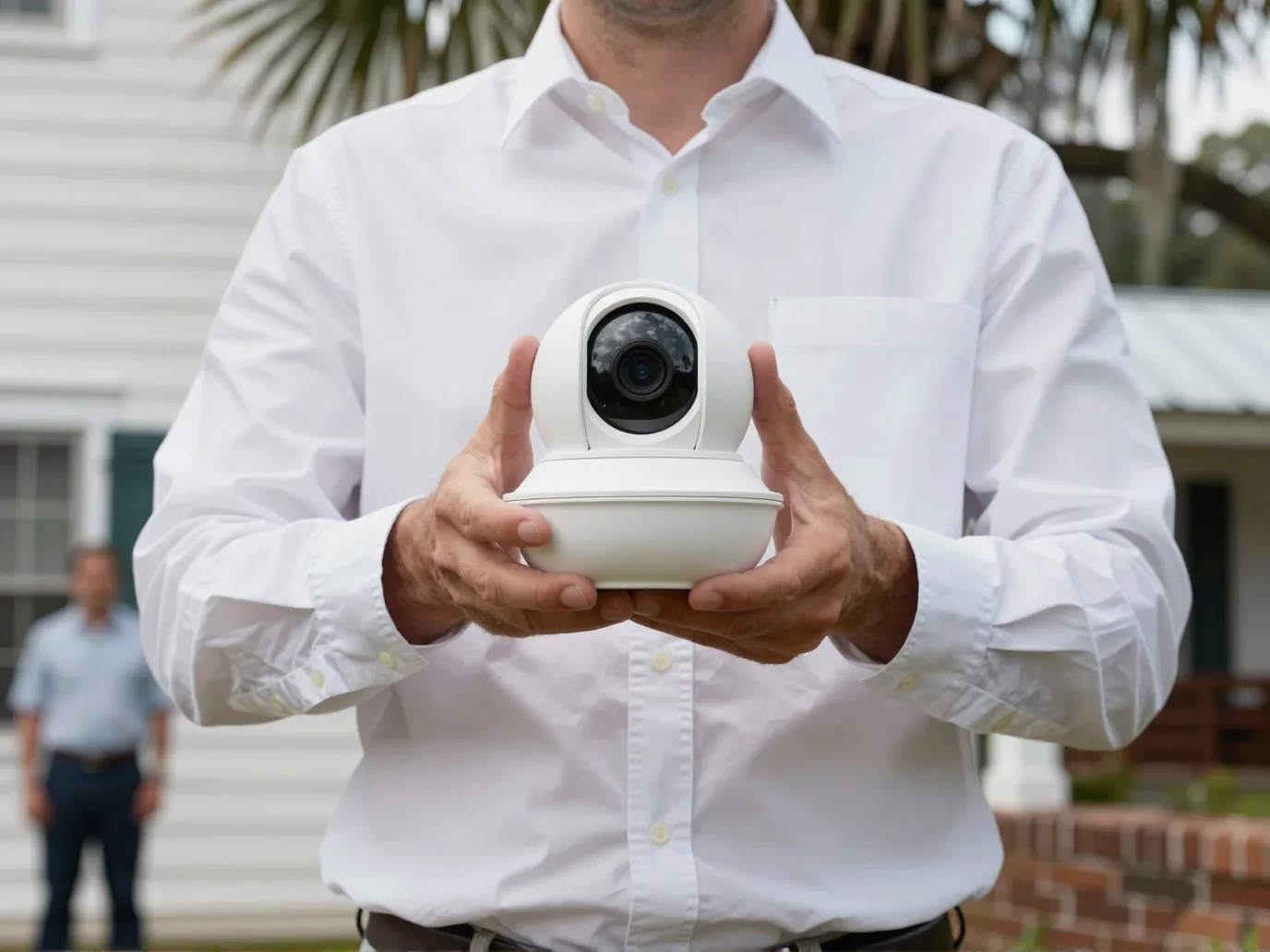
High resolution video
Replace hardware while keeping original cable. One adapter pair connects each camera run to the network.
Adapters at each end translate signals because old coax carries different data from network cable.
Single cables carry power and video. New recorders replace old analog units.
Local recorders keep data on the property with no per-camera license fee.
Select a building type to see how hardware fits.
Pick your building type
Office suites keep original wiring while replacing analog cameras. Adapters allow new IP hardware to use existing cable runs.
Local recording keeps company data on-site without recurring license fees.
Speed and power output across cable lengthsRetail buildings reuse original coax for new cameras. Adapters at each end connect network hardware to existing runs.
Phone access allows checking the store from anywhere with no monthly license costs.
Speed and power output across cable lengthsExisting coax supports new IP hardware in churches. Tables show speed and power at each length while surveys test real cables.
Manufacturer tables list speed and power at each length while surveys test real cable performance.
Speed and power output across cable lengthsGate houses and pool pavilions use original coax cables. Adapters allow modern hardware to use original wiring.
On-site surveys test every cable run to confirm performance across long distances.
Speed and power output across cable lengthsOriginal coax stays with a new recorder and adapter at one end and a new camera and adapter at the other.
Analog camera connects via coax run to an old recorder.
Transmitter at the recorder end and receiver at the camera end use the same coax for IP camera data.
Distance and power delivery change based on cable length. Surveys test real cable performance on-site.
Slide to check cable length
200 m
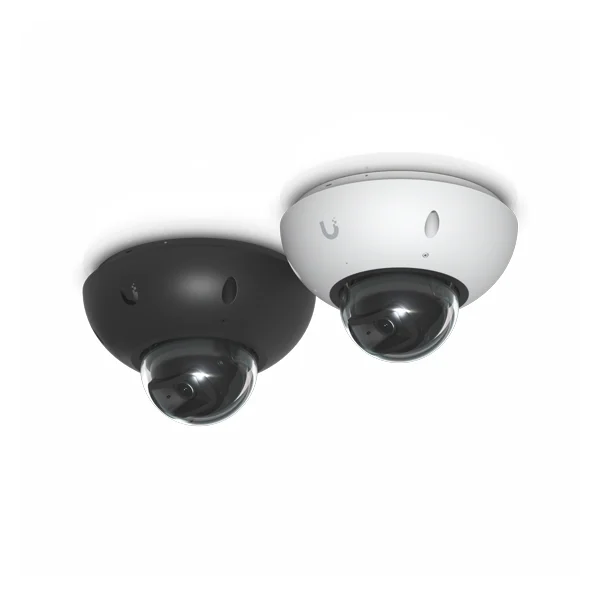 G6 Dome9.25 W
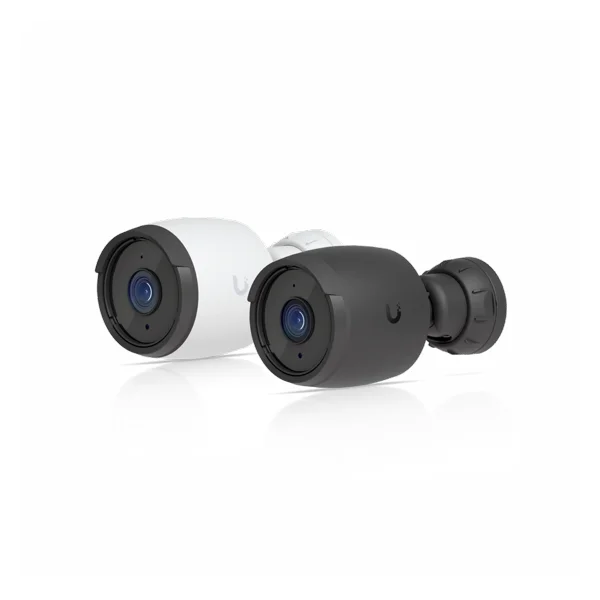 G6 Bullet9.9 W
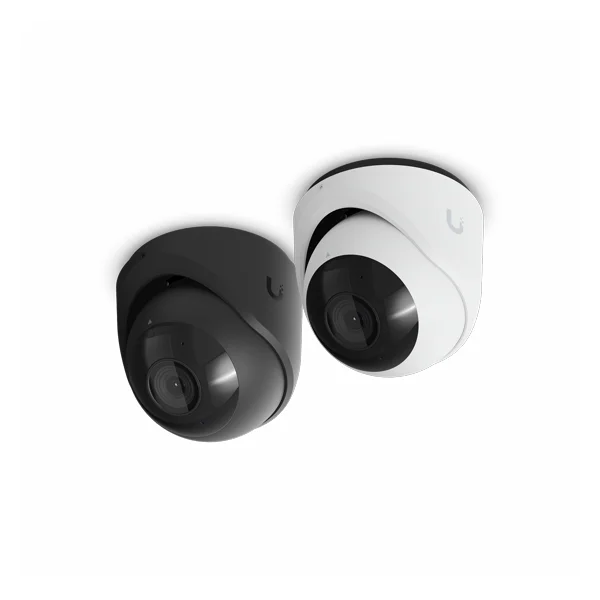 G6 Turret12.5 W
Figures represent manufacturer recommended maximum cable lengths. Camera comparisons use arithmetic from two datasheets. Each pair serves one camera.
Modern recorders and adapters work with existing infrastructure.
One 3.5-inch drive bay supports local storage. Integrated six-port PoE switch and HDMI output connect cameras and screens. Supports 15 HD, 8 2K or 6 4K cameras.
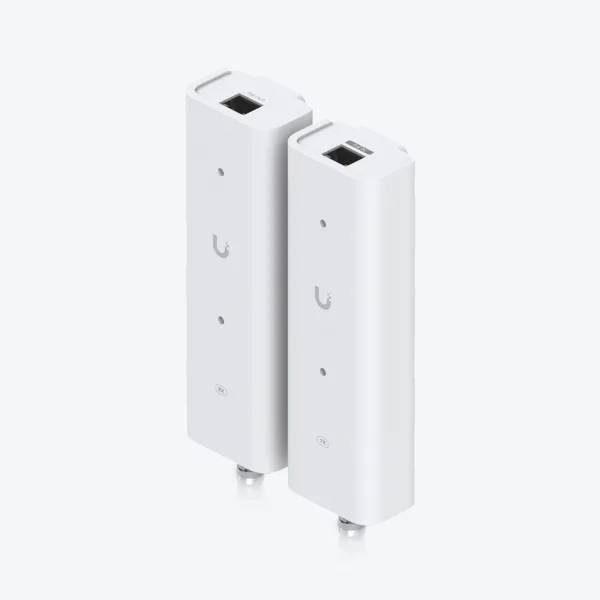
Transmitter accepts PoE++ input. Receiver provides PoE/PoE+ output. BNC adapters connect to original coax runs. One pair serves one camera.
4K resolution with 8-megapixel sensor. IP66 weather and IK10 impact ratings protect against elements. Infrared night vision reaches 30 m. Draws maximum 9.25 W.
Pictures and figures are the manufacturer's own.
Browser and mobile apps provide access to local recordings.

Screenshots are the manufacturer's own.
Network cameras following ONVIF standards can be added to the software. Detections on these cameras require an AI Port.
USB-C powered Wi-Fi cameras can join the recorder where existing cable runs cannot be used.
No, cameras are replaced. The original cable stays in the walls to connect new hardware.
RG-6 coax carries 13 W up to 150 m, powering listed cameras, while data reaches 750 m. Surveys test real runs.
Yes. Surveys test every existing run to verify performance before the upgrade is planned.
One camera connects to each adapter pair.
No. Recorders stay in the building. There is no per-camera license fee.
Surveys begin the process. Mount Pleasant based service covers Charleston to Savannah. Call (844) 422-7000.
Call (844) 422-7000 for a building survey.