(844) 422-7000
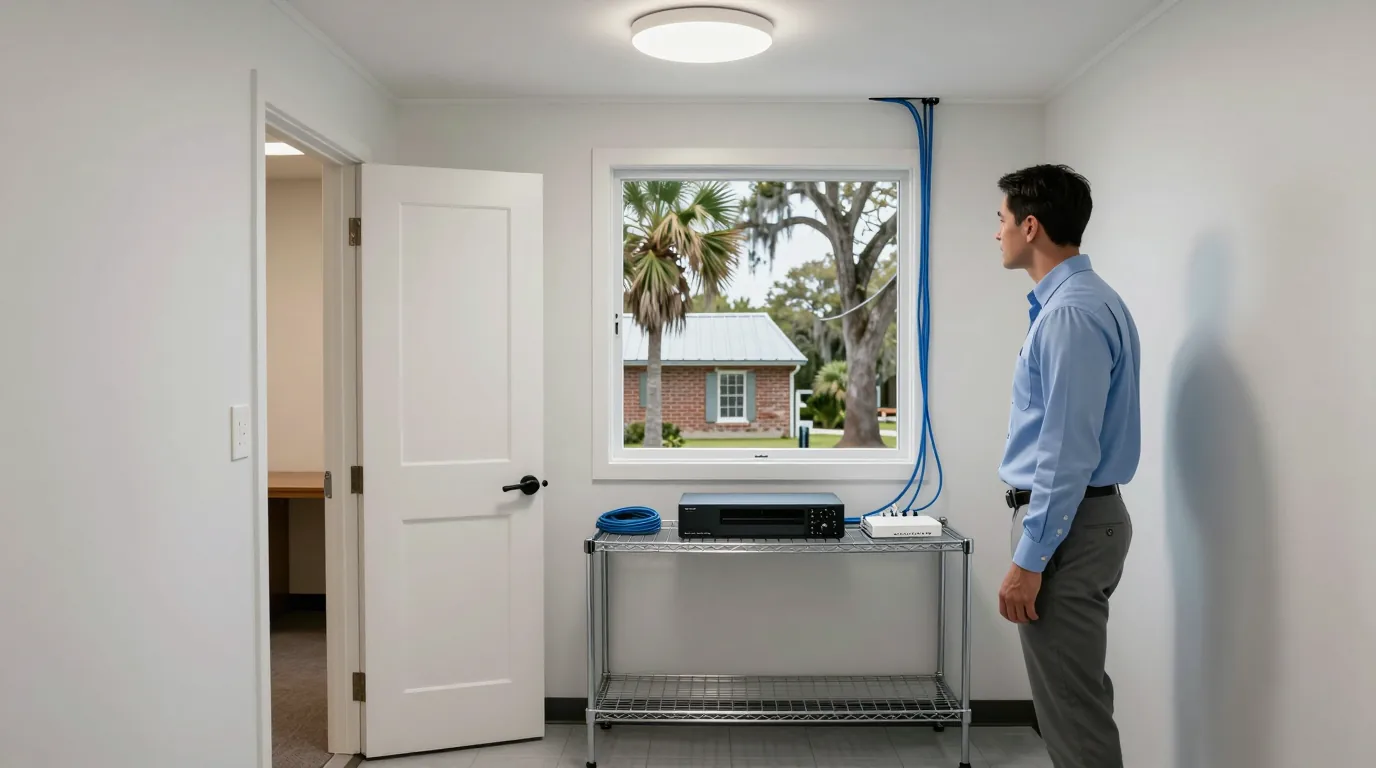
A man in a pressed button-down shirt beside a wire shelf in a small branch office back room, where a flat black recorder the size of a hardcover book and a small network switch sit side by side

Business camera systems

Multi site camera system for regional business branches

Each site records to its own recorder on the property, and every site is watched from one place.

Camera setups for different business types

Select a business category to see how branch camera recording works across multiple locations between Charleston and Savannah.

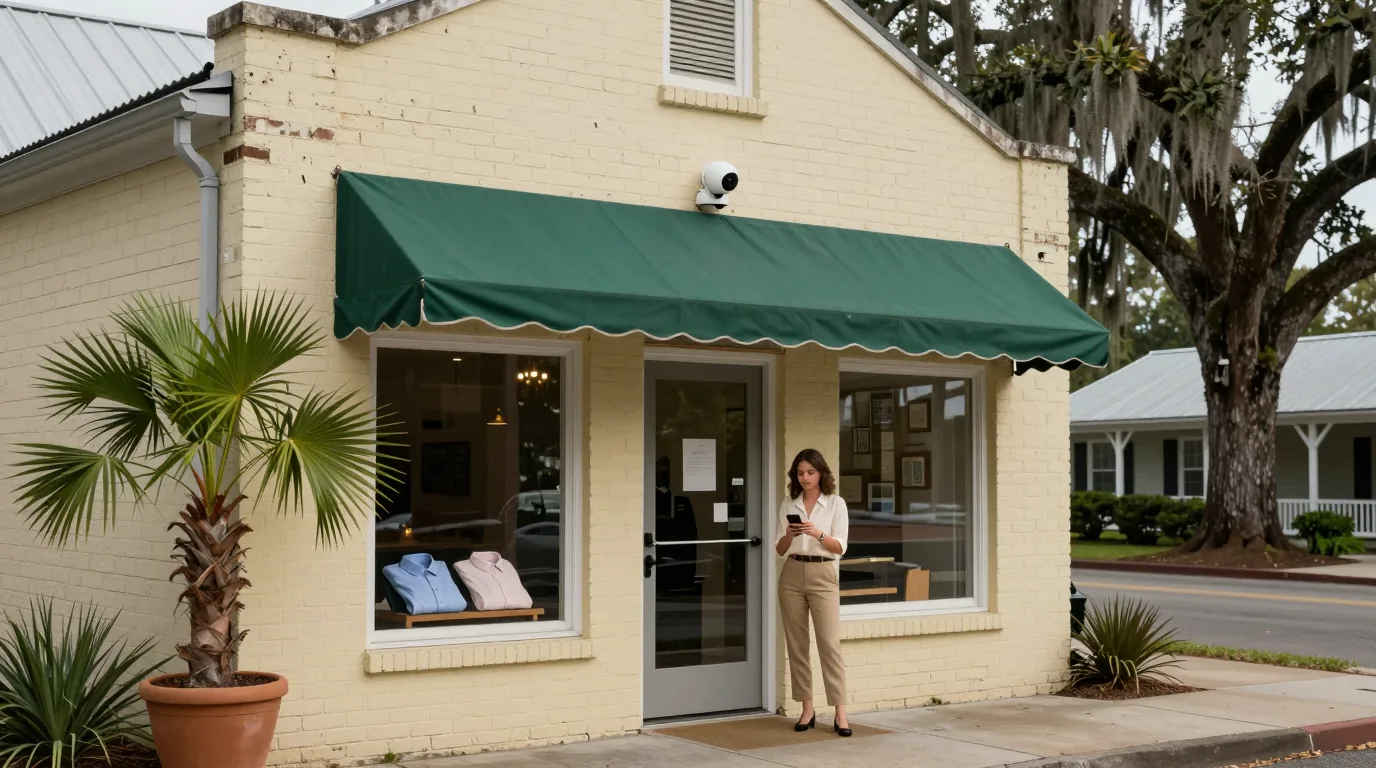
A woman in a cream blouse and khaki slacks holding a phone at the door of a second storefront with painted brick walls, a small white camera on the wall above the green awning and a palmetto in a pot beside the window

Retail establishments totaled 5,302 across the six-county area in 2022, according to Census data.

  • On-site video storage
  • Storefront activity monitoring
  • Multiple shop management

Recorders at each store continue recording even if the internet connection fails.
Video recording continues during internet outages

Each site writes video to its own recorder, so a lost connection at one site does not stop that site recording.

Internet

Main office

CameraRecorder

Recording and viewable remotely

Branch

CameraRecorder

Recording and viewable remotely

Storage lot

CameraRecorder

Recording and viewable remotely

Press to cut connection

Branch recorders continue writing footage during local internet outages while other sites remain unaffected.

Site storage sized by camera count and resolution

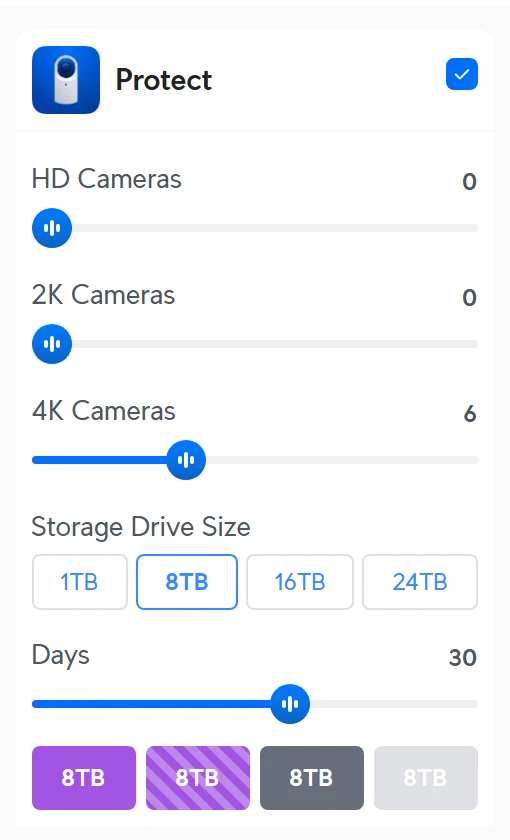
Storage is sized site by site from camera count, camera resolution, drive size and the days of footage wanted, using the manufacturer's calculator.

The Protect panel of the manufacturer's capacity calculator: sliders for HD, 2K and 4K cameras, drive size buttons, a days slider and drive tiles
Protect panel of the manufacturer's calculator with 6 4K cameras, 8 TB drives and 30 days entered as an example. Manufacturer screenshot
  1. 1

    Drive size selection

    Choose 1, 8, 16 or 24 TB drives based on the retention needs of the site.

  2. 2

    Quality retention settings

    Set how long footage stays at full quality with Enhanced Retention before lowering quality for older files.

  3. 3

    Data protection

    Use RAID 1, 5, or 10 on recorder drives to protect footage against one drive failing.

01

UCG Max or UCG Fiber gateway

Up to 2 TB NVMe

Small site recording on the site gateway for limited camera counts.

02

UNVR Instant

6 4K cameras or 15 Full HD cameras

Compact recorder with a 3.5-inch drive bay for branches or small shops.

03

UNVR

18 4K cameras or 60 Full HD cameras

Four-bay recorder for standard sites needing up to 30 days of storage.

04

ENVR

70 4K cameras or 210 Full HD cameras

Enterprise recorder with 16 drive bays for large facilities or job sites.

Recording remote cameras without local recorders

Teleport Adoption records a camera at one location to a recorder at another, over the internet, without a site-to-site VPN.

  1. 1

    Camera requirements

    Use G6 series cameras other than the Edge model, AI series cameras, or Doorbell Lite with firmware 5.5.29 or later.

  2. 2

    App adoption

    Adopt from the Protect app while on the same local network as the unadopted camera.

  3. 3

    Network connection

    Public WAN IPs on destination gateways are highly recommended without requiring port forwarding; camera sites can use third-party routers or cellular if networks allow direct Teleport connections.

  4. 4

    Outage protection

    Edge recording on the camera saves footage during outages for download upon reconnection.

01

Internet bandwidth usage

Continuous recording can use large amounts of internet bandwidth; Adaptive or Event-Only recording is recommended for limited connections.

02

Hardware compatibility

Only listed camera models work; moving a locally adopted camera requires a factory reset.

03

Feature restrictions

Two-way talk is not supported on Teleport cameras and disabling Teleport stops the recordings.

Central management for every site and recorder

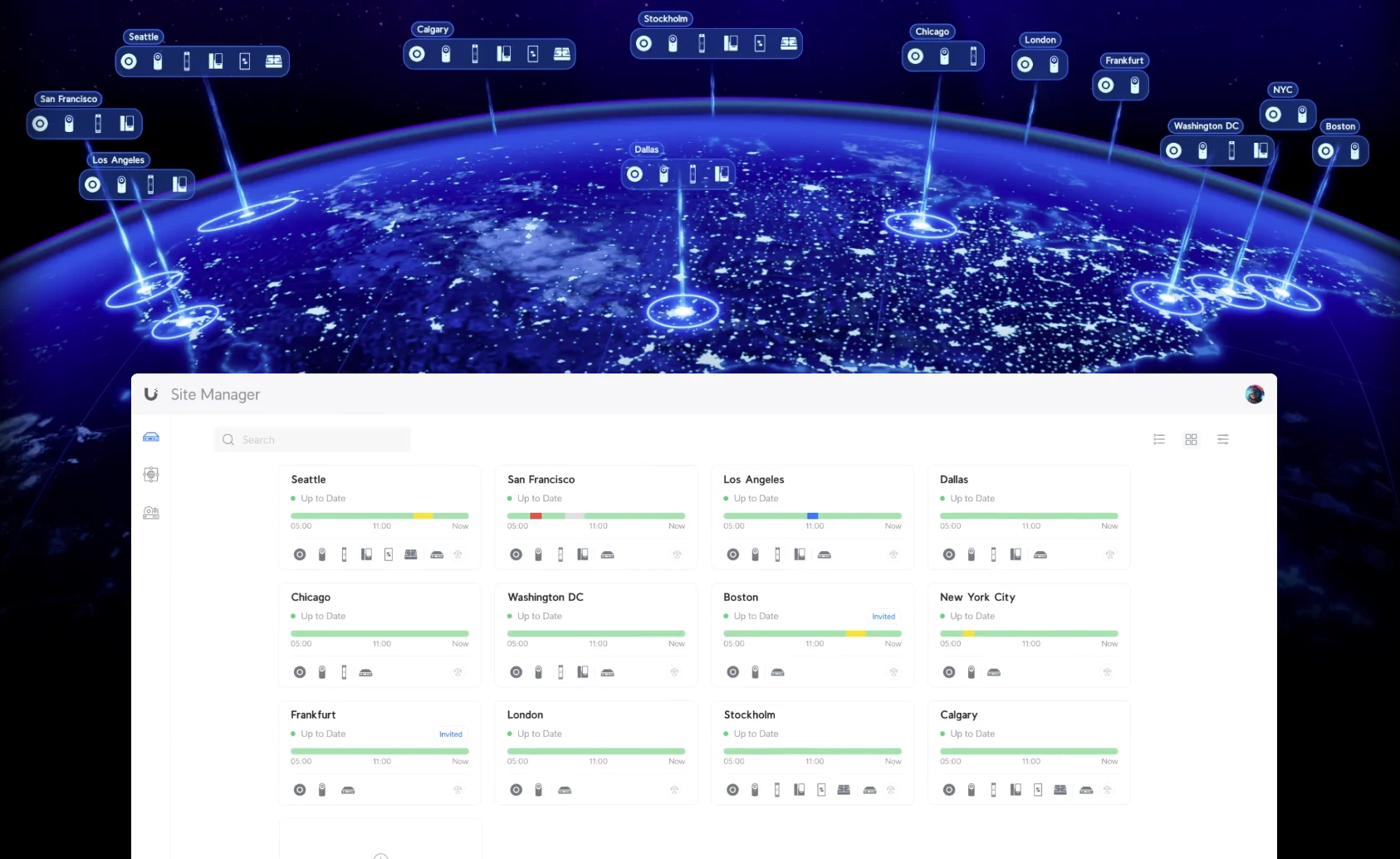
One account lists every site with its devices and status; Vantage Point combines up to five recorders.

The site manager showing a list of sites over a globe, each site with its devices and status
Site manager interface listing multiple business locations and device status. Manufacturer screenshot
  1. 1

    Site manager list

    One account displays all locations, devices, and current statuses in a single list.

  2. 2

    Combined recorder views

    View up to five recorders in one screen for live feeds, playback, and settings.

  3. 3

    Flexible recorder placement

    Recorders can be spread across different geographic locations or housed in one building.

Common questions about multi site cameras

Manage your multi site camera system today

Call (844) 422-7000 or book a walkthrough to review your locations.

CharlestonMount PleasantNorth CharlestonSummervilleBlufftonHilton HeadBeaufortSavannah
Call (844) 422-7000
CloudCentric · Mount Pleasant, SC · serving Charleston and the Lowcountry(844) 422-7000