Digital Signage and Menu Boards
Display Hardware
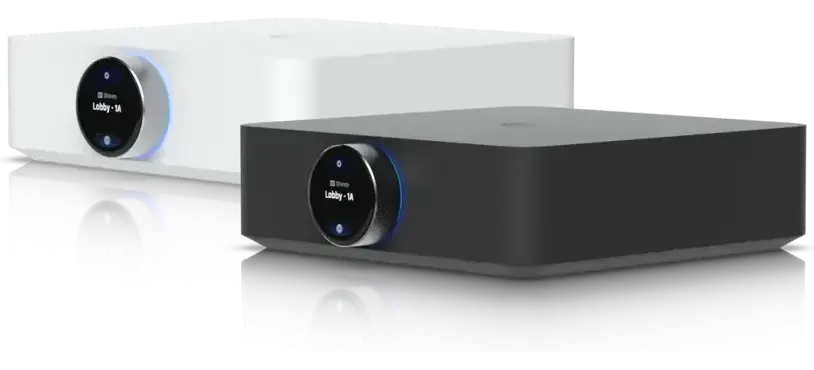
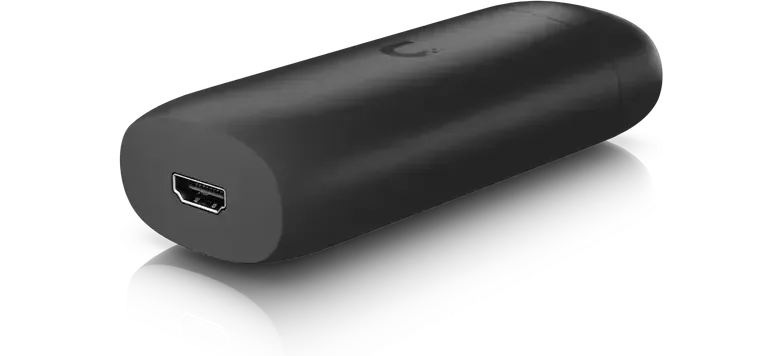
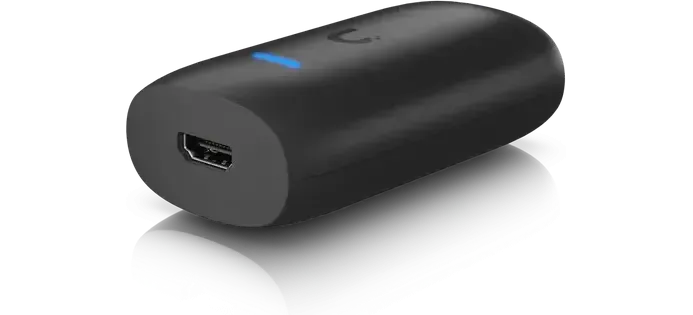
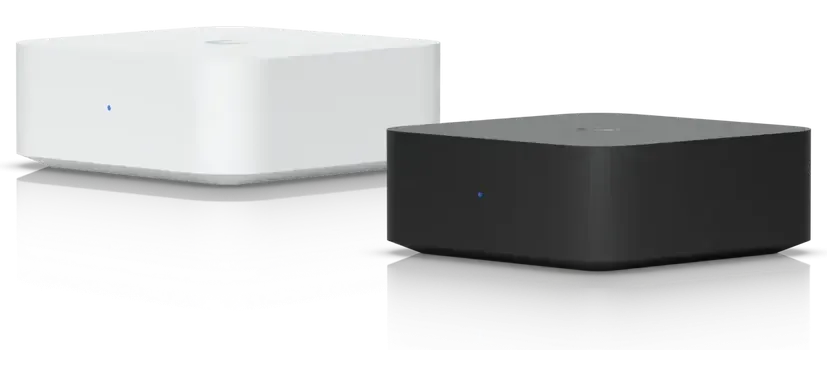
An ordinary flatscreen can be used; a small player connects to its HDMI port. The player takes power from a USB-C adapter.
The main player supports 4K, web pages, and scheduled playlists. A simpler player runs one screen with one playlist at 1080p.
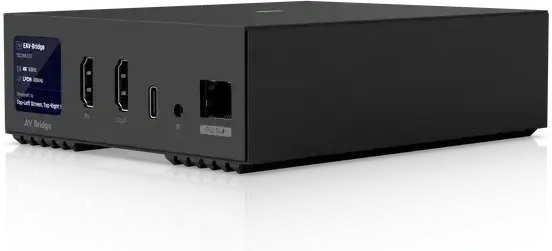
A network cable option carries picture and sound to a screen far from the source. Camera views on a screen need a separate display device, which is quoted with the camera work.
Managing Menus and Schedules
Menus, prices, specials, and a sold-out line are edited in a browser and appear on every screen.
Any web address can be shown on screen, including a wait-time board, an order queue, an availability page, or a dashboard.
Several players are managed together and can show the same or different content. Layouts can be scheduled by time of day, for example breakfast, lunch, and dinner, and happy hour can start on a timer.
Reliability During Outages
Content is held locally; if the internet goes down, screens keep the last schedule and take changes when the line returns.
The schedule is held on the network, so screens return to the right content after a power outage.
Music Zones
Music can run to separate zones such as a patio, dining room, and back bar, each with its own volume.
Music zones are driven by ceiling speakers without a separate rack amplifier.
Installation and Handover
A photograph of the wall starts the quote; screens, players, and installation are quoted together.
A site visit determines the room, the readability distance, and whether power and network reach the screen location. Installation covers brackets, routed cable, and power placed at the screen.
The first layout is built on site with the business's menu, prices, and typefaces. Staff who change the menu are shown how on their own laptop at handover.
We serve businesses across Charleston and the Lowcountry from our Mount Pleasant office; call (844) 422-7000 to get started.