Vacation rental technology
Door codes and sensors for your rental home
Give guests a code for their stay and limit cleaning crews to the turnover window between checkout and check-in.
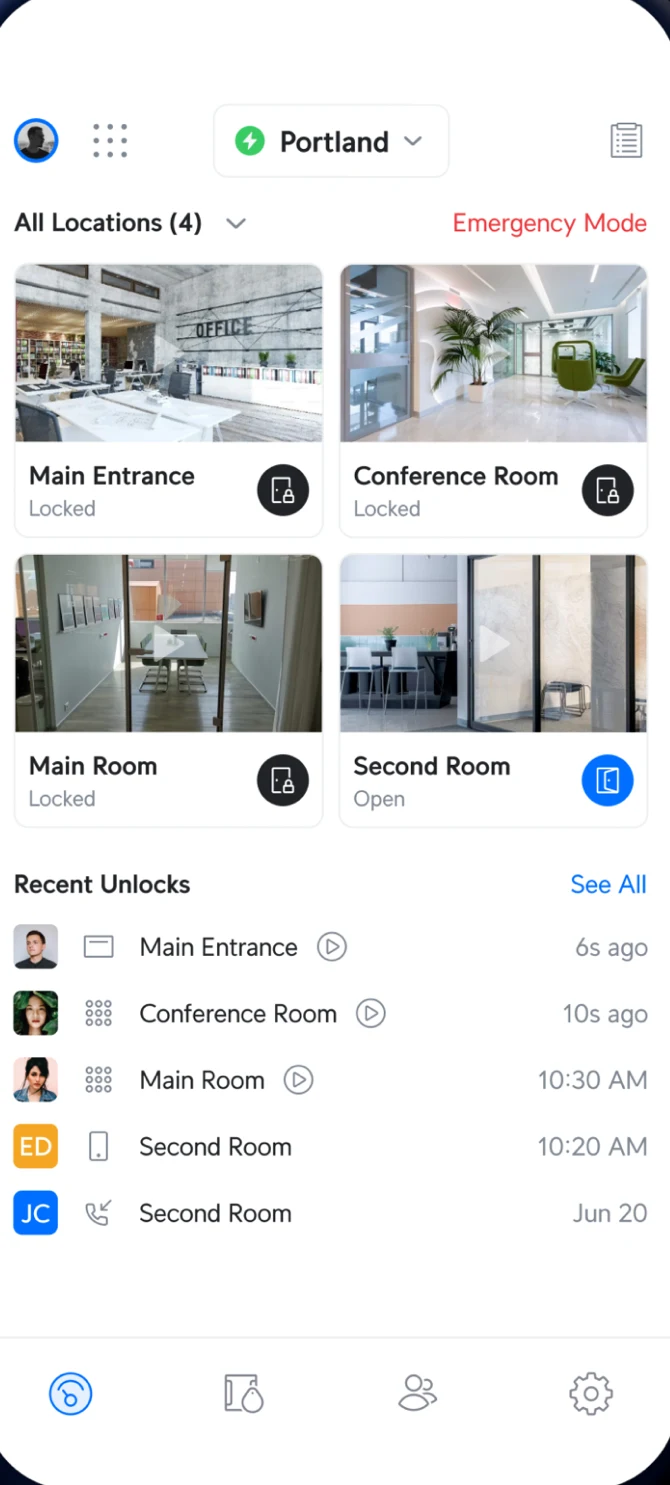
Access app: doors and recent unlocks
Guest codes start and stop automatically
Booking arrives and code generates
CloudCentric connects your door system to Airbnb, Vrbo or Hostaway. We build this link for each property because doors lack a built-in connection. Guests get a code automatically when they book.
Code generated for a stay
Each guest gets a door code with a start and an end, with nothing to change or collect between visitors.
Guest arrives and unlocks door
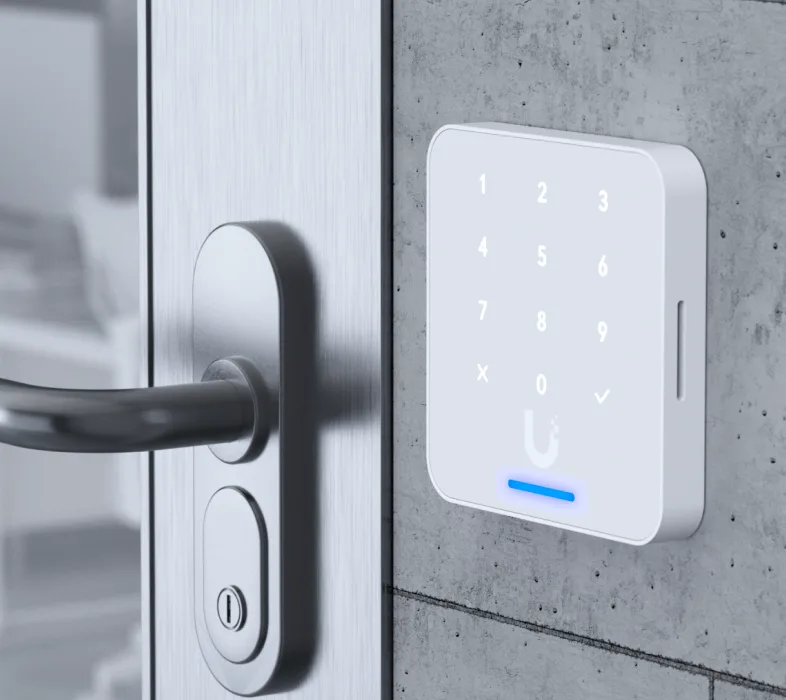
Visitors type a PIN on the keypad reader or open the door from their phone to start their visit.
Entry logged in your system
Every entry is logged against the code used, so you see exactly who came in and when.
Code stops working at checkout
Credentials stop working automatically when the visit ends, preventing any entry until the next guest arrives.
Setup for your kind of rental
Pick your situation to see exactly what we install and configure for your property.
Setup for owners running their own rentals
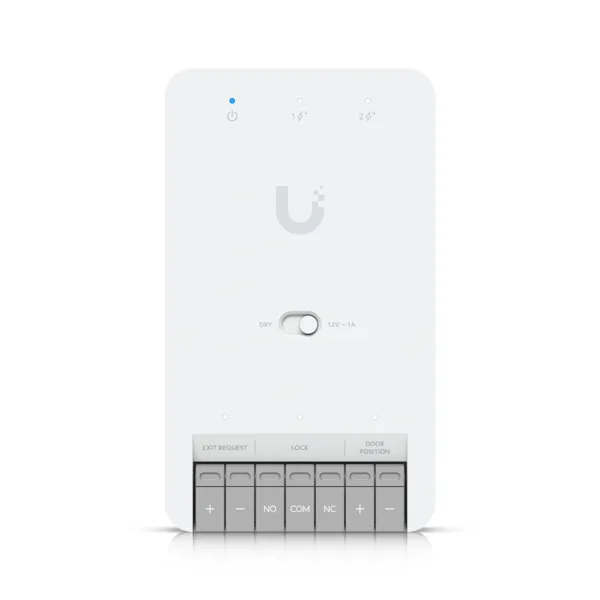
CloudCentric installs door hardware, Wi-Fi, cameras and sensors in one visit. Alerts reach your phone, entry logs show who came in, and cleaning crews get their own codes limited to set hours.
- Connection to Airbnb or Vrbo
- Door codes generated for stays
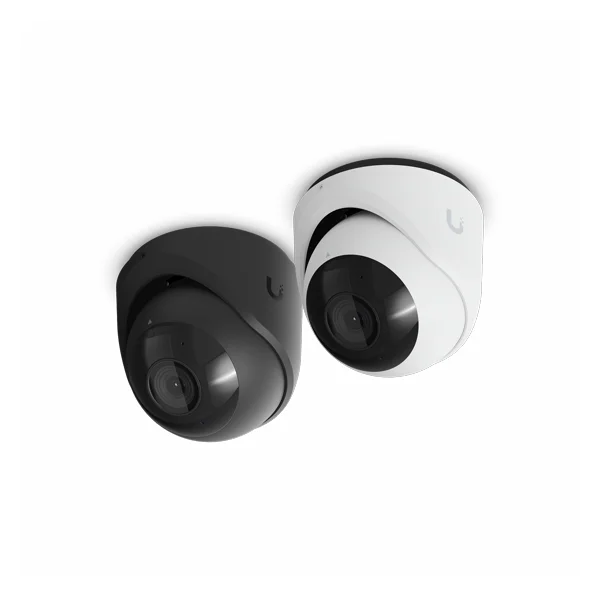
- Outdoor cameras and indoor sensors
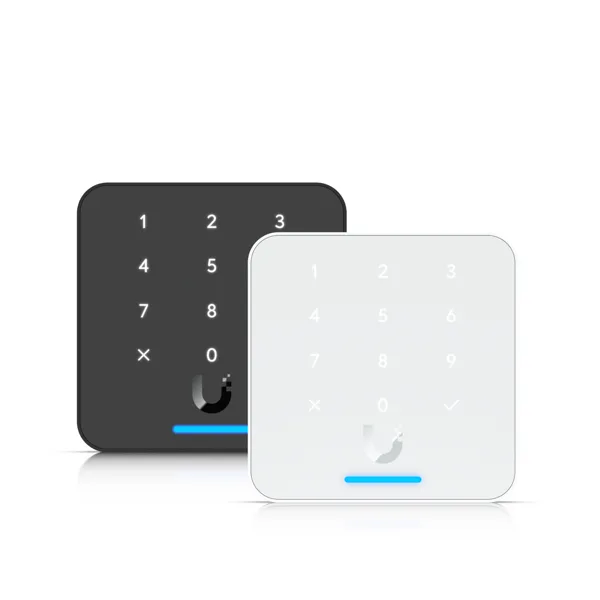
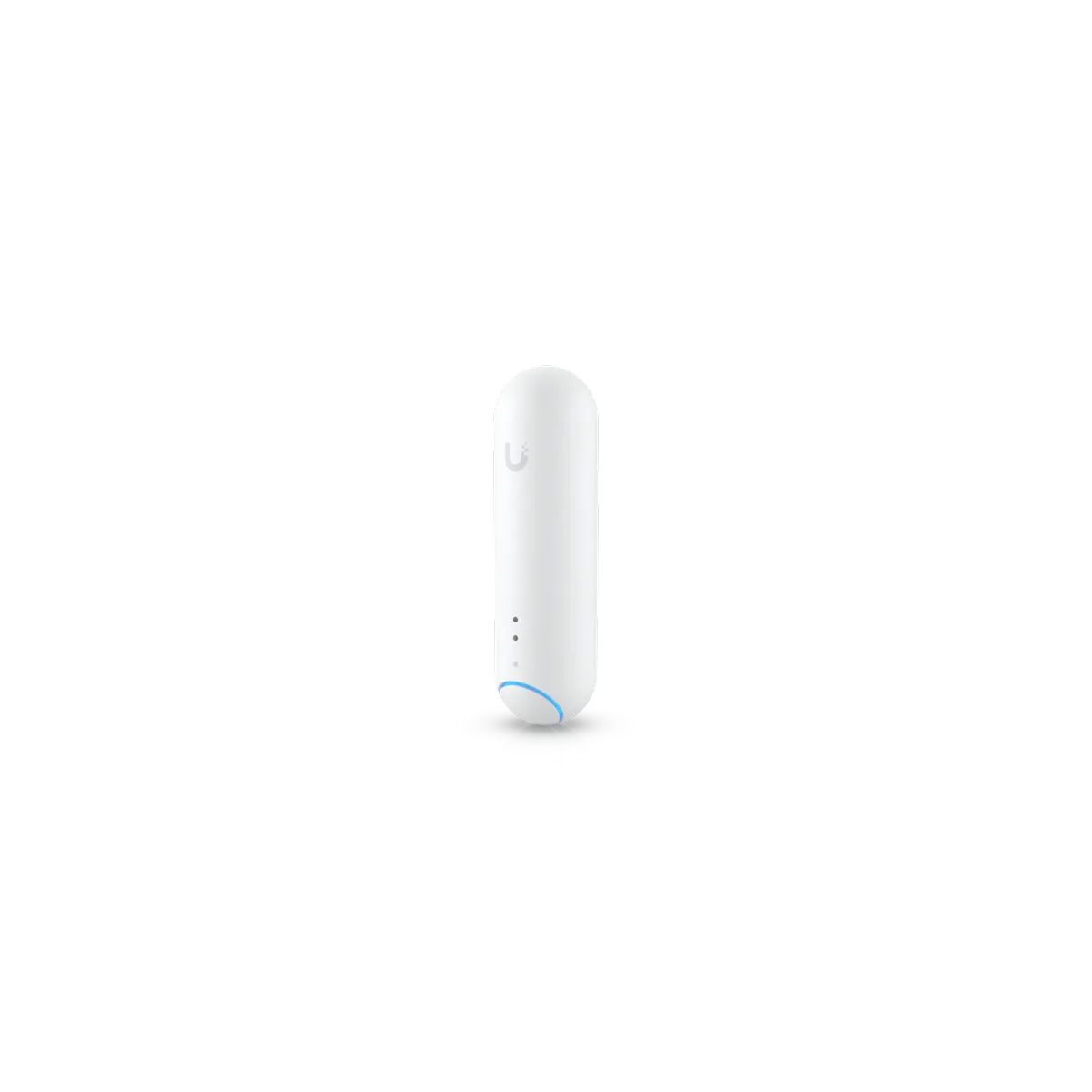
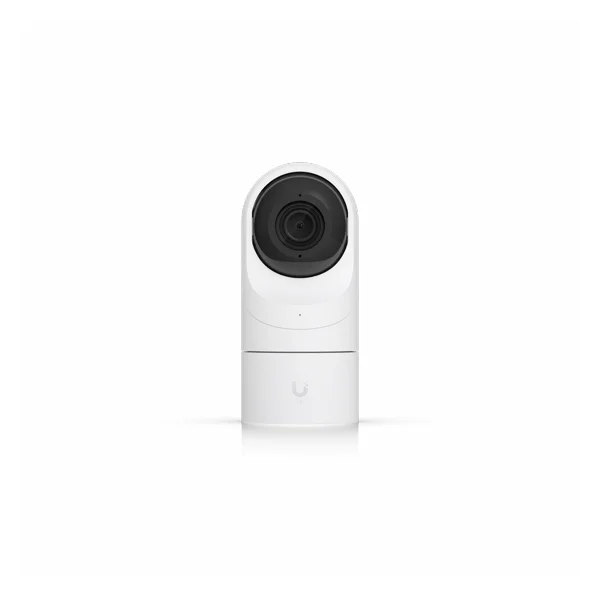
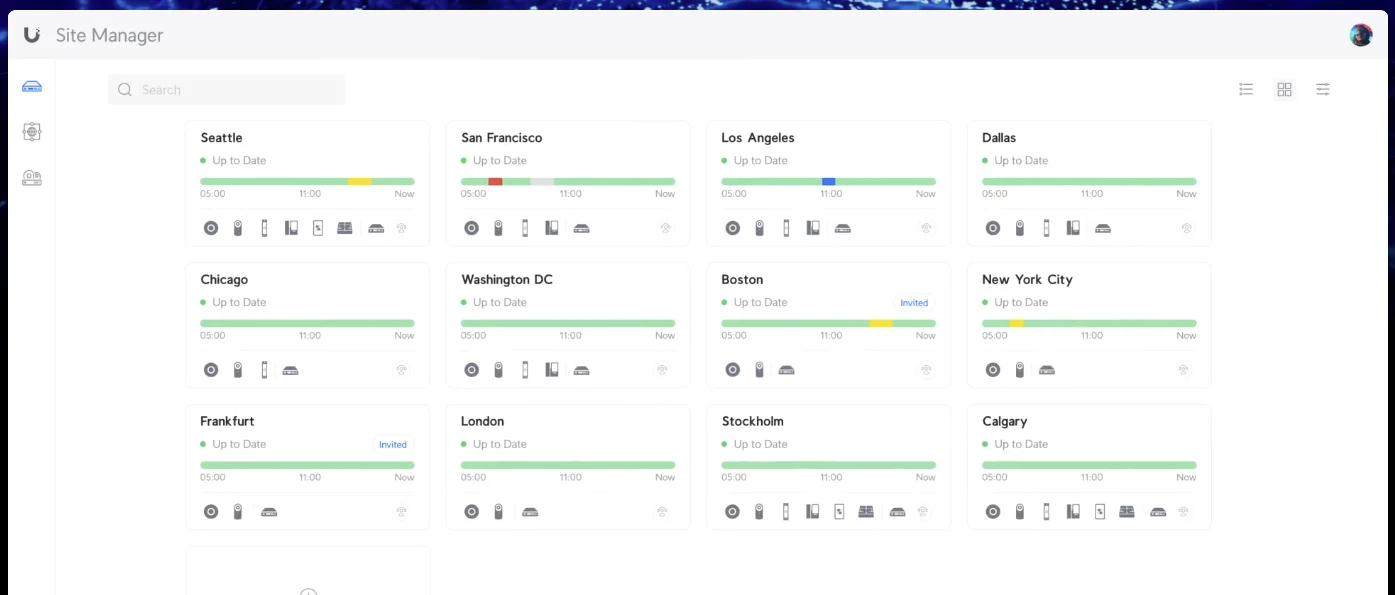
One screen covers every home you manage
We install hardware and link each property to Hostaway or your booking calendar. Your team logs in once to see all homes, arrivals and alerts together.
- One login for all homes
- Door systems linked to Hostaway
- Staff codes limited to schedules
Access to your own managed property
CloudCentric sets up your home for a management company to run. Each owner can be given access to only their own property to see entry logs and sensor alerts.
- Hardware installed in one visit
- Owner access to one home
- Alerts sent to your phone
Installation behind Wild Dunes or Kiawah gates
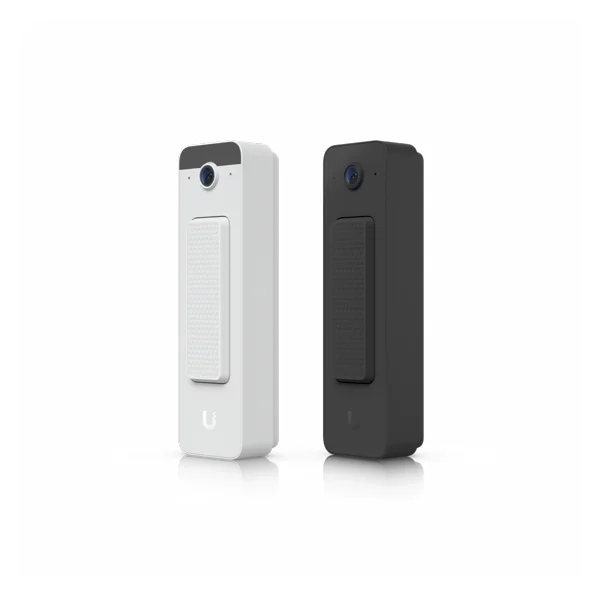
We install guest Wi-Fi, sensors, cameras and door codes on your villa itself. Community associations at Wild Dunes, Kiawah and Seabrook keep control of their main gates.
- Villa front door codes setup
- Guest Wi-Fi and noise monitors
- Community associations control main gates
Setup for event houses and large groups
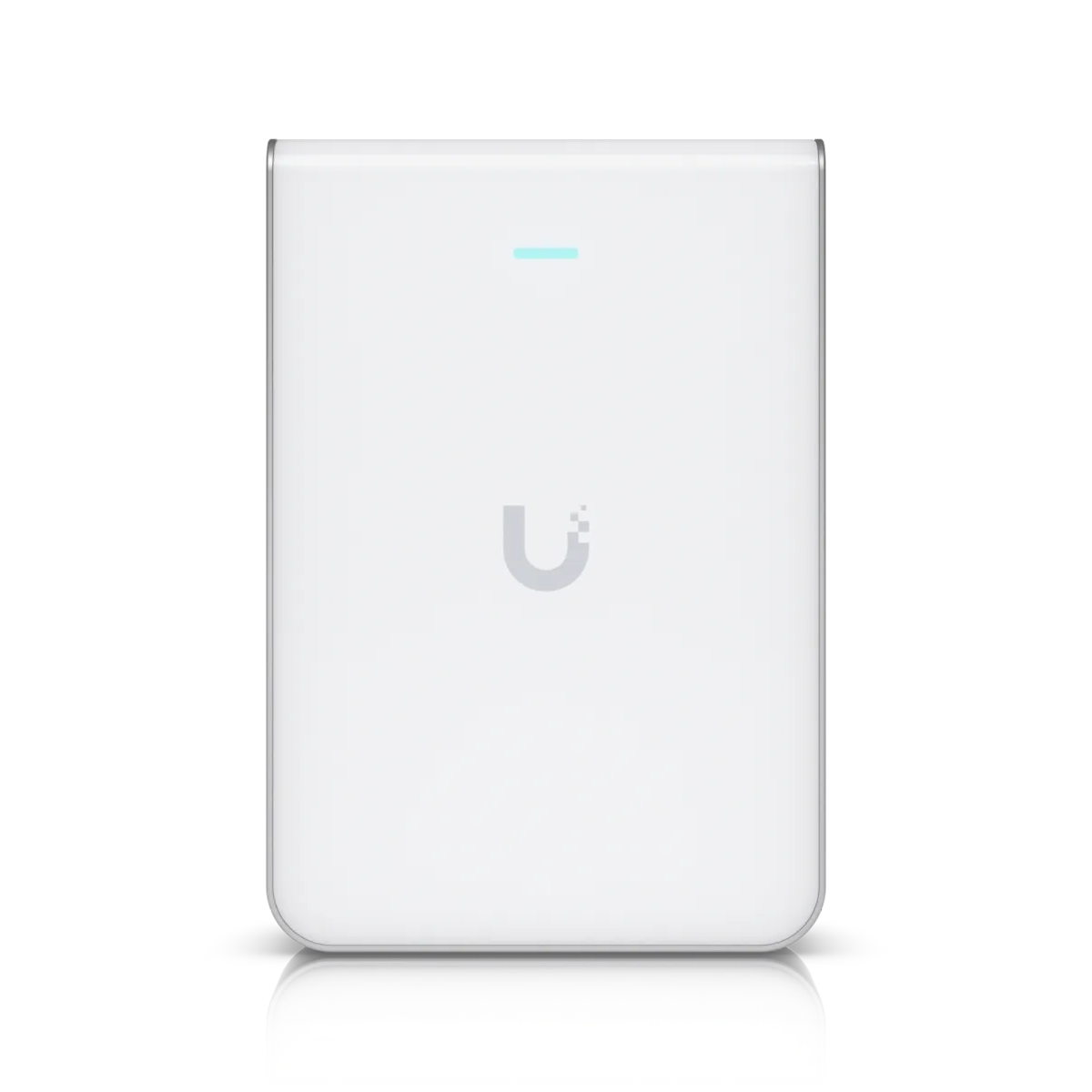
Larger properties use these pieces at scale. We cover more rooms with guest Wi-Fi, put codes on more doors, and add noise monitors and parking cameras.
- Wi-Fi coverage for more rooms
- Codes for driveway and doors
- Noise monitors and parking cameras
Cleaner and trade codes are restricted
Cleaning crews, pool service, and repair trades each get their own codes limited to set hours. A cleaner's code only opens the door in the window between one guest's checkout and the next guest's check-in.
Names and times shown are an example.
One code opens every allowed door
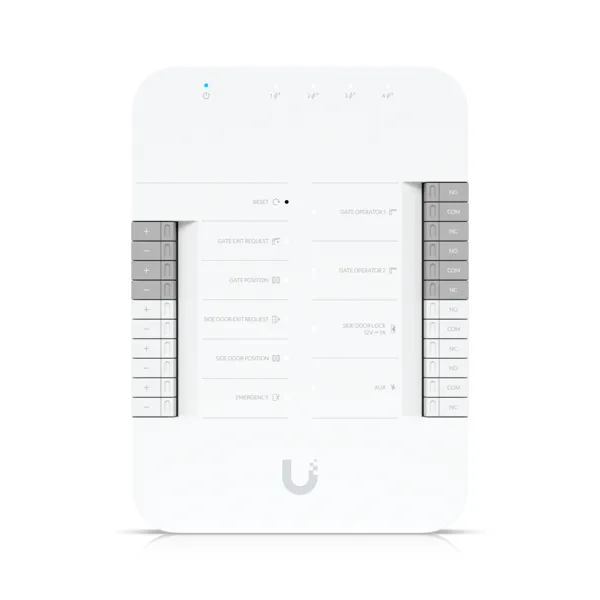
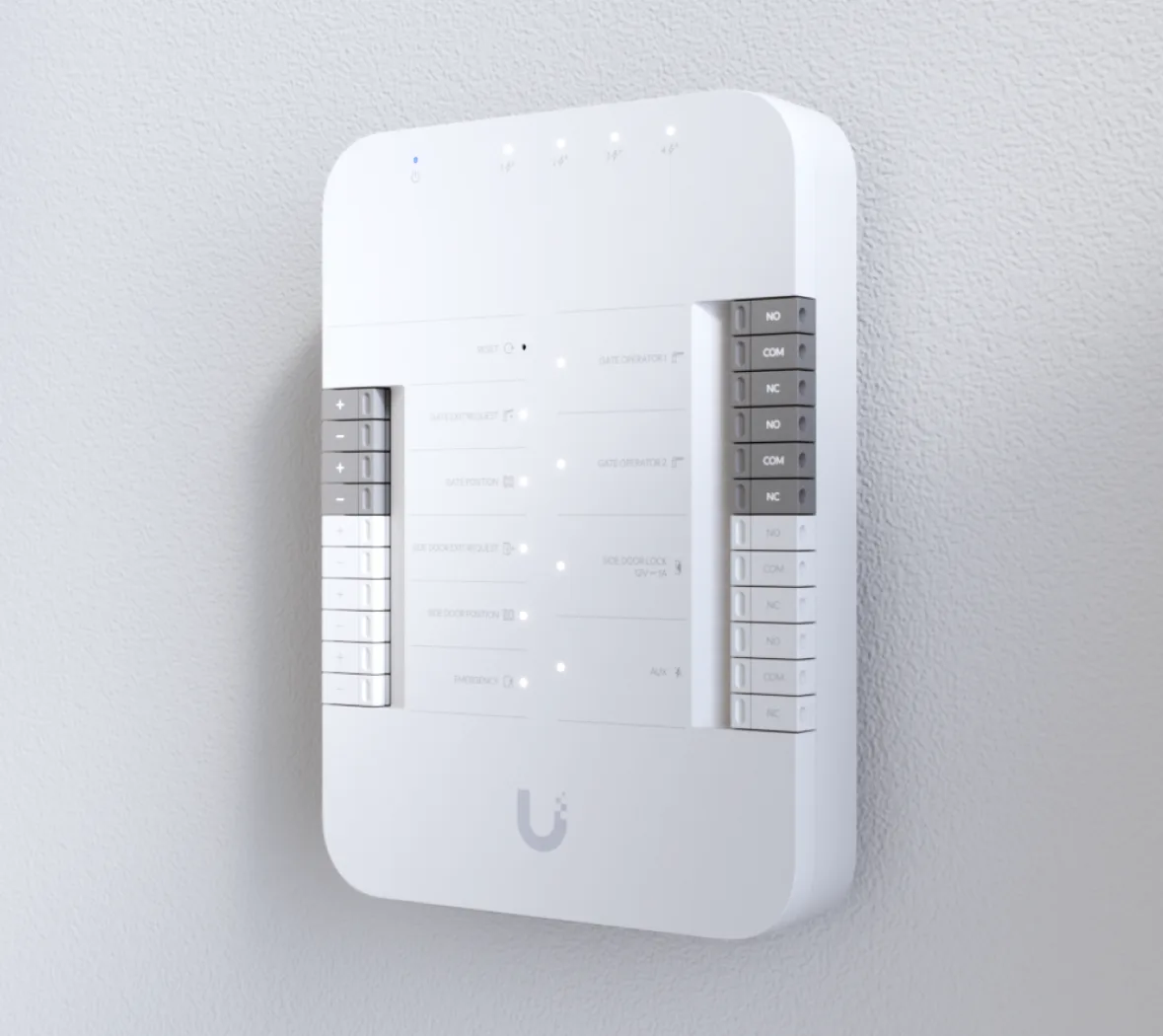
Driveway gates and pool gates accept the same guest code as your front door. Guests use one number for their whole stay, and access ends at checkout.
- Front door
- Pool gate
- Driveway gate
Management companies see all homes together
One login covers every property. Managers see arrivals and alerts on a single screen, while each owner is given access to only their own home with their own permissions.
Sensors report events without indoor cameras
Sensor alerts reach your phone, so an open back door, a room drifting too hot, or vaping shows up the same day, between stays or during one.
Names and times shown are an example.
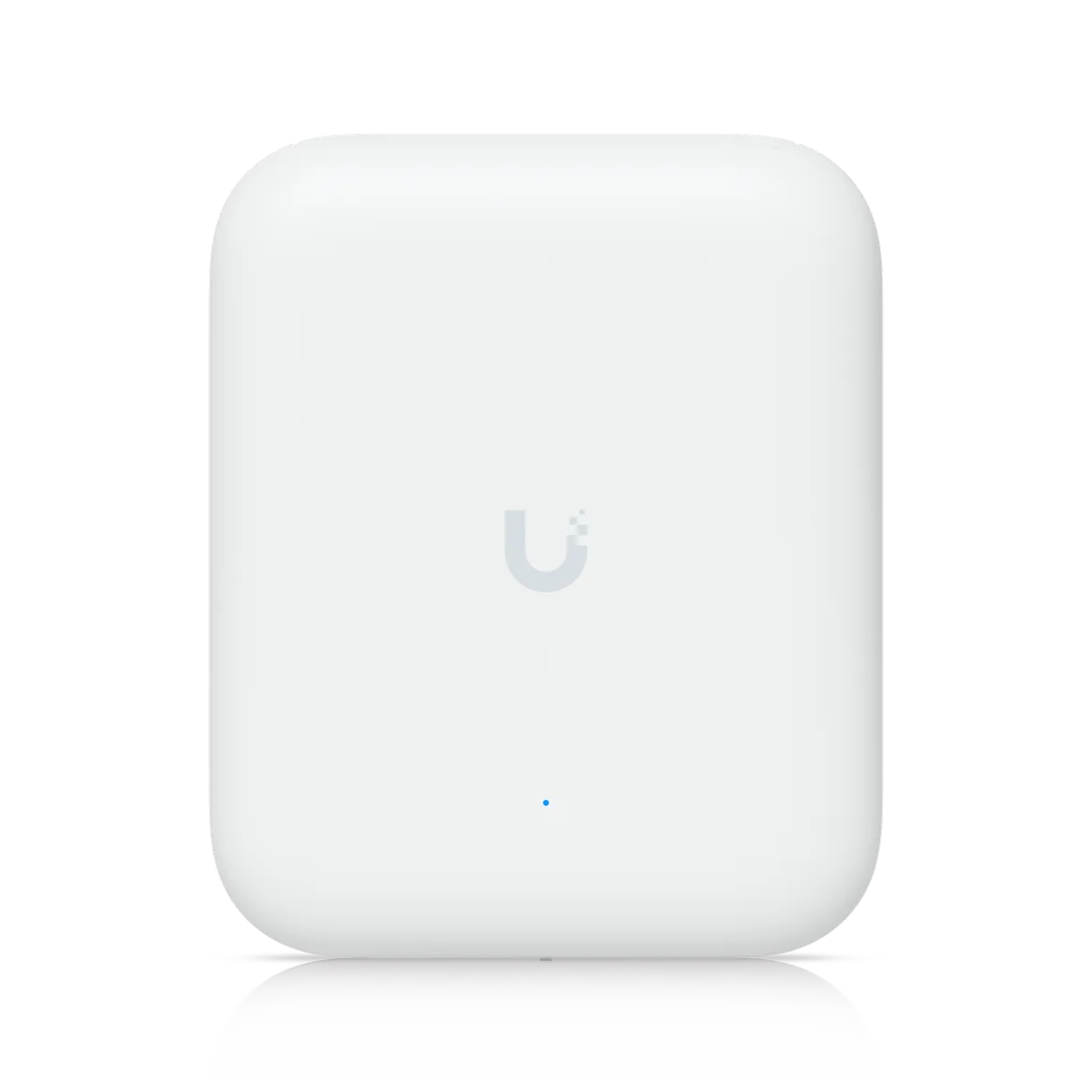
Guest Wi-Fi runs on its own
Guests accept your terms on a sign-in page before getting online. Vouchers can expire at checkout and carry a speed limit or data cap. Guest devices cannot see each other, keeping networks apart.
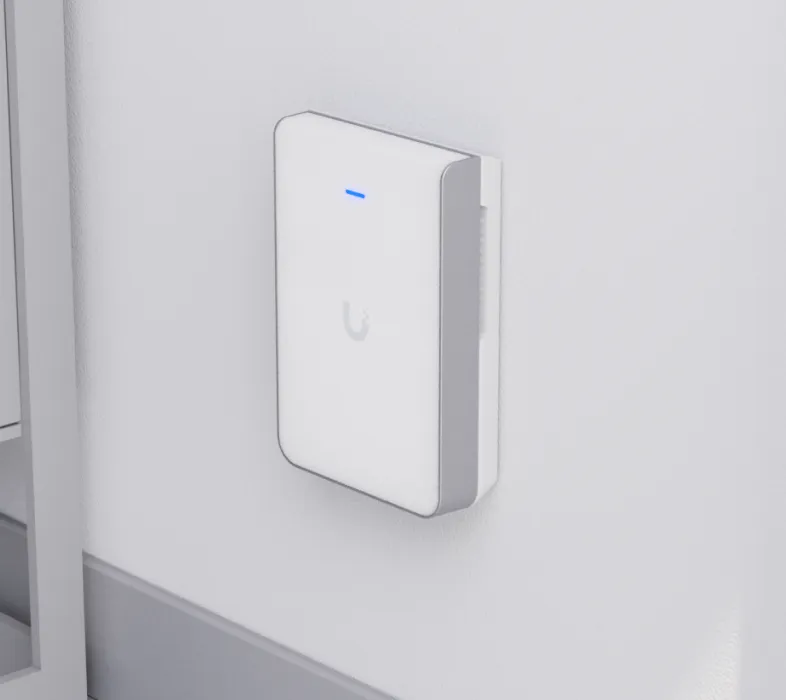
Outdoor cameras watch the driveway
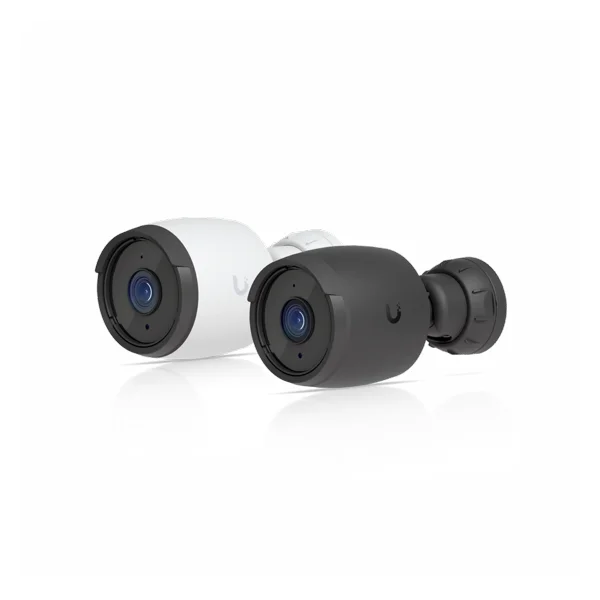
Outdoor cameras cover the entrance, drive, and parking. Each camera location is listed so owners can disclose it in their listing, as Airbnb requires. No cameras go inside a rental.
Cellular backup keeps codes working
Cellular backup takes over automatically if internet drops, keeping door codes and guest Wi-Fi working. Backup requires a SIM card from a mobile carrier.
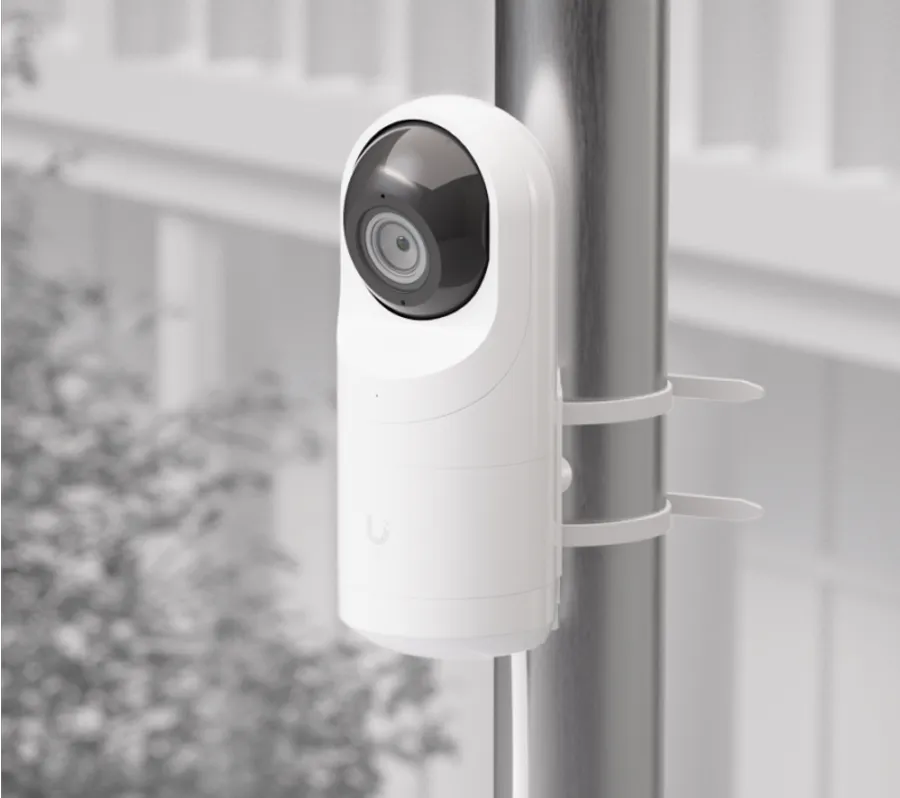
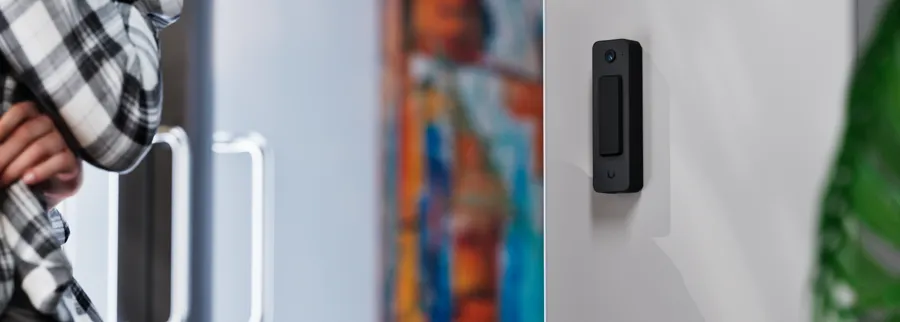
Hardware for your specific location
Exterior hardware and mounting screws on beach homes are specified differently from inland homes.
Installation from Charleston to Savannah
- 1
CloudCentric reviews your home
CloudCentric reviews your property to prepare for door hardware, sensors, cameras, and network devices.
- 2
Installation in one visit
Hardware, sensors, cameras, and guest Wi-Fi are installed in one trip where possible.
- 3
System and app setup
Setup includes codes and the owner or manager app, ensuring everything is ready.
- 4
Support and Wi-Fi testing
Guest Wi-Fi is tested from a phone at handover, and CloudCentric supports your system afterwards.
Common questions from rental owners
- How are cleaner and trade codes limited?
Cleaning crews, pool service, and repair trades each get codes limited to set hours. Codes used outside those hours are refused and logged.
- What happens if a guest leaves early or a booking is cancelled?
Credentials stop working automatically when the visit ends. Cancelling a visit stops them at once.
- What happens if the internet goes down?
Cellular backup takes over automatically, keeping door codes and guest Wi-Fi working. Backup requires a SIM card from a mobile carrier.
- Are cameras allowed inside a rental?
No cameras go inside a rental. Airbnb bans indoor cameras, even switched off, and Vrbo bans surveillance devices inside a rental.
- Can one company run many owners' homes and keep each owner to their own?
One login covers every home for a management company, showing all arrivals and alerts. Each owner can be given access to only their own home.
- Where do the door codes come from when a booking arrives?
CloudCentric connects your door system directly to Airbnb, Vrbo or Hostaway. Bookings pass through this connection, and a unique visitor PIN generates with a start and end time.
- What do you do at a resort villa whose gate the community association controls?
Associations at Wild Dunes, Kiawah and Seabrook own their gates and issue guest passes. We install locks, cameras, Wi-Fi and sensors on your villa itself, leaving community property alone.
- How is a water leak noticed between stays?
Battery sensors under sinks or behind washing machines report water on floors. Alerts reach your phone or your manager the same day, so leaks get noticed between stays or during one.
Setup your rental home technology today
Call our team or book a walkthrough to get started.