
Business email setup
Managed business email on your own domain
Move your team to addresses you control in Microsoft 365 or Google Workspace with local support from Mount Pleasant.
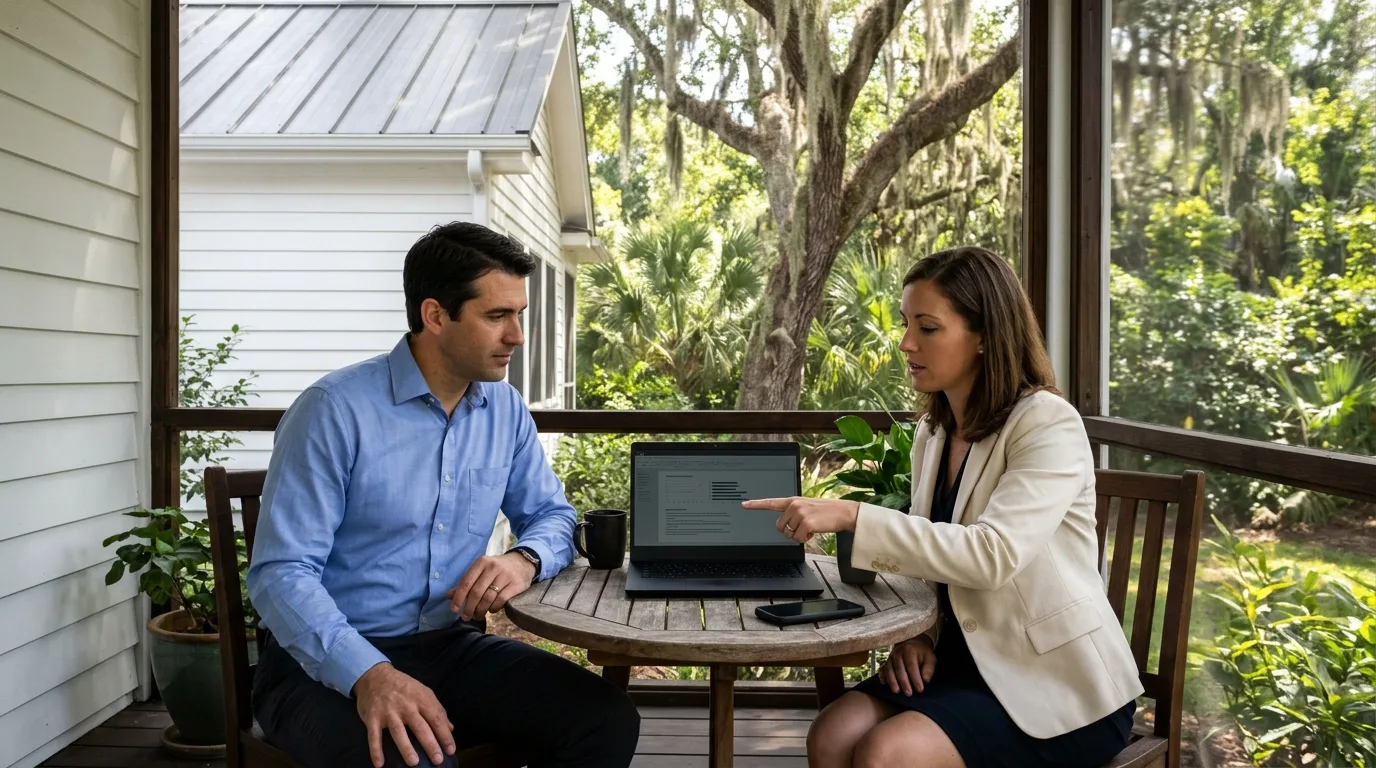
Company email ownership
Switch to a professional email address you control
Professional addresses like [email protected] improve brand recognition and user trust. CloudCentric registers your domain in your business's name, sets up Microsoft 365 or Google Workspace, and creates mailboxes for your staff.
- 1
Domain registered for your business
Registrant contacts control renewals and transfers. CloudCentric registers your domain in your company's name so you retain ownership, not a former employee or web designer.
- 2
Mailboxes for every staff member
CloudCentric adds users and assigns licenses so your team can sign in. Every person gets their own name and username at your company domain.
- 3
Mail switch with careful routing
CloudCentric configures new mailboxes before updating domain MX records to follow Microsoft recommendations for maintaining service. Setup points your mail route to your new platform and brings over old messages.
Email platforms for coastal businesses
Companies require professional email on their own domains. CloudCentric sets up Microsoft 365 or Google Workspace, creates mailboxes with names and usernames, and answers staff questions through our help desk.
Select your industry
View related services
Microsoft 365 and Google Workspace setup
Setting up business email involves verifying your domain and pointing mail traffic. CloudCentric handles these technical requirements in both platforms so your company can choose its preferred system.
Choose a setup step
Microsoft 365
Google Workspace
Microsoft Learn: add a domain, DNS records, add users. Google Workspace Help: TXT record, MX records. Checked November 2, 2026.
DNS records for professional email delivery
Domain Name System settings direct messages to their correct platform. CloudCentric manages technical configurations in one place, pointing your MX records and setting up authentication to match provider requirements.
Ownership verification TXT record
Unique text values prove to the email provider that your business owns the domain name before any mailboxes are created.
Mail exchange MX record
MX records tell the internet where to deliver your company's messages. Priority numbers control the active route while moving from an old provider.
Sender authentication and autodiscover
SPF records authenticate your outgoing messages to help them reach inboxes. Autodiscover CNAME records let products like Outlook configure user mailboxes automatically.
View vendor documentation, Google MX records. Checked November 2, 2026.
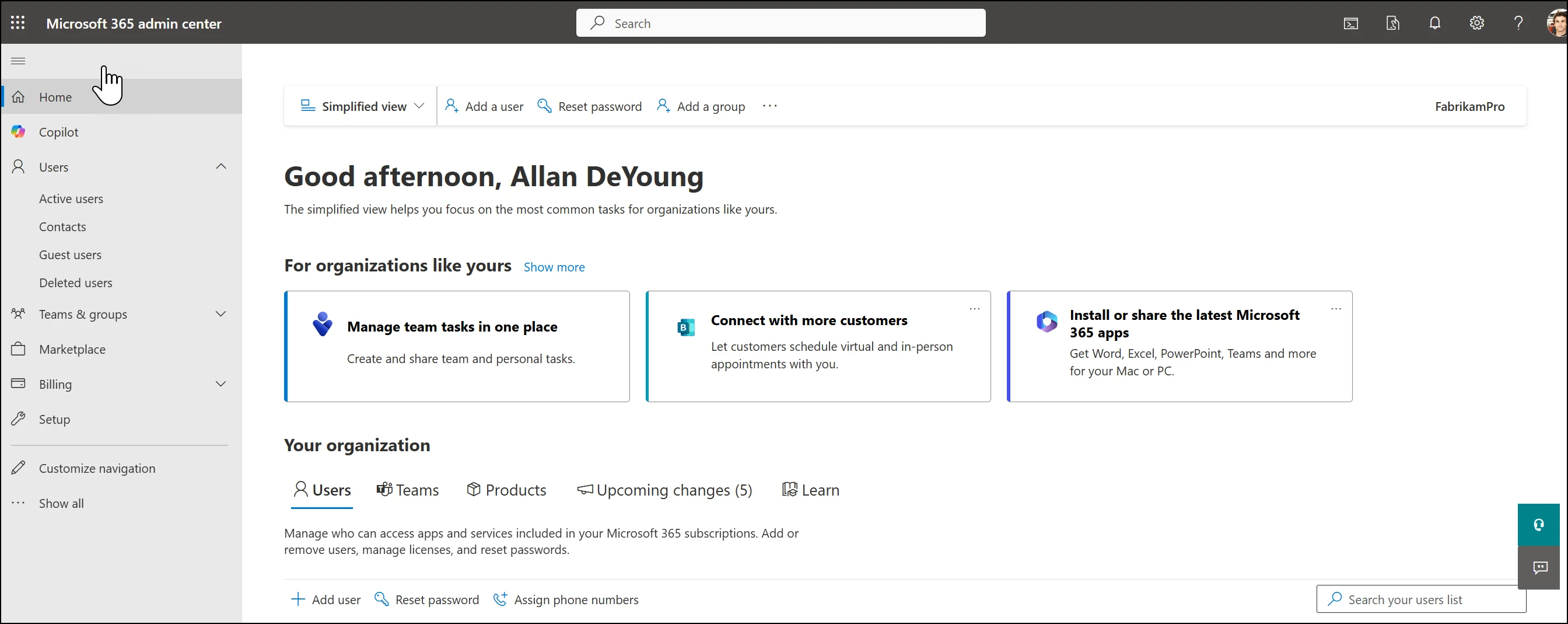
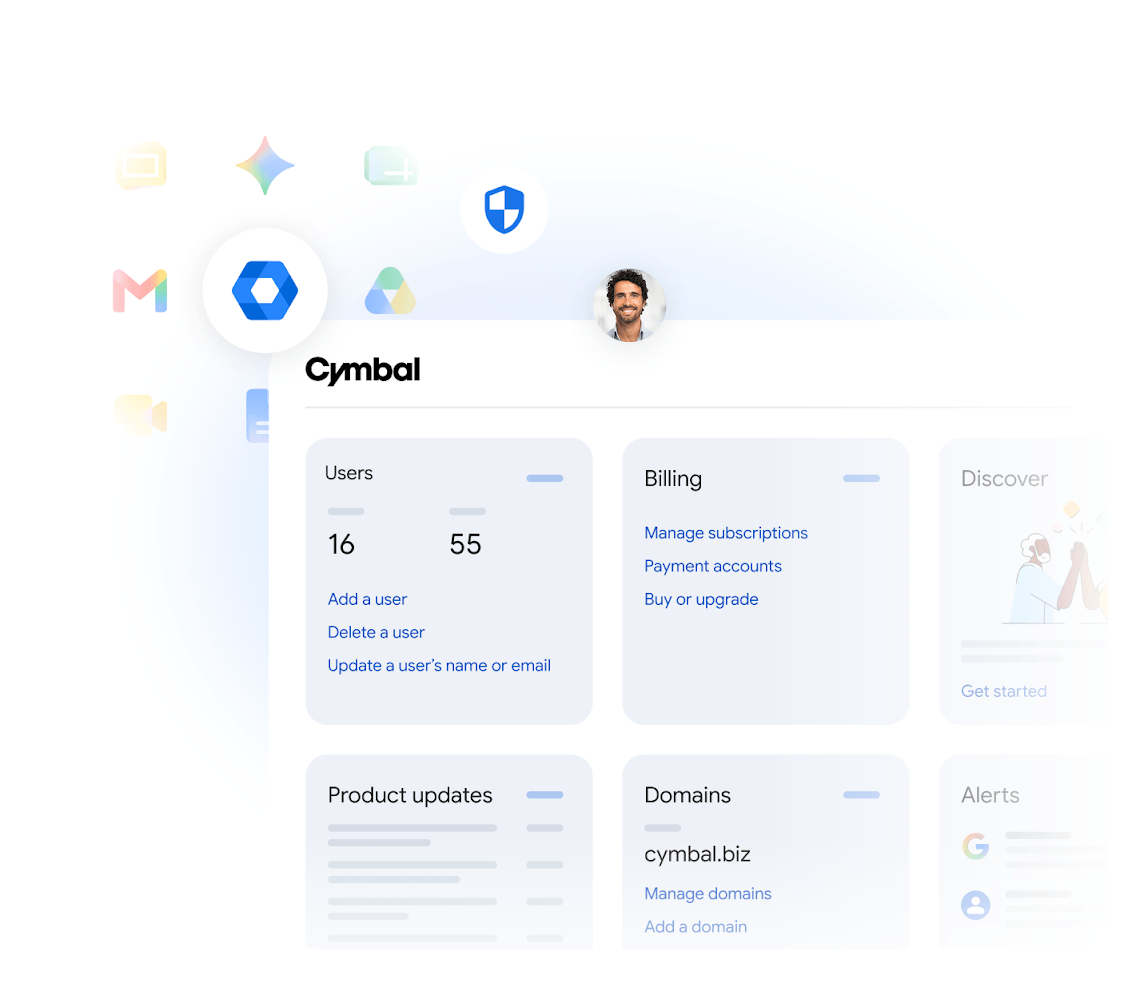
Professional email setup process
CloudCentric guides your business through every stage of moving to a custom domain email platform, handling the technical settings while your team focuses on daily work.
- 1
Registering your company domain
CloudCentric registers and renews domain names for your company. Registrant contact details list the business itself to ensure your organization controls transfers and future renewals.
- 2
Proving domain ownership
Technical records added at the registrar prove your ownership to Microsoft 365 or Google Workspace before any accounts are configured.
- 3
Creating team mailboxes
Administrators set up mailboxes for everyone in the new platform first so email continues to work without interruption when the route changes.
- 4
Pointing the mail route
New MX records direct messages to your chosen platform. Microsoft 365 steps assign previous provider routes a lower priority, while Google Workspace documentation requires removing old records entirely.

Common questions about business email
- Can we keep our existing domain?
Domains bought from another registrar work with both platforms. Microsoft 365 recommends a registrar supporting automatic setup, while Google Workspace domains bought through a partner might already be verified.
- Do we need Microsoft 365 or Google Workspace to have email on our own domain?
CloudCentric sets up professional business email on your own domain in either Microsoft 365 or Google Workspace. Both platforms provide custom addresses, allowing your business to choose the preferred system.
- What happens to mail at our old address?
CloudCentric moves mail from an old provider into Microsoft 365 or Google Workspace. Microsoft recommends adding users before updating MX priorities so email continues working while moving to a new system.
- How many people can have an address?
Microsoft 365 requires purchased licenses before administrators can assign them to staff members. Google Workspace adds users through the Admin console, creating professional email addresses with names and usernames on your company domain.
- Who should own the domain?
Registrant contacts on a domain should always be the business itself, not a former employee or web designer. Company ownership ensures your business controls its own domain transfers and renewals.
- Can one mailbox receive mail for two domains?
Google Workspace administrators can add a secondary domain or a user alias domain, allowing one single mailbox to receive mail for more than one domain.
Start using your custom domain email
Call CloudCentric at (844) 422-7000 to move your staff to a professional email platform.