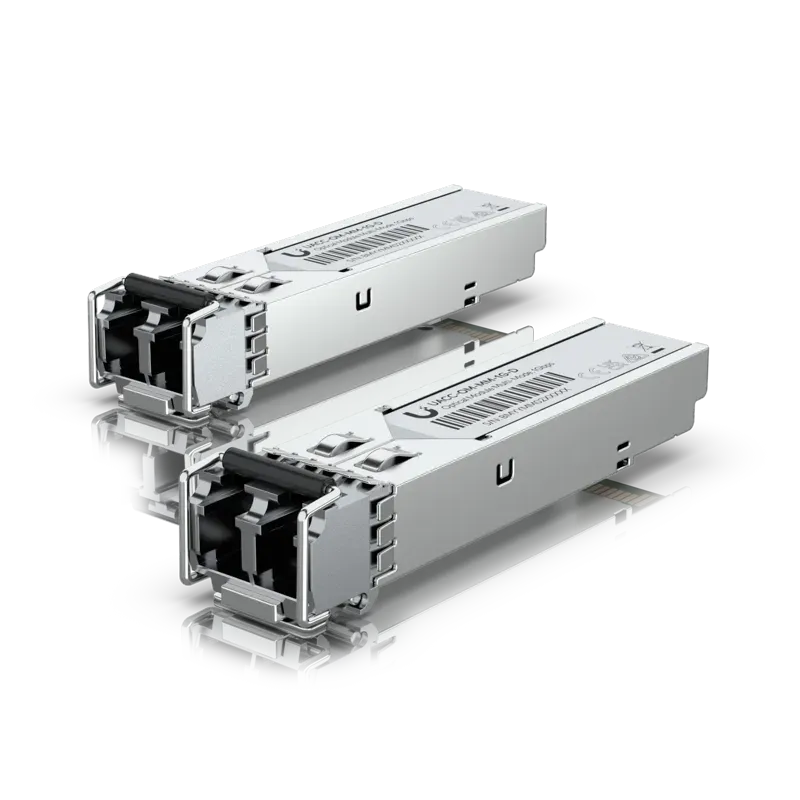
1G multi-mode optical module
Plugs into switch ports to reach up to 550 meters over multi-mode fiber.
550 m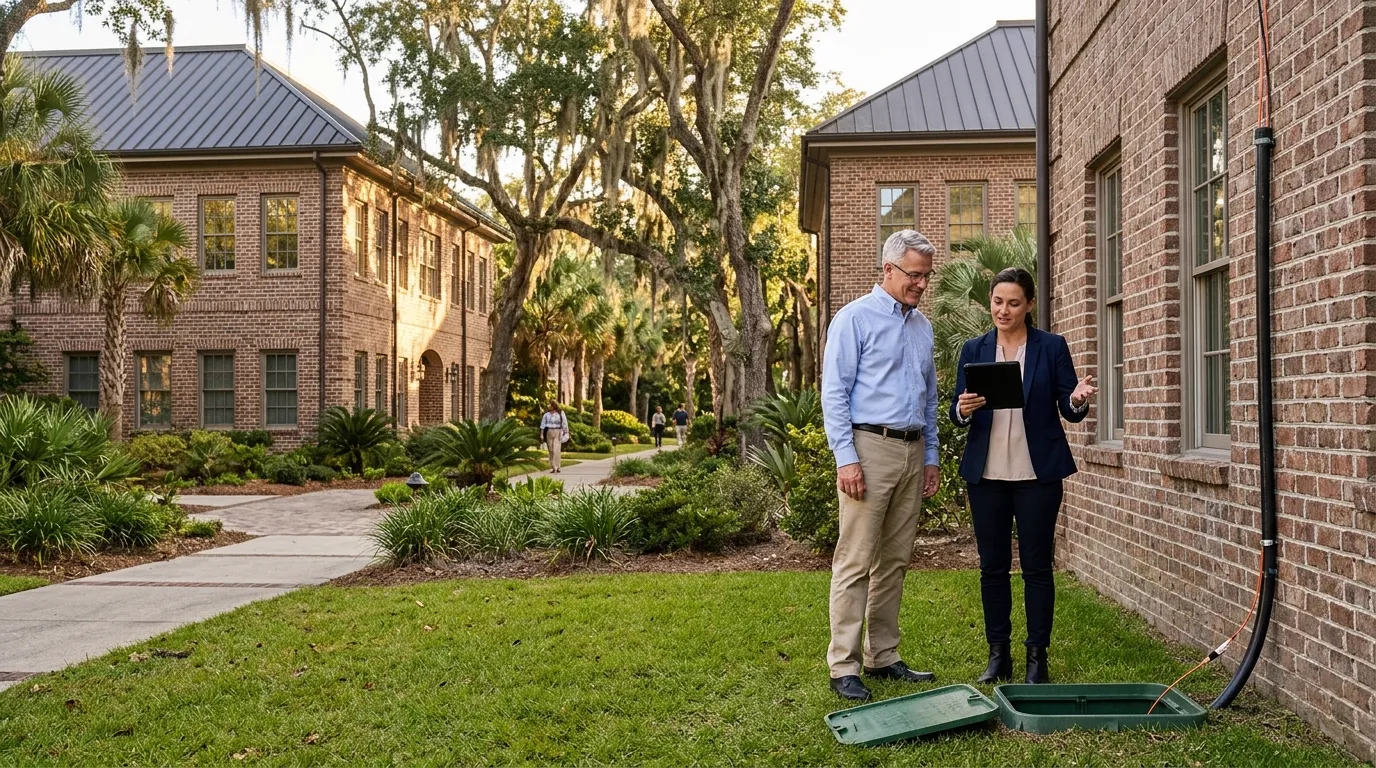
Charleston network cabling
Connect separate buildings and long warehouses with a tested fiber backbone by CloudCentric in Mount Pleasant.
Beyond copper limits
Linking a second building or reaching across a large warehouse requires fiber or a wireless bridge. Fiber cable joins your locations and isolates them from ground loops.
Placed in a switch at each end, an optical module dictates distance, sending data up to 20 kilometers depending on your chosen hardware type.
Glass strands cannot carry electricity. Devices at your far end get power from a switch in that building or a separate power feed.
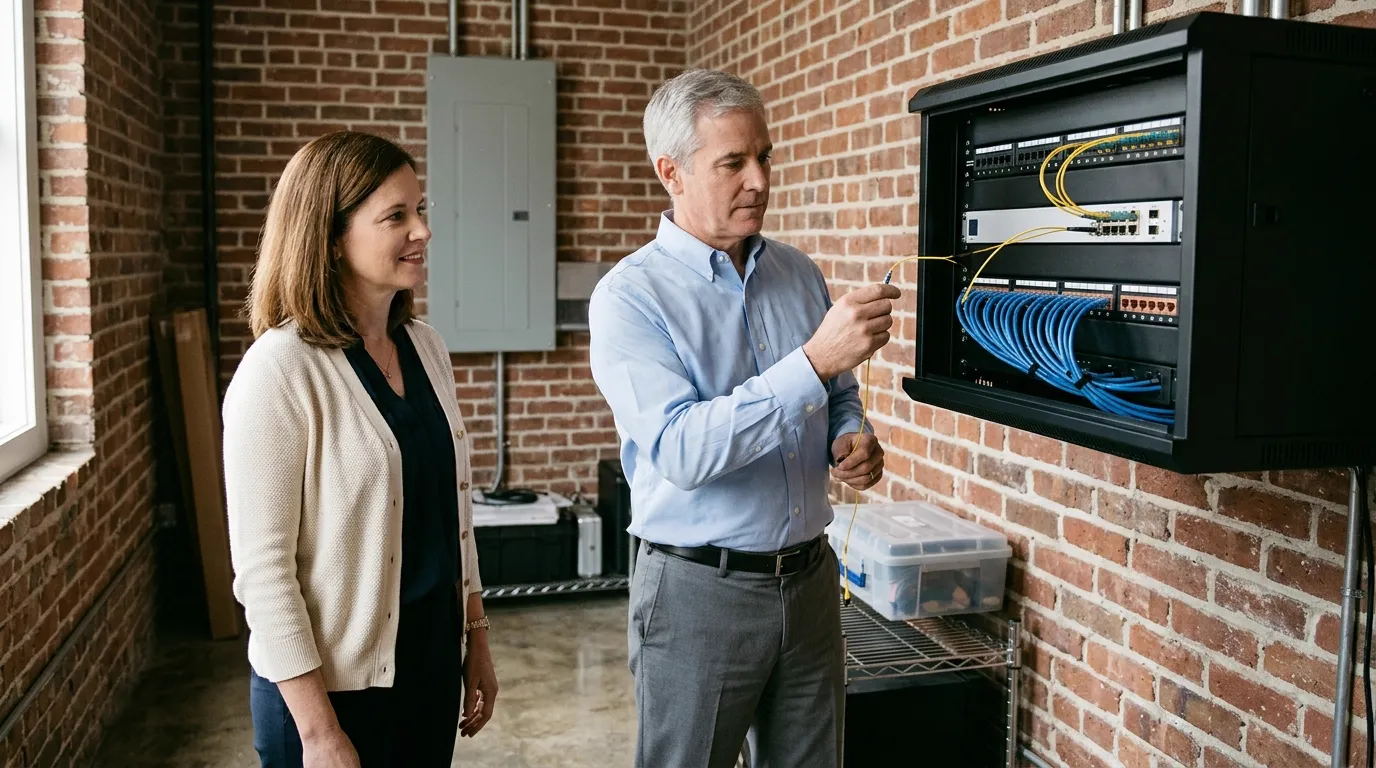
Short duplex patch cables connect your wall panel to network switches in each closet, using multi-mode or single-mode fiber to match your module.
Standard copper handles standard offices, but joining separated structures or spanning long distances requires a fiber link. See where a backbone belongs on your site.
Choose a property type
Office parks and medical campuses connect multiple buildings to a central network using underground fiber.
Warehouses too long for one closet run fiber to a far switch that powers distant devices.
Educational campuses and church grounds link separate sanctuaries, classrooms and offices with a single backbone.
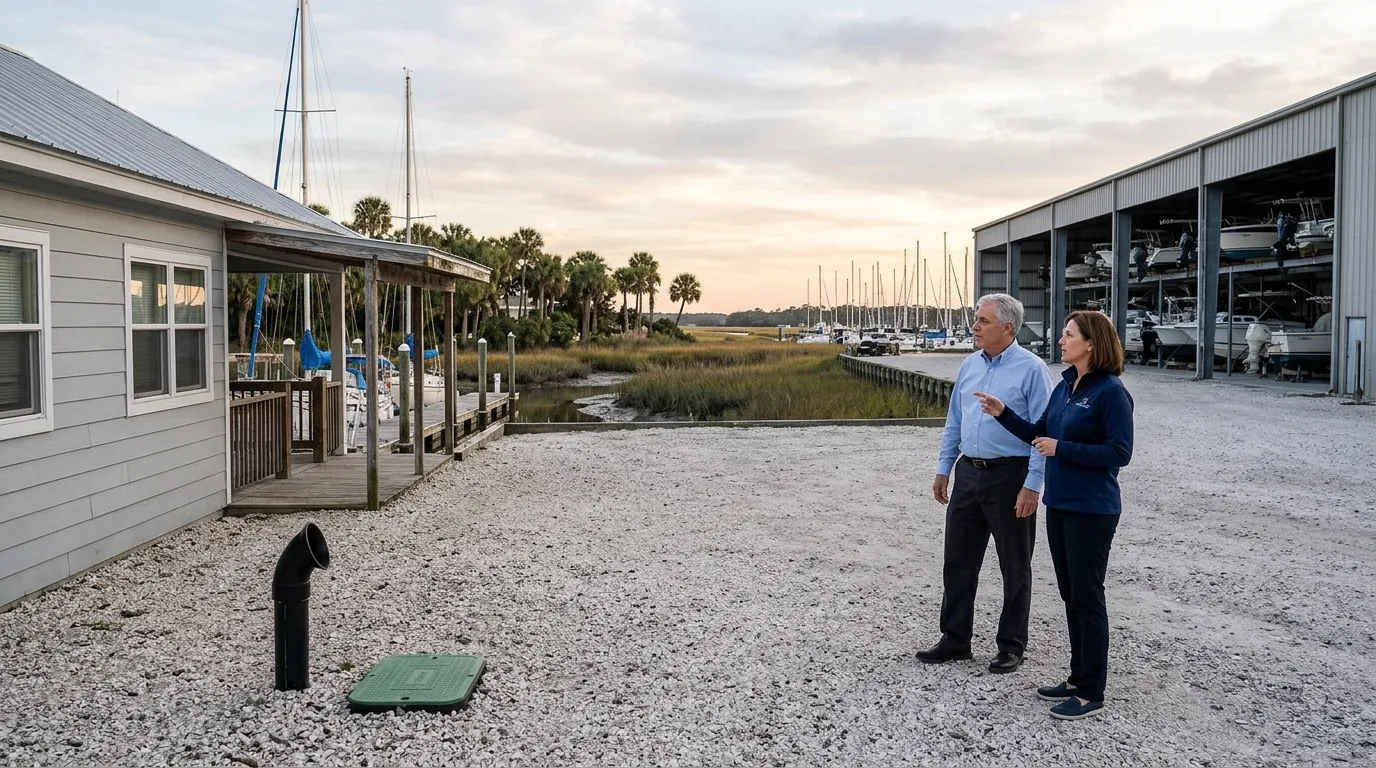
Coastal properties join offices, boat barns and port-side cabinets across open yards using fiber.
Multi-family properties connect leasing offices to residential buildings and gatehouses to manage access centrally.
Expansive homes connect main houses to a guest house, pool house or barn underground.
Moving past 100 meters requires multi-mode fiber, single-mode fiber or a wireless bridge. Standard copper handles shorter indoor runs.
Slide distance to see options
Bars display datasheet maximums and do not represent distances for any particular building.
Two buildings require a switch at each end, optical modules to send light, and outdoor-rated cable pulled between them.
Click numbers on your plan
1. First building switch
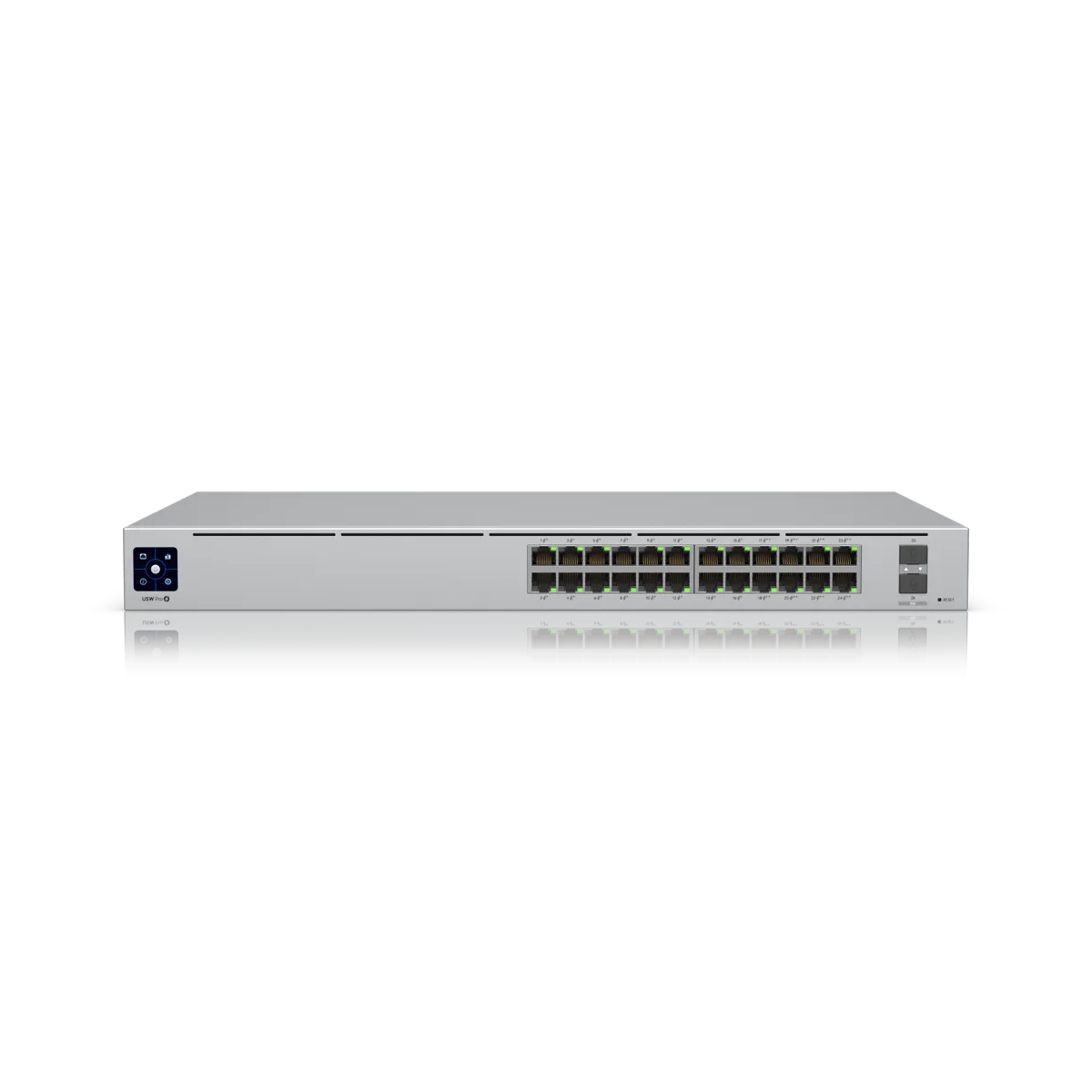
Network switch
Data originates at your primary network switch in building one. A mid-size 24-port PoE switch has two SFP+ fiber ports.
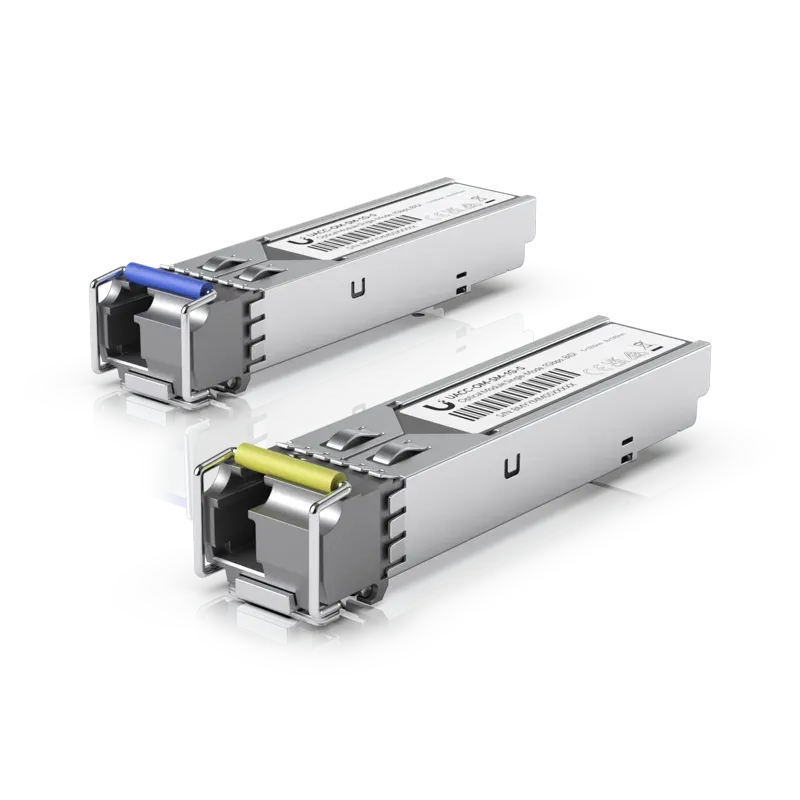
2. Optical module
Optical module
Placed into switch ports, optical modules dictate link distance. A 1G single-mode module reaches up to 3 kilometers and a 25G one reaches up to 10 kilometers.
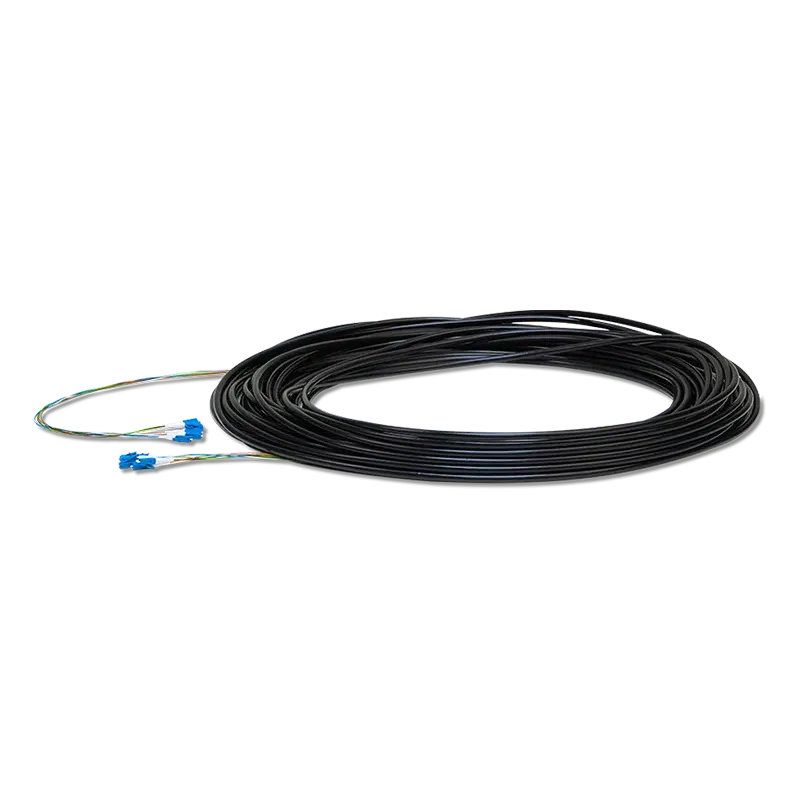
3. Outdoor fiber cable
Outdoor single-mode cable
Glass strands run underground in outdoor-rated jackets equipped with a ripcord and Kevlar yarn for tensile strength.
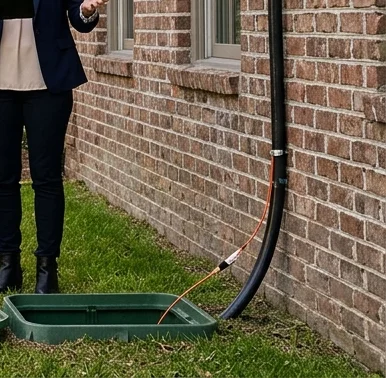
4. Midpoint pull box
Pull box
Conduit set while the ground is open gives a later cable a path.
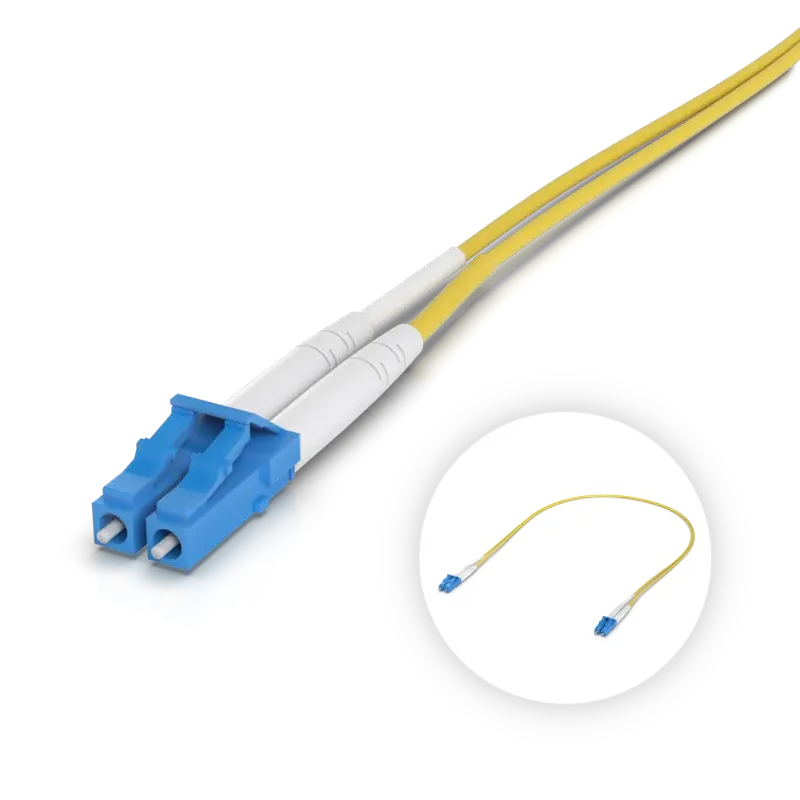
5. Building entry
Patch cable
Outdoor cables enter second buildings and connect to indoor patch cables, linking outside runs to indoor equipment.
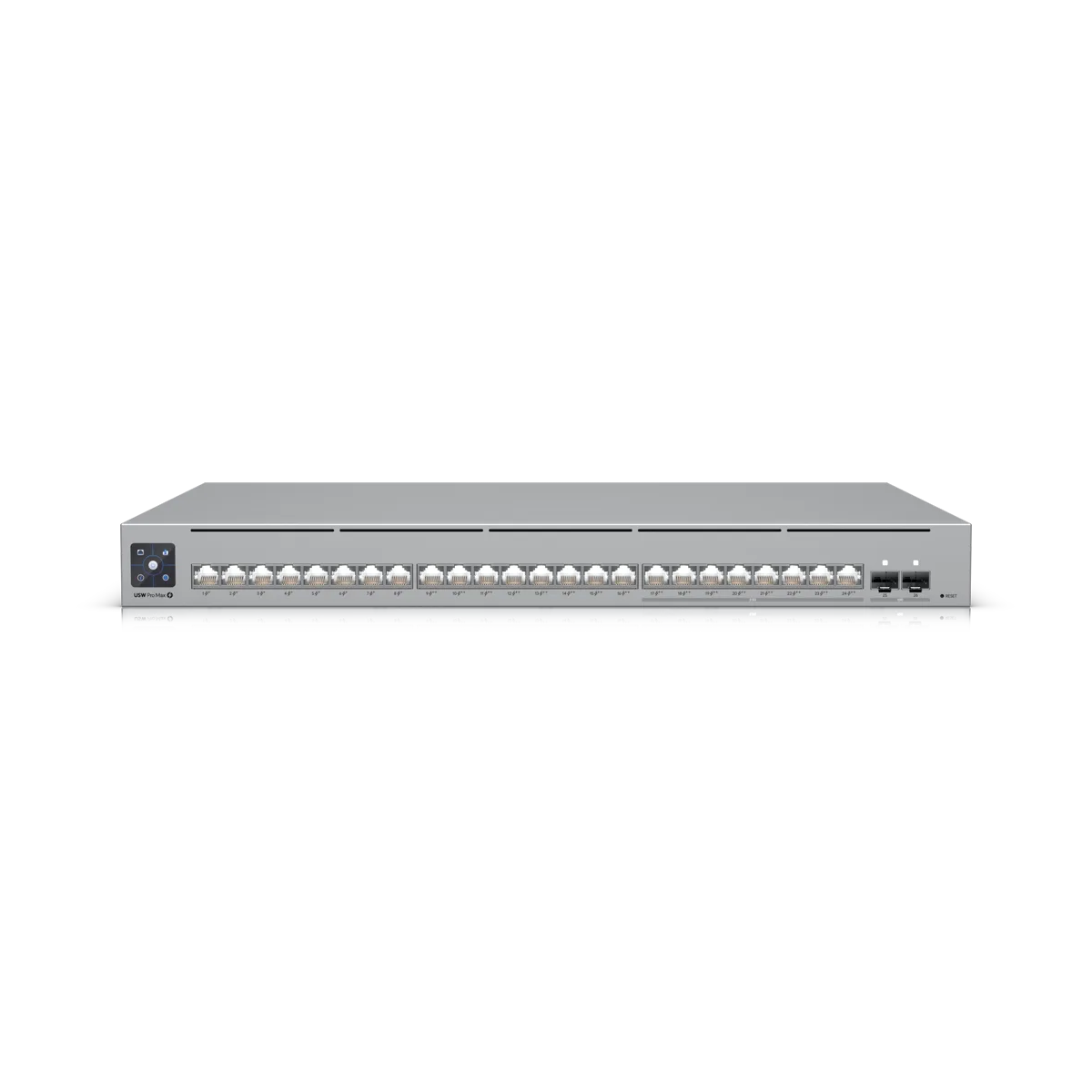
6. Far end switch
Far end switch
Fiber provides data only. Second buildings get separate switches to power local cameras and access points.
Drawing shows an example plan of a two-building run, not a real site.
Every fiber run is planned carefully, pulled safely and tested thoroughly before any data crosses your connection.
Tier 1 testing follows ANSI/TIA-568.3 standards for optical loss.
Marinas often need to link an office to a distant boat barn across a busy lot. You have two ways to bridge gaps depending on ground conditions.
Fiber needs an underground conduit path. A 60 GHz wireless bridge requires no trench across busy yards, reaching 500 meters with clear line of sight.
Glass cable brings only data to your boat barn. A PoE switch installed locally powers access points and security cameras.
Planning ahead means laying empty conduit while ground is open, giving a later cable a ready path without digging twice.
Hardware combinations depend on distance and building layout. Parts below build connections from your main switch to remote closets.
Plugs into switch ports to reach up to 550 meters over multi-mode fiber.
550 m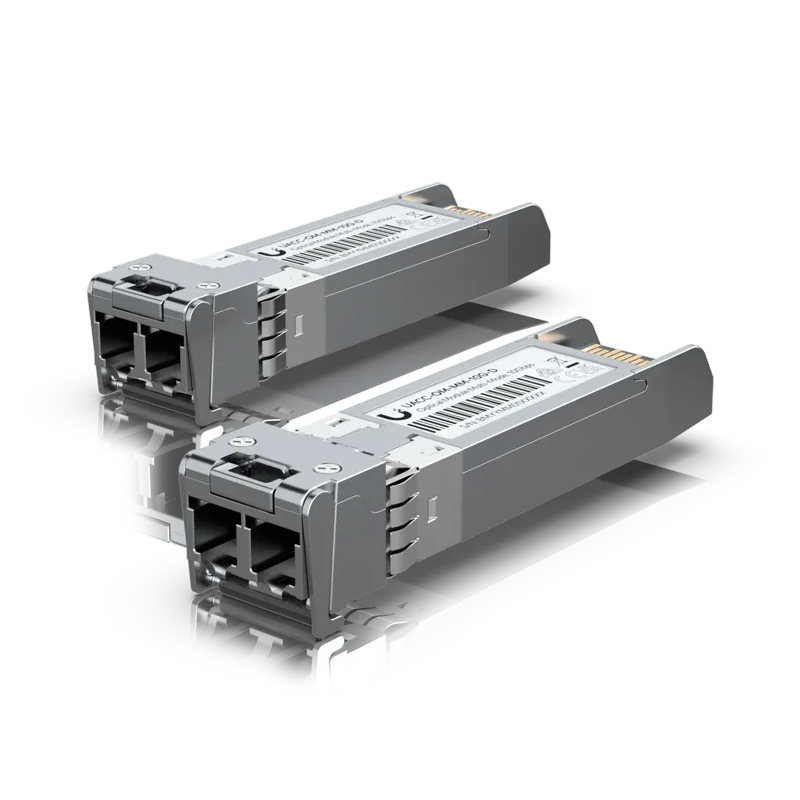
Reaches up to 400 meters on OM4 fiber and 300 meters on OM3 fiber.
400 m OM4Uses a simplex LC connector to reach up to 3 kilometers on a single strand.
3 km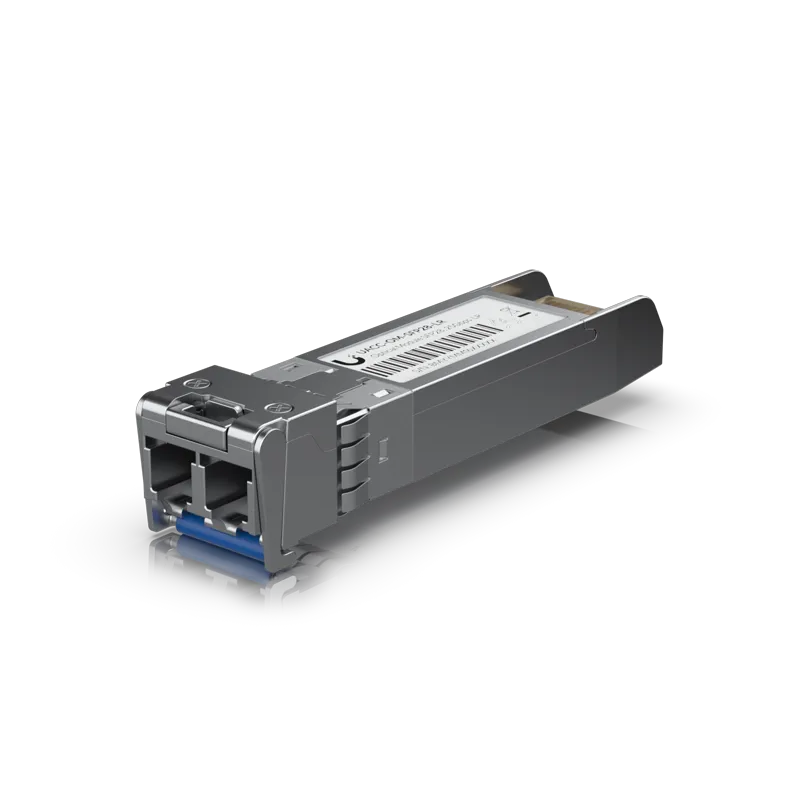
Plugs into high-capacity switch ports and reaches distances up to 10 kilometers.
10 km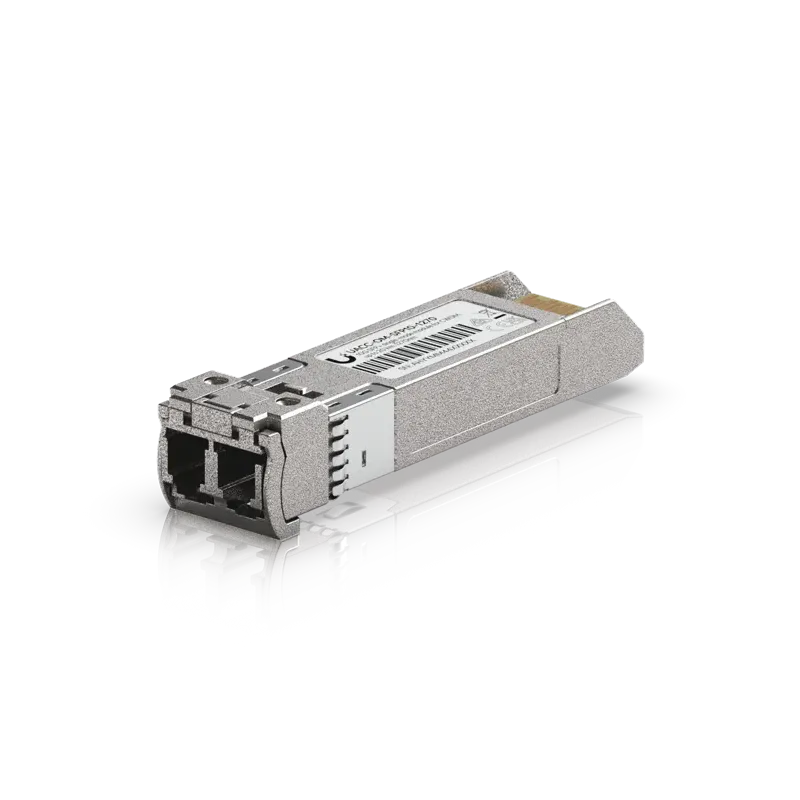
Reaches up to 20 kilometers and operates in pairs of matching wavelengths.
20 km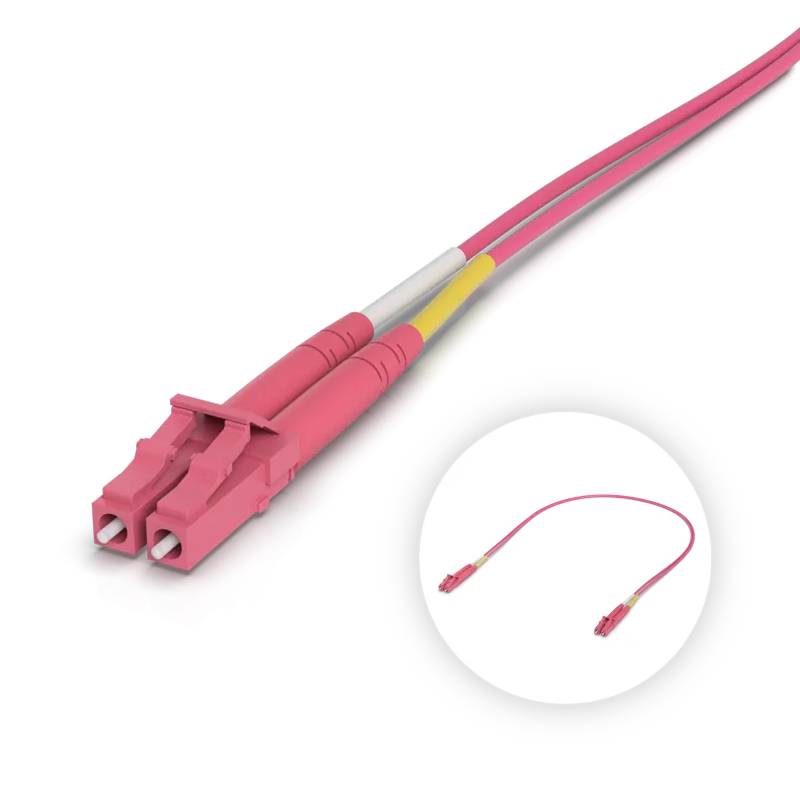
Connects multi-mode modules to wall panels in lengths from 0.5 to 30 meters.
0.5 to 30 mConnects single-mode modules to wall panels in lengths up to 30 meters.
0.5 to 30 mAvailable in lengths from 30.5 to 91.5 meters with an outdoor-rated jacket, ripcord and Kevlar yarn.
30.5 to 91.5 m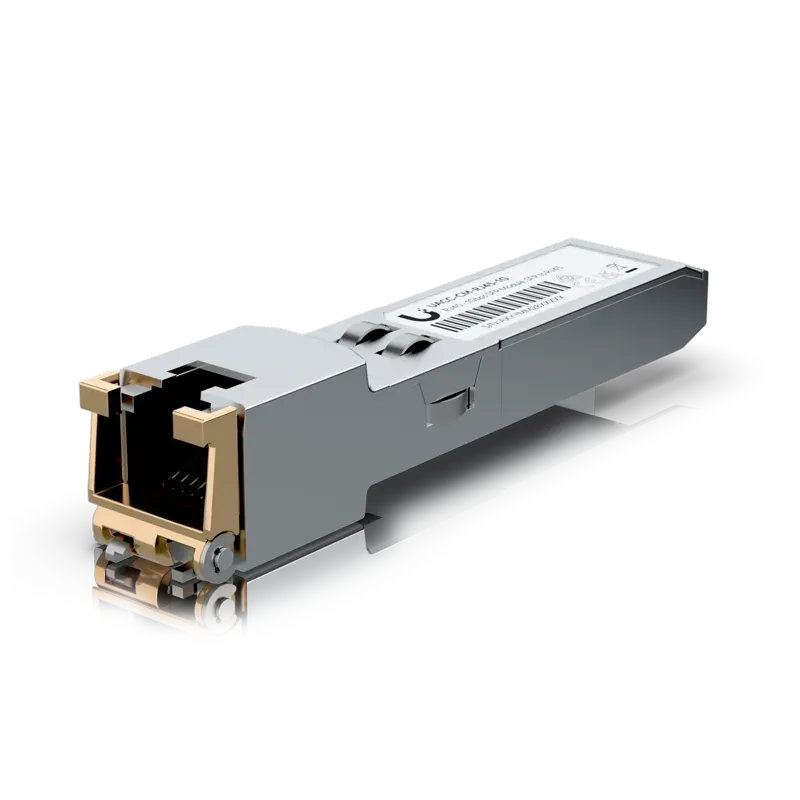
Permits copper devices to use an SFP port at 1G up to 100 meters.
100 m copper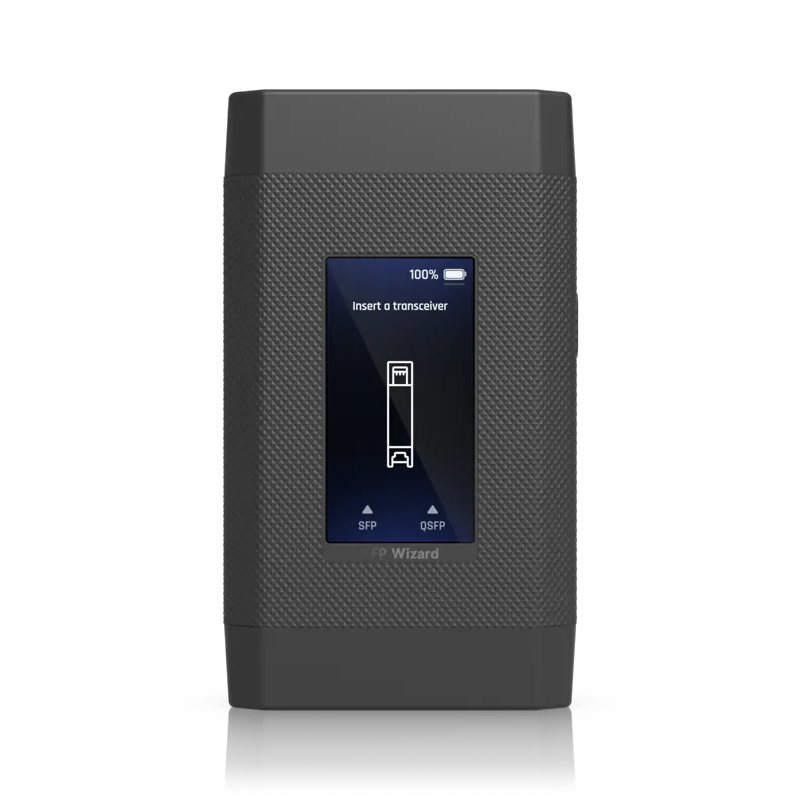
Tests, reprograms and runs diagnostics on optical modules before they enter switches.
Module testingCopper network cable stops at 100 meters. Reaching beyond your limit, connecting separate buildings or isolating ground loops requires a fiber backbone or a wireless bridge.
Multi-mode fiber reaches 550 meters on 1G and 400 meters on OM4 at 10G. Single-mode modules reach farther, spanning 3 kilometers, 10 kilometers and 20 kilometers by module.
Optical modules dictate your maximum distance. A 1G multi-mode module reaches 550 meters, while single-mode modules for CWDM reach up to 20 kilometers.
Yes. Fiber strands carry data only, not electricity. Devices at your far end get power from a local PoE switch or separate power feeds.
Fiber requires an underground conduit path. A 60 GHz wireless bridge reaches 500 meters with clear line of sight and needs no trench across parking lots.
Installers inspect connectors for dirt and run Tier 1 testing to measure loss, length and polarity. Programmable tools also run diagnostics on optical modules.
Call (844) 422-7000 or book a walkthrough to plan a fiber run or wireless bridge for your Charleston business.