One cloud platform
Command shows cameras, access control, air quality sensors, alarms and intercoms in one view.
Cloud camera comparison
Compare long-term license costs to see where each camera system works best.
System architecture differences
Both systems record video. Choosing a Verkada alternative means deciding where footage and control live, and reviewing what gets billed each year.
Verkada requires one cloud license per camera to maintain access to device settings and event notifications.
Businesses make a one-time purchase of a local recorder and cameras, paying nothing per camera annually.
Review published prices, applied discounts, chosen license terms and retention days to understand long-term costs.
Calculations show an example from published list prices, not a quote. UniFi includes a 16 TB drive per recorder for roughly a month of 4K footage like Verkada's 30-day option, excluding switches, cabling, installation, tax and any discount.
Camera count
License years
Verkada hardware option
Prices exclude tax and come from each vendor's own pricing page and store.ui.com, checked November 8, 2026. verkada.com/pricing, store.ui.com.
Each platform solves physical security in a different way. Verkada builds a unified cloud console, while UniFi stores video inside your building without subscriptions.
Command shows cameras, access control, air quality sensors, alarms and intercoms in one view.
Every purchase includes automatic updates, handled by the vendor directly from the cloud.
Each camera license includes 30 days of continuous cloud backup. Extended backup packs stack up to 10 years per camera.
Verkada's cloud console manages cameras at many sites in one place, and Verkada's own Command page shows cameras across several sites.
Cameras identify vehicles, license plates and faces without cloud fees or paid AI add-ons.
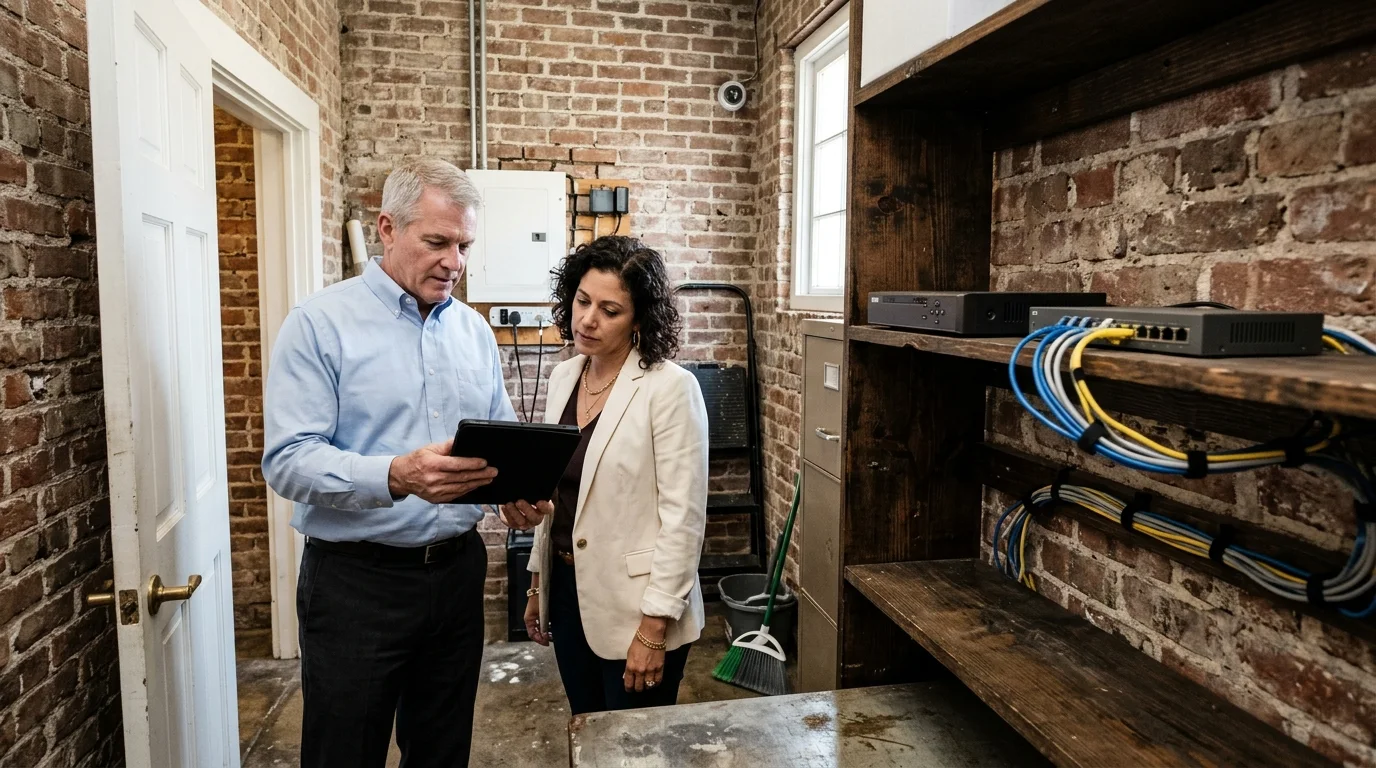
Recorders sit inside the building, so recording continues if your internet connection drops.
Businesses or their IT providers own patching and uptime for the local recorders.
Recordings live locally by default, meaning businesses need an off-site copy plan to protect footage.
Knowing exact system behavior helps owners plan budgets. Verkada outlines these exact stages on their own help pages for expired licenses.
Details come directly from Verkada's own help pages, checked November 8, 2026. help.verkada.com, managing licenses.
Facilities evaluate hardware based on their physical layout and IT staff.
Select a business type
Published prices checked November 8, 2026, show $249 for 1 year, $659 for 3 years, $1,099 for 5 years and $2,199 for 10 years per camera.
Hardware totals exclude PoE switches, cabling, mounts, installation labor, tax, shipping and any applied discounts, as these vary by job and are not published.
UniFi Protect handles all AI and recording on a local recorder with zero cloud fees, subscriptions or paid AI add-ons.
Cameras installed by CloudCentric write footage to a recorder inside the building, ensuring recording continues even if the internet fails.
Cloud platforms push updates automatically. With a locally recorded system, the business or its IT provider owns patching and uptime management.
CloudCentric operates as a managed IT provider in Mount Pleasant, South Carolina, serving businesses across Charleston and the Lowcountry. Call (844) 422-7000 to discuss physical security options.
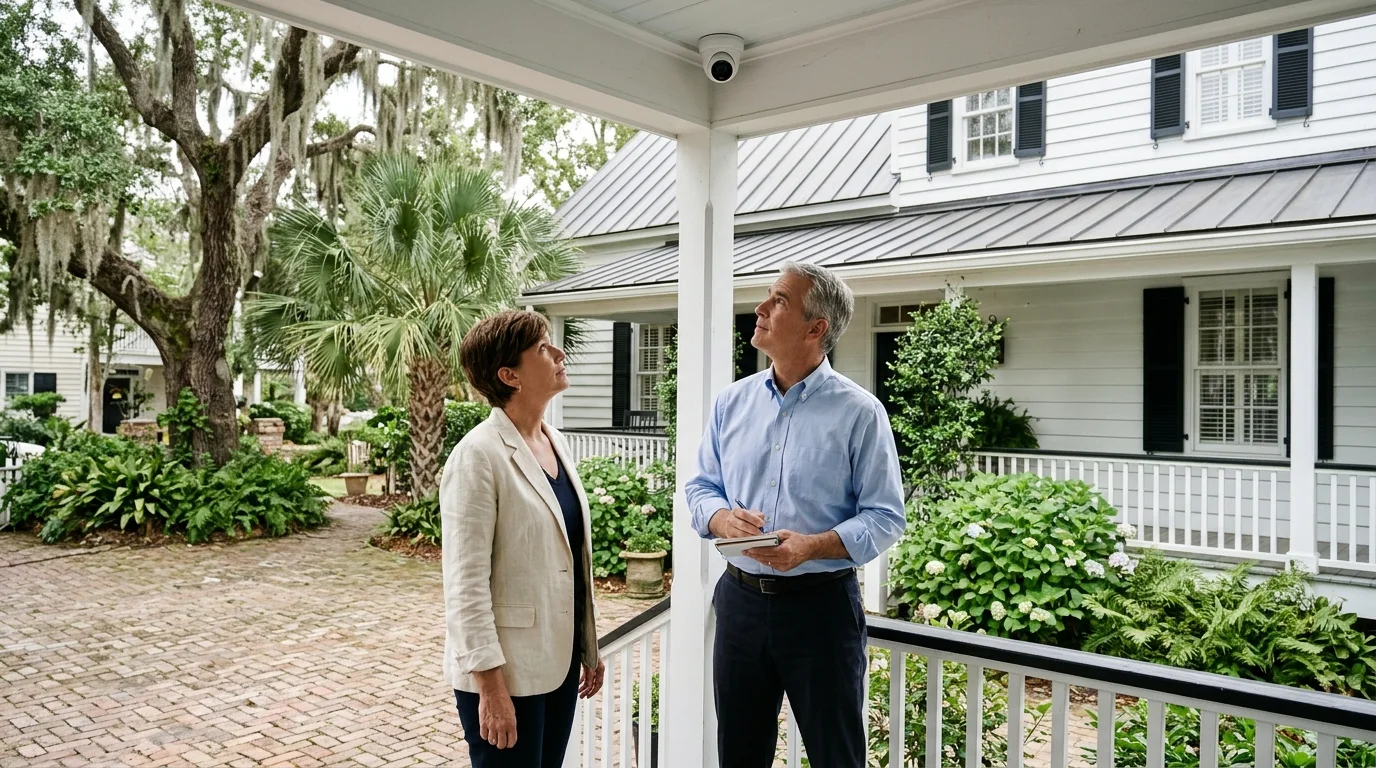
Call our engineers to review your quote or book a walkthrough for your building.