Branch offline
Reboot or replace firewalls, modems and switches to bring the location back online.
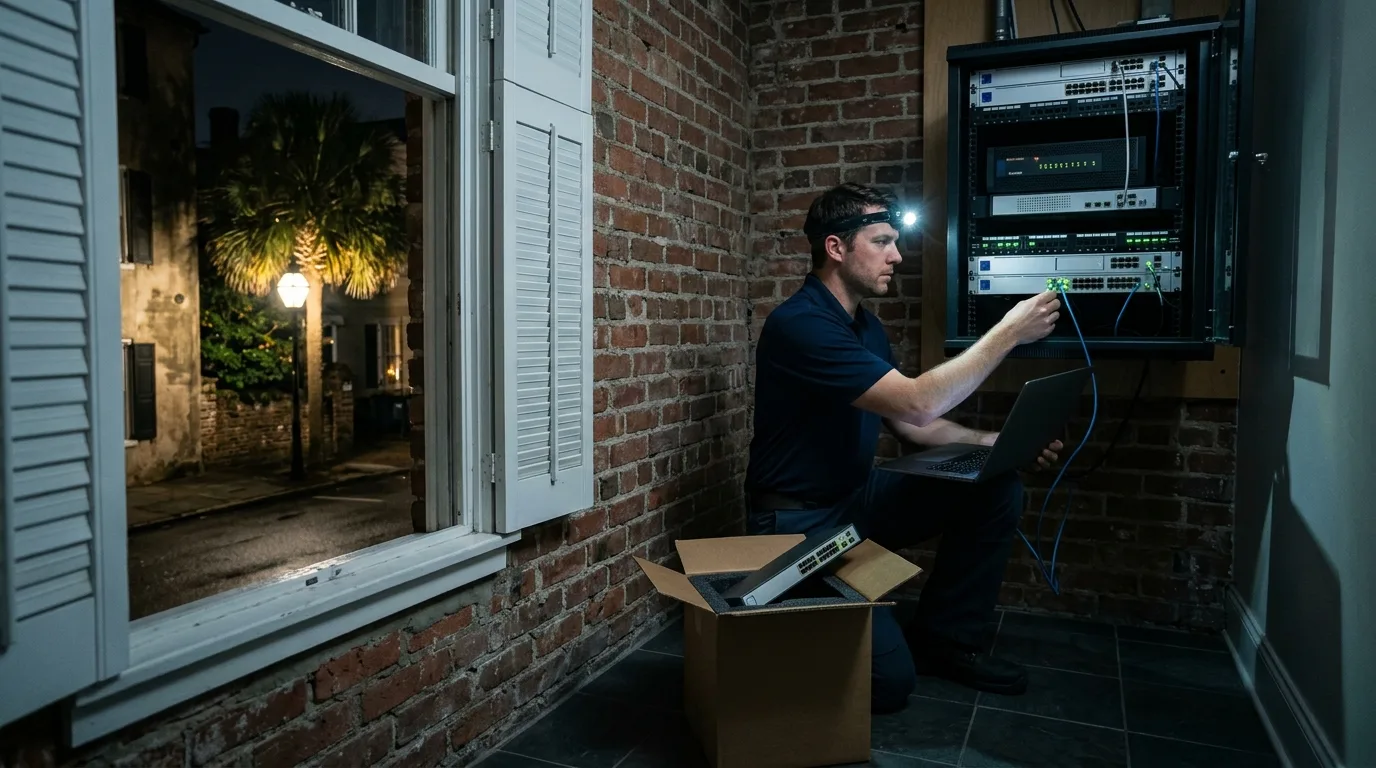
Local smart hands
Central IT teams use our 24/7 on-site technicians for their branches, clinics and warehouses on the coast when they have nobody local.
Central IT departments and outside firms rely on us when equipment goes down or an office drops offline. We step in on site to diagnose and fix the problem for you.
Typical support call
Common on-site jobs
Our line is answered 24/7 for help, including emergencies at short notice. Call (844) 422-7000 to open a support ticket and dispatch a local technician to your offline site.
Hour the call comes in
Job
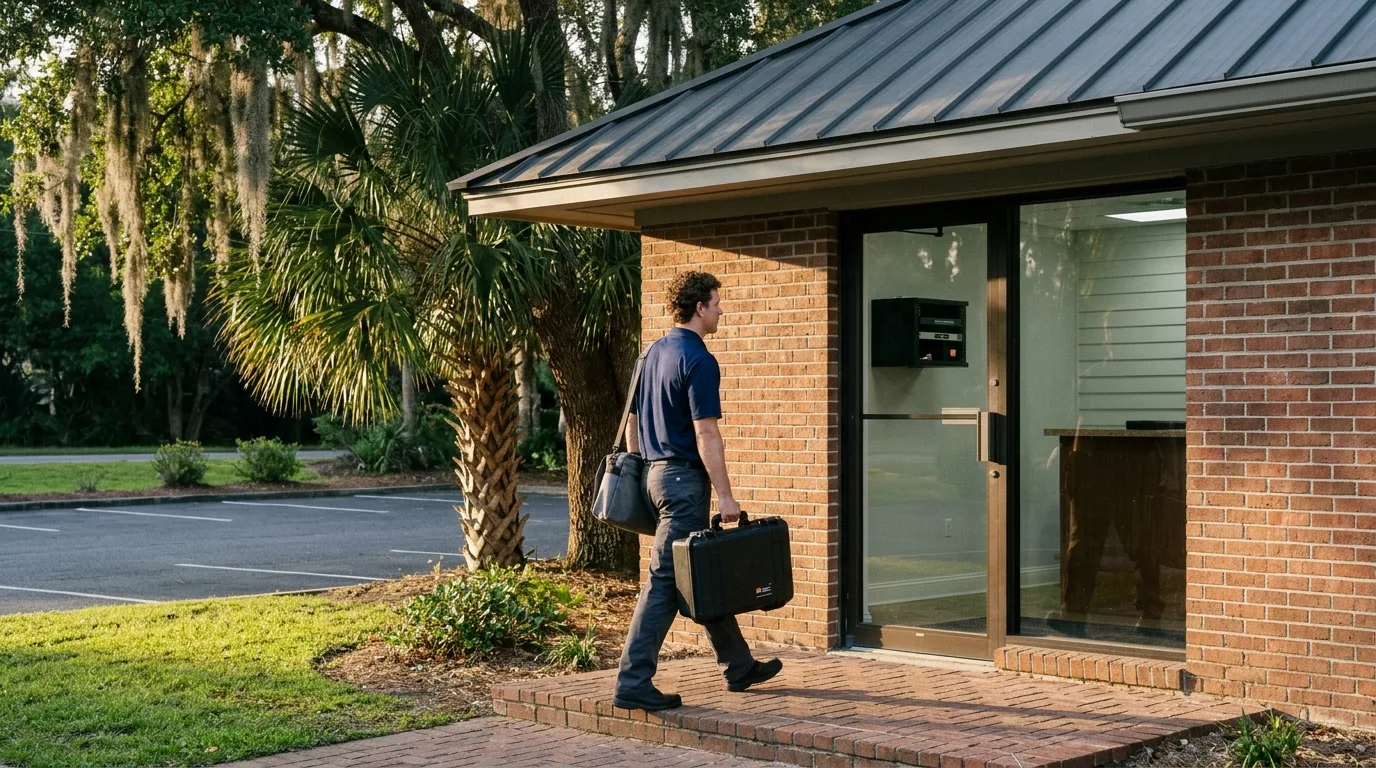
Our technicians cover sites from Charleston down to Savannah. We act as the local hands for central IT departments that have nobody nearby to physically reach their equipment.
Example site
Call
Visit
Central IT teams rely on us for hands-on tasks they cannot do remotely. We handle installations, replacements, and troubleshooting directly at the physical location.
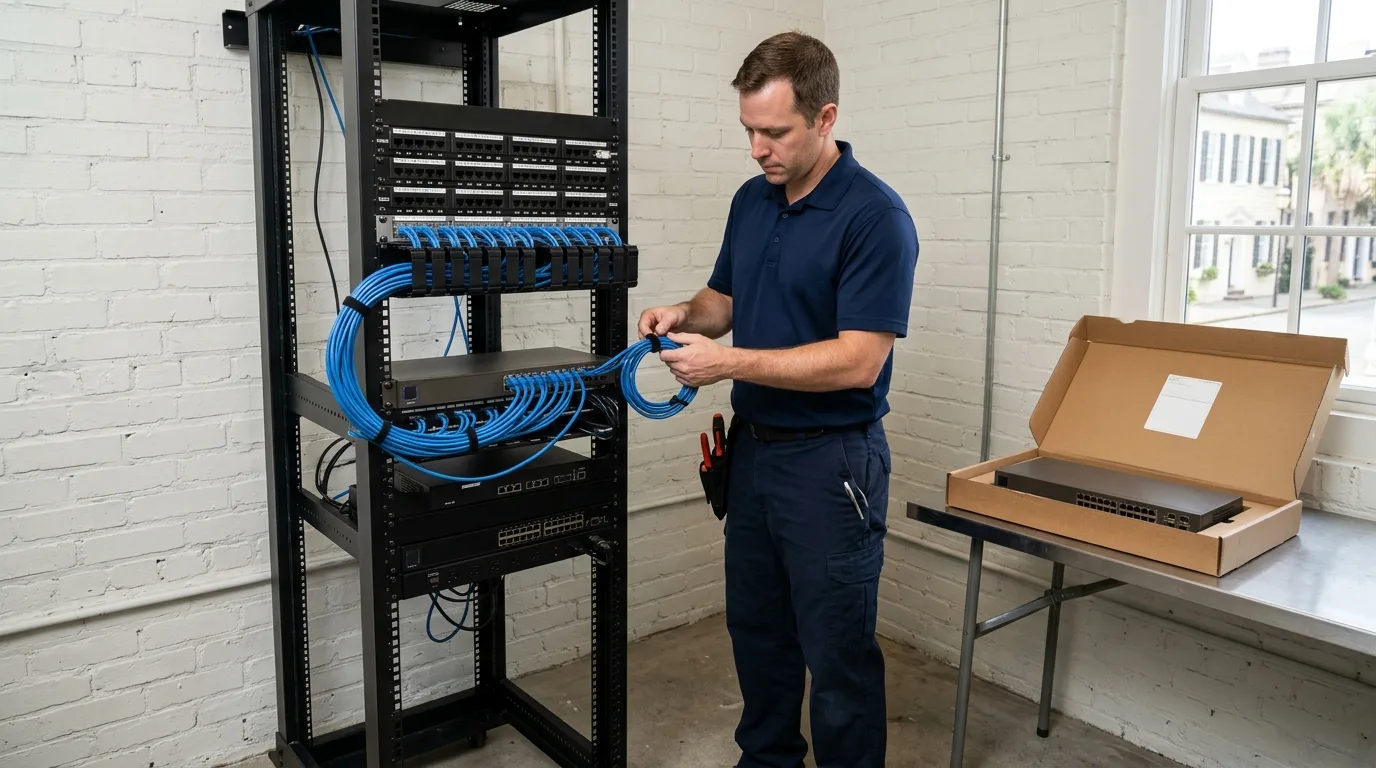
Reboot or replace firewalls, modems and switches to bring the location back online.
Swap failed hardware using return-merchandise and depot replacement units that you ship to the site.
Rack new equipment, tie cables into dressed bundles and close gaps with blank panels.
Install and connect all network equipment for a brand new office or branch.
Relocate equipment, add new network drops or change the physical layout of your comms closet.
Join a bridge call and follow your remote team's exact instructions for physical tasks.
Meet internet providers, let their technicians in and extend the demarcation point to your rack.
Troubleshoot and physically connect retail registers, receipt printers and back-office equipment.
Mount and plug in access points, verifying they receive power and network connectivity.
Check physical connections, trace cable runs and verify network links for security cameras.
Trace cables for desk phones and ensure they connect properly to the central network.
Provide required photos, close-out notes and updated port maps as part of the work.
Your central IT team keeps complete control of your systems. We act as your local hands, working strictly to your tickets, runbooks and approved change windows.
Requests arrive from your team by phone, email or Microsoft Teams. We turn each request into a ticket naming the site and task.
We coordinate physical entry to your location so our technician can reach the comms closet or warehouse floor.
Our technician follows your instructions exactly, doing the hands-on work strictly within your approved change window.
We send back evidence of the completed work, including photos of the finished rack, updated port maps and detailed close-out notes.
We label every cable run at both ends and deliver an inventory of installed equipment with serial numbers, plus logins in your name.
Your central IT team keeps full control of all systems and configurations. We act purely as your hands and eyes on site, working strictly to your runbooks, tickets and change windows.
A remote IT team simply needs to contact us by phone, email or Microsoft Teams naming the specific site and the required task. Each request becomes a ticket for dispatch.
You can ship return-merchandise and depot replacement units directly to the location. Our technician will go on site to swap the failed hardware, rack the new equipment and pack the old unit.
Yes, acting as hands and eyes on a remote call is a large part of our work. Our technician joins your bridge call and follows your remote team's exact instructions.
Handover delivers logins held in your own name, cables labeled at both ends, ports labeled to match wall jacks, and an inventory of installed equipment with serial numbers, plus photos and notes.
Our service area covers Charleston, Mount Pleasant, North Charleston, Isle of Palms, Folly Beach, Kiawah, Beaufort, Bluffton, Hilton Head and Savannah. Arrival times are not stated here; please call for dispatch details.
Call (844) 422-7000 to dispatch a technician to your offline branch, or book a walkthrough to plan an upcoming site turn-up.